How we make this list: we compare pricing pages, product documentation and public user reviews. Rankite is independent; if a vendor ever pays for a featured spot, that listing is clearly labeled Partner.
Key takeaways
- OBS Studio is free, open source and more capable than most paid recorders, if you can handle the setup.
- Camtasia is the complete tutorial-making suite, recording plus a real editor, at $299 one-time.
- Loom wins for quick team videos: record, get a link, done, with a usable free tier.
- Bandicam and ScreenFlow are the specialist picks for gaming capture and Mac creators respectively.
Quick comparison
| Tool | Best for | Starting price | Free plan |
|---|
 OBS Studio OBS Studio | free recording and streaming without limits | Free | Yes |
 Camtasia Camtasia | polished tutorials and courses | $299 one-time | Free trial |
 Loom Loom | async video messages at work | See website | Yes |
 ScreenPal ScreenPal | teachers and quick how-tos | From $4 per month | Yes |
 Bandicam Bandicam | recording games at high frame rates | $39.95 one-time | Yes (limited) |
 Movavi Screen Recorder Movavi Screen Recorder | simple, reliable everyday recording | See website | Free trial |
 ShareX ShareX | free recording for technical users | Free | Yes |
 ScreenFlow ScreenFlow | Mac creators who record and edit | $129 one-time | Free trial |
 Icecream Screen Recorder Icecream Screen Recorder | casual recording without fuss | See website | Yes |
 ApowerREC ApowerREC | scheduled and automatic capture | See website | Free trial |
Is your product missing or out of date?
We review this list regularly. Vendors can request a listing, send updated pricing or ask about featured placement.
Ten screen recorders compared
Starting priceFree
Free planYes
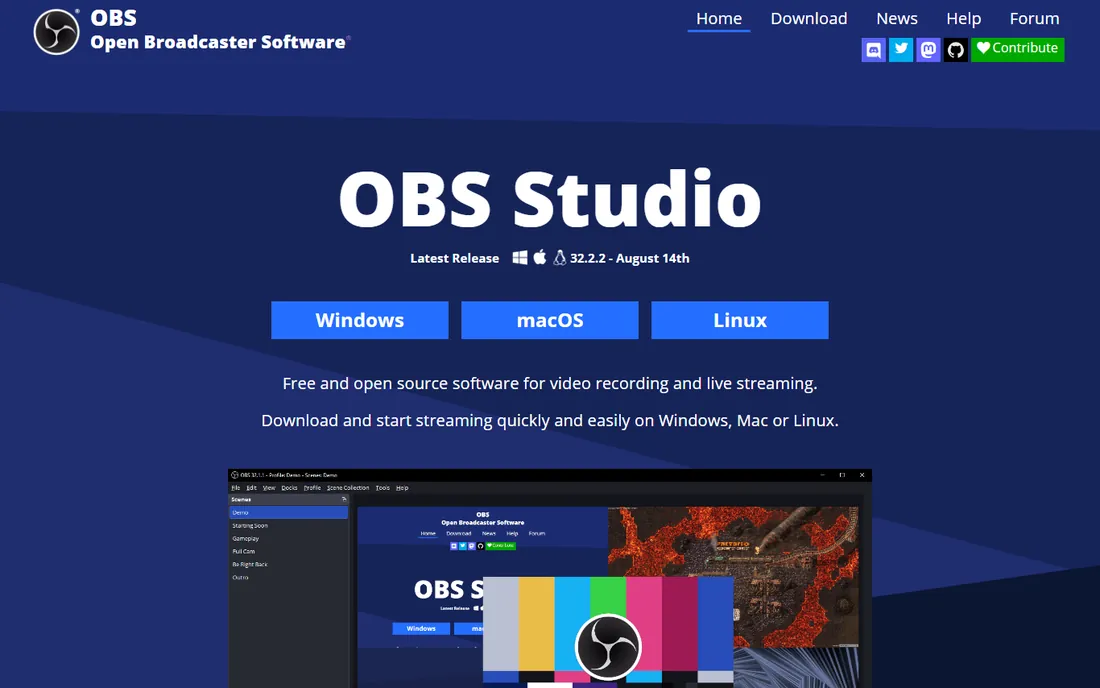
OBS Studio is the rare free tool that embarrasses paid ones. It records in up to 4K with hardware encoding, streams to every major platform, and its scene system lets you switch between screen, webcam and overlays like a broadcast producer. Streamers, YouTubers and educators rely on it daily at zero cost.
The price is complexity: the interface assumes you know what a scene, source and encoder preset are. There is no video editor, so trimming means exporting to another app. If you invest an hour learning it, no other free recorder comes close.
What we like- Completely free and open source
- 4K recording and live streaming
- Scenes, sources and plugins
Watch out for- Learning curve is real
- No built-in editor
- Settings overwhelm beginners
Starting price$299 one-time
Free planFree trial
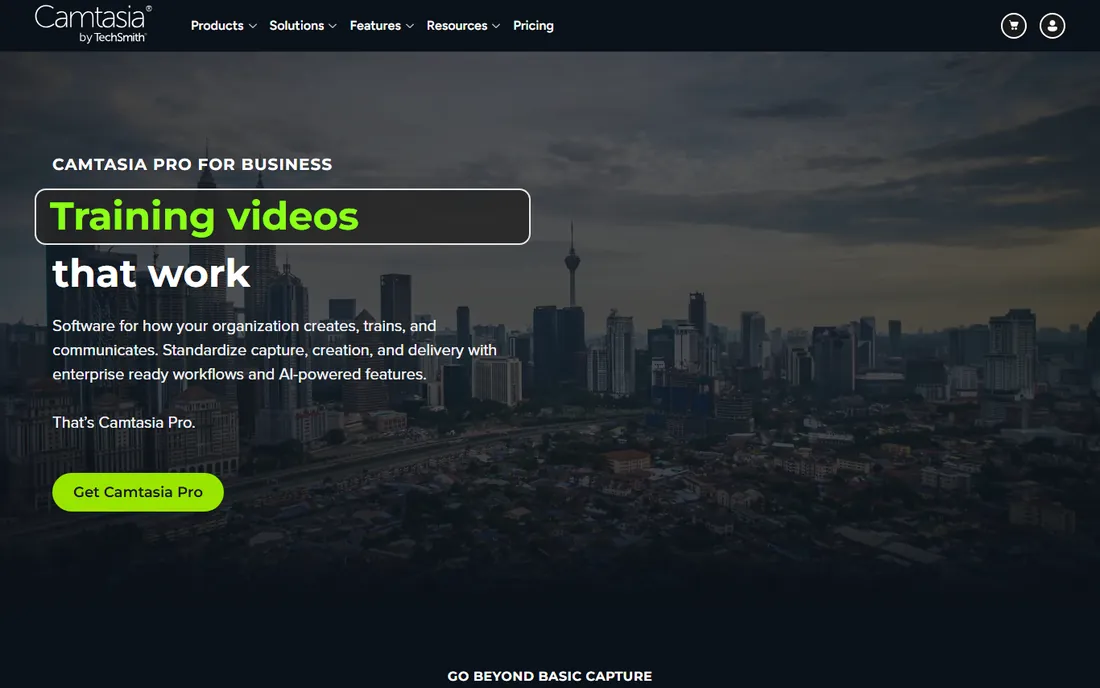
Camtasia is the complete tutorial factory: record your screen, then edit in a timeline with animations, callouts, quizzes, captions and voice enhancement, no second app needed. Corporate trainers and course creators produce finished, branded lessons entirely inside it.
It costs $299 one-time including a year of updates, with optional $99 per year after. That is serious money if you just need quick clips. But for anyone whose job is making training videos, the time saved by the integrated editor pays for itself fast.
What we like- Recorder plus a genuinely good editor
- Animations, quizzes and captions
- Great for training content
Watch out for- Expensive
- Overkill for quick captures
- Heavier system requirements
Starting priceSee website
Free planYes
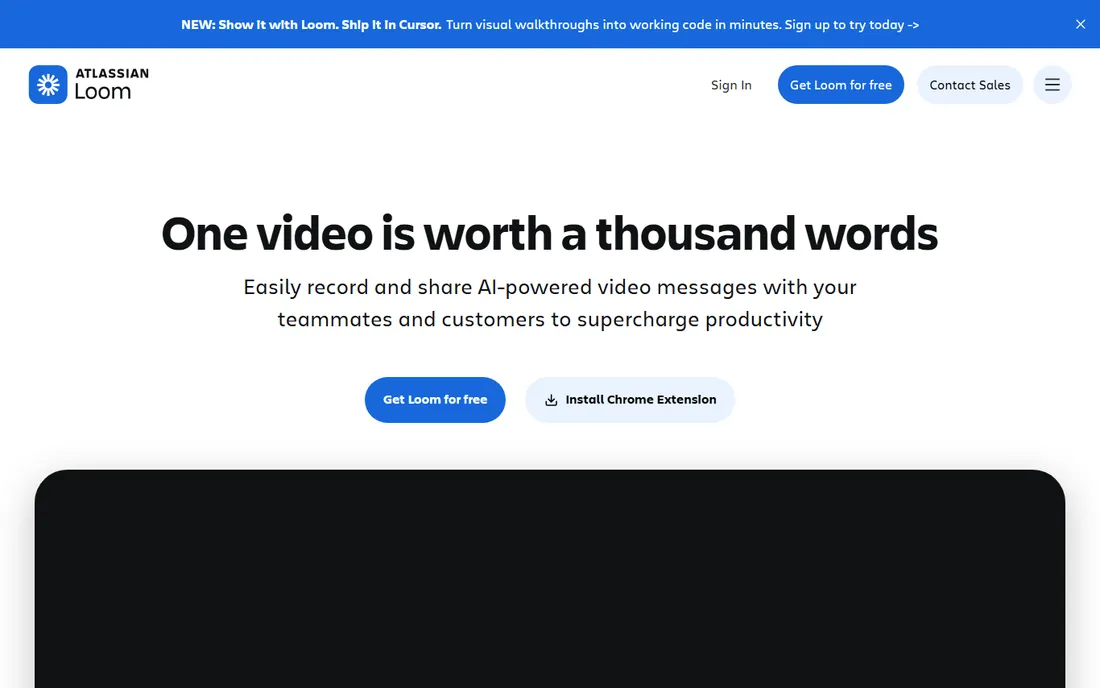
Loom removed every step between recording and sharing: hit record, capture screen plus webcam, and the link is ready before you have closed the tab. Teams use it for bug reports, feedback, standups and onboarding, replacing meetings that should have been videos.
The free tier covers casual use with limits on video count and quality; paid plans add 4K, unlimited videos and AI summaries. It is not an editor, trims only, so polished content needs another tool. For workplace communication, its speed is unmatched.
What we like- Record and share via link in seconds
- Viewer analytics
- AI summaries on paid plans
Watch out for- Free tier limits resolution and storage
- Editing is minimal
Starting priceFrom $4 per month
Free planYes
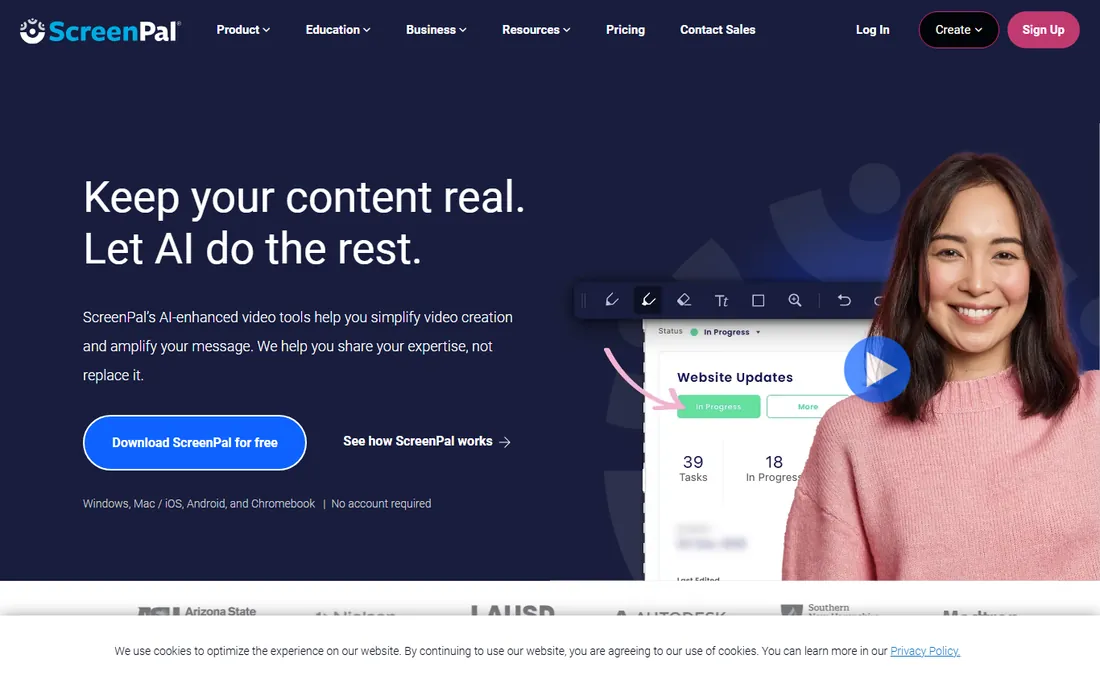
ScreenPal (formerly Screencast-O-Matic) is the classroom favorite: simple recording, a light editor for trims and captions, and hosting with sharing links, from about $4 per month annually. Teachers make flipped-classroom videos without training.
The editor will not satisfy professionals, and free videos carry branding. But for educators, support teams and anyone making straightforward explainers, the combination of simplicity and price is hard to beat.
What we like- Very easy to learn
- Recorder plus light editor
- Education-friendly pricing
Watch out for- Editor is basic
- Branding on free videos
- Fewer advanced features
Starting price$39.95 one-time
Free planYes (limited)
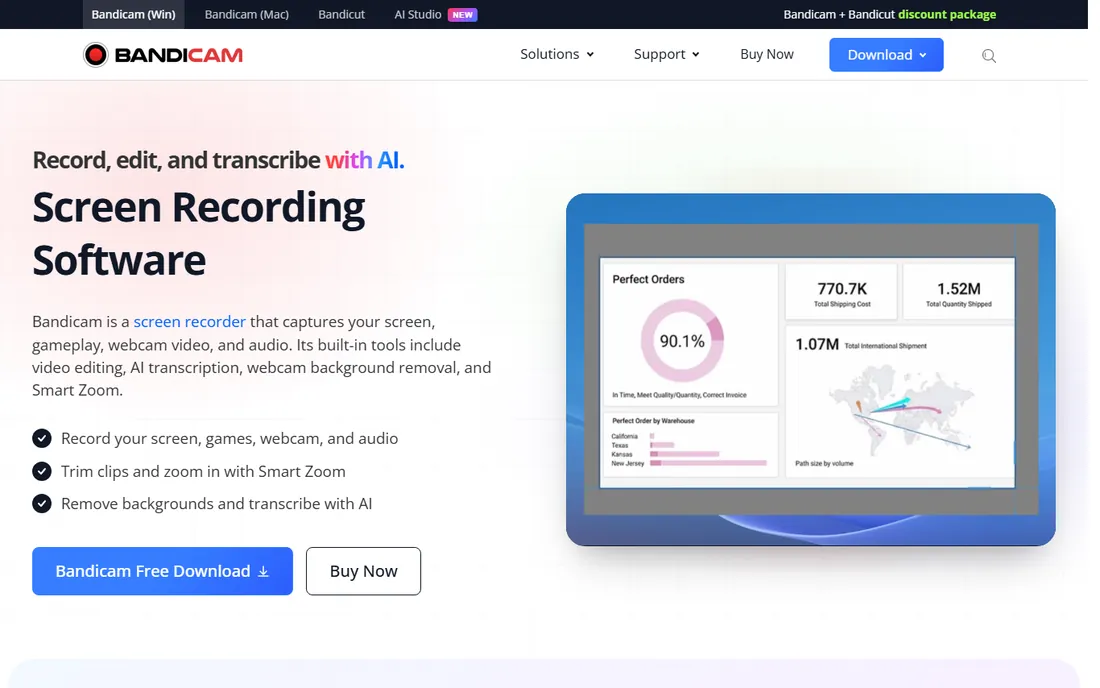
Bandicam is built for gamers: it records high-frame-rate gameplay with minimal impact on performance, using hardware acceleration to keep file sizes manageable. Device recording, webcam overlay and scheduled recording round out a focused feature set.
The free version watermarks videos and caps recording length; the paid license is $39.95 one-time. It is Windows-only with an interface that shows its age. For pure gameplay capture on a budget, it remains a favorite.
What we like- High-FPS capture with low performance hit
- Hardware acceleration
- Small file sizes
Watch out for- Windows only
- Free version watermarks and limits length
- Interface is dated
#6
Movavi Screen Recorder
Best for: simple, reliable everyday recording
Visit movavi.com
Starting priceSee website
Free planFree trial
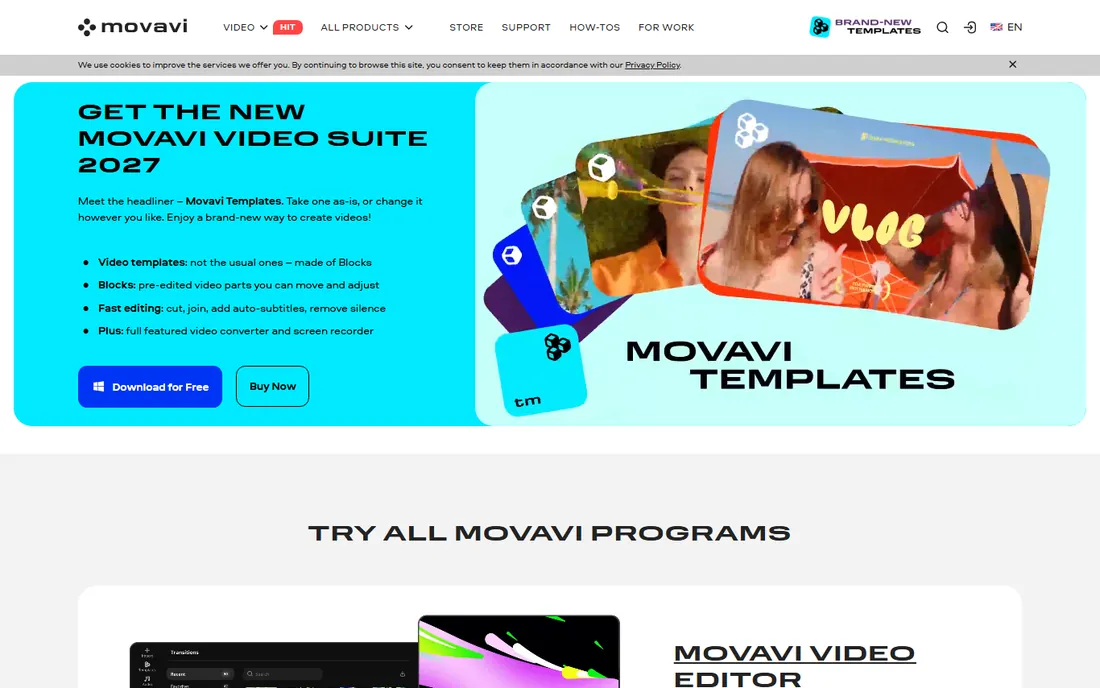
Movavi Screen Recorder does the basics well: pick an area, record screen with webcam and audio, save or share. Scheduled recording captures webinars automatically, and the interface needs no manual.
The trial watermarks output, pushing you to buy for real use. It will not replace Camtasia for edited tutorials. But as a straightforward recorder for meetings, webinars and demos, it is dependable and pleasant.
What we like- Clean and simple
- Scheduled recording
- Webcam and audio options
Watch out for- Trial watermarks exports
- Editing features are minimal
Starting priceFree
Free planYes
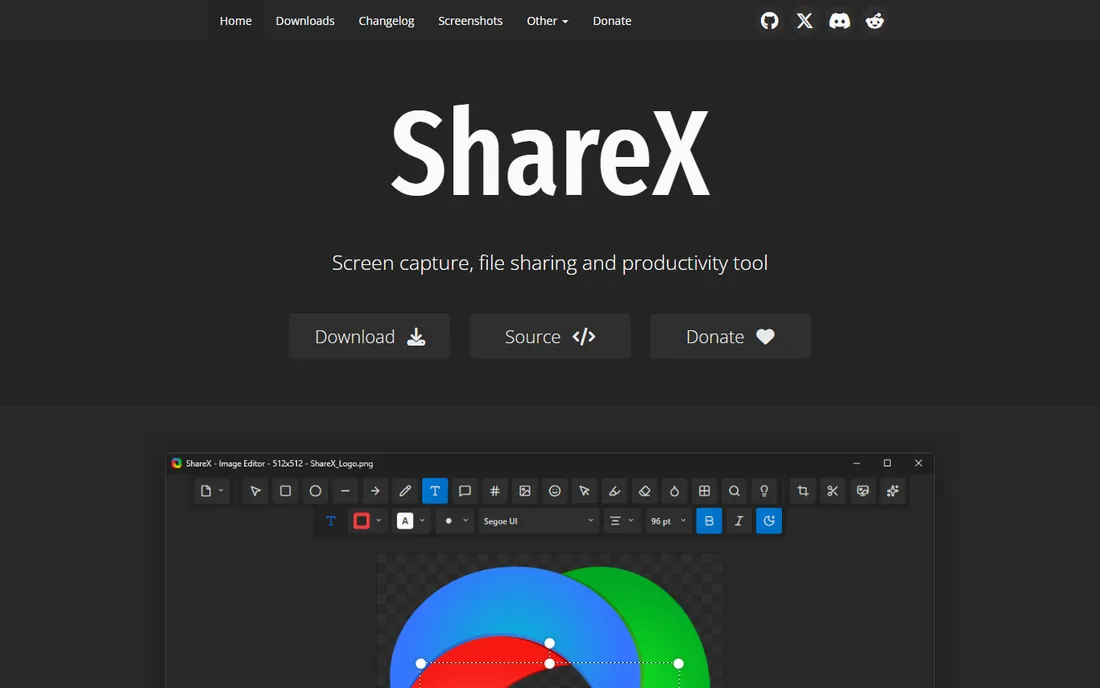
ShareX is primarily a capture tool that also records: screen recording with region selection, GIF creation and instant upload to dozens of destinations, all free and open source. Technical writers and support staff who already use it for screenshots get recording thrown in.
As a pure recorder it is less refined than OBS or Bandicam, with fewer encoding options. But if ShareX is already your capture tool, its recording covers quick clips without installing anything else.
What we like- Free and open source
- Screen recording plus capture and annotation
- Huge destination support
Watch out for- Windows only
- Recording features trail dedicated tools
- Complex settings
Starting price$129 one-time
Free planFree trial
ScreenFlow is the Mac answer to Camtasia: record screen, webcam and audio, then edit on a real timeline with animations, callouts and publishing presets, all in an app designed for macOS rather than ported to it. Performance on Apple silicon is excellent.
It costs $129 one-time and runs only on Mac. The community and template ecosystem are smaller than Camtasia's. For Mac-based tutorial and demo creators, the native feel and one-time price make it the sweet spot.
What we like- Mac-native recording and editing
- Excellent performance
- Thoughtful design
Watch out for- Mac only
- $129 upfront
- Smaller community than Camtasia
Starting priceSee website
Free planYes
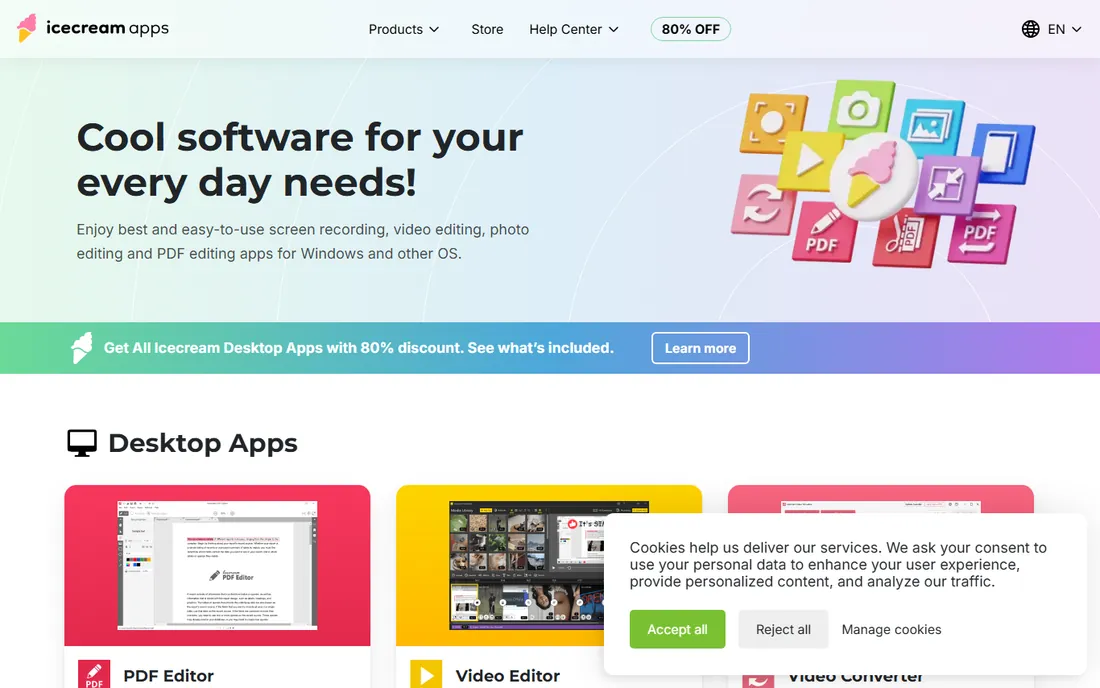
Icecream Screen Recorder keeps things simple: select area, record, annotate while recording, save or upload. The free version handles short casual clips, and the interface is about as friendly as recorders get.
Longer recordings and advanced features need the Pro version. It will not satisfy gamers or tutorial professionals. For students and casual users who want a recorder that just works, it is a pleasant choice.
What we like- Very easy
- Records screen, webcam and audio
- Annotation during recording
Watch out for- Free version limits time and features
- Pro needed for full use
Starting priceSee website
Free planFree trial
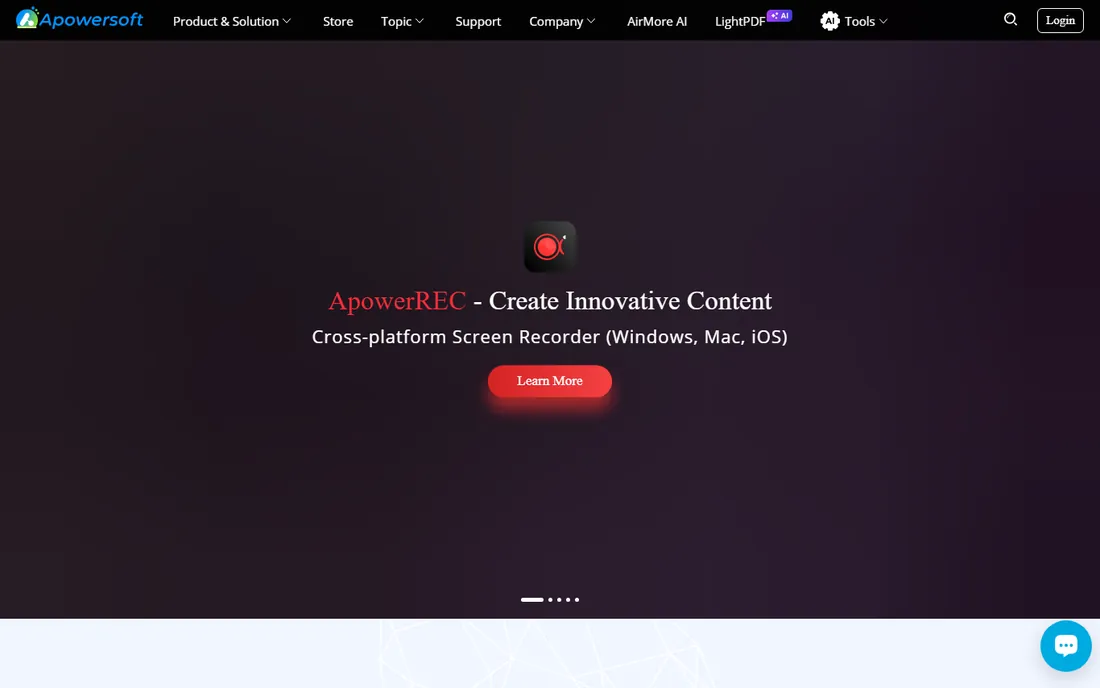
ApowerREC covers the less glamorous recording jobs: scheduled captures, recording around the mouse cursor, and automatic modes for webinars and meetings. It runs on Windows, Mac, Android and iOS, which suits mixed-device workflows.
Pricing is subscription-based with a limited trial. It lacks the editing depth of Camtasia or the power of OBS. For set-it-and-forget-it scheduled recording across devices, it fills a real niche.
What we like- Scheduled and follow-record modes
- Records screen, webcam and audio
- Cross-platform
Watch out for- Subscription pricing
- Trial limitations
- Interface is functional
Choosing by your actual job
Tutorials and courses point to Camtasia or ScreenFlow, where the editor matters as much as the recorder. Team communication points to Loom. Gaming points to OBS or Bandicam. Quick documentation points to ScreenPal, Snagit or ShareX. Scheduled captures point to ApowerREC or Movavi.
Budget splits the field cleanly. OBS and ShareX are free and excellent. Loom, ScreenPal and Icecream have usable free tiers. Camtasia, ScreenFlow and Bandicam are one-time purchases worth it for professionals. Match the spend to how often you record.
Do not forget audio
Viewers forgive mediocre video; they abandon bad audio. Whatever recorder you choose, a decent USB microphone improves results more than any software upgrade. Record in a quiet room, check levels before the real take, and your videos will outperform most.
Recording tutorials people actually finish
Good screen recording is a teaching skill, not a software feature. Plan before you press record: write the three things the viewer will be able to do afterward, and cut everything that does not serve them. Record at the resolution your audience watches, usually 1080p, and zoom the interface to 125 or 150 percent so text stays readable on phones. Narrate what you are doing and why, not just where you click; viewers remember reasons longer than steps.
Edit ruthlessly. Remove pauses, mistakes and loading screens; a 12-minute raw recording usually becomes a tight 7-minute tutorial. Add zooms on the exact click targets and captions for key terms. End with a clear next step. The tools above differ in how much of this they automate, but the discipline matters more than the app: a planned OBS recording beats a rambling Camtasia one every time.
How we compared them
We evaluated screen recorders on capture quality, performance impact, editing features, sharing workflow and pricing, drawing on 2026 roundups and vendor sites. We distinguished recorders from editors and noted free tier limits. We did not produce test recordings in each app.
Frequently asked questions
What is the best free screen recorder?
OBS Studio, by a wide margin: free, open source, 4K capable, no watermark. ShareX is the simpler free alternative on Windows.
Is Camtasia worth $299?
For professionals making tutorials and courses regularly, yes: the integrated editor saves hours per video. For occasional recording, OBS plus a free editor does the job.
Which screen recorder is best for gaming?
OBS Studio for free high-quality capture and streaming; Bandicam for lightweight high-FPS recording on Windows with minimal performance impact.
Can I record my screen without installing software?
Yes. Loom and ScreenPal both offer browser-based recording, and Windows and Mac include basic built-in recorders (Xbox Game Bar, Screenshot toolbar).
What is the easiest screen recorder for teachers?
ScreenPal or Loom. Both are simple, affordable, and built around sharing links with students rather than complex editing.
Do screen recorders slow down games?
Good ones barely do. OBS and Bandicam use hardware encoding to offload work to the GPU. Close background apps and record to a fast drive for best results.
How do I record a webinar I cannot attend live?
Use scheduled recording in Movavi, ApowerREC or Bandicam: set the time window in advance and the app captures unattended. Test it once on a short meeting first, and make sure your computer will not sleep or update mid-recording. Check the organizer's policy before recording someone else's event, and store long captures on a drive with room to spare.
Sources we checked (11)
- https://obsproject.com/
- https://www.techsmith.com/
- https://www.loom.com/
- https://screenpal.com/
- https://www.bandicam.com/
- https://www.movavi.com/
- https://getsharex.com/
- https://www.telestream.net/
- https://icecreamapps.com/
- https://www.apowersoft.com/
- https://vidiopicks.net/blog/best-screen-recording-software-2026-comparison
Is your product missing or out of date?
We review this list regularly. Vendors can request a listing, send updated pricing or ask about featured placement.

Shihab Mia · Founder, Rankite
Shihab has spent more than a decade helping SaaS and e-commerce brands grow through search. He writes Rankite's software buying guides from pricing pages, documentation and public user reviews. More about Shihab.