How we make this list: we compare pricing pages, product documentation and public user reviews. Rankite is independent; if a vendor ever pays for a featured spot, that listing is clearly labeled Partner.
Key takeaways
- Screen monitoring spans a wide spectrum, from light-touch productivity analytics (ActivTrak, Insightful) to full surveillance with screen recording and keystroke logging (Teramind, Controlio). Pick the level you can defend to your team.
- Prices run from $3.99 per user per month (WebWork) to $15 per seat per month (Teramind), with most serious tools landing between $7 and $10.
- Free and cheap entry points exist: ActivTrak has a free plan for up to 3 users, and KeepActive offers a limited free version for up to 6 PCs.
- Screenshot and screen-recording features are often gated behind higher tiers or add-ons, so confirm exactly what the plan you are buying captures.
- Employee monitoring is regulated: consent and notification laws vary by US state and country, and several vendors now ship privacy modes specifically for GDPR and HIPAA compliance.
Quick comparison
| Tool | Best for | Starting price | Free plan |
|---|
 ActivTrak ActivTrak | Workforce analytics without heavy surveillance | $10/user/month (billed annually) | Yes (free plan for up to 3 users) |
 Teramind Teramind | Insider threat detection and data loss prevention | $15/seat/month (5-seat minimum) | Free trial |
 Hubstaff Hubstaff | Remote and field teams that need time tracking plus screenshots | $4.99/user/month (billed annually) | Free trial |
 Time Doctor Time Doctor | Managers who want productivity ratings and distraction control | $6.67/user/month (billed annually; $8 month to month) | Free trial |
 Insightful Insightful | Large and hybrid teams that want analytics with privacy controls | $8/user/month (billed annually) | Free trial |
 WebWork WebWork | Small teams that want monitoring, attendance, and payroll in one cheap tool | $3.99/user/month (billed annually; $4.99 monthly) | Free trial |
 Controlio Controlio | Investigations that need continuous screen recording | From $6.67/user/month (billed annually; $7.99 monthly) | Free trial |
 CleverControl CleverControl | Small businesses that want detailed insight per computer | From $5.30/computer/month (varies by devices and term) | Free trial |
 KeepActive KeepActive | Forensic-grade monitoring with lifetime license options | From $1.80/PC/month (Time Tracking); Employee Monitoring from $3.60/PC/month | Limited free version (up to 6 PCs); free trial |
Is your product missing or out of date?
We review this list regularly. Vendors can request a listing, send updated pricing or ask about featured placement.
The best screen monitoring software
Starting price$10/user/month (billed annually)
Free planYes (free plan for up to 3 users)
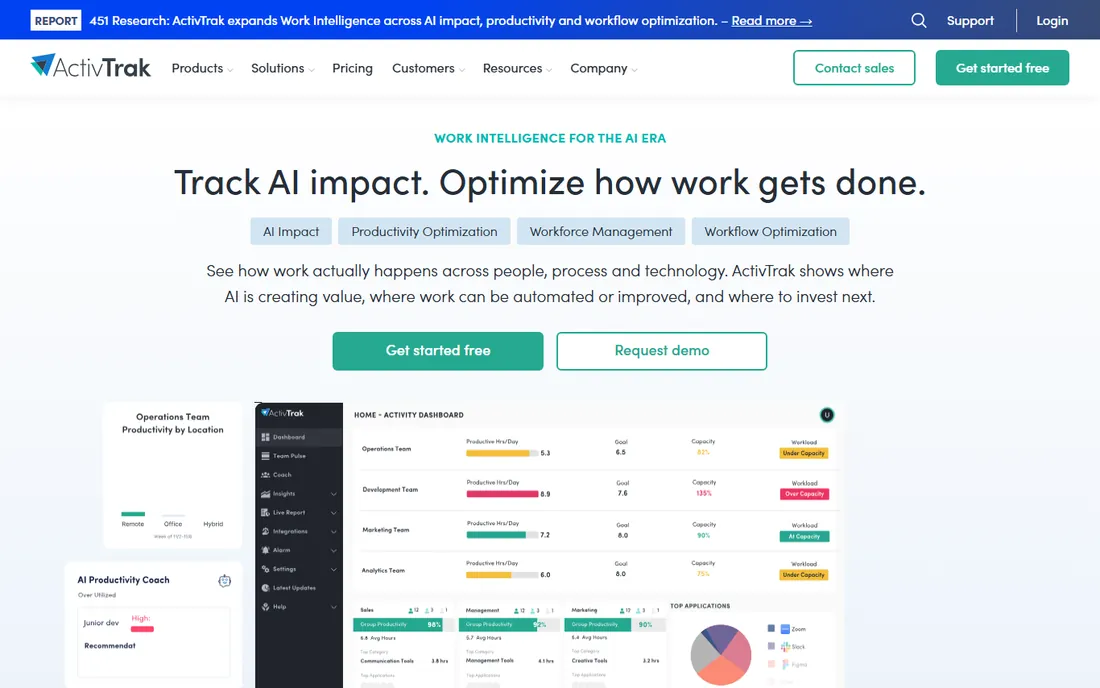
ActivTrak deliberately positions itself on the analytics side of the monitoring spectrum. It tracks which applications and websites employees use, classifies activity as productive or not, and surfaces trends like meeting overload or capacity gaps. What it does not do by default is watch screens or log keystrokes, which makes it an easier sell to employees and to legal teams.
That restraint is also its boundary. If you need screen recordings for investigations or data loss prevention, ActivTrak is not the tool. Screenshots exist but cost extra. At $10 per user per month billed annually, with a genuinely free plan for up to 3 users, it is the natural starting point for companies that want visibility into how work happens without building a surveillance apparatus.
What we like- Productivity analytics without keystroke logging or always-on screenshots
- Free plan covers tiny teams
- Strong integrations with common business apps
Watch out for- Screenshots are a paid add-on, not included by default
- Lighter on security and DLP features
- Per-user pricing adds up for large teams
#2
Teramind
Best for: Insider threat detection and data loss prevention
Visit teramind.co
Starting price$15/seat/month (5-seat minimum)
Free planFree trial
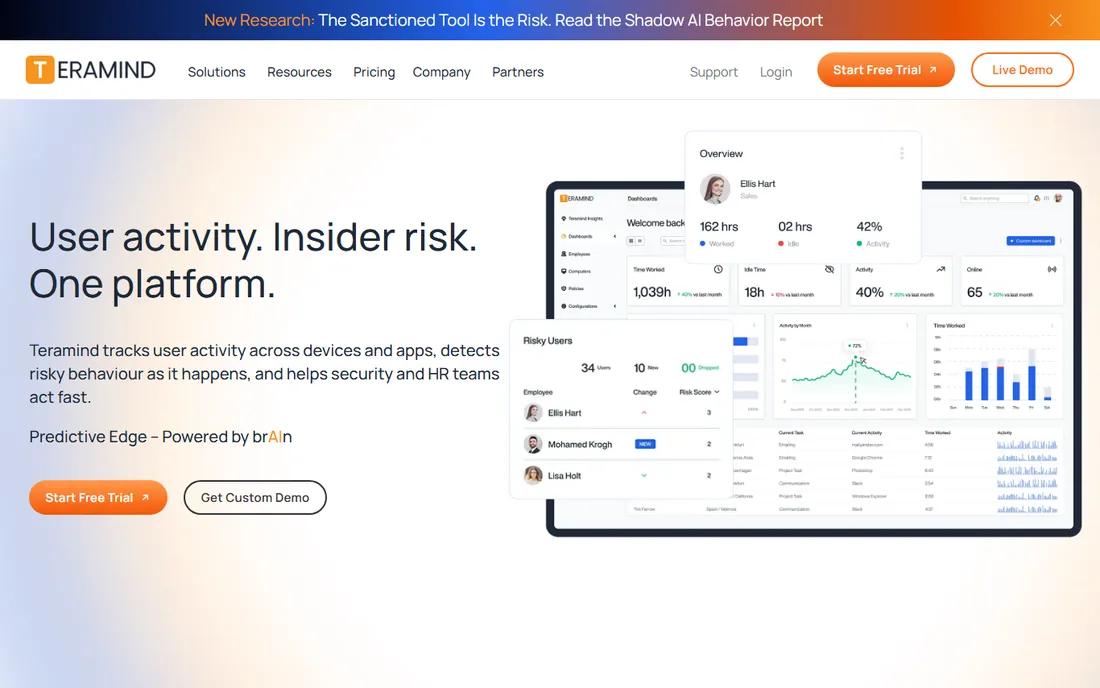
Teramind is the heavyweight. It records screens, logs keystrokes, tracks file transfers and printing, and lets you build behavior rules that trigger alerts or block actions in real time. For finance, healthcare, and any business handling sensitive data, that combination of monitoring and data loss prevention is the reason to buy it.
The price reflects the positioning: $15 per seat per month with a five-seat minimum, and no free tier beyond a trial. More importantly, deploying this level of surveillance without clear policies and legal review is asking for trouble. Teramind suits organizations with compliance obligations and security teams, not managers who are merely curious what the team does all day.
What we like- Deepest feature set here: screen recording, keystroke logging, behavior rules, and DLP
- Real-time alerts on policy violations
- On-premise and cloud deployment options
Watch out for- Most expensive starting price in this roundup
- Five-seat minimum locks out solo buyers
- The depth of monitoring demands careful legal review
#3
Hubstaff
Best for: Remote and field teams that need time tracking plus screenshots
Visit hubstaff.com
Starting price$4.99/user/month (billed annually)
Free planFree trial
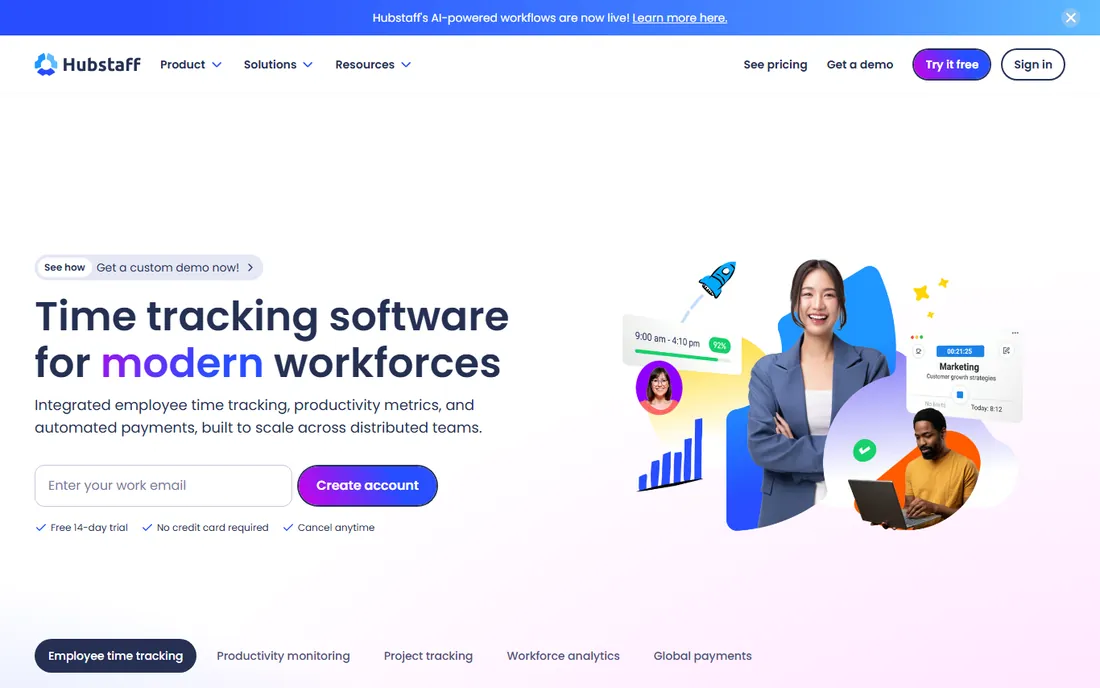
Hubstaff grew up serving remote teams and freelancers, and it shows. Time tracking sits at the center, with screenshots, app and website monitoring, and activity levels layered on top. GPS tracking and geofenced clock-ins make it one of the few options here that works for field teams, and the payroll integrations mean tracked hours can flow straight into payments.
At $4.99 per user per month billed annually, it undercuts most rivals while including screenshots everywhere. The limits to know: screenshot counts are capped on the cheaper plans, and the analytics are practical rather than deep. It is a workhorse for agencies, contractors, and distributed teams rather than a security platform.
What we like- Screenshots included on all plans
- GPS tracking and geofencing for field crews
- Built-in payroll and invoicing tie hours to pay
Watch out for- Screenshot frequency is capped on lower tiers
- Monitoring depth is shallower than Teramind or Controlio
- Some employees find the tracking intrusive
#4
Time Doctor
Best for: Managers who want productivity ratings and distraction control
Visit timedoctor.com
Starting price$6.67/user/month (billed annually; $8 month to month)
Free planFree trial
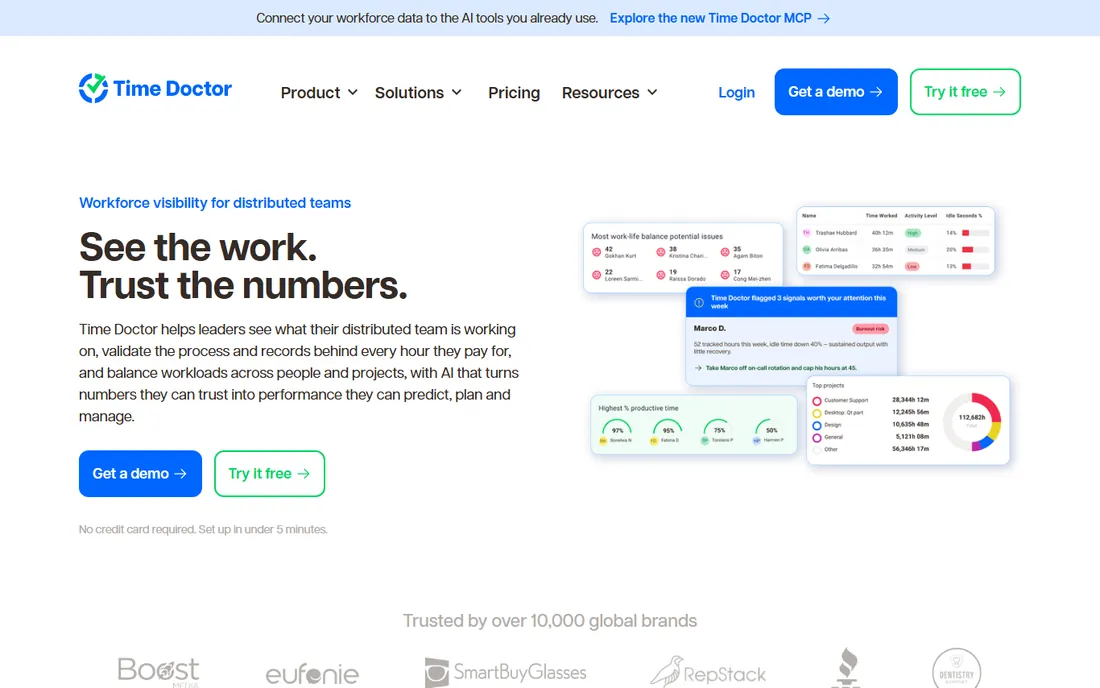
Time Doctor's signature is the productivity score: each employee gets rated on how their time maps to productive versus distracting activity, with AI-generated summaries for managers. Screenshots, app and website tracking, and idle-time detection come standard, and a distraction alert can nudge employees back on task.
The $6.67 per user per month annual price ($8 monthly) sits in the middle of this list. The honest catch is cultural, not technical. Productivity scores can motivate or demoralize depending entirely on how management introduces them. Rolled out with transparency about what is measured and why, Time Doctor gives useful accountability data. Rolled out silently, it breeds resentment faster than almost any tool here.
What we like- Productivity ratings and AI activity summaries per employee
- Screenshots and app tracking on all plans
- Gentle nudges when employees drift to distracting sites
Watch out for- Interface feels dated next to newer rivals
- The ratings can feel judgmental if rolled out poorly
- Integrations are solid but not exceptional
#5
Insightful
Best for: Large and hybrid teams that want analytics with privacy controls
Visit insightful.io
Starting price$8/user/month (billed annually)
Free planFree trial
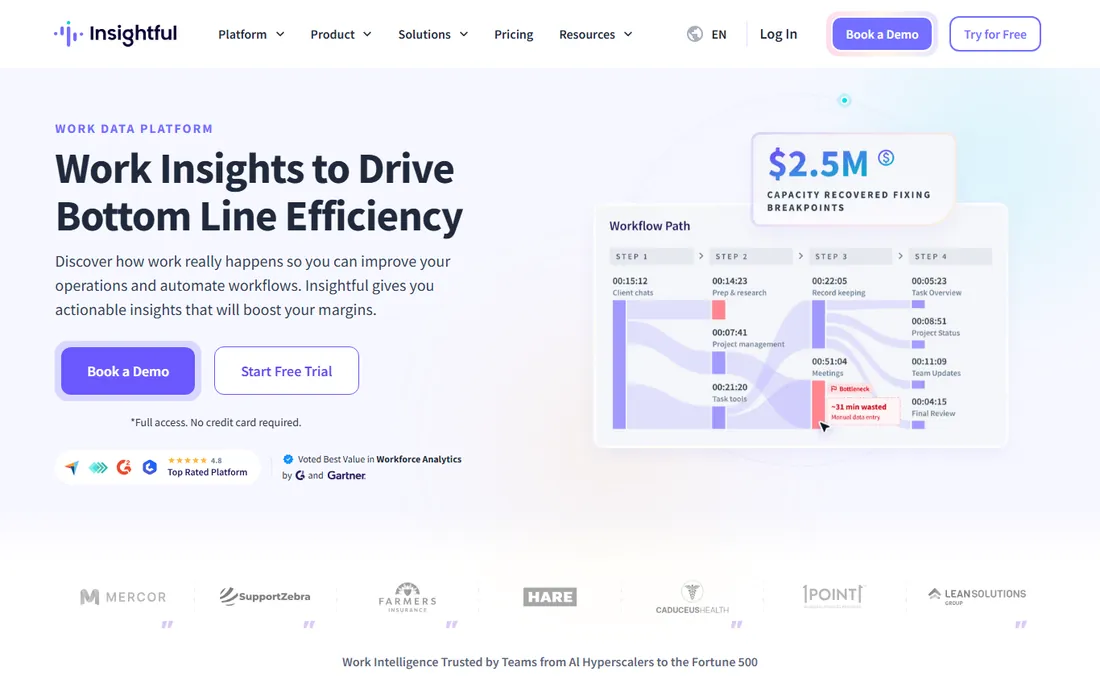
Insightful, formerly Workpuls, aims at the same buyer as ActivTrak: leaders who want workforce analytics rather than surveillance footage. It tracks app and website usage, active versus idle time, and attendance, then packages it into dashboards for capacity planning and burnout detection. An on-premise option and GDPR-friendly modes make it viable for regulated teams.
Screenshots come standard, which ActivTrak charges extra for, and pricing starts at $8 per user per month billed annually. Video recording is an add-on. For mid-size and large companies that need credible analytics with defensible privacy practices, Insightful is one of the most balanced options here.
What we like- Strong analytics for utilization, capacity, and remote versus in-office patterns
- On-premise deployment option for regulated industries
- Privacy-forward positioning with no keystroke logging
Watch out for- Screenshots included but video recording costs extra
- $8 starting price climbs on higher tiers
- Less of a security tool than Teramind
Starting price$3.99/user/month (billed annually; $4.99 monthly)
Free planFree trial
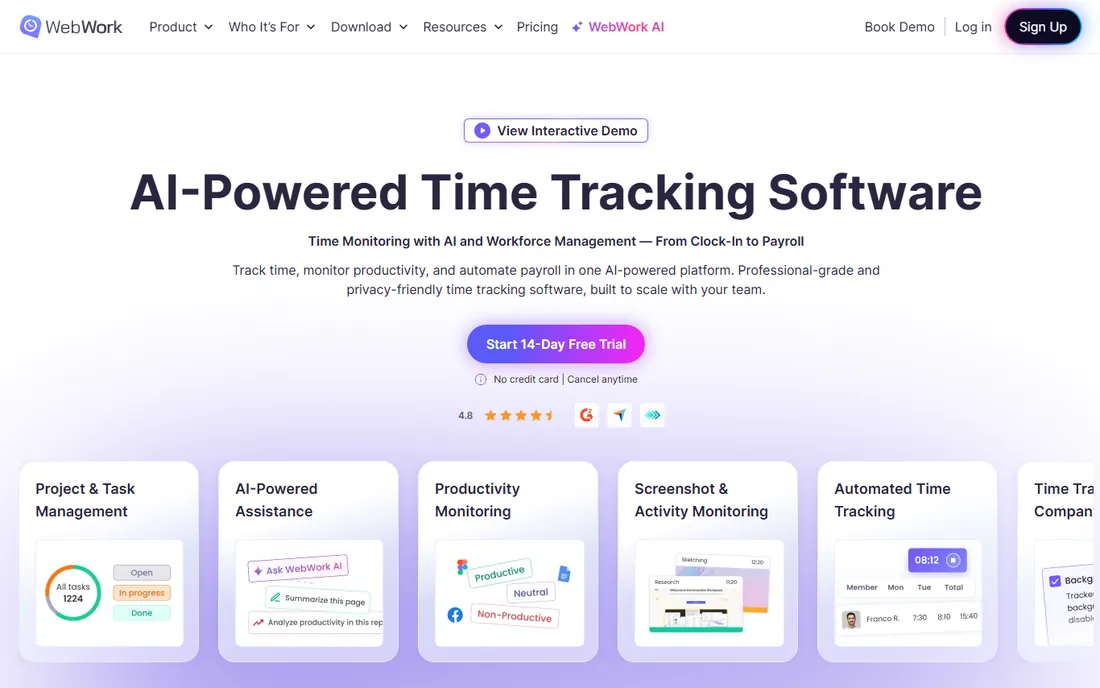
WebWork is the budget play that does not feel like one. From $3.99 per user per month billed annually, you get screenshots, app and website tracking, activity levels, attendance monitoring, and a silent tracker option. Higher tiers add payroll, video screenshots, and burnout detection. Few tools pack this much into the entry price.
The tradeoff is maturity. WebWork has fewer public reviews and less enterprise footprint than ActivTrak or Hubstaff, and the analytics lack some of the sophistication of the pricier platforms. For startups, agencies, and small remote teams that need real monitoring at the lowest defensible price, it is hard to beat on paper. Just trial it with your own team before committing.
What we like- Lowest starting price in this roundup
- Screenshots, app tracking, and attendance on every plan
- Payroll and shift scheduling on higher tiers
Watch out for- Brand recognition and review volume trail the leaders
- Advanced analytics are thinner
- The low price shows in polish
Starting priceFrom $6.67/user/month (billed annually; $7.99 monthly)
Free planFree trial
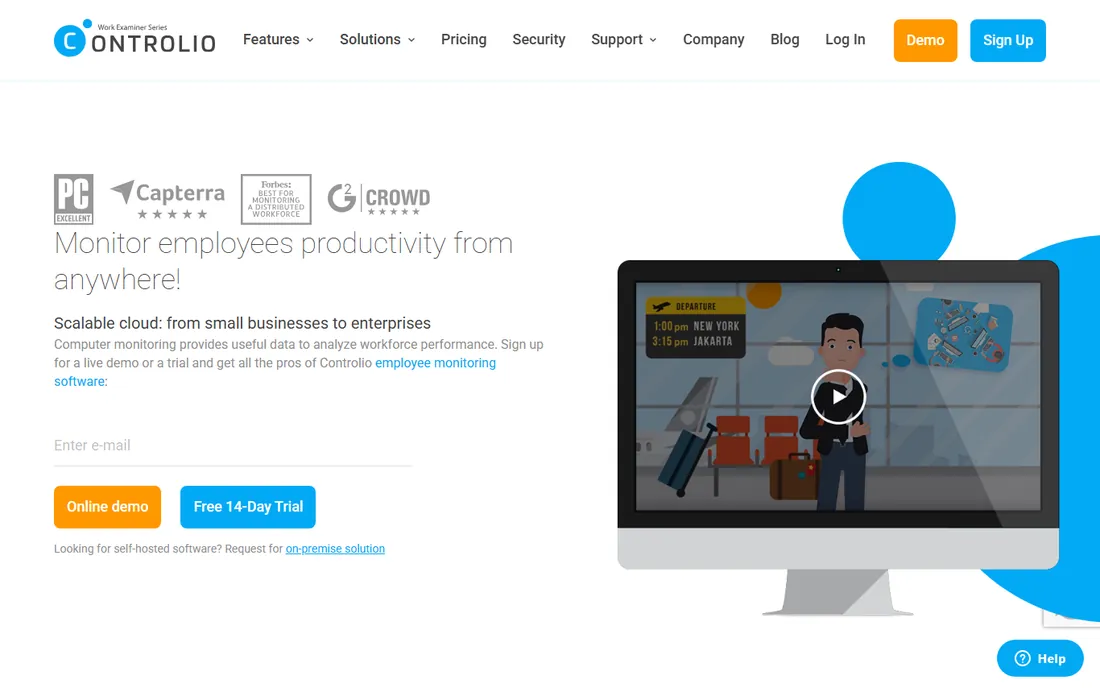
Controlio's defining feature is video. Instead of snapshots every few minutes, it records the screen continuously, producing a searchable video log you can filter by keyword, application, or website. When something goes wrong, a data leak, a compliance violation, a disputed timesheet, you can watch exactly what happened rather than reconstructing it from stills.
That power has costs beyond the subscription, which starts at $6.67 per user per month billed annually for cloud ($7.99 month to month). Video storage adds up, reviewing footage takes manager time, and the capability demands strict policies about who can watch what. Controlio fits security-conscious businesses and investigations, not casual productivity checks. An on-premise option exists for organizations that cannot send screen data to the cloud.
What we like- Continuous screen video recording, not just periodic screenshots
- Behavior rules with automatic alerts and bookmarked clips
- On-premise deployment for compliance
Watch out for- Recording everything consumes significant storage
- The feature set invites over-monitoring
- Pricing varies by deployment type
Starting priceFrom $5.30/computer/month (varies by devices and term)
Free planFree trial
CleverControl prices per computer rather than per user, which is a meaningful difference for businesses where shifts share machines. It covers the full monitoring stack: website and application tracking, screenshots, live screen viewing, screen recording, keystroke logging, and even social media and messenger monitoring. The dashboard pulls it together for office, remote, and hybrid setups.
Plans start around $5.30 per computer per month depending on device count and subscription length, with a free trial to evaluate. The Pro plan gates live viewing and recording. Like Teramind, the deeper features, keystroke logging especially, need clear employee notification and legal review. It is a strong fit for small businesses that want thorough visibility without enterprise complexity or pricing.
What we like- Device-based pricing suits shared computers
- Live screen viewing plus optional recording
- Keystroke and chat logging for thorough oversight
Watch out for- No built-in payroll or invoicing
- Live monitoring and recording need the Pro plan
- The deep logging features require careful legal handling
#9
KeepActive
Best for: Forensic-grade monitoring with lifetime license options
Visit kickidler.com
Starting priceFrom $1.80/PC/month (Time Tracking); Employee Monitoring from $3.60/PC/month
Free planLimited free version (up to 6 PCs); free trial
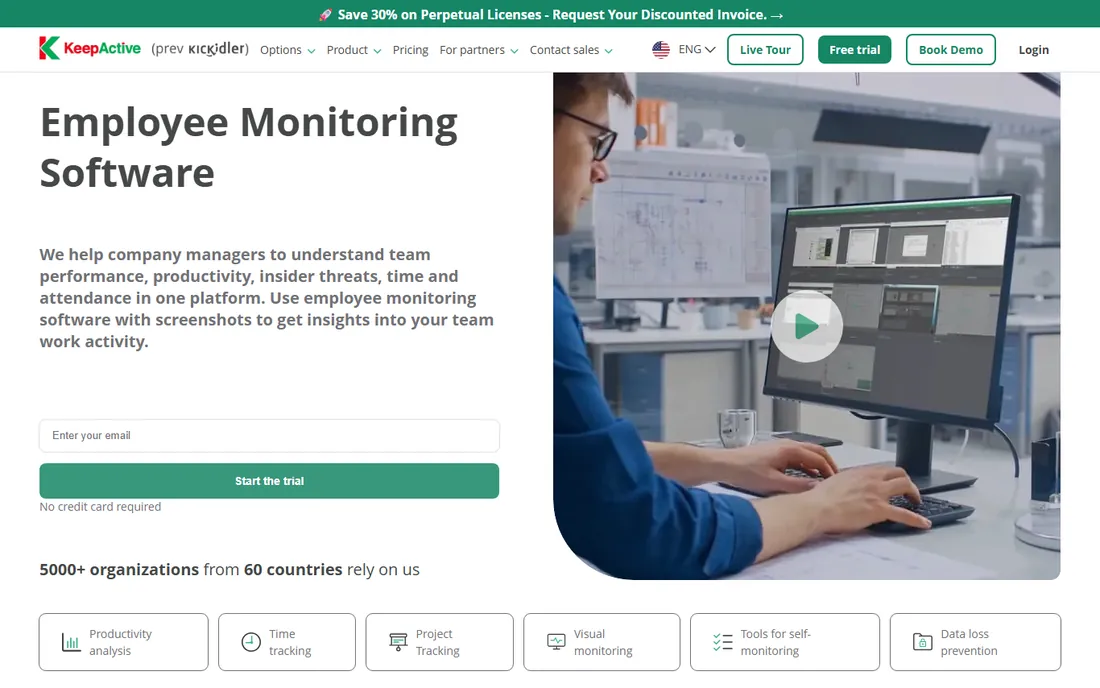
KeepActive is the new name for Kickidler, and the rebrand matters when you search for reviews: years of history live under the old name. The product itself is deep forensic monitoring, screenshots, screen video, keystroke logging, productivity analysis, and data leak prevention, with a free version covering up to 6 PCs minus recording and alerts.
Pricing is the headline. Time Tracking starts at $1.80 per PC per month and full Employee Monitoring at $3.60, with longer terms dropping the rate further and lifetime licenses available for a one-time payment. Nothing else here touches that price for this depth. The interface shows its age and there is no mobile app, but for budget-conscious buyers who need serious monitoring, KeepActive is the value outlier.
What we like- Unusually cheap entry pricing
- Lifetime licenses available, a rarity in this category
- Deep forensics including keystroke logging and violation detection
Watch out for- Rebranded from Kickidler, so reviews and documentation span two names
- Interface lags modern rivals
- No mobile app
How we chose
We compared vendor pricing pages, feature documentation, and trial terms, then checked each product against public reviews on G2, Capterra, and Software Advice, plus practitioner discussions on Reddit. We required active products with published 2026 pricing and real screenshot or screen-capture capability, which is why pure time trackers without visual monitoring did not make the cut. Pricing reflects annual billing where vendors discount it.
Choosing the right level of visibility
Decide what you actually need to see
Most buyers overbuy surveillance. If the goal is understanding capacity and productivity trends, analytics tools like ActivTrak or Insightful give you that without recording anyone's screen. If the goal is billing clients for hours, Hubstaff or WebWork tie screenshots to timesheets. Reserve continuous recording and keystroke logging, Teramind, Controlio, KeepActive, for security, compliance, or investigations where you can articulate why lesser measures failed.
Confirm what the plan captures before you pay
Screenshot policies vary enormously. Some tools include screenshots on every plan, some charge extra, some cap the frequency, and video recording is almost always a higher tier or add-on. Read the plan details for capture frequency, retention periods, and whether employees can see or delete captures. The cheapest plan that includes the capture level you need is usually the right one.
Run a paid pilot with a small group
Do not roll out monitoring company-wide on day one. Pilot with one team for a month, review the reports together, and adjust the settings before expanding. You will learn which alerts are noise, whether the screenshot frequency is right, and how employees react. Every vendor here offers a trial; use it as a cultural test, not just a technical one.
The legal and trust question you cannot skip
Employee monitoring is regulated, and the rules are not the same everywhere. Several US states require employee consent or notification for electronic monitoring, and works councils in Europe can block deployments outright. Tell employees in writing what is monitored, why, and who can see the data before you install anything. Tools with GDPR modes, on-premise deployment, and employee-visible dashboards exist precisely because secret monitoring backfires legally and culturally. This is not legal advice, and the specifics depend on your jurisdiction, but the principle is universal: monitoring people announce beats monitoring people discover.
Frequently asked questions
Is employee screen monitoring legal?
It depends on where you and your employees are. Many US states allow it with employee notification, some require consent, and European rules are stricter. Always check local law and consider having employment counsel review your monitoring policy before deploying any tool on this list.
Should I tell employees they are being monitored?
Yes. Secret monitoring destroys trust when it surfaces, and in many jurisdictions it is illegal. The vendors here increasingly assume transparency: several offer employee-visible dashboards and privacy modes. Announce what is tracked, explain the business reason, and put it in writing.
Do these tools work on employee-owned devices?
Most are designed for company-owned devices, and installing monitoring software on personal devices raises serious legal and privacy issues. If you have a bring-your-own-device setup, get explicit written consent and legal advice first, or limit monitoring to company systems.
How much storage does screen recording use?
Continuous video recording can consume gigabytes per user per week depending on resolution and frame rate. Vendors with recording features offer retention settings and cloud or on-premise storage options. Screenshots use far less. Check the vendor's storage terms before enabling always-on recording for a large team.
Can employees bypass screen monitoring?
Determined users can find workarounds for almost any monitoring, from second devices to activity simulation tools. Several vendors now flag suspicious patterns like auto-clickers. Treat monitoring as a source of signals for conversation, not as proof, and focus on outcomes rather than trying to build a perfect panopticon.
What is the difference between screenshots and screen recording?
Screenshots capture still images at intervals, every few minutes, for example. Screen recording captures continuous video. Recording gives complete evidence for investigations but uses far more storage and feels more invasive. Most teams find periodic screenshots sufficient; reserve recording for security roles or active investigations.
Sources we checked (11)
- https://activtrak.com/
- https://teramind.co/
- https://hubstaff.com
- https://timedoctor.com/
- https://insightful.io/
- https://webwork-tracker.com/
- https://controlio.net/
- https://clevercontrol.com/
- https://www.kickidler.com
- https://www.webwork-tracker.com/blog/top-6-employee-monitoring-software
- https://www.jibble.io/best-employee-monitoring-software
Is your product missing or out of date?
We review this list regularly. Vendors can request a listing, send updated pricing or ask about featured placement.

Shihab Mia · Founder, Rankite
Shihab has spent more than a decade helping SaaS and e-commerce brands grow through search. He writes Rankite's software buying guides from pricing pages, documentation and public user reviews. More about Shihab.