How we make this list: we compare pricing pages, product documentation and public user reviews. Rankite is independent; if a vendor ever pays for a featured spot, that listing is clearly labeled Partner.
Key takeaways
- FlowCV is the only builder here with a genuinely free plan: one resume, unlimited watermark-free PDF downloads, no credit card.
- Rezi is the pick for beating applicant tracking systems, with AI keyword targeting and a content scoring system built for that job.
- Zety and Resume Genius are strong guided builders, but check the billing fine print: trials convert to recurring charges if you forget to cancel.
- Teal and Enhancv go beyond the document: Teal adds job tracking, while Enhancv adds one-click tailoring for each application.
Quick comparison
| Tool | Best for | Starting price | Free plan |
|---|
 Rezi Rezi | Beating applicant tracking systems | $29/month (Pro); $149 one-time (Lifetime) | Yes |
 Resume.io Resume.io | A polished resume in ten minutes | See website | Yes (build free; downloads limited) |
 Zety Zety | Guided building with expert content | $1.95 (14-day trial), then $25.95 every 4 weeks | Yes (TXT download only) |
 Novoresume Novoresume | Design-conscious resumes that still parse in ATS | See website | Yes |
 Teal Teal | Job tracking plus resume building | $13/week (Premium) | Yes (Free Forever) |
 Resume Genius Resume Genius | Pre-written content for every section | See website | Yes (TXT download free) |
 Kickresume Kickresume | All-in-one career hub | $18/month (Quarterly) | Yes |
 Enhancv Enhancv | Experienced professionals who want design freedom | See website | See website |
 FlowCV FlowCV | A genuinely free resume with no watermarks | See website | Yes (1 resume free forever) |
 Canva Canva | Creative fields where design matters | See website | Yes |
Is your product missing or out of date?
We review this list regularly. Vendors can request a listing, send updated pricing or ask about featured placement.
Ten resume builders, tested on paper
#1
Rezi
Best for: Beating applicant tracking systems
Visit rezi.ai
Starting price$29/month (Pro); $149 one-time (Lifetime)
Free planYes
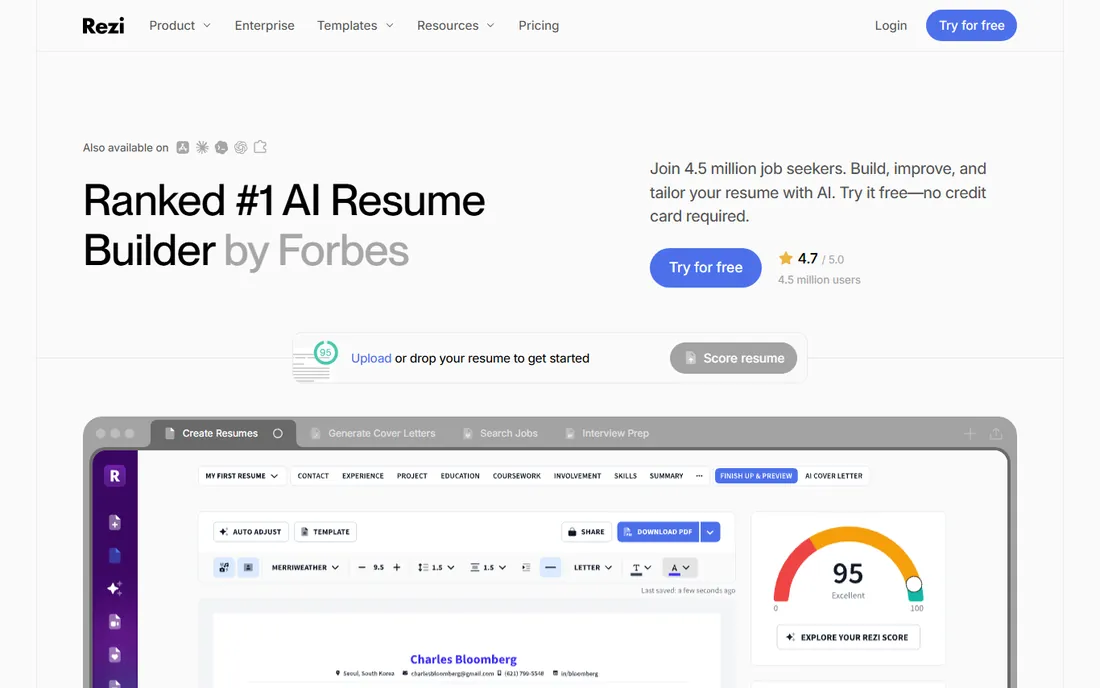
Rezi has one obsession: getting your resume past the software that screens it before a human ever looks. Paste in a job description and the AI pulls every keyword you are missing, then scores your resume section by section so you can see exactly what is weak. The templates are intentionally boring, single-column layouts that parsers read cleanly.
The pricing is refreshingly simple for this market: a free tier to try it, Pro at $29 a month, or a $149 lifetime deal that pays for itself if your job search runs longer than five months. The trade-off is aesthetics. If you want a resume that looks distinctive to a human reader, Rezi will feel restrictive. For corporate, tech, and government roles where the ATS is the first gate, it is the most focused tool here.
What we like- AI keyword targeting against job descriptions
- Rezi Score content analysis
- ATS-safe templates
Watch out for- Designs are deliberately plain
- The useful AI features sit behind Pro
Starting priceSee website
Free planYes (build free; downloads limited)
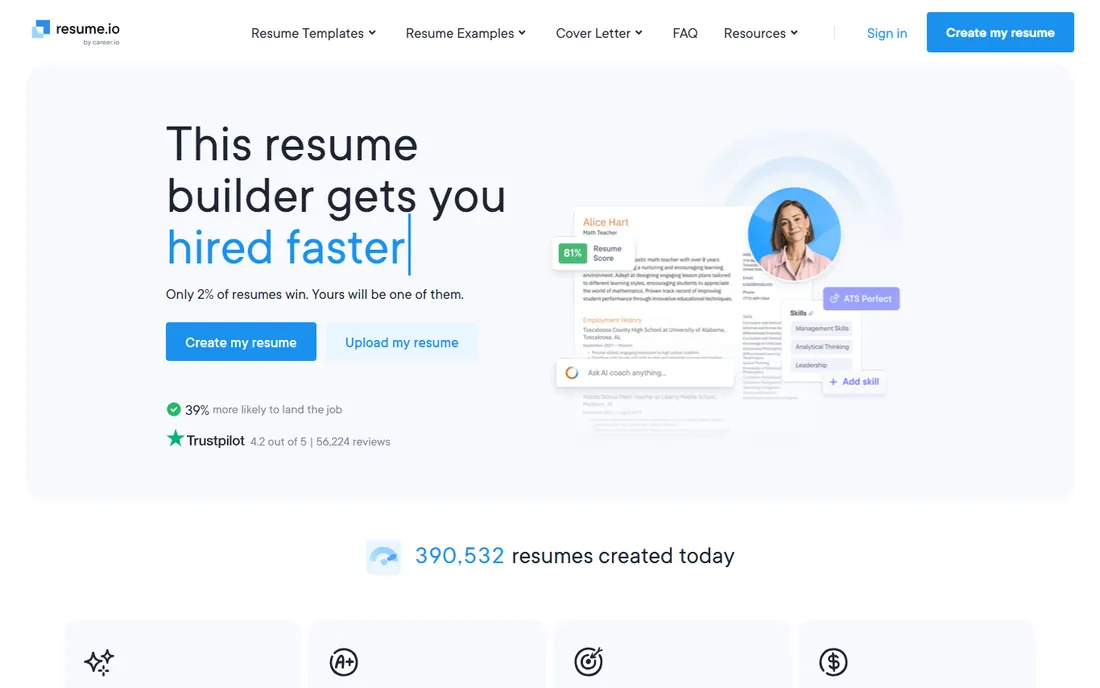
Resume.io is built for speed. The guided builder walks you through each section, the AI suggests professional phrasing as you type, and the templates are clean and recruiter-tested. You can genuinely go from blank page to a finished draft in about ten minutes, and the extras, cover letter builder, job board, interview prep, salary analyzer, make it more of a career platform than a single-purpose tool.
The catch is the paywall placement. You can build and edit for free, but downloading your resume as a PDF or Word file requires a paid subscription. That is standard for this category, but it surprises people. Check the current subscription price on the pricing page and set a cancellation reminder if you only need it for one job hunt.
What we like- Extremely beginner-friendly
- Recruiter-tested templates
- AI writing suggestions
Watch out for- PDF and Word downloads require a subscription
- Subscription auto-renews
Starting price$1.95 (14-day trial), then $25.95 every 4 weeks
Free planYes (TXT download only)
Zety is one of the oldest names in this space, now owned by BOLD, and its content library is the reason people stay. Instead of staring at a blank experience section, you get expert-written bullet suggestions tailored to your job title, which you can drop in and edit. The templates are ATS-friendly and the customization controls, fonts, colors, spacing, section order, are genuinely good.
Read the pricing carefully, because this is where Zety trips people up. The $1.95 14-day trial converts automatically to $25.95 billed every four weeks, and four-week billing means thirteen charges per year, not twelve. The annual plan at $71.40 is the honest deal if you want it long-term. The free tier builds unlimited resumes but only downloads plain text. Set a calendar reminder the day you start the trial.
What we like- Pre-written, expert-crafted content suggestions
- 18 ATS-friendly templates
- Deep customization
Watch out for- Bills every 4 weeks, which means 13 charges a year
- PDF and Word need a paid plan
Starting priceSee website
Free planYes
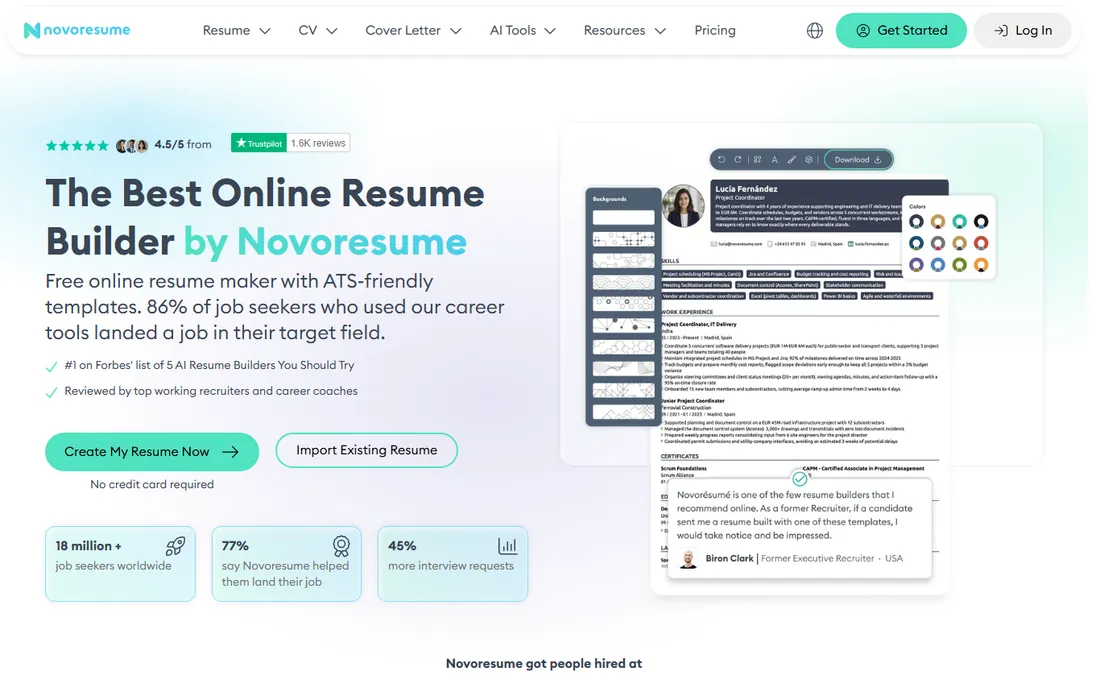
Novoresume threads a needle most builders miss: the templates look modern without breaking applicant tracking systems. Every design is tested against major ATS platforms, and the builder coaches you as you go, flagging weak sections, suggesting action verbs, and checking formatting rules inside the editor. It even warns US users against adding photos, which is the kind of detail that shows real hiring knowledge.
The free tier is usable, with PDF export included, which already puts it ahead of several competitors. Premium adds the AI features and full template access. Compared with Zety, you get fewer pre-written content examples, so you will do more of the writing yourself. For students, career changers, and anyone who wants a resume that looks good and parses cleanly, it is a strong middle ground.
What we like- Modern, genuinely attractive templates
- Real-time content optimizer
- Free PDF download on the basic tier
Watch out for- Premium features locked behind paywall
- Fewer pre-written examples than Zety
Starting price$13/week (Premium)
Free planYes (Free Forever)
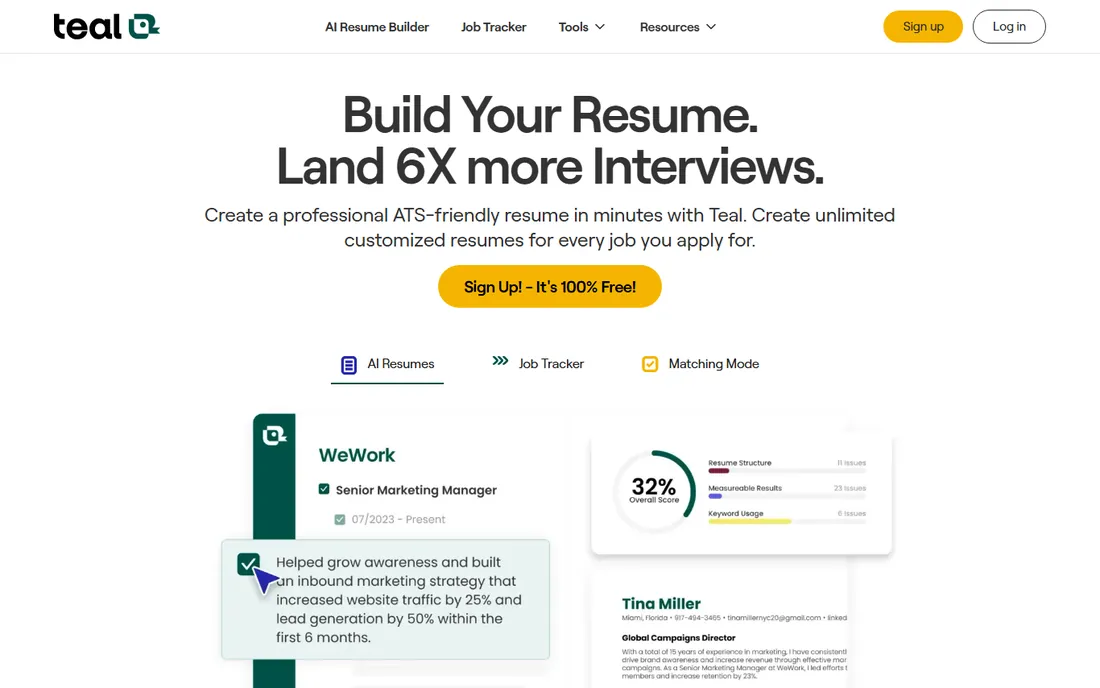
Teal is the only tool here that treats the resume as part of a larger job search system. The job tracker works like a CRM for applications: save postings with the Chrome extension, track stages, and match your resume keywords against each job description. For anyone applying to dozens of roles, that matching feature alone is worth the signup.
The free tier is generous, with unlimited resumes and job tracking included. Premium at $13 a week adds unlimited AI analysis and advanced design mode, billed weekly, monthly, or quarterly. The resume editor itself is the weak spot; reviewers describe it as clunky compared with dedicated builders, and the AI suggestions sometimes need a human rewrite. Use Teal for the tracking and tailoring workflow, and judge the editor yourself on the free plan.
What we like- Built-in job tracker with keyword matching
- 100+ free templates
- Chrome extension for saving jobs
Watch out for- The resume editor feels rigid
- AI-generated text can sound robotic
Starting priceSee website
Free planYes (TXT download free)
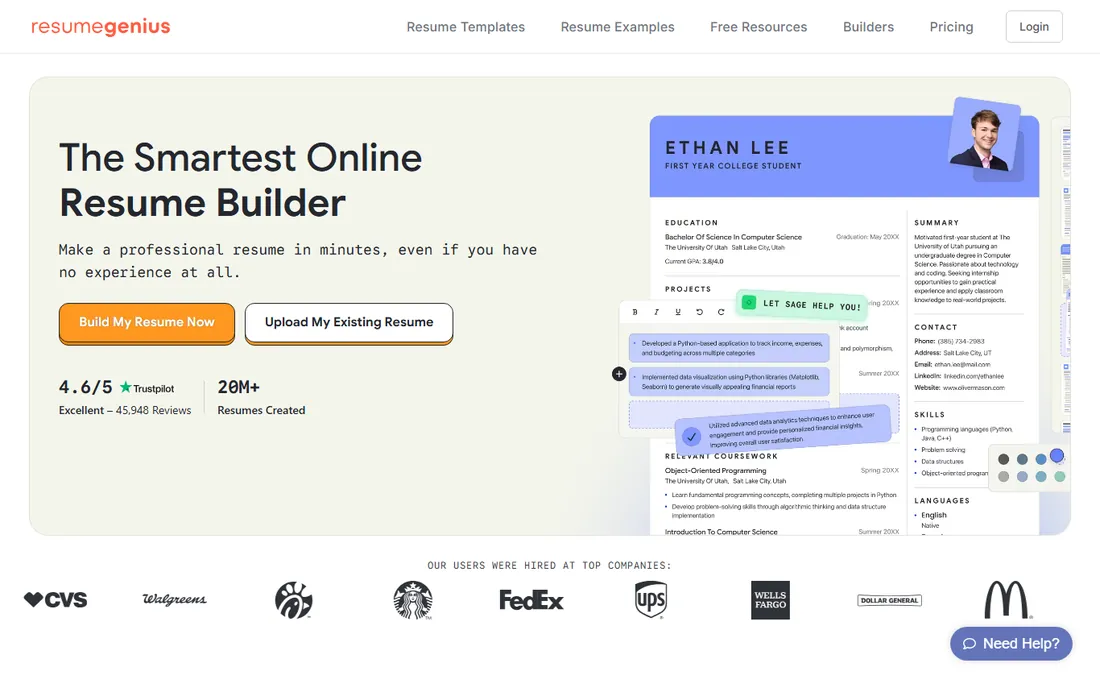
Resume Genius leans on human expertise more than most competitors. The team includes Certified Professional Resume Writers, and the library of 450+ resume examples is reviewed by relevant experts, which shows in the quality of the pre-written bullets and summaries. The builder suggests industry keywords as you write, aiming to keep your resume readable by applicant tracking systems.
Like Zety, the free tier has a sharp edge: you can build the whole resume free, but downloading it as a Word or PDF file costs money. The workaround the company itself suggests is downloading the free TXT version and pasting it into one of their hundreds of free downloadable templates. Check the pricing page for current plans, and treat it as a short-term subscription unless you want the ongoing content library.
What we like- Certified resume writers on staff
- 450+ expert-reviewed examples
- ATS keyword optimization
Watch out for- Word and PDF downloads require a paid plan
- Subscription billing
Starting price$18/month (Quarterly)
Free planYes
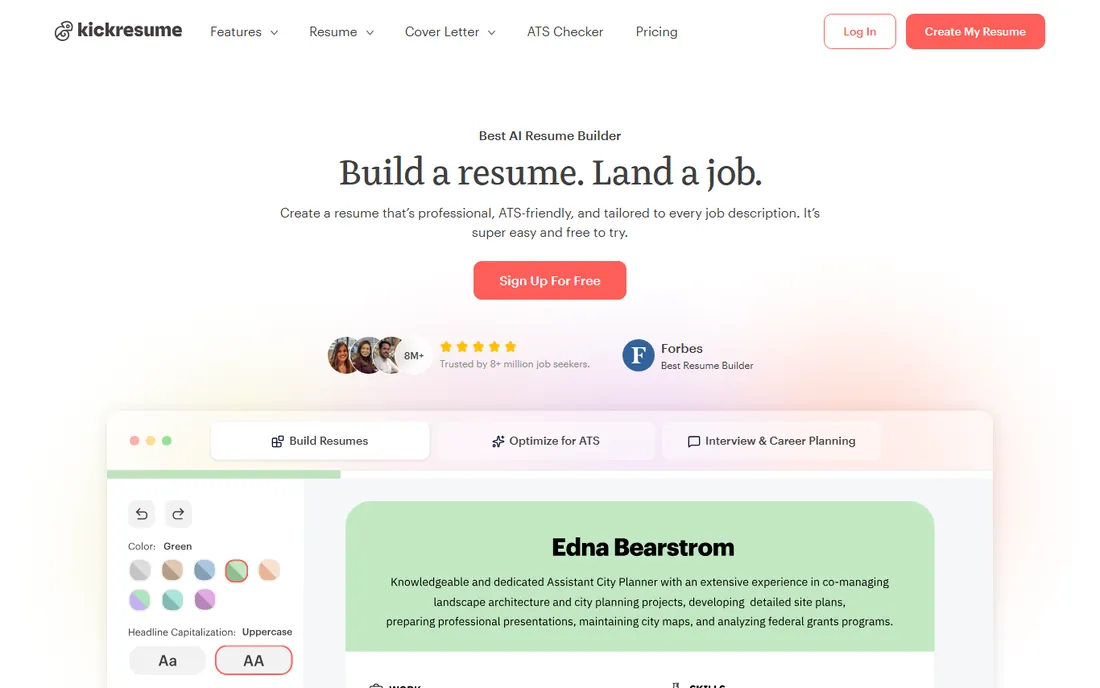
Kickresume packs in more than any other builder on this list: an AI writer that drafts your experience section from a job title, 20,000+ pre-written phrases across 3,200 occupations, 1,500+ real resume samples from hired candidates, a cover letter builder, and even a personal website builder. It is the closest thing to a full career toolkit here.
The free tier is real: four basic resume templates, four cover letter templates, and unlimited downloads for $0. Premium at $18 a month on the quarterly plan opens up the full template library, unlimited AI features, and the ATS resume checker, with a 14-day money-back guarantee. The interface can feel overwhelming with everything switched on, and the ATS checker is the feature most worth paying for. Start free, upgrade only if the templates or AI earn it.
What we like- AI resume writer
- 1,500+ real resume samples
- Personal website builder included
Watch out for- Best templates and AI features are paywalled
- Interface can feel busy
#8
Enhancv
Best for: Experienced professionals who want design freedom
Visit enhancv.com
Starting priceSee website
Free planSee website
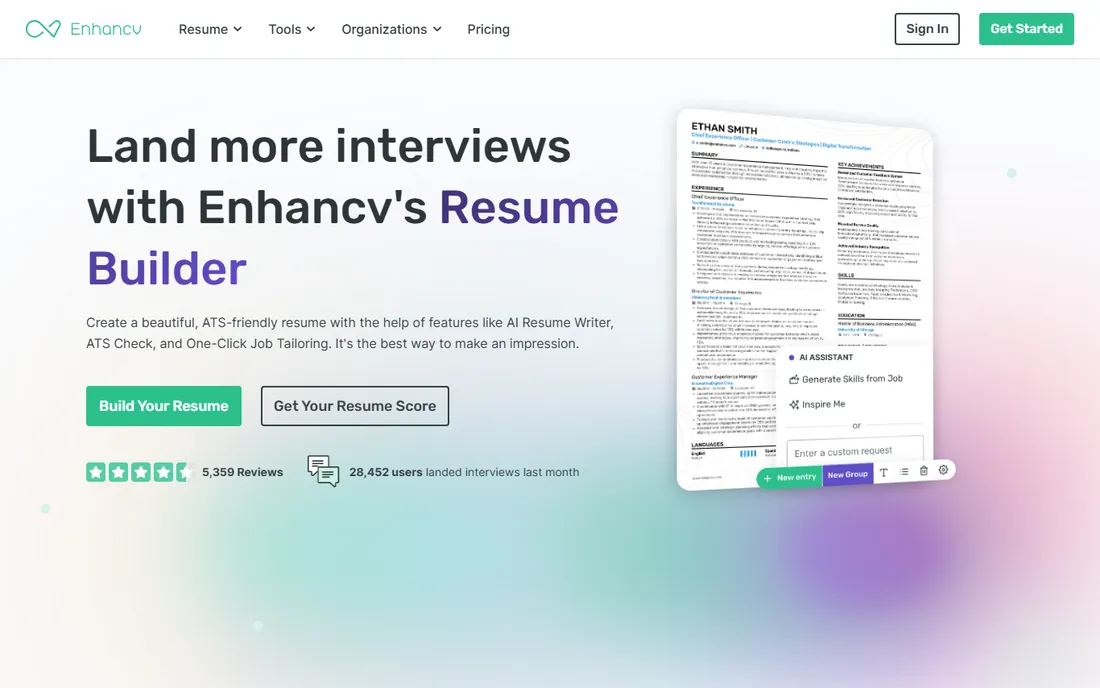
Enhancv is built for people with real careers to show off. The template range covers single and double-column layouts that the company tests against actual applicant tracking systems, and the section library goes far beyond the basics: strengths, quotes, books, interests, and projects all get proper modules. The one-click tailoring feature rewrites your resume against a pasted job ad, with every change highlighted for your approval rather than applied silently.
The AI assistant works inside the document, rewriting bullets and suggesting skills without sending you to a separate tab. The honest catch is pricing transparency: plans are not published on the homepage, so you will need to start the signup flow or contact sales for numbers. For executives and experienced professionals who want a resume with personality that still clears the ATS, it is one of the best-designed options here.
What we like- One-click tailoring to each job ad
- ATS-tested two-column templates
- 20+ professional sections
Watch out for- Pricing not published on the homepage
- Premium cost for full access
Starting priceSee website
Free planYes (1 resume free forever)
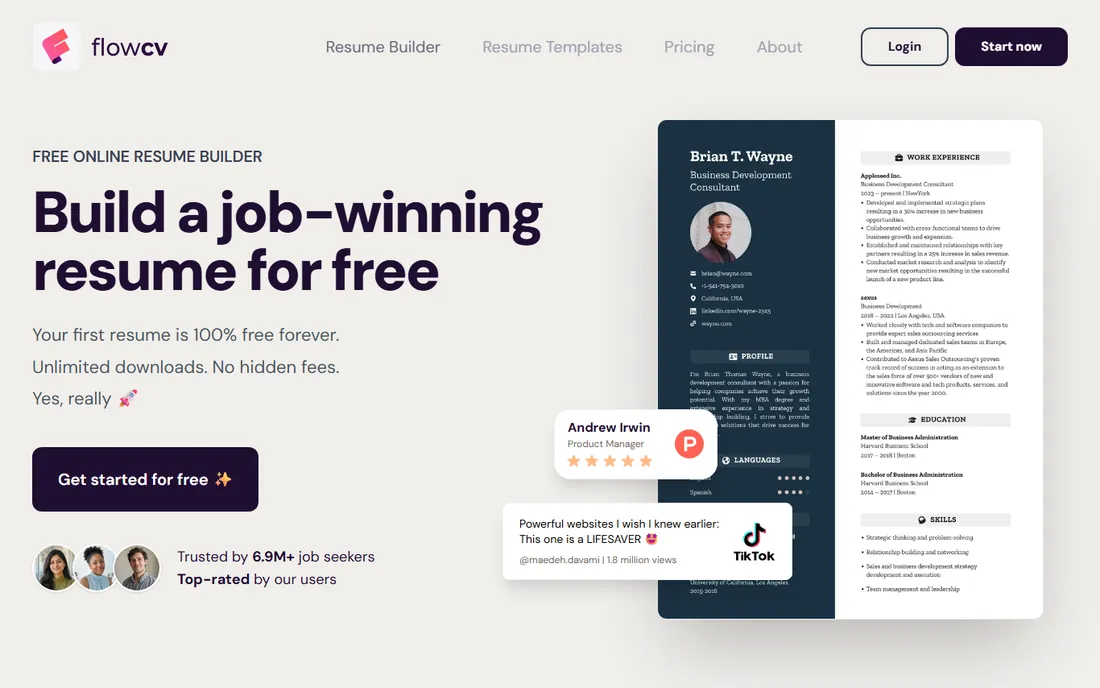
FlowCV is the answer to the most common complaint about resume builders: paywalls at the download button. Your first resume is free forever, with unlimited watermark-free PDF downloads, full access to 100+ templates, and complete layout control. No trial period, no credit card, no surprise subscription. It earned WIRED's best free resume builder pick in 2026 for exactly this reason.
The business model is honest: you pay only for extras like saving multiple resume versions or AI writing assistance. The limits are clear too. The free plan covers exactly one editable resume, so people applying to different role types will hit a wall, and there is no job-description tailoring at any tier. If you need one strong resume and nothing else, nothing else on this list is this straightforward.
What we like- Unlimited watermark-free PDF downloads
- 100+ templates
- No credit card required
Watch out for- Free plan limited to one editable resume
- No per-job AI tailoring
Starting priceSee website
Free planYes
Canva is not really a resume builder; it is a design tool with thousands of resume templates inside it. For designers, marketers, and anyone in a creative field where the resume itself is a portfolio piece, that freedom is the point. The free tier is generous, the templates are beautiful, and you already know how to use it.
The warning matters more here than anywhere else on this list. Canva exports prioritize visual design, and text locked inside graphics or complex layouts can be unreadable to applicant tracking systems. Use Canva when a human will definitely read your resume first: creative roles, networking handouts, personal websites. When you are applying through a corporate portal with an ATS in front of it, build the plain version in one of the dedicated tools above and keep Canva for the portfolio.
What we like- Enormous template library
- True drag-and-drop freedom
- Generous free tier
Watch out for- Design-first exports can trap text in graphics that ATS software cannot read
How we chose
We worked from each vendor's own pricing page and feature documentation, then cross-checked plan details and free-tier limits against public reviews on Trustpilot, G2, and independent comparison sites. We weighted three things above all: what the free tier actually lets you do, whether downloads and exports hide behind paywalls, and whether the output survives applicant tracking systems. We looked for a mix of established players and strong free options. No product was tested hands-on.
How to choose without wasting money
Decide what you are actually buying before you enter card details. If you need one resume for one job hunt, FlowCV's free tier or Kickresume's free templates may be all you ever need. If you are applying at volume, Teal's tracker plus Rezi's keyword targeting is a stronger combination than any single premium builder. If design matters for your field, pay for the tool with the best templates, not the one with the most AI features you will never open.
Whatever you pick, read the billing terms on the pricing page itself. Note whether the plan bills monthly or every four weeks, whether the trial converts automatically, and what the download limits are on the free tier. Cancel the day you accept an offer, not the day you remember.
The subscription trap to watch for
The standard playbook in this category is the cheap trial that converts to a recurring subscription. Zety's $1.95 trial becomes $25.95 every four weeks; similar mechanics exist across several builders here. These are not scams, the terms are published, but they rely on forgetfulness. Before you start any trial, set a phone reminder for two days before it converts, and screenshot the cancellation page so you know where it lives. A resume builder should cost you one month, not twelve.
Frequently asked questions
Are free resume builders actually free?
Some are. FlowCV lets you build one resume and download unlimited watermark-free PDFs forever without a credit card. Kickresume and Teal have genuinely usable free tiers. Others use "free" to mean free to build, with the download locked behind payment, which is the case at Zety, Resume.io, and Resume Genius. Always check what the free tier lets you export before you invest an hour of writing.
Will my resume pass an applicant tracking system?
It depends on the template, not just the tool. Single-column layouts with standard fonts and section headers parse reliably; graphics-heavy designs, text boxes, and tables often do not. Rezi and Novoresume are the most explicit about ATS testing. If you use Canva, keep a plain-text version for corporate application portals.
Should I tailor my resume for every job?
Yes, and this is where the tools differ most. Rezi, Teal, and Enhancv can match your resume against a specific job description and suggest keyword changes. FlowCV cannot do this at any price. At minimum, mirror the job title and the top three skills from the posting in your summary and skills sections; that alone clears most automated filters.
Is it safe to put my personal data in these tools?
The established builders use standard web security, and FlowCV and Kickresume are explicit about GDPR compliance and not selling user data. Still, treat any online builder like email: do not upload your full home address, and remove sensitive details like your date of birth before downloading. Delete your account when the job hunt ends if the tool allows it.
Can I just use Word or Google Docs instead?
You can, and for a simple chronological resume it works fine. The risk is invisible: one table or text box can silently break ATS parsing, and the layout shifts between machines. Builders like Novoresume and FlowCV exist largely to remove that risk, with locked formatting and real text layers. If you stick with Docs, export as PDF and test it in a free ATS checker before applying.
Sources we checked (14)
- https://rezi.ai
- https://www.rezi.ai/pricing
- https://resume.io/
- https://zety.com/
- https://novoresume.com/
- https://tealhq.com
- https://resumegenius.com/
- https://kickresume.com/
- https://enhancv.com/
- https://flowcv.com
- https://canva.com/
- https://www.jobsprout.ai/blog/jobsprout-vs-zety
- https://resufit.com/blog/flowcv-review-free-resume-builder-worth-trying/
- https://github.com/roderickyu-gmail/best-resume-builder-guide-2026
Is your product missing or out of date?
We review this list regularly. Vendors can request a listing, send updated pricing or ask about featured placement.

Shihab Mia · Founder, Rankite
Shihab has spent more than a decade helping SaaS and e-commerce brands grow through search. He writes Rankite's software buying guides from pricing pages, documentation and public user reviews. More about Shihab.