How we make this list: we compare pricing pages, product documentation and public user reviews. Rankite is independent; if a vendor ever pays for a featured spot, that listing is clearly labeled Partner.
Key takeaways
- Remote access costs $0 or $230 a month in this category, and both prices are real: Chrome Remote Desktop and RustDesk are free; TeamViewer's Corporate tier is the premium end.
- Best value for small business remote access: Splashtop and RemotePC deliver TeamViewer-class features at a fraction of the price, per third-party reports.
- IT teams and MSPs: Zoho Assist ($10/month per technician, vendor-confirmed) and ConnectWise ScreenConnect (free single-tech license reported) are built for support work.
- Privacy-first and technical teams: RustDesk's self-hosted open-source option ($0) keeps your data off vendor clouds entirely.
Quick comparison
| Tool | Best for | Starting price | Free plan |
|---|
 TeamViewer TeamViewer | Enterprise IT teams needing unattended access and broad platform coverage | See website | Yes (free for personal non-commercial use) |
 AnyDesk AnyDesk | IT pros and support teams prioritizing low latency | See website | Yes (free for personal use) |
 Splashtop Splashtop | Individuals, small businesses, schools and IT support teams wanting value | See website | Free trial (7 days, no credit card) |
 RealVNC Connect RealVNC Connect | Developers, educators and IT teams managing mixed-OS environments including Raspberry Pi | See website | Free trial (14 days) |
 RemotePC RemotePC | Small businesses wanting always-on access priced per computer, not per user | See website | Free trial (7 days, no credit card) |
 Zoho Assist Zoho Assist | IT teams and MSPs already running Zoho products | $10/month per technician (Standard Remote Support; per Zoho's own site) | Yes (free plan reported: 1 technician, 5 unattended computers) |
 ConnectWise ScreenConnect ConnectWise ScreenConnect | MSPs wanting remote support inside a PSA/RMM ecosystem | See website | Yes (free single-technician license reported) |
 RustDesk RustDesk | Privacy-conscious users, SMBs and MSPs comfortable running their own infrastructure | $0/month (free self-hosting plan, open source); Pro from $11.88/month billed annually | Yes (free self-hosting plan, open source) |
 Chrome Remote Desktop Chrome Remote Desktop | Individuals and very small teams needing simple, free remote access | $0 (fully free; no paid tiers) | Yes (fully free) |
Is your product missing or out of date?
We review this list regularly. Vendors can request a listing, send updated pricing or ask about featured placement.
The best remote desktop software
Someone's laptop just died twenty minutes before the client presentation, and you are three time zones away. Remote desktop software is the unglamorous hero of IT: see the screen, move the mouse, fix the problem, with unattended access for the machines nobody is sitting at. The nine tools below span free utilities, value leaders and enterprise platforms, because the right choice depends entirely on who is supporting whom.
#1
TeamViewer
Best for: Enterprise IT teams needing unattended access and broad platform coverage
Visit teamviewer.com
Starting priceSee website
Free planYes (free for personal non-commercial use)
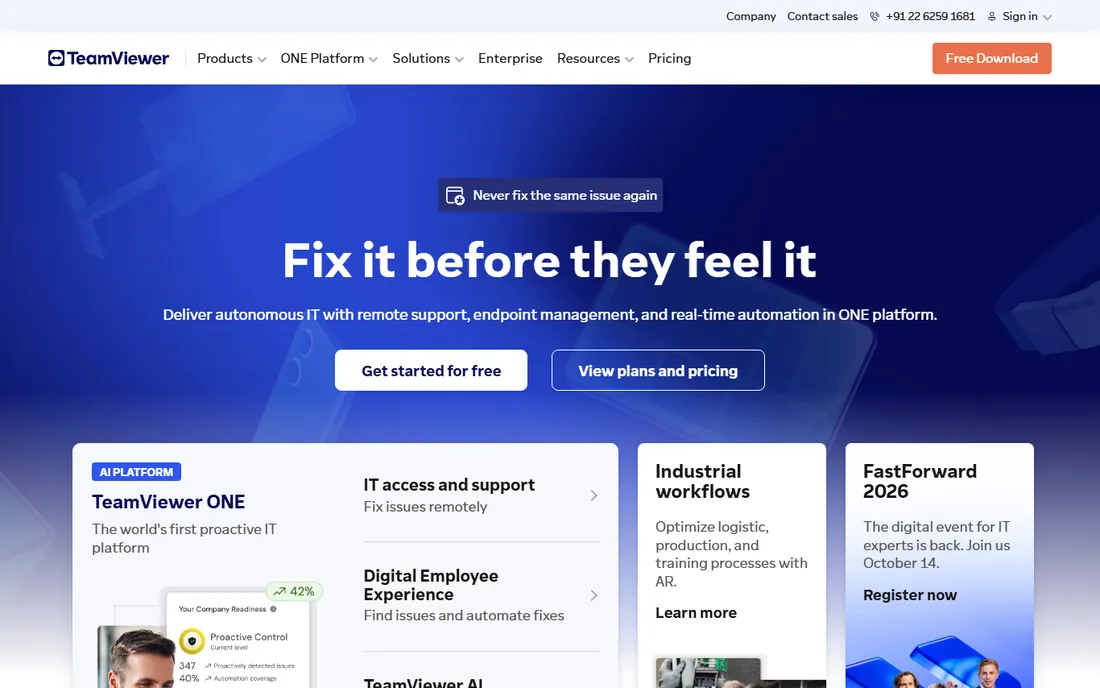
TeamViewer is the default the industry compares everything against. Unattended access, mobile device support, broad platform coverage and enterprise integrations make it the safe enterprise choice, and the free personal version keeps the brand ubiquitous.
The honest catch is the licensing model. Third-party sources report tiers from $24.90 to $229.90/month billed annually, but concurrent channels, not just users, determine real capacity, and annual subscriptions auto-renew with a 28-day cancellation window. Map licensed users against concurrent channels before purchase and compare total cost against Splashtop or RemotePC. None of the figures were verified on the vendor's page.
What we like- Best-known remote access brand with broad platform coverage
- Free for personal use with a reported 14-day business trial
- Enterprise integrations (Microsoft Teams, ServiceNow) and AES-256 encryption
Watch out for- Licensing is complex (licensed users vs. concurrent channels) and costs scale steeply
- Commercial-use detection on the free version is strict
#2
AnyDesk
Best for: IT pros and support teams prioritizing low latency
Visit anydesk.com
Starting priceSee website
Free planYes (free for personal use)
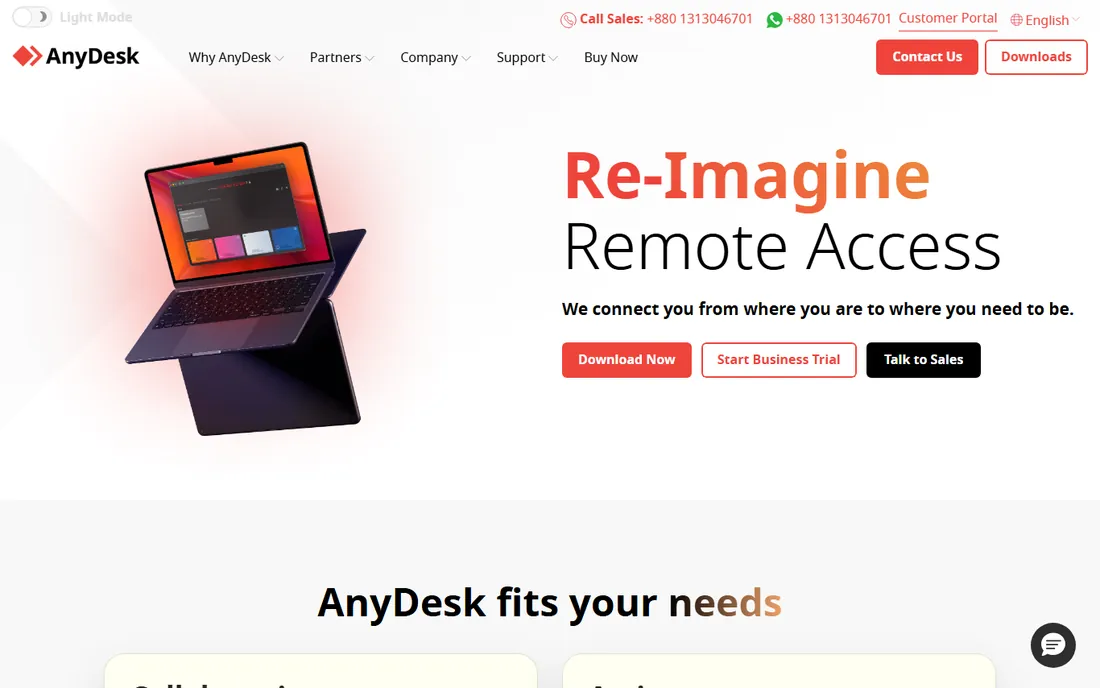
AnyDesk built its reputation on speed. The DeskRT codec delivers responsive sessions that IT professionals notice, and portable executables run without installation, which is handy for one-off support.
The honest catch is pricing instability. Sources conflict between older per-user figures and newer connection-based list prices (roughly $28.90 to $111.90/month billed annually per a mid-2026 competitor blog), with region-dependent licensing since late 2025. Get the current connection-based quote in writing and compare against TeamViewer and Splashtop before renewing. If latency is the priority and the quote is sane, the performance is real.
What we like- Low-latency connections via the DeskRT codec, popular with IT professionals
- Lightweight portable executables needing no install
- Cross-platform with a reported 14-day trial
Watch out for- Pricing is in flux with conflicting sources and region-dependent licensing
- Renewal pricing has risen sharply on some plans
#3
Splashtop
Best for: Individuals, small businesses, schools and IT support teams wanting value
Visit splashtop.com
Starting priceSee website
Free planFree trial (7 days, no credit card)
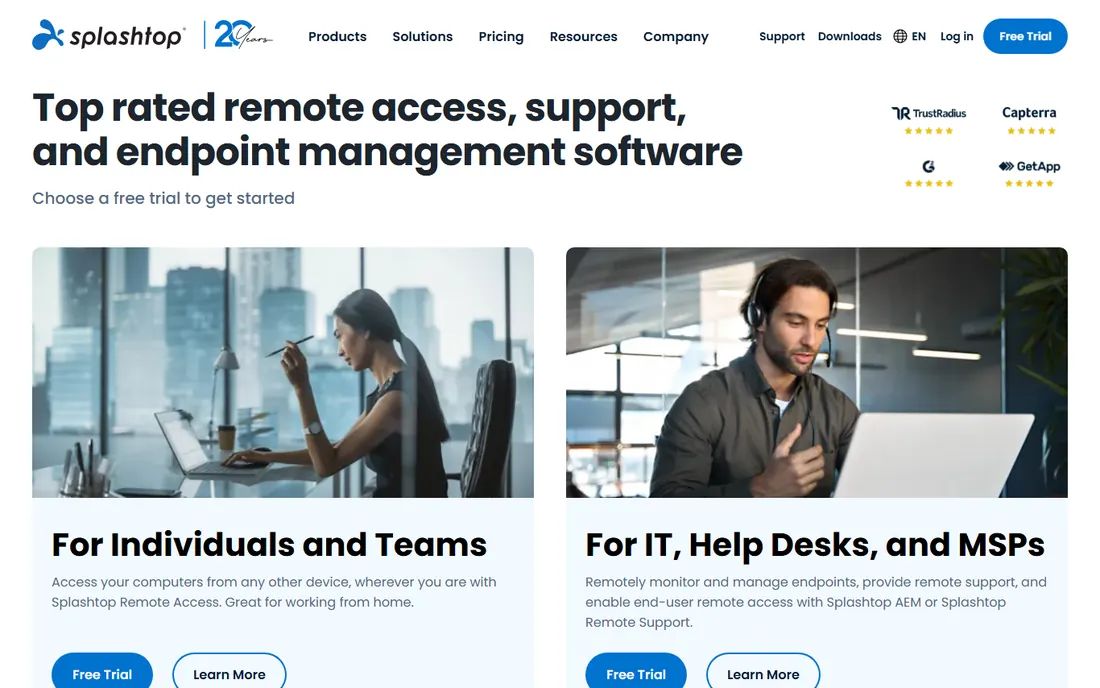
Splashtop is the value leader. Third-party sources report Remote Access Solo around $5/year and Pro around $8.25/person/year, which undercuts TeamViewer dramatically for comparable features, though nothing was verified on the vendor's pricing page.
The honest catch is the per-person model for teams and annual-only billing. Confirm current plan prices directly, since Splashtop adjusts pricing periodically, and verify which plans include the SOS on-demand support features you need. Setup takes minutes. If the quote holds, the price-to-feature ratio is the entire pitch.
What we like- Aggressive value pricing per third-party reports
- 256-bit AES encryption, 2FA and compliance certifications
- 7-day no-card trial
Watch out for- Per-person pricing adds up for larger teams
- Support is ticket and chat-based rather than 24/7 phone on all plans
#4
RealVNC Connect
Best for: Developers, educators and IT teams managing mixed-OS environments including Raspberry Pi
Visit realvnc.com
Starting priceSee website
Free planFree trial (14 days)
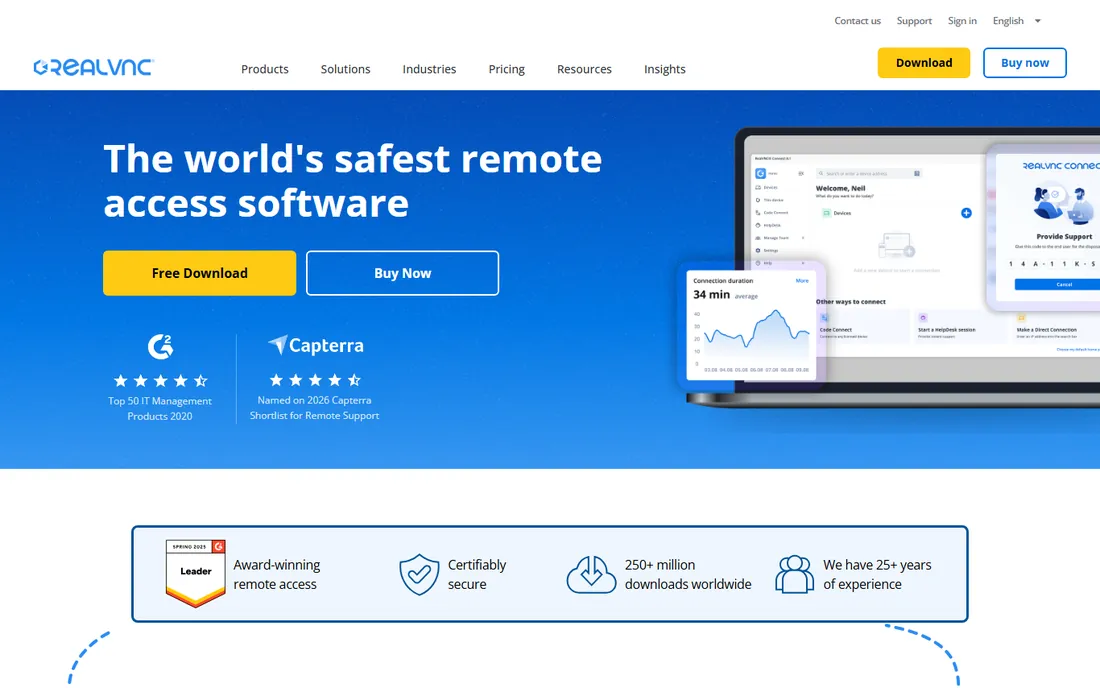
RealVNC Connect is the cross-platform purist's choice. Raspberry Pi support is unique among major vendors, and the VNC standard appeals to shops that prefer open protocols. Third-party sources report Essentials around $8.25/month to Premium around $29.75, unverified.
The catch is licensing granularity: concurrent sessions and device counts interact, and free-plan availability conflicts across sources (one reports a free Lite plan up to 5 devices, another disputes it). Confirm the current free tier and session limits directly before planning around them. For Pi fleets and mixed-OS labs, nothing else fits as naturally.
What we like- Cross-platform including Raspberry Pi, unique among major vendors
- VNC-protocol standard with 256-bit AES encryption
- On-demand assist for support sessions
Watch out for- Pricing figures are third-party reports
- Free-plan availability conflicts across sources
#5
RemotePC
Best for: Small businesses wanting always-on access priced per computer, not per user
Visit remotepc.com
Starting priceSee website
Free planFree trial (7 days, no credit card)
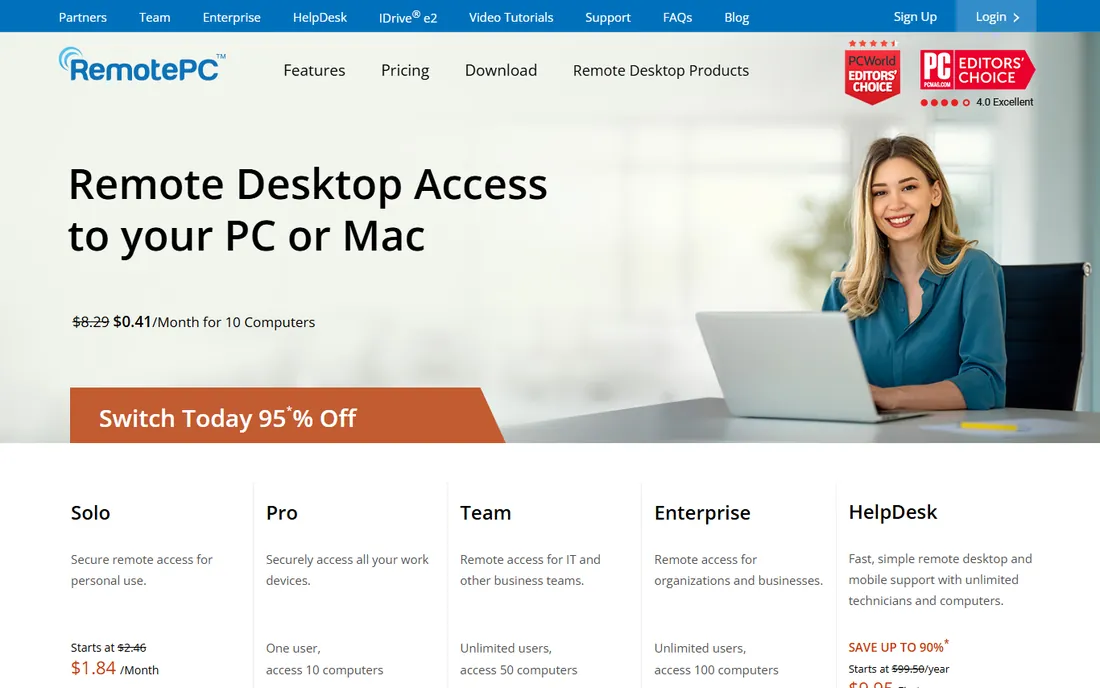
RemotePC (by IDrive) flips the pricing model: you pay per computer, and every user is included. Third-party sources report first-year prices from $22.12/year (1 computer) to $449.62/year (100 computers), but renewal rates run higher and nothing was verified on the vendor's page.
The honest catch is the first-year vs. renewal gap; check renewal pricing before the sticker price charms you. Setup is a small agent install, billing is annual by computer count. It is ideal for small businesses accessing their own machines. MSP-style multi-client support teams should compare ScreenConnect instead.
What we like- Device-based pricing with unlimited users on every plan
- 24/7 phone and chat support reported on all plans
- 30-day money-back guarantee reported
Watch out for- List prices are first-year promotional with higher renewals
- Less of a helpdesk ecosystem than ConnectWise or TeamViewer
#6
Zoho Assist
Best for: IT teams and MSPs already running Zoho products
Visit zoho.com
Starting price$10/month per technician (Standard Remote Support; per Zoho's own site)
Free planYes (free plan reported: 1 technician, 5 unattended computers)
Zoho Assist is the natural choice for Zoho shops. Zoho's own site confirms a free plan and paid plans from $10/month per technician, with third-party listings adding Professional around $15 and Enterprise around $24 billed annually.
The honest catch is ecosystem fit. The integrations that make it shine require other Zoho products; standalone buyers get less of the benefit. Non-Zoho teams should trial the standalone experience and confirm session limits per tier. Setup is cloud-based and quick. For a Zoho-standardized IT team, the price-to-feature ratio is excellent.
What we like- Vendor-confirmed free plan and $10/month per technician starting price
- Deep integration with Zoho Desk, CRM and the Zoho ecosystem
- Remote support plus unattended access plans
Watch out for- Best value is inside the Zoho ecosystem
- Full tier details beyond the entry price are third-party reports
Starting priceSee website
Free planYes (free single-technician license reported)
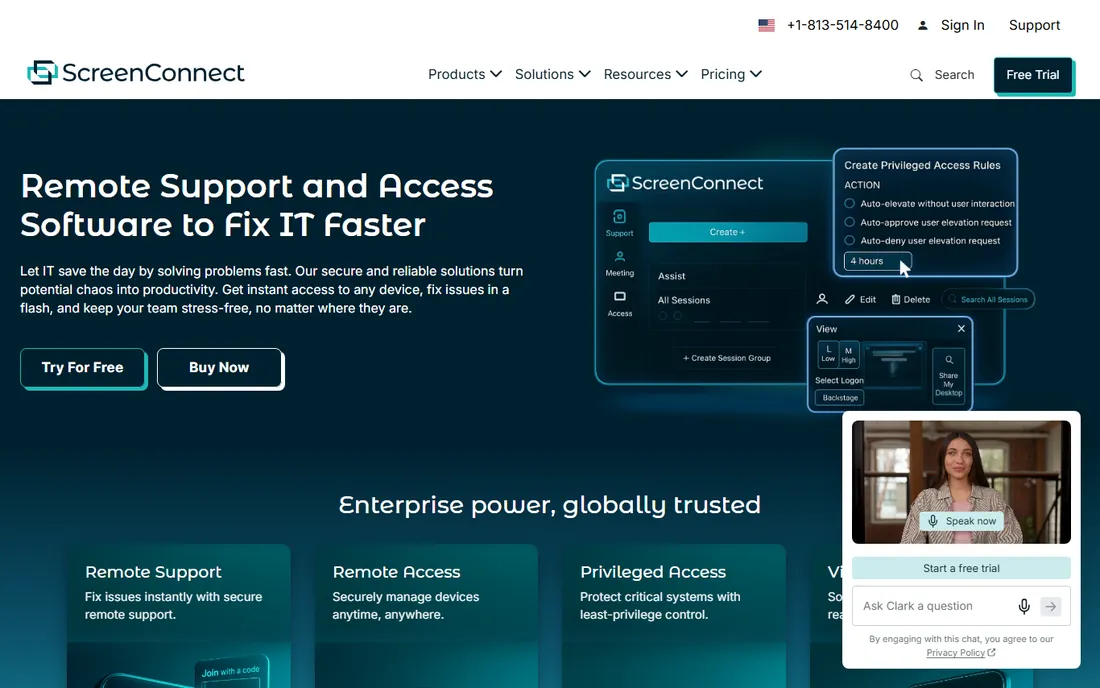
ScreenConnect (formerly ConnectWise Control) is the MSP favorite. Unattended access, remote meetings and deep integrations into ConnectWise PSA/RMM plus third-party platforms make it the support tool inside the MSP stack. Third-party sources report a free single-tech license and paid tiers from $27 to $52 per concurrent technician per month billed annually, unverified.
The catch is pricing complexity: concurrent techs, access agents and possible onboarding fees ($500-$2,000 for SMBs per one source). Get onboarding and add-on costs itemized in the quote. Solo techs should verify the free license terms. For an MSP, the ecosystem integration is the moat; for a one-person shop, the free license is the story.
What we like- Free single-tech license reported, genuinely usable for solo technicians
- Deep ConnectWise suite and third-party PSA/RMM integrations
- Unattended access plus remote meetings
Watch out for- Concurrent-technician licensing and add-on costs make real pricing complex
- Possible onboarding fees reported
#8
RustDesk
Best for: Privacy-conscious users, SMBs and MSPs comfortable running their own infrastructure
Visit rustdesk.com
Starting price$0/month (free self-hosting plan, open source); Pro from $11.88/month billed annually
Free planYes (free self-hosting plan, open source)
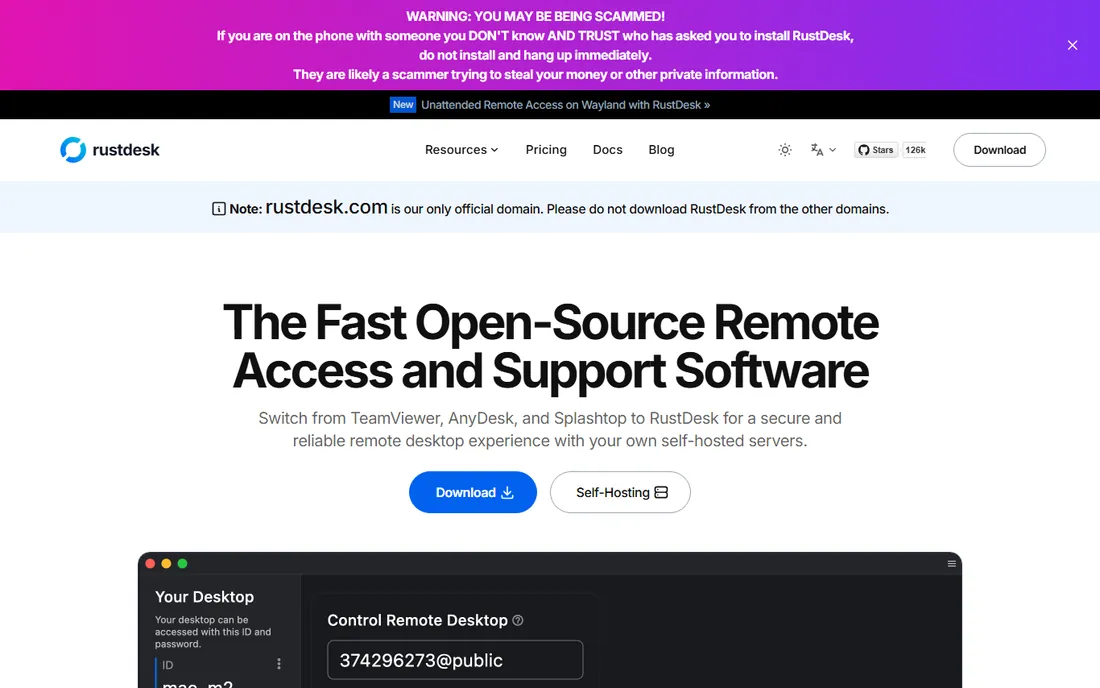
RustDesk is the open-source TeamViewer alternative. The vendor's own pricing page confirms a free $0 self-hosting plan, with Pro tiers at $11.88/month (Individual) and $23.88/month (Basic) billed annually. End-to-end encryption and a self-hosted relay mean your data never touches a vendor cloud.
The honest catch is operational. You host and harden the server yourself via Docker, and non-technical end users will find commercial tools easier. Pro features (web client, OIDC SSO, audit logs, API) require paid tiers. For technical teams replacing TeamViewer on cost or privacy grounds, data sovereignty is the entire point. Everyone else should buy commercial.
What we like- Vendor-confirmed free $0 self-hosting plan (open source)
- Self-hosted relay means no vendor cloud in the connection path
- Paid Pro tiers confirmed on the vendor's pricing page
Watch out for- You operate the infrastructure yourself, which is real operational work
- Pro-only features (web client, SSO, audit logs, API) need paid tiers
Starting price$0 (fully free; no paid tiers)
Free planYes (fully free)
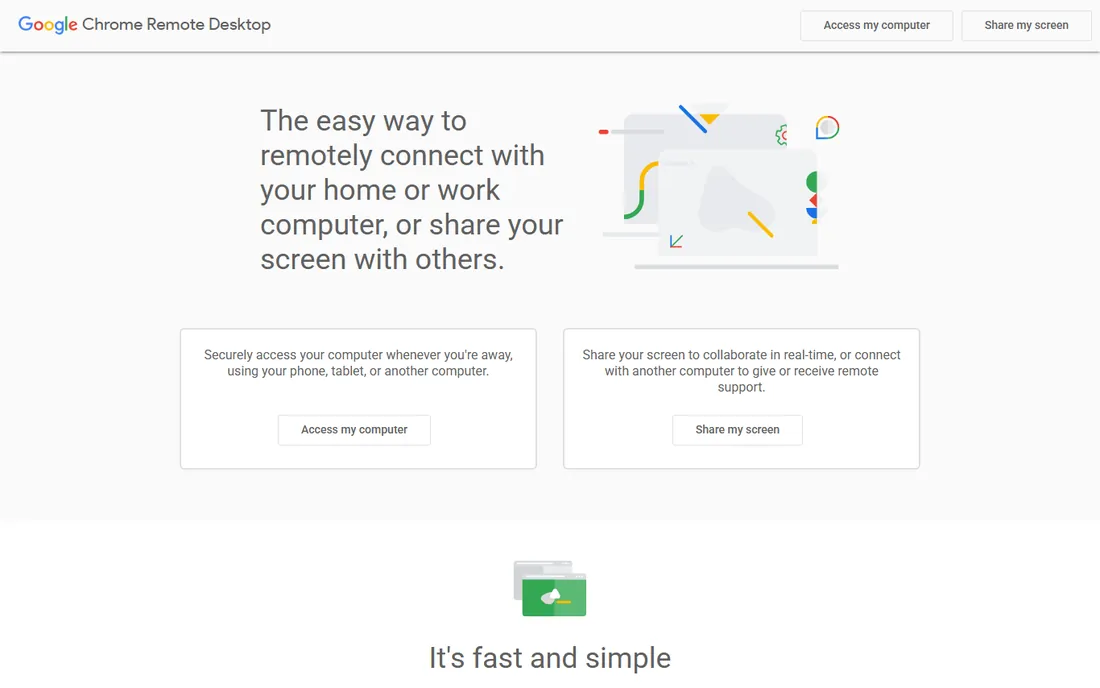
Chrome Remote Desktop is Google's free utility: access your own computers or help someone else, from the browser or mobile apps, at zero cost with no tiers at all. Setup takes minutes with a Google account.
The honest catch is the feature ceiling. No session recording, no centralized management, limited file transfer (sources conflict on the details) and no business-grade access controls. It is perfect for personal use and casual help. Any team doing professional remote support should buy a proper tool like Splashtop, Zoho Assist or ScreenConnect.
What we like- Completely free with no subscriptions or paywalls, just a Google account
- Cross-platform hosts and mobile clients
- Zero-config setup through the browser
Watch out for- No session recording, no fleet management and limited file transfer
- Not suitable for commercial support or compliance-heavy environments
How we chose
We started with the categories buyers search: remote desktop software, remote access software and remote support tools. For each candidate we checked product claims against public reviews on G2 and Capterra and practitioner discussion on Reddit, and compared access models, licensing structures, security features and company-size fit. Pricing pages were checked where available; where a price could not be verified on the vendor's own page we wrote "See website" rather than guessing.
Per-user vs. per-device vs. self-hosted: the licensing maze
This category has three licensing religions, and the wrong one doubles your bill. Per-user or per-technician (TeamViewer, Zoho Assist, Splashtop, ScreenConnect) charges for the supporters; cheap when few techs support many machines. Per-device or per-computer (RemotePC, RealVNC) charges for the endpoints; cheap when many users share few machines. Self-hosted (RustDesk) charges for the server license while you run the infrastructure; cheapest in cash, most expensive in ops time. Count your techs, count your endpoints, and price all three models. A 3-tech team supporting 200 machines wants per-tech pricing. A 50-person office accessing 50 machines wants per-device. A privacy-focused team with a sysadmin wants RustDesk.
Frequently asked questions
Is remote desktop software secure?
The reputable tools use AES-256 encryption, two-factor authentication and access controls; TeamViewer, Splashtop, Zoho Assist and RustDesk (self-hosted) all clear the bar. The risks are operational: weak passwords, overly broad unattended access and unpatched clients. Enable 2FA everywhere, restrict unattended access to managed machines, and review access logs.
What is the difference between remote access and remote support?
Remote access is unattended: you connect to machines nobody is sitting at (servers, office PCs from home). Remote support is attended: helping a user live with screen sharing and session tools. Most tools do both, but support-focused products (Zoho Assist, ScreenConnect) add session management, and access-focused products (RemotePC) optimize for always-on.
Can I use the free tools for business?
Chrome Remote Desktop and RustDesk's self-hosted plan are free without commercial-use restrictions. TeamViewer and AnyDesk offer free versions for personal use only, with strict commercial-use detection that can lock you out mid-session. Do not run a business on a personal-use license; the lockout always happens at the worst moment.
How many concurrent sessions do we need?
Count the maximum simultaneous support sessions, not total technicians. TeamViewer's concurrent-channel model and ScreenConnect's concurrent-tech licensing both price on simultaneity. A 10-tech team that never has more than 3 live sessions is overpaying on per-tech-everything plans; size the license to the peak, not the roster.
Should we self-host with RustDesk?
If you have a sysadmin, care about data sovereignty, and want to stop paying per-seat fees, yes. If "Docker-based with a license key" sounds like a weekend project rather than a Tuesday task, no. The $0 price is real; the operational cost is also real. Most SMBs are happier with a commercial tool.
The free tier trap
Free remote desktop tools are genuinely good now, which makes the trap subtle. Chrome Remote Desktop is free but has no management, so it does not scale past a handful of machines. RustDesk is free but you are the infrastructure team. TeamViewer and AnyDesk are free for personal use until their detection flags you, usually mid-crisis. Vendor free plans (Zoho Assist's free tier, ScreenConnect's single-tech license) are the sweet spot for tiny teams: real management features at zero cost, with a clean upgrade path. The rule: free is fine for personal or single-tech use; the moment access becomes business-critical for a team, budget for a paid plan.
Sources we checked (11)
- https://www.teamviewer.com
- https://anydesk.com
- https://www.splashtop.com
- https://realvnc.com
- https://remotepc.com
- https://www.zoho.com/assist/
- https://screenconnect.connectwise.com/
- https://rustdesk.com/pricing/
- https://remotedesktop.google.com
- https://www.g2.com/categories/remote-desktop
- https://www.capterra.com/remote-desktop-software/
Is your product missing or out of date?
We review this list regularly. Vendors can request a listing, send updated pricing or ask about featured placement.

Shihab Mia · Founder, Rankite
Shihab has spent more than a decade helping SaaS and e-commerce brands grow through search. He writes Rankite's software buying guides from pricing pages, documentation and public user reviews. More about Shihab.