How we make this list: we compare pricing pages, product documentation and public user reviews. Rankite is independent; if a vendor ever pays for a featured spot, that listing is clearly labeled Partner.
Key takeaways
- Chrome Remote Desktop is completely free and covers basic remote access to your own computers.
- RemotePC starts at $2.46 per month and Splashtop at $6 per user per month, both far cheaper than TeamViewer for businesses.
- TeamViewer remains the most recognized name, from $24.90 per user per month, with free personal use.
- AnyDesk's Solo plan is $23.12 per month billed annually and is known for fast, lightweight connections.
- For IT support teams, Zoho Assist and ConnectWise ScreenConnect offer unattended access and session tools built for technicians.
Quick comparison
| Tool | Best for | Starting price | Free plan |
|---|
 TeamViewer TeamViewer | the established all-rounder | From $24.90/user/month (billed annually) | Yes (free for personal use) |
 AnyDesk AnyDesk | fast, lightweight remote sessions | From $23.12/month (Solo, billed annually) | Yes (free for personal use) |
 RemotePC RemotePC | cheapest full-featured remote access | From $2.46/month (Solo) | Free trial |
 Splashtop Splashtop | high-performance access at a fair price | From $6/user/month (Business Access) | Free trial |
 Zoho Assist Zoho Assist | remote support in the Zoho ecosystem | From $10/month per technician | Yes (limited free plan) |
 RealVNC Connect RealVNC Connect | secure, customizable remote access | From $8.25/month | Yes (Home plan for personal use) |
 Chrome Remote Desktop Chrome Remote Desktop | free basic remote access | Free | Yes (free forever) |
 ConnectWise ScreenConnect ConnectWise ScreenConnect | IT teams and MSPs | From $30/month (billed annually) | Free trial |
Is your product missing or out of date?
We review this list regularly. Vendors can request a listing, send updated pricing or ask about featured placement.
The best remote computer software
The wrong remote access tool fails at the worst moment. A connection that drops during a server emergency, a session that lags so badly you cannot type a password, or a license model that charges per technician while your whole team needs access. For IT support teams, downtime in the tool itself means downtime for every client waiting on you. And in this category, free-for-personal-use tools have real teeth, so paying for the wrong plan stings twice.
Starting priceFrom $24.90/user/month (billed annually)
Free planYes (free for personal use)
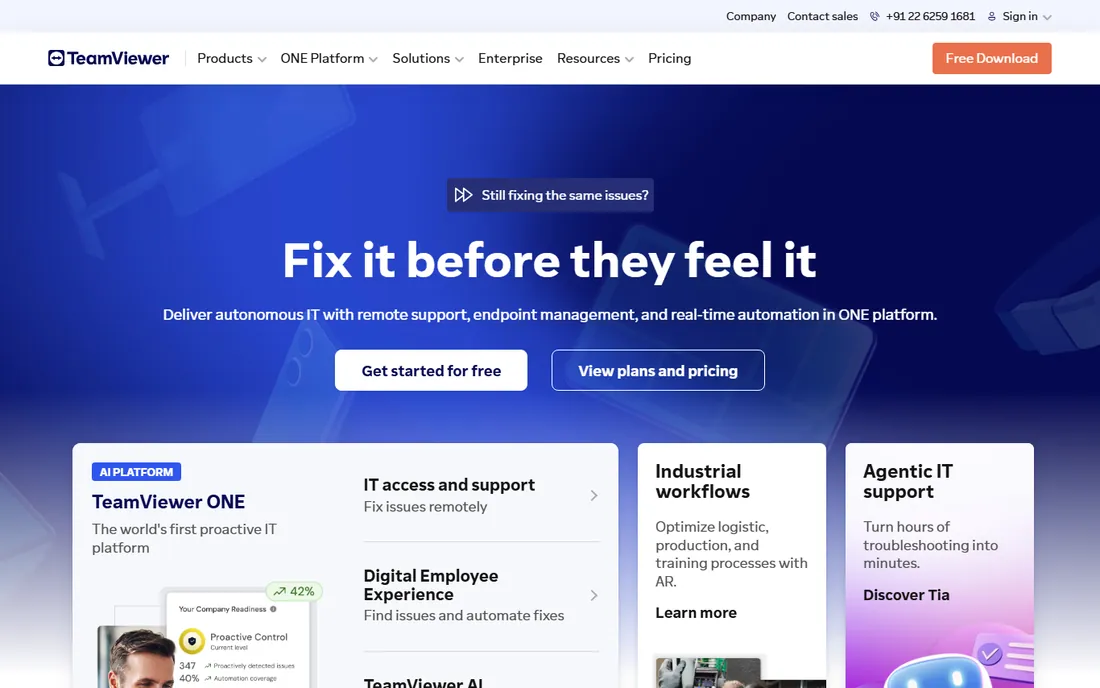
TeamViewer is the name everyone knows in remote access. It connects Windows, Mac, Linux, mobile, and ChromeOS devices with minimal setup, supports unattended access, file transfer, multi-monitor sessions, and recording. For personal use it remains free, which is why it sits on millions of home computers. Business plans start at $24.90 per user per month billed annually.
The honest catch is price. For businesses it costs several times what RemotePC or Splashtop charge for comparable access, and the company's commercial-use detection has a reputation for flagging personal users who connect to office machines. If budget matters more than brand recognition, the alternatives below deserve a hard look.
What we like- Works on every major platform with one-click sessions
- Strong security credentials including ISO 27001 and SOC 2
- AI session summaries on newer plans
Watch out for- The most expensive mainstream option for businesses
- Commercial-use detection can lock out borderline cases
Starting priceFrom $23.12/month (Solo, billed annually)
Free planYes (free for personal use)
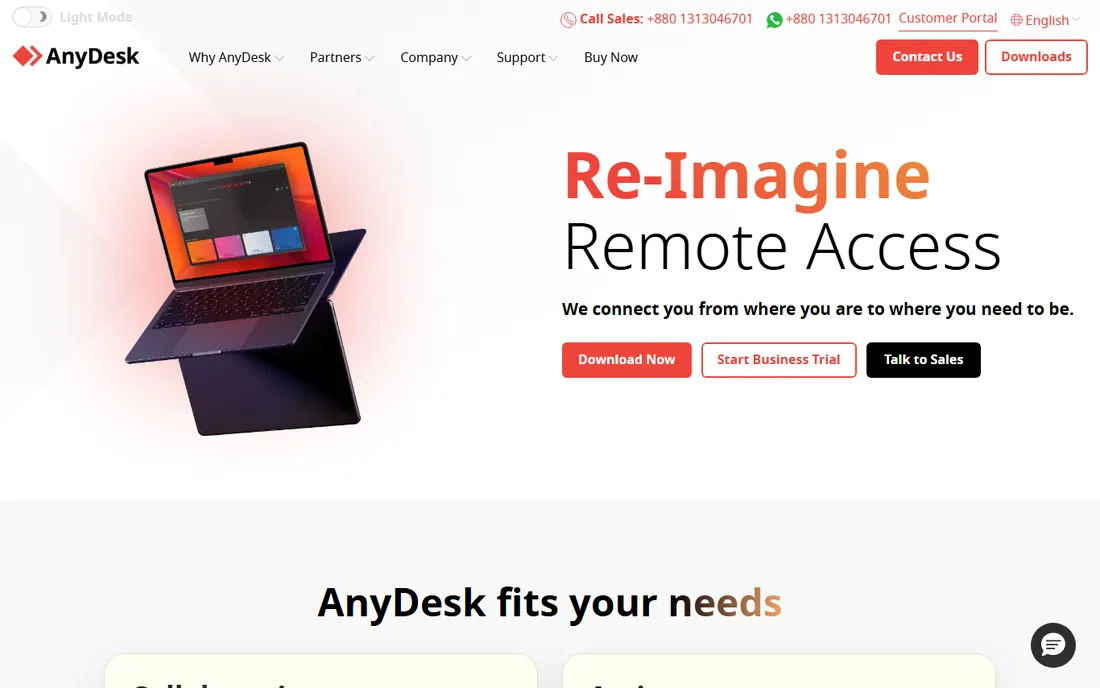
AnyDesk built its reputation on speed. Its proprietary codec delivers smooth remote sessions even on poor connections, and the client is famously small, downloading and running in seconds without an install. The Solo plan at $23.12 per month billed annually covers one user with up to 100 managed devices for unattended access, plus unlimited interactive connections.
The honest catch is that the business pricing is not the bargain it once was. Solo costs nearly as much as TeamViewer's entry plan, and the free version is strictly personal use. It remains the pick when connection quality on bad networks is the deciding factor, particularly for supporting users in areas with weak internet.
What we like- Famously fast connections on weak networks
- Tiny client downloads in seconds
- Unattended access for up to 100 managed devices on Solo
Watch out for- Business pricing is close to TeamViewer's
- Free version is personal use only
Starting priceFrom $2.46/month (Solo)
Free planFree trial
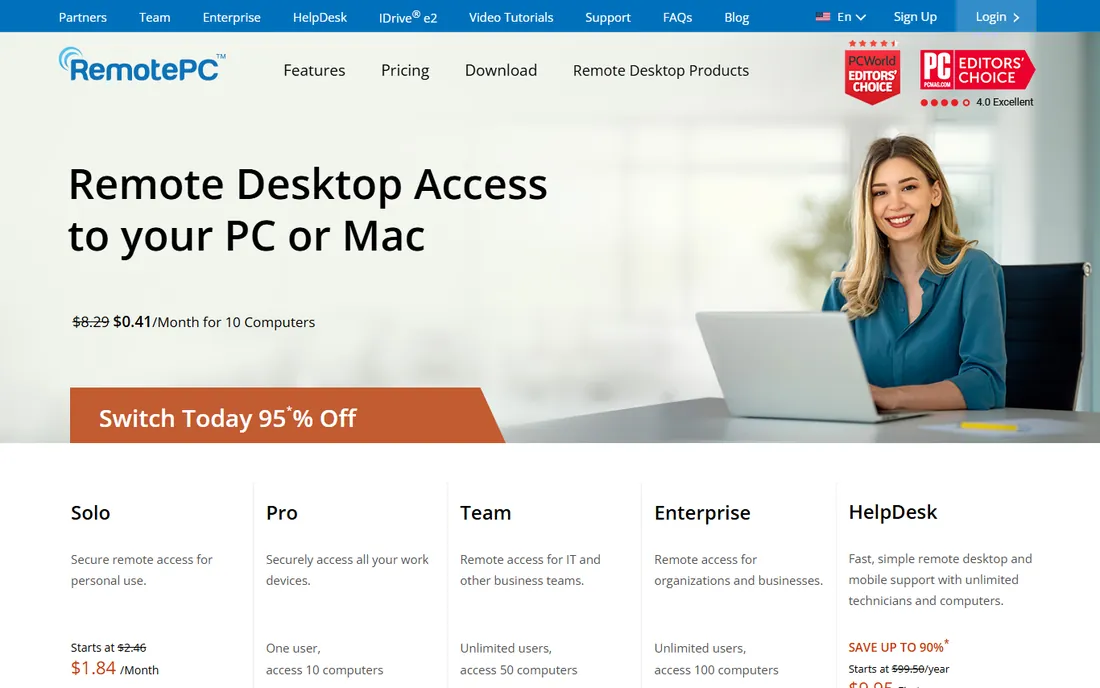
RemotePC is the value disruptor in this category. The Solo plan starts at $2.46 per month for personal access to one computer, and the Team plan gives unlimited users access to 50 computers at a flat rate that undercuts every major rival. You still get file transfer, remote printing, multi-monitor support, session recording, and even a whiteboard.
The honest catch is refinement. The apps work well but feel less polished than the premium brands, and there is no permanent free tier, only a trial. For small businesses that need real remote access on a tight budget, the price-to-feature ratio is the best on this list.
What we like- Extremely low pricing for real features
- Unlimited users on Team and Enterprise plans
- Includes session recording and whiteboard
Watch out for- Interface is less polished than TeamViewer or Splashtop
- No permanent free tier
Starting priceFrom $6/user/month (Business Access)
Free planFree trial
Splashtop wins the performance-per-dollar contest. Its streaming engine handles video, design tools, and 3D applications better than most rivals, which is why creative teams and post-production houses use it. Business Access starts at $6 per user per month, and the company layers on remote support, endpoint management, and enterprise editions with SSO and on-premises options.
The honest catch is the catalog. Splashtop sells several products with overlapping names, so make sure you are pricing the right one. There is also no permanent free tier. For remote workers who need their office computer to feel local, especially for graphics-heavy work, it is the strongest pick.
What we like- Excellent streaming performance for media and design work
- Strong security with 2FA and device authentication
- Endpoint management add-ons available
Watch out for- No free tier for ongoing use
- Product lineup can be confusing with multiple editions
#5
Zoho Assist
Best for: remote support in the Zoho ecosystem
Visit zoho.com
Starting priceFrom $10/month per technician
Free planYes (limited free plan)
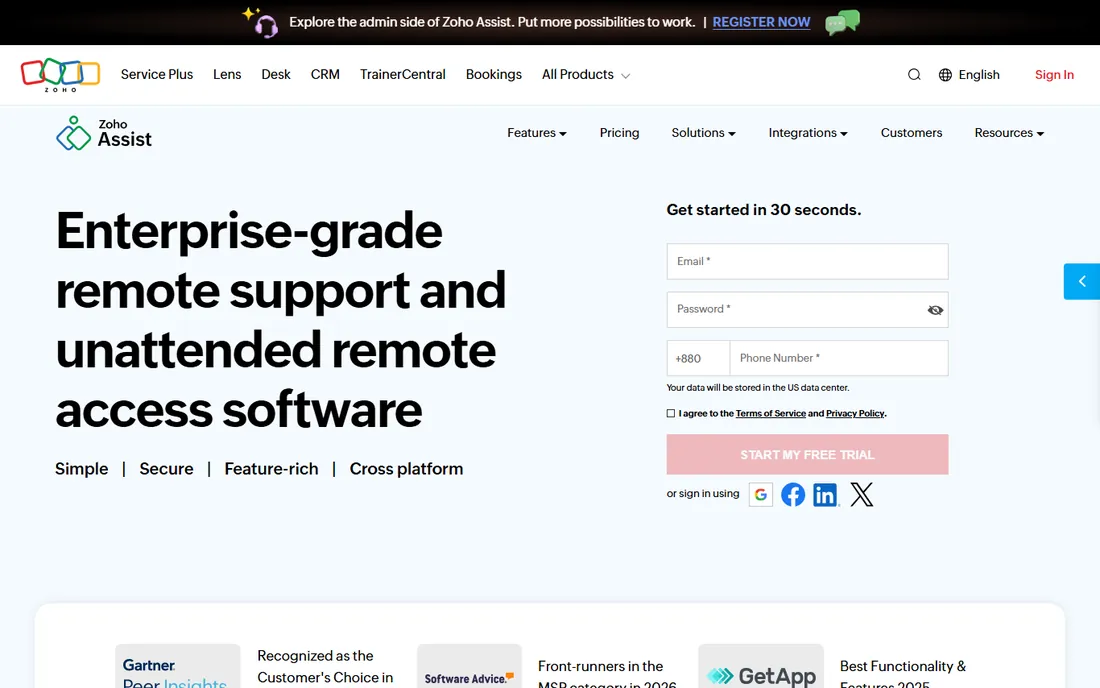
Zoho Assist is the natural choice for businesses already running Zoho. It handles both attended support sessions and unattended remote access across Windows, Mac, Linux, mobile, and Raspberry Pi. Customers can join sessions from a browser with no download, and technicians get diagnostic tools, session recording, and patch management. Pricing starts at $10 per month per technician with a 15-day free trial.
The honest catch is depth in a few areas. Multi-monitor support is limited compared with TeamViewer or Splashtop, and the integration ecosystem is smaller outside Zoho's own apps. For Zoho shops that want support and access without another vendor, it fits neatly.
What we like- Unattended access and on-demand support in one tool
- No downloads needed for ad-hoc sessions
- Integrates with the Zoho suite
Watch out for- Multi-monitor support is limited
- Smaller brand means fewer third-party integrations
Starting priceFrom $8.25/month
Free planYes (Home plan for personal use)
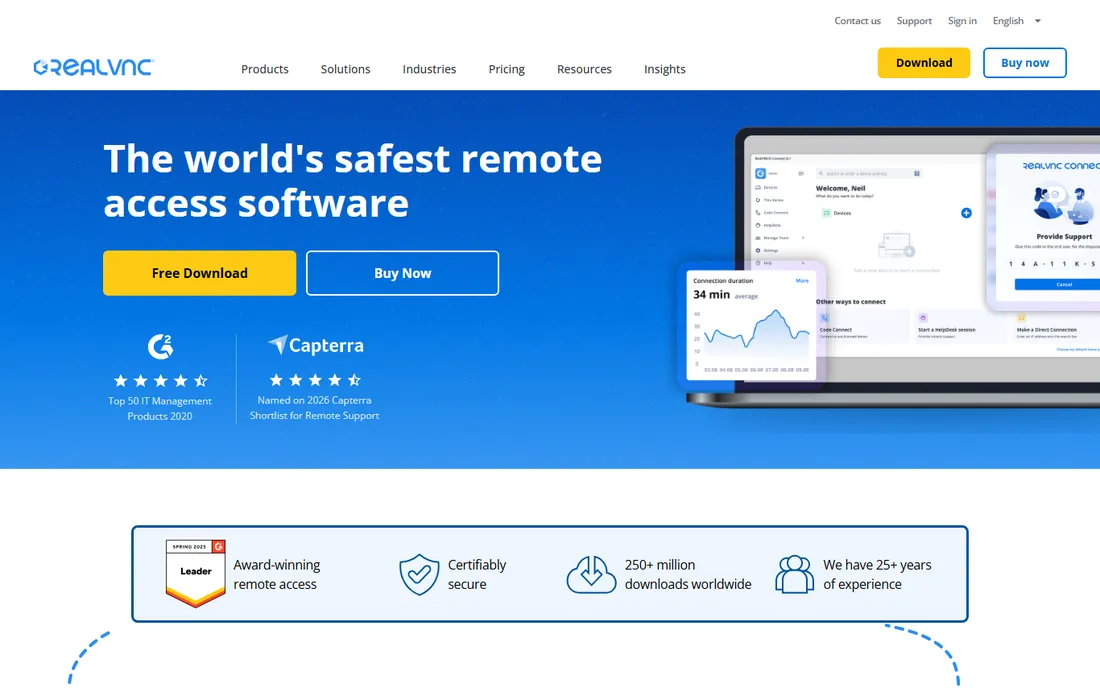
RealVNC Connect comes from the company that created VNC itself, and it shows in the security posture. Full session encryption, granular permissions, and an on-premises management console make it a fit for regulated industries and IT teams that need control. It is trusted by a large share of Fortune Global 500 companies, with plans from $8.25 per month and a free Home plan for personal use.
The honest catch is usability. Setup and configuration assume more technical comfort than TeamViewer or AnyDesk, and the session experience is workmanlike rather than delightful. For security-first organizations that want proven, configurable remote access, it is a solid and often cheaper alternative.
What we like- Built by the creators of VNC with strong security focus
- Highly configurable for regulated environments
- On-premises management option
Watch out for- Less beginner-friendly than TeamViewer
- Session features lag behind the slickest rivals
Starting priceFree
Free planYes (free forever)
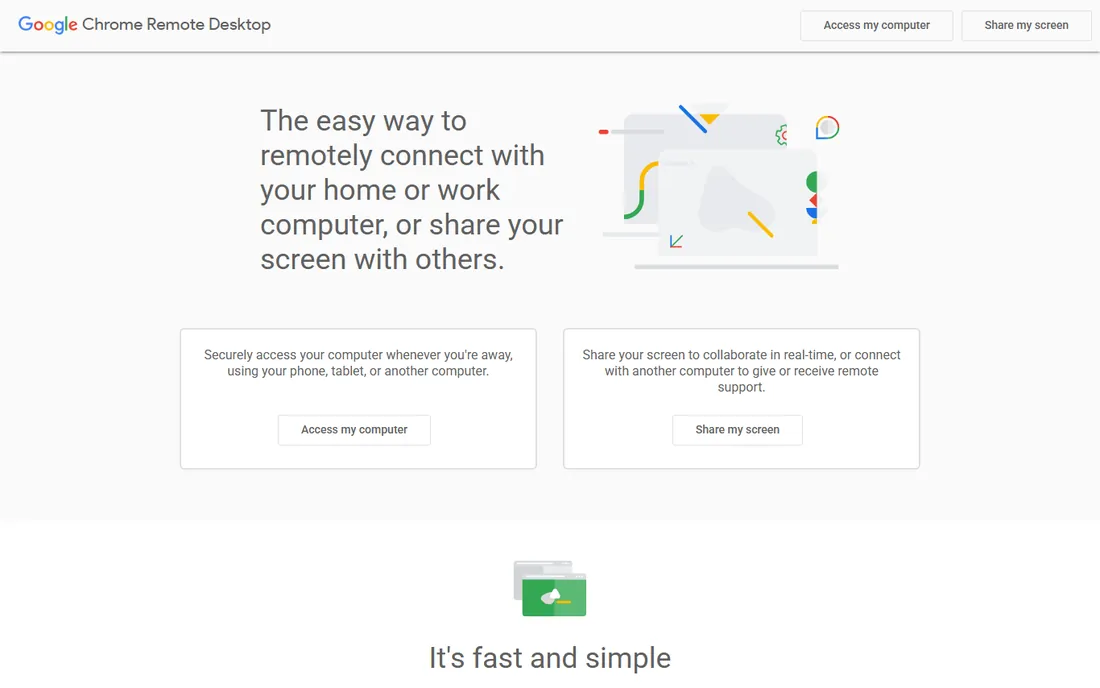
Chrome Remote Desktop is Google's free answer to remote access, and for personal use it is genuinely enough. Install the extension, sign in, and you can reach your home or work computer from your phone, tablet, or another computer. Screen sharing for ad-hoc help works too. There is no cost, no trial clock, and no feature gate.
The honest catch is the thin feature set. There is no file transfer, no chat, no multi-monitor handling, and nothing for managing multiple machines or supporting clients. It is a personal tool, not a business one. If all you need is reaching your own computer from elsewhere, stop here and save your money.
What we like- Completely free with no time limits
- Dead simple setup through a Google account
- Works in the browser and on mobile
Watch out for- No file transfer between computers
- No multi-monitor support or session recording
- Not meant for IT support teams
Starting priceFrom $30/month (billed annually)
Free planFree trial
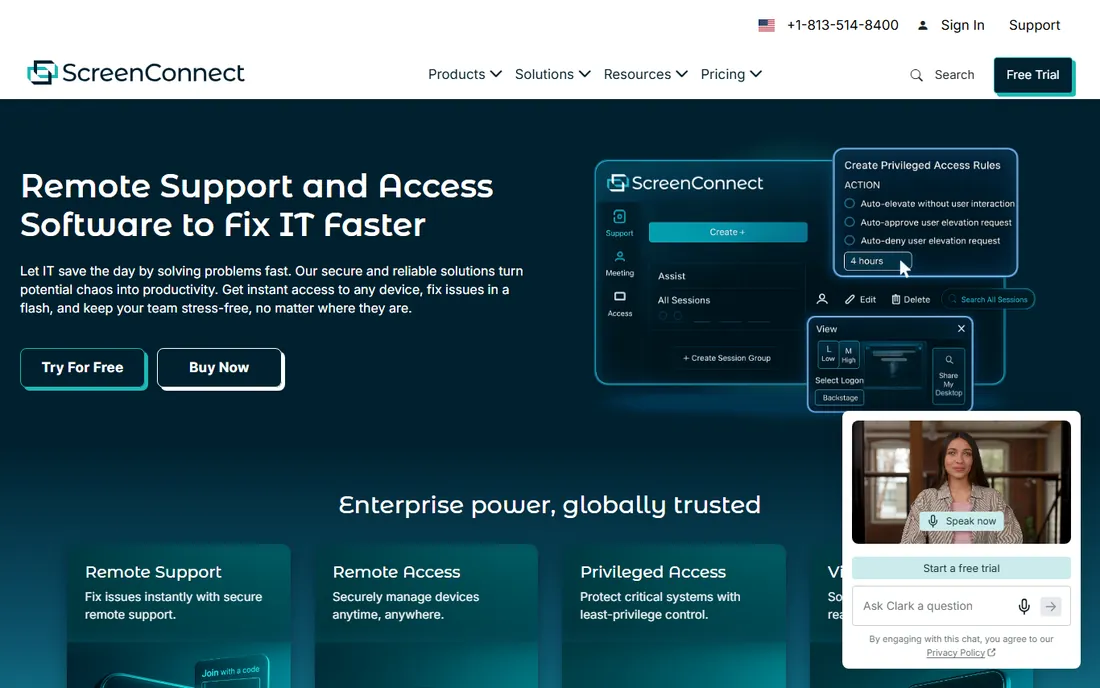
ConnectWise ScreenConnect, formerly ConnectWise Control, is the technician's remote tool. Beyond standard remote sessions, it offers a shared toolbox for deploying scripts, backstage access that works without disturbing the user, event-driven automation, and a marketplace of extensions. You can host it in the cloud or on your own servers. Pricing starts at $30 per month billed annually.
The honest catch is the audience. This is software for IT professionals and MSPs, and everything from pricing to interface assumes that. Casual users and small businesses will find it overpowered and overpriced. For support teams that live in remote sessions all day, the workflow features justify the cost.
What we like- Built for technicians with toolbox, backstage access, and automation
- Cloud or on-premises hosting
- Deep extension library
Watch out for- Priced for professionals, not casual users
- Interface assumes IT knowledge
How we chose
We compared eight remote computer software tools spanning free utilities to professional support platforms, checking vendor homepages and documentation in October 2026, alongside public pricing comparisons and buyer discussions on review sites and tech forums. We prioritized published pricing, connection performance, security features, unattended access, platform coverage, and fit for personal use versus IT teams. No vendor paid for placement, and nothing here is based on hands-on product testing.
Start with the job. Reaching your own computer from elsewhere is a free problem: Chrome Remote Desktop handles it. Supporting clients or managing company machines is a paid problem, and the choice splits between value (RemotePC, Splashtop) and brand depth (TeamViewer, AnyDesk).
Then count the people and machines. Per-user pricing punishes large teams, which is why RemotePC's unlimited-user Team plan and RealVNC's per-device model can beat per-technician pricing at scale. Finally, test on your worst network. Remote desktop quality varies enormously with bandwidth, and a trial on a bad connection tells you more than any feature list.
Free vs. paid remote desktop: where the line sits
Free tools cover personal access completely. Chrome Remote Desktop, TeamViewer's personal tier, AnyDesk's free version, and RealVNC's Home plan all let you reach your own machines at no cost. If that is the whole job, paying for software buys you nothing.
The line appears with business use. Unattended access to many machines, session recording, multi-user support, and commercial licensing all sit behind paid plans. The good news is how cheap the paid tier can be: RemotePC and Splashtop deliver professional remote access for the price of a coffee or two per month.
Frequently asked questions
What is the best remote computer software?
TeamViewer is the best-known all-rounder, AnyDesk is fastest on poor connections, Splashtop offers the best performance per dollar, and RemotePC is the cheapest full-featured option. For free personal use, Chrome Remote Desktop is the simplest choice.
Is TeamViewer really free?
TeamViewer is free for personal, non-commercial use. Business use requires a paid license starting at $24.90 per user per month billed annually. The company actively detects commercial use, so businesses should not rely on the free tier.
What is the cheapest remote desktop software for business?
RemotePC is the cheapest mainstream option at $2.46 per month for Solo, with flat-rate team plans. Splashtop starts at $6 per user per month. Both undercut TeamViewer and AnyDesk significantly for comparable remote access features.
Can I access my computer from my phone?
Yes. Every tool on this list offers iOS and Android apps for connecting to your computers remotely. Chrome Remote Desktop and the paid tools all support mobile access, though the experience is best for quick tasks rather than full workdays.
Is remote desktop software secure?
The reputable tools here use AES-256 encryption, two-factor authentication, and device authorization. Security incidents in this category almost always come from weak passwords or reused credentials rather than the software itself. Enable 2FA and use strong, unique passwords on every account.
What is the difference between remote access and remote support?
Remote access means connecting to your own unattended computers, like reaching your office PC from home. Remote support means connecting to someone else's computer to help them, usually with their permission each time. Most paid tools do both; free tools mostly do the former.
Sources we checked (10)
- https://teamviewer.com/
- https://anydesk.com/
- https://remotepc.com/
- https://www.splashtop.com/
- https://www.zoho.com/assist/
- https://realvnc.com/
- https://remotedesktop.google.com/
- https://connectwise.com/software/control
- https://www.channelinsider.com/tech-companies/top-remote-desktop-software-vendors/
- https://www.techradar.com/news/best-remote-desktop-software
Is your product missing or out of date?
We review this list regularly. Vendors can request a listing, send updated pricing or ask about featured placement.

Shihab Mia · Founder, Rankite
Shihab has spent more than a decade helping SaaS and e-commerce brands grow through search. He writes Rankite's software buying guides from pricing pages, documentation and public user reviews. More about Shihab.