How we make this list: we compare pricing pages, product documentation and public user reviews. Rankite is independent; if a vendor ever pays for a featured spot, that listing is clearly labeled Partner.
Key takeaways
- Disk Drill is the easiest starting point for non-technical users, with a free scan and preview before you pay anything.
- Recuva is the cheapest way in: fully free with no data cap, best for recently deleted files on healthy drives.
- DMDE gives professionals power for almost nothing: a generous free tier and a one-time $48 Standard license.
- R-Studio and GetDataBack are the technician favorites, both sold as one-time licenses with no subscription.
- EaseUS and Wondershare Recoverit hold your hand the most, but their monthly plans are the priciest in this list.
- No software recovers overwritten files or fixes a physically dead drive. Clicking or grinding noises mean a recovery lab, not an app.
Quick comparison
| Tool | Best for | Starting price | Free plan |
|---|
 Disk Drill Disk Drill | home users who want an easy scan before paying | $89 per year (Pro subscription; $149 lifetime license also available) | Yes (free scan and preview; up to 100 MB recovery on Windows) |
 EaseUS Data Recovery Wizard EaseUS Data Recovery Wizard | beginners who want a guided three-step recovery | $69.95 per month ($99.95 per year; $149.95 lifetime) | Yes (up to 2 GB free recovery) |
 Recuva Recuva | quick free recovery of recently deleted files | See website | Yes (fully functional free version with no data cap) |
 Stellar Data Recovery Stellar Data Recovery | users who want clear guarantees and responsive support | $59.99 per year (Standard) | Yes (1 GB free recovery plus free preview) |
 R-Studio R-Studio | technicians, IT staff and RAID recovery | $79.99 one-time | Free trial (scan and preview; recovery limited to small files) |
 Wondershare Recoverit Wondershare Recoverit | corrupted video, photo repair and unbootable PCs | $69.99 per year (Essential plan) | Yes (up to 500 MB free recovery) |
 DiskGenius DiskGenius | partition recovery combined with disk management | $69.90 one-time (Standard) | Yes (free scan; recovery limited to files 64 KB or smaller) |
 GetDataBack GetDataBack | fast, no-nonsense recovery on a budget | $79 one-time (lifetime license with free upgrades) | Free trial (scan and preview before buying) |
 DMDE DMDE | technical users who want professional power for little money | $20 per year (Express) or $48 one-time (Standard) | Yes (recover up to 4,000 files per folder per run, unlimited runs) |
Is your product missing or out of date?
We review this list regularly. Vendors can request a listing, send updated pricing or ask about featured placement.
Full Recovery Suites for Windows PCs
Starting price$89 per year (Pro subscription; $149 lifetime license also available)
Free planYes (free scan and preview; up to 100 MB recovery on Windows)
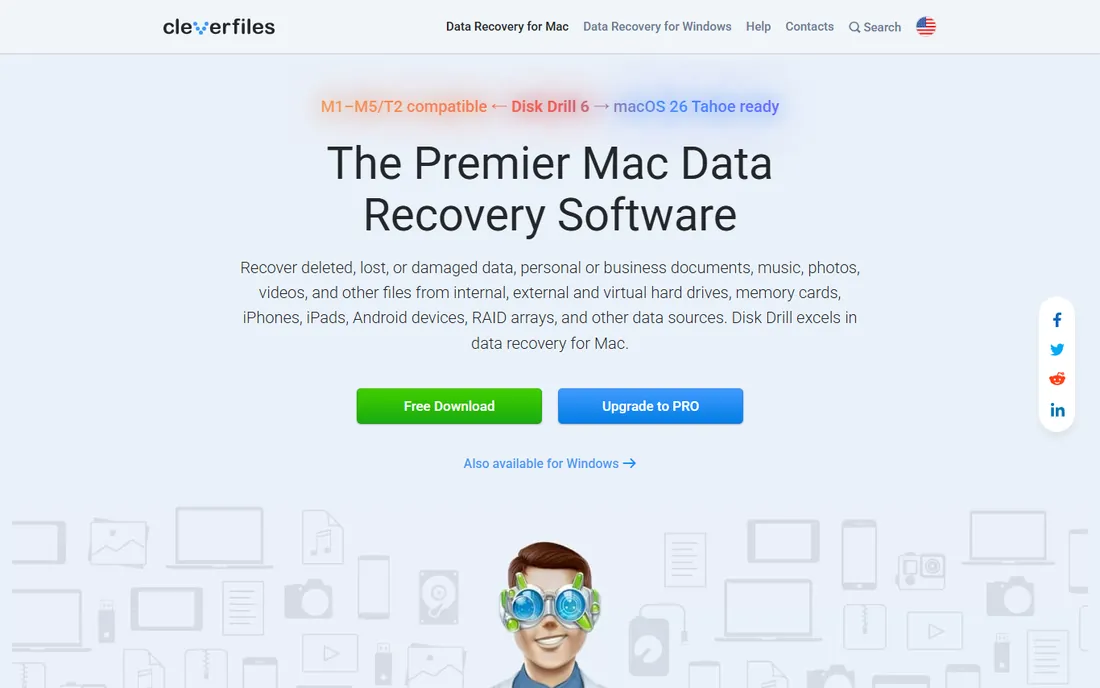
Disk Drill is the tool to try when you have never done data recovery before. The workflow is scan, preview, then decide. You can see your lost photos and documents in the preview window before spending anything, which removes the worst part of buying recovery software: paying and finding nothing.
One license covering both Windows and Mac on three devices is genuinely useful in a mixed household. The 100 MB free recovery limit on Windows is enough to test with a few documents, but a photo library will need the paid tier. The honest catch is the pricing model. A subscription makes sense if you recover data once, but over three years it costs more than several one-time rivals in this list.
What we like- One license covers Windows and Mac on up to three devices
- Clear preview of recoverable files before payment
- Modern interface that non-technical users can follow
Watch out for- Free recovery capped at 100 MB on Windows
- Subscription costs add up over the years
#2
EaseUS Data Recovery Wizard
Best for: beginners who want a guided three-step recovery
Visit easeus.com
Starting price$69.95 per month ($99.95 per year; $149.95 lifetime)
Free planYes (up to 2 GB free recovery)
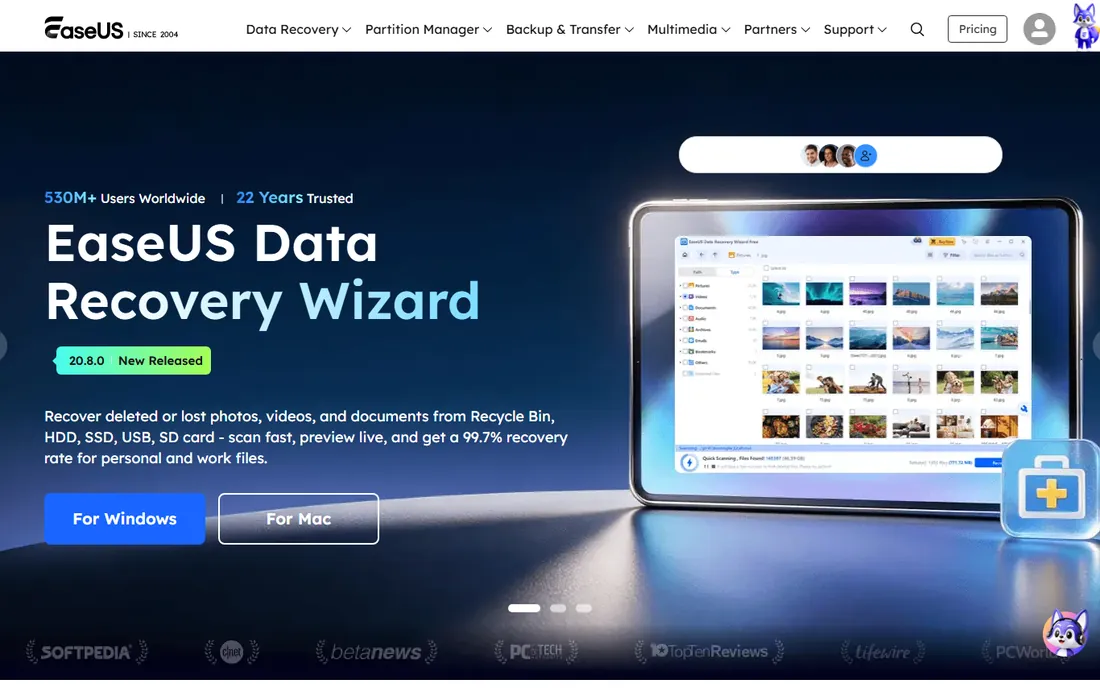
EaseUS built its reputation on being the recovery tool your non-technical relative can actually use. Three steps, big buttons, plain language. The 2 GB free recovery is the most generous free allowance among the beginner-friendly tools here, enough to rescue a real folder of documents or a few hundred photos without paying.
The price is where you pause. At $69.95 for a single month, it is the most expensive way to handle a one-time recovery. The yearly plan at $99.95 softens that only if you expect to need the tool again. Also note the single-PC license: move to a new computer and you will need support to transfer it. For a one-off job, use the free 2 GB first and only upgrade if the scan finds what you need.
What we like- Generous 2 GB free recovery allowance
- Simple select, scan, recover workflow
- Supports over 1,000 file types with preview
Watch out for- Monthly plan is the priciest entry option in this list
- License covers one PC only
Starting priceSee website
Free planYes (fully functional free version with no data cap)
Recuva is the first tool to try when a file was deleted recently and the drive is otherwise healthy. It is free without the usual asterisks: no data cap, no recovery limit, no expiring trial. The deep scan mode digs harder for files that the quick scan misses, and it works on memory cards and USB drives as well as internal disks.
Keep expectations realistic. Recuva shines at undelete jobs and fades on formatted drives, lost partitions and crashed systems. If the quick and deep scans find nothing usable, move up to a heavier tool rather than buying the Pro version. The paid tier adds virtual hard drive support and automatic updates, not better recovery. For simple deletions, though, nothing beats the price.
What we like- Free version has no recovery limit
- Tiny download that runs fast
- Secure overwrite for permanently deleting sensitive files
Watch out for- Windows only
- Struggles with formatted drives and complex cases
- Interface looks dated
Starting price$59.99 per year (Standard)
Free planYes (1 GB free recovery plus free preview)
Stellar sits in the comfortable middle of the market: polished, well supported, and priced between the free tools and the technician-grade options. The 1 GB free tier plus unlimited preview means you can verify results before paying, and the 30-day money-back guarantee lowers the risk further if the recovery disappoints.
The tier ladder matters here. The Standard plan handles deletions and formatted drives. Lost partitions need Professional, and corrupt video or photo repair needs Premium. Check which tier your case needs before buying, because the Standard plan cannot be stretched upward after the fact. Support quality is a real selling point: Stellar answers tickets quickly compared with most rivals.
What we like- 1 GB free recovery with full preview before purchase
- 30-day money-back guarantee
- Higher tiers add partition, RAID and video repair
Watch out for- Annual subscription with auto-renewal
- Serious cases need the Professional or Premium tier
#5
R-Studio
Best for: technicians, IT staff and RAID recovery
Visit r-tt.com
Starting price$79.99 one-time
Free planFree trial (scan and preview; recovery limited to small files)
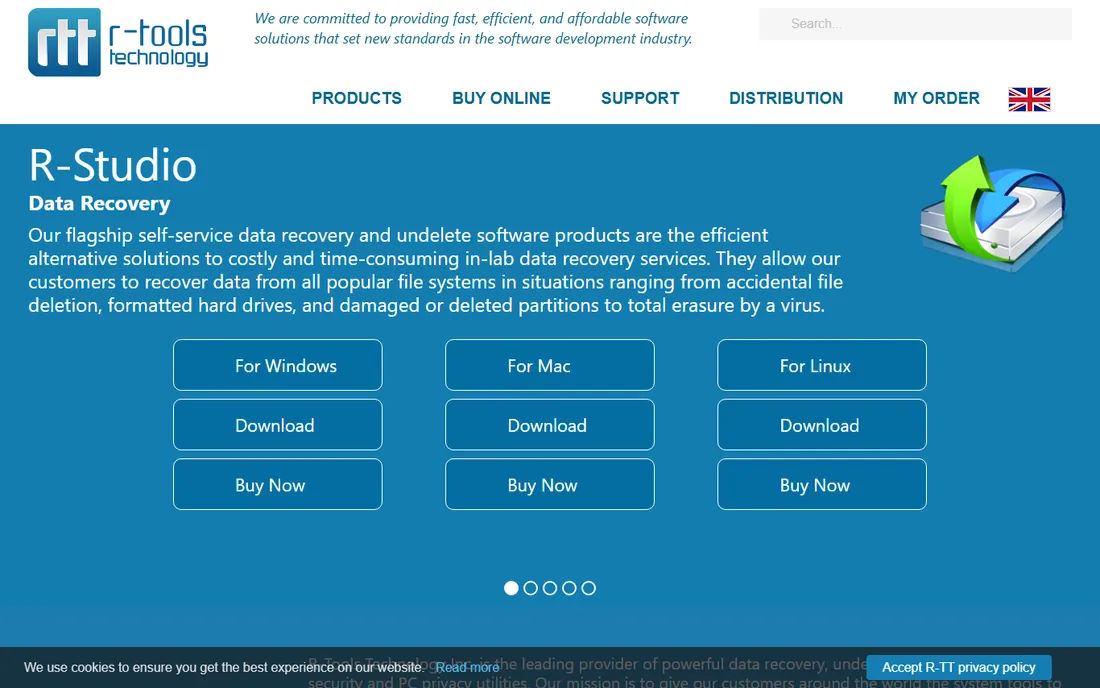
R-Studio is the tool data recovery professionals actually keep installed. It handles RAID arrays, disk images, hex editing and network recovery, things most consumer tools never attempt. The one-time $79.99 license is honest pricing: pay once, use it for years, no renewal nagging.
That power comes with a learning curve. The interface assumes you know what a file system is, and the scan options can confuse a first-timer into a worse outcome. This is not the tool for recovering last week's deleted photos. It is the tool for a formatted RAID, a corrupted partition table, or a drive that other software gave up on. Buy it when the case is technical; skip it when the case is simple.
What we like- One-time license with no subscription
- RAID reconstruction and network recovery built in
- Runs on Windows, Mac and Linux
Watch out for- Technical interface that intimidates home users
- Overkill and overpriced for a simple undelete job
Starting price$69.99 per year (Essential plan)
Free planYes (up to 500 MB free recovery)
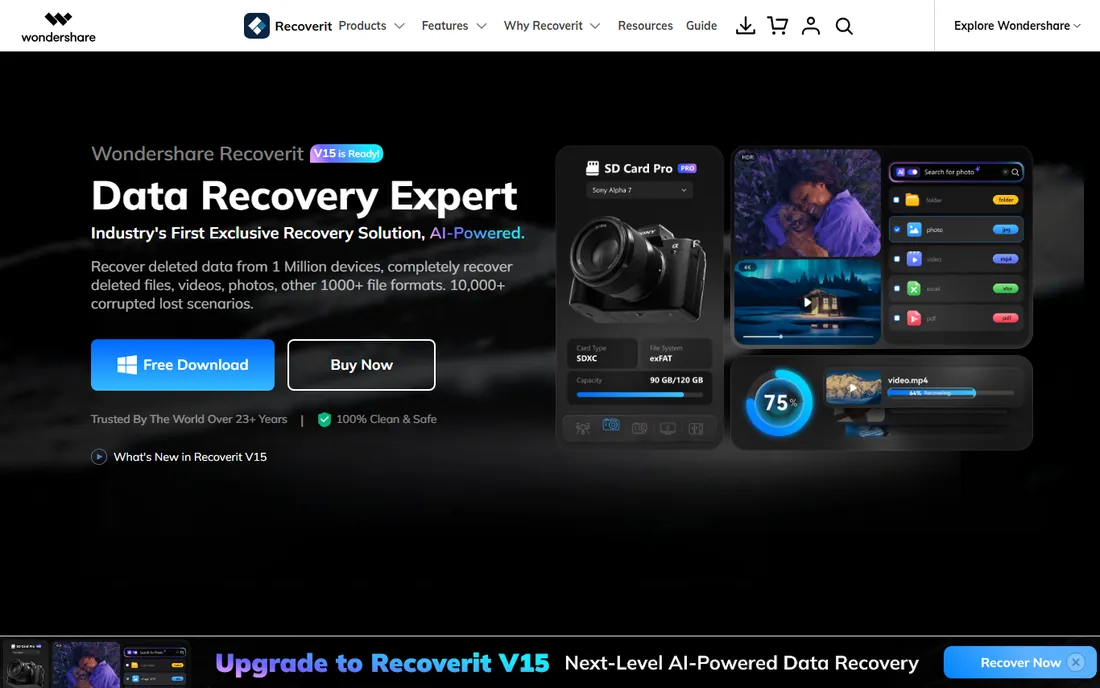
Recoverit earns its place with two specialties: video and unbootable systems. Its enhanced recovery mode reassembles fragmented video files that other tools return as unplayable, and the bootable media creator lets you recover from a PC that cannot start Windows. Few consumer tools cover both.
The free tier allows 500 MB of recovery, enough to test the tool on real files. Pricing runs from the Essential plan upward through Standard and Premium, which add bootable tools and advanced video features. Be ready for promotional pricing that changes often; the price you see at checkout may differ from the price quoted in reviews. Verify the final cart before paying, and pick the plan that matches your case rather than the cheapest one.
What we like- Guided video recovery and repair for damaged footage
- Bootable media for PCs that will not start
- NAS and Linux recovery support
Watch out for- Monthly pricing is expensive for one-time use
- Installer and scan screens push upsells
Starting price$69.90 one-time (Standard)
Free planYes (free scan; recovery limited to files 64 KB or smaller)
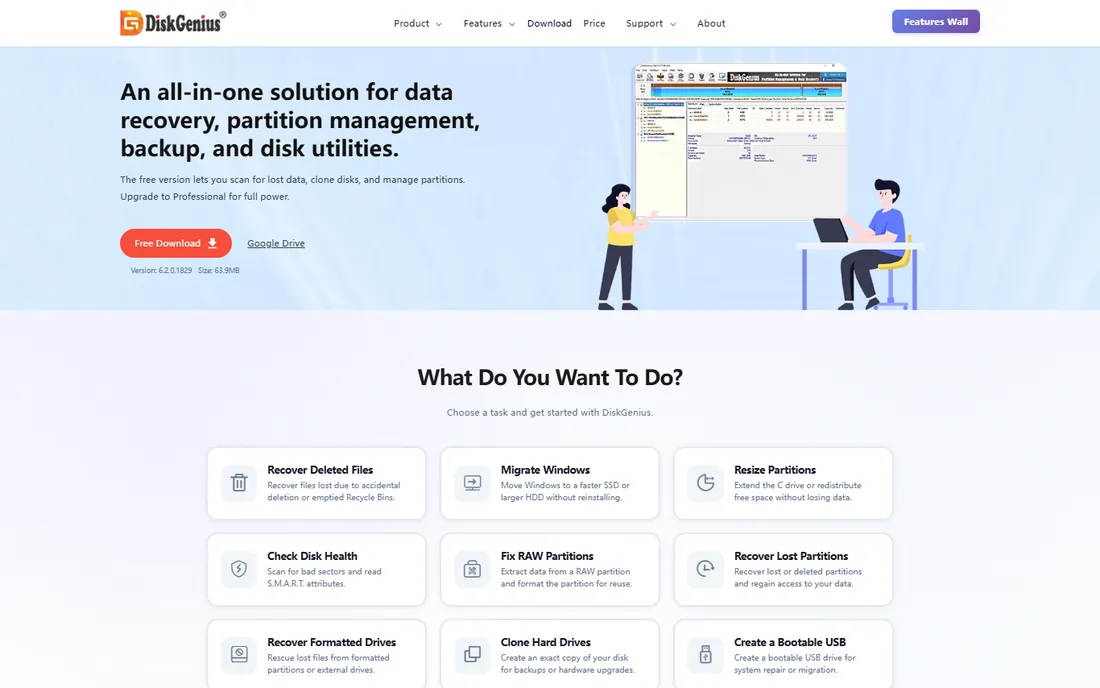
DiskGenius is two products in one: a capable partition manager and a data recovery tool. That combination matters when the problem is a lost or damaged partition rather than a deleted file, because you can inspect, repair and recover without switching programs. The Standard license at $69.90 one-time is fair for what it does.
The free version is honest but limited: it scans and finds everything, then only lets you recover files of 64 KB or less. Treat it as a diagnostic step. The Pro tier adds the hex editor, virtual RAID reconstruction and BitLocker support for technical users. One caution from user reports: recovery results vary, so always use the free scan to confirm your files are found before buying.
What we like- Partition manager, backup and recovery in one program
- One-time pricing with no subscription
- Hex editor and RAID tools in the Pro tier
Watch out for- Free tier only recovers tiny files, so it is preview-only in practice
- Dense interface for beginners
Starting price$79 one-time (lifetime license with free upgrades)
Free planFree trial (scan and preview before buying)
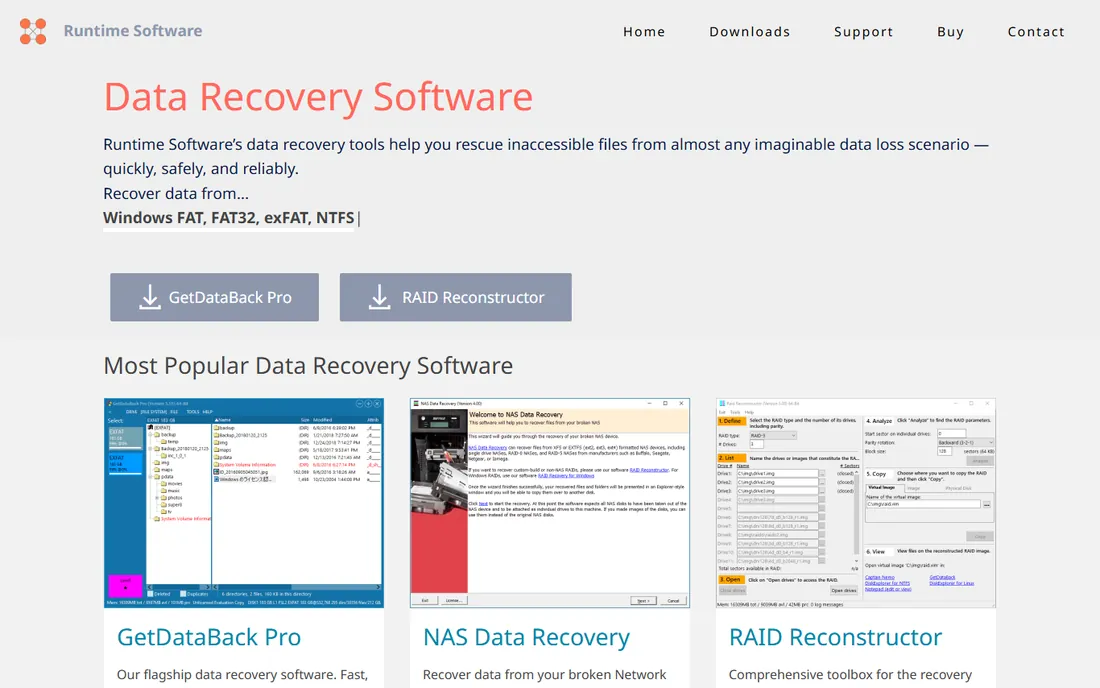
GetDataBack Pro from Runtime Software is a quiet favorite among technicians: small, fast, and sold as a $79 lifetime license with free upgrades. It handles NTFS, FAT, exFAT, EXT, HFS+ and APFS, so one purchase covers drives from Windows, Mac and Linux machines. The read-only design is a safety feature worth noting: the program will not write to the drive you are recovering, which protects against making things worse.
The interface will not win design awards, and finding the right partition on a damaged drive takes some trial and error. But the recovery engine is well regarded, and the price is a single payment rather than a subscription. Try the free demo first; it shows you exactly what is recoverable before you pay.
What we like- Lifetime license includes free upgrades forever
- Lightweight with very fast scans
- Read-only operation never writes to the damaged drive
Watch out for- Dated interface that looks older than it is
- Runs on Windows even when recovering Mac or Linux file systems
#9
DMDE
Best for: technical users who want professional power for little money
Visit dmde.com
Starting price$20 per year (Express) or $48 one-time (Standard)
Free planYes (recover up to 4,000 files per folder per run, unlimited runs)
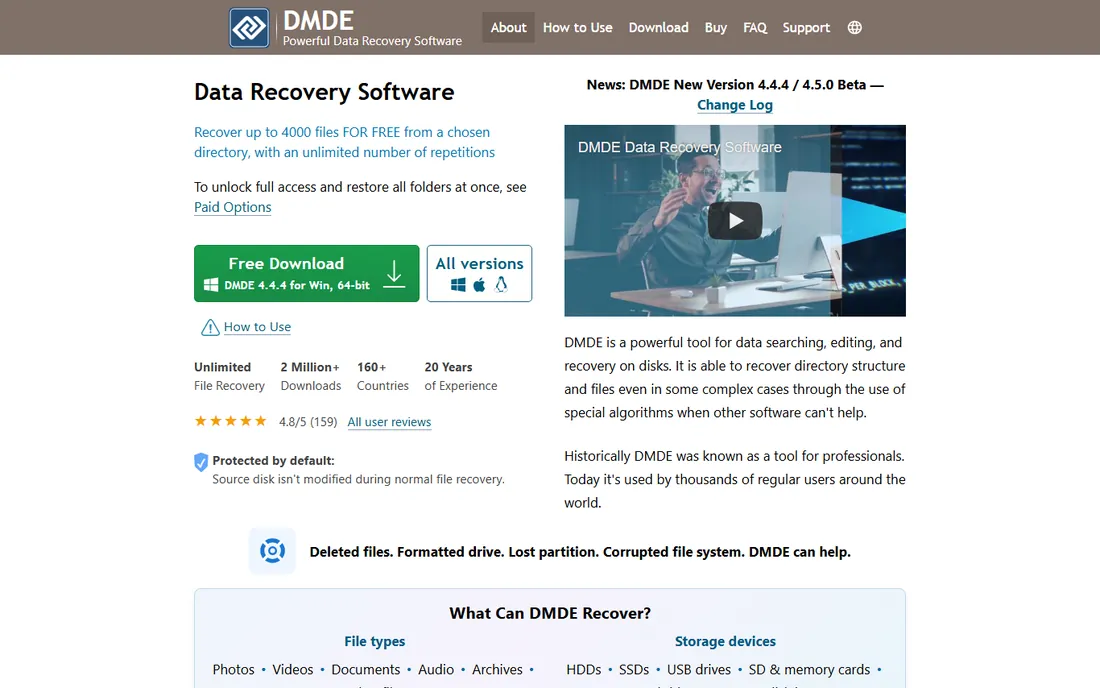
DMDE is the price-performance champion of data recovery. The free edition recovers up to 4,000 files per folder with no limit on the number of runs, which means patient users can recover a whole drive for nothing. The $48 Standard license is a one-time payment with lifetime updates, undercutting nearly every rival.
The trade-off is the interface. DMDE looks like an engineering tool because it is one: disk editor, partition search, RAID constructor. Used carelessly, the same features that recover data can destroy it, so read the manual before touching the disk editor. For technically confident users, nothing else offers this much capability at this price.
What we like- Most generous free tier in this list
- Runs on Windows, Mac, Linux and DOS
- Portable with no installation needed
Watch out for- Sparse interface that assumes technical knowledge
- The disk editor can cause damage if misused
How we chose
We compared vendor pricing pages, feature lists and documentation against public reviews on G2, Capterra and Reddit threads from people who lost real data. We weighted free recovery allowances, license models, file system support and honest limitations. We did not claim hands-on testing. Prices change with promotions, so treat every figure as a starting point and confirm the final cart before buying.
Match the tool to the damage
Deleted files on a healthy drive need only a simple undelete tool like Recuva or Glary-style freeware. Formatted drives, lost partitions and RAW file systems need a full suite: Disk Drill, EaseUS, Stellar or R-Studio. Physically failing drives with strange noises need a lab, not software.
Let the free tier decide your first attempt
Every tool here offers some free scan or recovery. Run the free scan first and check the preview. If your files appear with their original names and plausible sizes, the paid version will likely succeed. If the scan finds nothing, try a different engine before paying anyone.
Subscription versus one-time
Data loss is usually a one-time event, which makes one-time licenses (R-Studio, GetDataBack, DMDE Standard, DiskGenius) the better value for most buyers. Subscriptions (EaseUS, Stellar, Recoverit, Disk Drill) make sense only if you manage several computers or expect repeat incidents.
Check the license fine print
Most licenses cover one PC. Moving to a new computer usually needs a support ticket to transfer. Technician and multi-PC use needs a higher tier. Confirm all of this on the vendor's pricing page before checkout, not after.
When Software Alone Will Not Save the Drive
Software recovery works when the drive is physically healthy but logically damaged: deleted files, formatted partitions, corrupted file systems. It cannot help when the drive has mechanical failure. Clicking, beeping or grinding sounds, a drive that disappears and reappears, or a burning smell all mean you should power the drive off and contact a professional lab.
Also stop if the data is on an SSD with TRIM enabled and some time has passed. TRIM erases deleted blocks quickly, and no consumer software reverses that. In that situation, check your backups and cloud file history first; they succeed more often than any recovery scan.
Frequently asked questions
Can data recovery software recover files from a formatted drive?
Often yes, if the format was quick and little new data was written afterward. A quick format only rebuilds the file system index; the file data stays until overwritten. Run a deep scan as soon as possible and recover to a different drive. A full format that overwrites every sector leaves nothing to recover.
Is free data recovery software safe to use?
Reputable free tools from the vendors in this list are safe when downloaded from their official sites. Avoid cracked versions and unknown mirrors, which often carry malware. Never install recovery software on the drive you are recovering from; install it on a different drive or run a portable version from USB.
How long does a deep scan take?
It depends on drive size and condition. A 500 GB healthy drive may take one to three hours; a damaged 2 TB drive can take a day or more. Slow or unstable drives scan slower. Let the scan finish before judging the results, and never interrupt a scan on a failing drive.
Why do recovered files sometimes have wrong names?
When the file system index is damaged, recovery tools find files by their data signatures rather than their directory entries. PhotoRec-style carving returns files with generic names like file001.jpg. Tools that rebuild the index, like R-Studio or Disk Drill, preserve original names more often. Check the preview to see which you are getting.
Should I try multiple tools on the same drive?
Yes, with one precaution: never write anything to the affected drive between attempts. Install each tool on a different drive or use portable versions. Different scan engines find different files, so a second scan after a failed first attempt is reasonable. Stop and consider a lab if the drive is making noises or scans keep freezing.
Sources we checked (15)
- https://www.cleverfiles.com
- https://www.easeus.com
- https://www.ccleaner.com/recuva
- https://www.stellardata-recovery.com
- https://www.r-tt.com
- https://recoverit.wondershare.com
- https://www.diskgenius.com
- https://www.runtime.org
- https://dmde.com
- https://www.dealarious.com/blog/easeus-data-recovery-wizard-pro-review/
- https://www.topconsumerreviews.com/best-data-recovery-products/
- https://recoverit.wondershare.com/free-data-recovery/disk-drill-free-data-recovery-review.html
- https://crowdmob.com/wondershare-recoverit-review/
- https://www.techradar.com/reviews/getdataback-pro-review
- https://www.digitaltrends.com/computing/dmde-review/
Is your product missing or out of date?
We review this list regularly. Vendors can request a listing, send updated pricing or ask about featured placement.

Shihab Mia · Founder, Rankite
Shihab has spent more than a decade helping SaaS and e-commerce brands grow through search. He writes Rankite's software buying guides from pricing pages, documentation and public user reviews. More about Shihab.