How we make this list: we compare pricing pages, product documentation and public user reviews. Rankite is independent; if a vendor ever pays for a featured spot, that listing is clearly labeled Partner.
Key takeaways
- Laserfiche and OnBase by Hyland are the enterprise heavyweights, with deep records lifecycle management and compliance certifications.
- M-Files and DocuWare suit mid-sized organizations that need strong document control without enterprise complexity.
- Revver and FileHold offer approachable per-user pricing for smaller teams getting serious about records.
- LogicalDOC is the budget and open-source option, with a free Community Edition for self-hosted setups.
- SharePoint, already inside Microsoft 365, is the pragmatic pick for organizations that want records management without another vendor.
Nobody buys records management software because they want to. They buy it because an audit is coming, a regulator is asking questions, or someone just spent three days looking for a contract that should have taken three minutes. Records management is infrastructure: invisible when it works, catastrophic when it does not.
The nine platforms below span the full range, from enterprise content services suites to a free open-source option. The right choice depends on your compliance obligations, your existing software, and how much structure your records actually need.
Quick comparison
| Tool | Best for | Starting price | Free plan |
|---|
 Laserfiche Laserfiche | Regulated industries needing full lifecycle control | $93 per user/month (Business, billed annually) | Free trial |
 M-Files M-Files | Finding documents by what they are, not where they sit | See website | Free trial |
 DocuWare DocuWare | Cloud-first document management with workflows | $30 per user/month | Free trial |
 OnBase by Hyland OnBase by Hyland | Enterprise content services at scale | See website | No |
 Revver Revver | Teams outgrowing shared drives | $25 per user/month | Free trial |
 FileHold FileHold | Microsoft shops wanting tight Office integration | See website | Free trial |
 LogicalDOC LogicalDOC | Open-source records on your own infrastructure | Free (Community Edition) | Yes |
 Gimmal Gimmal | Records governance on top of SharePoint | See website | No |
 SharePoint (Microsoft 365) SharePoint (Microsoft 365) | Records management without a new vendor | See website | Free trial |
Is your product missing or out of date?
We review this list regularly. Vendors can request a listing, send updated pricing or ask about featured placement.
Records Management Software Worth Shortlisting
Starting price$93 per user/month (Business, billed annually)
Free planFree trial
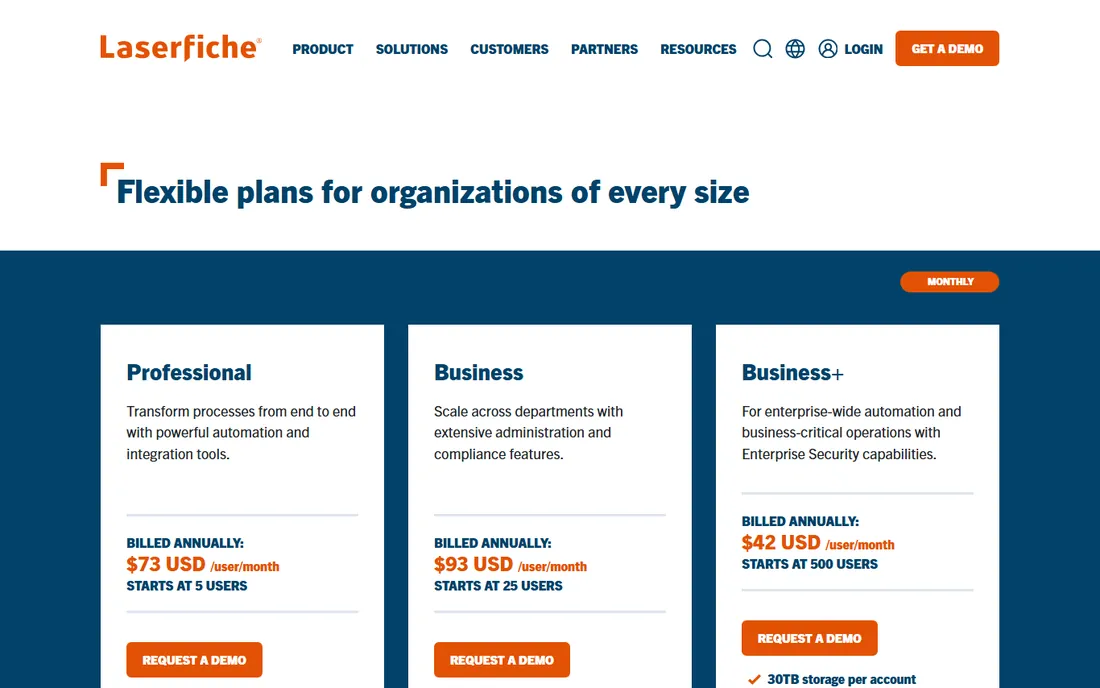
Laserfiche is the name that comes up first in government, education, healthcare, and financial services, and the product earns it. Records lifecycle management, legal holds, audit logging, and retention scheduling are built in rather than bolted on. The vendor's own pricing page lists the Business tier at $93 per user per month billed annually, with a 25-user minimum, and the security certifications include SOC 2 Type 2, HIPAA, and ISO 27001.
The cost and the minimums are the honest barriers. Small organizations will find the entry price steep, and reviewers consistently note that implementation benefits from professional services, which adds to the total. Trials are available on request. If you operate in a regulated industry with real retention obligations, Laserfiche is the benchmark everything else gets measured against.
What we like- Full records lifecycle management with legal holds
- SOC 2, HIPAA, and ISO 27001 certifications
- Strong workflow automation
Watch out for- $93 per user per month with a 25-user minimum prices out small teams
- Implementation usually needs professional services
#2
M-Files
Best for: Finding documents by what they are, not where they sit
Visit m-files.com
Starting priceSee website
Free planFree trial
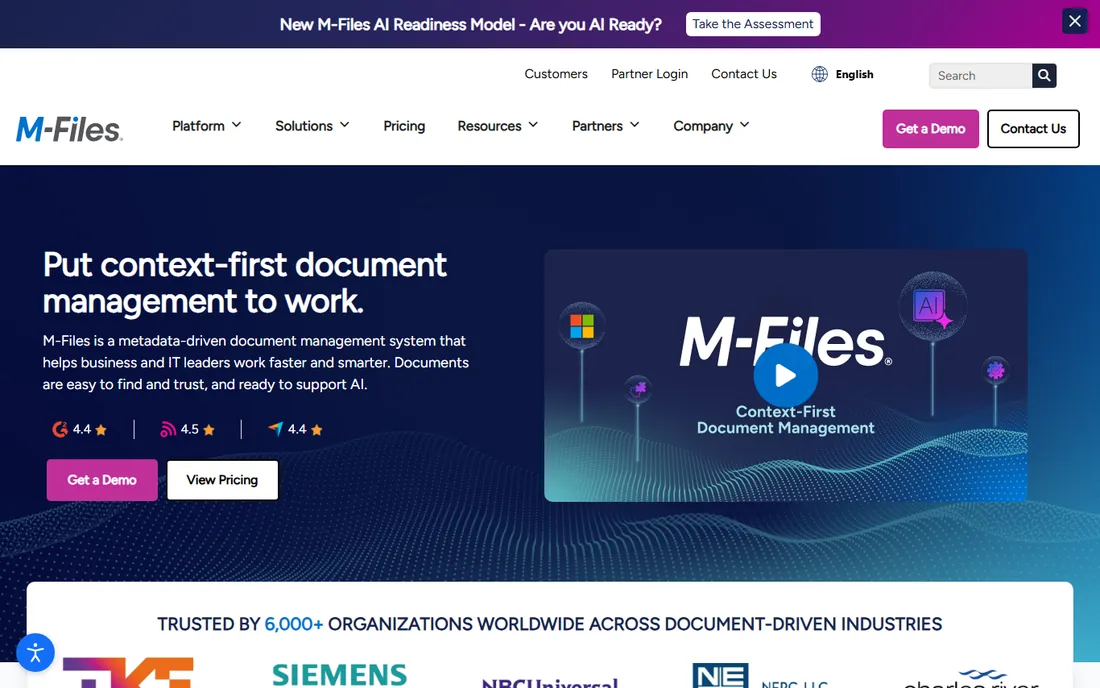
M-Files organizes documents by metadata rather than folder location, which sounds abstract until you watch someone find a contract in seconds without knowing where it was saved. The platform handles version control, permissions, retention, and audit trails with a governance focus that suits regulated mid-market companies. A free trial is available.
The catch is the sales process. M-Files does not publish pricing, so you will go through discovery calls to get a number, and third-party estimates vary widely. The metadata approach also requires a mindset shift: teams used to folders need training before the system clicks. Organizations that commit to the model tend to become loyal. Those that half-adopt it struggle.
What we like- Metadata-driven approach eliminates folder chaos
- Strong compliance and governance tooling
- Free trial available
Watch out for- Public pricing is not published, so budgeting requires a sales call
- The metadata model takes training to adopt
Starting price$30 per user/month
Free planFree trial
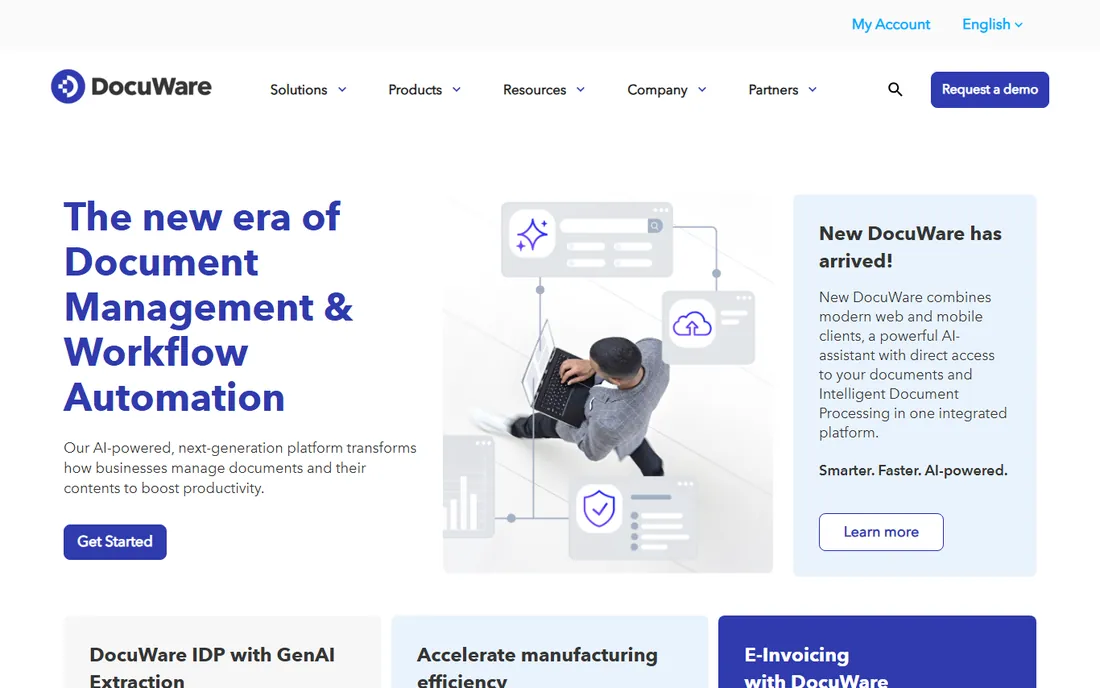
DocuWare is one of the more approachable enterprise-grade options. The vendor's own materials put cloud pricing from $30 per user per month, with a 30-day free trial of the full cloud product. Document capture, intelligent indexing, and workflow automation are genuine strengths, and the cloud deployment means no server management.
Pricing climbs meaningfully at the top end, with advanced tiers reaching $125 or more per user per month, so the $30 starting figure can be misleading for complex needs. Now owned by Ricoh, DocuWare has corporate stability behind it. For mid-sized companies that want cloud document management with real workflow capability, it is a strong shortlist candidate.
What we like- Transparent starting price of $30 per user per month
- 30-day free trial
- Strong capture and workflow automation
Watch out for- Higher tiers climb to $125 or more per user
- Advanced features need the pricier plans
#4
OnBase by Hyland
Best for: Enterprise content services at scale
Visit hyland.com
Starting priceSee website
Free planNo

OnBase is Hyland's flagship content services platform, and it shows in the breadth: document management, case management, workflow, capture, and records management in one modular system. It is deeply embedded in healthcare, higher education, and government, where its configurability handles complex, regulated processes. Hyland's scale as a vendor means the platform is not going anywhere.
Everything about OnBase signals enterprise. There is no public pricing, no free trial, and implementations are significant projects with consulting costs to match. Reviewers describe the modular licensing as flexible but potentially expensive as modules accumulate. This is a platform you buy with an RFP and a project team, not a credit card.
What we like- Deep, modular platform covering capture to case management
- Strong healthcare and government footprint
- Long vendor track record
Watch out for- No public pricing and no free trial
- Implementations are large projects with real consulting costs
Starting price$25 per user/month
Free planFree trial
Revver, formerly eFileCabinet, targets the team that has outgrown shared drives but is not ready for enterprise content services. Pricing is refreshingly transparent: Basic at $25 per user per month, Essentials at $67, and Full at $87, with a free trial and free guest licenses for outside collaborators. Archiving, retention, e-signatures, and workflow automation are all in the mix.
The honest weakness is the user experience. Reviews frequently describe the interface as dated or cumbersome, particularly around setup and template management. The price jumps between tiers are also steep: going from Basic to Full more than triples the per-user cost. For teams that value straightforward pricing and core records features over polish, it remains a practical choice.
What we like- Clear per-user pricing from $25 a month
- Free trial available
- Free guest access for external collaborators
Watch out for- Full-featured tier costs $87 per user per month
- Interface reviews are mixed on usability
Starting priceSee website
Free planFree trial
FileHold is built for organizations living in Microsoft 365. The integration with Office, Teams, and SharePoint is tighter than most competitors, with single sign-on across the stack. Notably, FileHold does not charge by document volume or storage, so heavy archives do not inflate the bill. A two-week free trial is available, and it can deploy on your own servers or on Azure.
Pricing is the friction point. It is quote-based and depends on user count, hosting choice, and optional features like OCR, so budgeting takes a conversation. Reviewers also note that setup and configuration can be involved enough to need assistance. For Microsoft-centric teams that want records control without leaving their ecosystem, the fit is natural.
What we like- Deep integration with Microsoft Office, Teams, and SharePoint
- No storage-based pricing
- Two-week free trial
Watch out for- Pricing is quote-based and varies by deployment
- Setup can require vendor assistance
Starting priceFree (Community Edition)
Free planYes
LogicalDOC is the outlier on this list: a genuinely open-source document management system with a free Community Edition. You get document control, full-text search, versioning, access control, and workflow automation without paying license fees. For organizations with IT capacity and tight budgets, particularly in education and the public sector, it is a legitimate option.
The trade-offs are support and polish. The Community Edition comes with community support, and commercial editions with vendor support are quote-based. The interface is functional rather than beautiful. But the price is unbeatable, the feature set is real, and self-hosting keeps your records entirely under your control. Evaluate it seriously before assuming you need a five-figure contract.
What we like- Community Edition is free and open source
- Full-text search and workflow included
- Runs on your own servers
Watch out for- Commercial editions are quote-based
- Community support only on the free tier
Starting priceSee website
Free planNo
Gimmal specializes in records management and information governance inside Microsoft 365. If your organization already runs on SharePoint and needs proper retention schedules, disposition workflows, and compliance controls, Gimmal adds the governance layer Microsoft does not fully provide on its own. It is a focused product from a focused vendor.
The SharePoint-centrism cuts both ways. Outside a Microsoft environment, there is little reason to consider it. Pricing is quote-based with no public figures, and there is no free trial, so evaluation means engaging sales. For Microsoft shops with formal records obligations, though, it is one of the most targeted options available.
What we like- Purpose-built records management for Microsoft 365
- Strong retention and disposition tooling
- Information governance focus
Watch out for- Quote-based pricing with no public numbers
- SharePoint-centric, so less useful outside Microsoft
#9
SharePoint (Microsoft 365)
Best for: Records management without a new vendor
Visit microsoft.com
Starting priceSee website
Free planFree trial
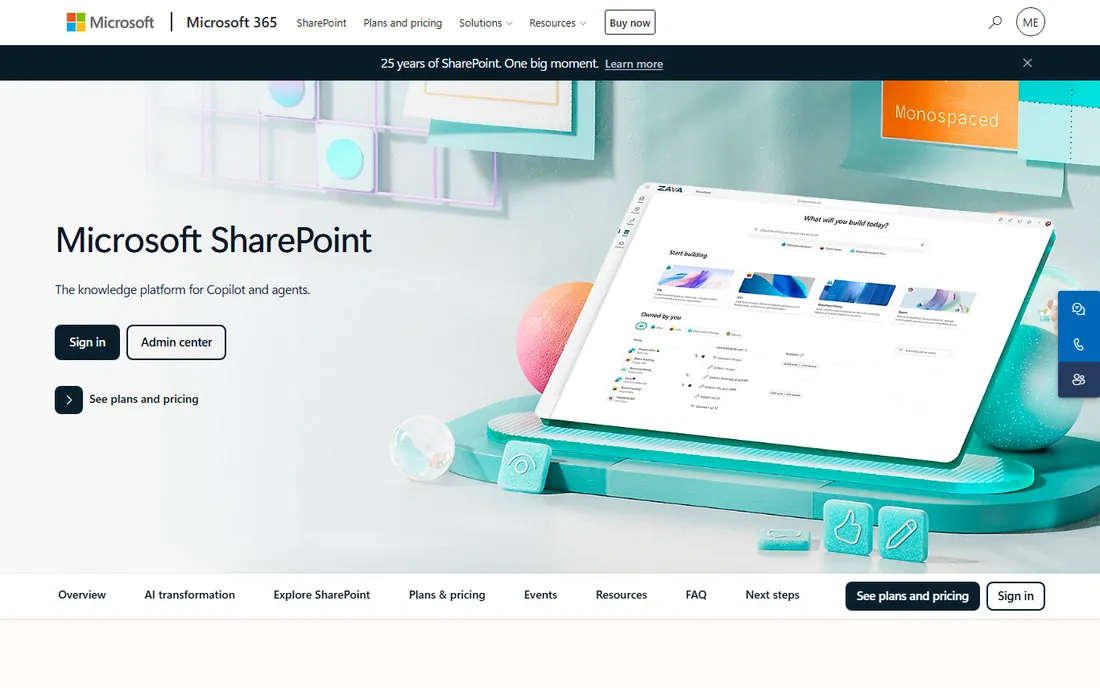
SharePoint is the records management system most organizations already own. Retention labels, retention policies, eDiscovery, and audit logging are built into Microsoft 365, and Purview adds deeper compliance tooling on higher plans. The vendor offers free trials of Microsoft 365, and pricing is published on Microsoft's site, though the plan matrix takes study.
The honest assessment is that SharePoint is a platform, not a finished records solution. Out of the box, it is a collaboration tool that can become a dumping ground without governance. Proper records management requires configuring retention, training users, and often adding Purview licenses. But the economics are compelling: if you already pay for Microsoft 365, the incremental cost of doing records properly is far below a dedicated platform.
What we like- Already included in Microsoft 365 plans most organizations own
- Retention labels and policies built in
- Massive ecosystem
Watch out for- Records features need configuration to meet strict compliance
- Can become disorganized without governance
How to Buy Records Management Software
Start with your obligations, not with features. A company subject to HIPAA, financial regulations, or government records schedules needs certified lifecycle management and legal holds. A 30-person firm that just wants contracts findable needs far less. Write down what rules apply to your records before you look at a single demo, because the compliance requirements eliminate half this list immediately.
Next, audit what you already own. Many organizations pay for Microsoft 365 E3 or E5, which includes records tooling they have never configured. Others have a DMS gathering dust from a previous initiative. A new purchase should fill a proven gap, not duplicate a shelfware license. This single step saves more money than any negotiation.
Separate must-haves from nice-to-haves
Retention scheduling, audit trails, access controls, and legal holds are the core of records management. Workflow automation, AI classification, and advanced analytics are valuable but secondary. Score vendors on the core first. A beautiful interface on a platform with weak retention controls is the wrong purchase for a compliance-driven buyer.
Plan the migration before you sign
Moving records into a new system is where these projects succeed or fail. Ask each vendor how migration works, what it costs, and who does it. Unstructured shared drives need classification and cleanup before migration, and that work takes longer than anyone estimates. Budget for it in time and money, not just software licenses.
Retention Schedules and Compliance Basics
A retention schedule defines how long each record type is kept and what happens when it expires. Every serious records program starts here, and the software enforces what the schedule dictates. If your organization does not have a written retention schedule, create one before buying software. The tool cannot decide your legal obligations for you.
Legal holds override retention schedules. When litigation is anticipated, relevant records must be preserved regardless of their normal destruction date. Confirm that any platform you consider supports holds that are easy to place, visible to administrators, and auditable. This is non-negotiable for any organization with litigation exposure.
Disposition should be automatic and documented. Records that reach end of life should be destroyed or archived according to policy, with a log of what happened. Manual disposition does not scale and creates liability. Ask vendors to demonstrate the full lifecycle, from creation through destruction, during the demo. If they cannot show it cleanly, keep looking.
How we chose
We compared vendor pricing pages, documentation, and compliance certifications for records management and enterprise content platforms. We checked public reviews on G2, Capterra, PeerSpot, and TrustRadius, focusing on implementation experience, records-specific features, and total cost. We weighted retention and lifecycle management, audit capabilities, certifications, and pricing transparency. We excluded general file-sharing tools that lack real records features. This is research-based comparison, not hands-on testing.
Frequently asked questions
What is the difference between document management and records management?
Document management handles active files: creation, collaboration, and version control. Records management governs the full lifecycle of official records, including retention schedules, legal holds, and certified destruction. Many platforms do both, but records management adds the compliance layer that document management alone lacks.
How much does records management software cost?
It ranges widely. LogicalDOC's Community Edition is free, Revver starts at $25 per user per month, DocuWare starts at $30, and Laserfiche's Business tier is $93 per user per month with a 25-user minimum. Enterprise platforms like OnBase are quote-based and typically run into five or six figures annually including implementation.
Do small businesses need records management software?
Most small businesses need organized document management more than formal records management. If you have no regulatory retention obligations, a well-configured SharePoint or a tool like Revver covers your needs. Formal records management becomes necessary when regulations, contracts, or litigation risk demand provable retention and destruction.
Can SharePoint handle records management on its own?
For many organizations, yes, with proper configuration. Retention labels, retention policies, and eDiscovery cover the fundamentals, and Microsoft Purview adds advanced compliance. Strict regulatory environments may still need a dedicated platform like Laserfiche or OnBase, but SharePoint is a legitimate starting point.
What is a legal hold?
A legal hold is a directive to preserve records relevant to anticipated or active litigation, overriding normal retention schedules. Records management software should let administrators place holds easily, track what is held, and produce audit logs proving compliance. Mishandling holds creates serious legal exposure.
Sources we checked (9)
- https://www.laserfiche.com/products/pricing/
- https://www.m-files.com
- https://start.docuware.com
- https://www.hyland.com
- https://www.revver.com
- https://www.filehold.com
- https://www.logicaldoc.com
- https://www.gimmal.com
- https://www.microsoft.com/en-au/microsoft-365/sharepoint/collaboration
Is your product missing or out of date?
We review this list regularly. Vendors can request a listing, send updated pricing or ask about featured placement.

Shihab Mia · Founder, Rankite
Shihab has spent more than a decade helping SaaS and e-commerce brands grow through search. He writes Rankite's software buying guides from pricing pages, documentation and public user reviews. More about Shihab.