How we make this list: we compare pricing pages, product documentation and public user reviews. Rankite is independent; if a vendor ever pays for a featured spot, that listing is clearly labeled Partner.
Key takeaways
- Draftable's free Online version handles most PDF compare jobs with no install, and the $129 per year Desktop version adds offline work.
- Litera Compare is the legal industry standard for redlining, with pricing on request and features built for law firm workflows.
- Beyond Compare at $35 one-time and Araxis Merge at $129 one-time are the best value paid tools for anyone comparing folders and files regularly.
- WinMerge and DiffNow are free and cover plain-text and document comparison for zero budget.
- Compare Suite and ExamDiff Pro fill the middle ground for Windows users who need Word and PDF comparison without an enterprise contract.
Quick comparison
| Tool | Best for | Starting price | Free plan |
|---|
 Litera Compare Litera Compare | legal redlining at scale | Pricing on request | No |
 Draftable Draftable | quick PDF comparison online | $129 per year (Desktop) | Yes |
 Diff Doc Diff Doc | Word and PDF comparison on Windows | $299.95 one-time | Free trial |
 Diffchecker Diffchecker | instant text and file diffs in the browser | $15 per user/month (Pro) | Yes |
 Beyond Compare Beyond Compare | folder and file comparison | $35 one-time (Standard) | Free trial |
 Araxis Merge Araxis Merge | three-way merge for professionals | $129 one-time (Standard) | Free trial |
 WinMerge WinMerge | free open-source file comparison | Free | Yes |
 DiffNow DiffNow | free online document comparison | Free | Yes |
 Compare Suite Compare Suite | Word and PDF diffs for business users | $70 one-time | Free trial |
 ExamDiff Pro ExamDiff Pro | lightweight file and folder diffs | $37.99 one-time | Free trial |
Is your product missing or out of date?
We review this list regularly. Vendors can request a listing, send updated pricing or ask about featured placement.
The best document comparison software
Starting pricePricing on request
Free planNo

Litera Compare is what lawyers mean when they say "run a blackline." It compares two versions of a document and produces a redline showing every insertion, deletion and formatting change, handling Word, PDF and even scanned documents with OCR. Large firms deploy it firm-wide, integrated with their document management systems, so attorneys can compare versions without leaving their workflow.
Pricing is quote-based, which tells you who the customer is: firms, not individuals. A demo is available, and Litera sells it as part of a broader drafting and workflow suite. The honest catch is fit. If you are a solo practitioner or a business user comparing the occasional contract, Litera's power and price are both more than you need. If you run a legal team that redlines hundreds of documents a month, it is the default answer for a reason.
What we like- The standard redlining tool in large law firms
- Compares Word, PDF and scanned documents
- Integrates with document management systems
Watch out for- Enterprise pricing with no public numbers
- Overkill for anyone outside legal workflows
Starting price$129 per year (Desktop)
Free planYes
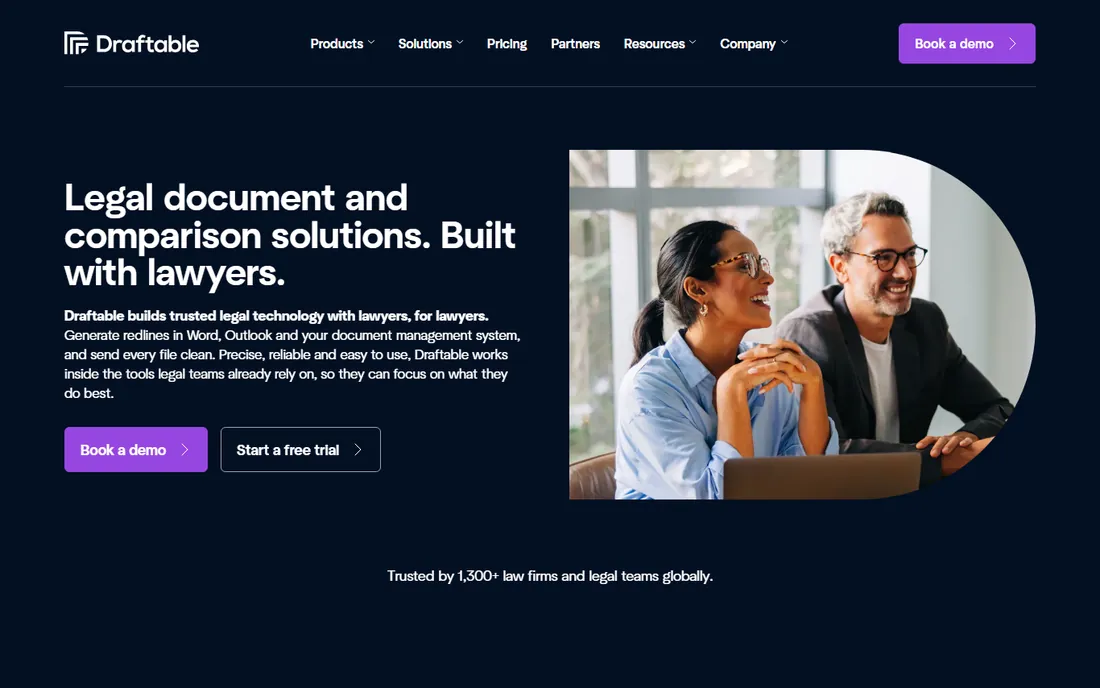
Draftable is the fastest answer to the most common question in this category: what changed between these two PDFs. The free Online version runs in the browser, takes two files, and shows a crisp side-by-side comparison with changes highlighted, no account and no install required. For the occasional contract review or manuscript check, it is all most people need.
Draftable Desktop costs $129 per year and adds offline comparison, larger files, more formats and redaction tools. That is a fair price for professionals who compare documents daily. The free tier's limits on file size and page count are the honest catch, along with the fact that truly complex legal redlining still belongs to Litera. But as the best pdf compare tool for everyday use, Draftable is hard to beat: free, fast and accurate.
What we like- The free Online version needs no install
- Side-by-side PDF comparison is clear and fast
- The Desktop app works offline
Watch out for- The free version has file size and page limits
- Advanced features require the paid desktop app
Starting price$299.95 one-time
Free planFree trial
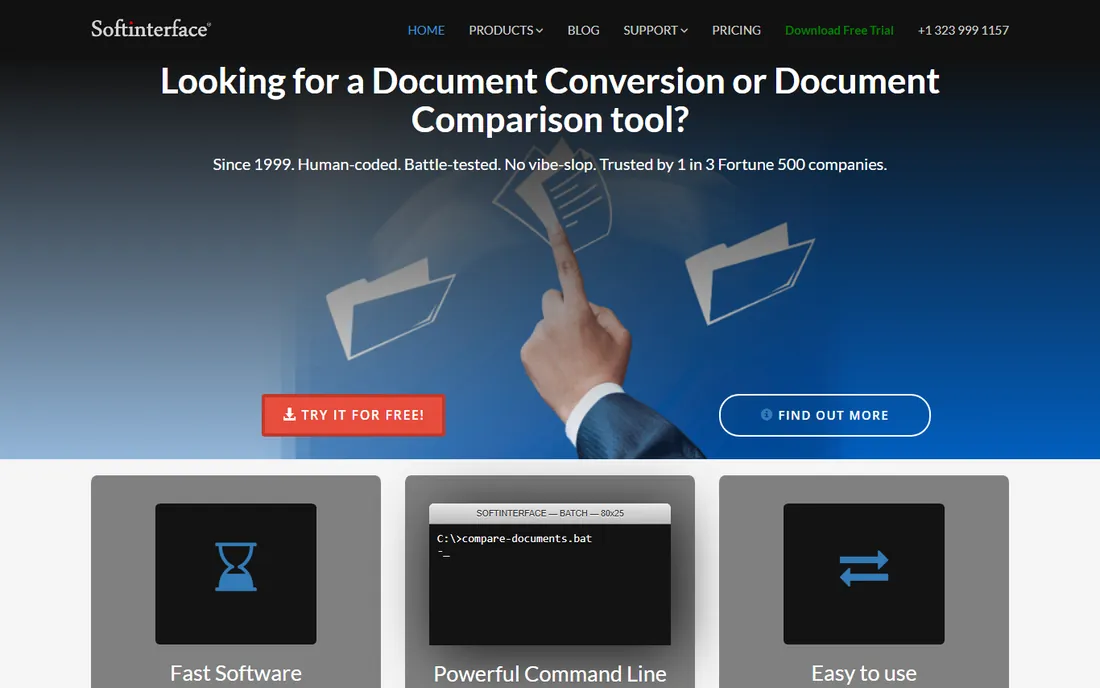
Diff Doc, from SoftInterface, is a workhorse for Windows users who compare Office documents and PDFs all day. It opens Word, Excel, PowerPoint, PDF and text files natively, highlights every difference down to the character level, and produces reports you can share with colleagues. Law offices, publishers and government teams have used it for years, and it shows in the depth of the format support.
The license is $299.95 one time, which buys the software outright with no subscription. That is expensive next to Beyond Compare's $35 or Araxis Merge's $129, and the interface has not kept up with modern design expectations. A free trial is available, so test it against your actual documents before paying. Diff Doc suits buyers who need deep Office-format comparison on Windows and prefer owning software to renting it.
What we like- Compares Word, PDF, Excel and PowerPoint natively
- One-time license, no subscription
- Detailed change reports
Watch out for- Windows-only
- The interface looks dated
- The one-time price is high next to rivals
Starting price$15 per user/month (Pro)
Free planYes
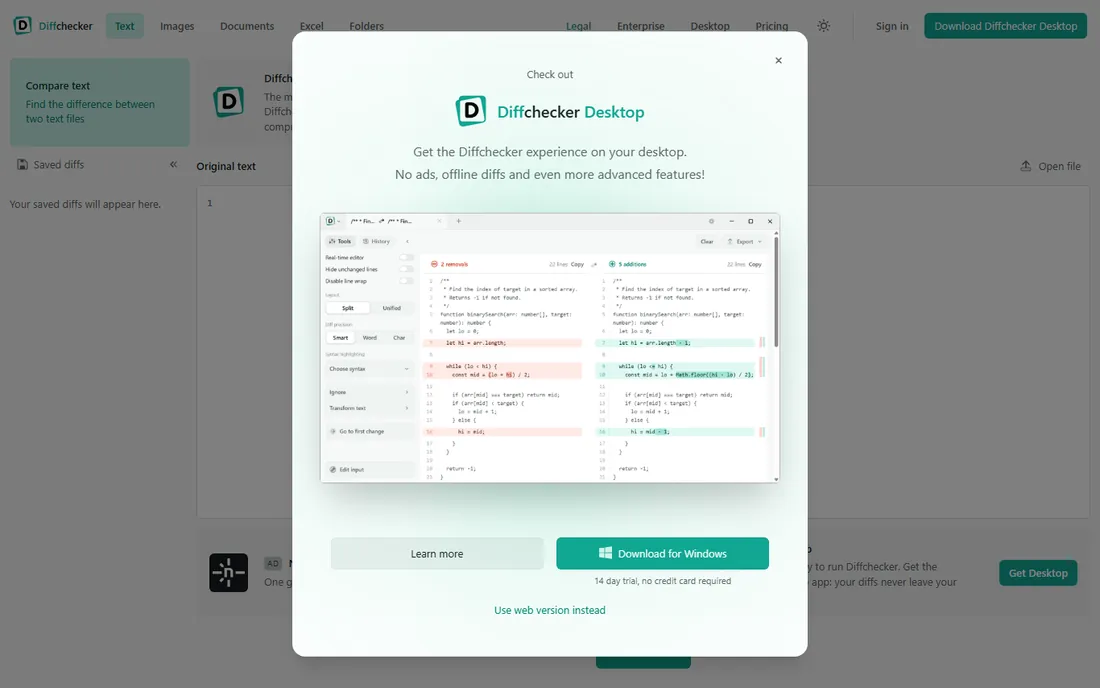
Diffchecker is the quickest diff on the internet. Paste two chunks of text, or upload two files, and it highlights the differences immediately, with no account required. Developers use it for code snippets, writers for paragraphs, and office workers for the occasional document check. The free online tool is genuinely useful and unlimited for basic use.
Pro plans start at $15 per user per month and add the desktop apps, larger files, folder comparison and privacy features for sensitive documents. That subscription is the honest catch: it is priced for teams, and an individual comparing documents weekly may find Draftable Desktop's $129 per year or a one-time tool cheaper. Still, for instant, no-install comparison, Diffchecker remains the first tab most people open.
What we like- Paste text and see the diff instantly
- The free online tool covers most casual needs
- Desktop apps for offline work
Watch out for- The free version is basic
- Pro pricing adds up for teams
Starting price$35 one-time (Standard)
Free planFree trial
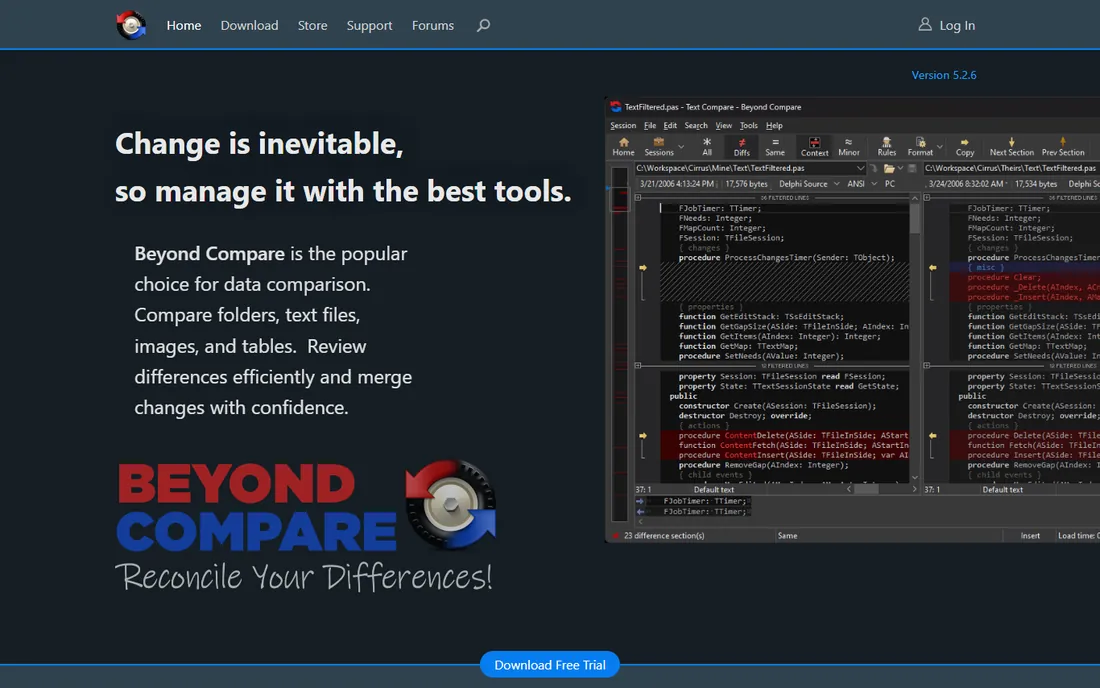
Beyond Compare is the tool technical people recommend to each other, and the $35 one-time Standard license is one of the best software values anywhere. It compares files and entire folders with speed and precision, shows differences side by side, and can sync directories, merge changes and generate reports. Developers, sysadmins and data teams use it daily, and it runs on Windows, Mac and Linux.
The Standard edition covers text and data files; comparing Word documents and PDFs needs the Pro edition, which costs more but is still a one-time purchase. The interface is functional rather than beautiful, and first-time users face a learning curve with the session settings. A free trial is available. If your comparison work involves folders, code or data rather than contracts, buy this before anything else on the list.
What we like- Superb folder sync and comparison
- One-time pricing that has barely moved in years
- Fast even with huge directories
Watch out for- The interface is utilitarian
- PDF comparison needs the Pro edition
Starting price$129 one-time (Standard)
Free planFree trial
Araxis Merge is the professional's answer to a specific hard problem: three people edited the same document, and now the versions need reconciling. Its three-way comparison shows the common ancestor alongside both changed versions, and the merging tools let you pick changes line by line with confidence. Software teams use it for code, publishers for manuscripts, and legal teams for complex document sets.
The Standard edition costs $129 as a one-time purchase, with a free trial available. It handles very large files without choking, which cheaper tools sometimes do. The honest catch is that most buyers do not need three-way merging; if your job is comparing two PDFs, Draftable or Diffchecker will be faster and cheaper. Araxis earns its price when merges are frequent, files are large, and mistakes are expensive.
What we like- Excellent three-way comparison and merging
- Handles large files gracefully
- Trusted in software and publishing workflows
Watch out for- The one-time price is higher than Beyond Compare
- Overkill for simple two-document diffs
Starting priceFree
Free planYes
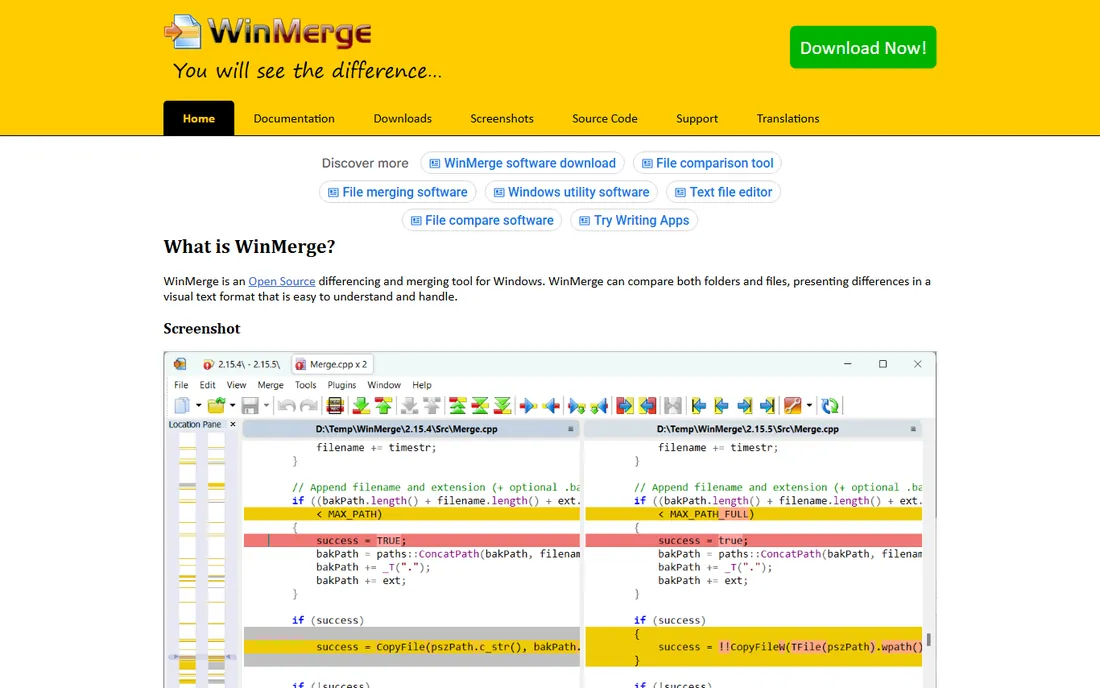
WinMerge has been free since 2000, and it remains the default answer when a Windows user asks for a no-cost diff tool. It compares text files and folders side by side, merges changes, highlights differences within lines, and supports plugins that extend it to more formats. For code, config files and plain-text documents, it does everything the paid tools do.
The limitations are the ones you would expect from a volunteer project: it is Windows-only, the interface looks dated, and comparing PDFs or Word documents needs plugins and patience. There is no support contract and no cloud anything. But for developers and IT staff who need a reliable diff on Windows and will never pay for one, WinMerge is the honest, permanent answer, and it has been for two decades.
What we like- Completely free and open source
- Solid folder comparison
- Plugin support for more formats
Watch out for- Windows-only
- The interface shows its age
- PDF support needs plugins
Starting priceFree
Free planYes
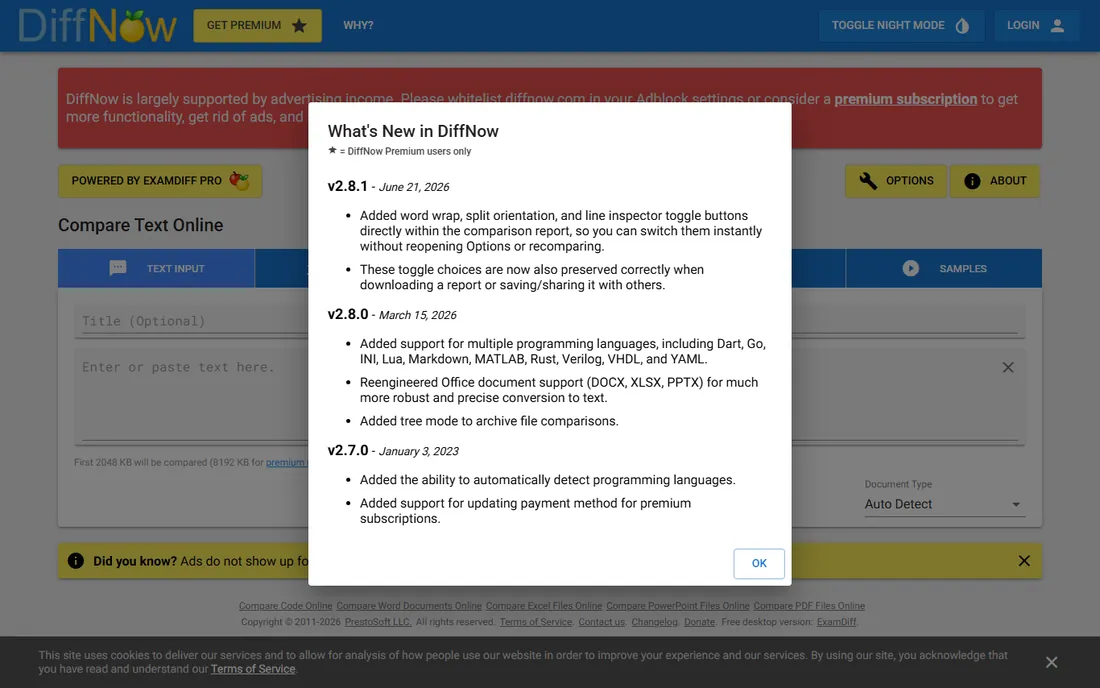
DiffNow is the free online alternative for people who need more than text diffs. Upload two Word documents, PDFs, Excel sheets or PowerPoint files, and it shows the differences in the browser without an account. Results can be shared via link, which is handy when you need a colleague to see exactly what changed without sending both files.
The free tier covers casual use with file size limits, and an optional premium raises those limits for heavier use. It will not match Litera's legal redlining or Beyond Compare's folder tools, but that is not its job. For the office worker who compares a contract or report a few times a month and wants to spend nothing, DiffNow and Draftable's free tier are the two tabs to keep bookmarked.
What we like- Free with no account required
- Compares documents, spreadsheets and presentations
- Simple link sharing for results
Watch out for- File size limits on the free tier
- An optional premium exists for heavier use
Starting price$70 one-time
Free planFree trial
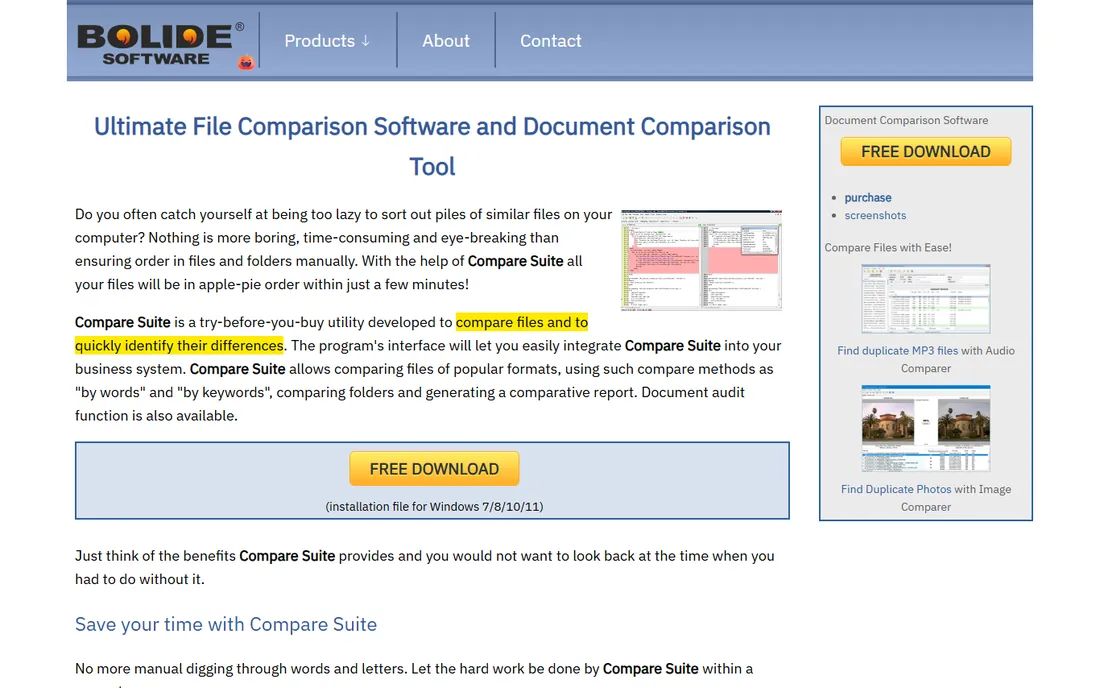
Compare Suite, from Bolide Software, targets business users who need more than a browser tool but less than a legal platform. It compares Word documents, PDFs, Excel files and even web pages, highlighting changes word by word, and includes a keyword comparison mode that shows how specific terms are used across documents. That last feature is genuinely useful for contract review and compliance checks.
Pricing starts from $70 as a one-time purchase, with a free trial available. That positions it between the free tools and Diff Doc's $299.95, which is a sensible middle ground. The catches are familiar for this corner of the market: Windows-only, and a smaller community means fewer tutorials and third-party integrations. For a Windows-based office that compares documents weekly and wants to own the software, it is a fair deal.
What we like- Compares Word, PDF, Excel and web pages
- One-time pricing
- Keyword comparison across documents
Watch out for- Windows-only
- A smaller user community than the big names
Starting price$37.99 one-time
Free planFree trial
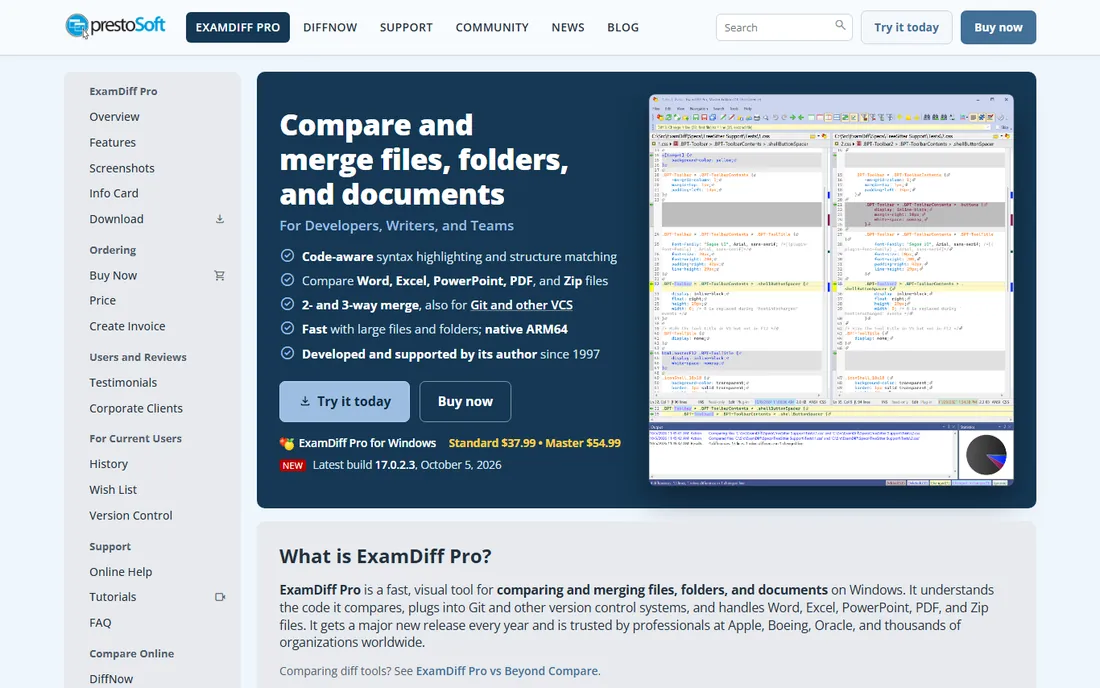
ExamDiff Pro is the lightweight contender from PrestoSoft. It compares text files, binary files and folders quickly, with a clean interface that stays out of the way, and it handles the basics of document comparison without the weight of a full suite. At $37.99 one time, it costs barely more than a pizza and never asks for a subscription.
That price comes with limits: it is Windows-only, and its format support is narrower than Diff Doc or Compare Suite, focusing on text and binary rather than rich Office documents. A free trial lets you confirm it handles your files. ExamDiff Pro suits developers and power users who want a fast, cheap, permanent diff tool on Windows and do not need PDF redlining. For that buyer, it is one of the easiest purchases on this list.
What we like- Fast and lightweight
- Compares files, folders and binary files
- One-time pricing under $40
Watch out for- Windows-only
- Fewer document formats than Diff Doc or Compare Suite
How we chose
We did not run hands-on trials for this guide. We compared each vendor's current pricing pages and feature documentation, checked format support for Word, PDF, Excel and plain text, and read public reviews on G2, Capterra and Reddit for recurring complaints about accuracy, speed and value. We weighted three things: whether the tool handles the formats its buyers actually use, whether the price matches the depth of the comparison, and whether a free tier or trial lets you verify accuracy on your own documents before paying.
Free vs paid: where the money actually goes
Most document comparison needs are free. Draftable's Online version, Diffchecker and DiffNow cover two-file PDF and text comparison in the browser at no cost, and WinMerge covers files and folders on Windows forever. If your work is comparing the occasional contract, manuscript or report, start there and you may never pay.
Paid tools earn their price in three situations. Legal teams redlining hundreds of documents need Litera Compare's workflow integration and change tracking. Anyone comparing folders, syncing directories or merging code needs Beyond Compare or Araxis Merge. And Windows offices comparing Office documents daily may find Diff Doc, Compare Suite or ExamDiff Pro worth the one-time cost for native format support and offline reliability. Match the purchase to the volume: daily use justifies a license, monthly use does not.
Frequently asked questions
What is the best free PDF compare tool?
Draftable's free Online version is the strongest pick: upload two PDFs and get a clear side-by-side comparison with no account. DiffNow is a solid alternative with a similar free tier. Both have file size and page limits, so very large documents may need the paid desktop versions.
What do law firms use to compare documents?
Large firms standardize on Litera Compare, which integrates with their document management systems and handles Word, PDF and scanned documents with proper redlining. Smaller practices often use Draftable Desktop or Diff Doc. The choice usually comes down to volume: Litera pays off when redlining is a daily, multi-user workflow.
Can I compare two Word documents without buying software?
Yes. Word itself has a built-in Compare feature under the Review tab that produces a redline of two documents, and it is surprisingly capable. The tools on this list add value with better interfaces, PDF support, folder comparison and batch workflows, but for a one-off Word comparison, try Word's own feature first.
What is the difference between diff tools for code and document comparison tools?
Code diff tools like Beyond Compare, Araxis Merge and WinMerge excel at text files, folders and merging, which suits developers. Document comparison tools like Draftable, Diff Doc and Litera Compare understand Word and PDF formatting, showing changes in context with proper rendering. Some tools straddle both, but most buyers should pick the class that matches their files.
Is it safe to upload confidential documents to free online comparison tools?
Be cautious. Free browser tools process your files on their servers, which may violate client confidentiality rules or company policy for sensitive contracts. For confidential work, prefer desktop tools like Draftable Desktop, Beyond Compare or Diff Doc that process files locally, and check the vendor's privacy policy before uploading anything sensitive.
Sources we checked (10)
- https://www.litera.com
- https://draftable.com/
- https://www.softinterface.com
- https://diffchecker.com/
- https://www.scootersoftware.com
- https://www.araxis.com
- https://winmerge.org/
- https://www.diffnow.com
- https://www.bolidesoft.com/compare-suite/
- https://www.prestosoft.com
Is your product missing or out of date?
We review this list regularly. Vendors can request a listing, send updated pricing or ask about featured placement.

Shihab Mia · Founder, Rankite
Shihab has spent more than a decade helping SaaS and e-commerce brands grow through search. He writes Rankite's software buying guides from pricing pages, documentation and public user reviews. More about Shihab.