How we make this list: we compare pricing pages, product documentation and public user reviews. Rankite is independent; if a vendor ever pays for a featured spot, that listing is clearly labeled Partner.
Key takeaways
- Start free: Audacity, GarageBand (Mac), BandLab, Cakewalk Sonar, Ocenaudio and Waveform Free all record full projects for nothing.
- Reaper ($60 discounted license, 60-day free evaluation) is the classic first paid step when free tools start feeling limited.
- Fender Studio Pro (formerly PreSonus Studio One) and Adobe Audition are the paid upgrades for beginners who outgrow the free tier.
- For voice recording specifically, Audacity or Ocenaudio beat full music studios on simplicity.
Quick comparison
| Tool | Best for | Starting price | Free plan |
|---|
 Audacity Audacity | Free voice recording, podcasts and simple music projects | Free (open source) | Yes |
 GarageBand GarageBand | Mac owners who want to make music within an hour | Free (included with Mac) | Yes |
 BandLab BandLab | Free recording on any device, including phones and Chromebooks | Free | Yes |
 Cakewalk Sonar Cakewalk Sonar | Windows users who want a full professional DAW for free | Free (premium tier via BandLab Membership) | Yes (free tier) |
 Ocenaudio Ocenaudio | Beginners who find Audacity ugly but want the same simplicity | Free | Yes |
 Reaper Reaper | The affordable step up when free tools feel limiting | $60 (discounted license) | Free trial (60-day evaluation, full features) |
 Waveform Free Waveform Free | A free, unlimited multitrack DAW on any desktop OS | Free | Yes |
 Fender Studio Pro Fender Studio Pro | Beginners who want a polished paid studio from day one | See website | No |
 Adobe Audition Adobe Audition | Voice recording and podcast editing with professional polish | See website | Free trial |
Is your product missing or out of date?
We review this list regularly. Vendors can request a listing, send updated pricing or ask about featured placement.
The best recording software for beginners
Maya wants to record her podcast. She downloads a famous music studio, opens it, and faces forty tracks, a mixer the size of a car dashboard, and words like "bus" and "sidechain" that mean nothing to her. She closes it and records on her phone instead. The problem was never her: it was starting with software built for professionals. The nine tools below are ordered by how little they demand on day one, because the best beginner software is the one you actually open twice.
Starting priceFree (open source)
Free planYes
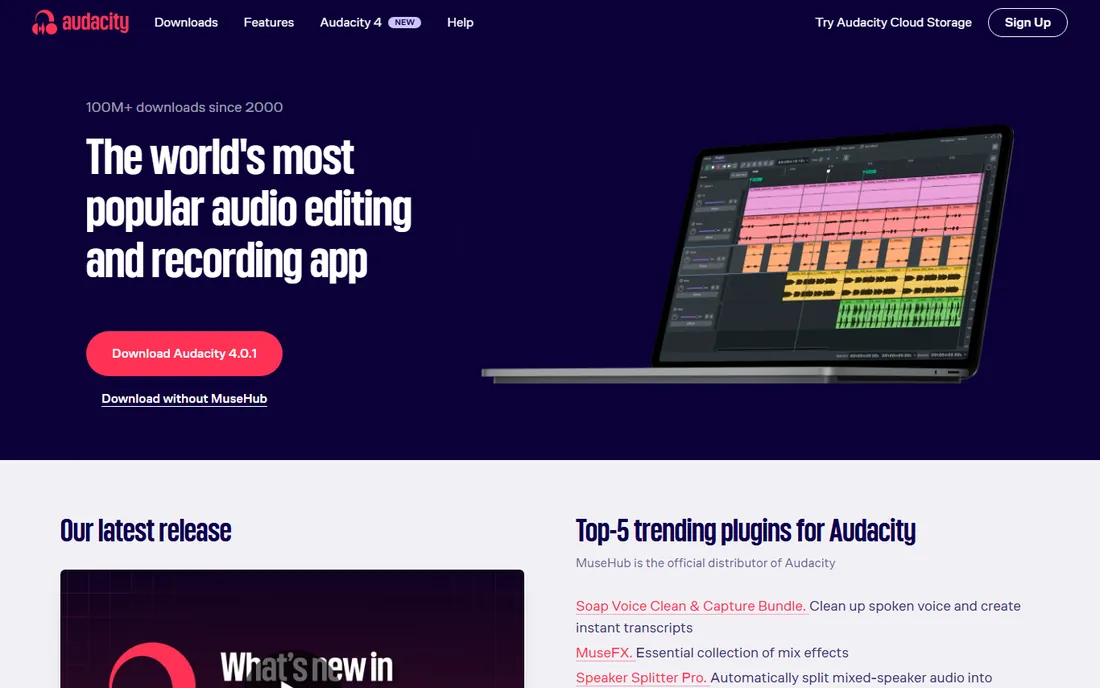
Audacity is where most beginners should start, full stop. It records from any microphone, shows the waveform big and clear, and the essential moves, cut, fade, noise reduction, export to MP3, take minutes to learn. Podcasters have recorded entire shows in it for twenty years. Because it is open source, there is no upsell waiting: the free version is the whole program.
The limits appear when you grow. Editing is destructive, so heavy rearrangement gets awkward, and music production with virtual instruments is not its world. Think of Audacity as the honest starting line: it teaches you recording fundamentals that transfer everywhere, and costs nothing while you learn whether you enjoy the work.
What we like- Free forever with no account, no tiers and no watermarks
- Dead simple to record: pick the mic, press the red button
- Huge tutorial library for every beginner question
Watch out for- Destructive editing means mistakes are harder to undo than in modern DAWs
- The interface looks dated and MIDI/music production features are thin
#2
GarageBand
Best for: Mac owners who want to make music within an hour
Visit apple.com
Starting priceFree (included with Mac)
Free planYes
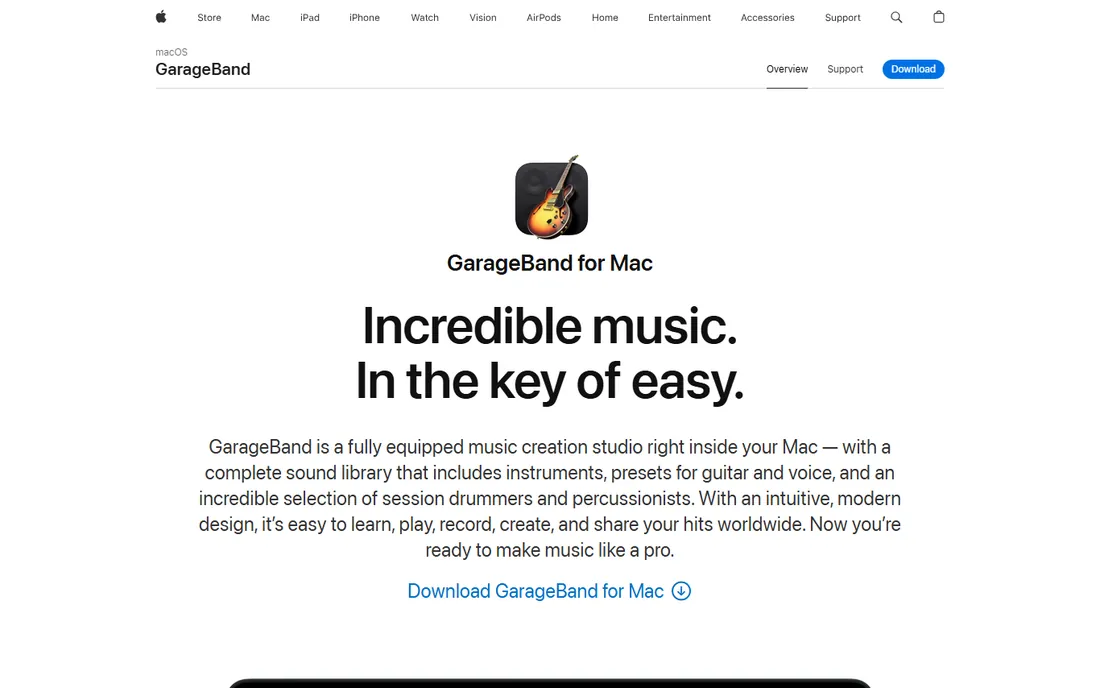
GarageBand is the friendliest music studio ever shipped. Open it on a Mac and you are recording guitar, playing a surprisingly good piano, or tapping out beats within minutes. The Live Loops grid and virtual drummers flatter beginners: your first track sounds like music, not homework. For voice recording it is equally painless, with presets that make a USB mic sound polished.
The ceiling is real but far away. Most beginners take a year or more to outgrow it, and when they do, Logic Pro opens their GarageBand projects directly. If you own a Mac and want to record anything, musical or spoken, start here before spending a dollar.
What we like- Free on every Mac with an encouraging, touch-friendly design
- Great built-in instruments, loops and drummers that make first songs sound good
- Projects open directly in Logic Pro when you outgrow it
Watch out for- Mac only, so Windows users are out
- Simplified by design, which eventually constrains serious production
#3
BandLab
Best for: Free recording on any device, including phones and Chromebooks
Visit bandlab.com
Starting priceFree
Free planYes
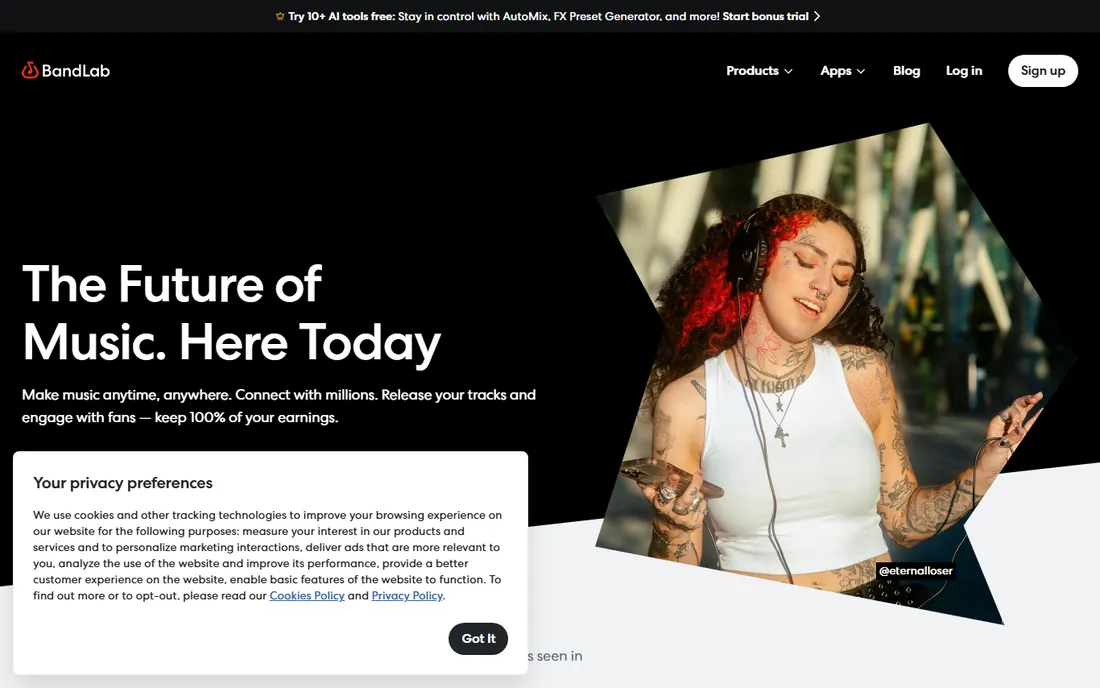
BandLab removed every barrier at once: cost, platform and installation. Open it in a browser or on a phone and you are multitrack recording with effects, loops and virtual instruments, free, with cloud saving so the project follows you between devices. Students and first-time creators use it because there is literally nothing to buy or install.
It is not the deepest tool here. Mixing and mastering features are simpler than desktop DAWs, and serious producers eventually move on. But as a first recording environment, especially on a Chromebook or phone, nothing else is this complete for zero dollars.
What we like- Fully free with no tier that matters for beginners
- Runs in the browser and on phones, so school Chromebooks work
- Built-in collaboration and a huge free loop library
Watch out for- Browser-based workflow needs internet and feels lighter than desktop DAWs
- Advanced mixing tools lag the desktop competition
#4
Cakewalk Sonar
Best for: Windows users who want a full professional DAW for free
Visit cakewalk.com
Starting priceFree (premium tier via BandLab Membership)
Free planYes (free tier)
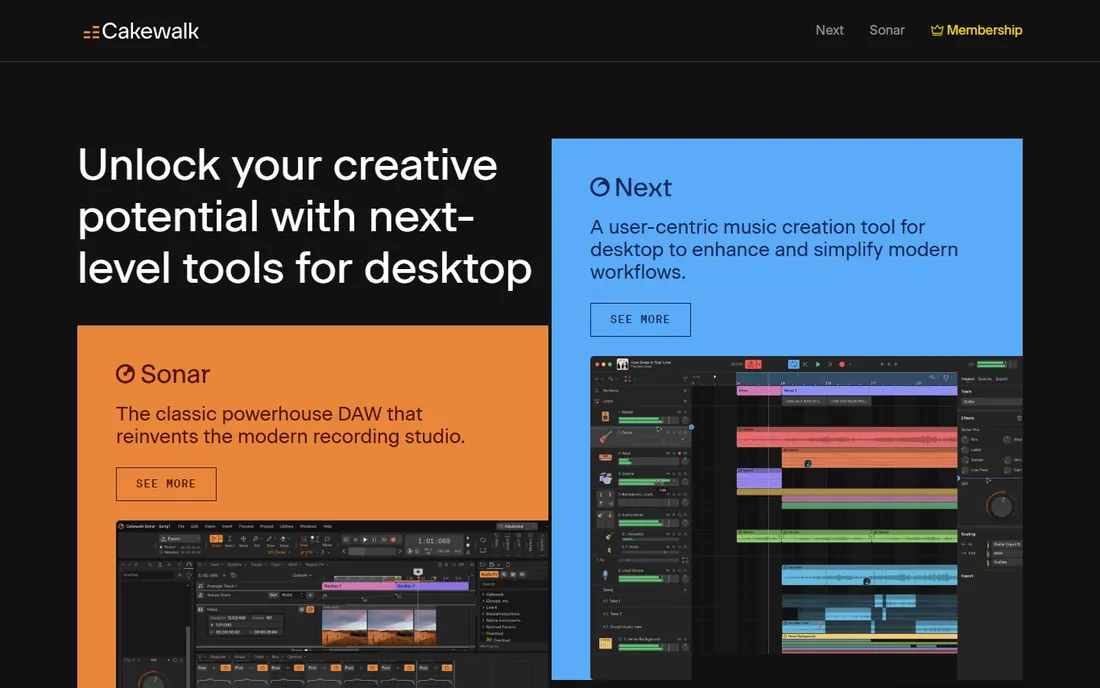
Cakewalk Sonar's free tier changed the beginner math on Windows. This is a full professional studio, unlimited tracks, advanced mixing console, deep MIDI editing, VST support, that costs nothing to start. The official Cakewalk forum confirms the free tier delivers most of the former paid functionality, with a premium tier through BandLab Membership for those who want more.
The honest warning is complexity. Sonar assumes you want to learn a real DAW, and the interface shows it. Beginners who want to record voice should start with Audacity; beginners who want to produce music on Windows and are willing to climb a learning curve get professional tools for free here.
What we like- A genuinely professional Windows DAW now free, with unlimited tracks and pro mixing tools
- Deep MIDI and recording features that rival paid software
- Projects carry forward as skills grow
Watch out for- Windows only
- The depth that makes it powerful also makes the first week steeper than Audacity or BandLab
#5
Ocenaudio
Best for: Beginners who find Audacity ugly but want the same simplicity
Visit ocenaudio.com
Starting priceFree
Free planYes
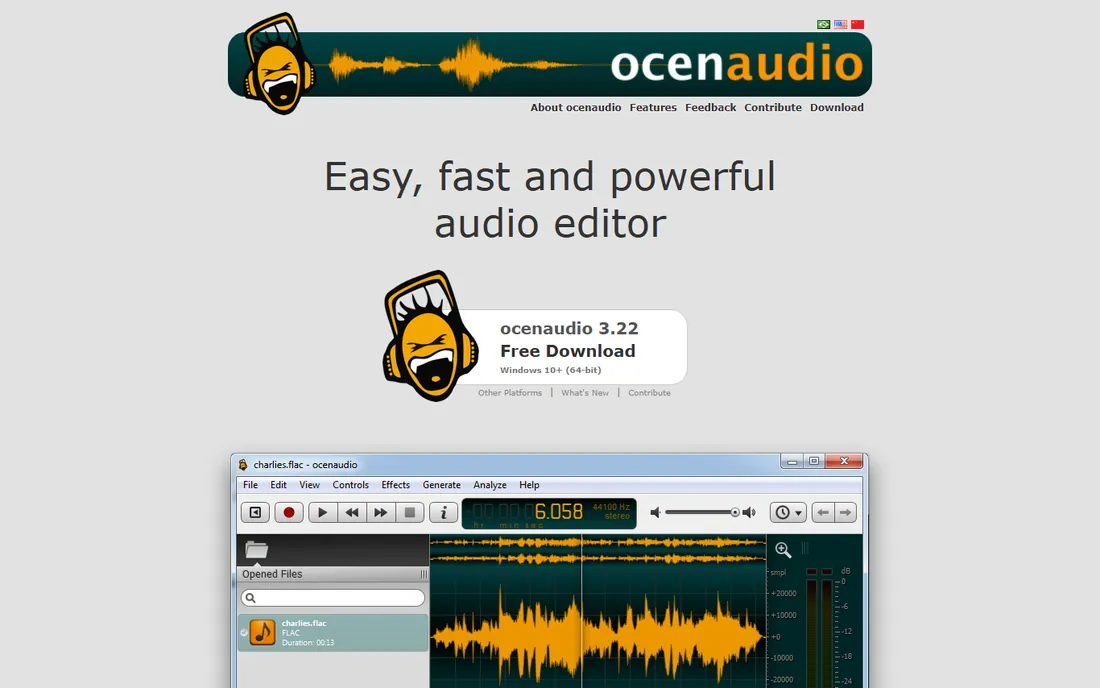
Ocenaudio is what Audacity would be with a modern design team. It records and edits audio with the same straightforward model, select, cut, apply effects, but the interface is clean, effects preview in real time, and the whole program feels a decade newer. For voice recording, podcast cleanup and simple music edits, it does everything a beginner needs.
It will not replace a DAW for music production: multitrack work is limited and MIDI is absent. Choose it over Audacity if the dated interface puts you off; choose Audacity if you want the bigger tutorial library. Either way, you pay nothing.
What we like- Free with a clean, modern interface that beginners navigate instantly
- Real-time effect previews, so you hear changes before applying them
- Lightweight and fast on old computers
Watch out for- Multitrack features are basic compared with full DAWs
- Smaller community means fewer tutorials than Audacity
#6
Reaper
Best for: The affordable step up when free tools feel limiting
Visit reaper.fm
Starting price$60 (discounted license)
Free planFree trial (60-day evaluation, full features)
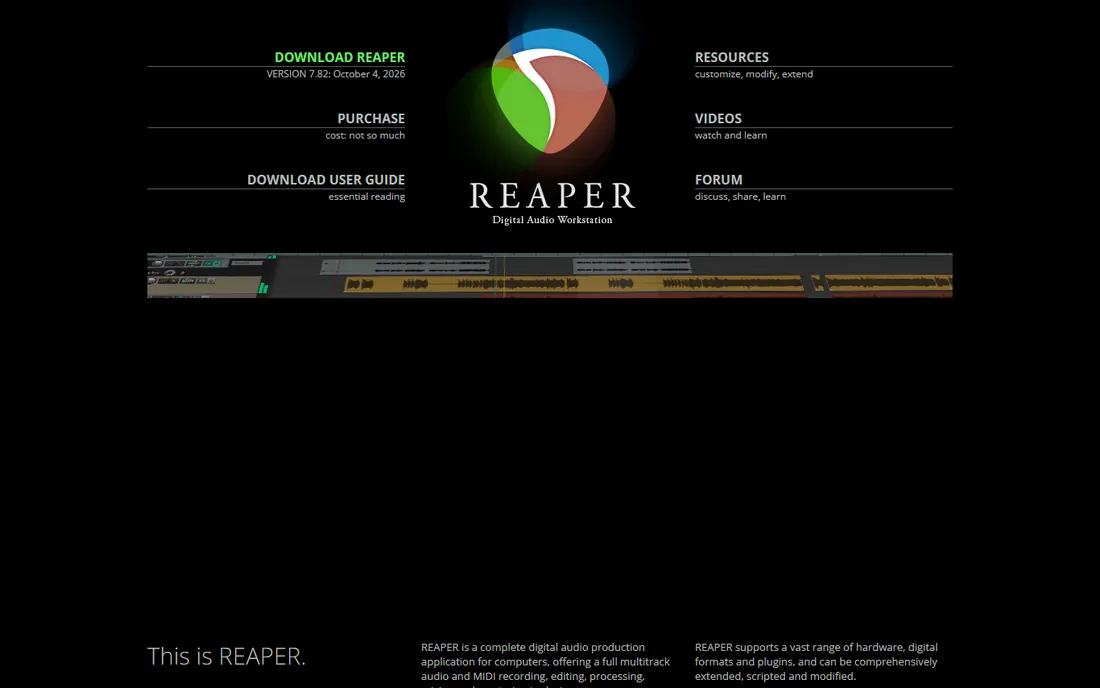
Reaper is the industry's favorite value story. For $60, discounted license, you get a DAW that professionals use on real records, with deep routing, automation and customization that embarrasses software costing ten times more. The 60-day evaluation is the full program with no limits, so you can finish actual projects before paying.
Beginners should know what they are buying: power, not hand-holding. The default theme is plain, the manual is long, and you will configure more than in GarageBand. But if you have outgrown the free tools and want one purchase that lasts years, Reaper is the rational choice.
What we like- A complete professional DAW for $60, with a 60-day full-featured evaluation
- Famously efficient and customizable, running well on modest hardware
- The license includes years of free updates
Watch out for- The bare-bones interface and sparse bundled instruments intimidate at first
- Setup takes longer than friendlier competitors
#7
Waveform Free
Best for: A free, unlimited multitrack DAW on any desktop OS
Visit tracktion.com
Starting priceFree
Free planYes
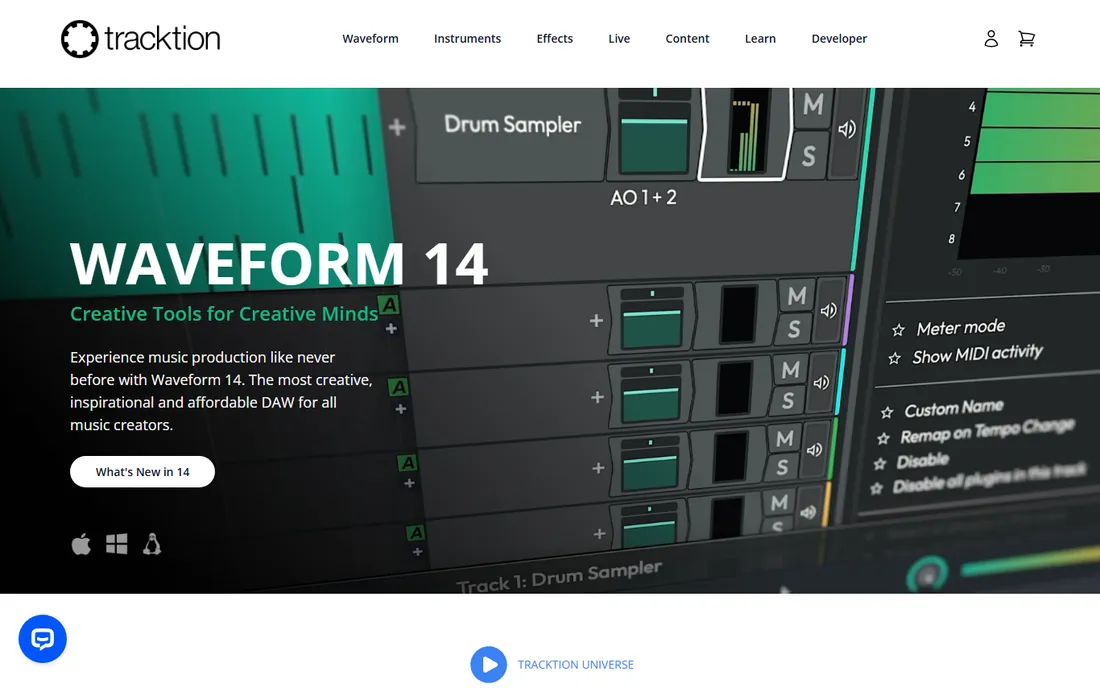
Waveform Free makes an unusual promise and keeps it: a fully featured, unlimited DAW for free, on all three desktop platforms. Multitrack recording, MIDI, plugin support and a capable mixer cost nothing, which makes it the deepest free option for Linux users especially, who have the fewest choices.
The interface follows its own logic, and beginners report a real adjustment period. But the price is right and the ceiling is high: electronic producers and bands record complete projects in it. If you want maximum depth for zero dollars and can tolerate a learning curve, it delivers.
What we like- Completely free and unlimited: tracks, plugins and features with no tier above it
- Runs on Windows, Mac and Linux
- Supports VST and AU plugins for expanding sounds
Watch out for- The workflow is idiosyncratic and takes adjustment
- Fewer built-in instruments than GarageBand or BandLab
#8
Fender Studio Pro
Best for: Beginners who want a polished paid studio from day one
Visit presonus.com
Starting priceSee website
Free planNo
Fender Studio Pro is what PreSonus Studio One became after Fender's acquisition, and the beginner-friendly reputation carried over. The drag-and-drop workflow is genuinely the easiest among paid DAWs: drag an effect onto a track, drag audio to arrange, done. The bundled instruments and loops give beginners quality sounds without extra purchases.
The question is whether to pay at all when so much here is free. Studio Pro makes sense for beginners who know they will stick with music production and want one polished environment from the start, or students whose courses standardize on it. Pricing is not on the product page, so confirm the current price before budgeting.
What we like- The former PreSonus Studio One, now under Fender, with a famously intuitive drag-and-drop workflow
- Excellent bundled instruments and effects for the price
- Good upgrade path as skills grow
Watch out for- Pricing is not published on the product page
- Paid from the start, so it competes with excellent free options
#9
Adobe Audition
Best for: Voice recording and podcast editing with professional polish
Visit adobe.com
Starting priceSee website
Free planFree trial
Adobe Audition is the professional's voice tool: radio, podcast networks and video creators use it to make spoken audio sound expensive. The spectral editing, noise reduction and batch processing are the best in class for dialogue. If your work is voice and only voice, it is the deepest option here.
For beginners, it is almost certainly too much too soon. The subscription costs real money every month, and Audacity does eighty percent of the job for free. Consider Audition when clients pay for your audio or when free tools demonstrably limit your output, not before.
What we like- Purpose-built for voice: superb noise reduction, de-essing and loudness tools
- Multitrack and waveform editing in one app
- Integrates with Premiere Pro for video creators
Watch out for- Subscription pricing with no published price on the product page
- Overkill and overpriced for beginners who just need to record
How we chose
We started with the searches beginners actually run: easy recording software, free audio recording app, simple DAW for beginners. For each candidate we opened the vendor's homepage, read the pricing or purchase page, and checked what free actually means (full program, tier, or time-limited trial). We compared learning curves against public reviews and practitioner discussion, and favored tools a beginner can record with on day one. Where a price could not be verified on the vendor's own page, we wrote "See website" instead of guessing.
Pick by your actual project, not by features
Beginners routinely buy capability they will not use for a year. The fix is to name the project first. Recording a podcast or voiceover? You need a microphone, a quiet room and Audacity or Ocenaudio; a DAW's MIDI features will sit untouched. Recording songs with real instruments? GarageBand, BandLab or Cakewalk Sonar covers the first year. Making electronic music? Waveform Free or BandLab, then Reaper when you hit limits.
The second decision is platform. Mac owners get GarageBand free, which ends most debates. Windows users choose between Audacity's simplicity and Cakewalk Sonar's depth. Chromebook or phone users get BandLab. Match the tool to the device you already own before comparing feature lists.
Finally, budget for the microphone, not the software. A $60 USB mic improves a beginner's recordings more than any software upgrade. Every tool on this list can capture clean audio; none can fix a bad room or a headset mic. Spend on the input chain first.
A reasonable suspicion: if six tools are free, what is the catch? For the open-source tools (Audacity, Ocenaudio, Waveform Free), there is none: the software is the product of volunteer or company goodwill, and the full program is free. For the commercial free tiers (GarageBand, BandLab, Cakewalk Sonar), the catch is ecosystem: Apple wants you on Macs, BandLab wants you in its community, Cakewalk wants you to consider the premium membership later.
None of that harms a beginner. The practical question is whether the free version watermarks, time-limits or feature-gates your work, and on this list the answer is no across the board. Start free without guilt. Pay only when a specific limitation blocks a specific project, which for most beginners takes months or never happens.
Frequently asked questions
What is the easiest recording software for a complete beginner?
Audacity for voice, GarageBand for music on Mac, BandLab for music anywhere else. All three let you record within minutes of opening them, and all are free.
Is Audacity really free?
Yes. Audacity is open-source software: free to download and use with no account, no trial period and no paid tier. Donations support it, but nothing is locked behind payment.
What is the best cheap paid recording software?
Reaper at $60 for the discounted license, after a 60-day full evaluation. It is a complete professional DAW at a price lower than most annual subscriptions, and the license covers years of updates.
Do I need an audio interface to start recording?
No. A USB microphone plugs straight into your computer and works with every tool here. An audio interface matters when you record guitars, XLR microphones or multiple inputs at once, which is a later purchase.
Can I record a podcast with free software?
Absolutely. Audacity and Ocenaudio are purpose-shaped for it: record, cut mistakes, reduce noise, export MP3. Countless podcasts started exactly this way before upgrading to paid tools.
Sources we checked (9)
- https://www.audacityteam.org/
- https://www.apple.com/mac/garageband/
- https://www.bandlab.com/
- https://www.cakewalk.com/
- https://www.ocenaudio.com/
- https://www.reaper.fm/purchase.php
- https://www.tracktion.com/products/waveform-free
- https://www.presonus.com/en/studio-one.html
- https://www.adobe.com/products/audition.html
Is your product missing or out of date?
We review this list regularly. Vendors can request a listing, send updated pricing or ask about featured placement.

Shihab Mia · Founder, Rankite
Shihab has spent more than a decade helping SaaS and e-commerce brands grow through search. He writes Rankite's software buying guides from pricing pages, documentation and public user reviews. More about Shihab.