How we make this list: we compare pricing pages, product documentation and public user reviews. Ratings come from G2, Capterra or Trustpilot, with the date we checked them.
Key takeaways
- Truly free recipe organisers usually limit recipe counts, imports, or platforms, so check the free limit before importing a large collection.
- Paprika and Recipe Keeper suit cooks who prefer a one-time purchase over a subscription, with a separate purchase per platform.
- AnyList suits a household that shares lists and recipes, with a low yearly Complete price for the full feature set.
- Copy Me That is the cheapest paid option past its free limit, at $1 per month after 40 recipes.
- Samsung Food suits cooks who want a large built-in recipe catalogue plus a free planner, while Mealie suits cooks comfortable hosting their own app.
Quick comparison
| Tool | Best for | Starting price | Free plan |
|---|
 Paprika Paprika | one-time purchase recipe library | $4.99 one-time | Yes |
 Recipe Keeper Recipe Keeper | one-time Pro upgrade for organisers | $19.99 one-time | Yes |
 AnyList AnyList | shared household lists and recipes | $9.99 per year | Yes |
 Plan to Eat Plan to Eat | full meal planning from saved recipes | $5.95 per month | Free trial |
 Copy Me That Copy Me That | cheap clipping past the free limit | $1 per month | Yes |
 Samsung Food Samsung Food | free catalogue, planner, and lists | Free | Yes |
 ChefTap ChefTap | simple clipping and cook mode | See website | Yes |
 Mealie Mealie | free self-hosted recipe manager | Free | Yes |
Is your product missing or out of date?
We review this list regularly. Vendors can request a listing, send updated pricing or ask about featured placement.
The best free recipe organizer apps
Starting price$4.99 one-time
Free planYes
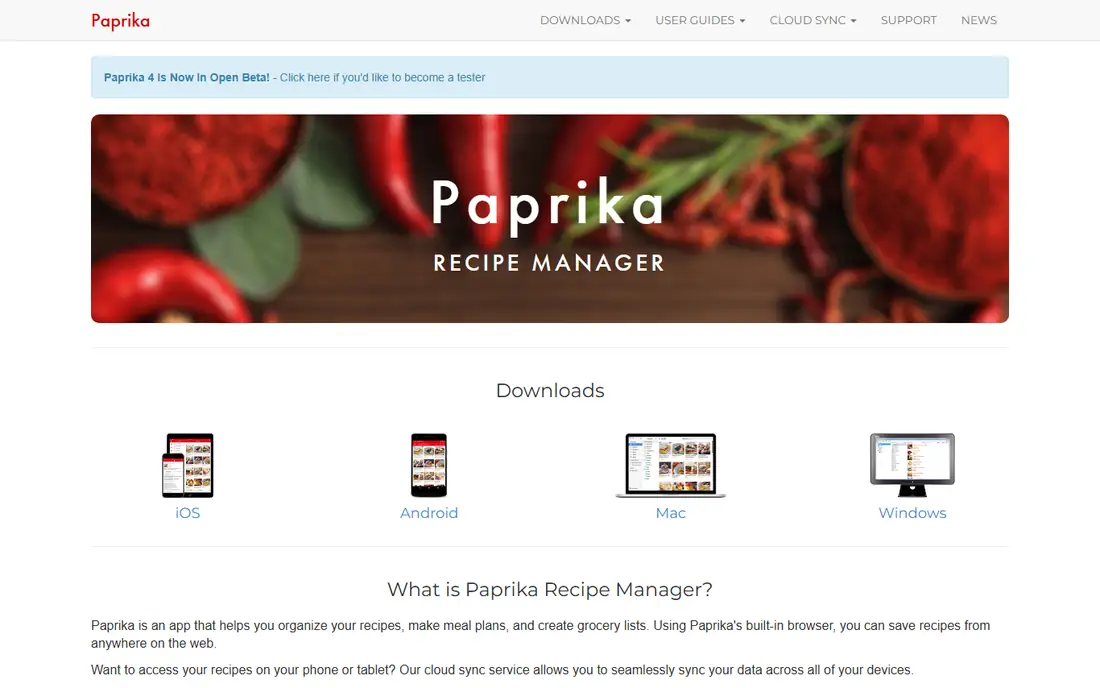
Paprika is the long-time favourite for cooks who want to own their recipe library without a subscription. Its browser clipper saves recipes from websites, scales ingredients, and stores them in a searchable library with categories. Cook mode keeps the screen awake and highlights the current step, which is genuinely useful with messy hands.
The cost model needs a careful count. The iPhone and iPad app is $4.99 as a one-time purchase, while Mac and Windows versions are $29.99 each, so a phone plus desktop setup costs more than the headline price. There is also no web library, and a newer Paprika version adds an optional subscription for new features. Pick Paprika when a one-time purchase and a strong clipper matter more than web access.
What we like- One-time purchase per platform
- Strong recipe clipper
- Pantry tracking and cook mode
Watch out for- Purchase is per platform, so phone plus desktop costs more
- No web library
Starting price$19.99 one-time
Free planYes
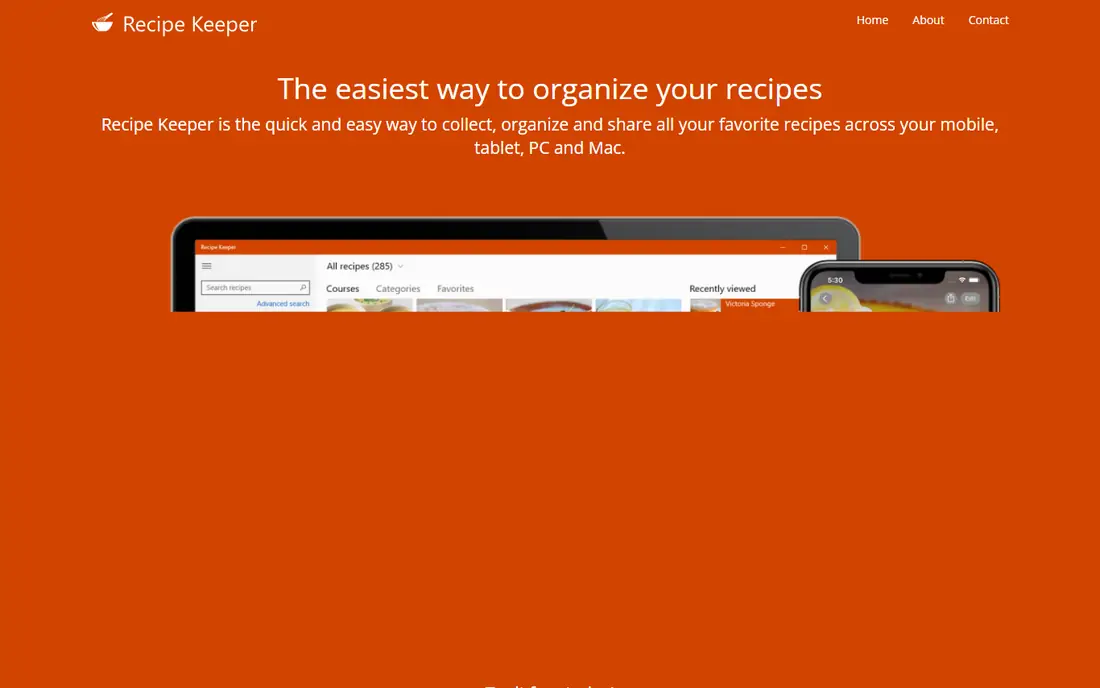
Recipe Keeper offers a free download with an optional Pro upgrade, which suits a cook who wants to test the app before paying. It organises recipes into collections, builds shopping lists, and plans meals, with sync across devices on Pro. The Pro upgrade is $19.99 on iPhone and iPad as a one-time purchase, with other platforms priced separately.
The interface is practical rather than beautiful, and the per-platform pricing means a multi-device setup needs a sum of purchases. It also lacks the large built-in catalogue that Samsung Food offers. Choose Recipe Keeper when a free start plus a one-time Pro upgrade fits the budget better than a yearly subscription.
What we like- Free download to start
- Pro is a one-time upgrade
- Works across phone and desktop platforms
Watch out for- Pro price varies by platform
- Interface is functional rather than polished
Starting price$9.99 per year
Free planYes
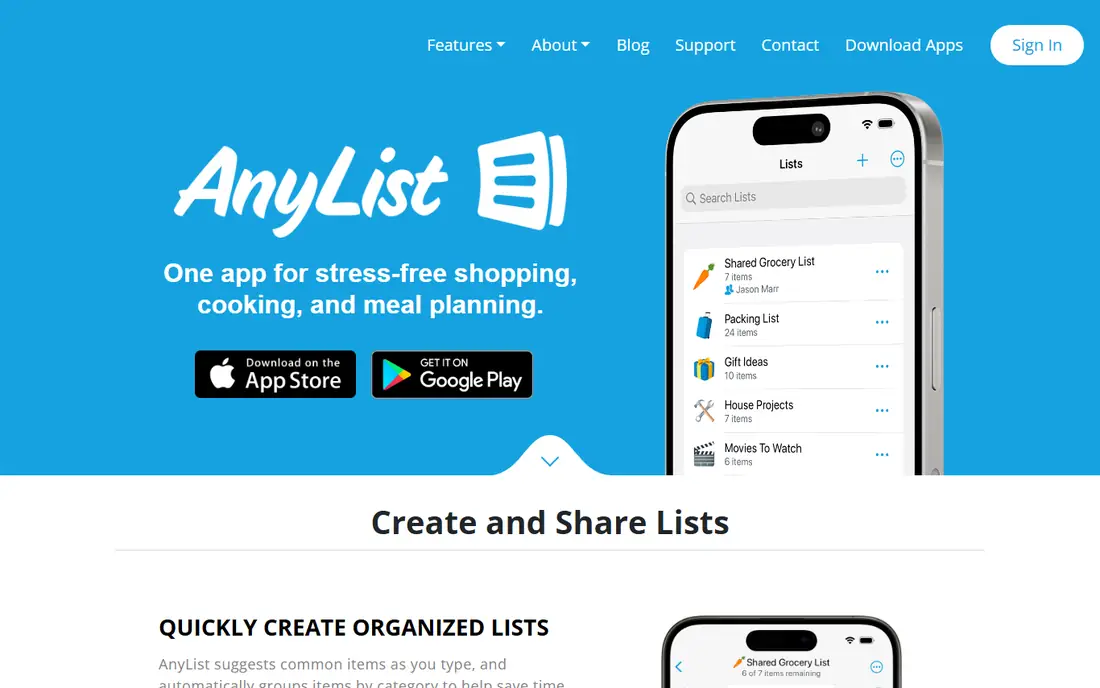
AnyList is the household pick. Lists update live as family members add items, recipes can be saved and shared, and store integrations connect to Walmart, Instacart, and Kroger. The free plan covers lists and recipes well, while Complete at $9.99 per year for an individual, or $14.99 per year for a household, adds the meal calendar and extra recipe features.
The free limit to note is recipe import: five recipes from websites on the free plan, with the meal calendar reserved for Complete. A solo cook who only needs lists may never pay, while a planner will need Complete. Pick AnyList when shared lists are the main job and recipe organising is a close second.
What we like- Generous free plan for lists and recipes
- Live shared lists
- Low yearly Complete price
Watch out for- Meal calendar needs Complete
- Recipe import on free plan is limited to five from websites
Starting price$5.95 per month
Free planFree trial
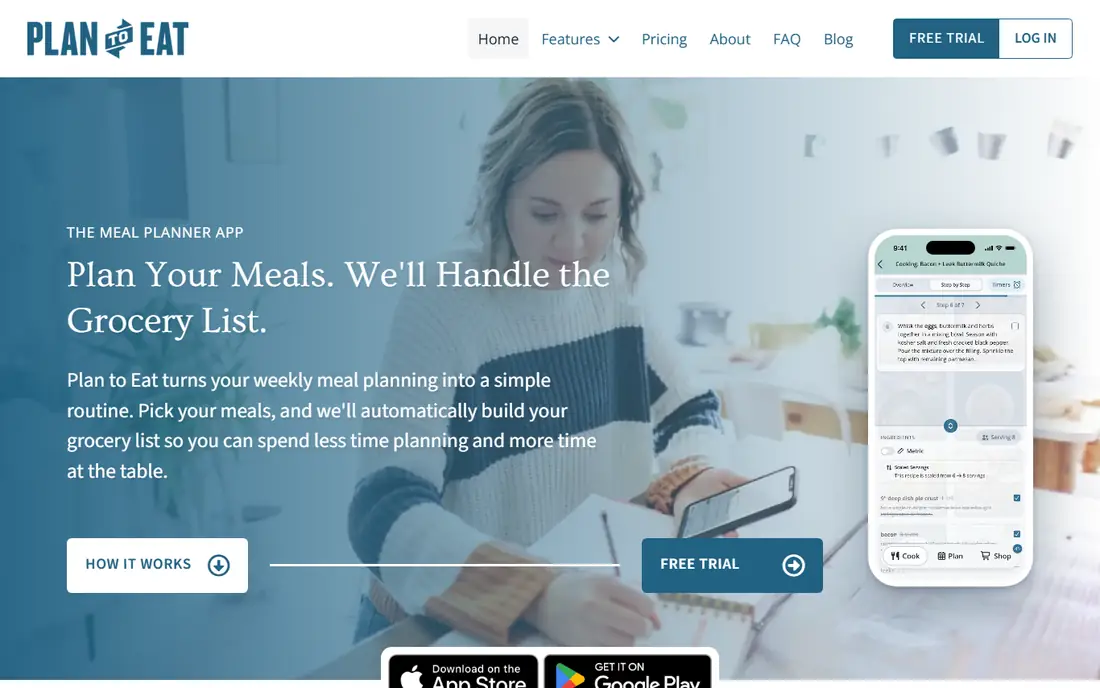
Plan to Eat is the planner, not just the organiser. Its clipper saves recipes from websites, social posts, and Pinterest, the calendar plans any length of time with reusable menus, and the shopping list builds itself from the plan, sorted by store and aisle. One account covers the household, which suits family cooking.
There is no free version beyond a 14-day trial, and the price is $5.95 per month or $49 per year. Over three years, that is far more than Paprika or Recipe Keeper one-time purchases. Choose Plan to Eat when meal planning is the daily habit and the shopping list automation saves real time each week.
What we like- Excellent recipe clipper
- Flexible meal calendar
- Shopping list builds from the plan
Watch out for- No permanent free plan
- Higher yearly cost than one-time purchase apps
Starting price$1 per month
Free planYes
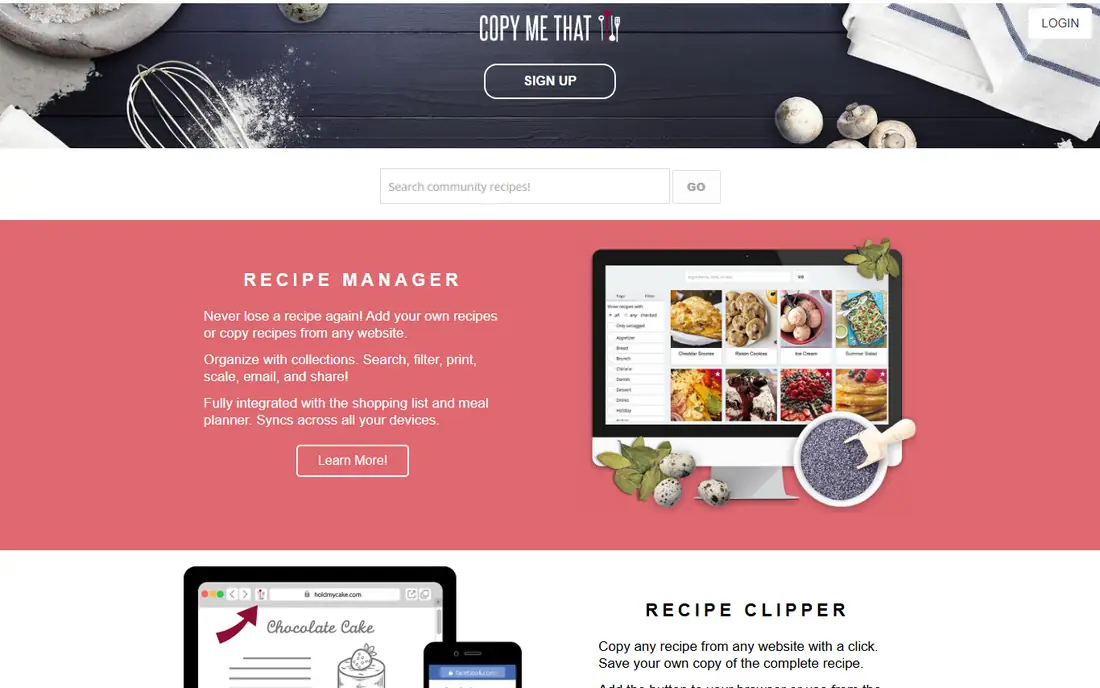
Copy Me That is the budget clipper. The free plan covers up to 40 recipes, and the paid plan is only $1 per month after that, which makes it the cheapest paid organiser here. It includes a meal planner, a shopping list, and a pantry list, so it covers the core jobs without a complex interface.
The simplicity cuts both ways. It needs an internet connection to work, and its design and extra features are thinner than Paprika or Samsung Food. A cook with hundreds of recipes will also want to check import and organisation tools before committing. Pick Copy Me That when cost is the deciding factor and 40 free recipes are enough to test the workflow.
What we like- Free up to 40 recipes
- Very low paid price
- Planner, shopping list, and pantry list included
Watch out for- Needs an internet connection
- Interface is simpler than Paprika or Samsung Food
Starting priceFree
Free planYes
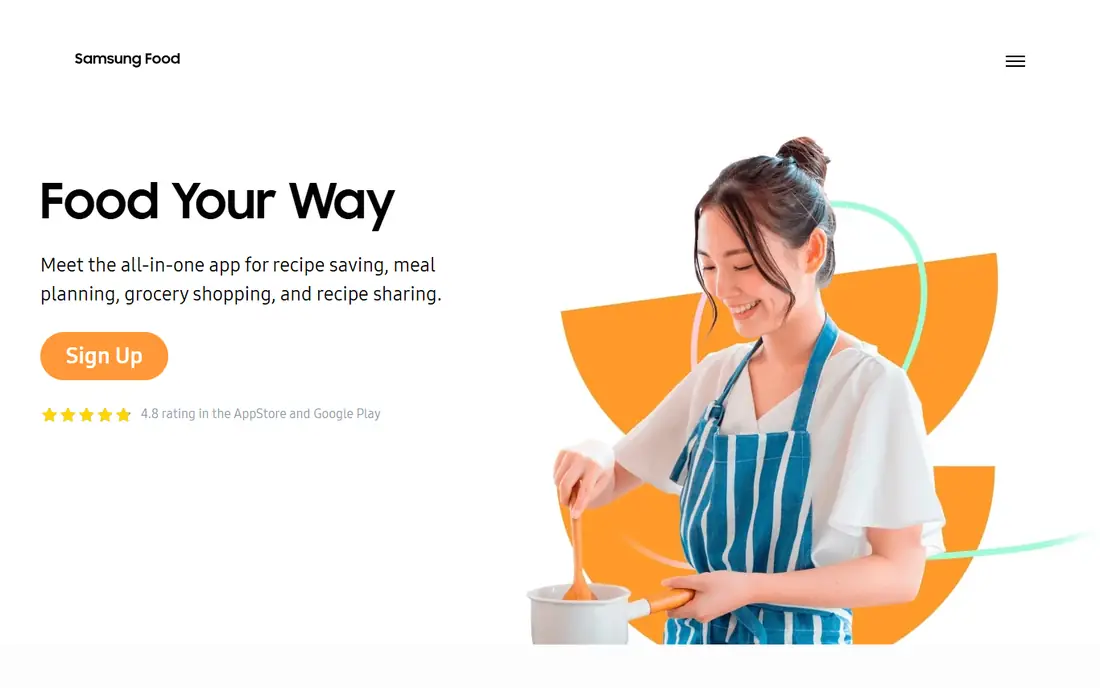
Samsung Food, formerly Whisk, combines a recipe box with a large public catalogue of over 240,000 recipes. The free version includes the planner, shopping lists, and shared lists, which makes it a strong free starting point for a cook who also wants recipe discovery. Food+ at $6.99 per month or $59.99 per year adds AI-tailored plans and pantry search features.
The free version includes ads, and some premium features need Food+. It is also a broader food app rather than a pure organiser, so cooks who only want their own collection may prefer Paprika. Choose Samsung Food when discovery, a free planner, and shared lists matter in one app.
What we like- Large built-in recipe catalogue
- Free planner and shared lists
- Food+ adds AI plans
Watch out for- Free version includes ads
- Food+ is a subscription for premium features
Starting priceSee website
Free planYes
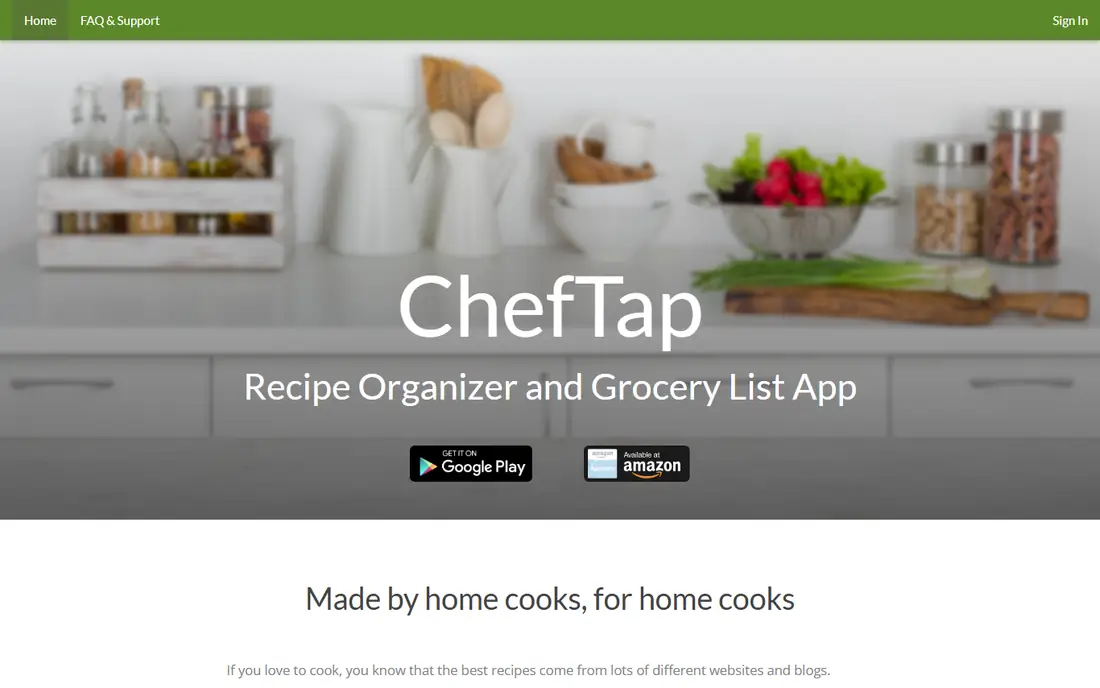
ChefTap is a straightforward organiser for cooks who want clipping, a clean recipe view, and a cook mode without a subscription-heavy platform. It saves recipes from the web, organises them into collections, and generates shopping lists from selected recipes. That simplicity suits a cook who finds larger apps cluttered.
Its feature set is narrower than Paprika, AnyList, or Samsung Food, and some details vary by platform, so check the current store listing before importing a large library. Pick ChefTap when a simple, focused organiser is enough and the team does not need meal planning depth or a large catalogue.
What we like- Simple recipe clipping
- Cook mode for step-by-step cooking
- Shopping list support
Watch out for- Smaller feature set than Paprika
- Platform and pricing details vary
Starting priceFree
Free planYes
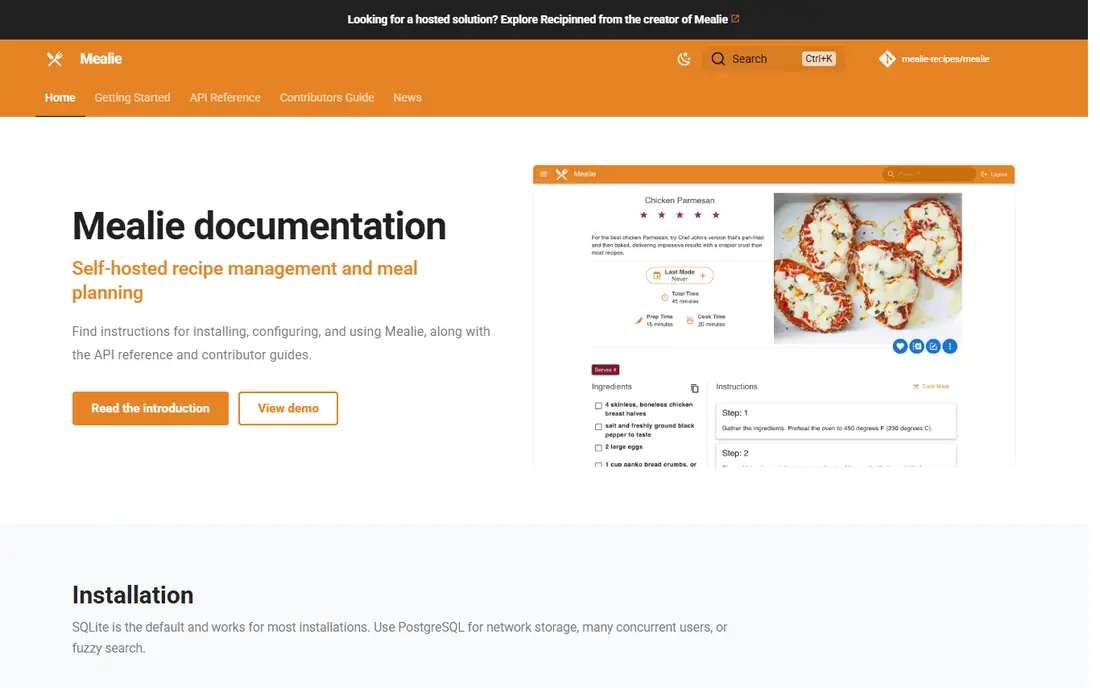
Mealie is the free, open source option for cooks comfortable running their own software. It imports recipes, plans meals, builds shopping lists, and stores everything on a server the user controls, with no subscription and no recipe limit imposed by a vendor. That ownership appeals to privacy-minded cooks and to households that already run home server software.
Self-hosting is the barrier. It needs a server, a home device, or a hosting service, plus updates and backups, which is more work than downloading Paprika or AnyList. Pick Mealie when free software and full data control matter more than a polished, ready-made app.
What we like- Free and open source
- Meal planner and shopping lists
- Full data ownership
Watch out for- Needs self-hosting on a server or home device
- Setup is technical
How we chose
We compared pricing pages, app store listings, documentation, and public reviews, and we checked each app against the jobs a recipe organiser must do: save recipes from the web, organise them, plan meals, and build a shopping list. An app made this list only when it offers a real free plan, trial, or one-time purchase path today, and when it truly organises recipes rather than only suggesting them. We left out meal-kit services and diet-only apps that do not store a personal recipe library.
Free limits to check before importing
Free plans differ in what they limit. Some limit recipe counts, some limit imports per week, and some limit platforms or sharing. Import a small test batch first, check that categories, notes, and scaling survive the import, and confirm that export works before adding hundreds of recipes.
One-time purchase versus subscription
One-time purchases, as in Paprika and Recipe Keeper, cost less over three years for a single cook, but they charge per platform. Subscriptions, as in Plan to Eat and Food+, cost more over time but include sync, updates, and new features across devices. Free plans, as in AnyList, Copy Me That, Samsung Food, and Mealie, suit a cook who wants to start without paying and upgrade only when a limit is hit.
Sharing with a household
AnyList and Samsung Food handle shared lists best for a family, while Plan to Eat covers a household under one account. Paprika and Recipe Keeper sync across a cook own devices, but household sharing is less central. If two or more people cook and shop together, test shared lists before choosing.
Frequently asked questions
What is the best completely free recipe organizer app?
Mealie is completely free if you can self-host it, while Samsung Food and AnyList offer generous free plans without self-hosting. Copy Me That is free up to 40 recipes. The best free pick depends on whether you can host software and whether you need a built-in recipe catalogue.
Is Paprika really a one-time purchase?
Yes, for the current Paprika 3 version, with a separate purchase per platform: $4.99 on iPhone and iPad, and $29.99 each on Mac and Windows. A newer Paprika version adds an optional subscription for new features, but existing owners can keep existing features without subscribing, according to the developer.
Can I import recipes from websites for free?
Yes, with limits. Paprika, Plan to Eat, Copy Me That, and Samsung Food all offer web clipping, but free plans may limit recipe counts or imports. Test clipping on a few favourite sites first, since some sites block clipping or format poorly.
Which recipe app is best for meal planning?
Plan to Eat is the strongest planner here, with a flexible calendar and a shopping list built from the plan. AnyList Complete and Samsung Food also offer meal calendars, while Paprika and Recipe Keeper cover planning more simply.
Do these apps work on both iPhone and Android?
Most do, including Paprika, Recipe Keeper, AnyList, Plan to Eat, Copy Me That, and Samsung Food. Mealie works through a web browser on any device once hosted. Check the specific app store listing for the platform you use, since features can vary slightly.
Can I export my recipes if I switch apps?
Most organisers here support export in some form, and Mealie gives full control over its data as a self-hosted app. Export a test file before importing a large library, and keep a backup copy outside any single app.
Sources we checked (8)
- https://www.paprikaapp.com
- https://recipekeeperonline.com
- https://www.anylist.com
- https://www.plantoeat.com
- https://www.copymethat.com
- https://www.samsungfood.com
- https://www.cheftap.com
- https://mealie.io
Is your product missing or out of date?
We review this list regularly. Vendors can request a listing, send updated pricing or ask about featured placement.

Shihab Mia · Founder, Rankite
Shihab has 5+ years in B2B and SaaS SEO. He writes Rankite's software buying guides from pricing pages, documentation and public user reviews. More about Shihab.