How we make this list: we compare pricing pages, product documentation and public user reviews. Rankite is independent; if a vendor ever pays for a featured spot, that listing is clearly labeled Partner.
Key takeaways
- M-Files organizes by metadata instead of folders, which changes how large teams find documents.
- FileCenter at $97 per user one-time is the affordable paperless pick for small Windows offices.
- Folderit at $52 per month is the simplest cloud option for small teams that want structure without IT.
- Box, Egnyte and Zoho WorkDrive suit teams that live in cloud files and need sharing more than workflows.
Quick comparison
| Tool | Best for | Starting price | Free plan |
|---|
 M-Files M-Files | Metadata-driven organization | See website | Free trial |
 DocuWare DocuWare | Document workflow automation | See website | Free trial |
 FileCenter FileCenter | Small offices going paperless | $97/user one-time | No |
 Folderit Folderit | Simple cloud organization | $52/month | Free plan |
 LogicalDOC LogicalDOC | Open-source flexibility | See website | No |
 Revver Revver | AI-assisted organization | $25/user/month | Free trial |
 Egnyte Egnyte | Secure file sharing with governance | $22/user/month | Free trial |
 Box Box | Cloud content management | $15/user/month | Free plan |
 Zoho WorkDrive Zoho WorkDrive | Teams on Zoho or a budget | $3/user/month | Free plan |
Is your product missing or out of date?
We review this list regularly. Vendors can request a listing, send updated pricing or ask about featured placement.
The best document organizer software
Starting priceSee website
Free planFree trial
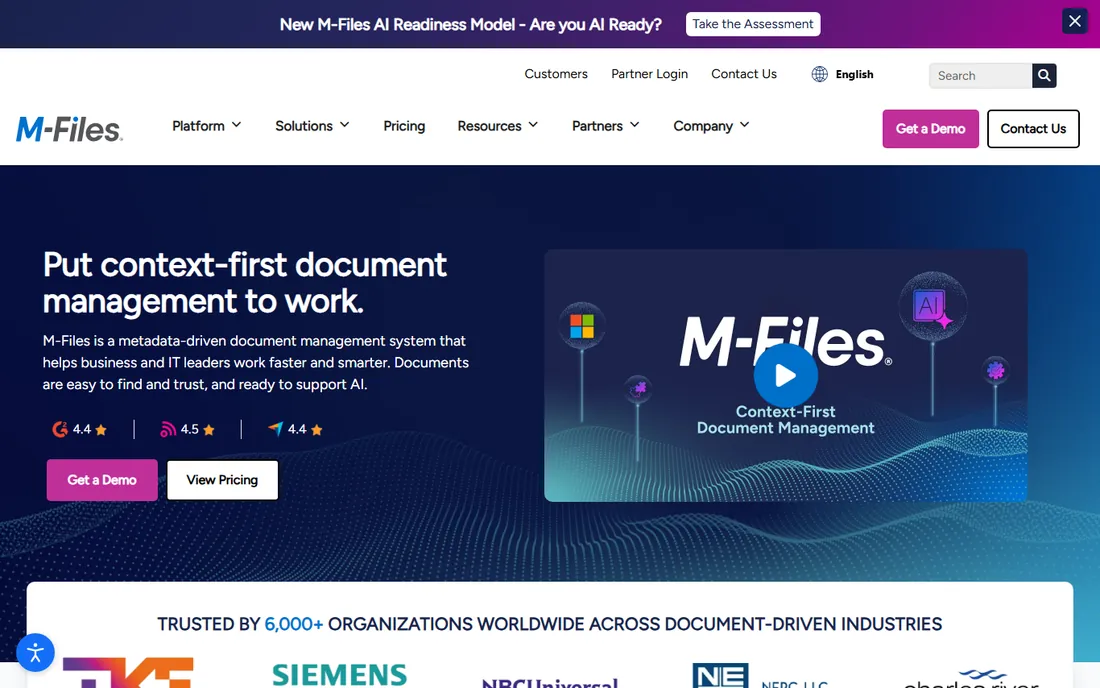
M-Files throws out the folder tree. Documents get tagged with metadata (client, project, date, type) and you find them by what they are rather than where someone filed them. For organizations with tens of thousands of documents across departments, that difference is transformative. Workflow automation routes documents for review and approval without manual handoffs.
The adjustment is real: teams raised on folders need training to think in metadata. Pricing is quote-based with a free trial. M-Files fits mid-size and larger organizations where finding documents is a daily cost and folder chaos has real consequences.
What we like- Find documents by content, not folder location
- Workflow automation
- Deep Microsoft integrations
Watch out for- Learning curve for folder-trained teams
- Integrations can need technical help
Starting priceSee website
Free planFree trial
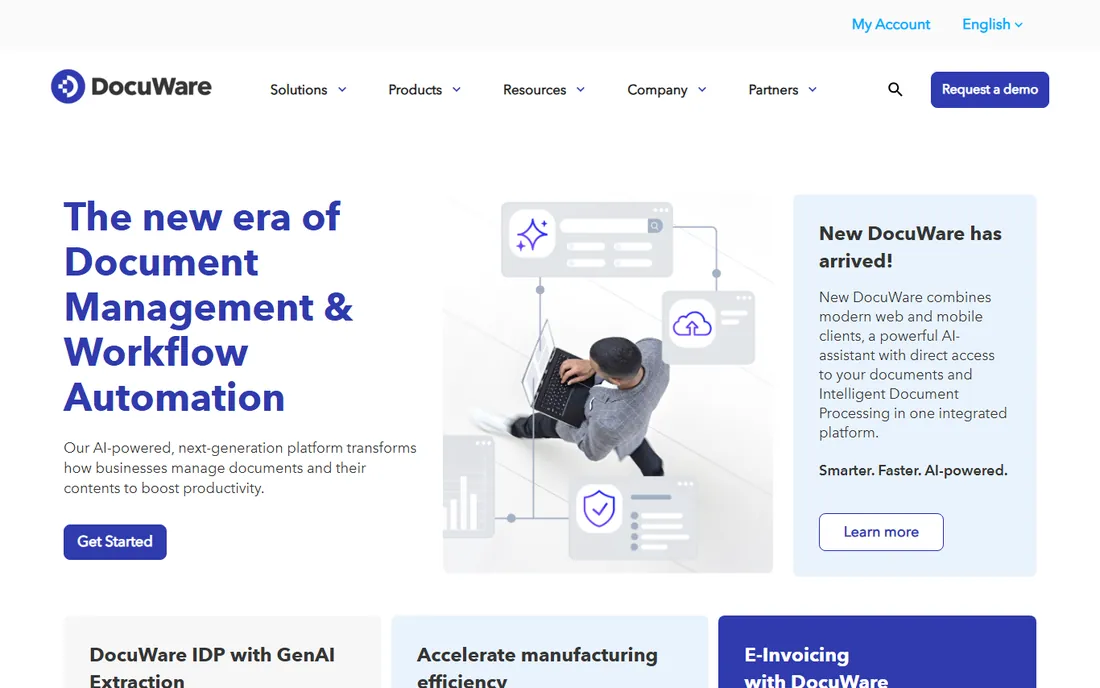
DocuWare specializes in turning paper and PDF chaos into automated workflows. AI indexing reads invoices and forms, extracts the data and routes documents for approval. For finance departments processing hundreds of invoices monthly, the automation pays for itself in reduced manual entry.
Pricing requires a consultation; there is no public price list. A 30-day free trial lets you test with real documents. DocuWare suits organizations where document workflows (approvals, compliance, retention) matter more than simple storage.
What we like- AI-powered document indexing
- Approval routing
- Strong invoice processing
Watch out for- Quote-only pricing
- Consultation required for pricing
Starting price$97/user one-time
Free planNo
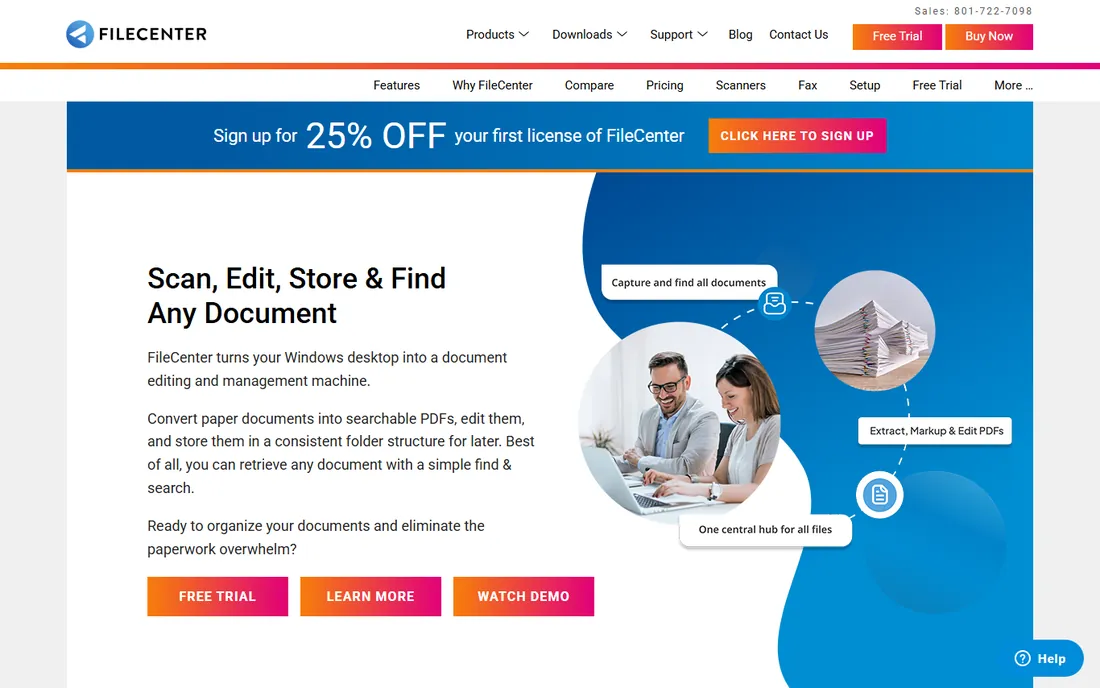
FileCenter is the pragmatic pick for a small office that wants to scan, organize and find documents without a subscription. The cabinet-style layout mirrors Windows Explorer, so staff learn it in minutes. Built-in OCR and PDF editing handle digitization without extra tools. At $97 per user one-time, long-term costs are predictable.
The limitations are clear: no Mac support, mostly desktop-based, and thin workflow and version control. For accounting, legal or medical offices focused on going paperless rather than collaborating on documents, FileCenter covers the core needs affordably.
What we like- One-time pricing, no subscription
- Familiar cabinet layout
- Built-in OCR and PDF tools
Watch out for- Windows only
- Limited workflow and collaboration features
Starting price$52/month
Free planFree plan
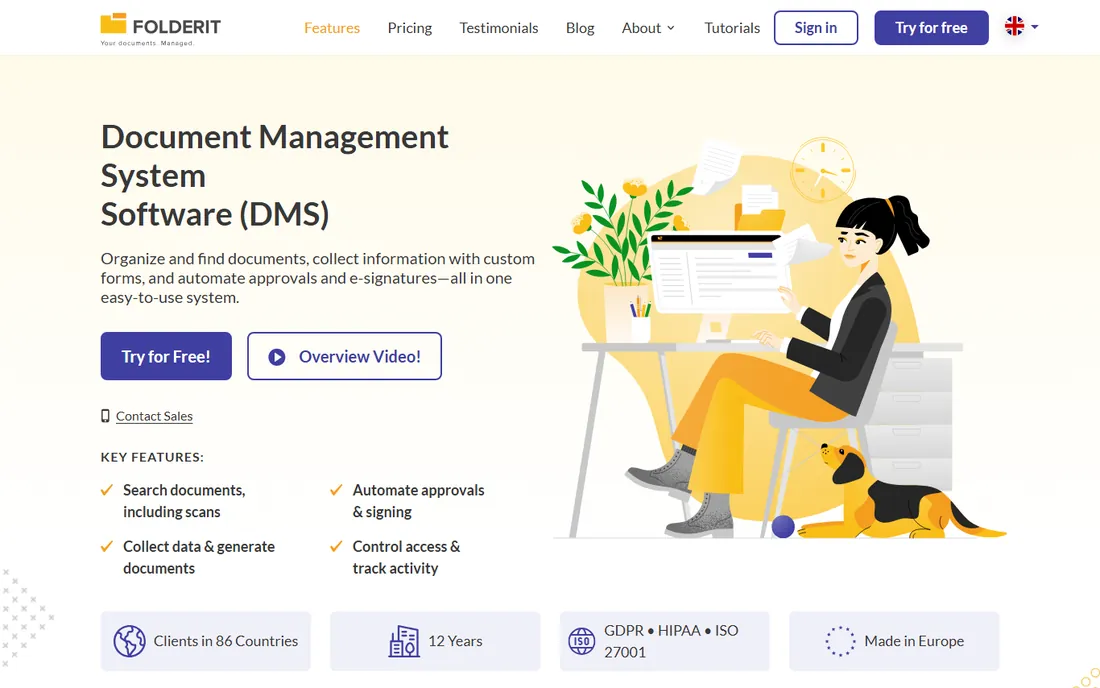
Folderit offers cloud document management without the enterprise complexity. Upload files, organize them in a clear structure, control permissions and share securely. Plans from $52 per month are straightforward, and a free plan lets small teams start without paying.
Advanced workflow automation and deep integrations are not its game. For a small team that needs better organization than a shared drive but cannot justify M-Files or DocuWare, Folderit hits the sweet spot of simple and affordable.
What we like- Easy to set up and use
- Affordable flat pricing
- Good for small teams
Watch out for- Fewer advanced workflow features
- Smaller vendor
Starting priceSee website
Free planNo
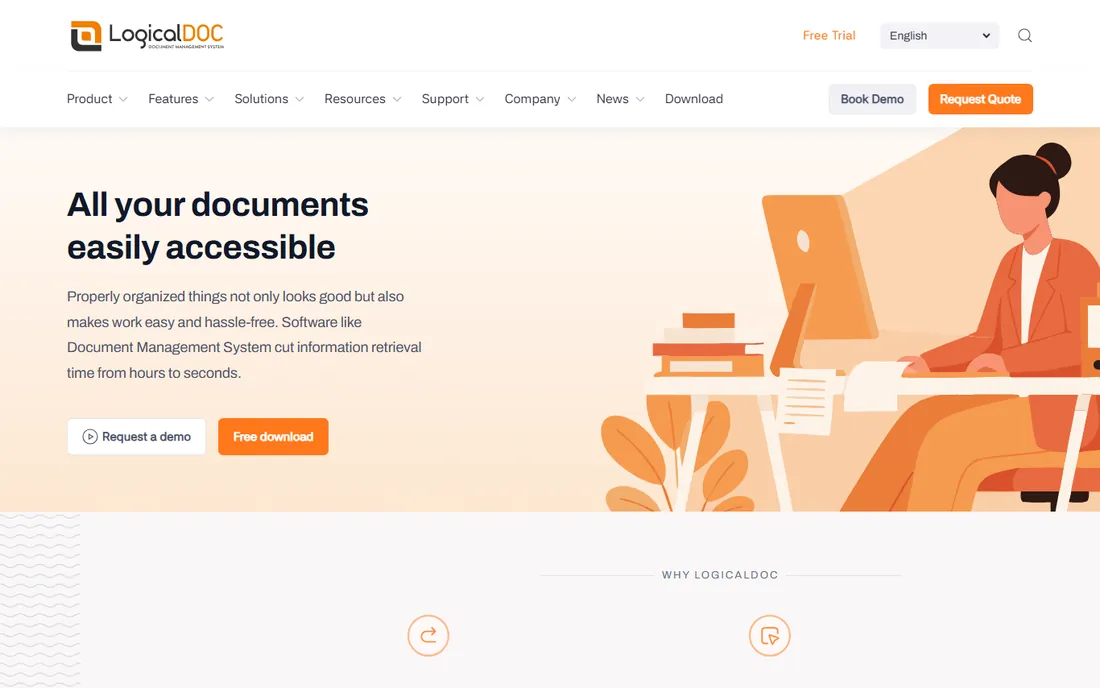
LogicalDOC is the open-source option. The Community Edition is free to self-host, with document versioning, full-text search, workflow basics and a web interface. Organizations with IT staff get a capable document management system without license fees.
Self-hosting means you own maintenance, backups and security. Advanced features and support come in paid enterprise editions with quote-based pricing. LogicalDOC fits technical teams and cost-sensitive organizations comfortable running their own infrastructure.
What we like- Open-source Community Edition
- Full-text search
- Version control
Watch out for- Self-hosting needs IT skills
- Enterprise features are paid
Starting price$25/user/month
Free planFree trial
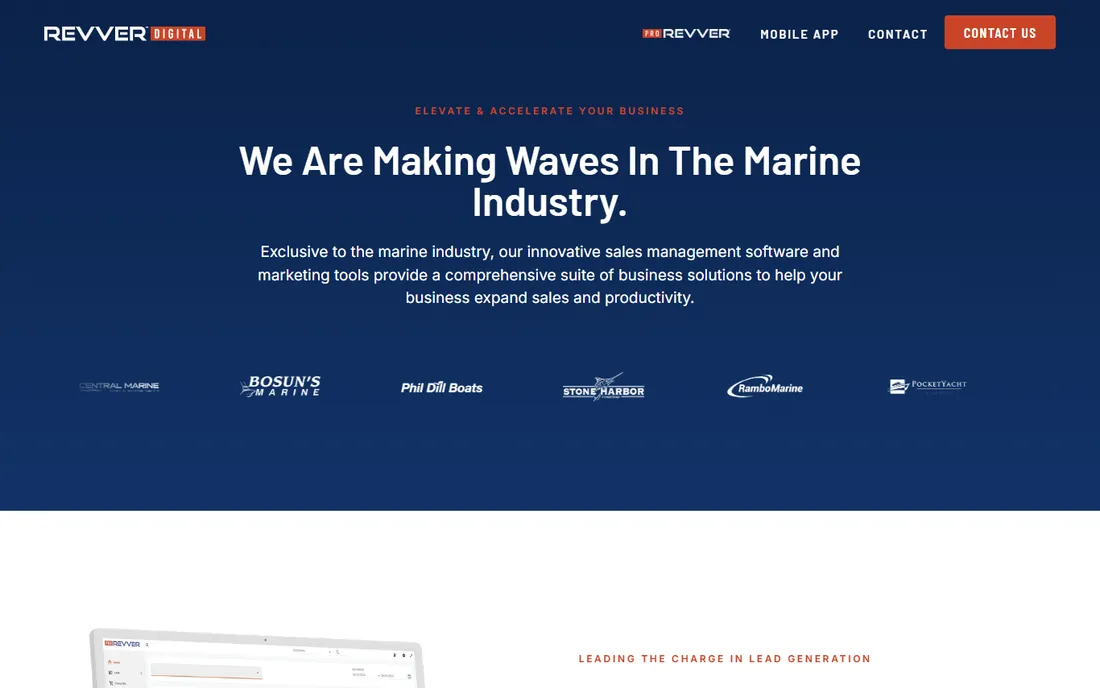
Revver (formerly eFileCabinet) is a dedicated document management system with AI built in. The AI suite classifies documents, extracts data and suggests organization automatically. Unlimited storage on every tier removes the capacity anxiety that plagues per-gigabyte plans.
At $25 per user per month, it undercuts enterprise competitors while offering more DMS depth than general file-sharing tools. Integration with large ECM ecosystems is lighter than OpenText or Hyland. For small to mid-size businesses that want a real DMS with modern AI help, Revver is well priced.
What we like- Unlimited storage on all tiers
- AI suite for classification
- Dedicated DMS focus
Watch out for- Lighter ECM integrations than giants like OpenText
Starting price$22/user/month
Free planFree trial
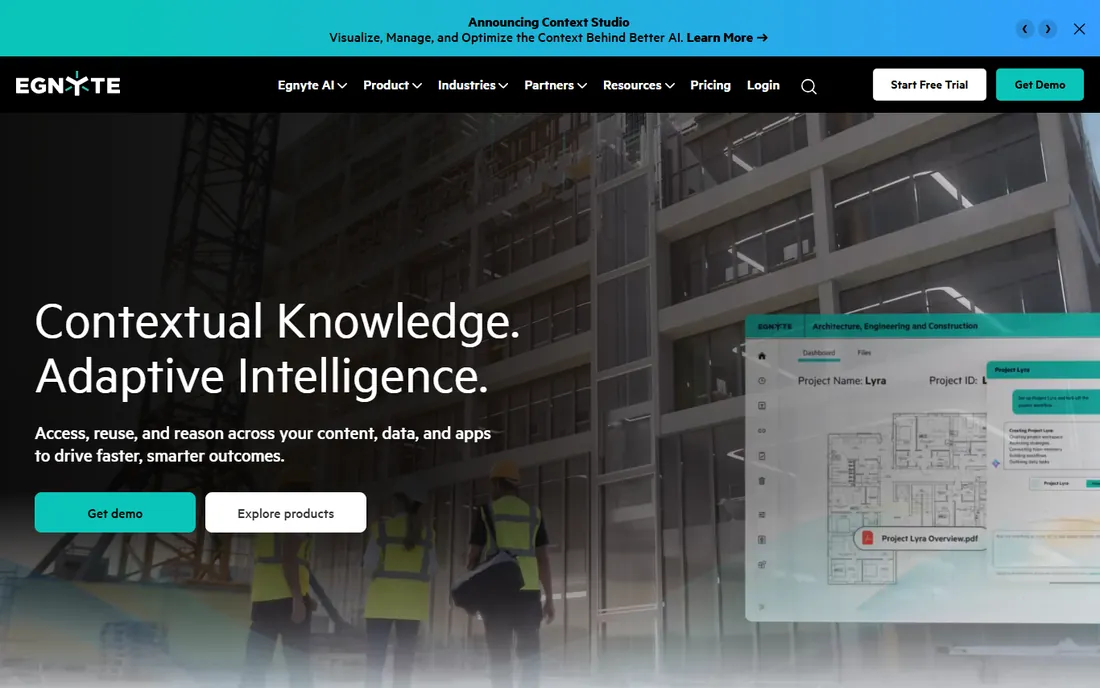
Egnyte blends cloud file sharing with serious governance. Built-in ransomware detection watches for attack patterns, Smart Cache syncs files to local offices, and content governance tools handle permissions, retention and compliance. It suits industries where file sharing must coexist with regulation.
Plans start at $22 per user per month, but the base tier caps storage at 100 GB, so growing teams pay more. The 15-day free trial is short; use it well. Egnyte fits businesses that need Dropbox-style ease with enterprise-grade control.
What we like- Ransomware detection built in
- Hybrid cloud and on-premise
- Strong governance tools
Watch out for- Base plan storage capped at 100 GB
- Governance features need higher tiers
Starting price$15/user/month
Free planFree plan
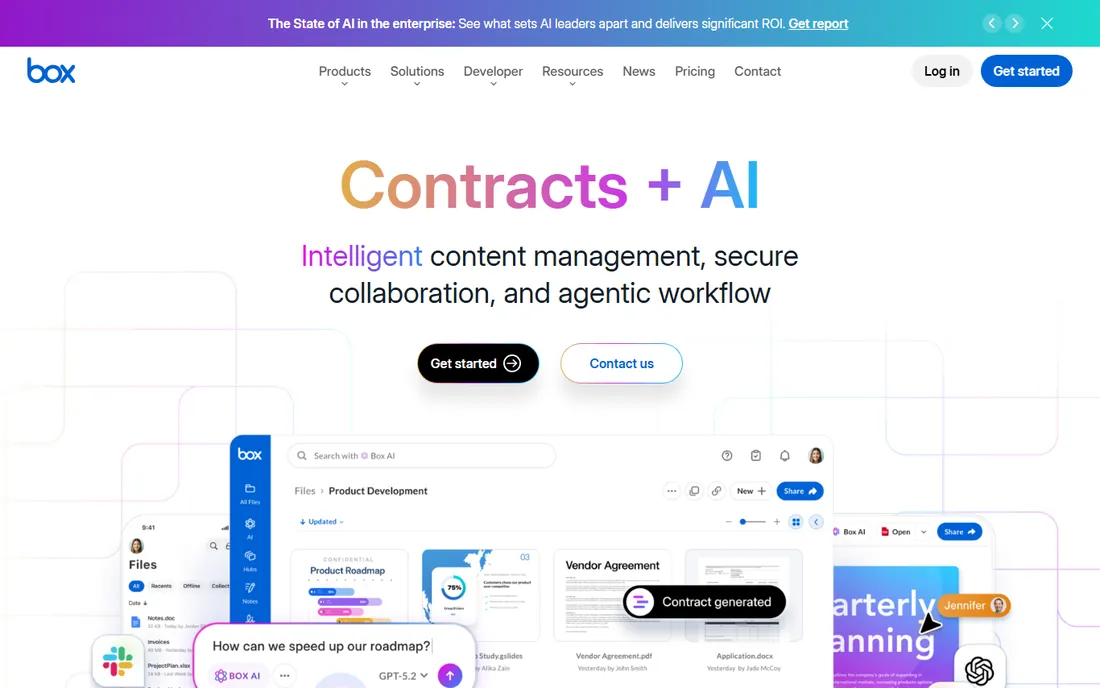
Box is the enterprise cloud content platform: file storage, sharing and collaboration with security certifications that satisfy IT departments. Business tiers include unlimited storage, which simplifies planning, and the integration library connects to Microsoft 365, Google Workspace, Salesforce and hundreds more.
Plans start at $15 per user per month with a 14-day trial; advanced governance sits on higher enterprise tiers. For organizations standardizing on cloud content with compliance requirements, Box is the established choice.
What we like- Unlimited storage on business tiers
- Strong security and compliance
- Huge integration library
Watch out for- Advanced governance needs enterprise plans
- Per-user costs add up
Starting price$3/user/month
Free planFree plan
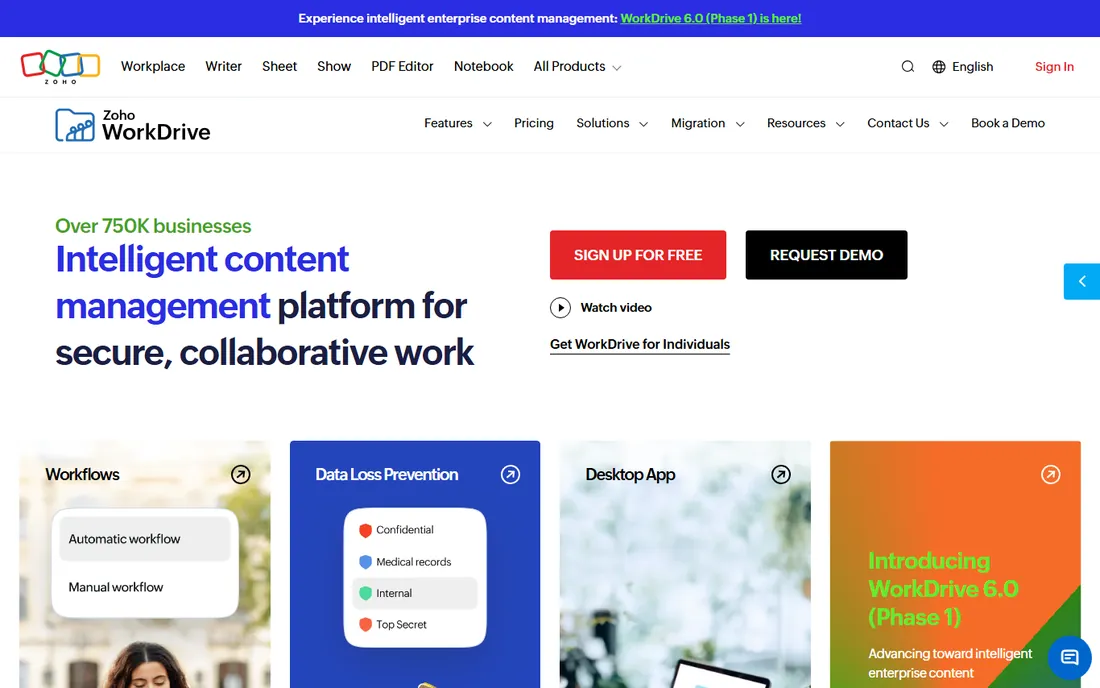
Zoho WorkDrive brings team file management to the Zoho ecosystem at a fraction of competitors' prices. Real-time co-editing, file sharing, version history and admin controls cover the essentials. At around $3 per user per month, it is the cheapest serious option here.
The ecosystem is smaller than Box or Google Drive, which matters if you live outside Zoho's apps. For teams already on Zoho, or any budget-conscious team that needs organized cloud files, WorkDrive is the value pick.
What we like- Very affordable
- Integrates with the Zoho suite
- Real-time collaboration
Watch out for- Smaller ecosystem than Box or Google
- Advanced admin needs higher tiers
Traditional tools (FileCenter, Folderit) use folders: familiar, simple, and they break down past a few thousand documents. Metadata systems (M-Files, LogicalDOC) tag documents so you search by attributes instead of location; the learning curve pays off at scale. AI-assisted tools (Revver, DocuWare) classify and extract automatically, reducing the manual tagging burden.
Small teams should start with folders and graduate when finding things takes too long. Large or regulated organizations should evaluate metadata or AI approaches from the start, because migrating a messy folder structure later is painful.
What to check before you buy
Test search with your real documents. Every vendor demos well with sample files; upload a few hundred of your own and see what retrieval actually feels like.
Confirm the migration path. Moving years of files, permissions and versions is the hidden project. Ask what the vendor migrates and what it costs.
Check compliance needs early. Retention policies, audit trails and access controls are not add-ons in regulated industries. Verify them before the pilot, not after.
Naming conventions that survive staff turnover
Software organizes documents, but naming conventions determine whether anyone can find them. Every organization has the same archaeology: folders full of "Final_v2_REALLYFINAL.pdf" and "Document (1).docx," created by people who left years ago. The fix is a naming standard, and it matters more than which software you buy, because even the best search cannot rescue chaos that nobody documented. A good convention has four elements: date, project or client identifier, document type, and version. In that order, separated consistently. "2026-10-14_AcmeCorp_Proposal_v3.pdf" tells you everything in the filename. Adopt ISO dates (YYYY-MM-DD) so files sort chronologically everywhere, on every system, forever.
Keep the convention short enough to follow. The enemy of naming standards is ambition: a 40-character schema with six fields will be abandoned by week two. Four fields maximum, each with a controlled vocabulary. Document types come from a fixed list (proposal, contract, invoice, report), not free text. Project identifiers come from the project system, not memory. Versions are simple numbers, never "final." Write the standard on one page, with five good examples and five bad ones. New hires should understand it in five minutes. If explaining the convention takes longer than that, simplify the convention.
Enforcement beats documentation. A standard nobody follows is worse than no standard, because it creates the illusion of order. Build the convention into templates and upload forms where possible: default filenames generated from metadata, required fields that become filename components. Where automation is not possible, assign ownership: one person reviews new documents weekly for the first quarter, correcting names and coaching authors. This sounds tedious, and it is, for about three months. After that the habit sticks and the review can go monthly, then quarterly. Organizations that skip enforcement always end up re-doing the cleanup later at ten times the cost.
Handle the legacy mess explicitly. Do not attempt to rename ten years of files by hand; it will never finish. Instead, freeze the old structure as an archive with a clear cutoff date, apply the new convention going forward, and migrate old documents opportunistically when they are touched. For high-value document sets (contracts, certifications), fund a one-time cleanup project with temporary help. For everything else, good search plus the archive boundary is enough. The goal is a system that works from today forward, not a perfect past.
Review the convention annually. Business changes: new document types appear, projects restructure, acquisitions bring foreign naming. A yearly 30-minute review keeps the standard aligned with reality. Also audit compliance by sampling: pull 50 random recent documents and check the names. Above 90 percent compliance, the system is healthy. Below 70 percent, something broke: usually a new team that was never trained or a workflow that bypasses the standard. Fix the cause, not the filenames. Naming conventions are organizational habits disguised as rules, and like all habits, they need occasional reinforcement to survive.
Frequently asked questions
What is the difference between document organizer software and cloud storage?
Cloud storage (Dropbox, Google Drive) stores and syncs files. Document organizer software adds structure: metadata, version control, workflows, retention policies and compliance. If you just need files accessible everywhere, storage is enough. If you need control over document lifecycles, you need a DMS.
How much does document management software cost?
Small-team tools run $3 to $25 per user per month. Mid-market platforms like Revver and Egnyte run $22 to $25 per user per month. Enterprise systems like M-Files and DocuWare are quote-based. FileCenter's $97 one-time per user is the outlier value for small Windows offices.
Can these tools handle paper scanning?
Most can. FileCenter, DocuWare and Revver include or integrate OCR and scanning workflows. For a paperless office project, confirm batch scanning, OCR accuracy and searchable PDF output during the trial.
Do I need IT staff to run document management software?
Cloud tools (Folderit, Box, Egnyte, Revver, Zoho WorkDrive) need no IT staff. Self-hosted options like LogicalDOC do. Enterprise platforms benefit from an admin but do not require a dedicated team at small scale.
What is metadata-driven document management?
Instead of filing documents in folders, you tag them with attributes like client, project and document type, then find them by searching those attributes. M-Files pioneered this approach. It scales better than folders but requires users to tag consistently.
How hard is it to migrate from shared drives?
The files move easily; the structure does not. Folder hierarchies rarely map cleanly to metadata or new taxonomies. Budget time for planning the new structure and cleaning duplicates before migration.
How we chose
We compared tools that small and mid-size teams actually buy for document organization, from simple cloud organizers to enterprise DMS platforms. Pricing comes from vendor pages and recent published comparisons; quote-based enterprise tools are marked as such. We weighted ease of finding documents, setup simplicity, honest pricing and fit for different team sizes. No hands-on testing was performed; assessments rest on documentation and public reviews.
Sources we checked (12)
- https://www.m-files.com/
- https://start.docuware.com/
- https://www.filecenter.com/
- https://www.folderit.com/
- https://www.logicaldoc.com/
- https://www.revver.com/
- https://www.egnyte.com/
- https://www.box.com/
- https://www.zoho.com/workdrive/
- https://advertiserreview.com/softwares/document-management/
- https://www.selecthub.com/document-management-software/m-files-vs-filecenter/
- https://thedigitalprojectmanager.com/tools/best-small-business-document-management-software/
Is your product missing or out of date?
We review this list regularly. Vendors can request a listing, send updated pricing or ask about featured placement.

Shihab Mia · Founder, Rankite
Shihab has spent more than a decade helping SaaS and e-commerce brands grow through search. He writes Rankite's software buying guides from pricing pages, documentation and public user reviews. More about Shihab.