How we make this list: we compare pricing pages, product documentation and public user reviews. Rankite is independent; if a vendor ever pays for a featured spot, that listing is clearly labeled Partner.
What stood out
- TurboScribe has the most generous free tier for files: 3 transcriptions per day at up to 30 minutes each, and it handles video as well as audio.
- Otter.ai and Notta give the biggest free monthly allowances for meetings, 300 and 120 minutes respectively, with live notetakers included.
- Fathom and Fireflies transcribe meetings free with no hard minute cap on the free plan, but they are meeting tools, not file upload services.
- Rev, Sonix, and Happy Scribe offer small free trials rather than permanent free plans, which suits one-off projects better than ongoing use.
- If you need video transcription free, prioritize TurboScribe, Happy Scribe, Trint, Sonix, and Maestra, which all process video files directly.
Quick comparison
| Tool | Best for | Starting price | Free plan |
|---|
 TurboScribe TurboScribe | Free file transcription, audio and video | $10 per month (Unlimited, billed annually) | Yes (3 files per day, 30 minutes each) |
 Otter.ai Otter.ai | Free meeting transcription | $8.33 per user/month (Pro, billed annually) | Yes (300 minutes/month) |
 Notta Notta | Free multilingual meeting notes | $8.17 per month (Pro, billed annually) | Yes (120 minutes/month) |
 Fathom Fathom | Free unlimited meeting capture | $16 per user/month (Premium, billed annually) | Yes (free forever) |
 Fireflies Fireflies | Free meeting transcription with search | $10 per seat/month (Pro, billed annually) | Yes (free forever) |
 Rev Rev | Free trial plus human transcription option | $25.49 per seat/month (Essentials, billed annually) | Free trial (45 AI minutes/month) |
 Happy Scribe Happy Scribe | Free trial, 150+ languages | $8.50 per month (Basic, billed annually) | Free trial (10 AI minutes) |
 Sonix Sonix | Free trial with full features | $22 per user/month (Premium) | Free trial (30 minutes) |
 Maestra Maestra | Free trial for video localization | $29 per month | Free trial (no credit card) |
 Trint Trint | Free trial for media teams | $52 per seat/month (Starter, billed annually) | Free trial (7 days) |
Is your product missing or out of date?
We review this list regularly. Vendors can request a listing, send updated pricing or ask about featured placement.
The best free audio transcription software
Starting price$10 per month (Unlimited, billed annually)
Free planYes (3 files per day, 30 minutes each)
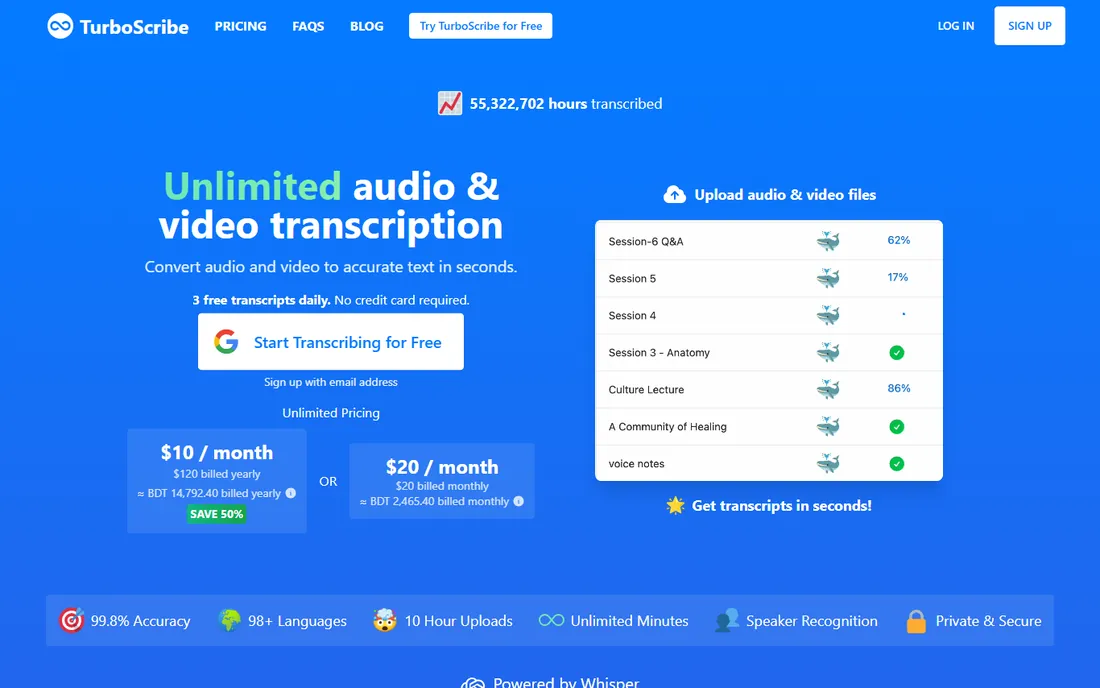
For pure free transcription of audio and video files, TurboScribe is hard to beat. The free tier allows 3 transcriptions per day, each up to 30 minutes, with no credit card required. Upload an MP3, MP4, WAV, or dozens of other formats, and the service returns a transcript in one of 98+ languages, with optional translation to 130+ languages and export to PDF, DOCX, SRT, VTT, and TXT.
The paid Unlimited plan costs $10 per month on annual billing ($20 month to month) and removes caps entirely, which makes it one of the cheapest unlimited options anywhere. The catch on the free tier is the daily file limit: a backlog of long interviews will take several days to work through. Audio restoration and speaker recognition are available but add processing time. Support is email-based, and the founder-led operation is refreshingly transparent about pricing and limits on the FAQ page.
What we like- Generous free tier with no credit card
- Handles video files directly
- 98+ languages with translation
Watch out for- Free tier limited to 3 files daily
- Speaker labeling costs extra processing time
Starting price$8.33 per user/month (Pro, billed annually)
Free planYes (300 minutes/month)
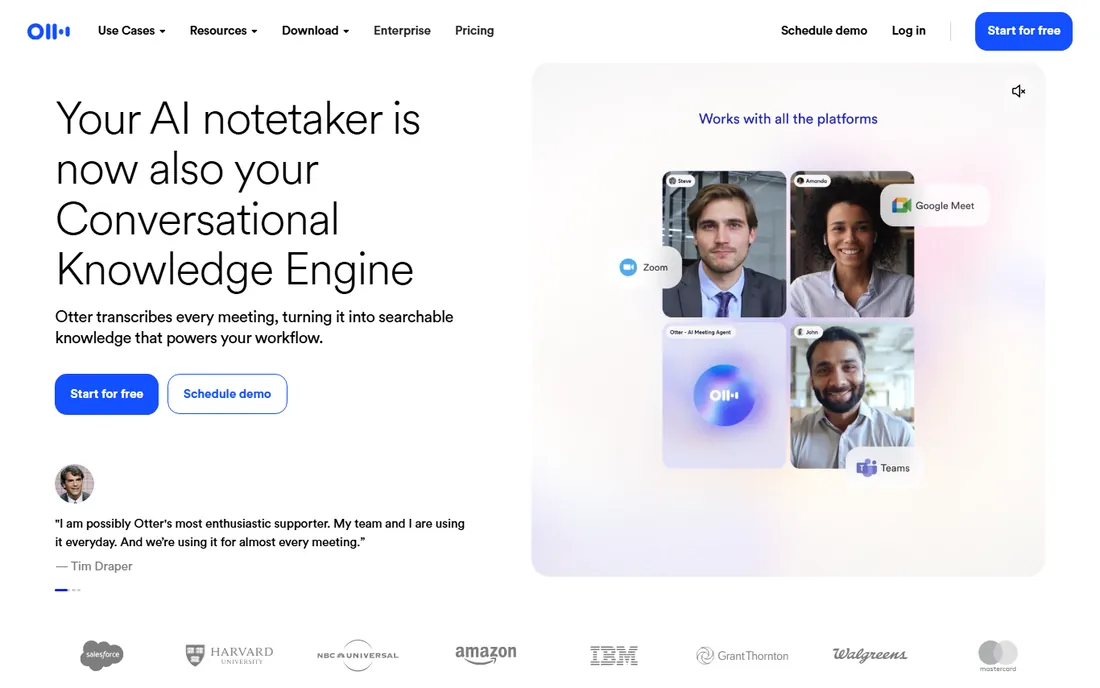
Otter.ai built the AI meeting notetaker category, and its free plan remains one of the most generous: 300 transcription minutes per month with automated summaries. Connect it to Zoom, Google Meet, or Microsoft Teams and it joins calls, transcribes live, identifies speakers, and produces summaries with action items. The searchable archive across meetings is genuinely useful for teams that live on calls.
The Pro plan at $8.33 per user per month on annual billing raises limits and adds integrations. The free tier's limits show up in per-conversation caps and restricted import allowances, so it suits ongoing meeting capture better than transcribing a backlog of recorded files. Setup takes minutes through calendar integration. Support ranges from help center articles to priority support on higher tiers. If your transcription need is meetings rather than files, start here.
What we like- 300 free minutes monthly is generous
- Live meeting notetaker
- Searchable transcript library
Watch out for- Free plan caps conversation length
- Best for meetings, not bulk file uploads
Starting price$8.17 per month (Pro, billed annually)
Free planYes (120 minutes/month)
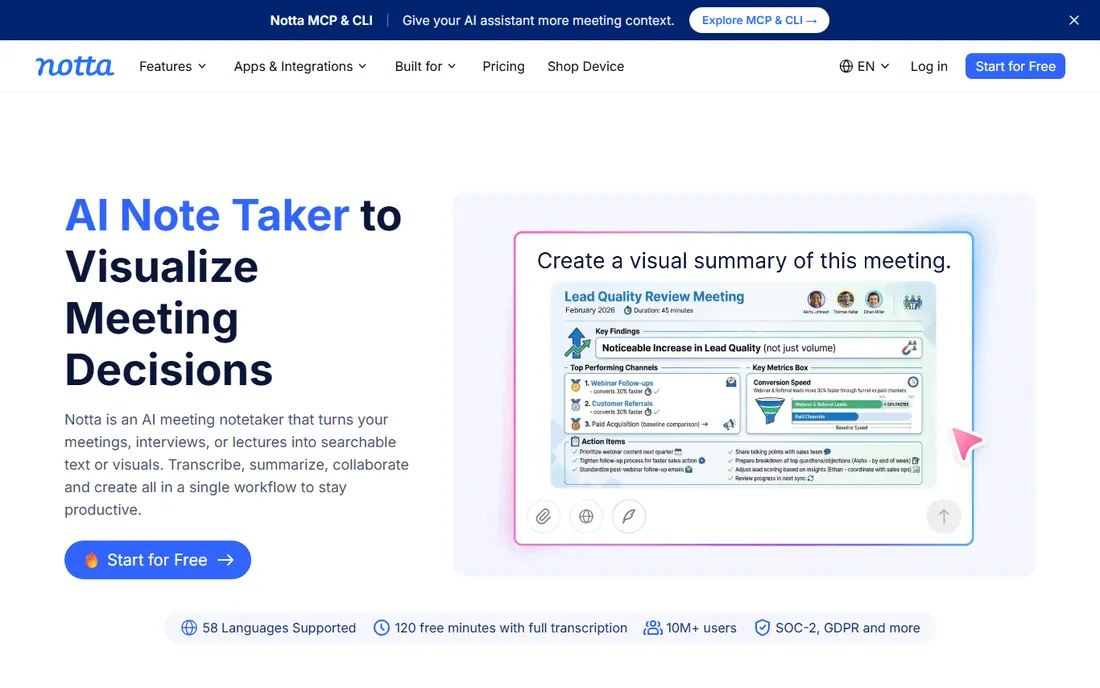
Notta is the closest Otter alternative with a genuinely useful free tier: 120 transcription minutes per month, 50 file imports, and 10 AI summaries. It records meetings across Zoom, Meet, and Teams, transcribes in dozens of languages, and produces summaries you can share. For bilingual or multilingual teams, language support is a cut above many rivals.
The Pro plan costs $8.17 per month on annual billing and raises the allowance to 1,800 minutes. The free tier's main constraint is the 3-minute cap per recording session, which makes it awkward for long uninterrupted recordings; meetings work fine because the notetaker segments them. File imports on the free plan are capped at 50 per month. Setup is quick, the editor is clean, and support is ticket-based with solid documentation.
What we like- 120 free minutes monthly
- Strong multilingual support
- Clean editor with AI summaries
Watch out for- Free recordings capped at 3 minutes each
- Smaller ecosystem than Otter
Starting price$16 per user/month (Premium, billed annually)
Free planYes (free forever)
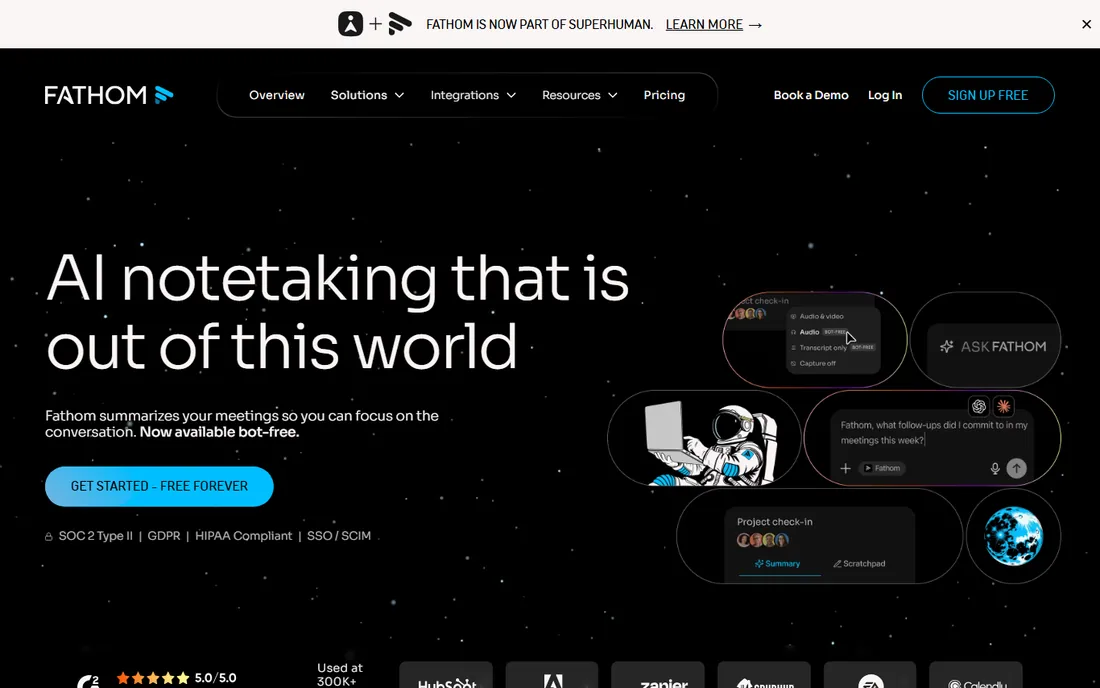
Fathom's free plan is unusually generous: unlimited recordings and transcriptions, free forever, for individuals. It captures Zoom, Google Meet, and Teams calls, generates instant AI summaries, and lets you create clips, playlists, and searchable call libraries. A bot-free recording option keeps meetings clean, and integrations push summaries into Salesforce, HubSpot, Slack, and Notion.
Premium at $16 per user per month on annual billing ($20 monthly) adds advanced summaries, action items, and the conversational AI assistant. The limitation is scope: Fathom transcribes meetings you attend, not arbitrary audio or video files you upload. For sales teams, recruiters, and consultants who live on calls, the free tier may be all they ever need. Setup involves a browser extension or calendar connection and takes minutes.
What we like- Free plan includes unlimited recordings and transcriptions
- Bot-free recording option
- CRM integrations
Watch out for- Meeting-focused, no bulk file transcription
- Advanced summaries need Premium
Starting price$10 per seat/month (Pro, billed annually)
Free planYes (free forever)
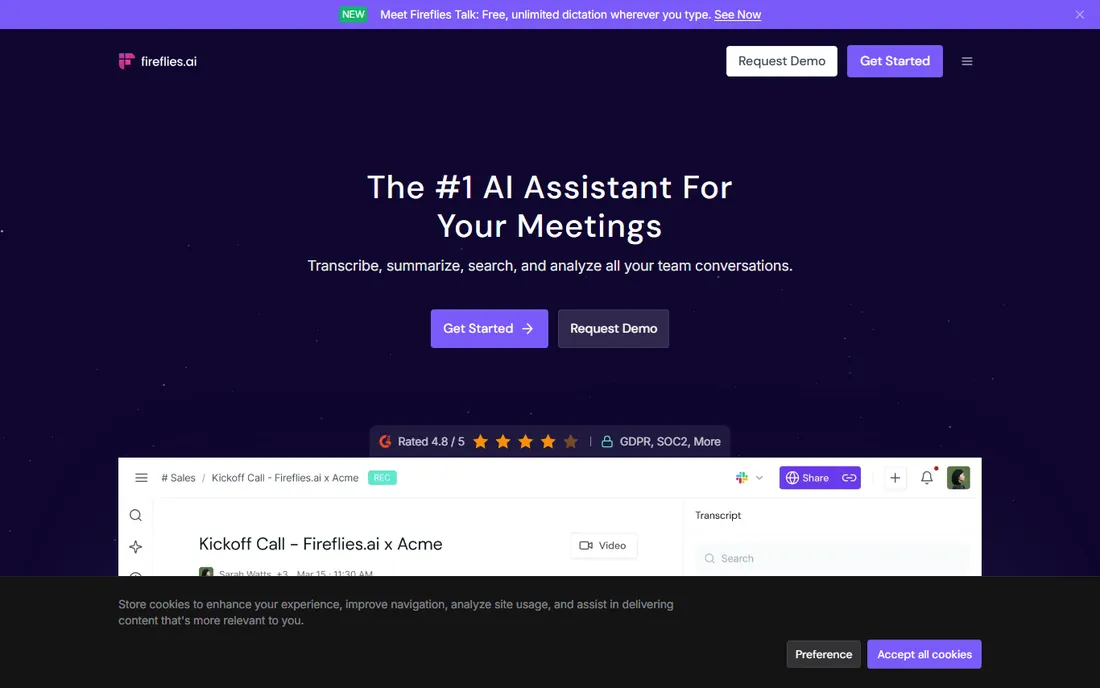
Fireflies offers unlimited transcription on its free-forever plan, which is remarkable, with the constraint applied to storage: 400 minutes per team. It joins meetings across Zoom, Meet, Teams, and more, transcribes in 100+ languages, and provides search across every conversation. The integration library is one of the broadest in the category, covering CRMs, project tools, and communication apps.
Pro costs $10 per seat per month on annual billing ($18 monthly) and raises storage to 8,000 minutes per seat with unlimited AI summaries and downloads. The free plan limits AI summary usage, so heavy consumers of summaries will feel the push to upgrade. Like Fathom, Fireflies is a meeting tool first; file uploads exist but the product shines on live calls. Setup is straightforward through calendar integration, and support includes documentation plus ticketed help.
What we like- Unlimited transcription on the free plan
- 100+ languages
- Broad integration library
Watch out for- Free storage capped at 400 minutes per team
- AI summaries limited on free
#6
Rev
Best for: Free trial plus human transcription option
Visit rev.com
Starting price$25.49 per seat/month (Essentials, billed annually)
Free planFree trial (45 AI minutes/month)
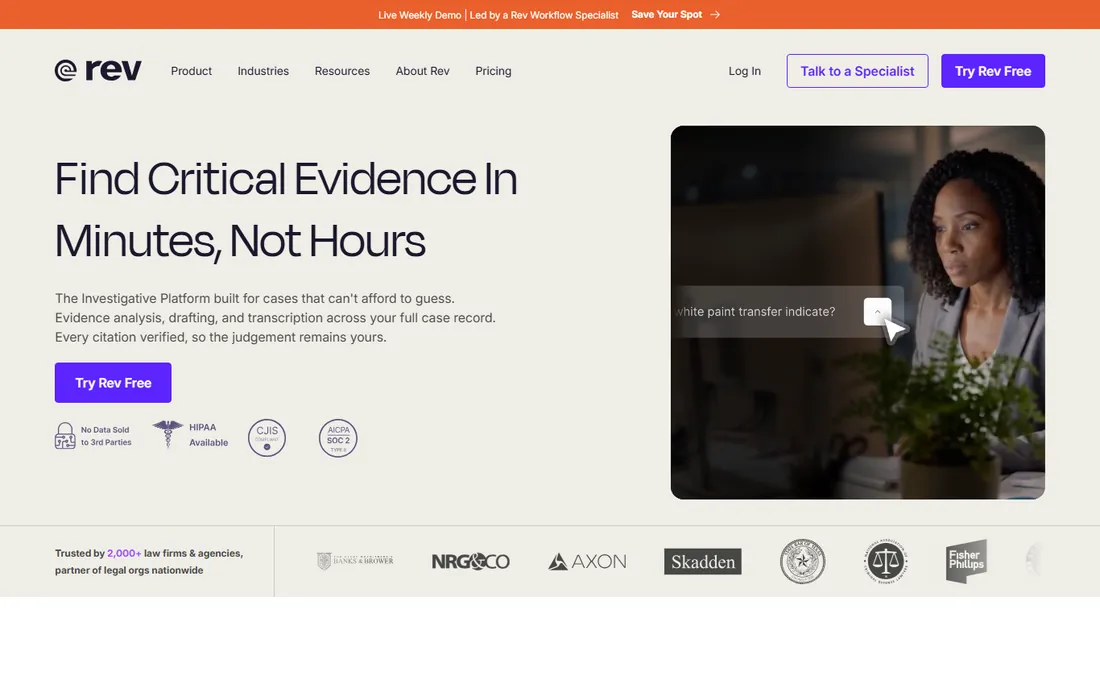
Rev is best known for human transcription, but its AI service includes a free allowance of 45 minutes per month. That makes it a solid option for occasional needs: transcribe a short interview free, and if the audio is difficult or the stakes are high, order human transcription at $1.99 per minute with 99%+ accuracy. Few competitors offer both AI and human services under one roof.
The Essentials subscription at $25.49 per seat per month on annual billing targets teams with regular volume. Rev also handles video files, captions, and subtitles, which covers the video transcription angle. The free allowance is small by design; this is a trial that converts to paid, not a permanent free tier. Support is strong, with live help for paying customers. Choose Rev when accuracy matters more than cost, or when you need human-verified transcripts on demand.
What we like- 45 free AI minutes monthly
- Human transcription at 99% accuracy available
- Strong captioning tools
Watch out for- No permanent free plan
- Subscriptions are pricey for casual users
Starting price$8.50 per month (Basic, billed annually)
Free planFree trial (10 AI minutes)
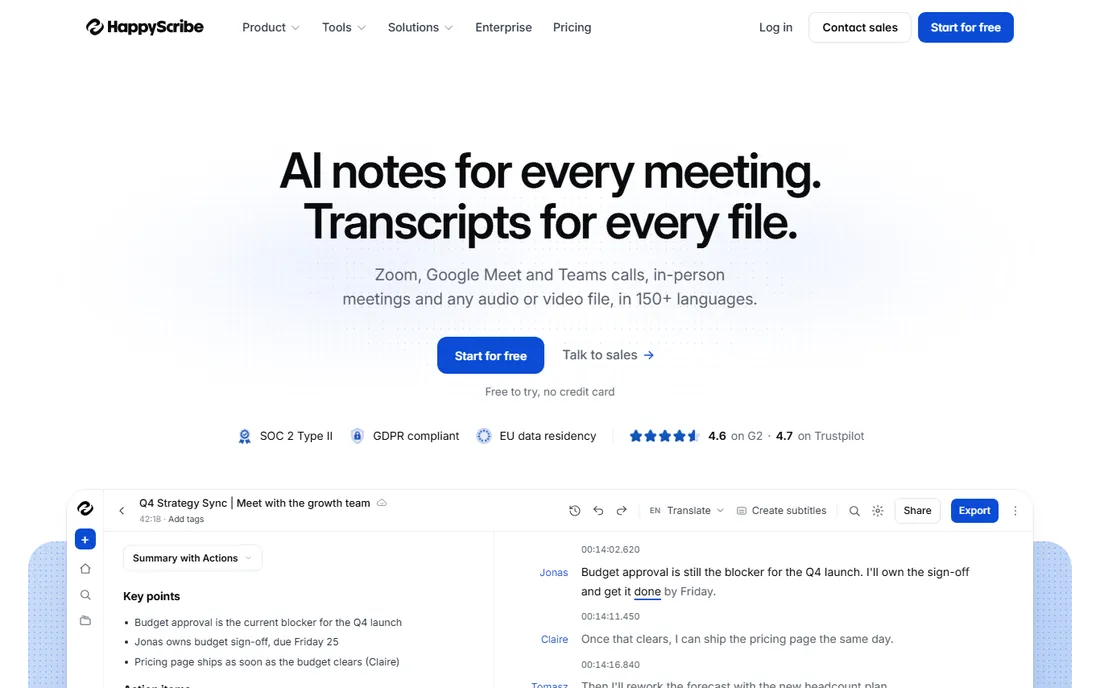
Happy Scribe's free offering is a 10-minute trial of its AI transcription, subtitling, and translation services, with no credit card required. The trial is short, but it demonstrates the platform's real strength: transcription in 150+ languages with notably strong accuracy on non-English audio, plus subtitle generation and translation in the same workspace. The free plan also includes unlimited meeting recordings up to 45 minutes each.
Basic starts at $8.50 per month on annual billing ($17 monthly) with 120 AI minutes monthly. Exports from the free trial include a watermark, which limits its usefulness for client work. Video files are fully supported, with subtitle export in SRT and VTT. For European users, EU data residency and GDPR compliance are meaningful differentiators. Support is ticket-based with good documentation.
What we like- 150+ languages with strong non-English accuracy
- Subtitles and translation built in
- EU data residency
Watch out for- Only 10 free trial minutes
- Exports on free trial carry a watermark
Starting price$22 per user/month (Premium)
Free planFree trial (30 minutes)
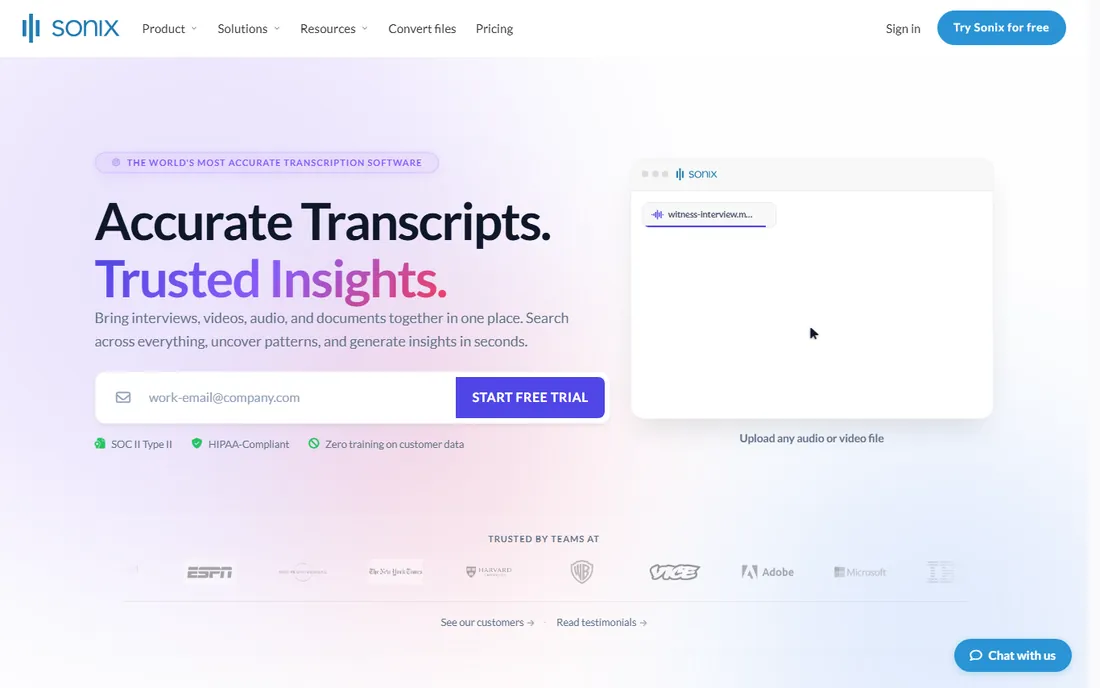
Sonix offers a 30-minute free trial with full access to its features and no watermark on exports, which is more generous than most trials. The platform transcribes audio and video in 54+ languages with a polished in-browser editor, speaker labeling, and AI summaries. For a one-off project like transcribing a few interviews, the trial alone may finish the job.
Beyond the trial, pay-as-you-go costs $10 per hour of transcription, or Premium runs $22 per user per month with transcription at $5 per hour. That pricing suits variable workloads but gets expensive for heavy users compared to unlimited plans like TurboScribe's. Video support includes subtitle generation and translation. Support is email-based and well regarded. Sonix fits professionals who transcribe in bursts rather than continuously.
What we like- 30-minute trial with full feature access and no watermark
- 54+ languages
- Strong editor
Watch out for- No permanent free plan
- Pay-as-you-go at $10 per hour adds up
Starting price$29 per month
Free planFree trial (no credit card)
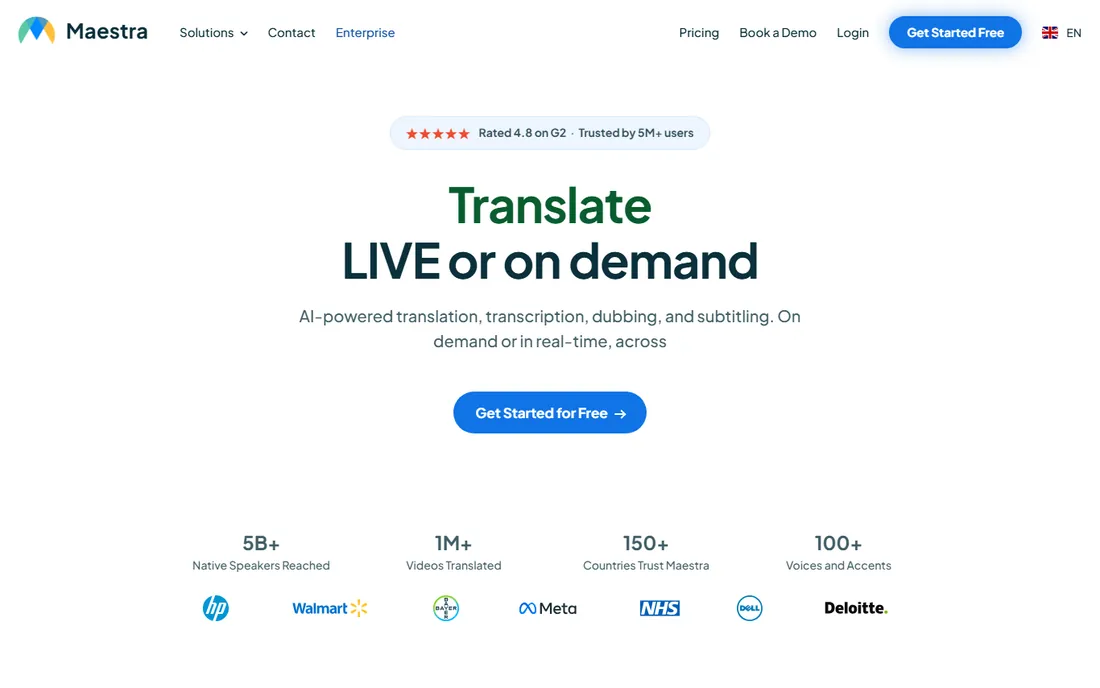
Maestra is the localization specialist: transcription is the starting point, and the platform extends to subtitles, AI dubbing, translation, and voiceover across 125+ languages. The free trial requires no credit card and gives access to the full toolkit, which is enough to test a video localization workflow end to end. YouTube, TikTok, Zoom, and Dropbox integrations fit creator workflows.
The $29 per month starting price is the highest here for pure transcription, so Maestra only makes sense if you use the dubbing and subtitle features. For YouTubers and course creators localizing video content, consolidating transcription, translation, and voiceover in one subscription can still save money versus separate tools. Support includes live chat. If you only need transcripts, the cheaper options above serve you better.
What we like- Transcription plus dubbing, subtitles, and voiceover in one platform
- 125+ languages
- YouTube integration
Watch out for- $29 starting price is steep for transcription alone
- Free trial is time-limited
Starting price$52 per seat/month (Starter, billed annually)
Free planFree trial (7 days)
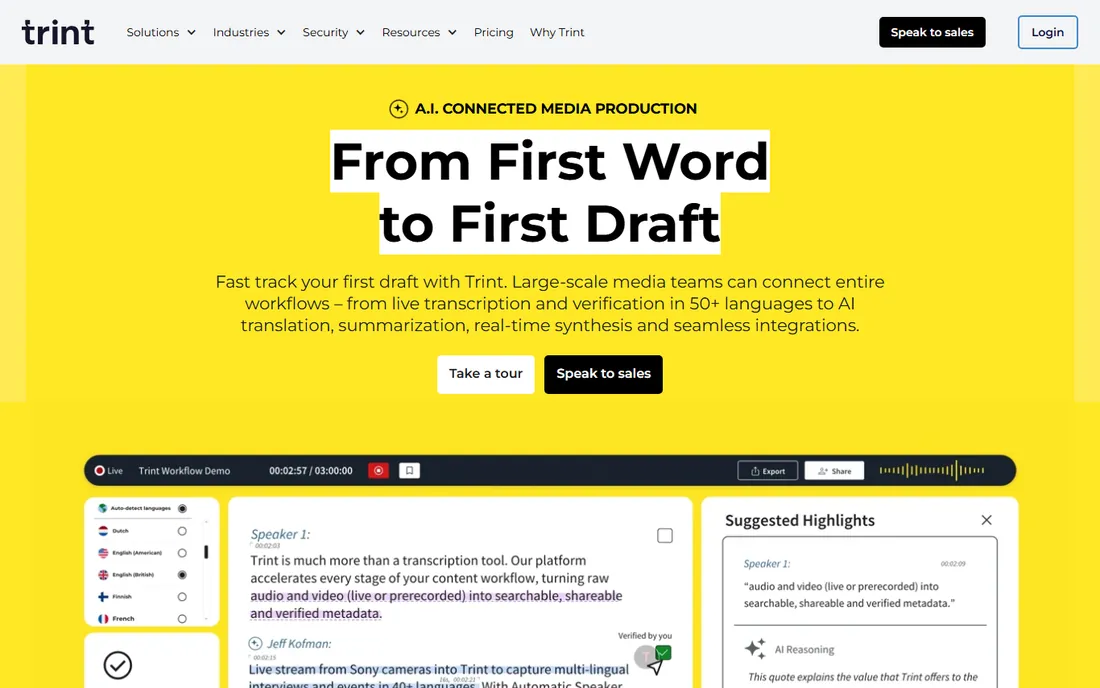
Trint is the enterprise media option: AI transcription in 50+ languages with collaborative editing, translation into 70+ languages, and a Story Builder for turning transcripts into articles and rough cuts. The 7-day free trial lets media teams test the workflow, but there is no permanent free tier, and Starter at $52 per seat per month on annual billing is priced for organizations.
For individual users seeking free transcription, Trint is the weakest fit on this list. It earns its place because video transcription for newsrooms and production teams is exactly its specialty, and the "also cover" requirement includes serious video workflows. Security credentials include ISO 27001, and data can be stored in the EU or US. Support is enterprise-grade. Choose Trint when a team collaborates on transcripts daily; otherwise pick one of the free tiers above.
What we like- Built for newsroom and media workflows
- 50+ languages
- Collaborative editing and story building
Watch out for- No free plan
- $52 starting price targets teams, not individuals
How we chose
We checked each vendor's current pricing page and free-plan terms, reviewed product documentation for audio and video support, and compared notes against public reviews on G2, Capterra, and Trustpilot plus user discussions on Reddit. We prioritized the size and usability of the free offering, whether the tool handles video files as well as audio, language coverage, export formats, and fit for different users, from students to meeting-heavy teams to media professionals. No vendor paid for placement, and we did not run hands-on tests; findings reflect publicly documented terms as of October 2026.
Getting the most out of a free plan
Match the free tier to your content type
Meeting notetakers like Otter, Fathom, and Fireflies give away the most free minutes because they monetize teams, not individuals. If your content is recorded files rather than live calls, TurboScribe's free tier is the better match. Using a meeting tool for file uploads, or vice versa, wastes the allowance.
Watch the caps that actually bind
Free plans limit different things: minutes per month, minutes per recording, storage, file count, or features like downloads and summaries. Otter's 300 minutes sound generous until a per-conversation cap splits your workshop recording. Read the specific limit that applies to your longest typical file.
Check export before you invest time
Some free tiers watermark exports or restrict download formats. If you need clean SRT subtitles or DOCX transcripts for delivery, verify export terms on the free plan before transcribing hours of content you cannot use.
Audio quality beats tool choice
Every AI transcriber performs dramatically better on clear audio with minimal crosstalk. A $30 microphone upgrade improves accuracy more than switching between any two tools on this list. For video, remember that transcripts are only the start: subtitle timing and speaker labels still need a human review pass.
Transcribing video? Read this
Free video transcription deserves its own note because not every audio tool handles video well. TurboScribe accepts video uploads directly on its free tier and exports SRT and VTT subtitles, which makes it the simplest free path from video file to captions. Happy Scribe, Sonix, Maestra, and Trint all process video with subtitle-specific features, though their free access is trial-limited. Rev covers video plus human-verified captions when accuracy is non-negotiable. For meeting recordings from Zoom or Teams, Otter, Fathom, Fireflies, and Notta generate transcripts from the call itself at no cost. Whichever you choose, plan a review pass: AI subtitle timing is good but rarely perfect, and proper nouns still need checking.
Frequently asked questions
What is the best free audio transcription software?
TurboScribe offers the most generous free tier for files, with 3 transcriptions per day up to 30 minutes each. For meetings, Otter.ai gives 300 free minutes monthly and Fathom offers unlimited free meeting transcription.
Is there really free video transcription software?
Yes. TurboScribe transcribes video files free within its daily limits and exports subtitles. Meeting tools like Otter, Fathom, and Fireflies transcribe recorded video calls free, and Happy Scribe, Sonix, and Maestra offer free trials that include video.
How accurate is free AI transcription?
On clear audio, leading tools reach 90% or higher word accuracy; noisy audio or heavy accents reduce that. Free tiers use the same AI engines as paid plans, so accuracy does not depend on which tier you use.
What is the catch with free transcription plans?
Limits on minutes, file counts, recording length, storage, or export features. Providers monetize through paid upgrades, so expect at least one constraint that matters for heavy use. Always check export terms before committing hours of content.
Can I use free transcription for client work?
Check the terms. Some free tiers watermark exports or restrict commercial use. For deliverables, a paid plan or a trial with clean exports is safer, and human-verified services like Rev exist for accuracy-critical work.
Do free transcription tools support other languages?
Most do. TurboScribe covers 98+ languages, Happy Scribe 150+, Fireflies 100+, and Maestra 125+. Accuracy varies by language, with English consistently the strongest.
Sources we checked (10)
- https://turboscribe.ai/
- https://otter.ai/pricing
- https://www.notta.ai/pricing
- https://fathom.video/pricing
- https://fireflies.ai/pricing
- https://www.rev.com/pricing
- https://www.happyscribe.com/pricing
- https://sonix.ai/pricing
- https://maestra.ai/pricing
- https://trint.com/pricing
Is your product missing or out of date?
We review this list regularly. Vendors can request a listing, send updated pricing or ask about featured placement.

Shihab Mia · Founder, Rankite
Shihab has spent more than a decade helping SaaS and e-commerce brands grow through search. He writes Rankite's software buying guides from pricing pages, documentation and public user reviews. More about Shihab.