How we make this list: we compare pricing pages, product documentation and public user reviews. Rankite is independent; if a vendor ever pays for a featured spot, that listing is clearly labeled Partner.
Key takeaways
- PDF24 Tools and PDFgear are completely free with no daily limits, the best starting point for most people.
- PDFsam Basic is the best free desktop option, with no uploads and no internet needed.
- Smallpdf, iLovePDF, Sejda and PDF Candy are free but cap daily tasks, so check limits against your volume.
- PDF2Go rounds out the list as a capable free online splitter with extra editing tools.
The best free PDF split software
A 200-page report lands in your inbox and you only need chapter 4. Or you scanned a stack of receipts as one file and now need them separate. Splitting a PDF should take thirty seconds, and with these eight free tools it does, no paid plan required. Some are completely free with no limits; others cap daily use but still handle everyday jobs.
Starting priceFree (open source)
Free planYes
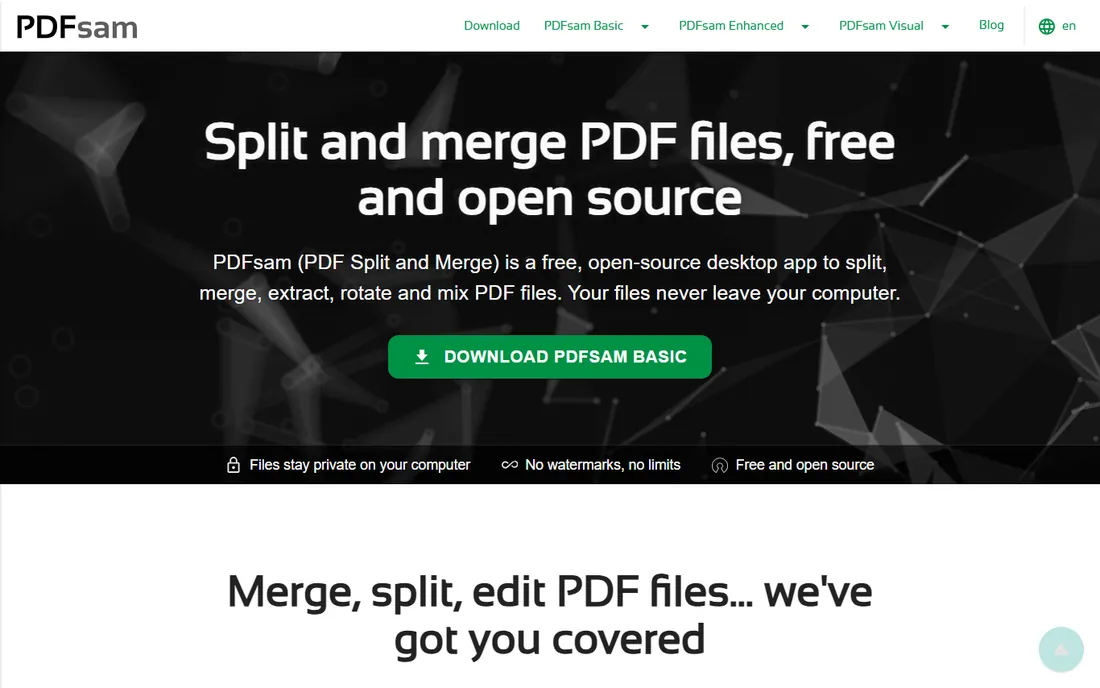
PDFsam Basic is the classic free PDF splitter for Windows, Mac and Linux. It splits by page ranges, every n pages, even or odd pages, bookmark level, or file size, and also merges, rotates and extracts pages. Because it runs locally, sensitive documents never leave your computer.
It uses a freemium model with popups encouraging the paid version, but the core splitting features are genuinely free and open source. For anyone who splits PDFs regularly or handles confidential files, this is the first tool to install.
What we like- Completely free and open source
- No uploads, files stay on your computer
- Splits by page, bookmarks, size or every n pages
Watch out for- Desktop install required
- Interface is functional rather than pretty
- No output preview in the free version
Starting priceFree
Free planYes
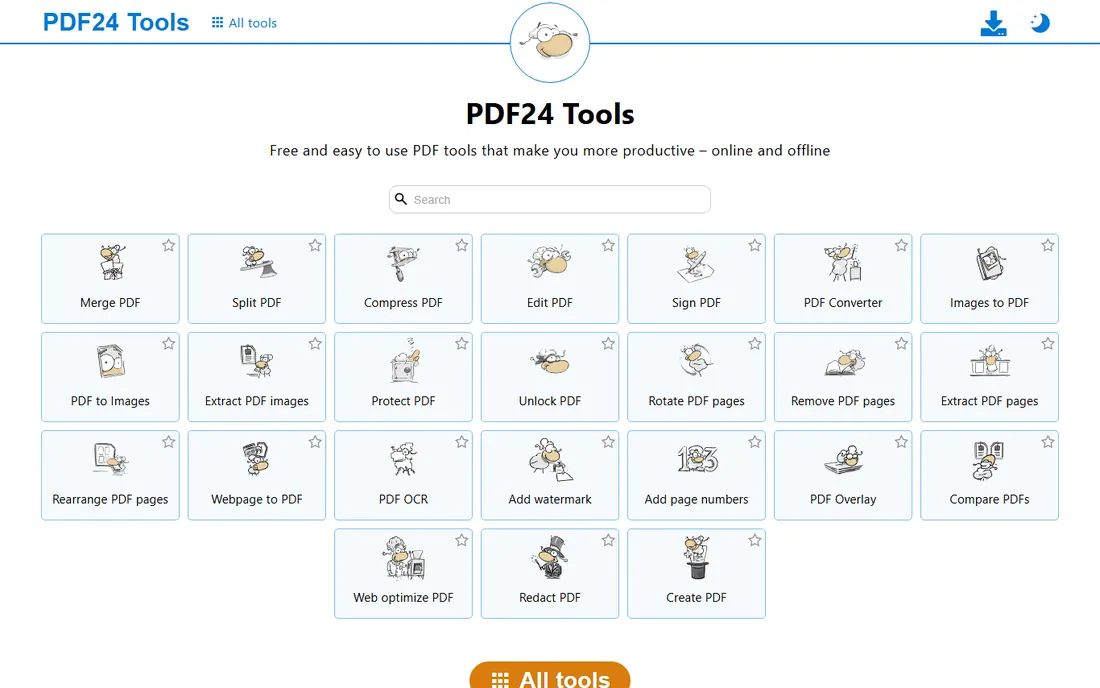
PDF24 is the rare free tool with no catches: no daily task caps, no file size limits, no watermarks. Its Split PDF tool offers pages-per-PDF, even/odd, halve and custom modes, and the Assemble tool lets you drag pages between documents visually.
You can use it in the browser on any device, or install PDF24 Creator on Windows to work fully offline. Development has run since 2006, so this is a mature, proven tool. If you want one free PDF toolkit that does everything, start here.
What we like- 100% free with no artificial limits
- Works online and as a Windows desktop app
- Nearly 50 tools in one place
Watch out for- Web interface looks dated
- Desktop Creator is Windows-only
- Ads support the free service
Starting priceFree
Free planYes
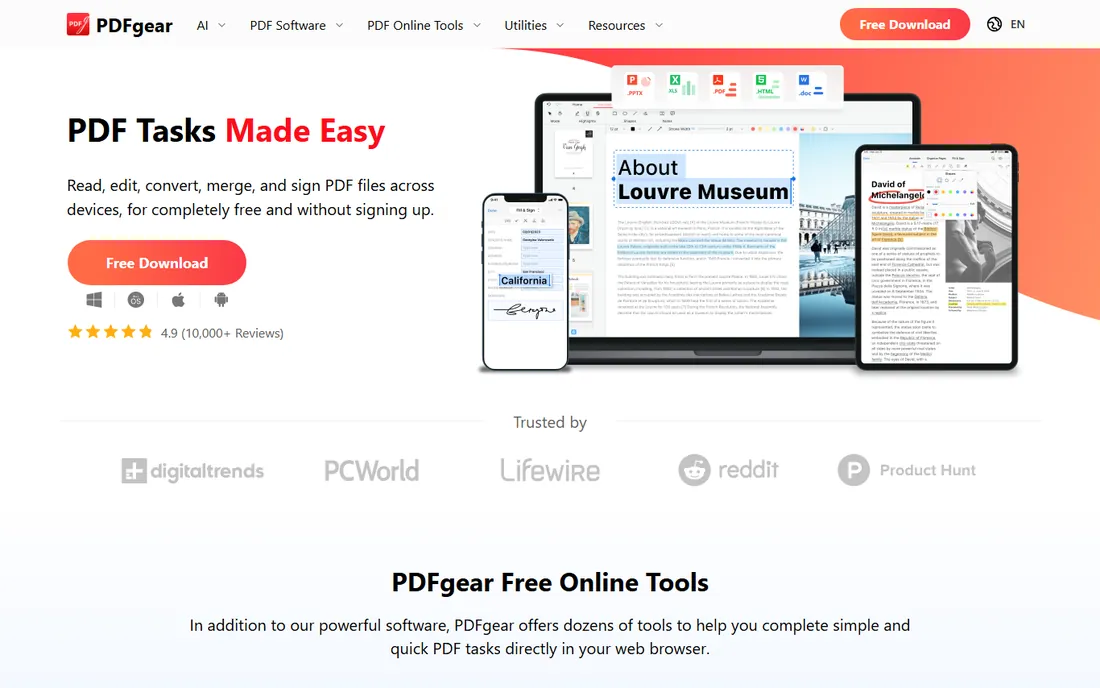
PDFgear gives away a full PDF editor for free, and its online split tool is one of the cleanest around. Upload a PDF, pick page ranges or extract pages, download the results, with no file size or quantity limits according to the vendor. A 2026 Cure53 security assessment of the desktop app adds credibility.
The online splitter handles one PDF at a time; batch splitting needs the desktop app. But for quick, no-signup splitting on a phone or laptop, the combination of free, unlimited and no watermarks is hard to argue with, and it keeps improving with each release.
What we like- Completely free with no limits or watermarks
- Works on web, Windows, Mac and mobile
- Clean modern interface
Watch out for- Online tool splits one PDF at a time
- Newer vendor than PDFsam or PDF24
- Advanced editing is desktop-only
Starting priceFree (paid from $84/year)
Free planYes (limited daily tasks)
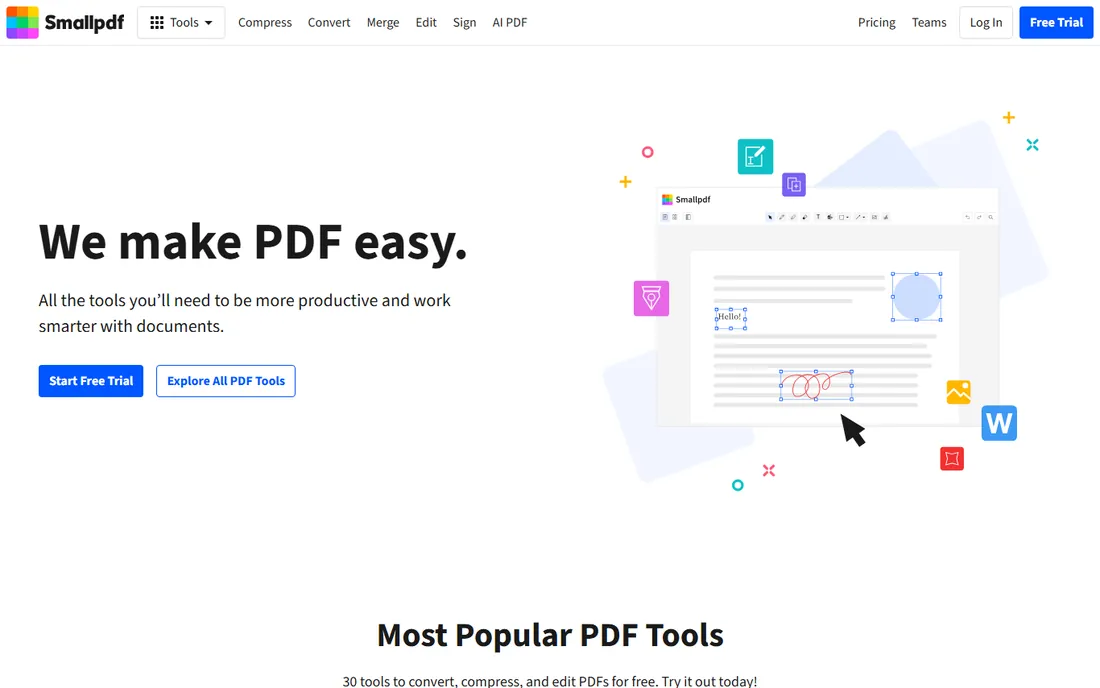
Smallpdf's Split PDF tool is the easiest to use on this list: upload, pick how to divide the file, download. The interface is genuinely pleasant, and splitting sits alongside compress, convert, sign and edit tools for when you need more.
The catch is the free limit, roughly two tasks per day before it asks you to upgrade or wait. Paid plans start at $84 a year. For occasional splitting where ease matters more than volume, it is excellent; for daily use, PDF24 or PDFgear fit better.
What we like- The most polished interface of any online splitter
- Split by pages or extract selected pages
- Integrates with a full PDF toolkit
Watch out for- Free tier limited to a couple of tasks daily
- Larger files need a paid plan
- Login required for some features
Starting priceFree (paid plans available)
Free planYes (daily task limits)
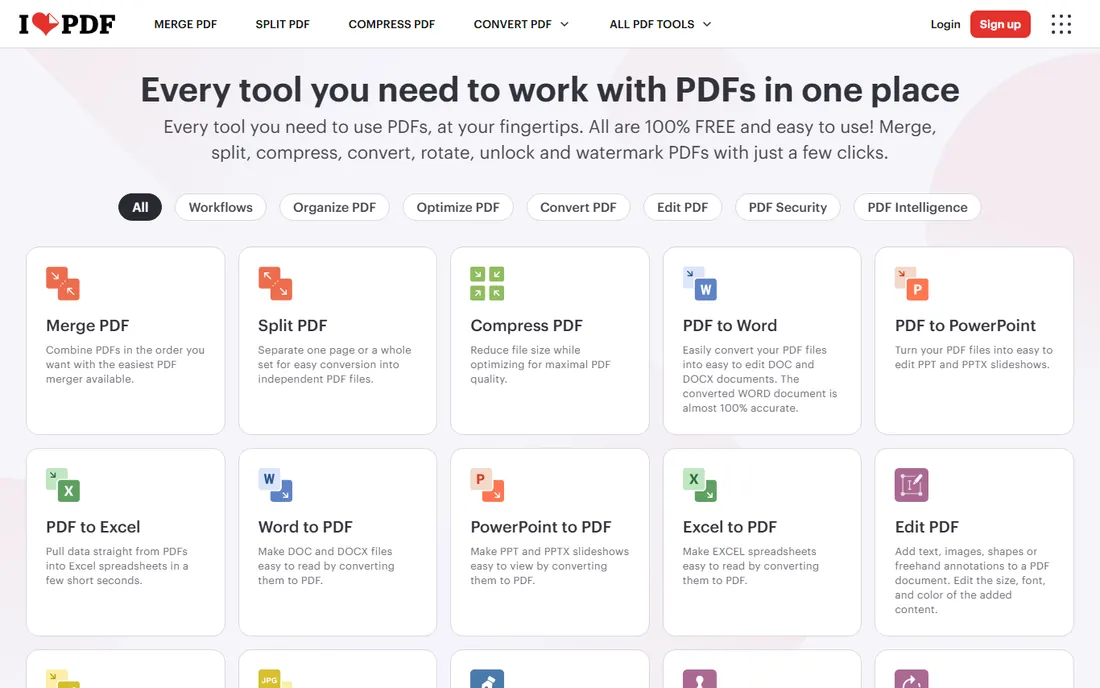
iLovePDF's Split PDF tool lets you extract pages, split by custom ranges, or divide a file into fixed ranges, all with a straightforward interface. It is part of a wide toolkit covering merge, compress, convert and sign, with desktop and mobile apps for offline work.
Free accounts face daily task limits and file size caps, standard for the category. Premium removes the limits and ads. If you already use iLovePDF for other tasks, its splitter keeps you in one familiar place, and the mobile apps make splitting on the go straightforward.
What we like- Split by ranges, extract pages, or fixed ranges
- Clean workflow
- Desktop and mobile apps available
Watch out for- Free accounts have daily task and file size caps
- Ads on the free tier
- Batch processing needs premium

#6
Sejda
Best for: privacy-conscious splitting with advanced split options
Visit sejda.com
Starting priceFree (paid from ~$7/month)
Free planYes (3 tasks per day)
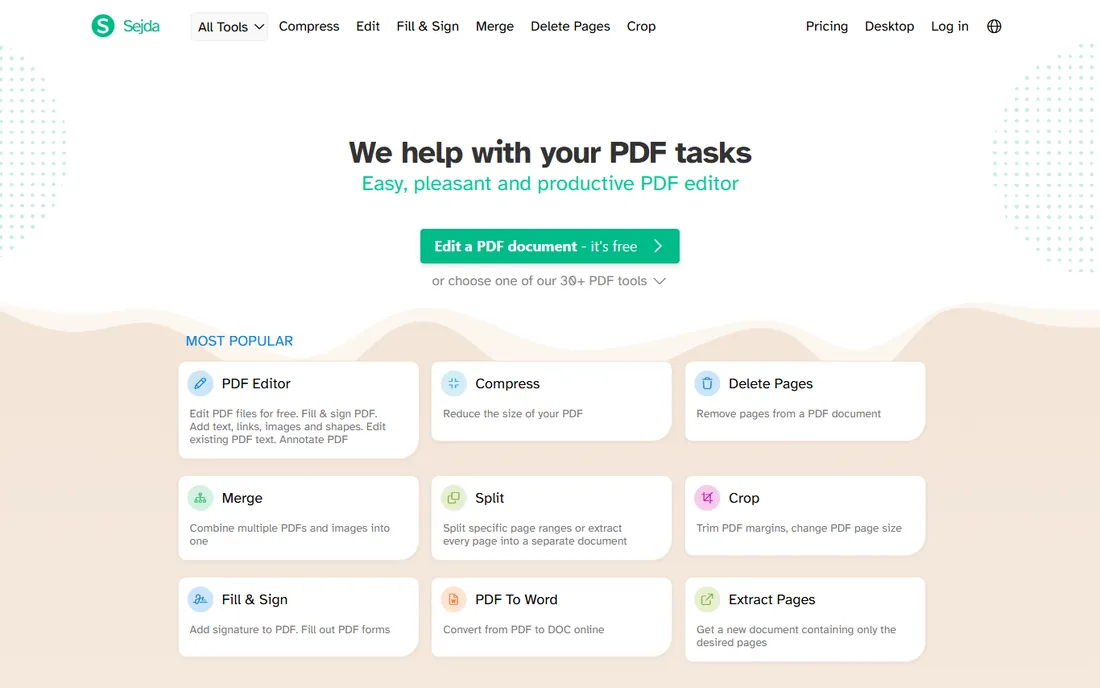
Sejda markets itself around privacy and backs it with a desktop version that never sends files online. The splitter is one of the most flexible free options: divide by pages, extract, split by size, by bookmarks, or even by text occurrences, and repair two-page scan layouts.
The free tier allows 3 tasks per day on files up to 200 pages and 50MB. A paid subscription around $7 a month removes the limits. For splitting by bookmarks or handling sensitive documents, Sejda deserves a look despite the caps, and the desktop app is the safer choice for regular use.
What we like- Split by pages, bookmarks, size or text
- No account needed
- Desktop version processes files locally
Watch out for- Free limited to 3 tasks a day and 200 pages
- Files up to 50MB
- Interface less polished than Smallpdf
Starting priceFree (paid from $6/month)
Free planYes (one task per hour)
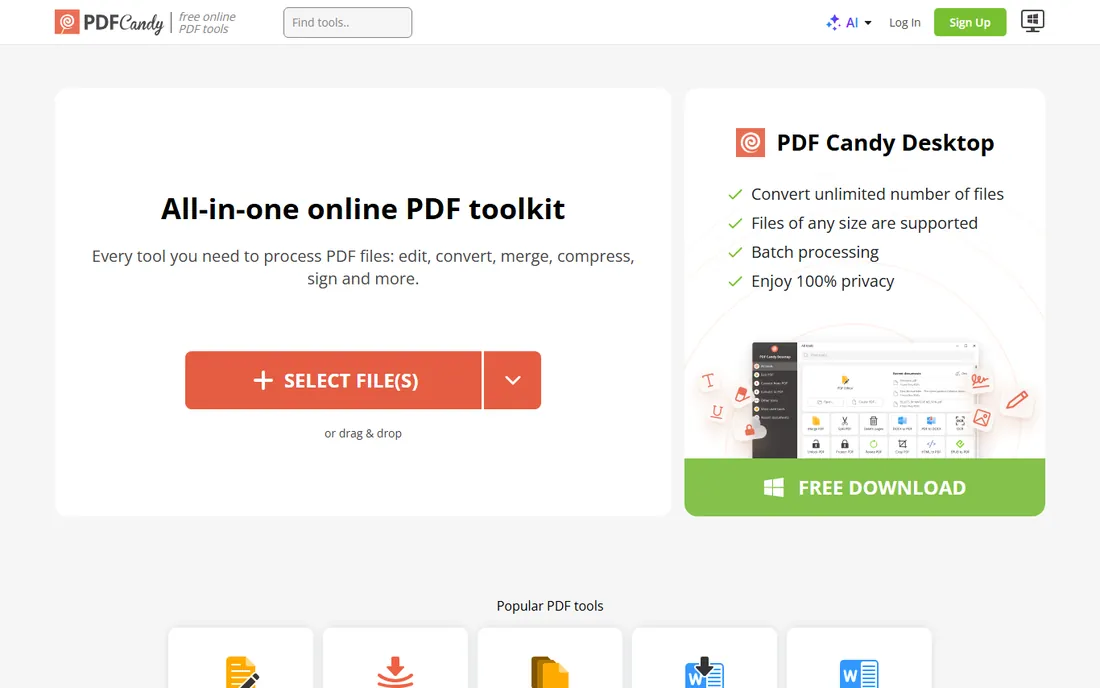
PDF Candy offers its full toolset free with no registration and no ads, which sets it apart from ad-supported rivals. The Split PDF tool extracts pages and divides files cleanly, and you can favorite tools for quick access.
The limit is one free task per hour, enforced by a countdown timer. That is fine for occasional use but painful for batch jobs. Paid plans from $6 a month remove the wait and raise limits. For the odd split with no account hassle, it is a solid pick.
What we like- No registration needed
- Dozens of PDF tools in one place
- Ads-free even on the free tier
Watch out for- Free limited to one task per hour
- Hourly wait can frustrate batch work
- File size limits on free
Starting priceFree (paid plans available)
Free planYes
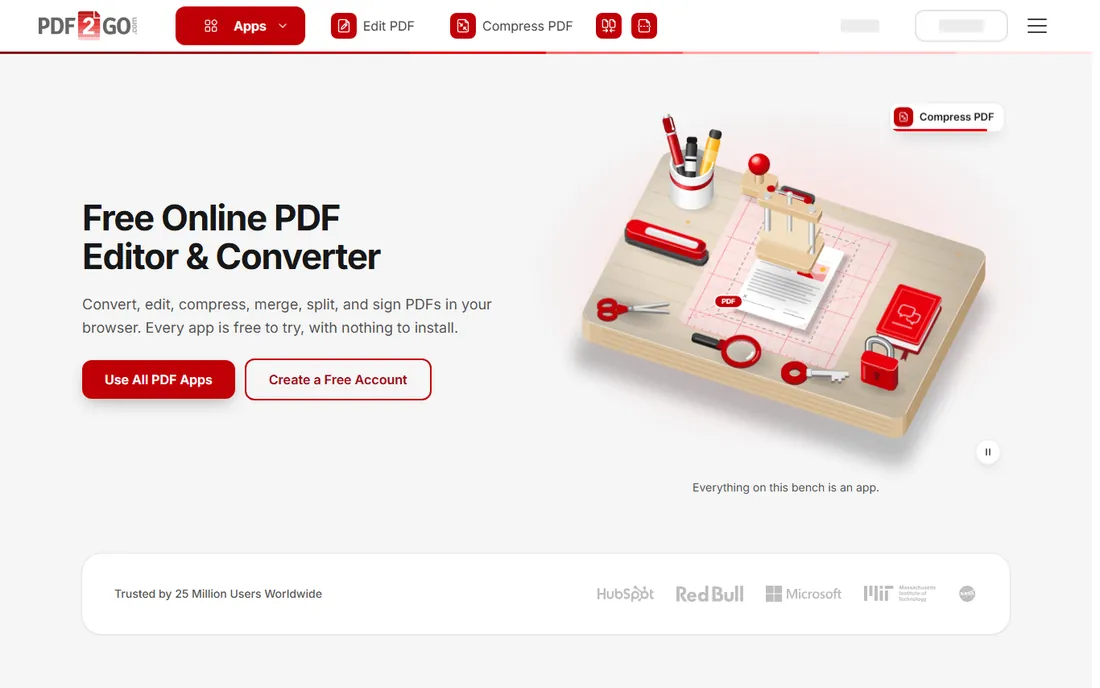
PDF2Go is a capable all-rounder: split PDFs by pages or ranges, then merge, edit or convert without leaving the browser. It handles the core job well and adds enough editing tools to fix up the results.
Like most online tools here, the free tier caps usage, with paid plans for heavier work. It is not the prettiest option, but it is dependable for the common case of dividing a file into parts. The toolset is wide enough that many users keep PDF2Go bookmarked for the occasional merge or conversion as well.
What we like- Split, merge, edit and convert in one place
- Works entirely in the browser
- No install needed
Watch out for- Free tier has task limits
- Interface feels dated
- Upload speeds vary with file size
Quick comparison
| Tool | Best for | Starting price | Free plan |
|---|
 PDFsam Basic PDFsam Basic | free offline splitting on any desktop | Free (open source) | Yes |
 PDF24 Tools PDF24 Tools | unlimited free splitting online or offline | Free | Yes |
 PDFgear PDFgear | free splitting with no limits on any device | Free | Yes |
 Smallpdf Smallpdf | quick occasional splits with a polished interface | Free (paid from $84/year) | Yes (limited daily tasks) |
 iLovePDF iLovePDF | splitting inside a broad free PDF toolkit | Free (paid plans available) | Yes (daily task limits) |
| Sejda | privacy-conscious splitting with advanced split options | Free (paid from ~$7/month) | Yes (3 tasks per day) |
 PDF Candy PDF Candy | no-signup splitting with a huge toolset | Free (paid from $6/month) | Yes (one task per hour) |
 PDF2Go PDF2Go | free splitting plus light PDF editing | Free (paid plans available) | Yes |
Is your product missing or out of date?
We review this list regularly. Vendors can request a listing, send updated pricing or ask about featured placement.
Desktop or online: which fits you
Desktop tools, PDFsam Basic and PDF24 Creator, keep files on your computer and work offline, which matters for sensitive documents and large files. Online tools need no install and work on any device, but files travel to someone else's server and free tiers cap your daily tasks. If you split PDFs weekly or handle anything confidential, install a desktop tool. If you split one file a month, any online option here does the job in under a minute.
What to check before you choose
Match the tool's free limits to your actual volume: 3 tasks a day covers most people, but batch work needs PDF24 or PDFgear. Check the maximum file size against your documents, Sejda caps free files at 50MB. For confidential files, prefer desktop tools or check the vendor's deletion policy. And confirm the split modes you need: by bookmarks and by text are rarer than by page ranges.
How we chose
We compared free PDF splitting tools with genuinely usable free tiers, not trials that expire. We checked current free limits from vendor pages and 2026 reviews, read user feedback on TechRadar, PCWorld and Reddit, and weighed split options, file limits, privacy, interface quality and honest fit for everyday users. No vendor paid for placement, and we did not run hands-on trials.
Frequently asked questions
What is the best completely free PDF splitter?
PDF24 Tools and PDFgear are completely free with no daily limits or watermarks. PDFsam Basic is the best free desktop option for offline use on Windows, Mac and Linux.
Can I split a PDF without installing software?
Yes. Smallpdf, iLovePDF, Sejda, PDF Candy, PDF2Go, PDF24 and PDFgear all split PDFs in the browser with no install. Free tiers limit daily tasks on most of them.
Is it safe to split PDFs online?
Reputable tools encrypt uploads and delete files after processing, but policies vary. For sensitive documents, use a desktop tool like PDFsam Basic or PDF24 Creator so files never leave your computer.
Can I split a PDF by bookmarks?
Yes. PDFsam Basic and Sejda both support splitting by bookmark level, which is useful for dividing long documents at chapter boundaries.
Why do free tools limit daily tasks?
Processing PDFs costs server resources, so most online tools cap free usage to push heavy users toward paid plans. PDF24 and PDFgear are the exceptions, funded by ads rather than limits.
Sources we checked (9)
- https://en.wikipedia.org/wiki/PDF_Split_and_Merge
- https://www.ghacks.net/2019/11/27/split-or-merge-pdfs-with-pdfsam-basic-for-windows-linux-and-macos/
- https://www.makeuseof.com/batch-rename-convert-merge-files-free-tool-pdf24/
- https://www.youtube.com/watch?v=9B8fxM9AFFg
- https://moguldom.com/466356/online-pdf-merger-and-splitter-recommendations-for-2026/
- https://usa.inquirer.net/209043/top-free-online-pdf-tools-2026
- https://www.techradar.com/reviews/pdf-candy
- https://www.pcworld.com/article/699260/sejda-free-pdf-editor-review.html
- https://www.techspot.com/downloads/7472-sejda-pdf.html
Is your product missing or out of date?
We review this list regularly. Vendors can request a listing, send updated pricing or ask about featured placement.

Shihab Mia · Founder, Rankite
Shihab has spent more than a decade helping SaaS and e-commerce brands grow through search. He writes Rankite's software buying guides from pricing pages, documentation and public user reviews. More about Shihab.