How we make this list: we compare pricing pages, product documentation and public user reviews. Ratings come from G2, Capterra or Trustpilot, with the date we checked them.
Key takeaways
- Paprika is the best value for cooks who want to pay once and own their recipe collection, with no subscription required.
- Plan to Eat is the strongest planner in this list, linking a calendar, recipes and a shopping list in one account.
- AnyList is the best pick for households, because shared lists and a low yearly price make it easy for everyone to use.
- Free apps like Samsung Food and BigOven are fine starting points, but their best features sit behind paid upgrades.
- Before you commit, check how an app exports your recipes, because a collection built over years should not be trapped in one app.
Quick comparison
| Tool | Best for | Starting price | Free plan |
|---|
 Paprika Paprika | Pay-once recipe collection | $4.99 one-time (iOS) | Yes |
 Plan to Eat Plan to Eat | Weekly meal planning | $5.95/month | 14-day free trial |
 AnyList AnyList | Shared household lists | $9.99/year | Yes |
 BigOven BigOven | Finding recipes and using leftovers | $2.99/month | Yes |
 Recipe Keeper Recipe Keeper | Simple cross-device collection | $19.99 one-time (iOS and iPad) | Yes |
 Samsung Food Samsung Food | Free discovery and planning | Free; Food+ $6.99/month | Yes |
 Copy Me That Copy Me That | Cheap web recipe saving | $1/month | Yes |
 ReciMe ReciMe | Saving recipes from social media | See website | Yes |
Is your product missing or out of date?
We review this list regularly. Vendors can request a listing, send updated pricing or ask about featured placement.
The best recipe organizer apps
Starting price$4.99 one-time (iOS)
Free planYes
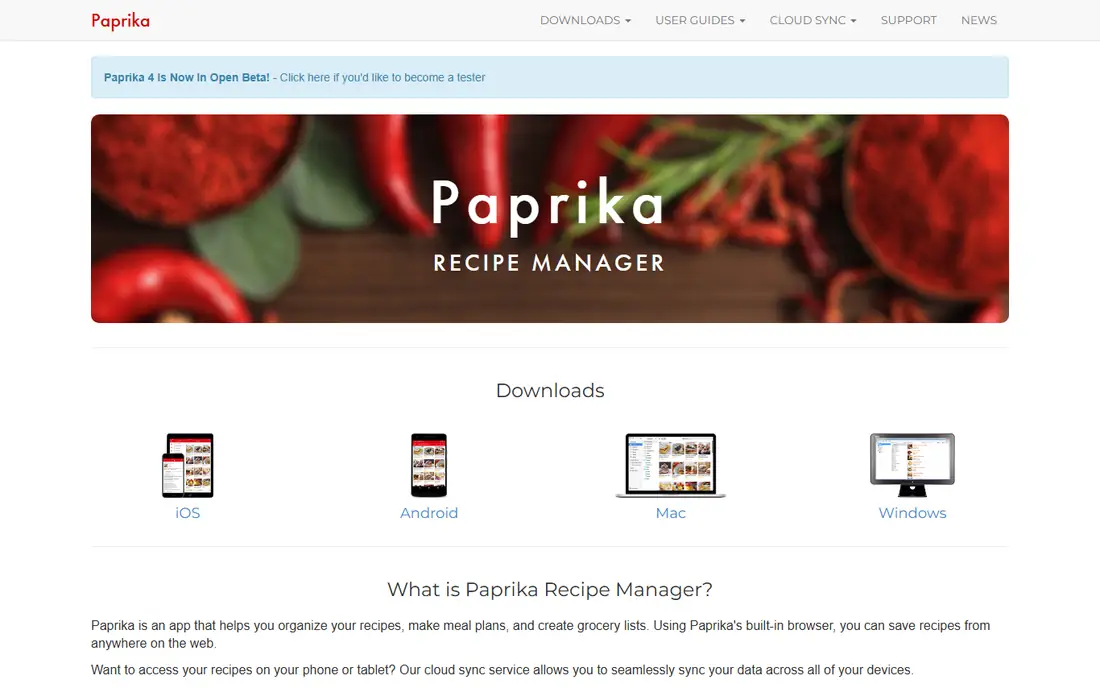
Paprika has been the go-to recipe manager for serious home cooks for years, and the reason is simple: you pay once and the app is yours. The iOS version costs $4.99, Mac and Windows cost $29.99 each, and Android is free for up to 50 recipes. There is no monthly fee, and cloud sync between devices is included. A Paprika 4 version is in beta, with some new features planned as an optional subscription, but existing owners are not being forced onto it.
The built-in browser is the feature that sells Paprika. Open a cooking site inside the app, tap download, and the recipe lands in your collection with ingredients and steps, minus the ads and the long personal story above the recipe card. Serving sizes scale up or down, measurements convert, and the grocery list sorts items by aisle and combines duplicate ingredients. A pantry tracker with quantities and expiry dates helps cut waste.
The weakness is that Paprika gives you no recipes of its own. You bring the collection, either by importing from the web or typing recipes in by hand. If you want an app that suggests dinner tonight, look at Samsung Food or BigOven instead. But if you already have recipes scattered across bookmarks and screenshots, Paprika turns them into a searchable cookbook that works offline.
What we like- One-time purchase per platform with free cloud sync
- Built-in browser saves recipes without copying links
- Pantry tracking and meal planning included
Watch out for- Each platform is a separate purchase
- No built-in recipe discovery or community
Starting price$5.95/month
Free plan14-day free trial
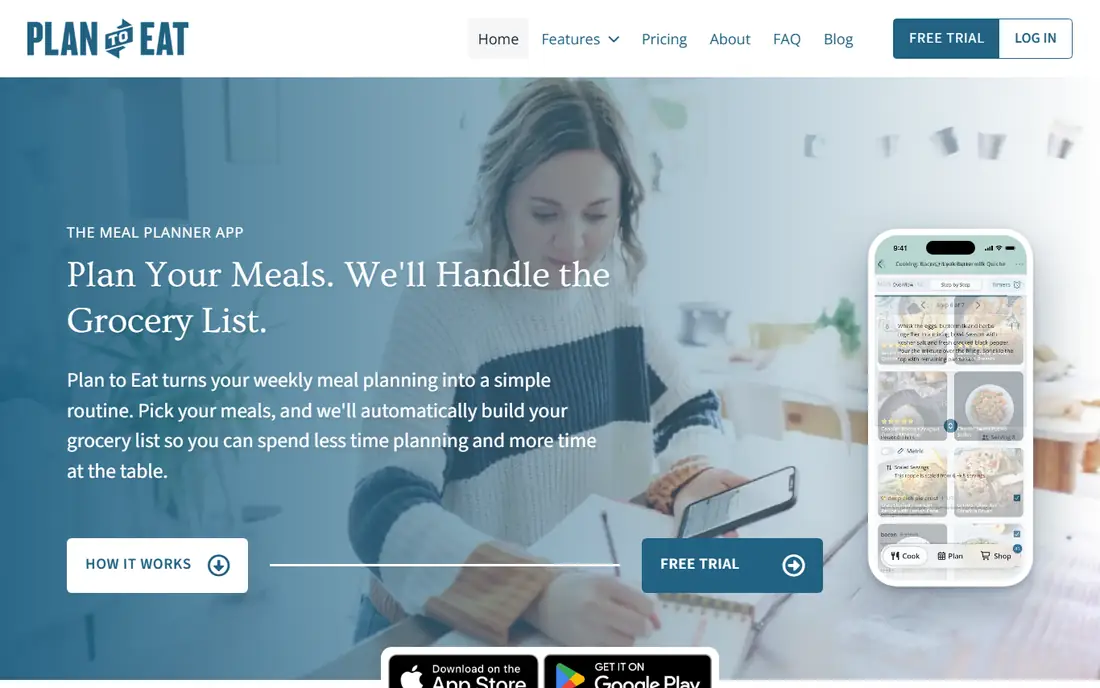
Plan to Eat is built around one idea: dinner should be decided on Sunday, not at 5 pm on Tuesday. Its calendar planner lets you drag recipes onto any day, save whole weeks as reusable menus, and generate a shopping list from the plan automatically. The list can be sorted by store and aisle, and the whole household shares one account, so one person can plan while another shops.
The recipe clipper is a browser extension that saves recipes from almost any website, plus Instagram, TikTok and Pinterest posts. Once saved, recipes live in your account on iPhone, Android and the web, so the plan is available wherever you are. A cook view keeps the screen awake and lets you set named timers for different steps.
The trade-off is price and scope. At $5.95 a month or $49 a year, Plan to Eat costs more than Paprika over time, and there is no free tier after the 14-day trial. It also includes no recipes of its own, so it suits cooks who already know what they like and want the week organised, not cooks looking for inspiration.
What we like- Excellent calendar planner with saved menus
- Recipe clipper works on almost any site
- One household account for planning and shopping
Watch out for- No free tier beyond the trial
- No built-in recipes to browse
Starting price$9.99/year
Free planYes
AnyList started as a shopping list app and grew into a capable recipe organiser, and it remains the best choice for a household. Lists sync in real time, so when one person adds milk, the other sees it before leaving the store. Voice input through Siri or Alexa means you can add items while cooking, and lists can be sorted by store and aisle.
The free plan covers lists and sharing, but recipe import is limited to 5 recipes and the meal planning calendar is not included. AnyList Complete, at $9.99 a year for one person or $14.99 a year for a household, adds the web and Mac apps, recipe import, a meal calendar and more. That is still one of the lowest prices in this list, and the household plan covers everyone on the account.
AnyList has no pantry tracking or expiry dates, and it will not suggest recipes from what is in your fridge. What it does well is the daily loop: plan meals, build the list, shop together, and cook. For families, that loop matters more than advanced features nobody opens.
What we like- Very low yearly price
- Real-time shared lists
- Voice input through Siri and Alexa
Watch out for- Meal planning calendar needs the paid Complete plan
- Recipe import is limited on the free plan
Starting price$2.99/month
Free planYes
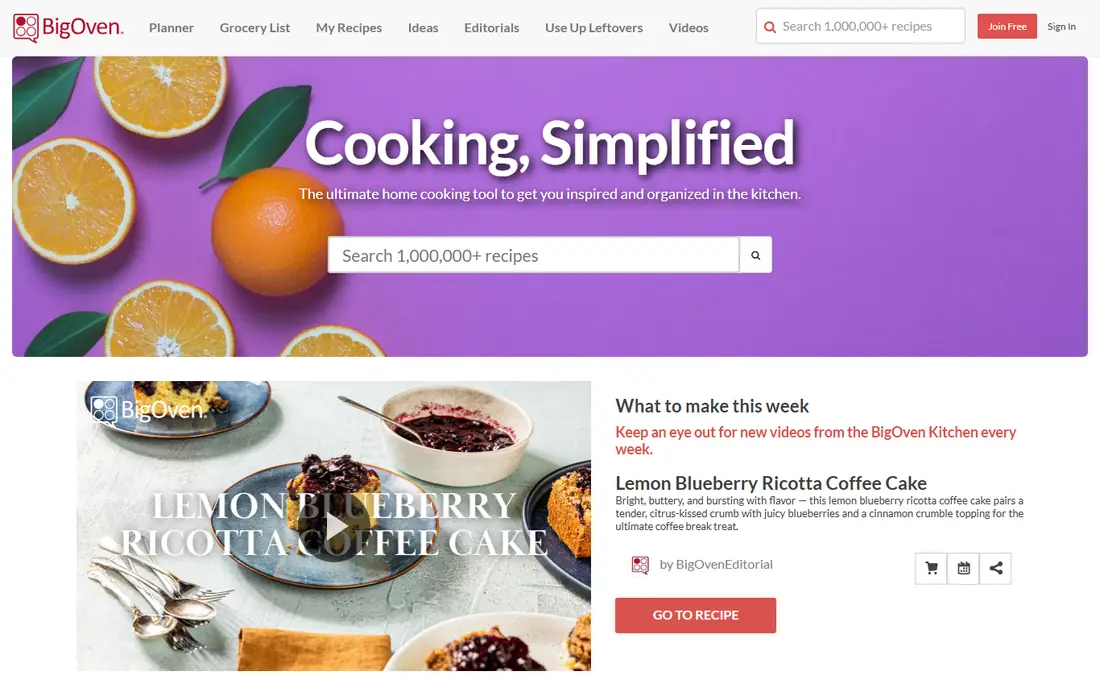
BigOven suits cooks who want discovery as well as organisation. It holds a large library of user-submitted recipes, so you can search by ingredient, cuisine or diet and save what you like into folders. The Use Up Leftovers tool is the standout: pick up to three ingredients you already have and it suggests recipes that use them, which is a practical way to cut food waste.
The free version covers browsing, saving and the leftovers tool, with ads. BigOven Pro costs $2.99 a month or $24.99 a year and removes ads, adds ingredient-by-ingredient nutrition insight, advanced search filters, custom folders and unlimited recipe uploads. Weekly meal planning and sharing across accounts are also Pro features.
Recipe quality varies because the library is community-driven, so read reviews and check the source before trusting a recipe for guests. As an organiser, BigOven is less precise than Paprika, but as a combined discovery and planning app it is hard to beat at the price.
What we like- Huge built-in recipe library
- Use Up Leftovers tool finds recipes from ingredients on hand
- Active community
Watch out for- Free tier has ads
- Pro features like nutrition insight and custom folders cost extra
Starting price$19.99 one-time (iOS and iPad)
Free planYes
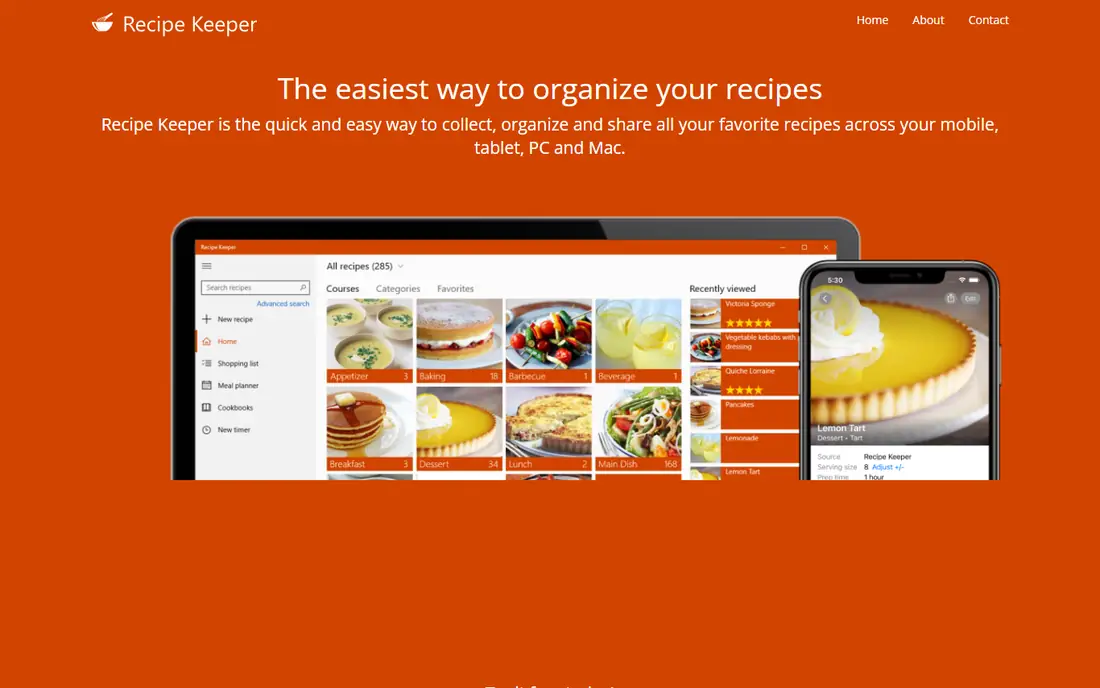
Recipe Keeper is the quieter rival to Paprika. It is a free download, and the Pro upgrade is a one-time $19.99 on iPhone and iPad or $29.99 on Mac, with each platform bought separately. Pro removes limits and adds features like unlimited recipes and more customisation, but the free version is usable enough to test properly first.
The app covers the basics well: import recipes from websites, organise them into collections and categories, scale servings, build shopping lists and plan meals. The interface is plain and easy to learn, which suits cooks who found Paprika dated or fiddly. It also handles scanned and typed recipes, so family recipe cards can live next to web imports.
Where it falls behind Paprika is depth. Pantry tracking and cook-mode timers are less developed, and there is no recipe discovery. But if you want a simple, pay-once collection that syncs across your devices, Recipe Keeper is a solid and cheaper alternative on Apple devices.
What we like- One-time Pro purchase per platform
- Clean and simple to use
- Works on phone, tablet and desktop
Watch out for- Each platform is bought separately
- Fewer advanced features than Paprika
Starting priceFree; Food+ $6.99/month
Free planYes
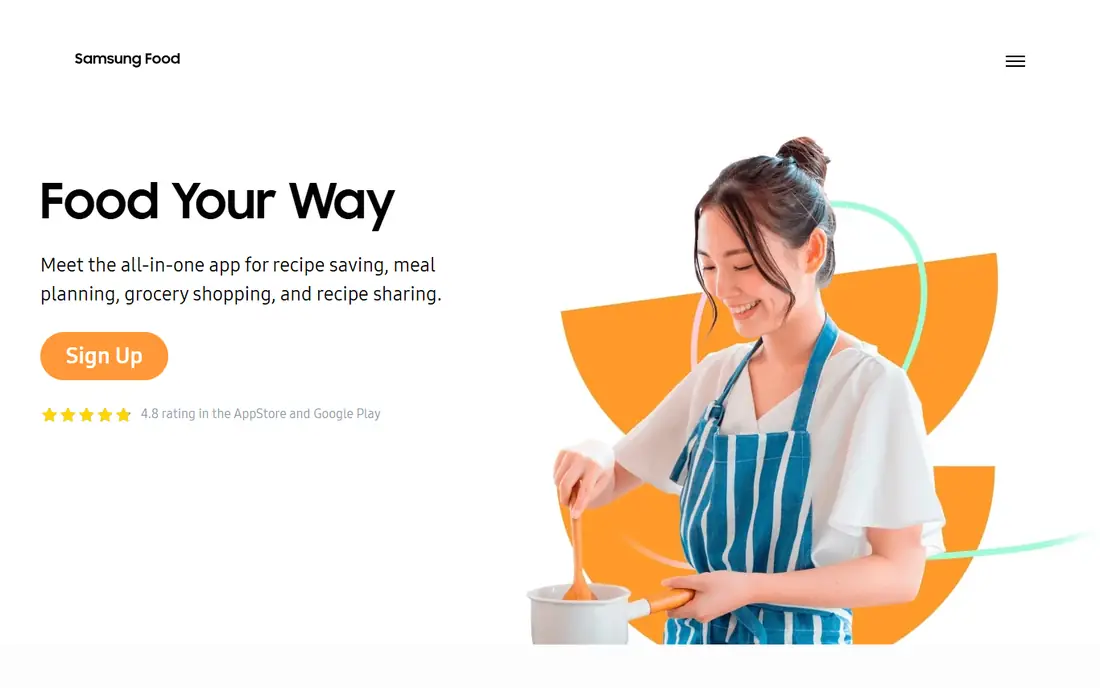
Samsung Food, formerly Whisk, is the best free starting point in this list. The free app lets you discover recipes, save them from websites, plan meals and build shopping lists, all without paying. It works on iPhone, Android and the web, and it connects to Samsung appliances if you own them, though that is a bonus rather than a reason to choose it.
Food+ costs $6.99 a month or $59.99 a year after a 7-day trial and adds AI-personalised recipes and meal plans, plus search by ingredients already in your kitchen. That ingredient search is genuinely useful: type in what is in the fridge and get recipes that use it, instead of shopping for a recipe you found online.
The downside is that the free app is the shallow end. Serious organisers will miss Paprika's pantry tracking and offline access, and Food+ features can vary by country. Still, for a cook who wants to try a recipe organiser without spending anything, Samsung Food is the easiest first step.
What we like- Free recipe discovery and meal planning
- Saves recipes from the web
- Ingredient search on Food+
Watch out for- Best features need Food+
- Some features vary by country
Starting price$1/month
Free planYes
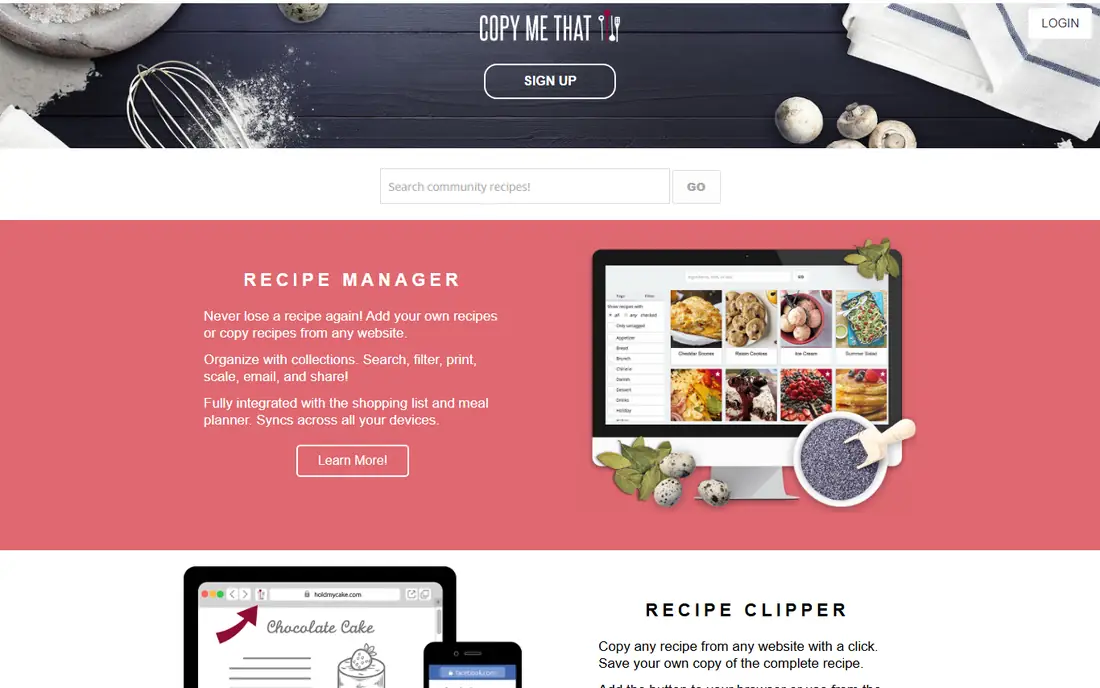
Copy Me That does one job well: it saves recipes from the web into your personal collection. A browser button grabs a recipe from almost any site, and the app stores it cleanly with ingredients and steps. The free tier holds up to 40 recipes, and premium costs about $1 a month, which removes the limit and adds more features.
That price makes it the cheapest paid option here, and it is a good fit for a cook who mainly wants a tidy place to keep web recipes without paying for planning tools they will not use. The app also has meal planning and shopping list features, but they are simpler than Plan to Eat or AnyList, and there is no pantry tracking.
The limitation to watch is export. Before building a large collection in any app, check that you can get your recipes out in a usable format. Copy Me That supports export, but confirm the format works with your backup plan before you pass a few hundred recipes.
What we like- Very cheap premium tier
- Saves recipes from any website
- Works in a browser and on mobile
Watch out for- Free tier limited to 40 recipes
- Planning and list features are basic
Starting priceSee website
Free planYes
ReciMe earns its place because of where recipes now come from. A large share of new recipes arrive as short videos on TikTok or Instagram, not as blog posts, and most traditional organisers handle those badly. ReciMe imports from social posts and turns them into structured recipes with ingredients and steps, which is a real time saver.
The free tier limits imports to 5 recipes a week, which is enough to test the app but tight for an active saver. Premium removes the limit and adds planning features, though prices vary across store listings, so check the current price in your app store before subscribing. The collection itself is clean and searchable, and it works well alongside a planner like AnyList.
ReciMe is the newest app in this list, so its long-term future is less certain than Paprika's or BigOven's. Keep an export habit: save your favourite recipes somewhere else too, so a change of app never costs you the collection.
What we like- Saves recipes from TikTok, Instagram and other social posts
- Tidy collection and planning features
- Free tier to start
Watch out for- Free tier limits imports to 5 recipes a week
- Premium pricing varies by store listing
How we chose
We compared apps on the jobs a recipe organiser actually has to do: save recipes from the web and social media, keep them searchable, plan meals, build a shopping list and survive contact with a real kitchen. Prices and free tiers were checked against vendor sites and current app store listings, and where pricing varies by platform or country we say so rather than picking one number. We also weighed export options, because a recipe collection is a long-term archive, and we left out apps that have closed, including Mealime, which shut down in October 2026.
Pick by how you cook
The right app depends less on feature lists and more on where your recipes come from and who cooks. If your recipes live in browser bookmarks, Paprika or Recipe Keeper will turn them into a collection you own. If you plan the week in advance and share the shopping, Plan to Eat or AnyList fit better. If you discover recipes on social media, ReciMe or Samsung Food will save you the most time. And if you want to use up what is already in the fridge, BigOven's leftovers tool is the most practical feature in this list.
Start free, then pay for the gap
Most of these apps have a free tier or trial, so there is no need to guess. Use the free version for two weeks of real cooking: save ten recipes, plan one week, and shop from the list it builds. The gaps will show themselves quickly, whether that is an import limit, a missing calendar or a list that does not sync. Pay only for the app that fixes the gap you actually felt.
Keep an exit plan
Recipe collections grow for years, and apps close, change pricing or drop features. Once a quarter, export your collection to a format you control, such as a set of files or a spreadsheet, and store a copy outside the app. That habit costs ten minutes and protects hundreds of recipes from ever being held hostage by one company's roadmap.
Frequently asked questions
What is the best free recipe organizer app?
Samsung Food is the best free starting point, with discovery, saving, planning and lists at no cost. BigOven's free tier is also strong, especially for its leftovers tool. Both reserve their best features for paid plans, so try them before paying elsewhere.
Is Paprika worth the one-time price?
Yes, if you want to own your collection without a subscription. The iOS app costs $4.99 once, sync is included, and there is no monthly fee. The catch is that each platform is a separate purchase, so the total rises if you use phone, tablet and desktop.
Which app is best for meal planning?
Plan to Eat has the strongest planner in this list, with a calendar, saved menus and a shopping list that follows the plan. AnyList is the better household option, because its shared lists and low yearly price make it easy for everyone to use.
Can I import recipes from TikTok or Instagram?
Yes. ReciMe is built for social imports, and Plan to Eat's clipper also handles Instagram and TikTok posts. Traditional organisers like Paprika work best with website recipes, so pick based on where your recipes actually come from.
How do I move my recipes to another app?
Most organisers support export, but formats differ, so check before you commit. Paprika exports in its own format and HTML, Plan to Eat exports CSV or text, and other apps vary. Export regularly and keep a copy outside the app.
Do recipe apps work offline?
Paprika stores recipes on the device and works offline, which is useful in a kitchen with weak Wi-Fi. Most other apps need a connection for at least some features, so check offline support if you cook in a spot with poor signal.
Sources we checked (8)
- https://www.paprikaapp.com
- https://www.plantoeat.com
- https://www.anylist.com
- https://www.bigoven.com
- https://www.recipekeeperonline.com
- https://www.samsungfood.com
- https://www.copymethat.com
- https://www.recime.app
Is your product missing or out of date?
We review this list regularly. Vendors can request a listing, send updated pricing or ask about featured placement.

Shihab Mia · Founder, Rankite
Shihab has 5+ years in B2B and SaaS SEO. He writes Rankite's software buying guides from pricing pages, documentation and public user reviews. More about Shihab.