How we make this list: we compare pricing pages, product documentation and public user reviews. Ratings come from G2, Capterra or Trustpilot, with the date we checked them.
Key takeaways
- Adobe Acrobat is the best all-around PDF creator and editor, setting the standard the format was built on.
- Foxit suits businesses that want Acrobat-class features at lower licensing costs.
- Nitro fits teams that want PDF creation plus e-signing in one subscription.
- PDF-XChange is the value pick for Windows users who want a fast, affordable editor.
- Smallpdf is the simplest choice for quick online PDF creation and conversion.
Quick comparison
| Tool | Best for | Starting price | Free plan |
|---|
 Adobe Acrobat Adobe Acrobat | all-around PDF creation and editing | See website | See website |
 Foxit Foxit | Acrobat-class features at lower cost | See website | See website |
 Nitro Nitro | PDF creation plus e-signing | See website | See website |
 PDF-XChange PDF-XChange | affordable Windows PDF editor | See website | See website |
 Sejda Sejda | online PDF editing without watermarks | See website | See website |
 Smallpdf Smallpdf | simple online PDF tools | See website | See website |
 iLovePDF iLovePDF | free online PDF task toolkit | See website | See website |
Is your product missing or out of date?
We review this list regularly. Vendors can request a listing, send updated pricing or ask about featured placement.
The best PDF creator software
#1
Adobe Acrobat
Best for: all-around PDF creation and editing
Visit adobe.com
Starting priceSee website
Free planSee website
Adobe invented PDF, and Acrobat remains the reference implementation. Create PDFs from any printable document, convert between PDF and Office formats with high fidelity, edit text and images directly, combine files, add signatures, and protect documents, all with the polish of decades of refinement. The AI Assistant features add document summarization and Q&A.
The subscription cost is the main objection, especially for users who only create basic PDFs. Lighter tools handle simple jobs for less. But for professionals who live in PDFs, with complex documents, forms, and compliance needs, Acrobat's completeness justifies the price.
What we like- The complete PDF feature set from the format's creator
- Excellent conversion and OCR
- Deep integration with Adobe and Microsoft apps
Watch out for- Subscription pricing adds up
- Heavier than simpler tools for basic tasks
Starting priceSee website
Free planSee website
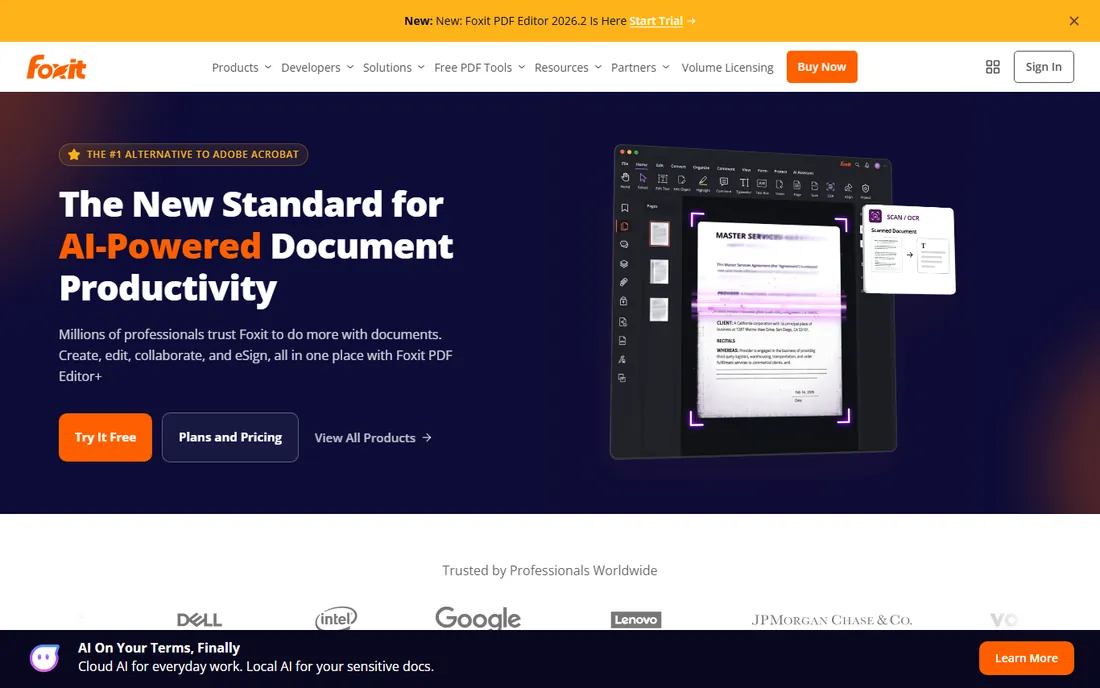
Foxit PDF Editor (formerly PhantomPDF) is the leading Acrobat alternative for businesses. It creates, edits, converts, and signs PDFs with a feature set that covers nearly everything Acrobat does, while running lighter and costing less. IT departments like the deployment and management tools; users like the familiar ribbon interface.
A few advanced features, like Acrobat's newest AI tools, remain Adobe exclusives. And switching teams need brief retraining. But for organizations standardizing on PDF software across hundreds of seats, Foxit's value proposition is compelling.
What we like- Full PDF editor rivaling Acrobat
- Lighter and faster performance
- More affordable licensing
Watch out for- Some advanced features trail Acrobat
- Interface differs enough to need adjustment
Starting priceSee website
Free planSee website
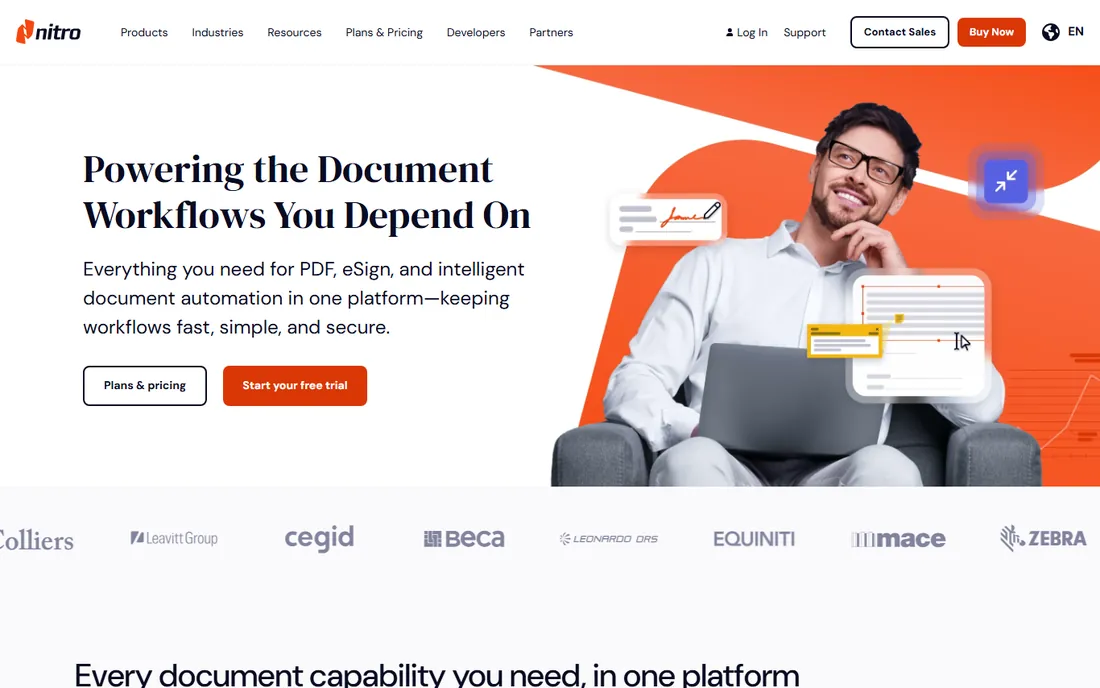
Nitro combines PDF creation and editing with e-signing and document analytics. Businesses get the full PDF toolkit plus signing workflows and insights into how documents move through the organization. The pricing undercuts Adobe for comparable business plans, and the analytics help justify the spend.
The third-party integration ecosystem is smaller than Adobe's or Foxit's. Power users may miss a few specialized features. But for companies that want PDF and e-sign from one vendor with usage visibility, Nitro's bundled approach works well.
What we like- PDF editor plus e-sign workflows in one platform
- Good analytics on document usage
- Competitive business pricing
Watch out for- Smaller ecosystem than Adobe or Foxit
- Some niche features missing
Starting priceSee website
Free planSee website
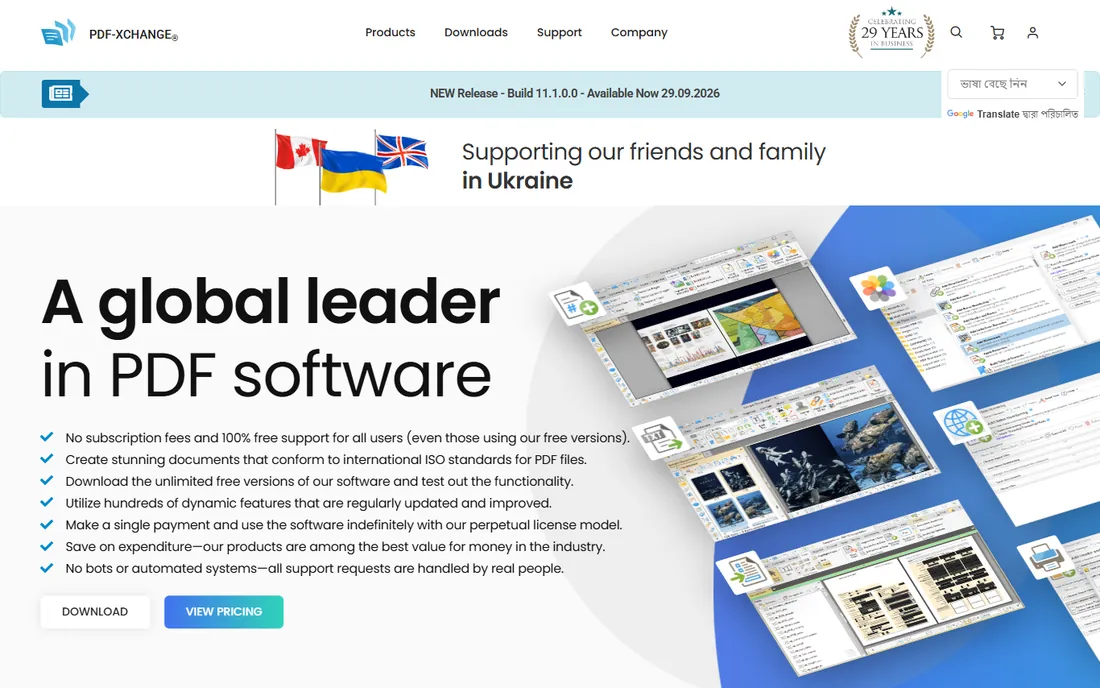
PDF-XChange Editor from Tracker Software is the budget champion for Windows users. One-time licenses cost a fraction of annual subscriptions elsewhere, yet the editor handles creation, editing, OCR, forms, and digital signatures competently. It launches fast and runs well on modest hardware.
Windows-only is the hard limit; Mac users need other options. The interface is functional rather than beautiful. But for Windows users and IT departments watching budgets, PDF-XChange delivers remarkable capability per dollar.
What we like- Very affordable one-time licensing
- Fast and lightweight
- Strong annotation and editing tools
Watch out for- Windows-only
- Interface less polished than premium rivals
Starting priceSee website
Free planSee website
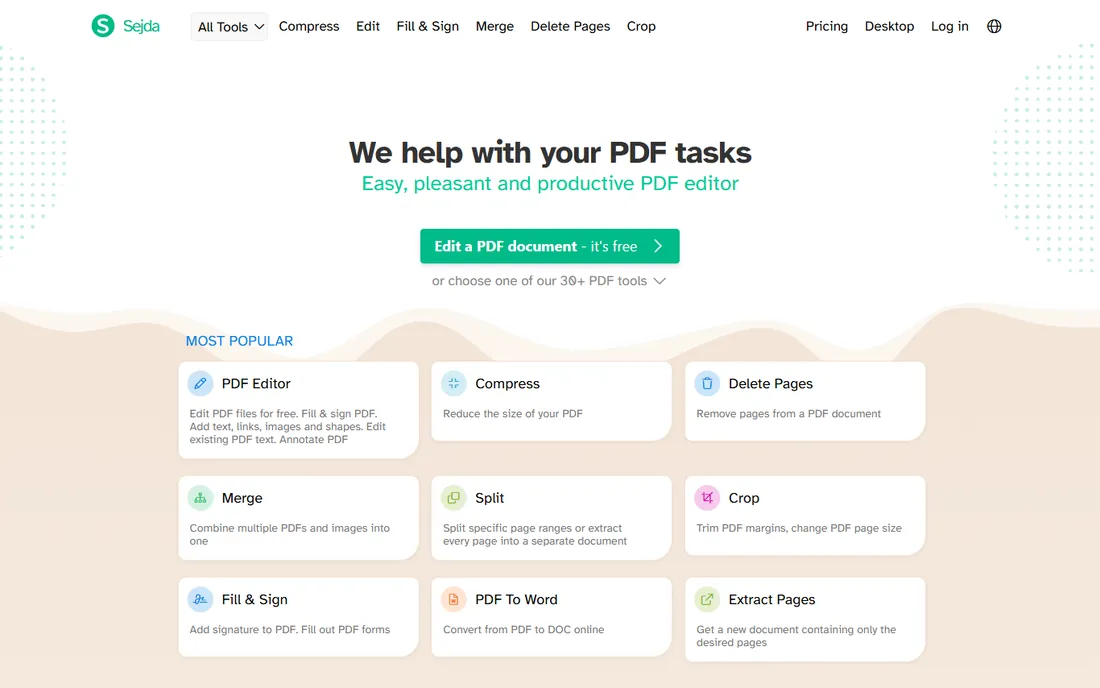
Sejda stands out among online PDF tools by letting users edit existing PDF text directly, not just annotate over it, and by producing watermark-free output on the free tier. The toolset covers merging, splitting, compression, conversion, and signing in a clean browser interface. Files process locally in many cases, which helps with privacy.
Free usage is limited to a few tasks per day with file size caps. Heavy users need the paid plans or desktop version. But for occasional PDF work without installing software, Sejda's free tier is unusually capable.
What we like- Edit PDF text directly in the browser
- No watermarks on free output
- Clean simple interface
Watch out for- Free tier limits daily tasks and file size
- Desktop version costs extra
Starting priceSee website
Free planSee website
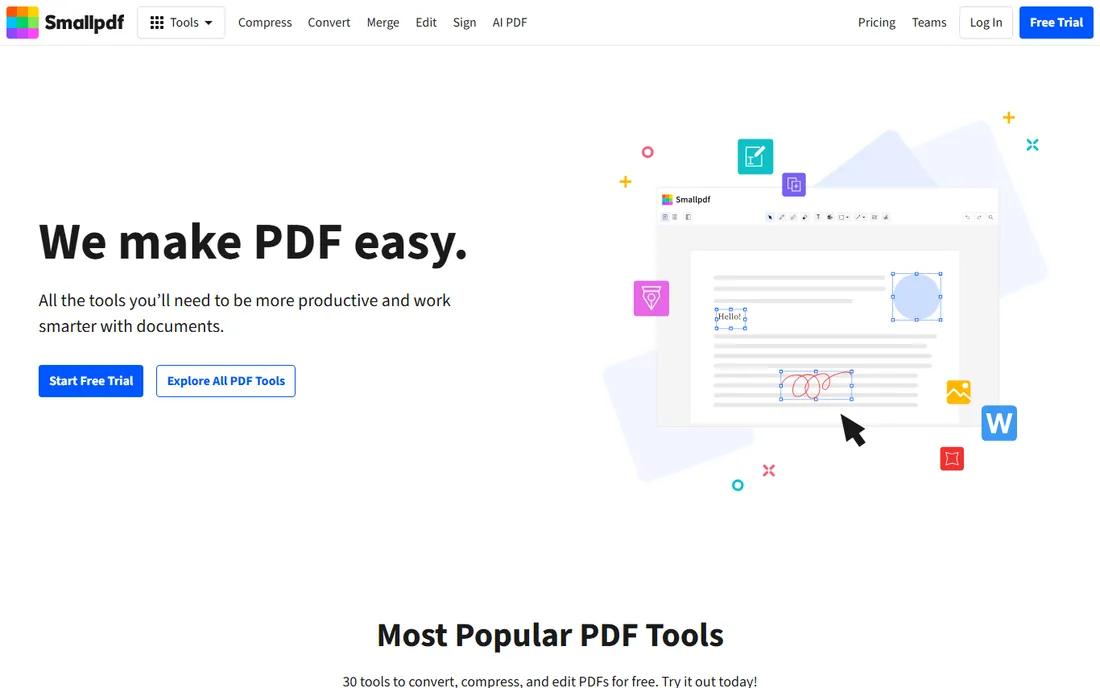
Smallpdf made PDF tools friendly. The website offers two dozen tools for creating, converting, compressing, merging, and signing PDFs with drag-and-drop simplicity. Mobile apps extend the experience, and the design is the cleanest in the category. Casual users get real work done without learning anything.
The free tier allows limited daily tasks, and true text editing is basic compared with desktop editors. But Smallpdf is not trying to be Acrobat; it is the tool you recommend to non-technical colleagues, and it excels at that job precisely because it never gets in the way.
What we like- Extremely easy to use
- Covers creation, conversion, compression, and signing
- Nice mobile apps
Watch out for- Free tier is limited
- Advanced editing is basic
Starting priceSee website
Free planSee website
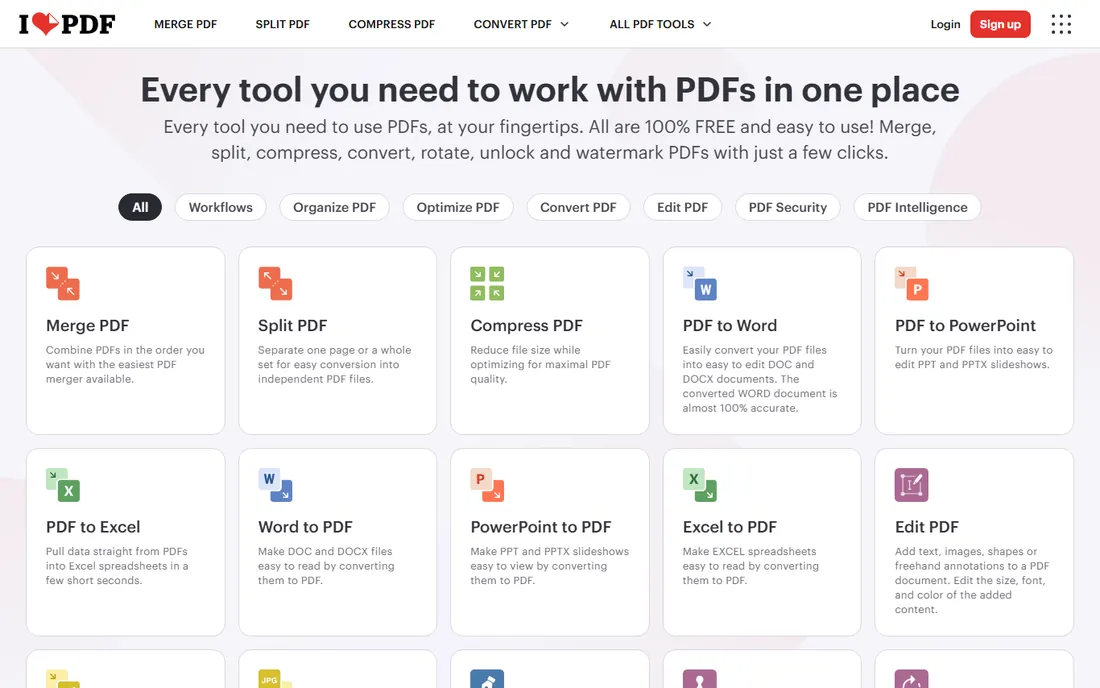
iLovePDF offers a broad toolkit of PDF tasks, merge, split, compress, convert, watermark, rotate, and more, in a simple interface organized by task. Much of it is free within daily limits, making it a handy bookmark for quick jobs. Desktop and mobile apps cover offline and on-the-go needs.
Like Smallpdf, it handles tasks rather than deep editing. Power users will want a desktop editor. But as a free online toolkit for the common PDF chores, iLovePDF's breadth makes it worth keeping alongside a primary editor.
What we like- Wide range of free PDF tools
- Simple task-based interface
- Desktop and mobile apps available
Watch out for- Free tier has task limits
- Editing capabilities are basic
What to check before you buy
Start by separating creation from editing. Every tool here creates PDFs, but editing depth varies enormously. If you only convert Office documents to PDF and merge files, a free online tool suffices. If you edit text in existing PDFs, build fillable forms, or redact sensitive documents, you need a real editor like Acrobat, Foxit, or PDF-XChange.
Then consider your platform mix. PDF-XChange is Windows-only; several online tools work anywhere but need internet. Check mobile needs too, since signing and reviewing on phones is common. And evaluate e-signing carefully: if signatures are central to your workflow, Nitro's bundled approach or Adobe's sign integration may beat bolting a separate tool onto a basic editor.
Finally, watch the licensing model. Subscriptions from Adobe, Foxit, and Nitro recur annually; PDF-XChange sells perpetual licenses; online tools use freemium tiers. Calculate three-year total cost for your seat count, because the cheapest first year is rarely the cheapest over time. Also confirm what happens to your files and workflows if you cancel: can you still open and export everything, or does the subscription hold your work hostage?
Free vs paid: where the line falls
Free tools handle the common tasks: merging, splitting, compressing, converting, and basic signing. Sejda, Smallpdf, and iLovePDF cover these well within their free limits. Most individuals never need more than this, and businesses with light PDF needs can often standardize on free tools too.
Paid software earns its keep on editing, forms, OCR, redaction, batch processing, and compliance features. Businesses with document-heavy workflows, legal teams, and anyone processing hundreds of PDFs monthly will recover the cost quickly. The middle ground, affordable editors like PDF-XChange, suits users who need real editing without enterprise budgets. When evaluating, trial the paid tier on your actual documents for two weeks; marketing feature lists hide the workflow details that determine whether a tool fits your daily routine.
Frequently asked questions
What is PDF creator software?
It is software that creates PDF files from other documents, scans, or web pages, and typically also edits, converts, merges, signs, and protects PDFs. It ranges from free online tools to full desktop editors like Adobe Acrobat.
Can I create PDFs for free?
Yes. Built-in OS features like Print to PDF handle basic creation, and free online tools from Smallpdf, iLovePDF, and Sejda cover conversion and common tasks. Free desktop options exist but with fewer features than paid editors.
What is the best Adobe Acrobat alternative?
Foxit PDF Editor is the closest full-featured alternative for businesses. Nitro adds e-signing strengths. PDF-XChange is the best budget option for Windows. For casual use, Smallpdf or Sejda may be all you need.
Do I need OCR?
You need OCR when working with scanned documents or image-based PDFs that you want to search, edit, or convert accurately. If your PDFs come from digital sources like Word or web pages, the text is already selectable and OCR is unnecessary.
What is PDF/A?
PDF/A is an archival variant of PDF designed for long-term document preservation, with requirements like embedded fonts and no encryption. Regulated industries and archives use it for records that must remain readable for decades. Most full editors can create PDF/A files.
Are online PDF tools safe for sensitive documents?
Reputable tools use encryption and delete uploaded files after processing, but uploading sensitive documents to any third party carries some risk. For confidential material, prefer desktop software that processes files locally, and check each vendor's privacy policy and data retention terms. As a rule of thumb, anything you would not email to a stranger should not go through a free online converter.
Can PDF software fill and sign forms?
Yes, all the tools on this list handle form filling and signatures to varying degrees. Desktop editors support interactive form fields, digital certificates, and signature workflows. Online tools cover basic fill-and-sign well. For legally binding e-signatures with audit trails, look at the signing features specifically rather than assuming every signature tool meets compliance standards.
How we chose
We selected PDF tools that appear consistently in productivity software shortlists on G2, Capterra, and user community discussions, covering full desktop editors and popular online toolkits. Each vendor's site was checked to confirm the product is current in 2026. Pricing details come from vendor pages where published; subscription and freemium models are noted as such. No hands-on document testing was conducted for this guide.
Sources we checked (11)
- https://www.adobe.com
- https://www.foxit.com
- https://www.gonitro.com
- https://www.pdf-xchange.com
- https://www.sejda.com
- https://www.smallpdf.com
- https://www.ilovepdf.com
- https://sourceforge.net/software/compare/Adobe-Acrobat-vs-Foxit-PDF-Editor-vs-Xodo/
- https://slashdot.org/software/comparison/Adobe-Acrobat-vs-Foxit-Reader/
- https://sourceforge.net/software/compare/Foxit-Reader-vs-Nitro-PDF-vs-PDF-XChange/
- https://slashdot.org/software/comparison/Foxit-PDF-Editor-vs-Smallpdf-vs-iLovePDF/
Is your product missing or out of date?
We review this list regularly. Vendors can request a listing, send updated pricing or ask about featured placement.

Shihab Mia · Founder, Rankite
Shihab has 5+ years in B2B and SaaS SEO. He writes Rankite's software buying guides from pricing pages, documentation and public user reviews. More about Shihab.