How we make this list: we compare pricing pages, product documentation and public user reviews. Rankite is independent; if a vendor ever pays for a featured spot, that listing is clearly labeled Partner.
Key takeaways
- PDF24 Tools and iLovePDF compress for free with no sign-up, making them the fastest options for one-off files.
- Smallpdf and iLovePDF Premium remove free-tier limits and add strong compression for regular users, from about $5 to $9 a month.
- Scanned PDFs shrink most dramatically, often 70 to 90 percent, while text-only files have less to lose.
- Skip upload-based tools for contracts and legal documents; compress locally or check the file-deletion policy first.
The best software to reduce PDF size
A 25MB upload limit is the number that breaks most PDFs. It is the cap on Gmail attachments, on many job portals, and on government forms, and the file that will not fit is always the one you need to send right now. Compression is the fix, but not every tool does it well: some mangle image quality, some watermark your output, and some ration you to two files a day before demanding a subscription. These seven handle the job properly, from free online compressors to desktop tools for sensitive files.
#1
iLovePDF
Best for: quick online compression with three quality levels
Visit ilovepdf.com
Starting price~$5/month (Premium, billed annually)
Free planYes
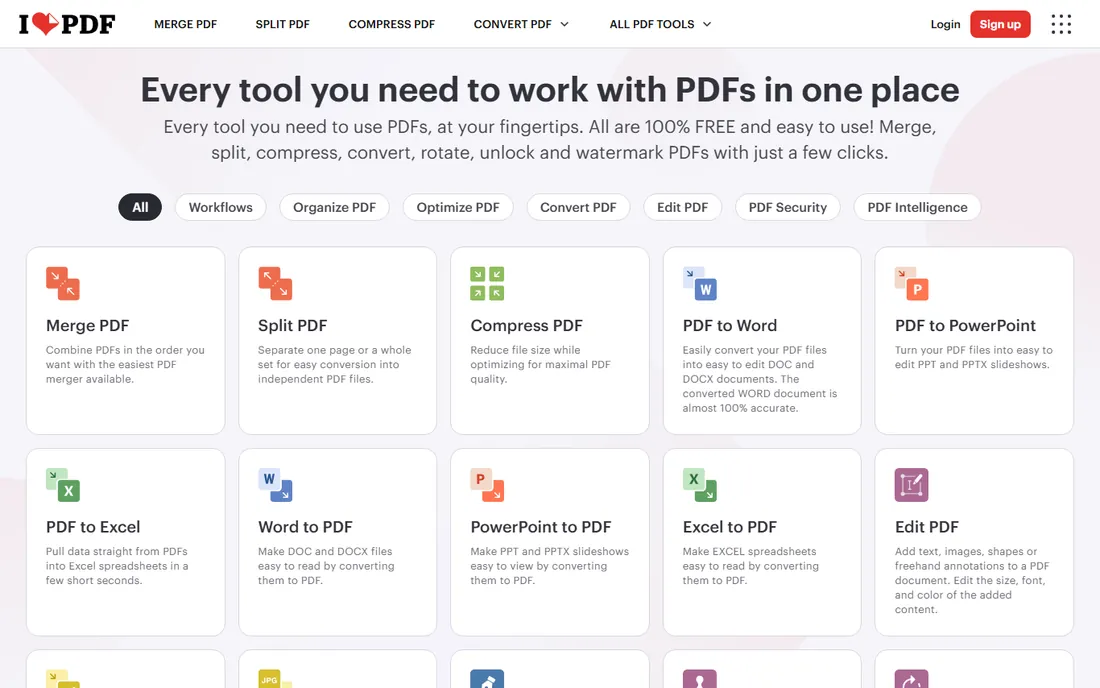
iLovePDF is the first stop for most people who need a smaller PDF, and it earns that position. Upload your file, pick from Extreme, Recommended or Less compression, and download the result in seconds. The three levels matter: Recommended hits the sweet spot for emailing, while Extreme squeezes scanned image-heavy files down hard at the cost of visible quality loss.
The free tier is generous for one-off jobs, with compression accepting files up to 200 MB. Premium, at around $5 a month billed annually, removes the batch limits, drops the ads and removes the batch limits, drops the ads and opens up the desktop and mobile apps. If you compress files weekly, Premium is one of the cheapest subscriptions in this entire category and genuinely worth it.
What we like- Three compression levels to choose from
- Accepts files up to 200 MB for compression
- Full suite of other PDF tools included
Watch out for- Free tier shows ads
- Batch compression limited to a few files per task on free
- OCR tools need Premium
Starting price~$9/month (Pro, billed annually)
Free planYes
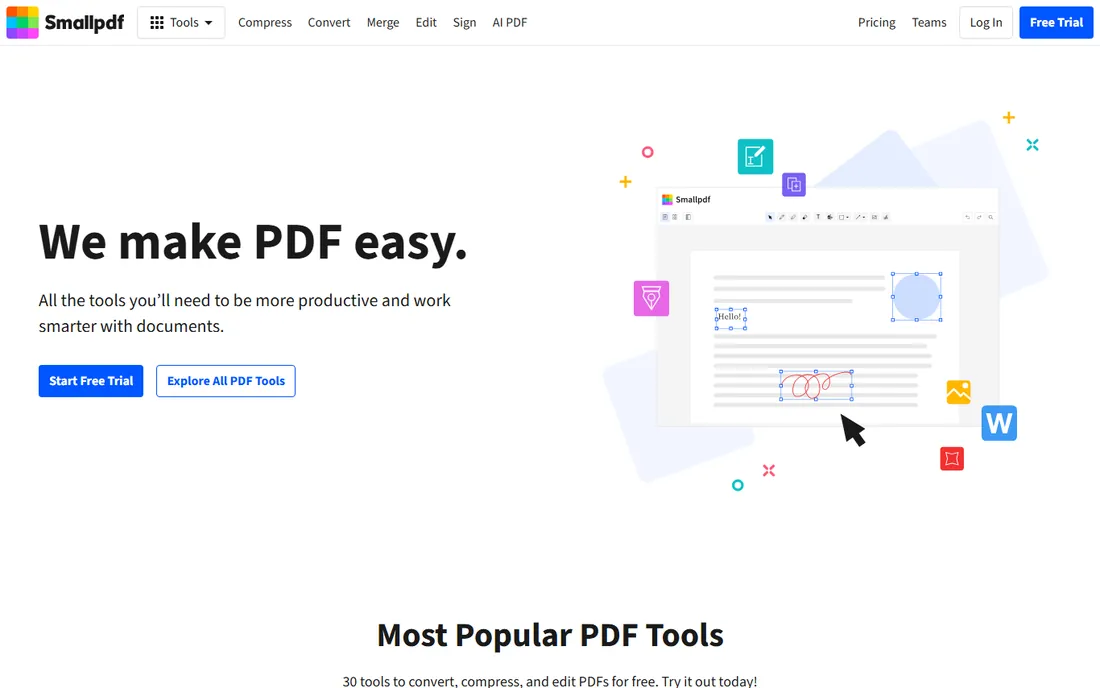
Smallpdf is the design-led option, a Swiss tool with a famously uncluttered interface that walks you through compression in three clicks. Its compressor offers basic and strong compression modes, and the strong mode routinely beats competitors on raw size reduction for image-heavy documents.
The catch is the free tier: roughly two tasks per day, after which you hit the paywall. That makes Smallpdf a poor free tool but a good paid one. Pro starts around $9 a month billed annually and adds unlimited processing, OCR, e-signatures and larger file handling. If you process PDFs regularly and want the nicest tool in the category, Smallpdf is the upgrade pick.
What we like- Clean, minimal interface
- Strong compression option for maximum reduction
- Works online and on mobile apps
Watch out for- Free tier allows only about two tasks per day
- Pro is pricier than iLovePDF
- Uploads required
Starting price~$7/month
Free planYes
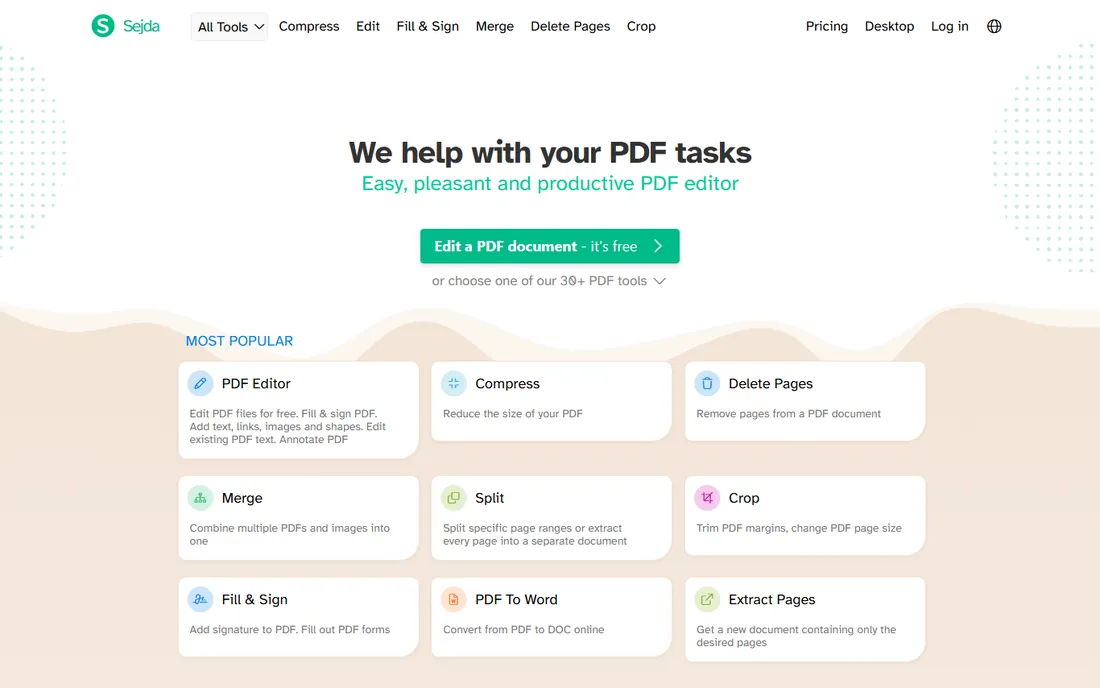
Sejda is the quiet standout of the free tools. It does not watermark your output, it does not demand sign-up, and it deletes uploaded files after two hours. The free tier allows a few tasks per hour with files under 50 MB and 200 pages, which is plenty for occasional use. Tests show it handles image-heavy PDFs well, with one well-known review noting a 2.92 MB magazine cover compressed to 411 KB with no visible quality loss.
A desktop app runs offline for files you should not upload anywhere. The paid plan at around $7 a month removes the limits. Sejda is the tool to recommend when someone asks for a free compressor with no catches.
What we like- No watermarks on free output
- Files deleted after two hours
- Works online or offline via desktop app
Watch out for- Free tier limits hourly tasks and file size
- Subscription needed for heavy daily use
- Interface is functional rather than polished
Starting priceFree
Free planYes
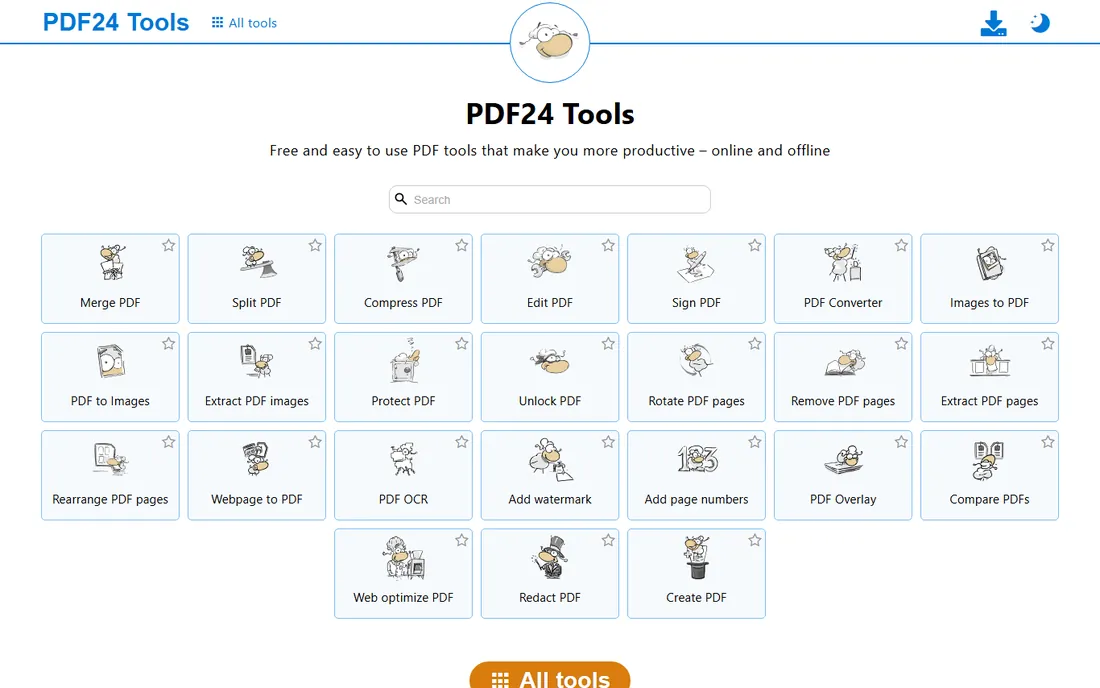
PDF24 is the closest thing to a free lunch in PDF software. The online tools compress PDFs with no account, no limits and no watermarks, and the PDF24 Creator desktop app for Windows bundles compression with merging, converting and signing, all offline and all free. There is genuinely no paid tier to upsell you into.
The trade-offs are real but minor: the Creator is Windows-only, and the online tools, while complete, lack the polish of Smallpdf. For Mac users, only the online tools apply. But if you want unlimited free compression and nothing else, PDF24 has no rival.
What we like- Free with no task counters or watermarks
- Online tools plus a Windows desktop app
- Batch processing supported
Watch out for- Creator app is Windows-only
- Online tools run in the browser, so no offline compression outside Windows
- Interface feels dated
Starting priceSee website
Free planYes
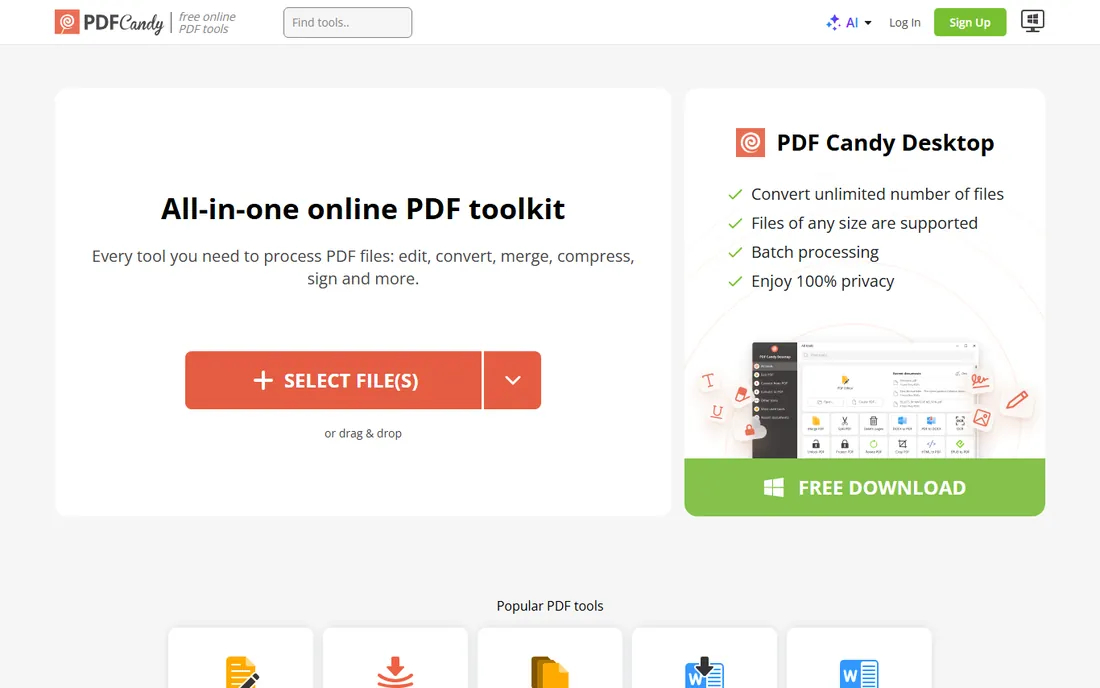
PDF Candy, from Icecream Apps, wraps a PDF compressor inside one of the largest free PDF tool suites available, with over 40 tools covering conversion, splitting, merging and more. Compression is a simple drag-and-drop job with no watermark on the output, and the free tier handles occasional use fine.
Power users hit hourly limits on the free web version, and the desktop app and premium plan exist for those who want unlimited processing. The compressor itself is basic, with less control over quality levels than iLovePDF, but for a fast free shrink-and-send, PDF Candy does exactly what you ask of it.
What we like- Full suite of 40+ free tools
- No watermarks
- Simple drag-and-drop workflow
Watch out for- Free web version has hourly usage limits
- Desktop app and premium plan cost extra
- Compression options are basic
#6
PDF2Go
Best for: simple online compression with format flexibility
Visit pdf2go.com
Starting priceSee website
Free planYes
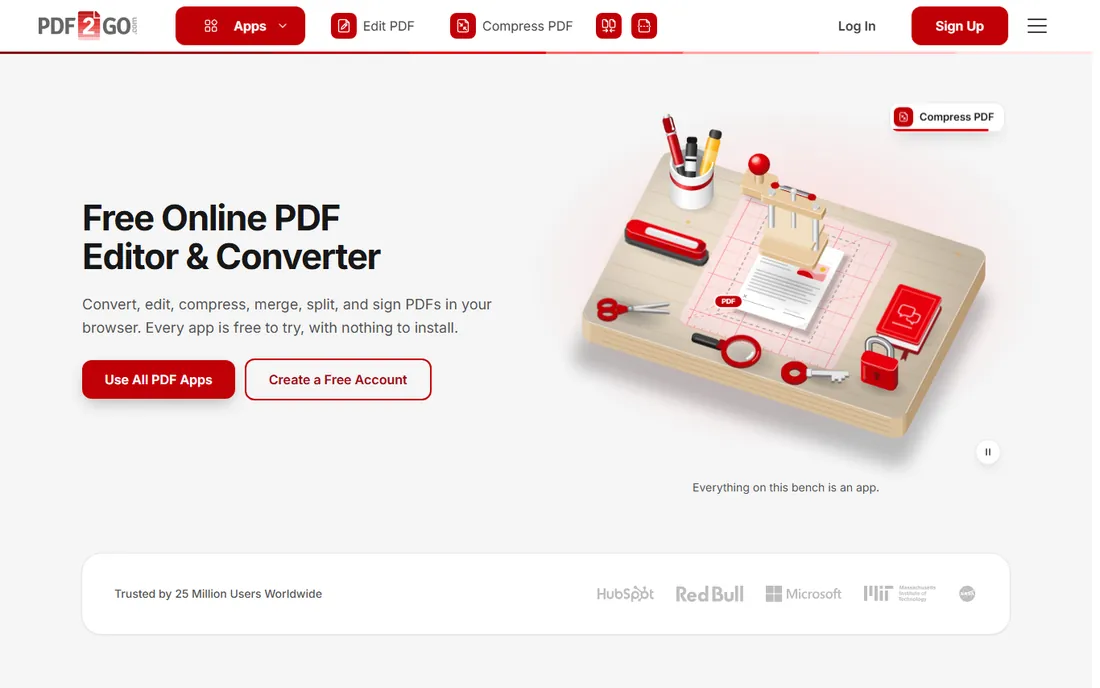
PDF2Go is a straightforward online PDF toolkit with a compressor that takes uploads from your computer, Dropbox or Google Drive and returns a smaller file in three steps. It does not try to be a platform; it compresses your file and moves on, which is exactly what some users want.
The free tier covers casual use, with a premium plan for higher limits and batch processing. Large image-heavy files can process slowly compared to dedicated tools. As a no-account, no-fuss option for the occasional oversized attachment, PDF2Go is perfectly serviceable.
What we like- Easy three-step compression
- Works with Dropbox and Google Drive
- Optional premium removes limits
Watch out for- Interface is plain
- Advanced features need premium
- Large files can be slow
Starting priceSee website
Free planYes
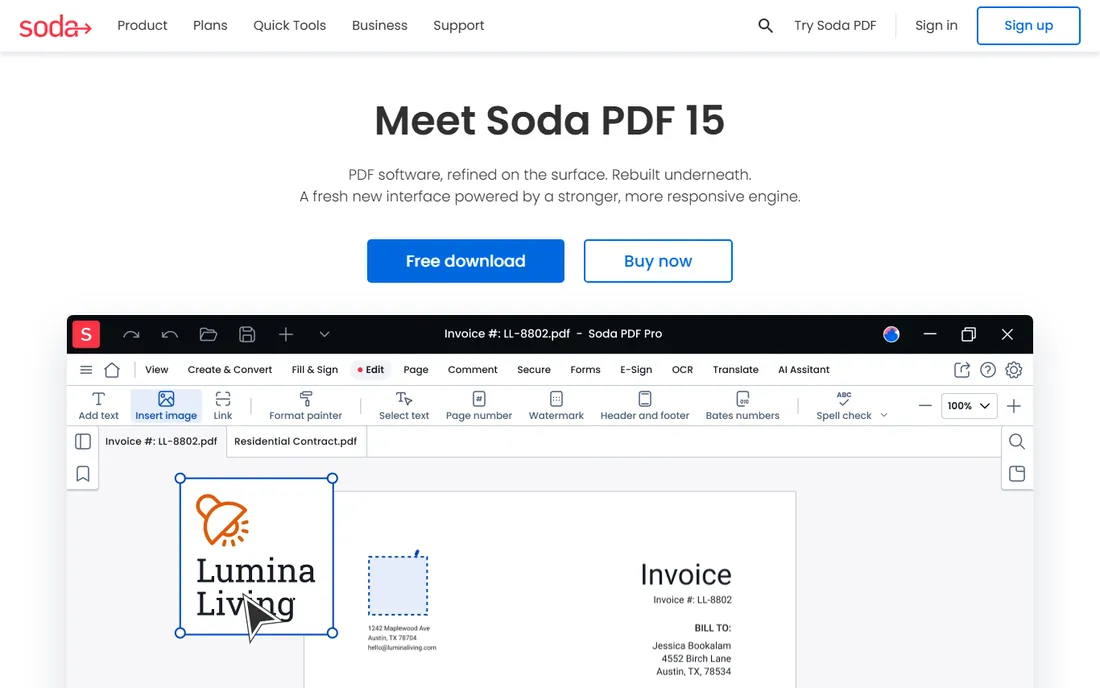
Soda PDF approaches compression from the opposite direction: it is a full PDF editor that happens to compress. You can set a target document quality or file size rather than picking vague levels, and the desktop app processes files locally. That makes it a fit for people who compress as part of a broader document workflow, editing, converting and signing in one place.
The downside is complexity. The tier structure is harder to parse than Smallpdf or iLovePDF, and the free version is genuinely limited. If all you need is a smaller file, the free tools above are simpler. If you need an editor too, Soda PDF's compression is a solid included feature.
What we like- Compress to a specific quality target
- Online and desktop versions
- Full editing suite around the compressor
Watch out for- Pricing tiers are complex
- Free version is limited
- Owned by a large software group with upsell pressure
How to choose PDF compression software
Match the tool to your frequency. Compressing one file this month? Use iLovePDF or PDF24 for free and move on. Compressing daily for work? Pay for iLovePDF Premium or Smallpdf Pro and stop rationing tasks. The subscription only makes sense once the free limits cost you real time.
Think about where your file goes. Online compressors upload your document to someone else's server. For a marketing deck that is fine; for a signed contract or a medical record it is not. Use an offline tool like PDF24 Creator or Sejda Desktop for sensitive files, or at minimum check that the service deletes uploads within hours.
Check what your files are made of. Scanned image-heavy PDFs compress dramatically, often 70 to 90 percent smaller, and benefit from tools with quality-level controls like iLovePDF or Soda PDF. Text-only PDFs are already small, and compression gains will be modest no matter which tool you pick. If your "PDF" is really a Word file, export it again with lower image resolution instead of compressing afterward.
Frequently asked questions
How much can I reduce a PDF's file size?
Scanned or image-heavy PDFs often shrink 70 to 90 percent with aggressive compression, while text-based files may only shrink 10 to 30 percent since they were never large. Choosing a higher compression level trades visible image quality for smaller size, so test before sending anything client-facing.
Does compressing a PDF reduce quality?
It can. Compression mainly reduces image resolution and strips metadata, so photos in the PDF may look softer. Text stays sharp because it is vector data, not pixels. Most tools offer quality levels, so pick a moderate setting for anything you will print and a strong setting only for screen viewing.
Can I compress a PDF without uploading it online?
Yes. PDF24 Creator for Windows and Sejda Desktop compress files locally with no upload. Adobe Acrobat and similar desktop editors also include optimization features. Use a local tool whenever the document contains contracts, financial data, personal records or anything else confidential.
Why is my PDF still large after compression?
The file is probably text-heavy or already optimized, in which case there is little left to remove. Or it contains embedded fonts and high-resolution images that need stronger settings. Try the extreme or strong compression level, and if it is a scan, lower the DPI before or during compression.
Is there a free PDF compressor with no watermarks?
Yes. PDF24 Tools, Sejda, iLovePDF and PDF Candy all compress without watermarking your output on their free tiers. The limits are on usage frequency, file size or batch processing, not on the output itself, which is the important part for sending professional-looking files.
Sources we checked (10)
- https://smallpdf.com
- https://www.ilovepdf.com/
- https://www.sejda.com
- https://tools.pdf24.org/en/
- https://pdfcandy.com
- https://www.pdf2go.com
- https://www.sodapdf.com
- https://www.codegenes.net/blog/smallpdf-vs-ilovepdf/
- https://dev.to/omarmdhi/6-free-pdf-editors-you-can-use-in-a-browser-in-2026-and-what-happens-to-your-file-in-each-3g2b
- https://updf.com/comparison/pdf24/?amp=1
Is your product missing or out of date?
We review this list regularly. Vendors can request a listing, send updated pricing or ask about featured placement.

Shihab Mia · Founder, Rankite
Shihab has spent more than a decade helping SaaS and e-commerce brands grow through search. He writes Rankite's software buying guides from pricing pages, documentation and public user reviews. More about Shihab.