How we make this list: we compare pricing pages, product documentation and public user reviews. Rankite is independent; if a vendor ever pays for a featured spot, that listing is clearly labeled Partner.
Key takeaways
- Adobe Acrobat Pro still sets the quality bar for compression, but at $23.99 a month it is overkill if shrinking files is all you do.
- PDF24 Tools and HiPDF compress files for free with no meaningful limits, which covers most office needs without a subscription.
- Smallpdf, iLovePDF, and Sejda all meter their free tiers tightly, so check the daily task caps before you commit to one.
- If your PDFs contain contracts, medical records, or client data, prefer a desktop tool like Acrobat, Foxit, or PDFelement over an online uploader.
- Foxit PDF Editor is the strongest Acrobat alternative for businesses, with perpetual licenses still available and AI features bundled in.
Quick comparison
| Tool | Best for | Starting price | Free plan |
|---|
 Adobe Acrobat Adobe Acrobat | Maximum quality and control | $23.99/month (annual, billed monthly) | Free trial (7 days) |
 Smallpdf Smallpdf | Polished all-in-one PDF toolkit | $9/month | Yes |
 iLovePDF iLovePDF | Generous free tier for occasional use | Premium $4/month (billed annually) | Yes |
 Sejda Sejda | Simple browser-based compression | $7.50/month | Yes |
 Foxit PDF Editor Foxit PDF Editor | Business Acrobat alternative | $10.99/month | Free trial (14 days) |
 PDFelement PDFelement | Affordable desktop editing | $129.99 one-time | Free trial (limited) |
 PDF2Go PDF2Go | Credit-based flexible use | See website | Yes |
 PDF24 Tools PDF24 Tools | Completely free, no limits | Free | Yes |
 HiPDF HiPDF | Free online compression with AI extras | Free | Yes |
Is your product missing or out of date?
We review this list regularly. Vendors can request a listing, send updated pricing or ask about featured placement.
The best pdf compressor software
Starting price$23.99/month (annual, billed monthly)
Free planFree trial (7 days)
The original PDF company still makes the best compressor, and it is not close when quality matters. Acrobat's PDF Optimizer lets you downsample images to exact DPI targets, subset embedded fonts, discard hidden layer data, and preview the size savings before you commit. For scanned documents, the built-in OCR keeps text searchable after compression, which cheaper tools often break.
You pay for that precision. At $23.99 a month on the annual plan, Acrobat Pro costs more than every other tool on this list except Foxit's top tier, and Adobe discontinued perpetual licenses years ago. The 7-day trial is genuinely useful for a one-off project, and the free online compressor handles small files without an account. Buy it if PDFs are central to your business. Skip it if you just need to email a smaller file twice a month.
What we like- Best-in-class compression quality
- Granular optimization controls
- Batch processing
Watch out for- Expensive for compression alone
- Subscription only for new customers
Starting price$9/month
Free planYes
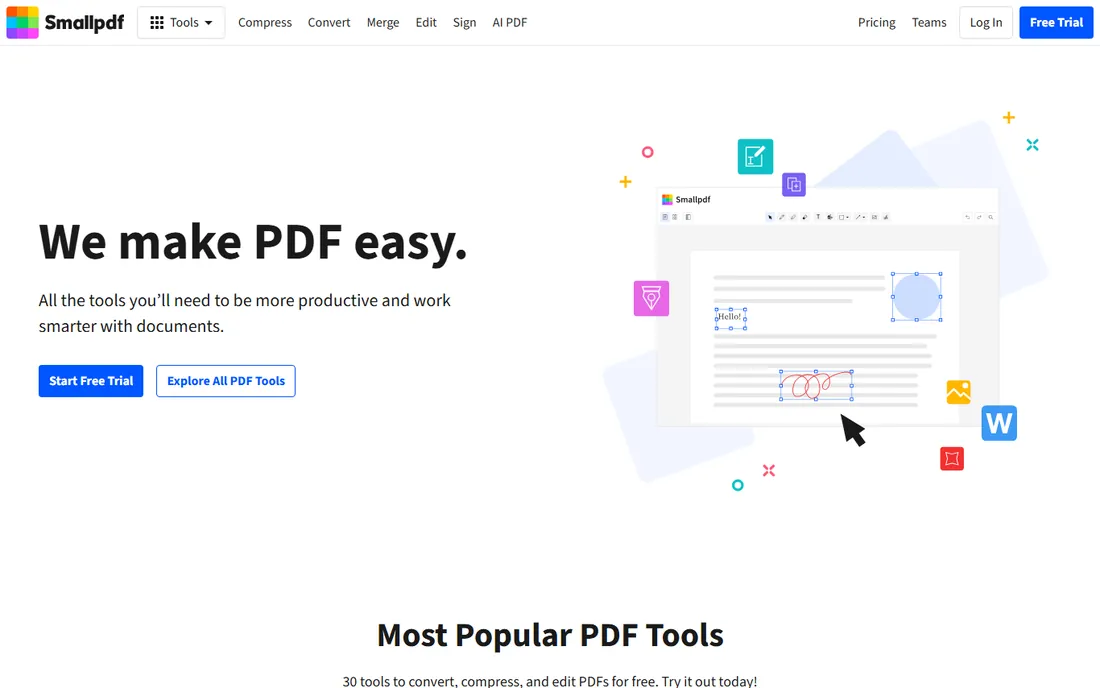
Smallpdf feels like the Apple product of PDF tools: everything is where you expect it, the compression slider offers basic and strong modes, and the whole suite, convert, merge, sign, edit, AI summarize, lives under one $9 monthly subscription. Files move through 256-bit TLS encryption, the company holds ISO 27001 certification, and processed files are deleted from its servers.
The free tier is the catch. You get two tasks a day, which vanishes fast during a busy week, and strong compression sits behind the paywall. Every file uploads to Smallpdf's servers, so confidential documents deserve a second thought. For teams that touch PDFs daily and value a frictionless experience, the Pro plan earns its keep. For occasional users, the free tier's limits will push you toward the genuinely free options below.
What we like- Cleanest interface in the category
- 30+ tools in one subscription
- Strong mobile apps
Watch out for- Free tier limited to 2 tasks a day
- Uploads leave your computer
Starting pricePremium $4/month (billed annually)
Free planYes
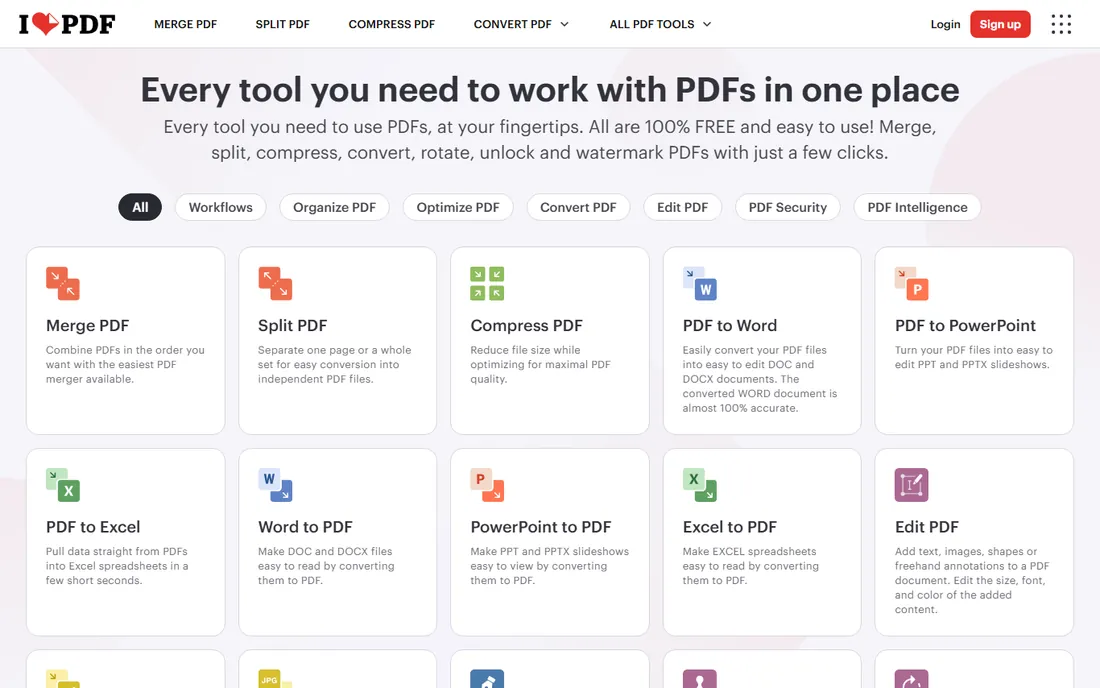
Three compression modes, extreme, recommended, and low, give you a real choice between file size and fidelity, and the free tier is more forgiving than Smallpdf's before it asks for money. Premium costs just $4 a month on annual billing, the lowest paid price on this list, and it removes ads, raises file size limits to 4 GB, and adds batch processing plus a desktop app for offline work.
The interface is functional rather than beautiful, and free users see upgrade prompts. Like most online tools, your files travel to iLovePDF's servers for processing, which rules it out for regulated industries. But for students, freelancers, and small offices compressing a few files a week, the combination of a usable free tier and the cheapest premium plan is hard to beat.
What we like- Cheapest premium plan here
- Three compression levels
- Desktop app for offline work
Watch out for- Ads on the free tier
- Cloud processing like the rest
Starting price$7.50/month
Free planYes
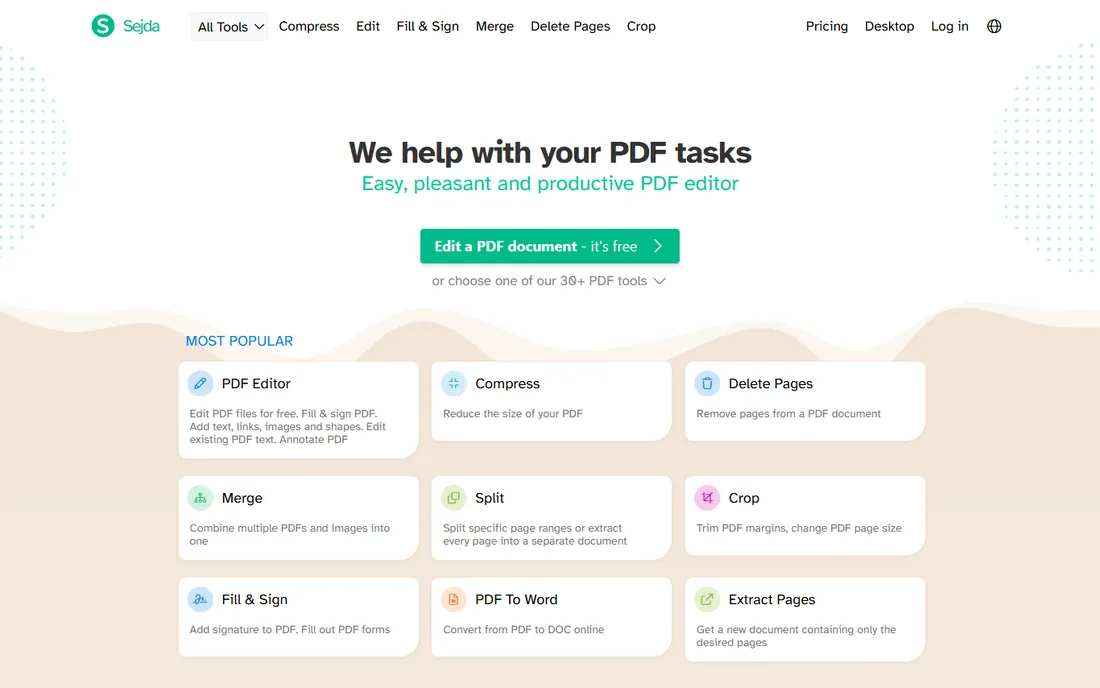
Sejda's quiet superpower is its desktop app, which runs the same tools offline so sensitive files never leave your computer. The online compressor is straightforward: upload, pick your image quality and resolution, download the smaller file. No account, no onboarding tour, no upsell maze before your first compression.
The free tier allows only a few tasks per hour, which is fine for the odd file and frustrating for batch work. Premium at $7.50 a month lifts the limits and adds larger file support. Sejda lacks the AI extras and e-sign suites of its bigger rivals, but it never pretends otherwise. It is the right pick for buyers who want a simple tool that respects their privacy without a learning curve.
What we like- Desktop app processes files locally
- No account needed to start
- Clean no-nonsense design
Watch out for- Free tier caps tasks per hour
- Smaller feature set than rivals
Starting price$10.99/month
Free planFree trial (14 days)
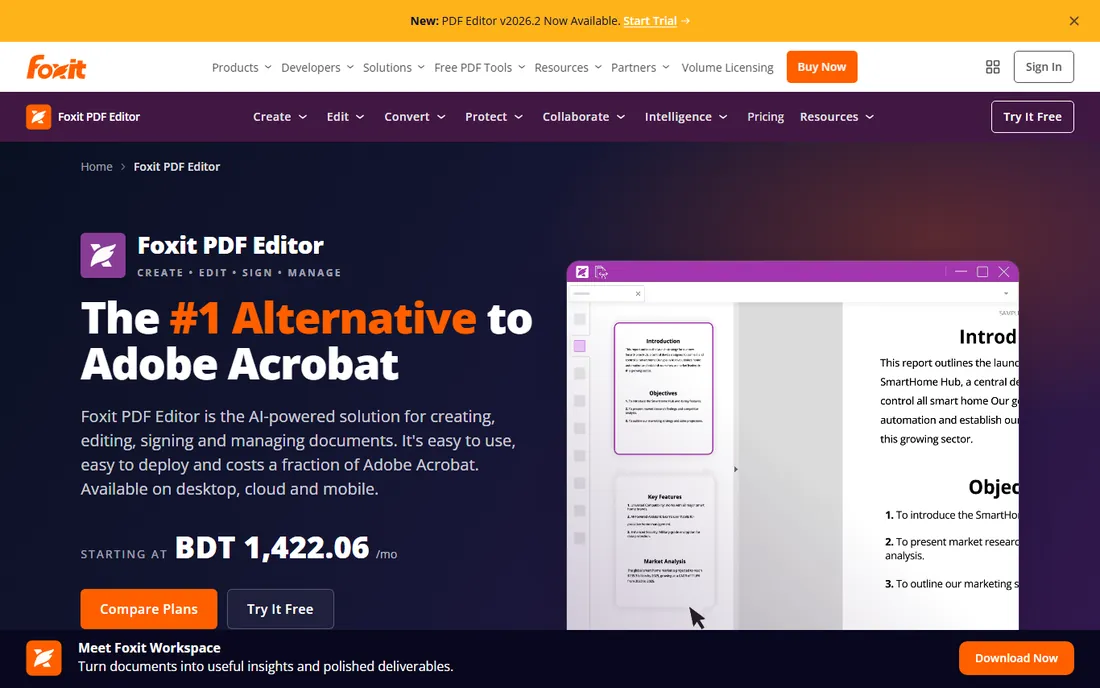
Foxit has spent years positioning itself as the business alternative to Acrobat, and on price it delivers: subscriptions start at $10.99 a month, and unlike Adobe it still sells a perpetual license for buyers who refuse subscriptions. The 2026 edition bundles an AI assistant with monthly credits, Smart Redact for automatic PII removal, and a document management system with version control.
Compression lives inside a full editing suite with OCR, form creation, and e-signatures, so this is a complete Acrobat replacement rather than a single-purpose shrinker. The 14-day trial needs no credit card, which makes evaluation painless. Small businesses standardizing on one PDF platform should shortlist Foxit alongside Acrobat and compare the three-year cost, because the gap is significant at scale.
What we like- 44% cheaper than Acrobat per its own comparison
- Perpetual license option
- AI assistant included
Watch out for- No free tier
- Interface can feel busy
Starting price$129.99 one-time
Free planFree trial (limited)
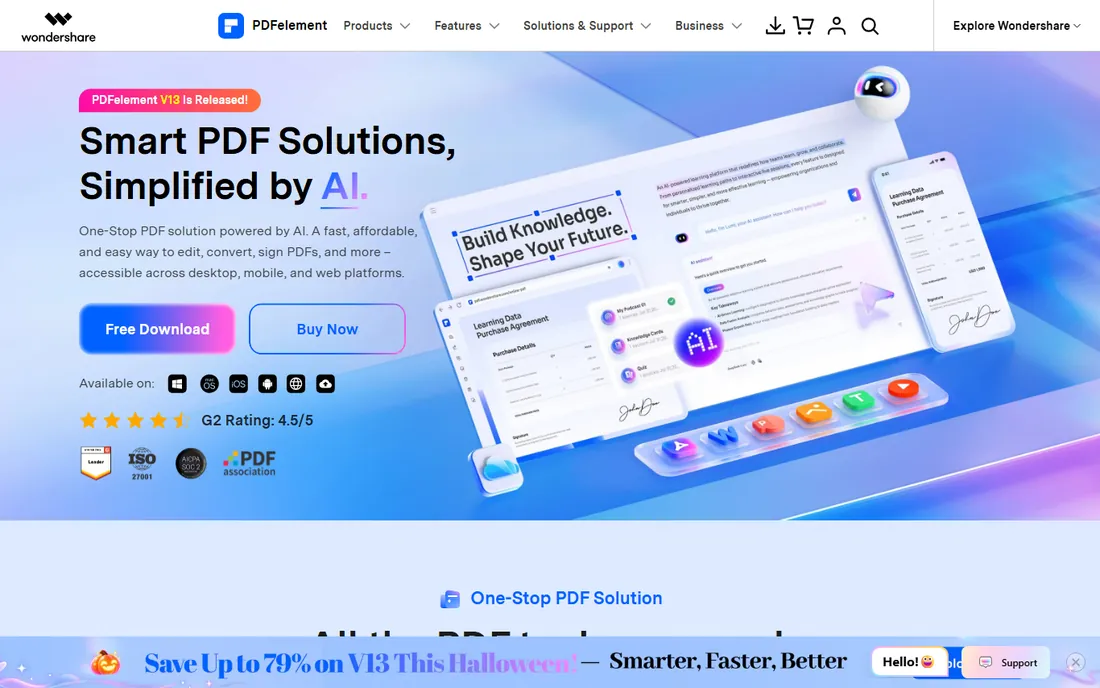
Wondershare's PDFelement takes the opposite approach from the subscription crowd: pay $129.99 once and own it. The desktop app covers compression with adjustable DPI and quality settings, batch processing for folders of files, OCR in 26 languages, and AI tools for summarizing and translating documents. Everything runs locally, which settles the privacy question by default.
The trial version watermarks edited files and limits conversions, so evaluate the interface before buying. PDFelement's design is less polished than Foxit's or Acrobat's, and advanced preflight-style optimization is thinner. But for a freelancer or small office that wants capable desktop software without a monthly bill, the perpetual license math is compelling: it pays for itself against Acrobat in about six months.
What we like- One-time perpetual pricing
- Batch compression
- AI features included
Watch out for- Free trial watermarks output
- Interface less refined than Foxit
Starting priceSee website
Free planYes
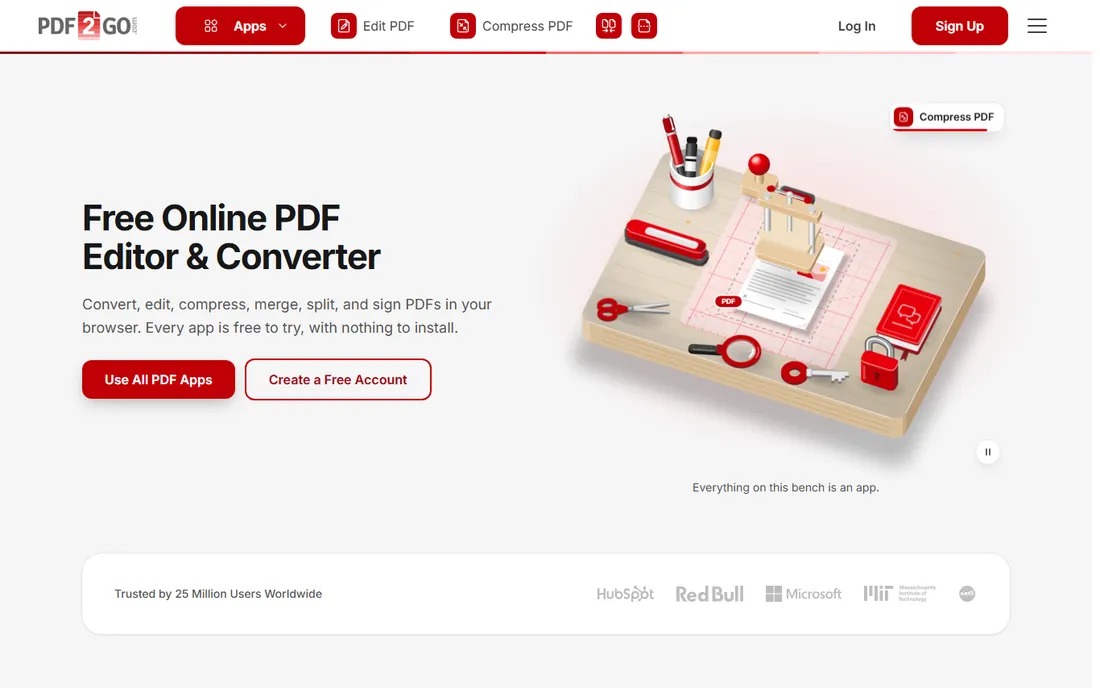
PDF2Go runs on credits instead of subscriptions, which suits irregular use. Registering a free account grants 30 welcome credits, with daily refills, and each premium action like a compression or conversion spends one. If you compress files in bursts a few times a month, you may never pay. Heavy users can buy plans for unlimited access and priority processing.
The operator, QaamGo Web GmbH, is a German company founded in 2016, and the site is explicit about HTTPS transfers, encrypted storage, and manual file deletion. The credit model confuses some first-time users, and plan pricing is less prominently displayed than competitors'. Still, for buyers allergic to subscriptions who need more than a bare-bones free tool, the model deserves a look.
What we like- Free credits with registration
- No subscription required
- GDPR-compliant German operator
Watch out for- Credit system takes learning
- Pricing less transparent than rivals
Starting priceFree
Free planYes
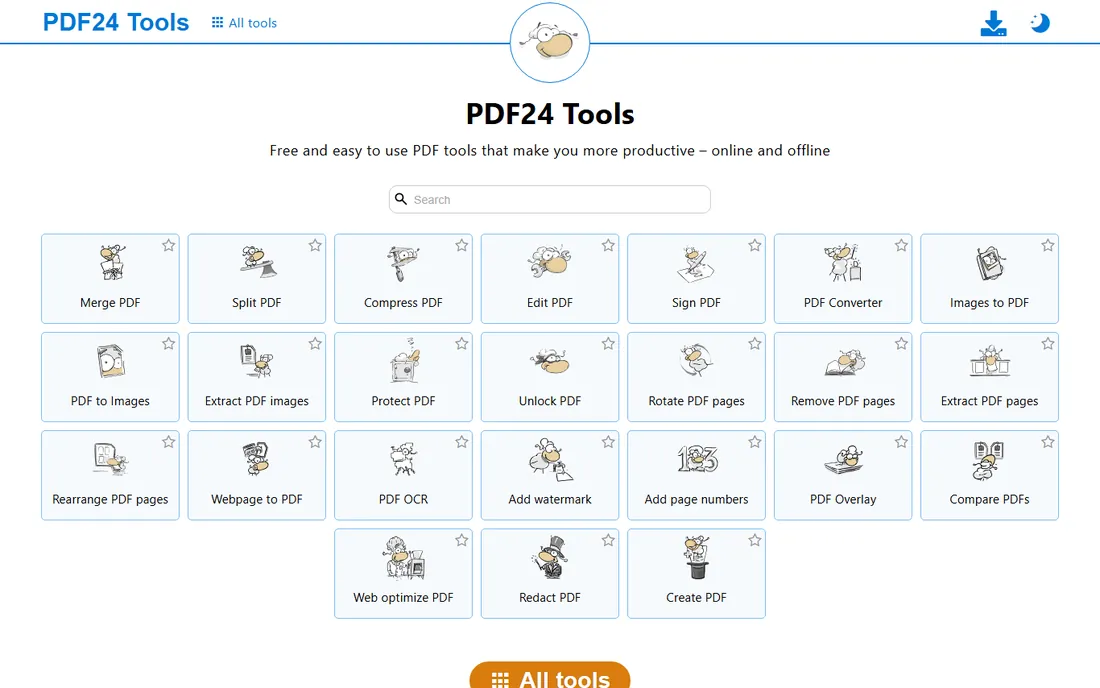
PDF24 is the rare tool that means it when it says free. Every tool, including the compressor, works without an account, without daily caps, and without feature gates, funded by advertising on the site. For the privacy-conscious, the free PDF24 Creator desktop app brings the whole toolkit offline so files never upload anywhere.
The trade-offs are cosmetic and contextual. The website design feels a decade old, and the ads are the price of free. Compression quality is solid for everyday documents, though it lacks the fine-grained optimization controls of Acrobat. For schools, nonprofits, and anyone compressing files on a zero budget, PDF24 is the obvious first try, and many users never need anything else.
What we like- 100% free with no artificial limits
- Offline Creator app available
- No account needed
Watch out for- Ad-supported pages
- Interface looks dated
Starting priceFree
Free planYes
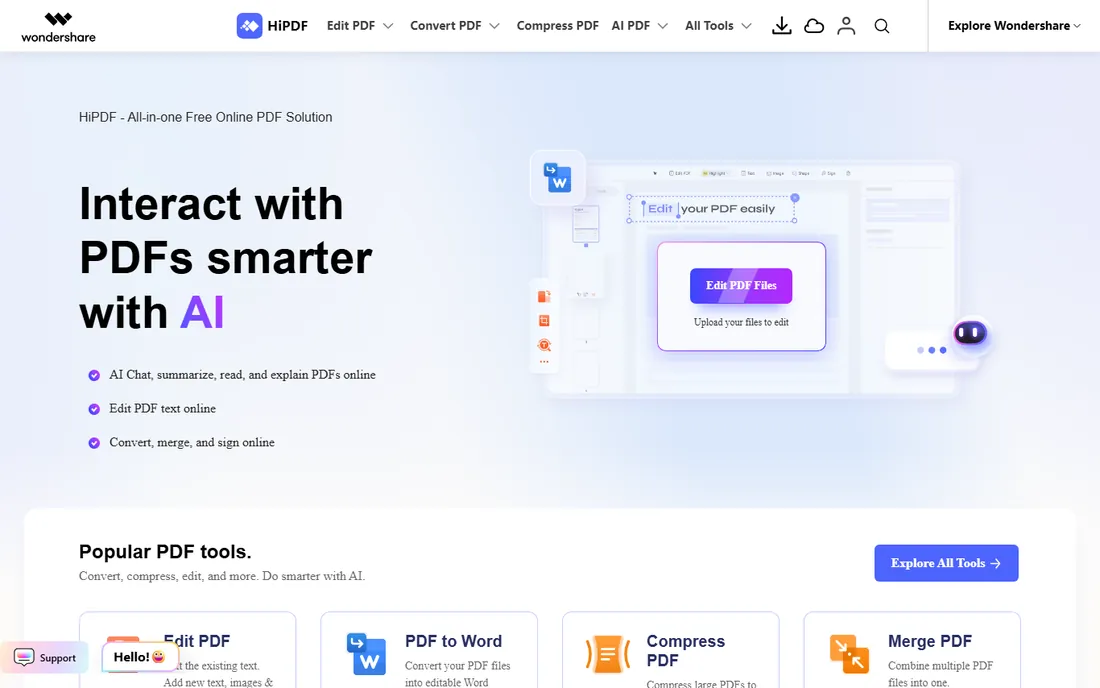
HiPDF is Wondershare's free online suite, and the compressor offers high, medium, and low settings with quick results. Around it sits a genuinely useful set of extras: an AI chat that summarizes documents, translation across dozens of languages, and the usual convert, merge, and edit tools. The interface is modern and the free tier handles everyday compression without complaint.
Expect Wondershare branding and prompts toward its paid desktop products; that is the business model. Files process in the cloud, so the same privacy caveats as other online tools apply. As a free online option, HiPDF sits a notch above most rivals on polish and extras, making it a strong default for users who want more than bare compression without paying.
What we like- Free compression with three quality levels
- AI summarizer and translator built in
- Clean modern interface
Watch out for- Advanced features gated behind account
- Wondershare upsells throughout
How we chose
We started with the tools people actually search for and recommend: 2026 roundups, Reddit threads, and review coverage from MakeUseOf, TechRadar, and PCWorld, then verified each product still exists and still offers compression today. We tested the free tiers where possible, read the pricing pages for current plan details, and checked privacy policies for how uploaded files are handled. We excluded tools that had shut down, merged into other products, or gated compression behind enterprise sales calls. Prices above reflect 2026 list pricing; where vendors geolocate their pricing, we used the most widely reported current figures.
Picking a compressor without leaking your documents
The most important buying decision has nothing to do with compression ratios. Every online tool on this list uploads your file to someone else's server, processes it, and promises to delete it. For resumes and brochures that is fine. For contracts, financial statements, medical records, and anything under NDA, it is a risk you should not take casually.
The fix is simple: use a desktop tool for sensitive files. Acrobat, Foxit PDF Editor, PDFelement, and Sejda's desktop app all compress locally, so nothing leaves your machine. Sejda and PDF24 even offer this free. A practical setup is two tools, not one: a free online compressor for everyday files and a desktop app for anything confidential. Check the vendor's data retention wording before uploading client documents anywhere, and prefer vendors that name a deletion window.
Compression settings matter too. Most tools offer a quality slider or presets; for email attachments, medium settings typically cut files by 60 to 80 percent with no visible loss. Only drop to maximum compression for web uploads where fidelity is secondary, and always keep the original file until you have checked the compressed output.
Free versus paid: where the line really sits
Free tiers in this category fall into three buckets. Truly free tools like PDF24 and HiPDF handle unlimited everyday compression with no account. Metered tools like Smallpdf, iLovePDF, and Sejda give you a handful of free tasks per day or hour, enough for occasional use, then ask for $4 to $9 a month. Desktop trials from Adobe, Foxit, and Wondershare give full features for 7 to 14 days, then require payment.
The paid upgrade is worth it in exactly two situations: you compress files daily and the free caps slow you down, or you need the surrounding toolkit, editing, OCR, e-signatures, batch processing, that comes with the full products. If neither applies, the free options above will serve you indefinitely. Do not pay $9 a month to compress three files a week.
Frequently asked questions
Does compressing a PDF reduce its quality?
It can, but it does not have to. Good compressors let you choose the trade-off: downsampling images to 150 DPI is invisible on screen and in most prints, while aggressive settings visibly soften photos. Text-based PDFs compress dramatically with zero quality loss because the savings come from embedded fonts and metadata. Always compare the output before deleting the original.
What is the best free PDF compressor?
PDF24 Tools is the best completely free option, with no account, no daily limits, and an offline desktop app. HiPDF is the most polished free online alternative. If you prefer a big brand, iLovePDF's free tier is the most generous among the metered tools before it asks you to upgrade.
Is it safe to compress PDFs online?
For non-sensitive documents, yes, provided the vendor uses HTTPS, states a deletion policy, and holds recognized security certifications. For confidential documents, prefer desktop software that processes files locally, such as Acrobat, Foxit, PDFelement, or Sejda's desktop app. Never upload files you would not email.
Can I compress multiple PDFs at once?
Most paid plans and desktop tools support batch compression: Acrobat, Foxit, PDFelement, iLovePDF Premium, and Smallpdf Pro all handle folders of files in one run. Free online tiers usually process one file at a time, with iLovePDF allowing up to three per task. For regular batch work, a desktop tool pays for itself quickly.
Why is my PDF still large after compression?
Usually because of high-resolution images or embedded fonts the tool was not configured to touch. Try a stronger compression preset, lower the image DPI target to 150, or subset embedded fonts if the tool allows it. Scanned PDFs are the worst offenders; running OCR first and then compressing often beats compressing the raw scan.
Sources we checked (12)
- https://www.adobe.com/acrobat.html
- https://smallpdf.com/
- https://ilovepdf.com/
- https://www.sejda.com/
- https://www.foxit.com/pdf-editor/
- https://pdf.wondershare.com/
- https://pdf2go.com/
- https://tools.pdf24.org/
- https://www.hipdf.com/
- https://www.makeuseof.com/best-online-pdf-compression-tools/
- https://www.pcworld.com/article/2163281/foxit-pdf-editor-review.html
- https://www.codegenes.net/blog/smallpdf-vs-ilovepdf/
Is your product missing or out of date?
We review this list regularly. Vendors can request a listing, send updated pricing or ask about featured placement.

Shihab Mia · Founder, Rankite
Shihab has spent more than a decade helping SaaS and e-commerce brands grow through search. He writes Rankite's software buying guides from pricing pages, documentation and public user reviews. More about Shihab.