How we make this list: we compare pricing pages, product documentation and public user reviews. Rankite is independent; if a vendor ever pays for a featured spot, that listing is clearly labeled Partner.
Key takeaways
- DocuSign is the default choice for businesses that send a lot of documents, starting at $10 per month for the Personal plan.
- Zoho Sign, SignWell and BoldSign all offer genuinely useful free plans if you only sign a few documents a month.
- Adobe Acrobat Sign is the natural fit for teams already paying for Acrobat or Creative Cloud.
- Dropbox Sign is the simplest option for freelancers who want clean signing without a learning curve.
Quick comparison
| Tool | Best for | Starting price | Free plan |
|---|
 DocuSign DocuSign | businesses that sign lots of things | $10/month (Personal, annual) | Free trial |
 Adobe Acrobat Sign Adobe Acrobat Sign | teams already in the Adobe ecosystem | From $12.99/month | Free trial |
 Dropbox Sign Dropbox Sign | freelancers and small teams wanting simple signing | See website | Yes |
 PandaDoc PandaDoc | sales teams sending proposals and quotes | $19/user/month (Starter, annual) | Yes (free eSign plan) |
 SignNow SignNow | budget-conscious small teams | From $8/user/month | Free trial |
 Zoho Sign Zoho Sign | teams already using Zoho apps | Free; Standard $10/user/month (annual) | Yes |
 BoldSign BoldSign | developer teams needing API-first signing | Free; Growth from $10/month | Yes |
 SignWell SignWell | solopreneurs wanting unlimited documents cheap | Free; Light $12/month | Yes |
Is your product missing or out of date?
We review this list regularly. Vendors can request a listing, send updated pricing or ask about featured placement.
The best PDF signing software
Nobody misses the print-sign-scan-email dance. You print a contract, sign it, scan it back in, and the PDF looks like it was faxed in 1998. The e-signature tools below let you send a PDF, collect legally binding signatures from anyone on any device, and track the whole thing with an audit trail. The differences that matter are envelope limits, free plans, and how much you pay once the free tier runs out. Here is how the eight leading options compare.
Starting price$10/month (Personal, annual)
Free planFree trial
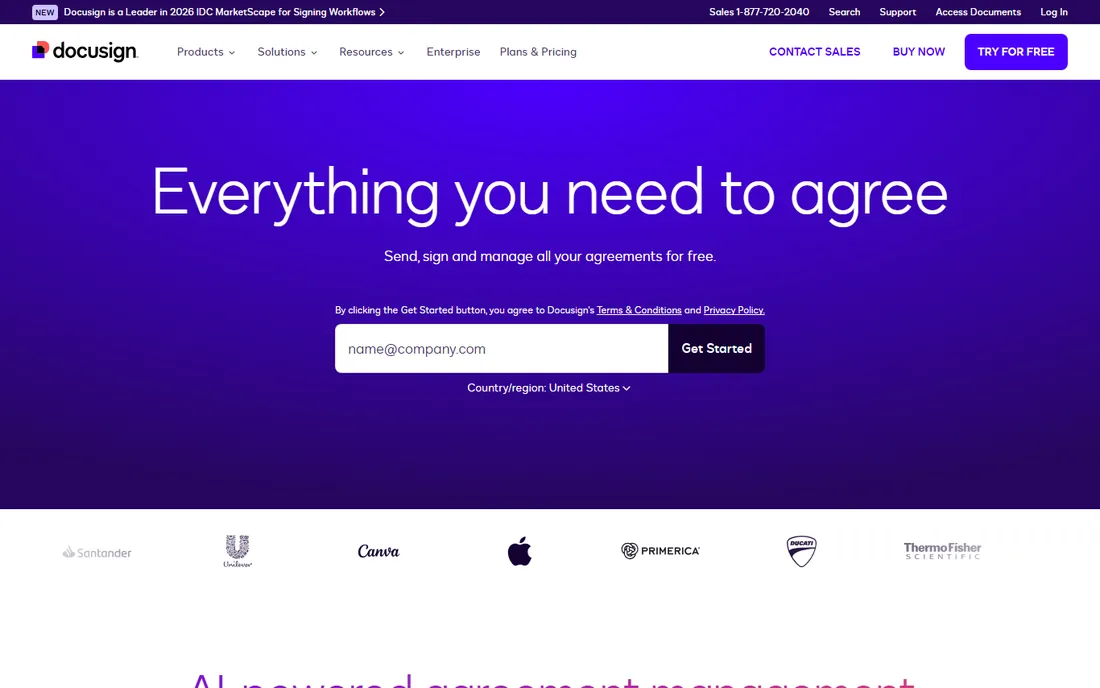
DocuSign is the Kleenex of e-signatures: the name people use for the whole category. That brand recognition is a genuine feature, because signers open a DocuSign link without hesitation. The Personal plan at $10 per month billed annually covers a solo user sending a handful of documents, with templates, reminders and an audit trail. Teams step up to Standard at $25 per user per month for collaboration features and more envelopes.
The catch is the envelope limits on the lower tiers, so count how many documents you send before you commit. DocuSign also sells a broader Intelligent Agreement Management suite if your contract workflow goes beyond signing. There is a free trial but no free plan. If your clients already expect to see DocuSign in their inbox, it is hard to argue with the default.
What we like- The most recognized name, so recipients trust it
- 350+ integrations
- Reusable templates and automated reminders
Watch out for- Cheapest plan limits you to five envelopes a month
- Meaningful features sit on the $25/user/month Standard plan
- No permanent free plan
#2
Adobe Acrobat Sign
Best for: teams already in the Adobe ecosystem
Visit adobe.com
Starting priceFrom $12.99/month
Free planFree trial
Adobe Acrobat Sign makes the most sense as an add-on. If your team already pays for Acrobat or Creative Cloud, signing capabilities are often included or a small step up, and the product is deeply integrated into Microsoft 365, Teams, SharePoint and Dynamics. It is also Microsoft's preferred e-signature solution, which matters in enterprise procurement. Standalone plans start around $12.99 per month.
As a pure signing purchase, it is not the cheapest option here, and the experience is more enterprise-formal than startup-friendly. But the compliance story is strong: legally binding signatures in nearly every country, certificate-based digital signatures, and the full weight of Adobe's document infrastructure. Check whether your existing Adobe licenses already cover it before buying anything else.
What we like- Microsoft's preferred e-signature solution with deep M365 integration
- Bundled with Acrobat plans many teams already pay for
- Legally binding in nearly every country
Watch out for- Pricier than several rivals at entry
- Interface can feel corporate
- Free trial rather than a free plan
Starting priceSee website
Free planYes
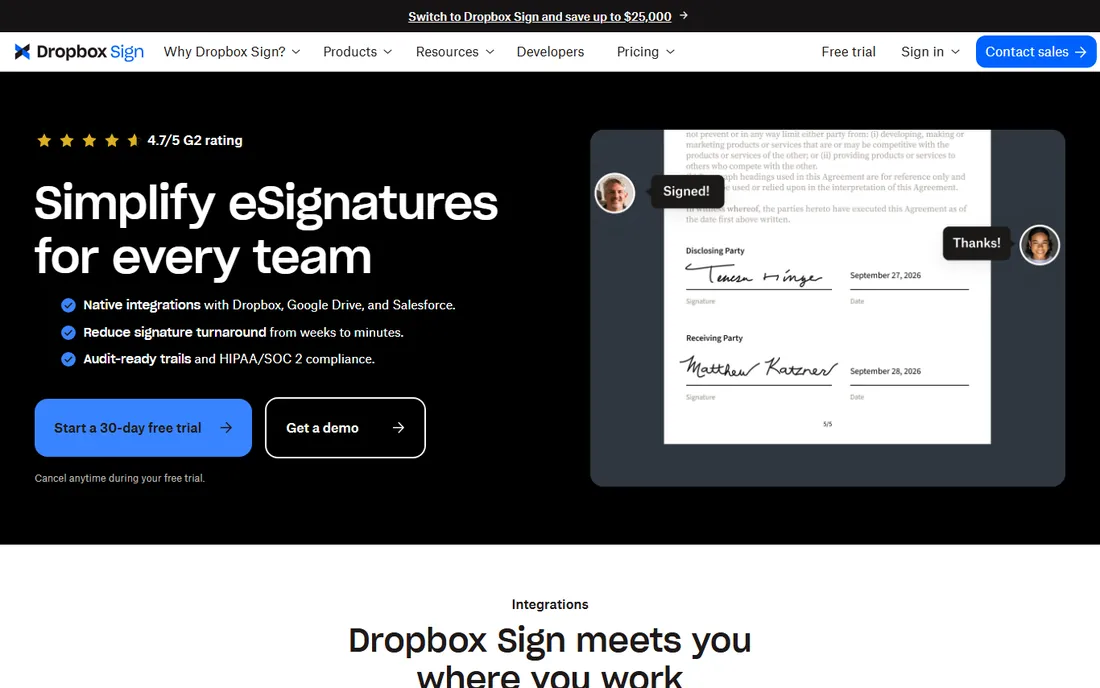
Dropbox Sign, formerly HelloSign, built its reputation on being the e-signature tool that does not make you read a manual. You upload a PDF, add fields, send it off, and the signer completes everything in the browser without creating an account. Dropbox acquired HelloSign in 2019 and renamed it, and in 2026 there is a permanent free plan alongside the paid Essentials and Standard tiers.
It is not the tool for complex approval chains or heavy automation; DocuSign and PandaDoc go further there. What it does, it does with unusual polish. If you are a freelancer or a small team sending standard contracts and NDAs, Dropbox Sign gets you signing in minutes with no learning curve. The free plan makes it easy to confirm that before spending anything.
What we like- Famously clean and simple interface
- Signers never need an account
- Now offers a permanent free plan
Watch out for- Fewer advanced workflow features than DocuSign
- The old Dropbox bundle is gone
- API pricing is sold separately
Starting price$19/user/month (Starter, annual)
Free planYes (free eSign plan)
PandaDoc is a document platform that happens to include e-signatures, which is exactly what sales teams want. You build the proposal, the pricing table and the contract in one document, send it for signature, and track when the prospect opens it. The Starter plan at $19 per user per month billed annually includes unlimited signatures, which removes the envelope-count anxiety that DocuSign's lower tiers create.
There is also a free eSign plan for basic signing, which is rare at this price point. The per-seat pricing adds up as the team grows, and if you genuinely only need to collect signatures, the proposal machinery is more than you need. But for teams where the document and the signature are part of the same sales motion, PandaDoc replaces two tools with one.
What we like- Combines documents, proposals and e-signatures in one tool
- Free eSign plan for basic signing
- Unlimited signatures on paid plans
Watch out for- Pricing is per seat, so costs scale with team size
- Overkill if you only need signing
- Some features need higher tiers
Starting priceFrom $8/user/month
Free planFree trial
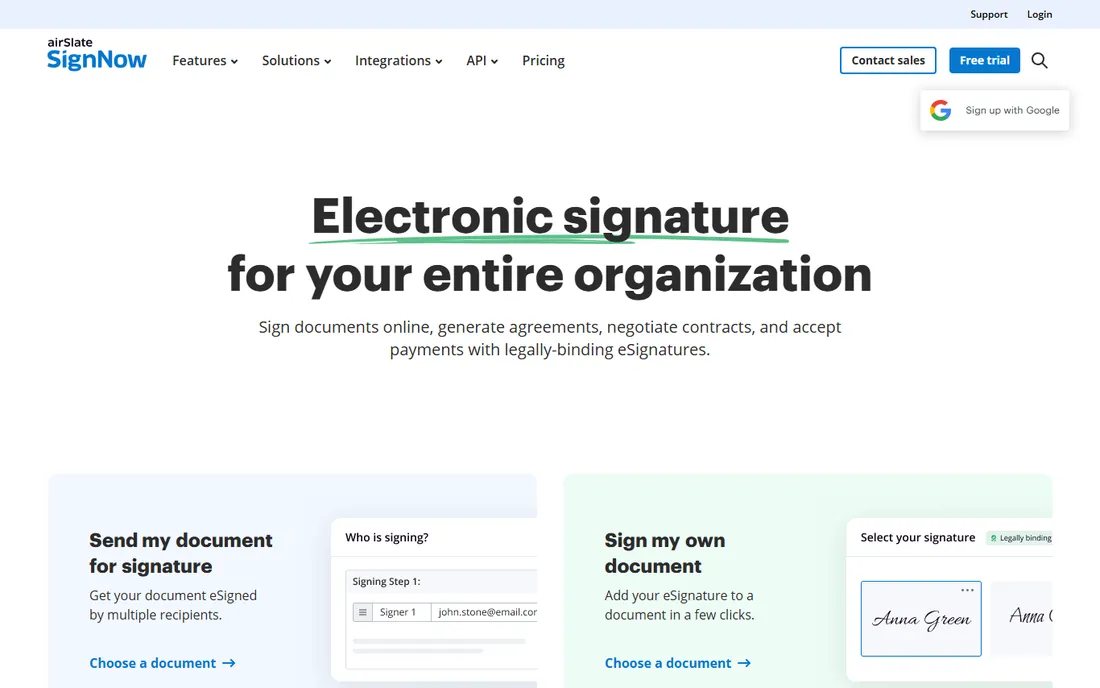
SignNow, from airSlate, is the value play. Entry plans start around $8 per user per month, undercutting DocuSign and Adobe while covering the essentials: templates, bulk send, audit trails, mobile signing and integrations. Small businesses that need real e-signature volume without an enterprise budget keep landing here.
The trade-offs are polish and a free tier. There is a free trial but no permanent free plan, so you will be paying from day one. The interface gets the job done without the refinement of Dropbox Sign. But if the spreadsheet says the signing tool budget is tight and you still need unlimited templates and dependable support, SignNow is the most affordable way to get there.
What we like- One of the lowest entry prices in the category
- Unlimited templates and solid mobile apps
- 24/7 support on paid plans
Watch out for- No free plan, only a trial
- Interface is less polished than Dropbox Sign
- Advanced features need higher tiers
Starting priceFree; Standard $10/user/month (annual)
Free planYes
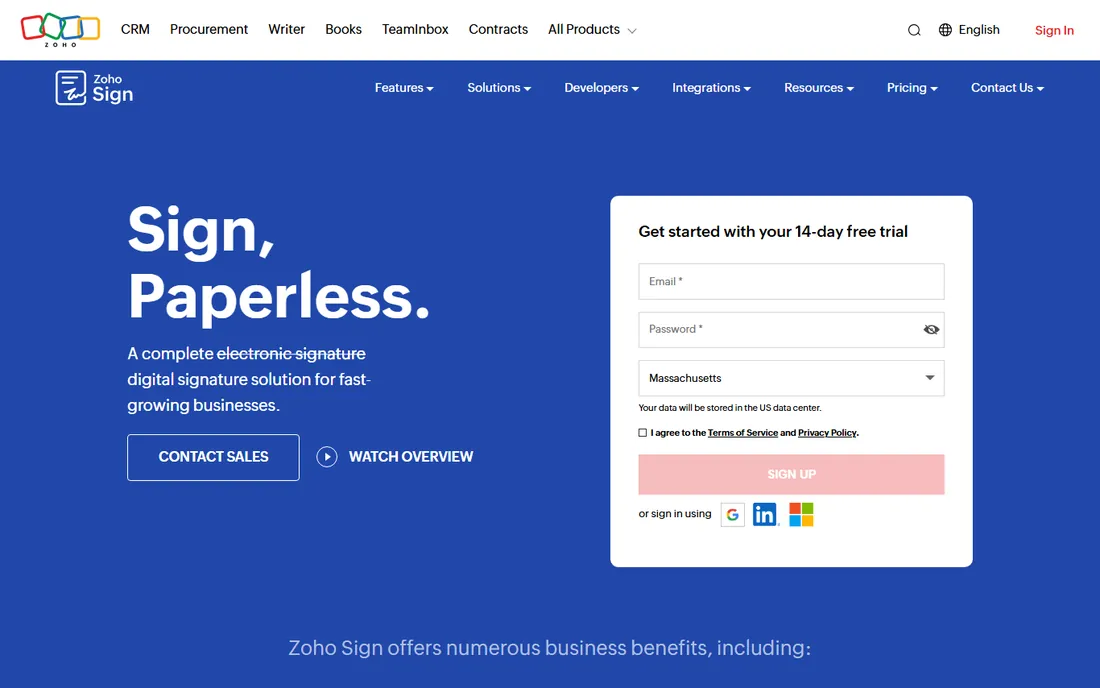
Zoho Sign is the obvious pick for the millions of businesses already running on Zoho CRM, Books or Desk. It plugs straight into the Zoho suite, and the pricing is honest: a free plan covers five documents a month, Standard at $10 per user per month billed annually raises that to 25 per user, and Professional at $16 per user per month removes the cap entirely. Compliance is taken seriously, with ESIGN and eIDAS compliance plus options like 21 CFR Part 11 controls.
Outside the Zoho ecosystem it is a capable but unremarkable signer. The interface is functional rather than delightful, and you will hit the envelope caps if you sign a lot on the lower tiers. But for a Zoho shop, the combination of the free plan, the integrations and the price makes it very hard to justify paying DocuSign instead.
What we like- Free plan with five documents a month
- Deep integration with the Zoho suite
- Blockchain-based timestamping and strong compliance
Watch out for- Best experience requires other Zoho products
- Envelope caps on lower tiers
- Interface is functional rather than beautiful
Starting priceFree; Growth from $10/month
Free planYes
BoldSign, from Syncfusion, is built for teams that want to embed signing into their own product. The API is well documented, the pricing undercuts DocuSign at every tier, and the free Essential plan covers 25 envelopes a month, which is more generous than most free tiers in this category. The Growth plan starts around $10 per month with the first few users included.
The honest weakness is brand. When a signer gets a BoldSign link, they do not have the instant trust they have with DocuSign, though the signing experience itself is clean. If your priority is collecting signatures on your own documents, the big brands may be worth the premium. If your priority is building signing into software at a sane price, BoldSign is one of the best-value APIs available.
What we like- Generous free Essential plan with 25 envelopes a month
- Strong REST API for embedding signing
- Much cheaper than DocuSign at every tier
Watch out for- Smaller brand recognition with signers
- API plans are priced separately
- Fewer prebuilt integrations than the leaders
Starting priceFree; Light $12/month
Free planYes
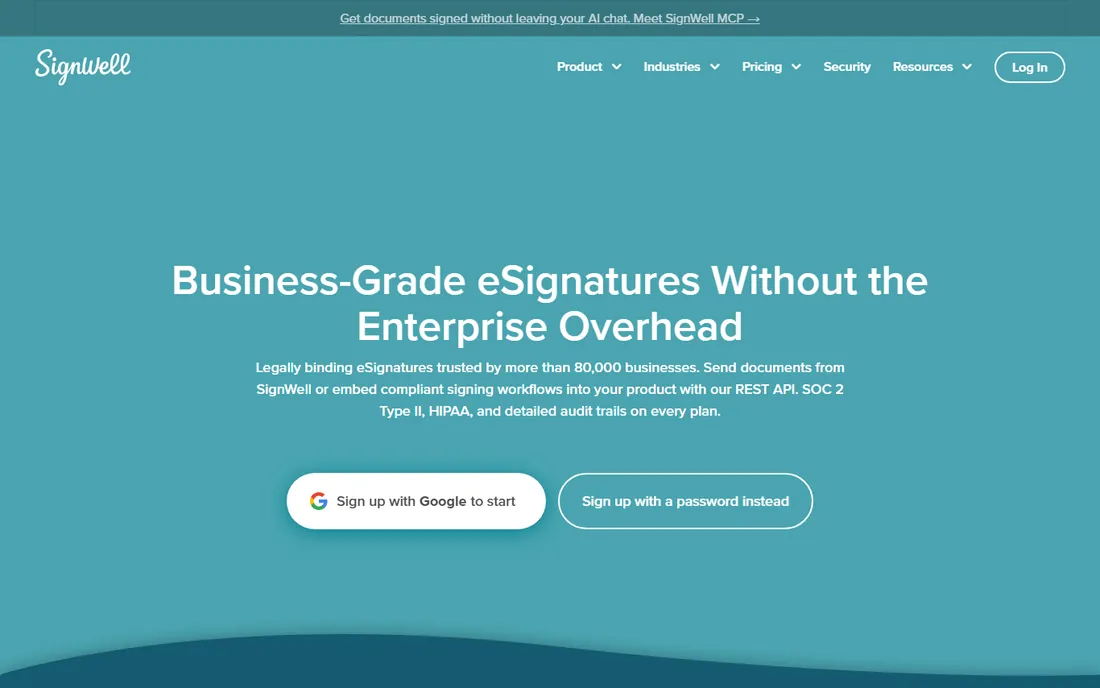
SignWell is the budget champion for solo operators. The free plan covers three documents a month, and the Light plan at $12 per month (or $10 billed annually) gives a single sender unlimited documents, five templates, bulk send and advanced preferences. That is unlimited signing for the price of two coffees, with HIPAA compliance and SOC 2 Type II included.
There are gaps. There is no mobile app, you cannot do much document editing inside the tool, and the Business plan at $36 per month covers three senders minimum. But for a freelancer or consultant who sends contracts and needs them back signed, SignWell is the cheapest path to unlimited signing that still looks professional. The onboarding takes minutes, which is the whole point.
What we like- Free plan for up to three documents a month
- Light plan gives unlimited documents for $12/month
- 9,000+ integrations via Zapier
Watch out for- No mobile app
- Limited in-app document editing
- Business plan jumps to $36/month for three senders
How to choose PDF signing software
Count your envelopes first. Most tools in this list limit how many documents you can send per month on their cheaper plans, and the free plans range from three documents a month at SignWell to 25 at BoldSign. If you send more than your tier allows, you either pay up or hit a wall at the worst moment. Unlimited signatures on PandaDoc's Starter or SignWell's Light plan solve this cheaply.
Next, think about who is signing. If your clients expect a familiar brand, DocuSign's recognition is worth paying for. If you are embedding signing into your own software, BoldSign's API pricing is far saner. And if the signers are your own customers, the tool they never have to create an account for, like Dropbox Sign, will get documents back fastest.
Finally, check what you already pay for. Adobe shops often have Acrobat Sign bundled, Zoho shops get Zoho Sign nearly free, and Microsoft-centric companies get the deepest integration from Adobe. The best signing tool is usually the one you barely have to buy.
Frequently asked questions
Are electronic signatures legally binding?
Yes. Electronic signatures are legally binding in the US under the ESIGN Act and UETA, in the EU under eIDAS, and in most other countries under equivalent laws. All the tools on this list produce legally binding signatures with audit trails. For regulated industries, look for extras like HIPAA compliance or 21 CFR Part 11 support.
How many free documents can I sign per month?
It varies widely. SignWell allows three documents a month free, Zoho Sign allows five, and BoldSign allows 25 envelopes a month on its free Essential plan. PandaDoc offers a free eSign plan, and Dropbox Sign now has a permanent free plan. If you need more, paid plans start from $8 to $12 per month.
What is an envelope limit?
An envelope is a document or set of documents sent to one or more signers in a single transaction. Many vendors cap how many envelopes you can send per month on cheaper plans. DocuSign's Personal plan, for example, limits you to five envelopes a month. Unlimited-signature plans remove this constraint entirely.
Which PDF signing tool is cheapest?
For a single user, SignWell's Light plan at $12 per month with unlimited documents is the cheapest path to unlimited signing. SignNow starts around $8 per user per month. If you sign very little, the free plans from BoldSign, Zoho Sign, SignWell or Dropbox Sign cost nothing at all.
Can I sign a PDF without creating an account?
As a signer, yes with most of these tools. Dropbox Sign, DocuSign and SignWell all let recipients sign in the browser without registering. Only the sender needs an account.
Sources we checked (12)
- https://www.docusign.com
- https://adobe.com/sign
- https://sign.dropbox.com
- https://signaturely.com/hellosign-pricing/
- https://www.pandadoc.com
- https://www.signnow.com
- https://www.zoho.com/sign/
- https://www.boldsign.com
- https://www.syncfusion.com/blogs/post/boldsign-vs-docusign
- https://www.signwell.com
- https://www.suitefiles.com/best-e-signature-software/
- https://www.tomsguide.com/buying-guide/best-e-signature-software
Is your product missing or out of date?
We review this list regularly. Vendors can request a listing, send updated pricing or ask about featured placement.

Shihab Mia · Founder, Rankite
Shihab has spent more than a decade helping SaaS and e-commerce brands grow through search. He writes Rankite's software buying guides from pricing pages, documentation and public user reviews. More about Shihab.