How we make this list: we compare pricing pages, product documentation and public user reviews. Rankite is independent; if a vendor ever pays for a featured spot, that listing is clearly labeled Partner.
Key takeaways
- Most teams need a two-tool stack: one for creating content and one for scheduling it, and both sides have strong free tiers.
- Canva and CapCut cover design and short-form video for free, with Pro plans around $18 to $20 a month.
- Buffer at $6 per channel is the cheapest credible scheduler; Hootsuite and Sprout Social serve larger teams at $99-plus.
- Vista Social and Metricool offer the best value mid-range schedulers, with free plans to start.
The best tools for content creation and social media management
Here is the setup that actually works: one tool to make the content, another to schedule and measure it. Trying to do both jobs in one platform usually means doing both badly, and the all-in-one suites charge enterprise prices for the privilege. The eight tools below split into creation and management halves. Pick one from each side and you have a complete social workflow for a fraction of what the big suites cost.
Content creation tools

#1
Canva
Best for: on-brand social graphics without a designer
Visit canva.com
Starting price~$18/month (Pro)
Free planYes
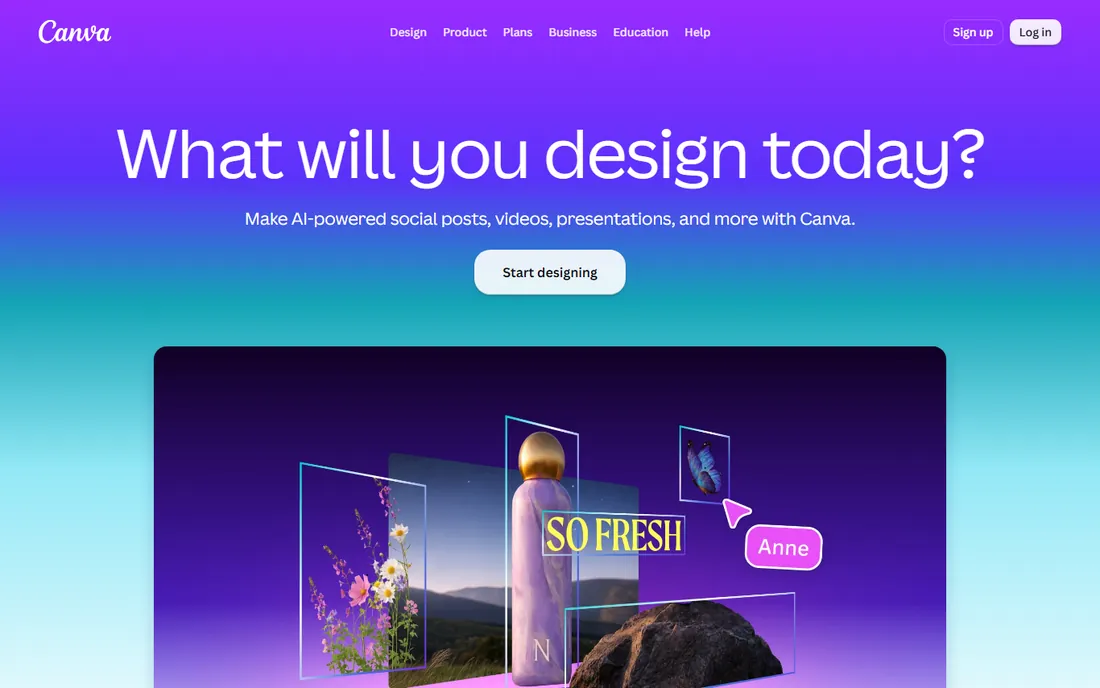
Canva is the default design tool for social teams, and its social-specific features are the reason. Magic Switch takes one design and resizes it into channel-specific assets, which turns one afternoon of design into a week of posts. The template library covers every format on every network, and the free tier is genuinely useful for individuals.
Pro, at around $18 a month, adds brand kits, background remover, premium stock and the AI features. Teams get approval workflows and shared folders. For a small team with no designer, Canva plus a scheduler is the highest-value stack in this guide.
What we like- Huge template library for every social format
- Magic Switch resizes designs per channel
- Generous free tier
Watch out for- Advanced AI features need Pro
- Designs can look generic without customization
- Video editing is basic

#2
CapCut
Best for: short-form video for Reels, TikTok and Shorts
Visit capcut.com
Starting price~$19.99/month (Pro)
Free planYes
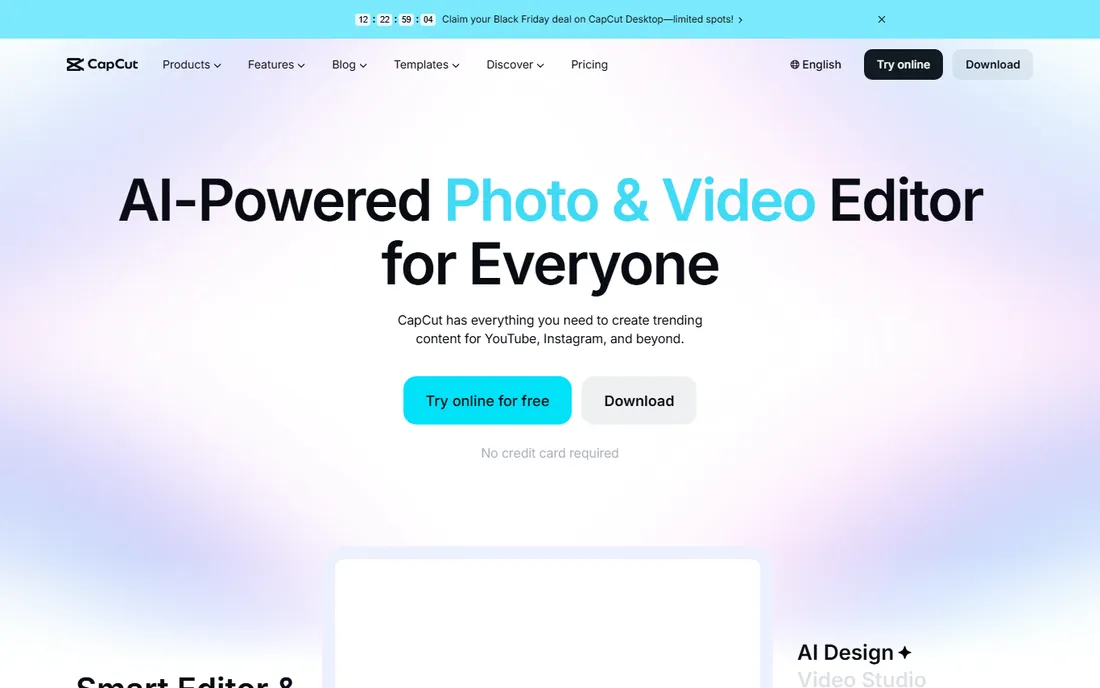
Short-form video drives the most reach on every major network, and CapCut is the fastest way to make it. The free version includes a capable editor with auto-captions, trending templates and AI tools that turn a raw clip into a finished Reel in minutes. It runs on desktop, mobile and the web, so the team can edit wherever they are.
Pro at about $19.99 a month adds premium effects, more cloud storage and advanced AI features. Companies with data policies restricting ByteDance products should check compliance first. For everyone else, CapCut is the video half of the social stack.
What we like- Strong free video editor with AI features
- Auto-captions and templates
- Desktop, mobile and web versions
Watch out for- Pro needed for premium effects and cloud storage
- Owned by ByteDance, which some companies restrict
- Not a full editor for long-form video

#3
Buffer
Best for: simple affordable scheduling for small teams
Visit buffer.com
Starting price$6/month per channel (Essentials)
Free planYes
Buffer is the scheduler for people who find Hootsuite overwhelming. The pricing model is what sets it apart: you pay per channel, not per user, so a solo creator or small team pays $6 per connected channel on Essentials with unlimited posts and the AI assistant. The free plan covers three channels with ten scheduled posts each.
The AI assistant handles the dreaded blank caption box, drafting options from a topic or repurposing a blog post into social snippets. What you do not get is social listening, deep analytics or CRM integration. For publishing and basic measurement on a budget, Buffer is the right call.
What we like- Per-channel pricing, not per-seat
- Free plan covers 3 channels
- AI assistant drafts captions and repurposes posts
Watch out for- No social listening
- Analytics are basic
- Approval workflows only on higher tiers

#4
Hootsuite
Best for: large teams needing listening and multi-network management
Visit hootsuite.com
Starting price$99/month per user
Free planNo
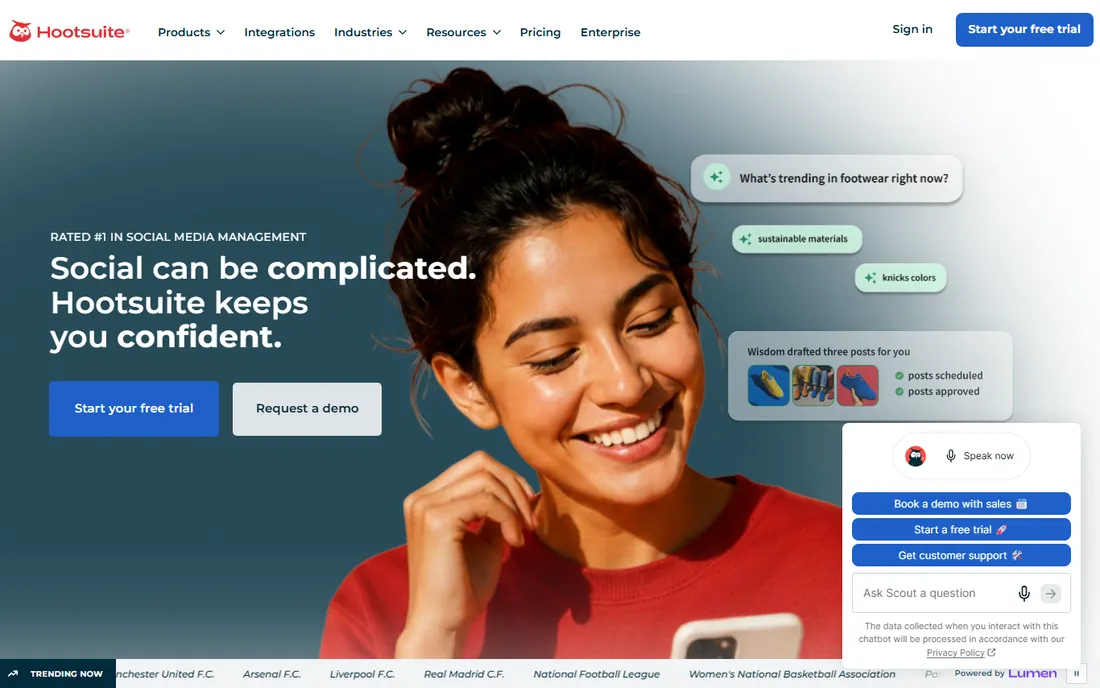
Hootsuite is the enterprise all-rounder: scheduling, engagement, analytics, social listening and ad management under one roof. OwlyWriter AI generates post variations, suggests hashtags and recommends posting times based on audience activity. For teams managing multiple brands or running social as a customer service channel, the depth justifies the price.
That price starts at $99 per user per month, with no free plan, only a trial. Small teams will find Buffer or Vista Social covers their actual needs for a tenth of the cost. Hootsuite earns its keep when you need listening, approvals and analytics at scale.
What we like- Talkwalker-powered social listening
- Broad platform support
- OwlyWriter AI for post generation
Watch out for- Expensive for small teams
- No free plan, only a trial
- Interface can feel heavyweight

#5
Later
Best for: visual brands and Instagram-first planning
Visit later.com
Starting price$25/month
Free planYes
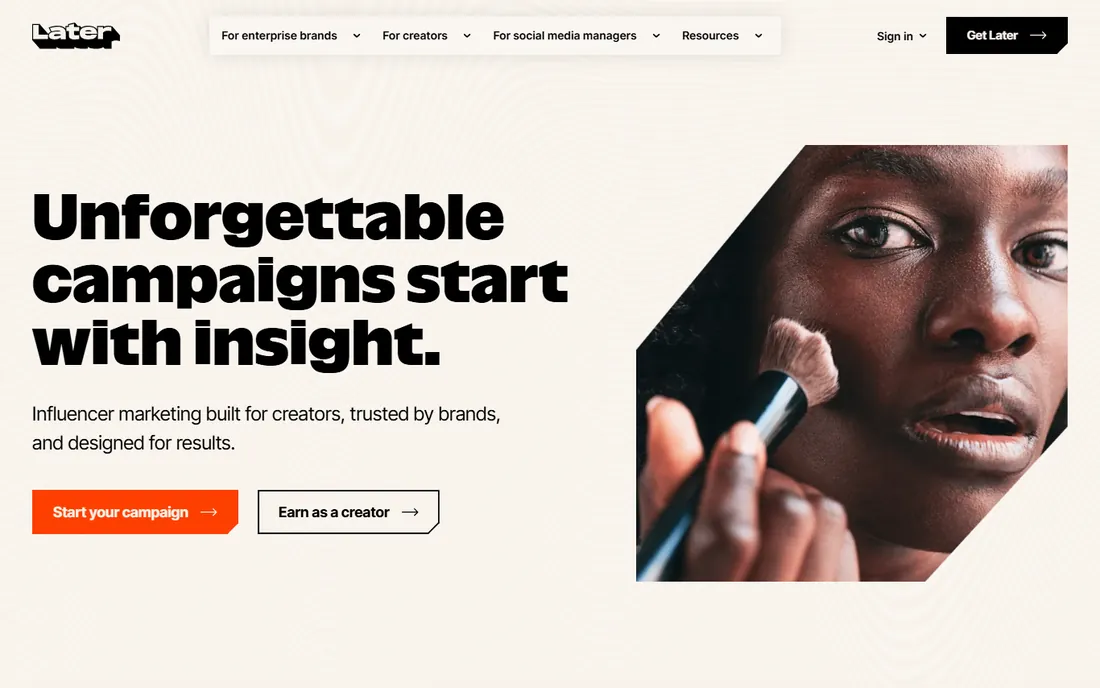
Later is built for visual content: drag posts onto a visual calendar, preview your Instagram grid, and schedule Reels and TikToks with a media-first workflow. The caption writer and hashtag suggestions help, and creator-focused features like link-in-bio and UGC management suit influencer-heavy brands.
Plans start at $25 a month with a free tier for light use. It is less strong for X and LinkedIn-centric B2B teams, where Hootsuite or Buffer fit better. For fashion, food, travel and creator brands that live on Instagram and TikTok, Later is the natural scheduler.
What we like- Visual calendar with feed preview
- Strong Instagram and TikTok support
- Caption writer and hashtag suggestions
Watch out for- Weaker on X and LinkedIn workflows
- Analytics less deep than Sprout
- Pricing rose as features expanded
Starting priceSee website
Free planNo
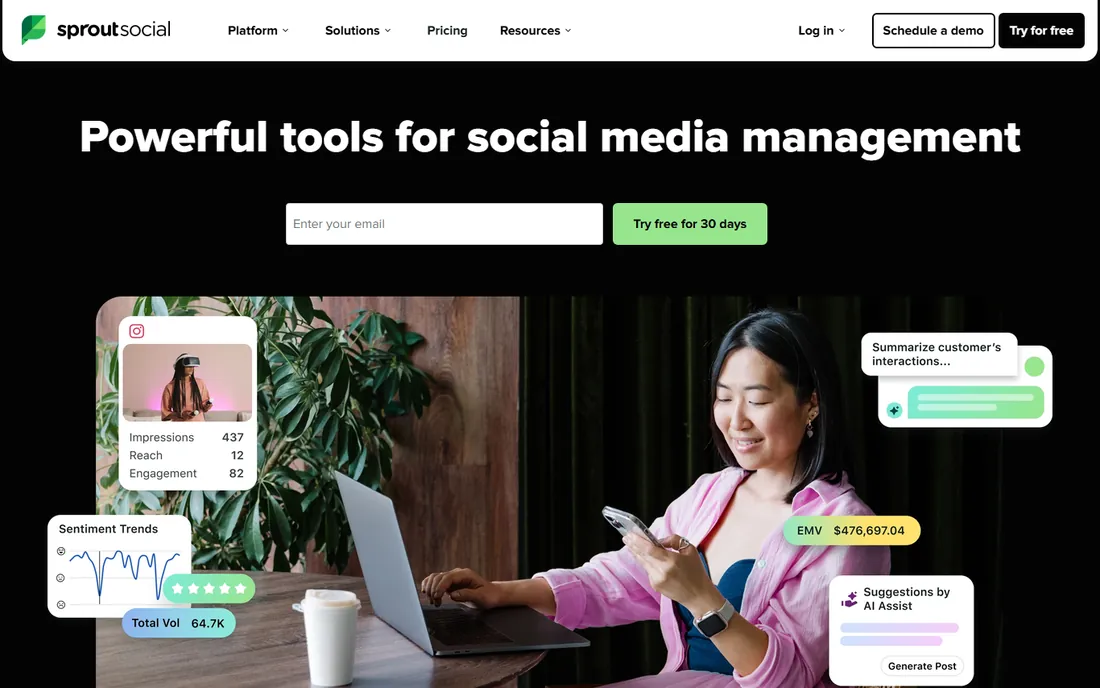
Sprout Social is the tool teams graduate to when Buffer's analytics stop answering their questions. The Smart Inbox unifies comments, DMs and mentions across networks into one triage queue, and the reporting suite is the deepest in this category. Social listening, employee advocacy and influencer tools round out an enterprise-grade platform.
Pricing is premium, with only a 30-day trial and no free plan, so confirm current rates on the site. Small teams should not start here. But for marketing teams that need to prove social ROI with real data, Sprout's analytics justify the spend.
What we like- Best-in-class analytics and reporting
- Smart Inbox unifies engagement
- Social listening and advocacy features
Watch out for- Premium pricing
- No free plan
- Overkill for simple scheduling needs
Starting price~$39/month
Free planYes
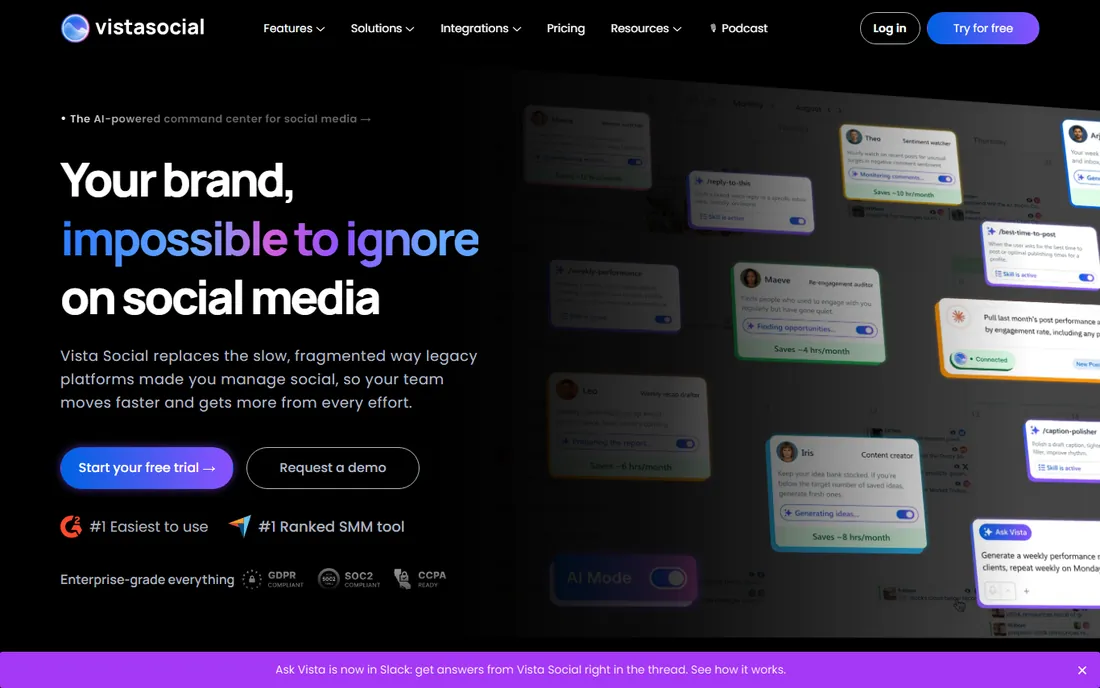
Vista Social packs an unusual amount into its price: publishing, a unified social inbox, review management, social listening and link-in-bio tools, starting around $39 a month with a free tier. It consistently scores as the best-value all-in-one in independent comparisons, doing most of what Hootsuite does at a fraction of the cost.
The trade-offs are a smaller integration ecosystem and less brand recognition, which matters if your clients expect a name they know. For agencies and small teams that want one login for the whole social workflow, Vista Social is the value pick.
What we like- Publishing, engagement, listening and reviews in one plan
- Free tier available
- Affordable compared to Hootsuite
Watch out for- Smaller integration ecosystem
- Brand is less established
- Advanced analytics trail Sprout
Starting priceFree; ~$20/month (annual)
Free planYes
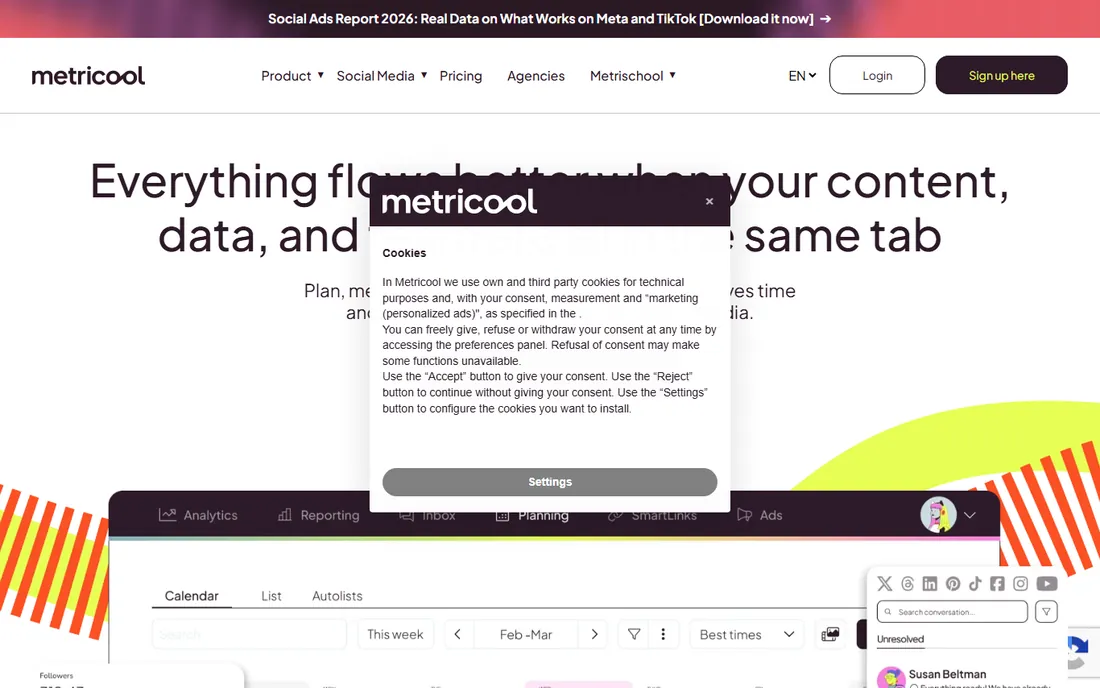
Metricool leads with analytics: one dashboard covering organic social, paid ads, competitors and even website performance, with a free plan for a single brand and paid tiers from about $20 a month annually. The scheduling tools are genuinely good too, but reporting is the reason teams switch to it.
For freelancers and small agencies that live in client reports, Metricool's one-click reporting saves hours a month. Collaboration features are lighter than Buffer's or Hootsuite's, so pair it with Canva for creation and you have a complete, report-driven social stack.
What we like- Unified reports across organic, ads and competitors
- Free plan for one brand
- Affordable paid tiers
Watch out for- Scheduling features are solid but not the focus
- Smaller team collaboration features
- Ads management is basic
#1
Canva
Best for: on-brand social graphics without a designer
Visit canva.com
Starting price~$18/month (Pro)
Free planYes
Canva is the default design tool for social teams, and its social-specific features are the reason. Magic Switch takes one design and resizes it into channel-specific assets, which turns one afternoon of design into a week of posts. The template library covers every format on every network, and the free tier is genuinely useful for individuals.
Pro, at around $18 a month, adds brand kits, background remover, premium stock and the AI features. Teams get approval workflows and shared folders. For a small team with no designer, Canva plus a scheduler is the highest-value stack in this guide.
What we like- Huge template library for every social format
- Magic Switch resizes designs per channel
- Generous free tier
Watch out for- Advanced AI features need Pro
- Designs can look generic without customization
- Video editing is basic
#2
CapCut
Best for: short-form video for Reels, TikTok and Shorts
Visit capcut.com
Starting price~$19.99/month (Pro)
Free planYes
Short-form video drives the most reach on every major network, and CapCut is the fastest way to make it. The free version includes a capable editor with auto-captions, trending templates and AI tools that turn a raw clip into a finished Reel in minutes. It runs on desktop, mobile and the web, so the team can edit wherever they are.
Pro at about $19.99 a month adds premium effects, more cloud storage and advanced AI features. Companies with data policies restricting ByteDance products should check compliance first. For everyone else, CapCut is the video half of the social stack.
What we like- Strong free video editor with AI features
- Auto-captions and templates
- Desktop, mobile and web versions
Watch out for- Pro needed for premium effects and cloud storage
- Owned by ByteDance, which some companies restrict
- Not a full editor for long-form video
#3
Buffer
Best for: simple affordable scheduling for small teams
Visit buffer.com
Starting price$6/month per channel (Essentials)
Free planYes
Buffer is the scheduler for people who find Hootsuite overwhelming. The pricing model is what sets it apart: you pay per channel, not per user, so a solo creator or small team pays $6 per connected channel on Essentials with unlimited posts and the AI assistant. The free plan covers three channels with ten scheduled posts each.
The AI assistant handles the dreaded blank caption box, drafting options from a topic or repurposing a blog post into social snippets. What you do not get is social listening, deep analytics or CRM integration. For publishing and basic measurement on a budget, Buffer is the right call.
What we like- Per-channel pricing, not per-seat
- Free plan covers 3 channels
- AI assistant drafts captions and repurposes posts
Watch out for- No social listening
- Analytics are basic
- Approval workflows only on higher tiers
#4
Hootsuite
Best for: large teams needing listening and multi-network management
Visit hootsuite.com
Starting price$99/month per user
Free planNo
Hootsuite is the enterprise all-rounder: scheduling, engagement, analytics, social listening and ad management under one roof. OwlyWriter AI generates post variations, suggests hashtags and recommends posting times based on audience activity. For teams managing multiple brands or running social as a customer service channel, the depth justifies the price.
That price starts at $99 per user per month, with no free plan, only a trial. Small teams will find Buffer or Vista Social covers their actual needs for a tenth of the cost. Hootsuite earns its keep when you need listening, approvals and analytics at scale.
What we like- Talkwalker-powered social listening
- Broad platform support
- OwlyWriter AI for post generation
Watch out for- Expensive for small teams
- No free plan, only a trial
- Interface can feel heavyweight
#5
Later
Best for: visual brands and Instagram-first planning
Visit later.com
Starting price$25/month
Free planYes
Later is built for visual content: drag posts onto a visual calendar, preview your Instagram grid, and schedule Reels and TikToks with a media-first workflow. The caption writer and hashtag suggestions help, and creator-focused features like link-in-bio and UGC management suit influencer-heavy brands.
Plans start at $25 a month with a free tier for light use. It is less strong for X and LinkedIn-centric B2B teams, where Hootsuite or Buffer fit better. For fashion, food, travel and creator brands that live on Instagram and TikTok, Later is the natural scheduler.
What we like- Visual calendar with feed preview
- Strong Instagram and TikTok support
- Caption writer and hashtag suggestions
Watch out for- Weaker on X and LinkedIn workflows
- Analytics less deep than Sprout
- Pricing rose as features expanded
Starting priceSee website
Free planNo
Sprout Social is the tool teams graduate to when Buffer's analytics stop answering their questions. The Smart Inbox unifies comments, DMs and mentions across networks into one triage queue, and the reporting suite is the deepest in this category. Social listening, employee advocacy and influencer tools round out an enterprise-grade platform.
Pricing is premium, with only a 30-day trial and no free plan, so confirm current rates on the site. Small teams should not start here. But for marketing teams that need to prove social ROI with real data, Sprout's analytics justify the spend.
What we like- Best-in-class analytics and reporting
- Smart Inbox unifies engagement
- Social listening and advocacy features
Watch out for- Premium pricing
- No free plan
- Overkill for simple scheduling needs
Starting price~$39/month
Free planYes
Vista Social packs an unusual amount into its price: publishing, a unified social inbox, review management, social listening and link-in-bio tools, starting around $39 a month with a free tier. It consistently scores as the best-value all-in-one in independent comparisons, doing most of what Hootsuite does at a fraction of the cost.
The trade-offs are a smaller integration ecosystem and less brand recognition, which matters if your clients expect a name they know. For agencies and small teams that want one login for the whole social workflow, Vista Social is the value pick.
What we like- Publishing, engagement, listening and reviews in one plan
- Free tier available
- Affordable compared to Hootsuite
Watch out for- Smaller integration ecosystem
- Brand is less established
- Advanced analytics trail Sprout
Starting priceFree; ~$20/month (annual)
Free planYes
Metricool leads with analytics: one dashboard covering organic social, paid ads, competitors and even website performance, with a free plan for a single brand and paid tiers from about $20 a month annually. The scheduling tools are genuinely good too, but reporting is the reason teams switch to it.
For freelancers and small agencies that live in client reports, Metricool's one-click reporting saves hours a month. Collaboration features are lighter than Buffer's or Hootsuite's, so pair it with Canva for creation and you have a complete, report-driven social stack.
What we like- Unified reports across organic, ads and competitors
- Free plan for one brand
- Affordable paid tiers
Watch out for- Scheduling features are solid but not the focus
- Smaller team collaboration features
- Ads management is basic
Quick comparison
| Tool | Best for | Starting price | Free plan |
|---|
| Canva | on-brand social graphics without a designer | ~$18/month (Pro) | Yes |
| CapCut | short-form video for Reels, TikTok and Shorts | ~$19.99/month (Pro) | Yes |
| Buffer | simple affordable scheduling for small teams | $6/month per channel (Essentials) | Yes |
| Hootsuite | large teams needing listening and multi-network management | $99/month per user | No |
| Later | visual brands and Instagram-first planning | $25/month | Yes |
 Sprout Social Sprout Social | analytics depth and social customer care | See website | No |
 Vista Social Vista Social | best-value all-in-one for small teams | ~$39/month | Yes |
 Metricool Metricool | analytics and reporting on a budget | Free; ~$20/month (annual) | Yes |
Is your product missing or out of date?
We review this list regularly. Vendors can request a listing, send updated pricing or ask about featured placement.
How to choose
Split the budget between creation and management. A team spending $500 a month on Hootsuite but designing posts in PowerPoint has it backwards. Canva Pro and CapCut Pro together cost under $40 a month and raise content quality more than any scheduler upgrade. Get the creation side right first, then pick a scheduler that fits your team size.
Price schedulers on your actual channels and seats. Buffer's per-channel pricing wins for small teams; Hootsuite and Sprout charge per seat, which punishes growing teams. Count your channels and your users, then multiply. The "cheap" tool is the one that stays cheap at your scale.
Match the tool to your network mix. Instagram and TikTok-first brands get the most from Later's visual planning. B2B teams on LinkedIn and X do better with Buffer or Hootsuite. If reporting is the job, Metricool or Sprout Social. The wrong tool for your networks is expensive at any price.
Frequently asked questions
What is the best free stack for social media management?
Canva free for design, CapCut free for video, and Buffer's free plan for scheduling three channels. That combination costs nothing and covers the full workflow for a solo creator. Add Metricool's free plan if you need better reporting.
Do I need both a creation tool and a scheduler?
For any team posting regularly, yes. Schedulers like Buffer include basic design features, but they do not replace Canva or CapCut for quality content. The two-tool stack costs less than most all-in-one suites and produces better output on both sides.
Which is better, Hootsuite or Sprout Social?
Hootsuite wins on social listening depth and platform breadth; Sprout Social wins on analytics, reporting and the Smart Inbox. Both start around $99 per user per month. Choose Hootsuite for monitoring-heavy teams and Sprout for measurement-heavy teams.
Can I manage social media without paying for software?
Yes, for a small presence. The native schedulers inside Meta Business Suite, TikTok and LinkedIn are free, and Canva and CapCut have strong free tiers. Paid tools earn their keep through multi-network scheduling, approvals, listening and reporting, which matter once the workload grows.
What is the cheapest paid social media scheduler?
Buffer at $6 per channel per month is the cheapest credible option, with a free plan below that. Vista Social from about $39 a month adds more features per dollar. Avoid per-seat tools until your team actually needs their depth.
Sources we checked (11)
- https://www.canva.com
- https://www.capcut.com
- https://buffer.com
- https://www.hootsuite.com
- https://later.com
- https://sproutsocial.com
- https://vistasocial.com
- https://metricool.com
- https://www.comparebiztech.com/best-social-media-management-tools/
- https://buffer.com/resources/best-social-media-management-tools/
- https://www.constantcontact.com/blog/best-social-media-marketing-tools/
Is your product missing or out of date?
We review this list regularly. Vendors can request a listing, send updated pricing or ask about featured placement.

Shihab Mia · Founder, Rankite
Shihab has spent more than a decade helping SaaS and e-commerce brands grow through search. He writes Rankite's software buying guides from pricing pages, documentation and public user reviews. More about Shihab.