How we make this list: we compare pricing pages, product documentation and public user reviews. Rankite is independent; if a vendor ever pays for a featured spot, that listing is clearly labeled Partner.
Key takeaways
- ChatPDF is the fastest free way to summarize and question a single PDF, with a Plus plan around $5 a month.
- NotebookLM is free from Google and handles multiple sources, with summaries, audio overviews and cited answers.
- SciSpace suits researchers summarizing dozens of papers, building structured comparison tables from literature.
- Always verify a summary against the source before quoting it; AI summarizers can misread dense or scanned documents.
The best PDF summary software
A 60-page white paper lands in your inbox at 9 AM, and the meeting about it is at 10. Nobody can read that fast, and skimming misses the one finding that matters. PDF summarizers exist for exactly this gap: upload the document, get the key points, ask follow-up questions, and walk into the meeting prepared. These seven are the ones worth your attention, from dead-simple chat tools to full research workspaces.
Starting price~$5/month (Plus)
Free planYes
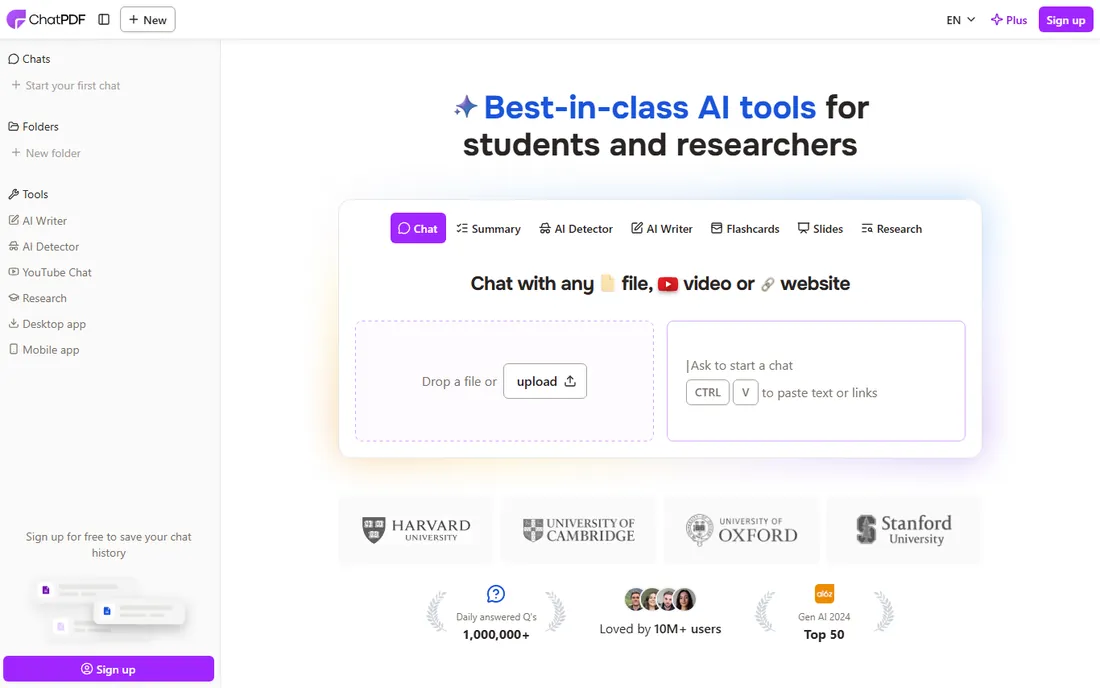
ChatPDF pioneered the chat-with-your-PDF format and remains the quickest way to get answers from a single document. Drag a file in, and you can ask for a summary, pull out key findings, or drill into specific sections, with responses that cite the source so you can check the claims. The free tier covers casual daily use without an account.
Plus, at around $5 a month, opens up unlimited uploads and questions with larger file sizes. It is strongest at direct factual questions; for synthesis across long documents, dedicated research tools do better. For a student or professional facing one long PDF, ChatPDF is still the default recommendation.
What we like- No sign-up needed for light use
- Answers link back to source pages
- Clean, distraction-free interface
Watch out for- Free plan limits PDFs per day
- Weaker on synthesis across long documents
- Paid plan needed for heavy use
Starting priceFree
Free planYes
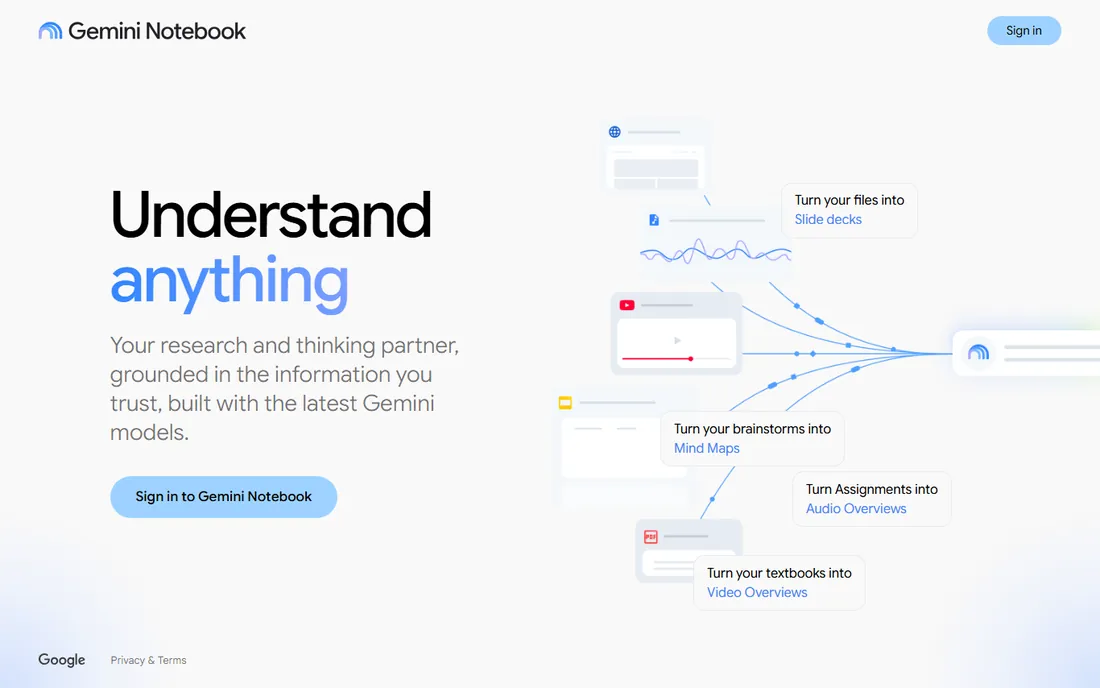
NotebookLM is Google's AI research assistant, and it is free. Upload PDFs, paste links or add text, and it summarizes, answers questions and even generates an audio discussion of your sources. Everything it says is grounded in the documents you provided, with citations, which makes it unusually trustworthy for a free tool.
It is not a general chatbot: it will not answer from the open web, only from your sources, which is precisely what makes it good for summarizing. Students and researchers get study guides and mind maps from their reading lists at no cost. For multi-document work on a zero budget, nothing here competes.
What we like- Completely free
- Handles PDFs, links and text together
- Generates summaries, study guides and audio overviews
Watch out for- Requires a Google account
- Grounded only in your uploaded sources, so it cannot browse the web
- Interface geared to research workflows
Starting priceSee website
Free planYes
SciSpace, formerly Typeset, is built for the hardest summarization job: keeping up with academic literature. Its standout feature builds a comparison table across dozens of papers, with columns you define for method, findings and limitations, effectively generating structured summaries for a whole literature review at once. The chat tool explains dense passages, equations and technical content in plain language.
A Chrome extension summarizes papers as you browse, and the platform bundles a citation generator and paraphraser. The free plan covers light use; heavier research needs a subscription. If your PDFs are journal articles, SciSpace saves more time than any general tool here.
What we like- Literature review workspace summarizes dozens of papers at once
- Chat-with-PDF explains equations and dense passages
- Citation generator and paraphraser included
Watch out for- Built for academic papers, less useful for business PDFs
- Free plan has usage limits
- Interface assumes research literacy

#4
Humata
Best for: asking questions across long technical documents
Visit humata.ai
Starting priceSee website
Free planYes
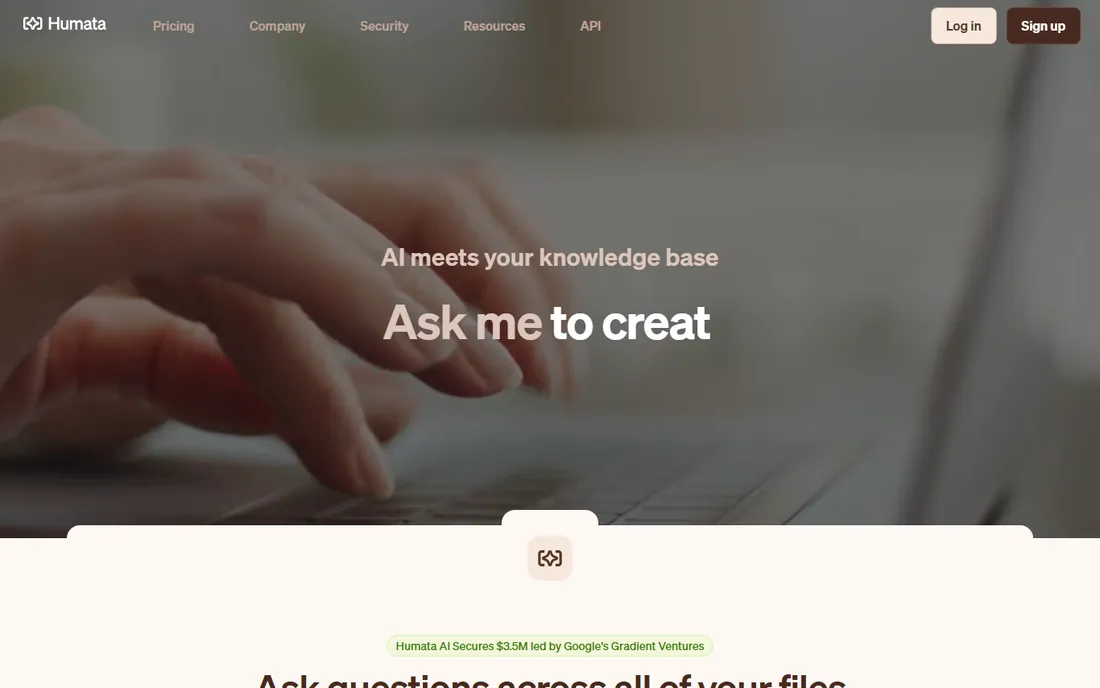
Humata takes a different approach to free: limited pages per upload but unlimited questions, so you can interrogate a document as long as you like. It is a favorite among researchers working with long technical reports, theses and legal documents, where the value is in the follow-up questions rather than a one-shot summary.
The interface is minimal: upload, ask, get cited answers. There is no literature-review machinery like SciSpace, which keeps it simple but limits it for multi-document projects. Pricing details are on the site. For deep dives into single long documents, Humata's unlimited-questions free tier is hard to beat.
What we like- Unlimited questions on the free tier
- Handles long documents well
- Clean Q and A interface
Watch out for- Pricing sits behind sign-up
- Smaller feature set than research suites
- Best for text-heavy documents
Starting price~$9/month (Pro, billed annually)
Free planYes
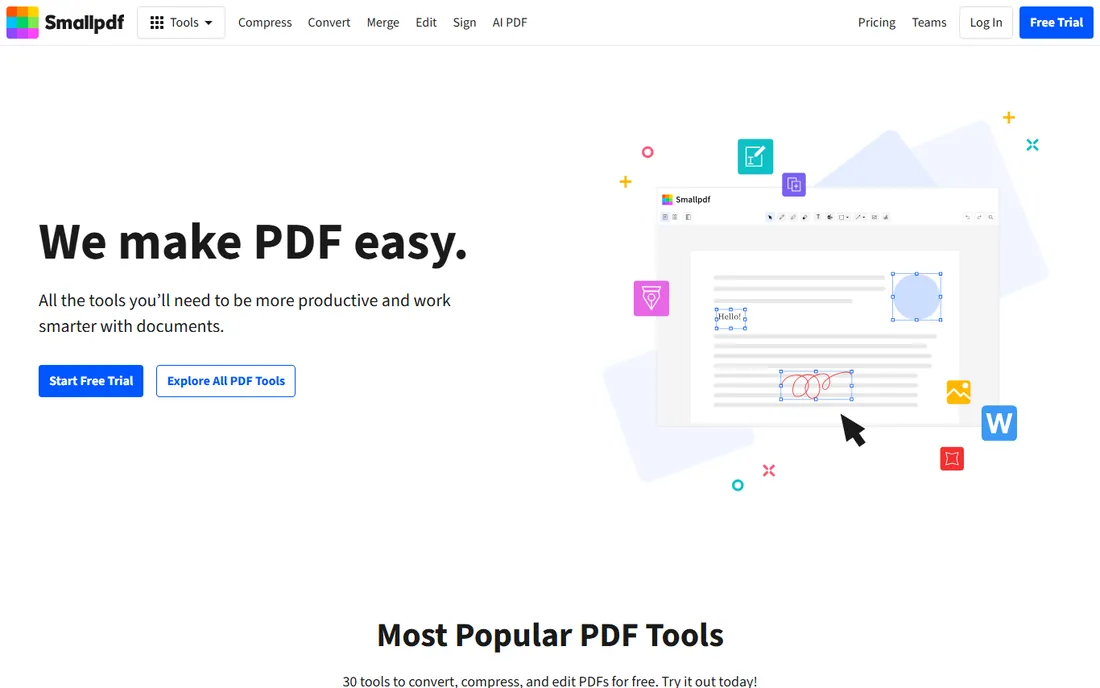
Smallpdf added AI tools, including a PDF summarizer, to its well-known PDF suite. If you already use Smallpdf for compressing, converting and signing, the summarizer is a natural extension: open the file, get the key points, then convert or compress it in the same session. The interface is the most polished in this category.
The catch is that AI tools require Pro, around $9 a month billed annually, and the free tier caps you at roughly two tasks a day. The summaries are solid for business documents but less structured than SciSpace's for research. Buy it for the suite; the summarizer is a good bonus, not the reason to subscribe.
What we like- AI summarizer alongside 20+ other PDF tools
- Polished interface
- Mobile apps included
Watch out for- AI features need Pro
- Free tier allows about two tasks a day
- Less depth than dedicated research tools
Starting price~$5/month (Premium, billed annually)
Free planYes
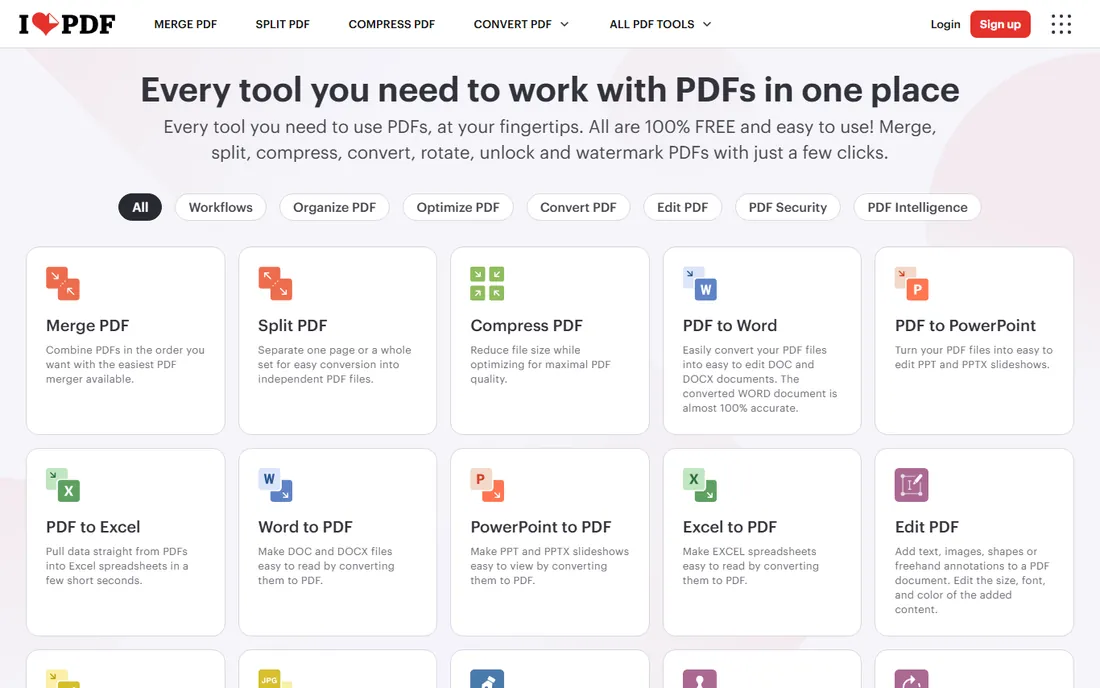
iLovePDF's core tools are free, and its AI features, including the PDF summarizer, sit in the Premium tier at around $5 a month billed annually. The summarizer handles the basics well: upload a report, get the gist, move on. It pairs naturally with the compressor and converter when a long document needs summarizing and then shrinking for email.
This is not a research tool. It will not build comparison tables or explain equations. But for a professional who occasionally needs the key points of a long PDF and already lives in iLovePDF's free tools, the Premium summarizer is a cheap add-on to a workflow you already have.
What we like- Large free tier for the core PDF tools
- AI summarizer and translator among Premium features
- Desktop and mobile apps
Watch out for- Summarizer is Premium-only
- Free tier shows ads
- Less sophisticated than dedicated AI tools
Starting price~$19.95/month (Premium, monthly)
Free planYes
QuillBot's summarizer consistently tops independent tests for clarity and accuracy, with a Paragraph mode that combines sentences into genuinely readable summaries rather than stitched-together fragments. It highlights which input text fed each summary point, so you can verify as you read. The free version summarizes up to 1,200 words at a time.
The limitation is format: you paste text rather than uploading a PDF, so pair it with a PDF-to-text step for document work. Premium runs about $19.95 a month, steep if summarizing is all you want, but it bundles paraphrasing and grammar tools. For the highest-quality text summaries, QuillBot remains the benchmark.
What we like- Highly rated summary quality in independent tests
- Key Sentences and Paragraph modes
- Highlights the source text used
Watch out for- Works on pasted text, not PDF upload directly
- Free version limited to 1,200 words
- Premium is pricey for a single feature
Frequently asked questions
Can AI summarize a PDF accurately?
Usually, but verify. Modern summarizers handle clean, well-structured PDFs well, and tools with citations let you check each claim against the source page. Scanned documents, unusual layouts and dense technical writing produce weaker summaries. Never quote a summary in anything important without checking the original passage.
What is the best free PDF summarizer?
NotebookLM is the strongest free option, with multi-source summaries, audio overviews and cited answers at no cost. ChatPDF's free tier is best for quick single-document questions. Both beat most paid tools for casual use, so start free and only pay if you hit limits.
Can these tools summarize multiple PDFs at once?
Yes. NotebookLM and SciSpace both work across multiple sources, with SciSpace building structured comparison tables for literature reviews. ChatPDF supports multi-document folders on paid plans. Humata and QuillBot are single-document tools, so pick accordingly.
Do PDF summarizers work on scanned PDFs?
Only if the tool includes OCR. ChatPDF, Humata and SciSpace handle text-based PDFs best; scanned image PDFs need OCR first, which tools like iLovePDF and Smallpdf provide on paid tiers. A summary of an un-OCRed scan will be empty or wrong, so check that your file has selectable text.
Is it safe to upload confidential PDFs to a summarizer?
It depends on the tool's data policy. Most free online summarizers process your file on their servers and delete it after hours, but it still travels through infrastructure you do not control. For contracts, medical records or legal documents, prefer tools with clear deletion policies or process sensitive files locally.
Quick comparison
| Tool | Best for | Starting price | Free plan |
|---|
 ChatPDF ChatPDF | fast free summaries of single documents | ~$5/month (Plus) | Yes |
 NotebookLM NotebookLM | multi-source research with cited answers | Free | Yes |
 SciSpace SciSpace | summarizing research papers at scale | See website | Yes |
| Humata | asking questions across long technical documents | See website | Yes |
 Smallpdf Smallpdf | summarizing inside a familiar PDF toolkit | ~$9/month (Pro, billed annually) | Yes |
 iLovePDF iLovePDF | occasional summaries within a free tool suite | ~$5/month (Premium, billed annually) | Yes |
 QuillBot QuillBot | summarizing text with creative, accurate output | ~$19.95/month (Premium, monthly) | Yes |
Is your product missing or out of date?
We review this list regularly. Vendors can request a listing, send updated pricing or ask about featured placement.
How to choose PDF summary software
Start with the document, not the tool. One business report you need the gist of? ChatPDF or Smallpdf. A semester's reading list? NotebookLM or SciSpace. The tools differ less in raw AI quality than in workflow: single-document chat versus multi-source research versus research-paper machinery. Pick the workflow that matches your pile.
Demand citations. A summary you cannot check is a rumor with formatting. NotebookLM, ChatPDF and Humata all link answers back to source passages, and that single feature matters more than any model upgrade. If a tool gives you paragraphs with no way to verify them, do not use it for anything you will cite.
Respect the privacy trade. Every online summarizer uploads your document somewhere. For public papers and marketing reports that is fine; for client contracts and HR files it is not. Check each tool's deletion policy before uploading, and keep a local option in mind for anything confidential.
Sources we checked (10)
- https://www.chatpdf.com/
- https://www.humata.ai/
- https://scispace.com/
- https://notebooklm.google.com/
- https://smallpdf.com
- https://www.ilovepdf.com/
- https://quillbot.com
- https://pctechmag.com/2026/09/best-ai-summarizer-for-students-and-researchers-in-2026-7-tools-that-actually-understand-papers/
- https://macsources.com/best-chat-with-pdf-tools-in-2026-top-5-ai-solutions-compared/
- https://www.scribbr.com/ai-tools/best-summarizer/
Is your product missing or out of date?
We review this list regularly. Vendors can request a listing, send updated pricing or ask about featured placement.

Shihab Mia · Founder, Rankite
Shihab has spent more than a decade helping SaaS and e-commerce brands grow through search. He writes Rankite's software buying guides from pricing pages, documentation and public user reviews. More about Shihab.