How we make this list: we compare pricing pages, product documentation and public user reviews. Rankite is independent; if a vendor ever pays for a featured spot, that listing is clearly labeled Partner.
Key takeaways
- iLovePDF and Smallpdf are the highest-rated online PDF mergers, with free tiers for occasional use and cheap Premium plans.
- PDF24 Tools merges unlimited PDFs for free with no account, watermarks or limits.
- Sejda is the best free merger for privacy-conscious users, with no watermarks and two-hour file deletion.
- For merging dozens of files at once, iLovePDF Premium and Smallpdf Pro remove the free-tier batch limits.
The best rated PDF merging software
Merging PDFs is the simplest job in this category and the easiest to overpay for. Every tool below combines multiple PDFs into one file in seconds; the differences are in limits, watermarks, batch sizes and whether your files get uploaded to someone else's server. Ratings consistently favor the same names, and this list reflects that: the tools reviewers actually recommend, from free workhorses to polished paid suites. We weighted real user reviews, free-tier generosity and output quality, not marketing claims, so the ranking reflects what people experience after the tenth merge, not the first.
Starting price~$5/month (Premium, billed annually)
Free planYes
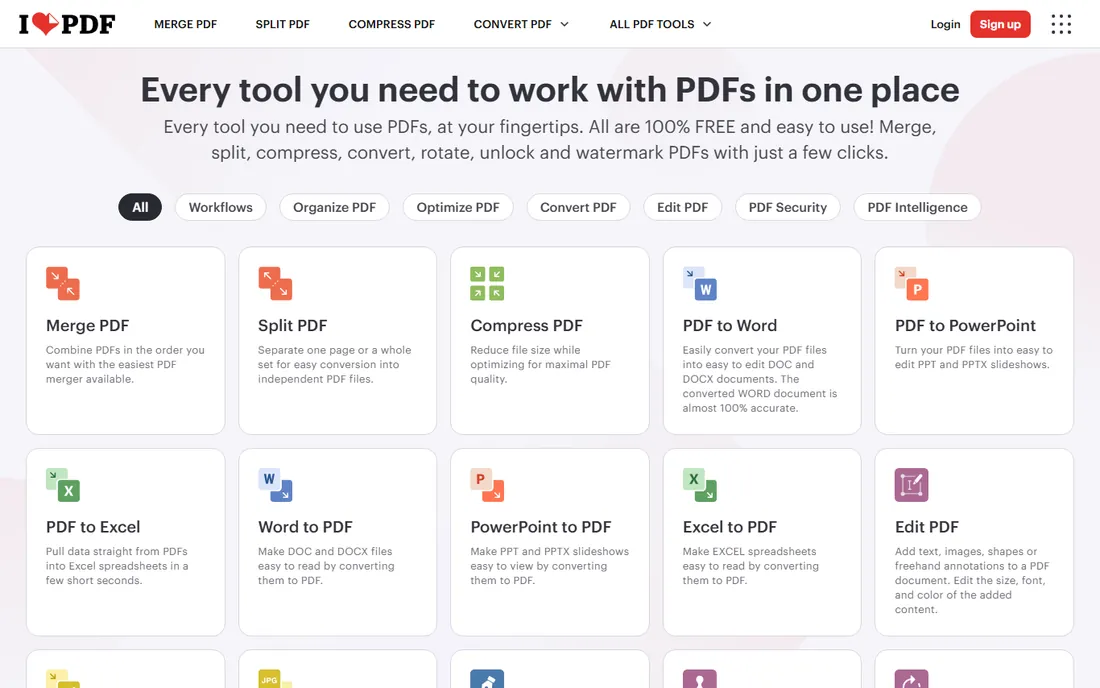
iLovePDF's merge tool is the one reviewers recommend most: upload your files, drag them into order, and download a single PDF. The free tier allows up to 25 files per merge task, which covers nearly every real-world need, and the interface is straightforward enough for anyone.
Premium at around $5 a month billed annually removes ads, raises limits and adds desktop and mobile apps. For the occasional merge, the free tier is all you need. For daily document assembly, Premium is the cheapest paid option among the top-rated tools. It also handles the merge-then-compress workflow well: combine scanned pages into one file, then run the compressor to bring the size down for emailing, all without leaving the site.
What we like- Merge up to 25 files per task on free
- Drag-and-drop reordering
- Full PDF suite around the merger
Watch out for- Free tier shows ads
- File size caps on free
- Premium needed for heavy batch work
Starting price~$9/month (Pro, billed annually)
Free planYes
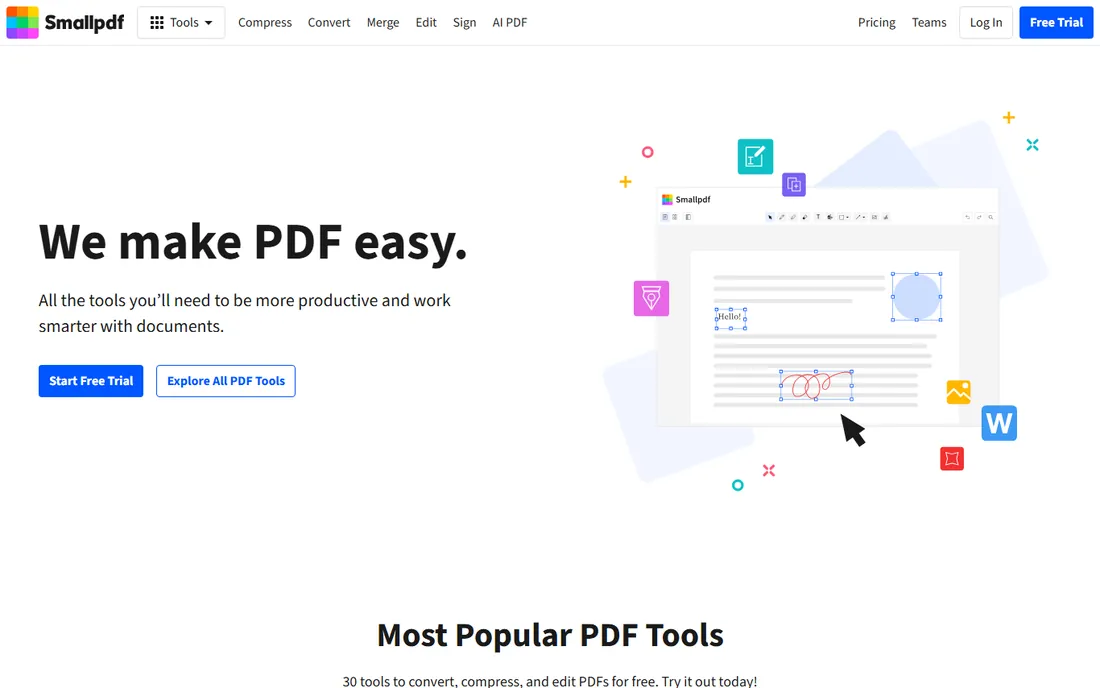
Smallpdf's merger is the most pleasant to use: drag files in, arrange, merge, then compress or convert the result without leaving the site. The design polish is real, and for users who merge as part of a broader document workflow, the suite integration matters.
The free tier's two-tasks-a-day limit is the tightest here, which pushes regular users to Pro at around $9 a month annually. If you merge weekly or more, that limit will frustrate you quickly. For design-conscious users who want the nicest tool, Smallpdf earns its premium.
What we like- Cleanest merge workflow in the category
- Combines with compress and convert in one session
- Mobile apps
Watch out for- Free tier allows about two tasks per day
- Pro costs more than iLovePDF
- Uploads required
Starting priceFree
Free planYes
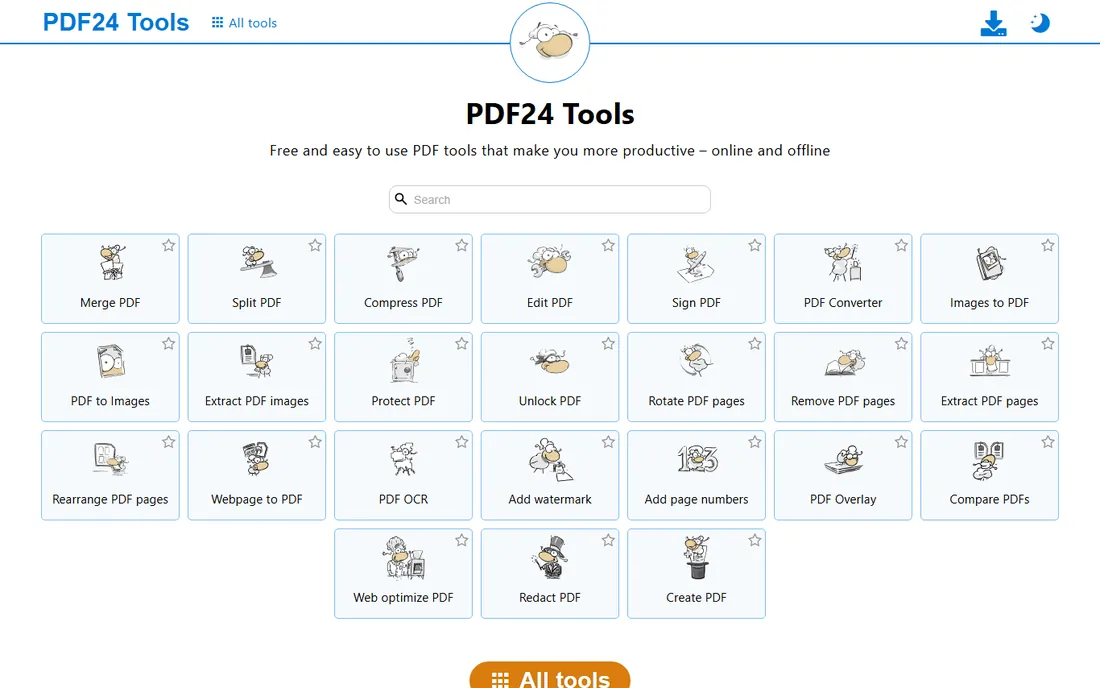
PDF24 is the free merger with no asterisks: combine as many PDFs as you like, as often as you like, with no account and no watermark. The online tools handle one-off jobs, and the free PDF24 Creator for Windows processes files offline in batches.
There is no paid tier at all, which makes PDF24 unique in this list. The trade-offs are a dated interface and a Windows-only desktop app. But for the core job of merging PDFs for free, forever, nothing else competes. Power users often pair it with a paid editor for everything else: merge for free in PDF24, then edit in whichever tool they already pay for.
What we like- No task limits, watermarks or accounts
- Online tools plus free Windows desktop app
- Batch merging supported
Watch out for- Windows-only desktop app
- Interface is functional rather than beautiful
- Online tools need internet
Starting price~$7/month
Free planYes
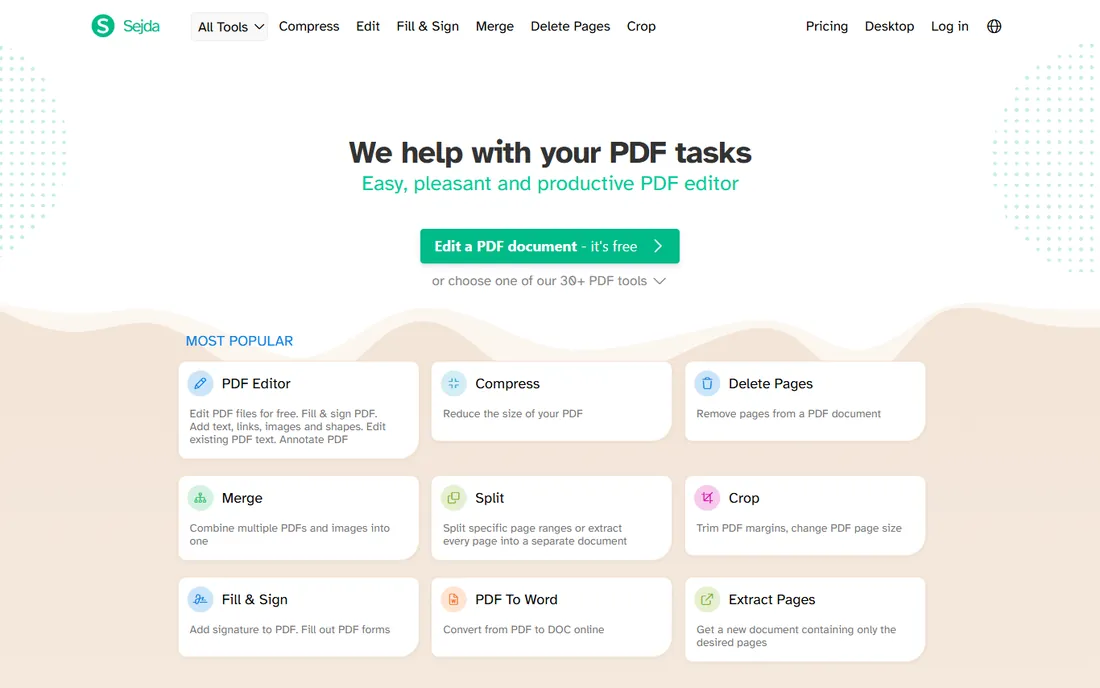
Sejda merges PDFs online with no watermark and no sign-up, deleting uploads after two hours. The free tier allows a few tasks per hour with files under 50 MB and 200 pages, which handles most personal and small-business merging. A desktop app keeps sensitive files off the internet entirely.
The paid plan at around $7 a month removes the limits. For confidential documents that should not sit on a server, Sejda's deletion policy and offline option make it the most trustworthy free merger here. It also handles mixed-orientation files gracefully, keeping wide and portrait pages intact instead of forcing one layout on the merged document.
What we like- No watermarks on free output
- Files deleted after two hours
- Desktop app for offline merging
Watch out for- Hourly task limits on free
- 50 MB and 200-page caps on free files
- Subscription for heavy use
Starting priceSee website
Free planYes
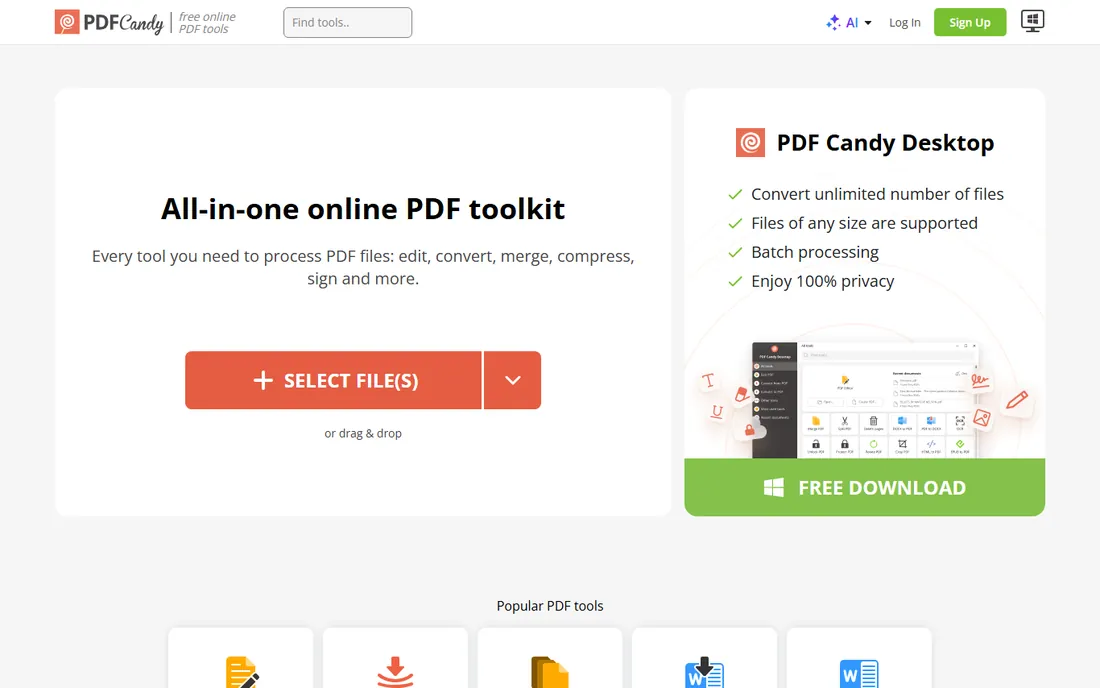
PDF Candy's merger is one tool among more than forty, which is convenient when merging is step one of a longer job: merge, then compress, convert or split without switching sites. The workflow is simple drag-and-drop with no watermark on the output.
Free web use has hourly limits, and unlimited processing needs the desktop app or premium plan. The merger itself offers fewer options than iLovePDF's, but for straightforward combining of files, it does the job with zero friction. Because the whole suite shares one interface, learning the merger means you already know how to use the other forty tools when you need them.
What we like- 40+ free PDF tools in one place
- No watermarks
- Simple merge workflow
Watch out for- Hourly limits on the free web version
- Desktop app costs extra
- Merger is basic
Starting priceSee website
Free planYes
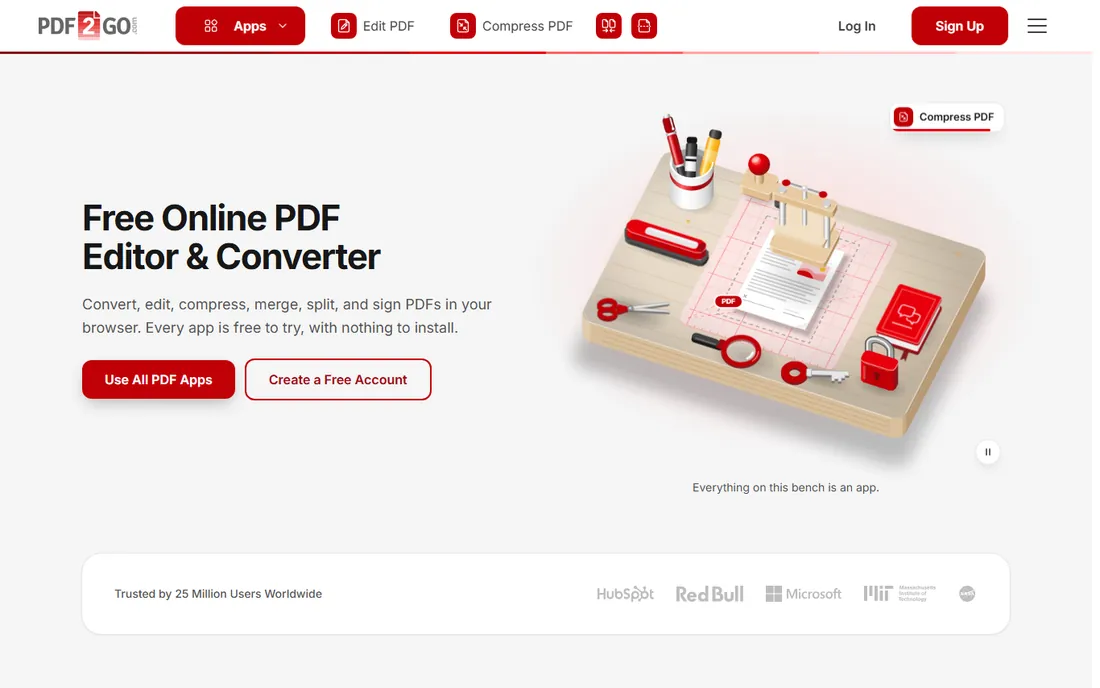
PDF2Go merges PDFs from your computer, Dropbox or Google Drive with optional page sorting before combining. It is deliberately simple: upload, arrange, merge, download. No account, no learning curve.
A premium plan raises the limits for heavy users, but casual merging is fully free. Large files can process slowly compared to desktop tools. For a quick merge of a few files from cloud storage, PDF2Go is the path of least resistance, and the whole process takes under a minute once files are selected.
What we like- Works with Dropbox and Google Drive
- Optional page sorting before merging
- No sign-up needed
Watch out for- Plain interface
- Premium needed for higher limits
- Slower on very large files
Starting priceSee website
Free planYes
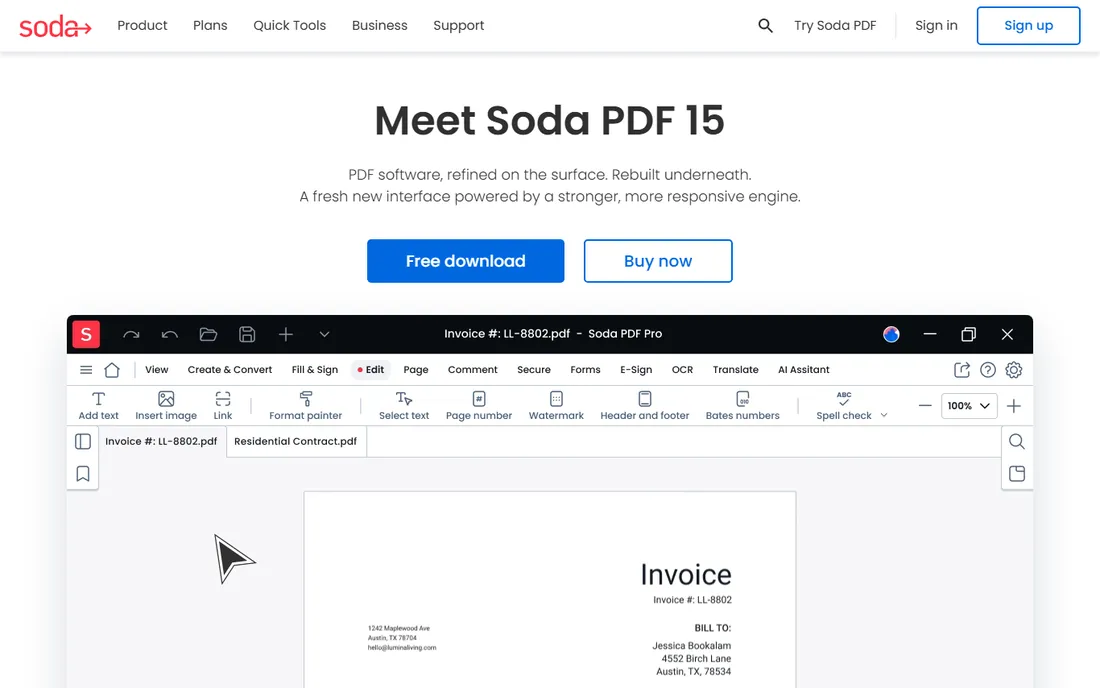
Soda PDF includes merging in a full PDF editor: combine files, then edit, annotate or convert them in the same application. The desktop version processes everything locally, which suits sensitive documents.
The pricing structure is harder to parse than the online-first tools, and the free version is limited. If merging is all you need, the free tools above are simpler and faster to use. If you need an editor anyway, Soda PDF's merger is a capable included feature rather than a reason to buy.
What we like- Merge as part of complete PDF editing
- Online and desktop versions
- Batch processing
Watch out for- Complex pricing tiers
- Free version is limited
- Overkill if you only merge
How to choose PDF merging software
Decide how often you merge. A few times a month: use iLovePDF, PDF24 or Sejda for free and never think about it again. Daily merging for work: pay for iLovePDF Premium or Smallpdf Pro and stop hitting task limits. The subscription only makes sense once free limits cost you time.
Check the batch limits against your real files. Merging three one-page PDFs is trivial for every tool here; merging fifty scanned reports is not. Free tiers cap files per task, file size and page counts, so test with your actual documents before committing to a workflow.
Think about privacy for sensitive merges. Combining contracts, financial statements or HR documents on a free online tool means uploading them to a server. Use PDF24 Creator or Sejda Desktop for confidential files, or confirm the service deletes uploads quickly. Convenience is not worth a data incident.
Check the output options before you commit. Some mergers let you reorder pages, rotate individual pages or delete pages during the merge; others just staple files together in upload order. If your workflow needs page-level control, iLovePDF and Sejda handle it well. If you only ever combine whole documents, any tool here works, so pick the cheapest one that meets your privacy needs.
Frequently asked questions
What is the best free PDF merger?
PDF24 Tools for unlimited free merging with no account or watermarks; iLovePDF for the best-rated free experience with up to 25 files per task; Sejda for the most private free merging. All three handle everyday merging without paying.
Can I merge PDFs without uploading them online?
Yes. PDF24 Creator for Windows and Sejda Desktop merge files locally with no upload. Desktop PDF editors like Soda PDF also merge offline. Use a local tool for contracts, financial documents or anything confidential.
Is there a limit to how many PDFs I can merge?
Free online tools impose limits: iLovePDF allows about 25 files per task, Smallpdf about two tasks a day, Sejda a few tasks per hour with size caps. Paid plans remove these limits. PDF24 has no limits at all.
Will merging PDFs reduce their quality?
No. Merging combines files without recompressing their contents, so quality stays identical. If the merged file is too large to email, compress it afterward with a tool like iLovePDF's compressor or Smallpdf's.
Can I merge PDFs on my phone?
Yes. iLovePDF, Smallpdf and Sejda all work in mobile browsers, and iLovePDF and Smallpdf have dedicated mobile apps. PDF24's online tools also work on phones. For frequent mobile merging, the apps are more convenient than browser tabs.
Can I merge a PDF with a Word document?
Not directly in most mergers, which only combine PDFs. Convert the Word file to PDF first, iLovePDF, Smallpdf and PDF24 all convert for free, then merge the resulting PDFs. The two-step process works fine on every free tier.
Quick comparison
| Tool | Best for | Starting price | Free plan |
|---|
 iLovePDF iLovePDF | highest-rated free online merging | ~$5/month (Premium, billed annually) | Yes |
 Smallpdf Smallpdf | polished merging with the nicest interface | ~$9/month (Pro, billed annually) | Yes |
 PDF24 Tools PDF24 Tools | unlimited free merging with no catches | Free | Yes |
 Sejda Sejda | private free merging without watermarks | ~$7/month | Yes |
 PDF Candy PDF Candy | merging inside a huge free toolset | See website | Yes |
 PDF2Go PDF2Go | simple no-account online merging | See website | Yes |
 Soda PDF Soda PDF | merging inside a full desktop PDF editor | See website | Yes |
Is your product missing or out of date?
We review this list regularly. Vendors can request a listing, send updated pricing or ask about featured placement.
Sources we checked (9)
- https://www.ilovepdf.com/
- https://smallpdf.com
- https://tools.pdf24.org/en/
- https://www.sejda.com
- https://pdfcandy.com
- https://www.pdf2go.com
- https://www.sodapdf.com
- https://www.makeuseof.com/best-online-pdf-compression-tools/
- https://dev.to/omarmdhi/6-free-pdf-editors-you-can-use-in-a-browser-in-2026-and-what-happens-to-your-file-in-each-3g2b
Is your product missing or out of date?
We review this list regularly. Vendors can request a listing, send updated pricing or ask about featured placement.

Shihab Mia · Founder, Rankite
Shihab has spent more than a decade helping SaaS and e-commerce brands grow through search. He writes Rankite's software buying guides from pricing pages, documentation and public user reviews. More about Shihab.