How we make this list: we compare pricing pages, product documentation and public user reviews. Rankite is independent; if a vendor ever pays for a featured spot, that listing is clearly labeled Partner.
Key takeaways
- The cheapest credible scheduler is Publer ($9.60 per month for Professional, per its own blog) with a free plan; the most generous free tier is Metricool, which keeps a free-forever plan on its own pricing page.
- Approval-heavy teams should compare Planable ($33 per workspace per month billed annually) and Loomly ($49 per month billed annually on Starter), both built around client sign-off.
- Buffer, Hootsuite and Sprout Social publish no public prices on their current pricing pages: budget on a custom quote and ask about annual discounts.
- Analytics strength varies wildly. Metricool and Sprout Social bundle deep reporting; Buffer and Later keep it light on entry plans.
Quick comparison
| Tool | Best for | Starting price | Free plan |
|---|
 Buffer Buffer | Small businesses and creators wanting simple queue-based scheduling | See website (no public prices on the current pricing page) | See website (plan details not published at research time) |
 Hootsuite Hootsuite | Teams managing multiple brands or many accounts from one dashboard | See website (custom quote on the current pricing page) | See website (plan details not published at research time) |
 Sprout Social Sprout Social | Mid-size companies where social is a team job with reporting needs | See website (custom quote on the current pricing page) | Free trial (30 days, per the vendor homepage) |
 Later Later | Visual-first brands on Instagram, TikTok and Pinterest | See website (pricing page not readable at research time) | See website (plan details not published at research time) |
 SocialBee SocialBee | Small teams wanting category-based evergreen posting | $29/month (Bootstrap plan, per the vendor's own FAQ) | Free trial (14 days) |
 Metricool Metricool | Businesses that want scheduling plus analytics in one place | See website (no public prices rendered on the pricing page at research time) | Yes (free-forever plan, per the vendor's own FAQ) |
 Publer Publer | Budget buyers who still want bulk posting and content recycling | $9.60/month (Professional plan, per the vendor's own blog) | Yes (free plan available) |
 Planable Planable | Teams that need client or stakeholder approvals before anything publishes | $33/workspace/month billed annually (per the vendor's own blog) | 50 free posts (per the vendor's own blog) |
 Loomly Loomly | Small agencies and teams with approval needs and tight budgets | $65/month ($49/month billed annually on the Starter plan; Beyond at $249/month billed annually) | Free trial (7 days) |
 ContentStudio ContentStudio | Content teams that also need discovery and curation | $19/month billed annually ($29 monthly) on the Standard plan; Advanced $49 annual, Agency $99 annual | Free trial (7 days; no free-forever plan) |
Is your product missing or out of date?
We review this list regularly. Vendors can request a listing, send updated pricing or ask about featured placement.
The best social media posting platforms
The difference between a $10 scheduler and a $200 one is not the scheduling itself. Both publish posts. The difference is what surrounds it: how many accounts you connect, who approves the content, how far back the analytics go, and whether the platform tells you anything useful after the post goes live. These ten platforms cover the realistic market for small businesses and agencies, from bare-bones queues to full approval workflows.
#1
Buffer
Best for: Small businesses and creators wanting simple queue-based scheduling
Visit buffer.com
Starting priceSee website (no public prices on the current pricing page)
Free planSee website (plan details not published at research time)
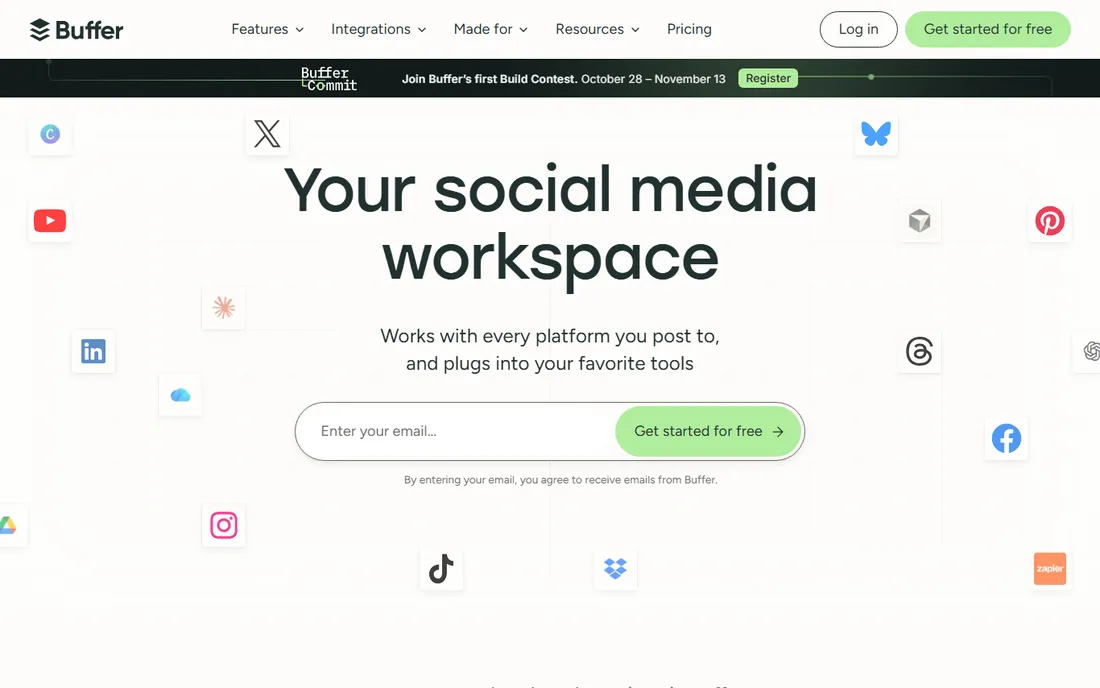
Buffer is the minimalist of this list, and that is the whole pitch. You fill a queue, set posting times, and Buffer sends the content out. There is no streams dashboard to configure, no listening setup to maintain. For a founder or a two-person marketing team that just needs posts to go out consistently, the learning curve is measured in minutes, not days.
The tradeoff is depth. Analytics on lower tiers answer basic questions about reach and clicks, not the follower-growth and competitor questions Metricool or Sprout answer. Team workflows and approval chains exist but are thinner than Planable or Loomly. Buffer fits buyers who want scheduling that stays out of the way. Teams that need reporting or client management should look further down this list.
What we like- Clean queue-based workflow that takes minutes to learn
- Publishes to all major networks
- Browser extension and mobile apps included
Watch out for- Analytics depth is limited on entry plans
- Engagement features lag behind Sprout and Hootsuite
- Pricing opacity makes comparison harder
#2
Hootsuite
Best for: Teams managing multiple brands or many accounts from one dashboard
Visit hootsuite.com
Starting priceSee website (custom quote on the current pricing page)
Free planSee website (plan details not published at research time)
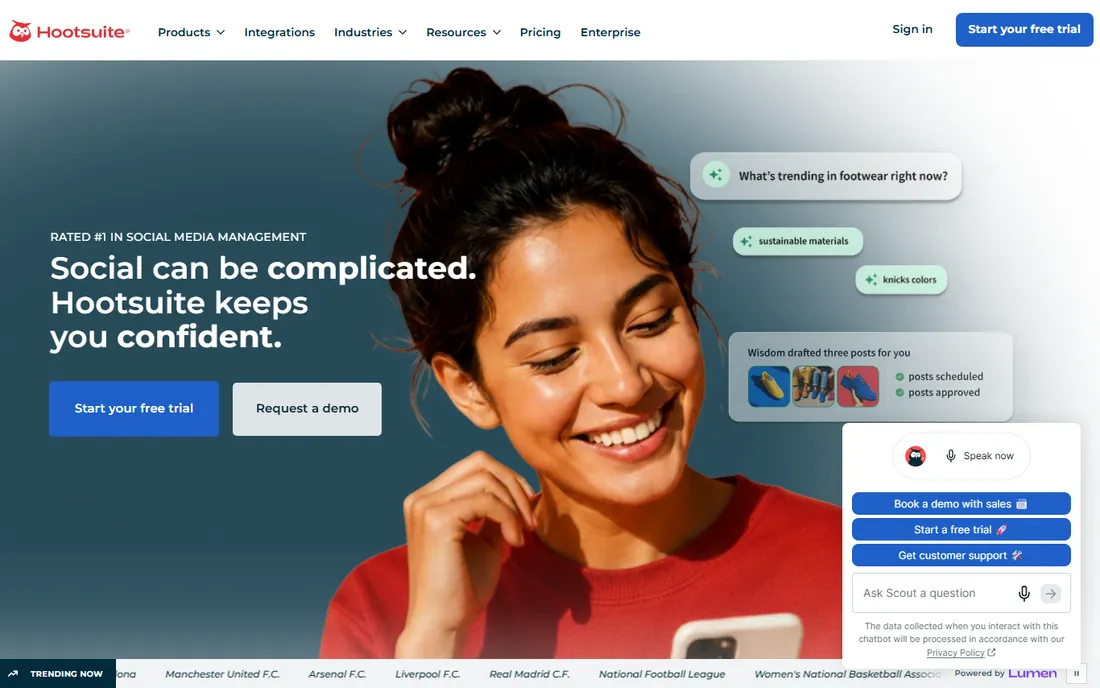
Hootsuite built its name on the dashboard: columns of live feeds, mentions and scheduled posts that a social team watches all day. That heritage shows in the feature set. Beyond scheduling, you get social listening, team assignments, and a shared inbox for comments and DMs. Agencies running ten client accounts get the multi-brand management that simple queues cannot provide.
That history cuts both ways. The platform assumes you have a social team with roles and permissions, which is overhead for a solo marketer. And with public pricing removed, the first step is a quote request, which slows down comparison shopping. Hootsuite earns its place for coordinated teams, especially ones doing listening and engagement alongside publishing. Solo schedulers are better served by Buffer or Publer.
What we like- Streams dashboard for monitoring keywords, mentions and hashtags in one view
- Assign posts and messages to team members
- Bulk composer for scheduling many posts at once
Watch out for- More setup and learning than simpler schedulers demand
- Published prices are gone, so buyers start with a sales conversation
- Entry plans can feel expensive for solo users
#3
Sprout Social
Best for: Mid-size companies where social is a team job with reporting needs
Visit sproutsocial.com
Starting priceSee website (custom quote on the current pricing page)
Free planFree trial (30 days, per the vendor homepage)
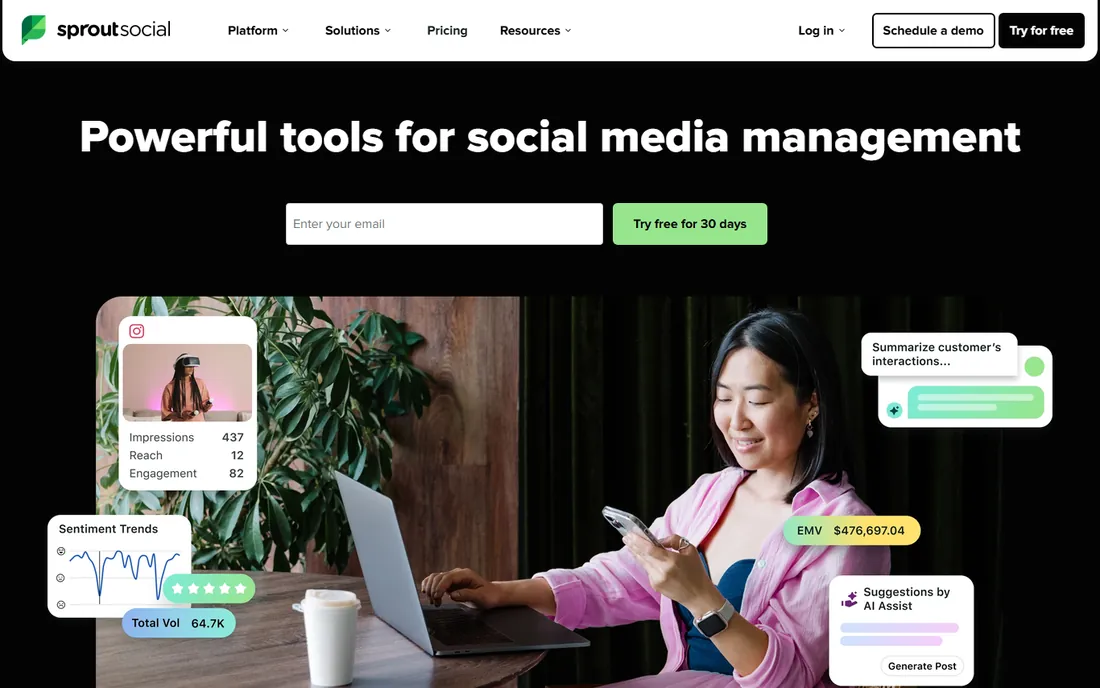
Sprout Social sits one tier above the scheduling tools: it is a social media management platform that happens to schedule well. The smart inbox is the standout, pulling comments, DMs and mentions from every connected network into one queue your team can triage. Reporting covers follower growth, campaign performance and competitor benchmarking at a depth that justifies the price for marketing managers who report upward.
You pay for that depth. Sprout has no published entry price on its current pages and no free plan, and buyers consistently describe it as the premium option in this category. It makes sense when social drives real revenue and two or more people touch the accounts. If publishing is the whole job, the tools below deliver it for a fraction of the cost.
What we like- Unified smart inbox that merges messages across networks
- Reporting depth is among the best here
- Approval workflows with task assignment for larger teams
Watch out for- Costs more than pure schedulers at entry
- No free-forever tier
- Smaller teams may find the feature set heavier than they need
#4
Later
Best for: Visual-first brands on Instagram, TikTok and Pinterest
Visit later.com
Starting priceSee website (pricing page not readable at research time)
Free planSee website (plan details not published at research time)

Later started as an Instagram scheduler and never lost that identity. The visual planner shows your grid as it will look, which matters for brands where the feed is the storefront: fashion, food, travel, beauty. The link-in-bio page turns profile traffic into a shoppable landing page, and suggested posting times are based on your own audience data.
The Instagram-first design shows on other networks. X threads, LinkedIn articles and Facebook-heavy strategies get less attention than the visual networks do. Reporting answers "how did this post do" rather than "how is the account growing." Later is the right pick when Instagram or TikTok is the primary channel. For network-agnostic publishing, Buffer or Publer cover more ground.
What we like- Visual drag-and-drop planner built for image and video feeds
- Link-in-bio tool included
- Hashtag and best-time-to-post suggestions
Watch out for- Weaker on X and LinkedIn workflows
- Analytics stay basic on entry plans
- Approval features trail Planable and Loomly
Starting price$29/month (Bootstrap plan, per the vendor's own FAQ)
Free planFree trial (14 days)
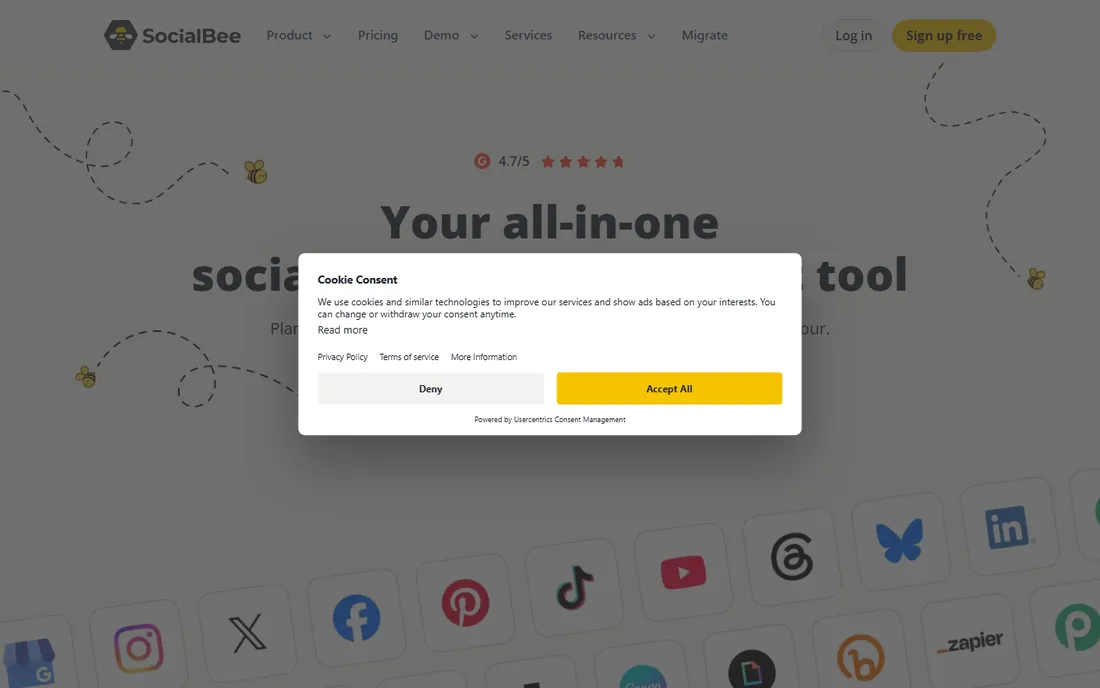
SocialBee's defining idea is content categories. Instead of one queue, you sort posts into buckets like promotions, tips and questions, and the platform rotates through them so the feed never becomes a wall of ads. Evergreen posts recycle automatically, which suits businesses with a library of how-to content that stays relevant for months.
The category system takes an afternoon to set up properly, and the interface packs a lot into small screens. Pricing is published and straightforward: Bootstrap at $29 per month, then Accelerate, Pro and larger tiers up to $449. For teams that post the same kinds of content on repeat, the category approach saves real weekly effort. Buyers who want a simple queue will find Buffer easier.
What we like- Content categories keep the feed balanced between promo, education and engagement
- AI-assisted caption and image tools
- Concierge onboarding on higher tiers
Watch out for- Interface has a learning curve for first-time users
- Fewer native integrations than Hootsuite
- RSS and content curation add-ons cost more
#6
Metricool
Best for: Businesses that want scheduling plus analytics in one place
Visit metricool.com
Starting priceSee website (no public prices rendered on the pricing page at research time)
Free planYes (free-forever plan, per the vendor's own FAQ)
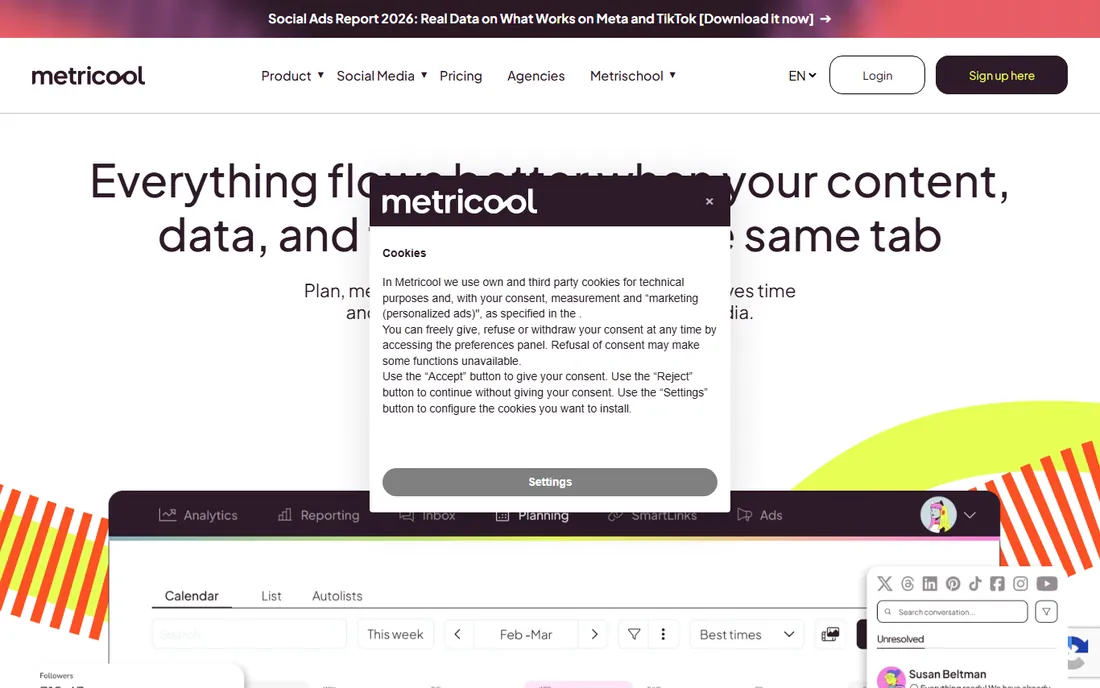
Metricool is the analyst's scheduler. The scheduling is solid, but the reason to choose it is the reporting: follower growth, best posting times, hashtag performance, competitor accounts, all in one dashboard. You can run and report on ad campaigns from the same login, which is unusual at this price point. The free-forever plan is genuinely usable, not a teaser.
The density is the downside. Menus pack in scheduling, analytics, ads, inbox and planning, and first-time users can feel lost. Social listening and team collaboration are thinner than Hootsuite or Sprout. Metricool fits the marketer who lives in reports and wants scheduling attached. Pure schedulers like Publer are simpler if you never open the analytics tab.
What we like- Analytics depth that rivals standalone reporting tools
- Competitor tracking included
- Manage ad campaigns alongside organic posts
Watch out for- Social listening is basic compared with Hootsuite
- Support hours skew toward European time zones
- The interface mixes many features into dense menus
#7
Publer
Best for: Budget buyers who still want bulk posting and content recycling
Visit publer.com
Starting price$9.60/month (Professional plan, per the vendor's own blog)
Free planYes (free plan available)
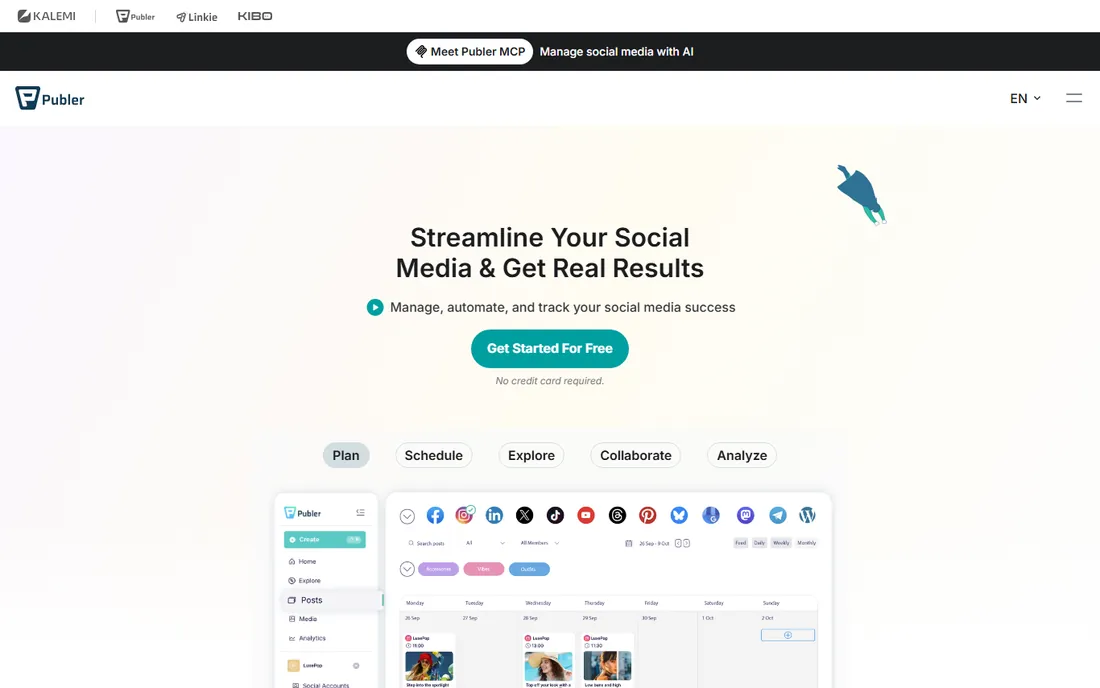
Publer is what you buy when the budget is under $15 a month but the requirements are not. Professional at $9.60 per month buys bulk scheduling, recycling, and enough accounts for a small business, and the free plan covers genuinely light use. CSV bulk upload is the standout: prepare a month of posts in a spreadsheet and push them in at once.
The polish lags the bigger names. The interface works but feels utilitarian, and some features that are standard elsewhere, like brand mentions on certain networks, are limited on the free tier. For the price, though, Publer is hard to argue against. Solo operators and side businesses get a working scheduler for less than two coffees a month.
What we like- The lowest credible entry price on this list
- Bulk scheduling via CSV upload
- Auto-recycle for evergreen content
- Watermark and link-in-bio tools included
Watch out for- Interface is less polished than Buffer or Later
- Brand mentions and some integrations are limited on the free plan
- Smaller support team
#8
Planable
Best for: Teams that need client or stakeholder approvals before anything publishes
Visit planable.io
Starting price$33/workspace/month billed annually (per the vendor's own blog)
Free plan50 free posts (per the vendor's own blog)
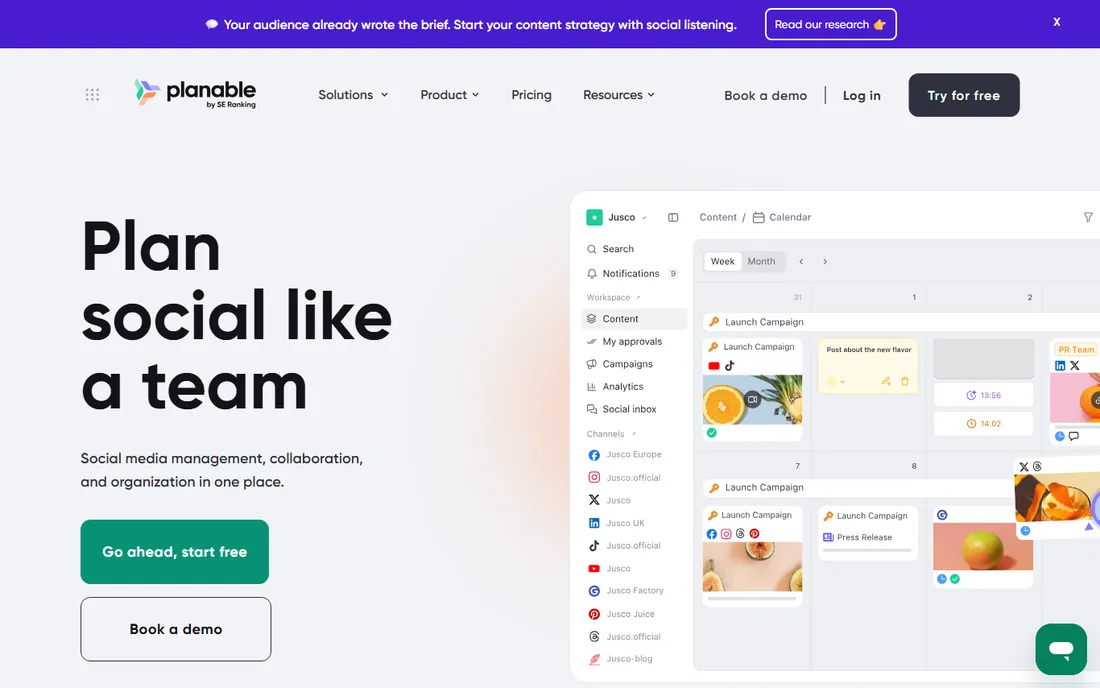
Planable solves the agency problem: clients who want to approve every post, and the endless email threads that approval process creates. The platform shows posts exactly as they will appear on each network, clients comment and approve in place, and nothing publishes without sign-off. Version history means nobody argues about which caption was approved.
It is less useful without that problem. Solo marketers get a nice planner but pay for approval machinery they will never use, and analytics cost extra. Pricing at $33 per workspace per month billed annually is reasonable per client, but ten clients means ten workspaces. Planable earns its spot for approval-heavy teams; everyone else should compare Loomly or Buffer.
What we like- Pixel-perfect previews of how posts will look on each network
- Structured approval workflows with comments and versions
- Unlimited workspaces on paid plans
Watch out for- Not really a standalone scheduler for solo users
- Analytics are an add-on rather than built in
- Per-workspace pricing adds up with many clients
#9
Loomly
Best for: Small agencies and teams with approval needs and tight budgets
Visit loomly.com
Starting price$65/month ($49/month billed annually on the Starter plan; Beyond at $249/month billed annually)
Free planFree trial (7 days)
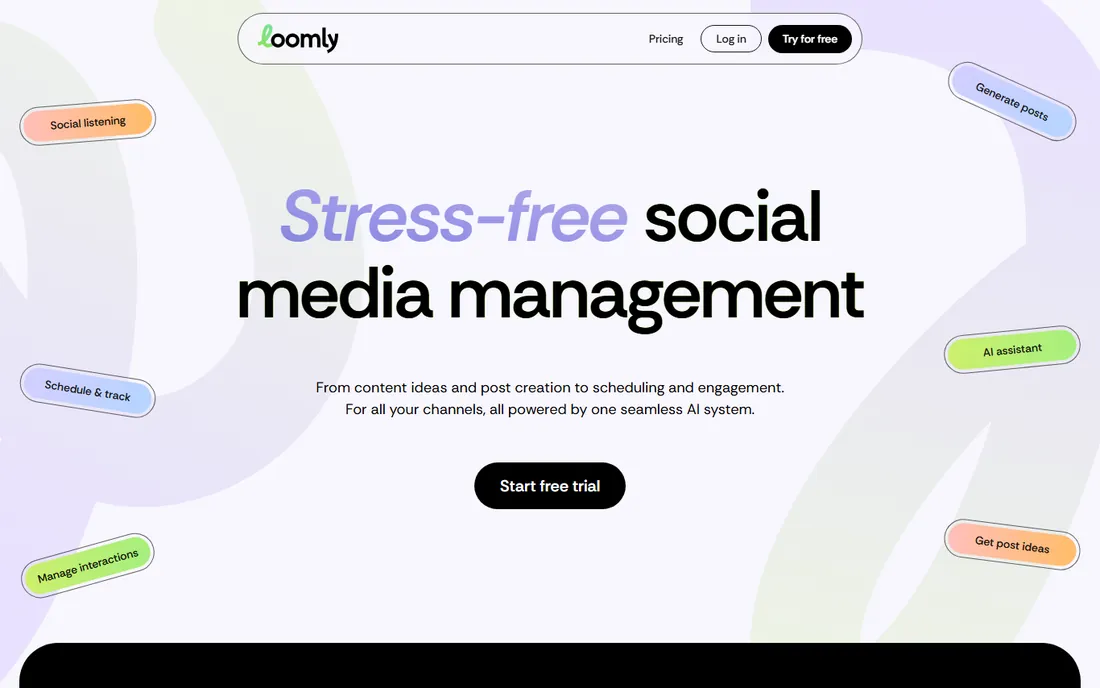
Loomly is the pragmatic middle ground between a bare scheduler and a full management suite. The calendar shows every scheduled post across networks at a glance, and the platform suggests post ideas and optimization tips when the content calendar has gaps. Approval workflows handle client sign-off without Planable's per-workspace math: pricing is per plan, with Starter at $49 per month billed annually covering the basics.
The ceiling is lower than the enterprise tools. Automation, listening and reporting all exist but in simpler form. The 7-day trial is short, so test the approval workflow with a real client before committing. Loomly suits the small agency that outgrew a basic scheduler but cannot justify Sprout's quote.
What we like- Clean calendar view of everything scheduled
- Post ideas and optimization tips built in
- Client approval workflows
- Straightforward per-plan account limits
Watch out for- Fewer advanced automation features than Sprout or Hootsuite
- No free plan beyond the trial
- Analytics are serviceable rather than deep
Starting price$19/month billed annually ($29 monthly) on the Standard plan; Advanced $49 annual, Agency $99 annual
Free planFree trial (7 days; no free-forever plan)
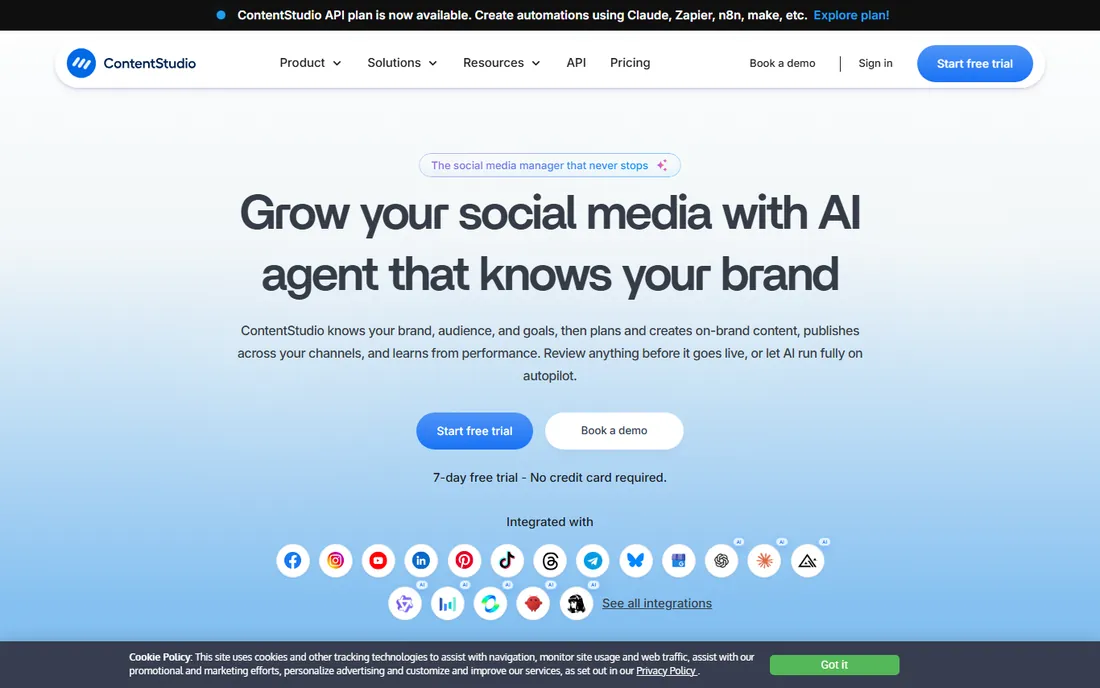
ContentStudio bundles two products: a scheduler and a content discovery engine. The discovery feed surfaces articles, videos and trending topics in your niche, which solves the blank-calendar problem for businesses that curate as well as create. Automation recipes can, for example, turn new blog posts into scheduled social posts with AI-written captions.
That breadth means a busier interface and a steeper first week than Buffer. Published pricing is clear: Standard at $19 per month billed annually, scaling to Agency at $99. ContentStudio fits teams that publish other people's content alongside their own, like news sites, agencies and community managers. Pure creators can skip the discovery half and pay less elsewhere.
What we like- Content discovery feed for finding shareable articles and videos
- AI caption generator
- Multi-workspace management for agencies
- Automation recipes for repeating workflows
Watch out for- Learning curve on the automation and discovery features
- Some advanced features sit on higher tiers
- The interface can feel busy
What to look for in a social media posting platform
Start with network limits, because this is where buyers get surprised. Every plan caps the number of connected social accounts and the number of scheduled posts, and the caps that look generous for one person get tight fast for an agency. Count your accounts, multiply by your weekly post volume, and check the plan above the one you think you need. The cheapest plan that technically fits is usually the wrong one within three months.
Then check approval and collaboration features against how you actually work. Solo marketers need none of it: a queue and a calendar are enough. The moment a client, a boss or a compliance reviewer has to approve posts, you need structured approvals with comments and version history, which is Planable and Loomly territory. Buying approvals you will never use wastes money; skipping them when you need them wastes afternoons in email threads.
Finally, decide how much reporting matters. If social media is a line item someone asks about in meetings, you need follower growth, engagement trends and best-time data, which points to Metricool or Sprout Social. If posting is the whole job, basic per-post stats are fine and the money is better spent on content. And check the mobile app before you commit: the person approving posts at 9pm will do it on a phone, and some apps are far better than others.
How often to post on each network
Posting cadence is the other half of the platform decision, because the right volume depends on where your audience is. On Instagram and TikTok, one quality post a day is a sustainable target for most small businesses, with stories or short video filling the gaps. On X, the feed moves fast enough that three to five short posts a day is normal for active accounts. Facebook business pages do fine with three to five posts a week. LinkedIn rewards restraint: two to three thoughtful posts a week beats daily filler.
A scheduling platform earns its keep by making that cadence automatic. Category-based tools like SocialBee keep the mix balanced without daily decisions. Bulk upload in Publer lets you prepare a month in a sitting. Evergreen recycling in Publer and SocialBee keeps how-to content working for months. Pick the cadence your team can sustain with real content, then pick the platform whose features match that cadence. A daily poster needs queues and recycling; a three-posts-a-week poster needs almost nothing.
How we chose
We started with the platforms buyers actually search for: social media scheduler, social media posting tool and social media management platform. For each candidate we checked the vendor's own pricing page first, used vendor-published FAQs and blogs where pricing pages did not render, and compared scheduling features, approval workflows, analytics depth and free-plan generosity. Where a price could not be verified on a vendor-published page we wrote "See website" rather than guessing.
Frequently asked questions
What is the cheapest social media posting platform worth using?
Publer, at $9.60 per month for Professional with a free plan available. Metricool also keeps a free-forever plan. Both handle real small-business workloads; the paid tiers add accounts and volume rather than gating basic scheduling.
Do I need approval workflows?
Only if someone else signs off on your posts. Solo marketers and founders do not. Agencies, franchises and regulated businesses do, and Planable or Loomly pay for themselves the first time an approval email thread does not happen.
Buffer vs. Hootsuite: which is better?
They solve different problems. Buffer is a clean scheduler for teams that just need posts to go out. Hootsuite is a management dashboard with listening, team assignments and multi-brand control. Compare Buffer with Publer instead, and Hootsuite with Sprout Social.
Can I schedule posts for free?
Yes, within limits. Metricool and Publer both offer free plans, and Planable gives 50 free posts. Free tiers cap the number of connected accounts and scheduled posts, so they fit light use or a single channel, not an agency workload.
Which platform has the best analytics?
Metricool for the price: competitor tracking, follower growth and best-time data in one dashboard. Sprout Social goes deeper for larger teams. Buffer and Later keep analytics light on entry plans, so check the reporting tab before you buy if metrics matter to your job.
Sources we checked (10)
- https://buffer.com/
- https://www.hootsuite.com/
- https://sproutsocial.com/
- https://later.com
- https://socialbee.com
- https://metricool.com/
- https://publer.com
- https://planable.io
- https://www.loomly.com/pricing
- https://contentstudio.io/pricing
Is your product missing or out of date?
We review this list regularly. Vendors can request a listing, send updated pricing or ask about featured placement.

Shihab Mia · Founder, Rankite
Shihab has spent more than a decade helping SaaS and e-commerce brands grow through search. He writes Rankite's software buying guides from pricing pages, documentation and public user reviews. More about Shihab.