How we make this list: we compare pricing pages, product documentation and public user reviews. Rankite is independent; if a vendor ever pays for a featured spot, that listing is clearly labeled Partner.
Key takeaways
- draw.io (diagrams.net) is fully free and open source, with no account required and no paywalls.
- Excalidraw and tldraw offer instant browser whiteboards with no sign-up and real-time collaboration.
- Lucidchart, Miro, Whimsical, and Creately have useful free plans with limits, and paid upgrades for teams.
- Free diagram software now covers flowcharts, network diagrams, org charts, and whiteboarding at a professional level.
- For sensitive diagrams, draw.io and Excalidraw keep data in your browser or your storage.
Quick comparison
| Tool | Best for | Starting price | Free plan |
|---|
 draw.io draw.io | Full-featured diagramming, totally free | Free | Yes |
 Excalidraw Excalidraw | Hand-drawn whiteboard sketches | Free | Yes |
 Lucidchart Lucidchart | Professional diagrams with a free tier | Free | Yes (limited) |
 Miro Miro | Collaborative whiteboarding for teams | Free | Yes (limited) |
 Whimsical Whimsical | Fast flowcharts and product diagrams | Free | Yes (limited) |
 tldraw tldraw | Instant collaborative whiteboard | Free | Yes |
 Creately Creately | Diagrams with data and AI assistance | Free | Yes (limited) |
Is your product missing or out of date?
We review this list regularly. Vendors can request a listing, send updated pricing or ask about featured placement.
The best diagram software free
Starting priceFree
Free planYes
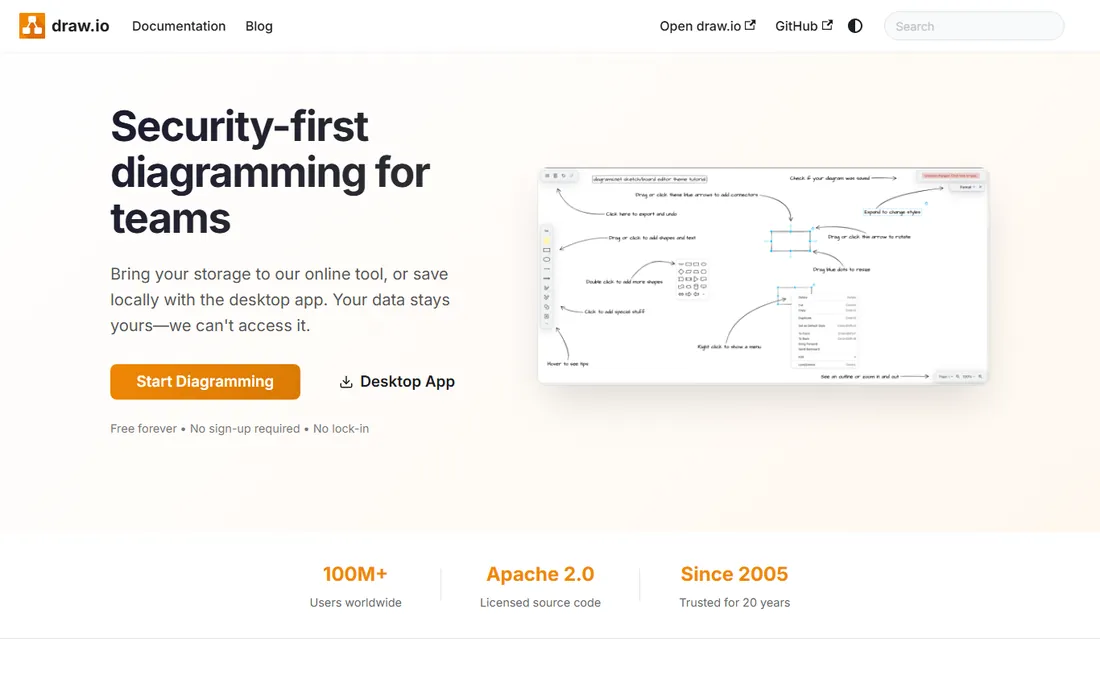
draw.io, now branded diagrams.net, is the strongest answer to "what is the best free diagram software." It is genuinely free: no account required, no feature locked behind a paywall, with open-source code under Apache 2.0. You open the browser app and start drawing flowcharts, network diagrams, UML, org charts, BPMN, and entity-relationship diagrams with one of the deepest shape libraries available.
It saves to Google Drive, OneDrive, Dropbox, GitHub, or locally, supports real-time collaboration with shared cursors, and exports SVG, PNG, PDF, and editable formats. Privacy is a selling point: store data wherever you want. The interface will not win beauty contests, but for teams that refuse to pay per-seat diagramming fees, nothing beats it.
What we like- No account, no paywalls, Apache 2.0 source
- Works with Google Drive, OneDrive, GitHub
- Real-time collaboration and offline desktop apps
Watch out for- Interface is utilitarian
- Collaboration is file-based rather than native
Starting priceFree
Free planYes
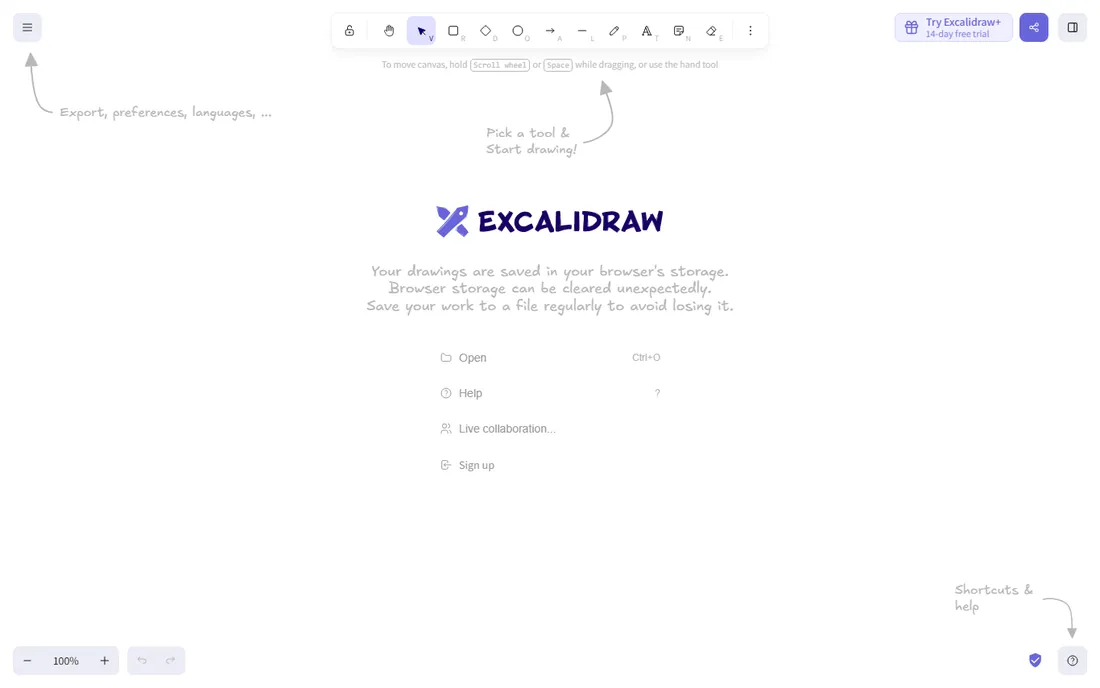
Excalidraw is an open-source browser whiteboard with a distinctive hand-drawn look. Open the page and you are drawing, no account, no install. Shapes, arrows, text, and freehand tools snap together neatly, and the rough aesthetic keeps the focus on ideas rather than pixel alignment.
Real-time collaboration works through a shareable link with end-to-end encryption, and scenes save locally in your browser or export as PNG, SVG, or the editable JSON format. There is also a VS Code extension and a large community shape library. A paid Excalidraw+ tier adds cloud storage, but the free version covers most solo and small-team diagramming.
What we like- Instant whiteboard, no sign-up
- Charming hand-drawn style
- End-to-end encrypted collaboration
Watch out for- No layers
- Paid Excalidraw+ needed for cloud storage and team libraries
Starting priceFree
Free planYes (limited)
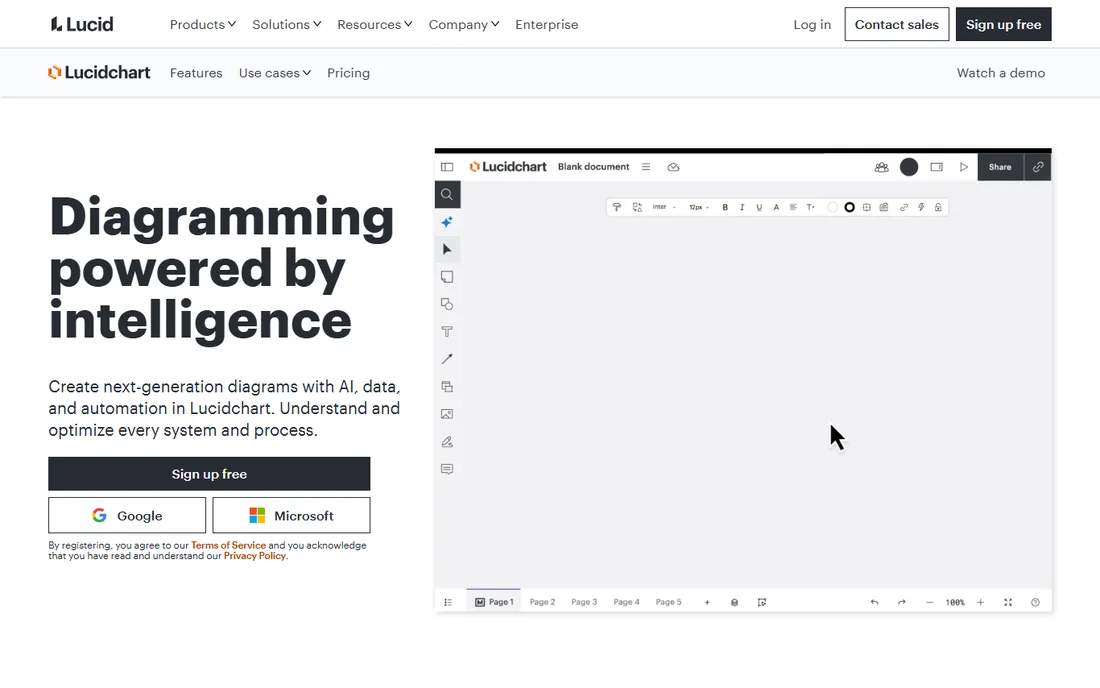
Lucidchart is the professional standard that many teams pay for, and its free plan is a reasonable taste. You get the core diagramming experience: process maps, flowcharts, org charts, technical diagrams, and cloud architecture with templates, real-time collaboration, and integrations across the tools teams already use.
The free tier limits how many editable documents you can keep and how many shapes each can hold, so it suits occasional diagrammers rather than power users. If you outgrow it, Individual and Team plans open up the full platform, including Lucid AI generation and data linking. For formal business diagrams on a zero budget, the free plan gets you started.
What we like- Polished templates and AI diagram generation
- Real-time collaboration
- 100-plus integrations
Watch out for- Free plan limits editable documents and shapes
- Best features require paid plans
Starting priceFree
Free planYes (limited)

Miro is the innovation workspace where teams brainstorm, plan, and diagram together on an infinite canvas. The free plan includes three editable boards, which is enough to run real workshops and sketch flowcharts, mind maps, and user flows with a huge template library and AI assistance.
Where Miro shines is collaboration: sticky notes, voting, timers, comments, and live cursors make it a meeting tool as much as a drawing tool. Paid plans start at a per-member rate and add unlimited boards and enterprise features. For diagramming that happens inside live team sessions, the free tier is genuinely useful.
What we like- 6,000-plus templates
- Strong workshop features and AI
- 250-plus integrations
Watch out for- Free plan limited to three editable boards
- Diagramming is less precise than draw.io
Starting priceFree
Free planYes (limited)
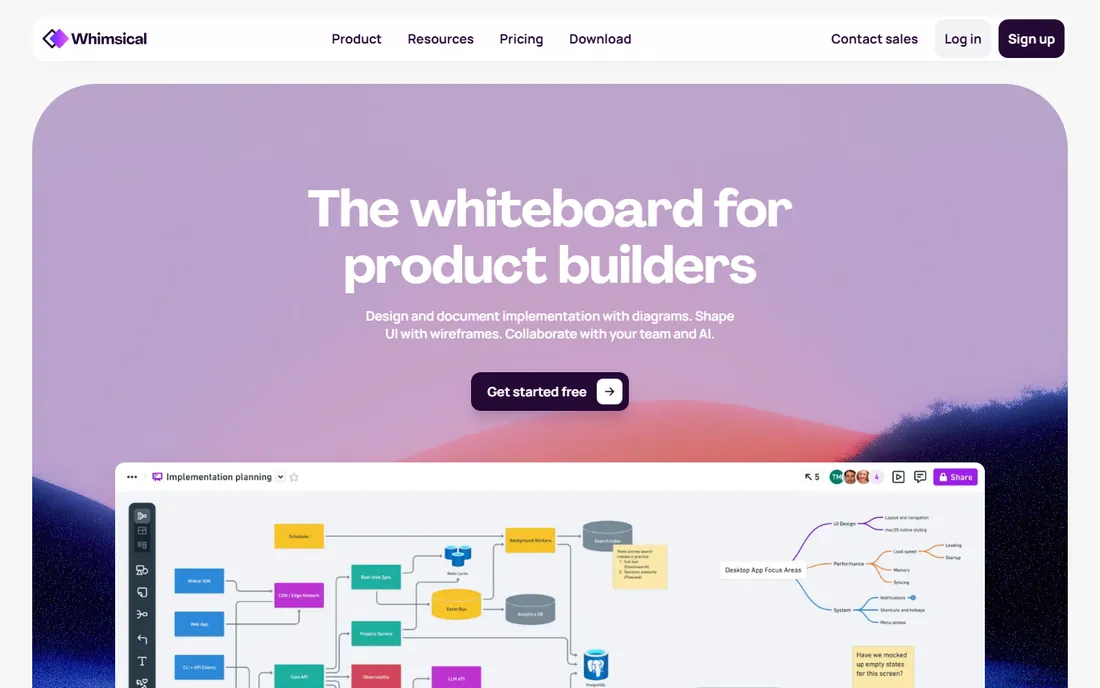
Whimsical is built for speed: flowcharts, mind maps, wireframes, and docs on one infinite canvas, optimized so you stay in flow. Product teams like it because diagrams look clean with almost no formatting effort, and wireframes live next to the diagrams they document.
The free plan covers personal use with generous-enough limits, and paid plans add more workspaces and AI features. It is less of a workshop platform than Miro and less of a diagramming engine than draw.io, but for quickly capturing ideas and turning them into something shareable, it is one of the nicest free tools available.
What we like- Extremely fast and pleasant to use
- Diagrams plus wireframes in one tool
- Multiplayer editing
Watch out for- Free plan has workspace limits
- Smaller template ecosystem than Miro
Starting priceFree
Free planYes
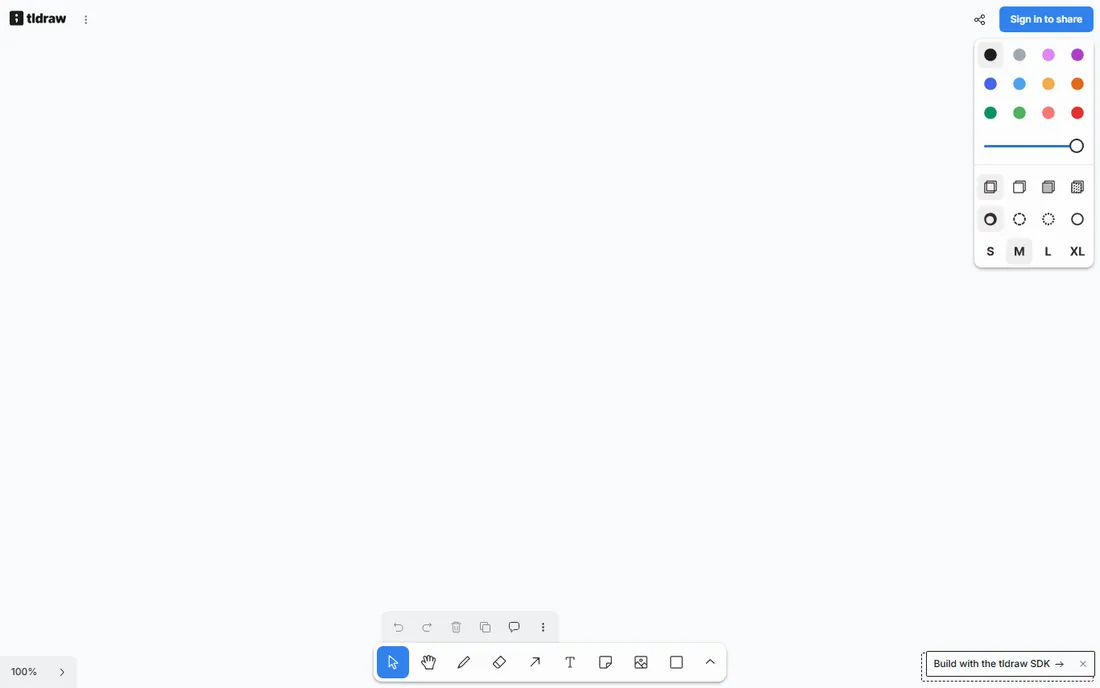
tldraw calls itself a very good free whiteboard, and it lives up to the billing. Open the site and you are drawing on an infinite canvas with no account. The interface is minimal and fast, and real-time multiplayer collaboration is built in from the start.
It is simpler than Excalidraw in scope, with fewer libraries and features, which is exactly the point: tldraw is for sketching, not for producing formal diagrams. There is also an open-source SDK for developers who want to embed the canvas in their own apps. For the fastest possible shared sketch, tldraw is hard to beat.
What we like- No sign-up, opens instantly
- Multiplayer collaboration built in
- Clean and minimal
Watch out for- Smaller feature set
- Limited shape libraries compared with draw.io
Starting priceFree
Free planYes (limited)
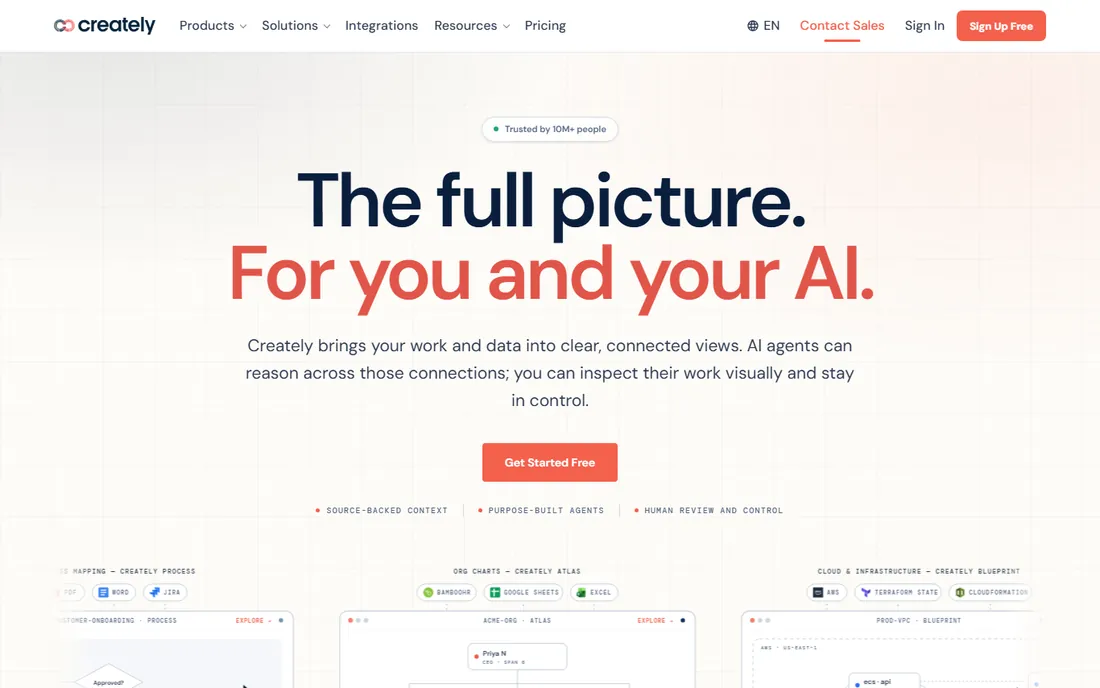
Creately takes a different angle: diagrams connected to your actual work. It imports from Jira, GitHub, Asana, AWS, Google Sheets, and more, keeping source data attached to the shapes, and its AI can draft diagrams and answer questions about the work behind them. The free plan lets you start and explore.
For straightforward flowcharts this is more machinery than you need, and the free tier has limits that push active teams toward paid plans. But if your diagrams need to reflect real systems, processes, and org data rather than static boxes, Creately's connected approach is distinctive among free options.
What we like- Connects diagrams to live data sources
- AI-assisted drafting
- Huge template library
Watch out for- Free plan is limited
- Interface can feel busy for simple diagrams
How we chose
We reviewed vendor product pages, documentation, and public reviews on G2, Capterra, and Reddit, plus community discussions on Hacker News and product forums. We required a genuinely usable free offering, either fully free software or a free plan that lets real work happen, and every tool had to be currently available with a working website. We did not claim hands-on testing.
Buying advice for free diagram software
First decide what "free" has to cover. If you need unlimited professional diagramming with no strings, draw.io is the answer; it is the only tool here with no paywall at all. If you want quick sketches and whiteboarding, Excalidraw and tldraw need no account and no setup.
Free tiers of commercial tools work differently. Lucidchart, Miro, Whimsical, and Creately give you the real product with limits on documents, boards, or features. That is fine for occasional use or evaluation, but if your whole team diagrams daily, you will hit the ceiling and need to compare paid plans.
Also consider where your diagrams live. draw.io stores files in your own cloud storage; Excalidraw keeps them in your browser by default. If you diagram sensitive architecture, that privacy posture matters more than any feature list.
Finally, test the export story. A diagram you cannot get out of the tool is a liability. Every tool here exports PNG, and most export SVG or PDF, which keeps your diagrams usable in docs, wikis, and slide decks long after you have moved on. draw.io and Excalidraw go further with editable formats you can reopen and revise, so a diagram stays a living document instead of a frozen image.
Fully free versus freemium: which model fits you
Fully free tools like draw.io, Excalidraw, and tldraw are open source or free-first, with no seat fees and no feature gates. They cost nothing at any team size, which makes them ideal for startups, nonprofits, and anyone avoiding subscription sprawl. The trade-off is usually polish or advanced collaboration features.
Freemium tools like Lucidchart, Miro, Whimsical, and Creately offer slicker experiences, AI features, and deep integrations, with the free plan acting as an on-ramp. They are often the better choice when diagramming is embedded in team workflows and the company can pay later. Just enter with eyes open: the free plan is a trial of a paid product, not the product itself.
Frequently asked questions
What is the best completely free diagram software?
draw.io (diagrams.net) is the best fully free option. It has no account requirement, no paywalls, and open-source code, with professional shape libraries for flowcharts, network diagrams, UML, and more.
Is there a free alternative to Lucidchart?
Yes. draw.io matches most of Lucidchart's diagramming features for free, though without the AI generation. Excalidraw is a good free pick for informal diagrams, and Lucidchart's own free plan works for occasional use with document limits.
Can I collaborate for free on diagrams?
Yes. Excalidraw and tldraw offer free real-time collaboration with no sign-up via shareable links. draw.io supports real-time collaboration through shared cloud storage. Miro and Whimsical include multiplayer editing on their free plans with usage limits.
Is free diagram software safe for sensitive diagrams?
It depends on the tool. draw.io stores files in your own cloud storage, and Excalidraw keeps drawings in your browser with end-to-end encrypted sharing. Both are privacy-friendly choices. Avoid uploading sensitive architecture to tools whose free tiers store data on vendor servers without clear controls.
Do free diagram tools work offline?
draw.io offers desktop apps that work offline. Excalidraw works offline once the page has loaded. Most other free tiers are browser-based and need a connection.
Can free diagram software replace Visio?
For most users, yes. draw.io imports and exports Visio files and covers flowcharts, network diagrams, org charts, and floor plans. Teams deeply embedded in Microsoft 365 with SharePoint-based diagram workflows may still prefer Visio, but the feature gap is smaller than the price gap suggests.
Sources we checked (7)
- https://www.diagrams.net/
- https://excalidraw.com/
- https://lucidchart.com/
- https://miro.com/
- https://whimsical.com/
- https://www.tldraw.com/
- https://creately.com/
Is your product missing or out of date?
We review this list regularly. Vendors can request a listing, send updated pricing or ask about featured placement.

Shihab Mia · Founder, Rankite
Shihab has spent more than a decade helping SaaS and e-commerce brands grow through search. He writes Rankite's software buying guides from pricing pages, documentation and public user reviews. More about Shihab.