How we make this list: we compare pricing pages, product documentation and public user reviews. Rankite is independent; if a vendor ever pays for a featured spot, that listing is clearly labeled Partner.
Key takeaways
- Microsoft Word remains the standard for formal documents, with Word for the web free and Copilot built in.
- Google Docs still owns real-time collaboration and is free with any Google account.
- Notion and Superhuman Docs (formerly Coda) are for teams where documents live inside databases and workflows.
- LibreOffice Writer and WPS Office are the best free desktop replacements for Microsoft Word.
- Apple Pages is a genuinely good free editor for Apple-device teams, with real-time collaboration included.
Quick comparison
Is your product missing or out of date?
We review this list regularly. Vendors can request a listing, send updated pricing or ask about featured placement.
The best document editing software
Starting priceSee website
Free planYes
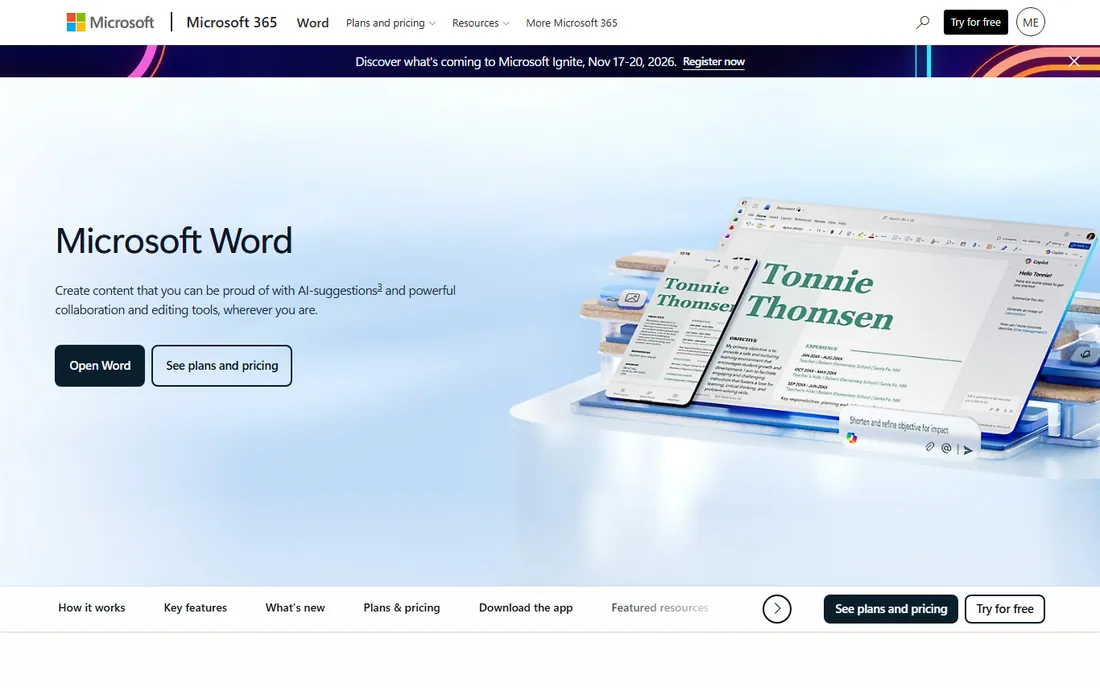
Word is the document format of business, and that gravity still matters. Contracts, proposals, and reports arrive as DOCX files, and Word's track changes remains the review system clients and lawyers expect. Word for the web is free for anyone with an email address, with real-time co-authoring and 5 GB of cloud storage.
This year's story is Copilot, which Microsoft positions as a coauthor that creates, reads, and edits documents on instruction. The honest catch is the subscription: the full desktop apps and the serious Copilot features sit behind Microsoft 365. For teams that exchange formal documents with clients, Word stays the safe default.
What we like- Still the standard for professional documents and track changes
- Word for the web is free for anyone
- Copilot drafts and edits inside Word
Watch out for- Desktop apps require a Microsoft 365 subscription
- Advanced AI features are paid
Starting priceSee website
Free planYes
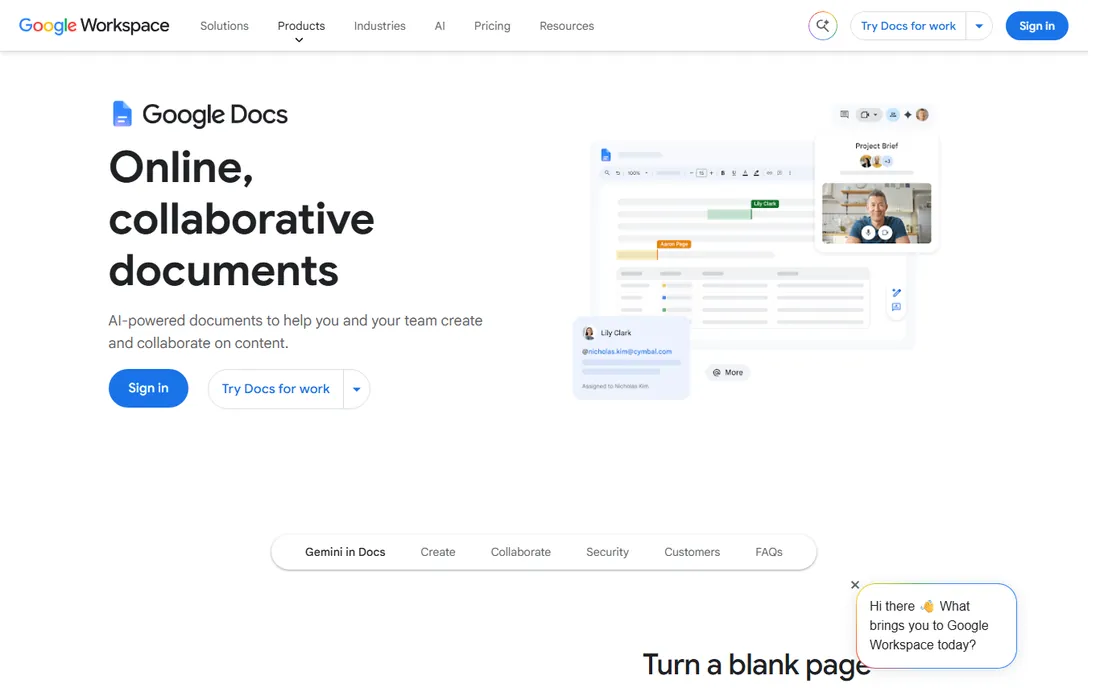
Google Docs is the tool most teams actually write in. Anyone with a Google account can create documents, co-editing means no more versions bouncing through email, and suggestion mode still handles outside reviewers better than anything else in a browser. It converts Word files or edits them directly, leaving the original intact.
The honest catch is depth. Power formatting, long structured documents, and offline work are all weaker than Word. For drafting, reviewing, and collaborating, Docs wins. For the final polished artifact, many teams still export to Word.
What we like- Free with any Google account
- Best-in-browser suggestion mode for reviewers
- Edits Word files directly without conversion
Watch out for- Offline work is a second-class experience
- Advanced formatting lags Word
Starting priceSee website
Free planYes
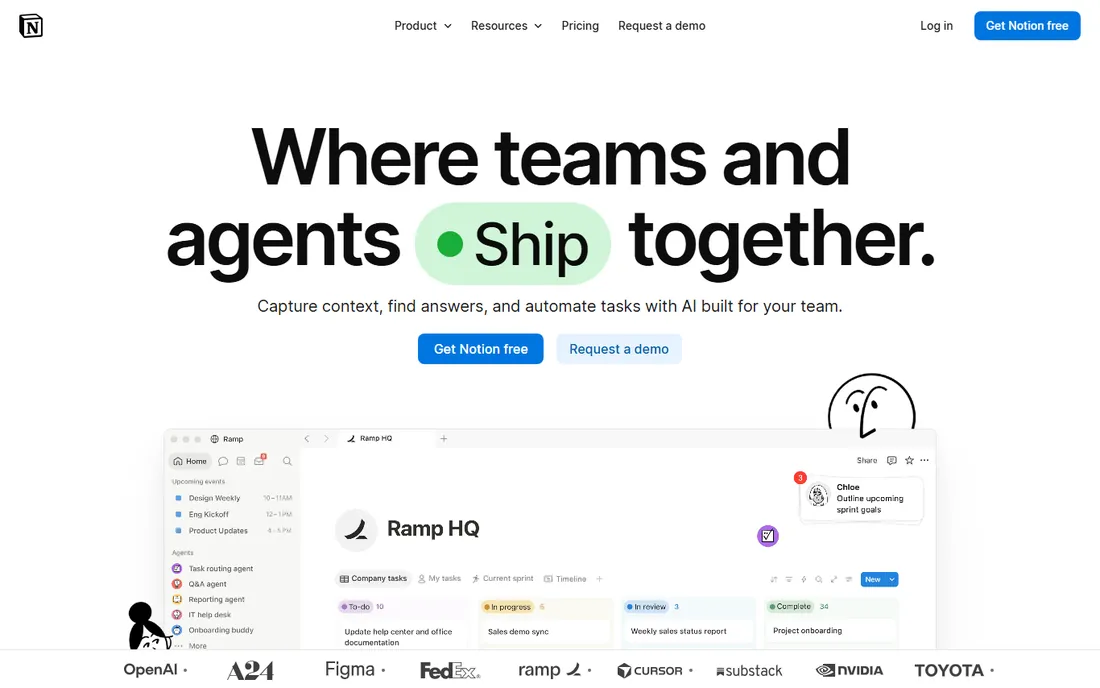
Notion won this year's AI race in documentation. The homepage pitches AI agents that triage feedback, resolve tickets, automate reporting, and search across your apps with citations. Documents sit inside a system of record with tasks, databases, and wikis, and the company reports over 100 million users.
The honest catch is boundaries. Notion is weak for review with people outside your team, who must be workspace members or invited guests, and pages export as PDF, HTML, or Markdown rather than clean DOCX. Use Docs for drafts sent to clients and Notion for the living system behind them.
What we like- Documents with databases, owners, and due dates
- AI agents that answer questions and automate work
- Free plan for personal use
Watch out for- Weak for external review with non-members
- Page export is clumsier than DOCX workflows

#4
Superhuman Docs (formerly Coda)
Best for: App-like collaborative docs
Visit coda.io
Starting priceSee website
Free planNo
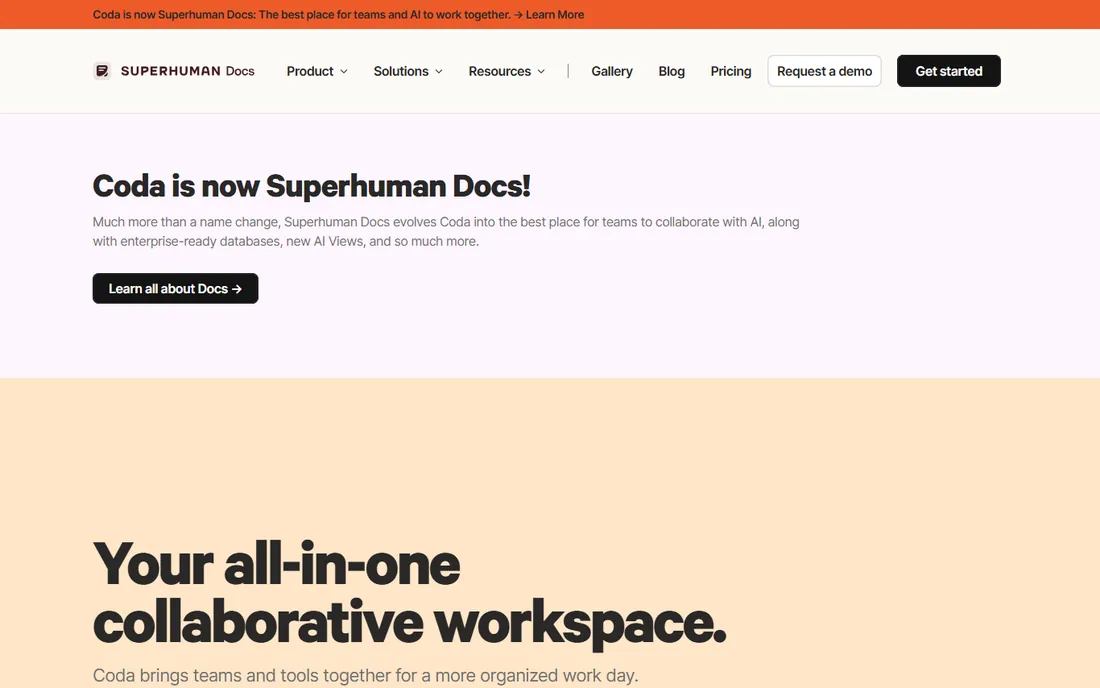
Coda rebranded this year as Superhuman Docs, pitching itself as the best place for teams to collaborate with AI. The product's pitch is unchanged: documents that act like apps, with interactive tables, buttons, automations, and enterprise-ready databases used by 50,000+ teams. Fast Company called it more powerful than Google Docs and more flexible than Airtable or Notion.
The honest catch is complexity. It takes longer to learn than Notion, and with the rebrand we could not confirm a current free tier on the site. For operations teams that want documents to run processes, not just record them, it remains the most capable option.
What we like- Docs that behave like apps with buttons, formulas, and automations
- 600+ integrations
- New AI Views for team collaboration
Watch out for- Steeper learning curve than Notion or Docs
- Free access not confirmed on the current site
Starting priceSee website
Free planYes
LibreOffice Writer is the best completely free Word replacement, and this year it leaned into its identity: the homepage sells "free and private" office software with no forced AI. It opens, edits, and saves DOCX files, runs on Windows, macOS, and Linux, and is free for commercial use under the Mozilla Public License.
The honest catch is the trade-offs of free desktop software. The interface is dated, real-time collaboration is limited, and complex Word documents can lose formatting in conversion. For offline writing, government, and anyone avoiding subscriptions, it is hard to argue with the price.
What we like- Completely free and open source with no licensing restrictions
- Strong Word format compatibility
- No forced AI and full privacy
Watch out for- Interface feels dated
- Cloud collaboration is limited compared to browser editors
Starting priceSee website
Free planYes
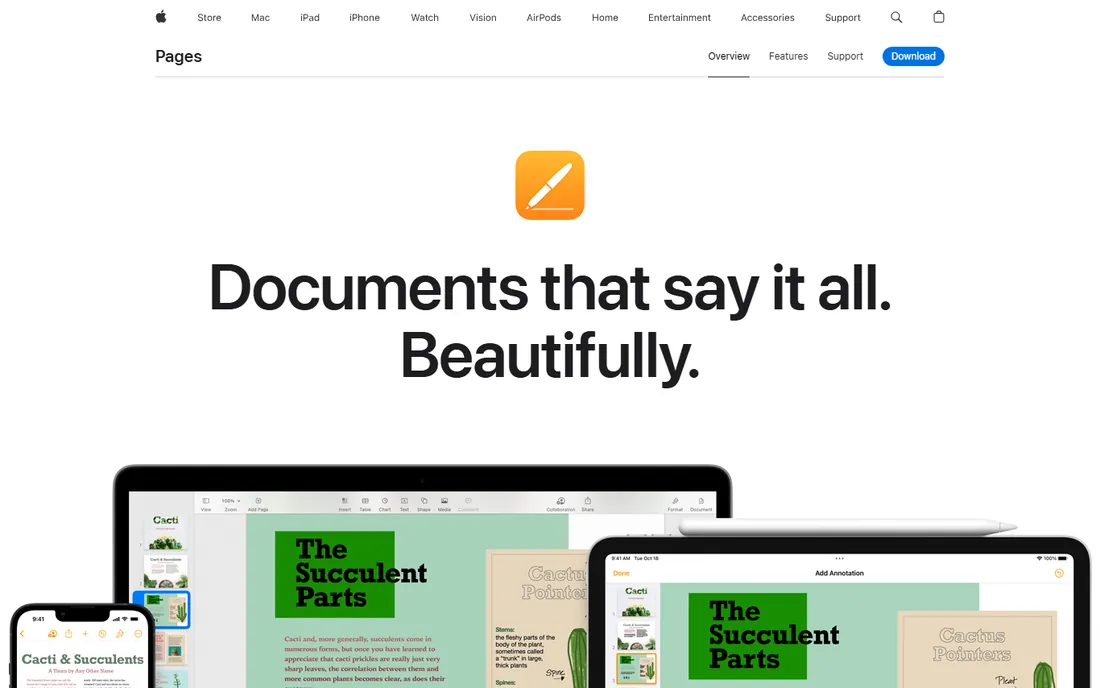
Pages is the quiet gem of this list. It comes included with most Apple devices, offers over 90 Apple-designed templates, and handles layout-heavy documents with gradients, shapes, charts, and embedded video. Real-time collaboration works across Mac, iPad, iPhone, and PC through iCloud, and it exports cleanly to Word.
The honest catch is the ecosystem. Teams on Windows or Android get a web version at best, and round-tripping complex Word files can introduce quirks. For Apple shops, it is a genuinely good editor that most people already own.
What we like- Included free with most Apple devices
- Beautiful templates and design tools
- Real-time collaboration even with PC users via iCloud
Watch out for- Apple-centric
- Word compatibility is good but not perfect

#7
WPS Office
Best for: Free Microsoft-compatible suite
Visit wps.com
Starting priceSee website
Free planYes
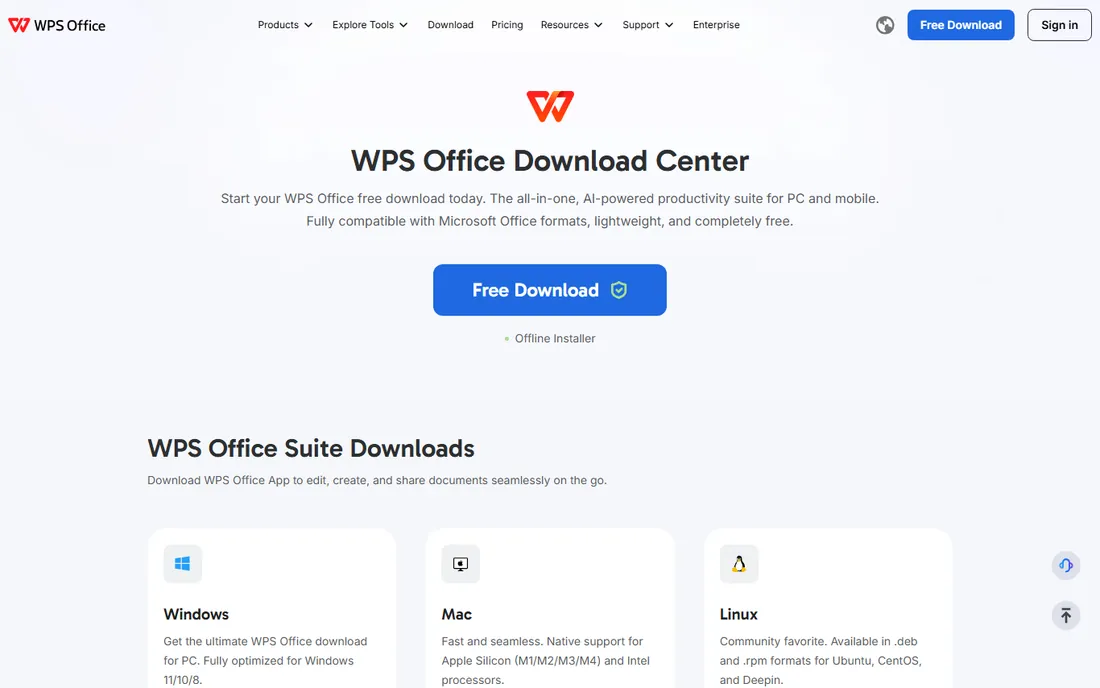
WPS Office is the free suite that looks and feels most like Microsoft Office. The company's own site confirms the core suite is completely free to download and use, with Writer, spreadsheet, presentation, and PDF tools included. It opens, edits, and saves DOCX, XLSX, and PPTX files, and the installer is small and fast.
This year WPS added Copilot, an AI assistant for drafting, summarizing, and analyzing documents. The honest catch is monetization: the free version shows ads, and premium features require a subscription. For users who want the Microsoft Office feel without paying, it is the closest free match.
What we like- Completely free core suite with Writer, spreadsheets, and PDF tools
- Strong Microsoft format compatibility
- Lightweight and fast
Watch out for- Free version includes ads
- Advanced AI and premium features require a subscription
How we chose
We compared the leading document editors using each vendor's own site and documentation in October 2026, alongside G2, Capterra, and independent reviews. We required verifiable live products, noted Coda's 2026 rebrand to Superhuman Docs, and covered drafting, collaboration, and review use cases. We never claim hands-on testing.
Choosing between cloud and desktop editors
Pick cloud for collaboration, desktop for control
If your documents are reviewed by other people, pick Google Docs, Word for the web, or Notion. If your documents are long, formatted, offline, or sensitive, pick Word desktop, LibreOffice, or Pages. Most teams need both, and the winners of this category are the tools that move between the two gracefully.
Check the file format reality
Ask what format your clients, lawyers, or publishers expect. If the answer is DOCX, Word and WPS give the cleanest round trips. If the answer is PDF or a web link, Google Docs and Notion are fine. Test a real document from your own work before committing, because formatting loss always shows up in the details.
Decide your AI position
This year's split is real. Notion, Word, WPS, and Superhuman Docs push AI drafting and agents. LibreOffice explicitly sells privacy with no forced AI. There is no wrong answer, but there is a wrong surprise: pick the tool whose AI story matches your organization's comfort level.
The rebrand worth noting
Coda's 2026 rebrand to Superhuman Docs signals where the category is going. Document editors no longer compete on formatting; they compete on what the document does. Buttons, automations, databases, and AI agents turn a page into software. If your team treats documents as living systems rather than finished artifacts, evaluate the app-like editors before defaulting to Word.
The risk is lock-in of a different kind. When your processes live inside a vendor's interactive docs, migrating away means rebuilding workflows, not just copying text. The traditional editors keep your data in open file formats you can carry anywhere. Ask how your documents export before you build your operations on top of them.
Frequently asked questions
What is the best free document editing software?
Google Docs is the best free editor for collaboration, LibreOffice Writer the best free offline replacement for Word, and WPS Office the closest free match to Microsoft Office's look and feel. Apple users already have Pages free. All four are free with no meaningful catch for most use.
Can I edit Word documents without Microsoft Word?
Yes. Google Docs edits Word files directly without conversion, LibreOffice and WPS Office open and save DOCX files, and Pages imports and exports Word format. For perfect compatibility with complex tracked-changes documents, Word for the web is free.
Is Notion a replacement for Google Docs?
For internal writing, notes, and wikis, yes. For review with people outside your team, no: reviewers must be workspace members or invited guests, and export to DOCX is weaker. Many teams use both, with drafts in Docs and living documentation in Notion.
What happened to Coda?
Coda rebranded to Superhuman Docs in 2026, positioning itself as an AI-first collaborative workspace. The product, integrations, and team plans continue under the new name at coda.io.
Which document editor is best for privacy?
LibreOffice is the strongest pick: free, open source, offline by default, and explicitly marketed with no forced AI. Your documents never leave your machine unless you choose to share them.
Do these editors work offline?
Word desktop, LibreOffice, Pages, and WPS desktop apps work fully offline. Google Docs, Notion, and Superhuman Docs are browser-first with limited offline modes. Pick a desktop editor if you write on planes or in secure facilities.
Sources we checked (7)
- https://www.microsoft.com/en-us/microsoft-365/word
- https://www.google.com/docs/about/
- https://notion.com/
- https://coda.io/
- https://www.libreoffice.org/
- https://www.apple.com/ca/pages/
- https://wps.com/download
Is your product missing or out of date?
We review this list regularly. Vendors can request a listing, send updated pricing or ask about featured placement.

Shihab Mia · Founder, Rankite
Shihab has spent more than a decade helping SaaS and e-commerce brands grow through search. He writes Rankite's software buying guides from pricing pages, documentation and public user reviews. More about Shihab.
 Microsoft Word
 Google Docs
 Notion
 LibreOffice Writer
 Apple Pages