How we make this list: we compare pricing pages, product documentation and public user reviews. Rankite is independent; if a vendor ever pays for a featured spot, that listing is clearly labeled Partner.
Key takeaways
- Jotform leads on breadth: 40+ million users, 150+ integrations, payments, and workflow automation.
- Typeform owns conversational forms, with a confirmed free plan and AI form generation from $28/month billed annually.
- Zoho Forms is the AI standout: PDF-to-form and photo-to-form conversion plus a genuinely useful free plan.
- Cognito Forms and Paperform give small businesses powerful free tiers with payments and calculations.
- Formstack suits enterprises needing documents, e-signatures, and Salesforce-native workflows.
Quick comparison
| Tool | Best for | Starting price | Free plan |
|---|
 Jotform Jotform | All-round form platform | See website | Yes |
 Typeform Typeform | Conversational forms | $28 per month (billed annually) | Yes |
 Formstack Formstack | Enterprise workflows | See website | No |
 Cognito Forms Cognito Forms | Calculations and approvals | See website | Yes |
 Paperform Paperform | Branded SMB forms | See website | Yes |
 Fillout Fillout | Flexible modern builder | See website | No |
 Zoho Forms Zoho Forms | AI form conversion | See website | Yes |
 Formsite Formsite | Secure payment forms | See website | No |
Is your product missing or out of date?
We review this list regularly. Vendors can request a listing, send updated pricing or ask about featured placement.
Starting priceSee website
Free planYes
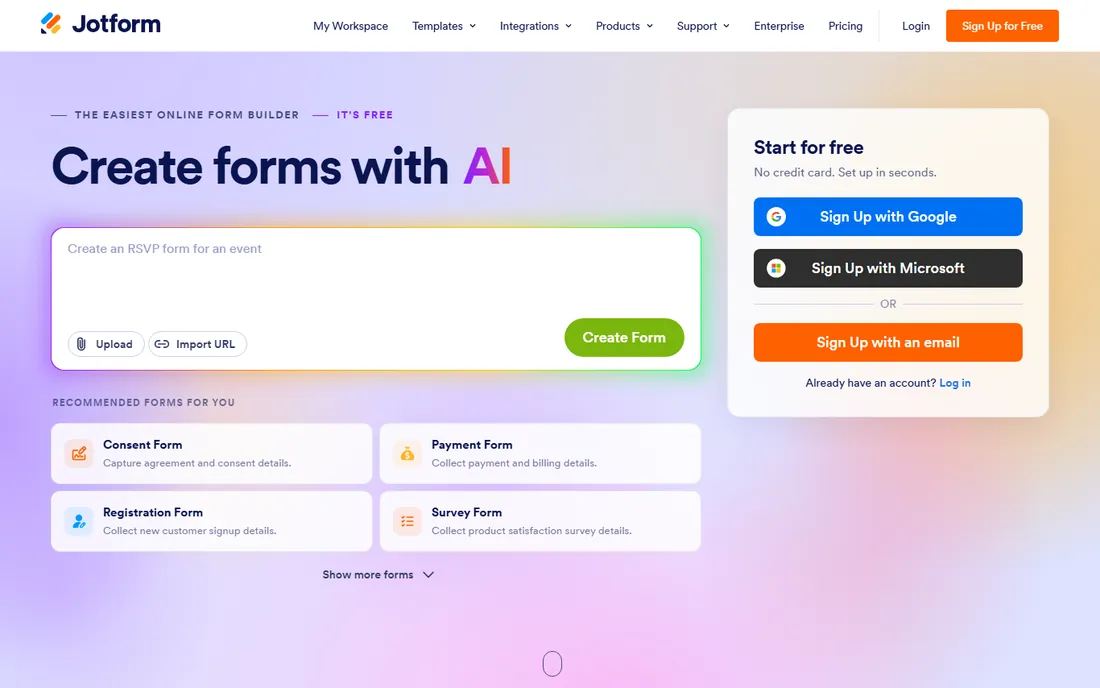
Jotform is the default recommendation for a reason. The drag-and-drop builder covers contact forms, registrations, surveys, payment forms, and HIPAA-compliant intake, with conditional logic, report generation, and workflow automation. Integrations span CRMs, email marketing, project boards, and cloud storage, and the free plan lets you start without a card.
This year the company leaned into AI with an AI-powered builder and AI agents. The honest catch is fragmentation: Jotform's empire now includes Apps, Tables, Workflows, and Sign, which is powerful but can feel like several products stitched together. For most small businesses, the free plan plus one paid tier covers everything.
What we like- 40+ million users with a huge template library
- Payments, e-signatures, and workflow automation built in
- 150+ integrations
Watch out for- Free plan limits submissions and payments
- Advanced features spread across many products
Starting price$28 per month (billed annually)
Free planYes
Typeform's conversational format remains the best-looking way to ask questions online, and the data supports it: the company claims its adaptive logic doubles completion rates versus traditional forms. The 2026 platform adds AI form creation, Growth Flow automations for lead enrichment and follow-up, Research Flow for AI-moderated studies, and data enrichment with high match rates.
The Basic plan at $28 a month billed annually includes 100 responses a month, and the free plan exists for trying before buying. The honest catch is the response-based pricing: costs climb with volume, and removing Typeform branding needs the Plus tier. For marketing teams where completion rate is the metric, it earns its price.
What we like- One-question-at-a-time format doubles completion rates
- AI builds forms from a prompt
- Free plan confirmed on the pricing page
Watch out for- Response limits scale with price
- Branding removal requires Plus or higher
Starting priceSee website
Free planNo
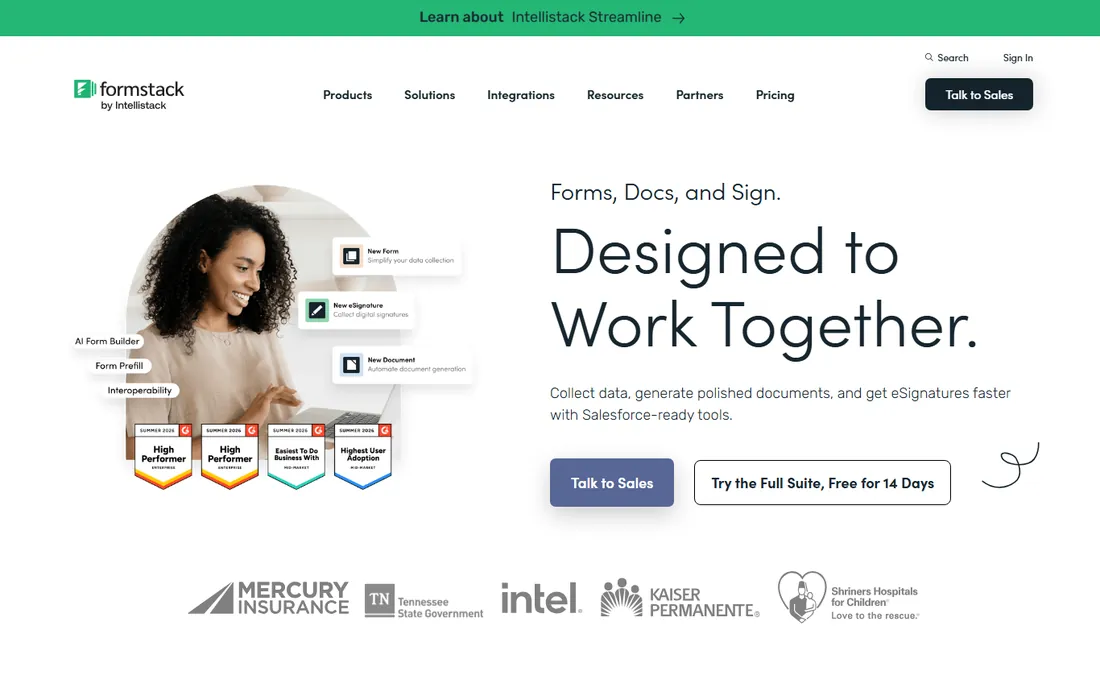
Formstack is the enterprise answer to forms. Beyond the form builder, the suite generates documents from submissions and collects e-signatures with no per-envelope fees, which matters at scale. The Salesforce integration is unusually deep: forms are administered inside the Salesforce org rather than through an API bolt-on.
The honest catch is accessibility. There is no free tier, pricing is quote-based, and the platform assumes an IT team. Mid-market and enterprise operations with compliance needs and Salesforce at the center should evaluate it. Everyone else will find cheaper, simpler tools above.
What we like- Forms, documents, and e-signatures in one suite
- Salesforce-native form management
- No pay-per-envelope signatures
Watch out for- No free plan
- Pricing and complexity skew enterprise
Starting priceSee website
Free planYes
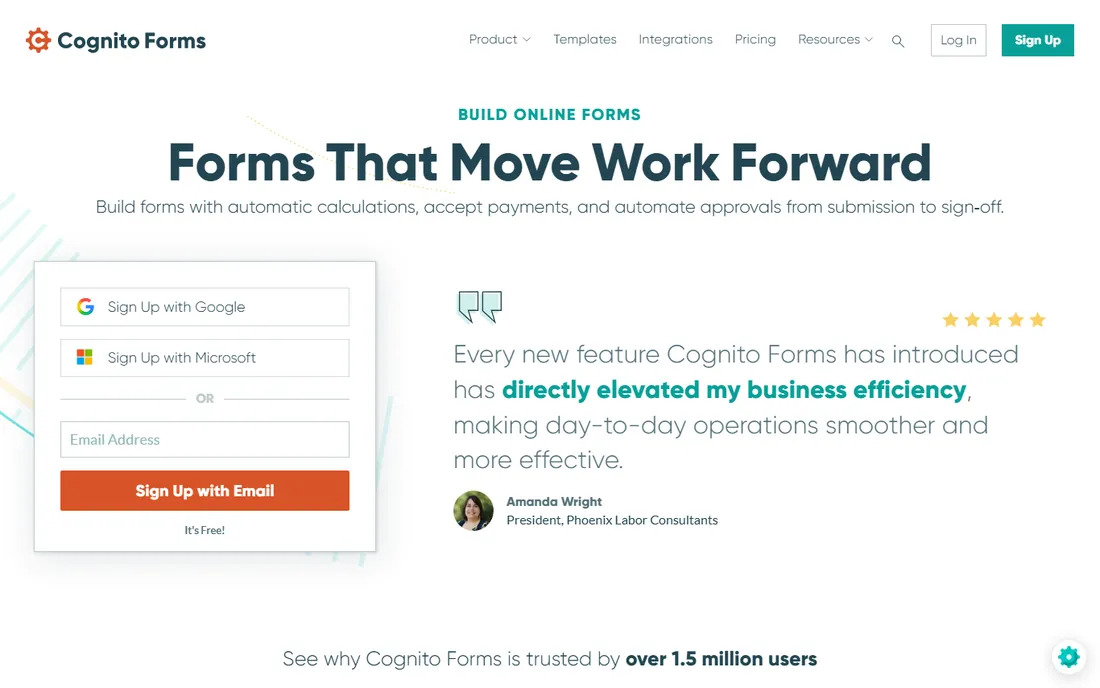
Cognito Forms punches above its weight on the free tier. Automatic calculations, online payments through Stripe, Square, and PayPal, approval workflows from submission to sign-off, e-signatures, and document generation are all in the product, trusted by over 1.5 million users. Compliance coverage includes HIPAA, GDPR, and CCPA.
The honest catch is polish. The builder works well but looks a generation behind Typeform and Paperform, and the deepest workflow features sit on paid plans. For nonprofits, schools, and small businesses that need calculations and approvals without paying enterprise prices, it is one of the best values in this category.
What we like- Free plan with calculations, payments, and workflow automation
- HIPAA, GDPR, and CCPA compliance
- E-signatures and document generation included
Watch out for- Interface less modern than rivals
- Advanced workflow features need paid tiers
Starting priceSee website
Free planYes
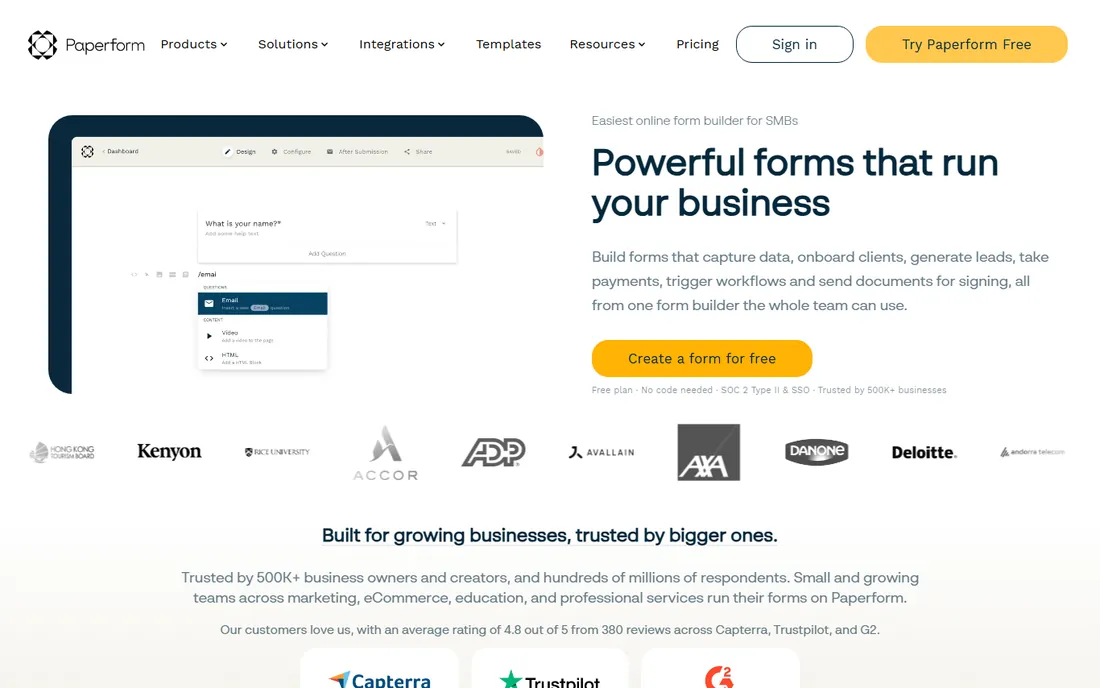
Paperform's superpower is design. Forms look like part of your website rather than embedded widgets, with custom fonts, themes, domains, and guided one-question-at-a-time layouts. Underneath, it handles payments, bookings, calculations, conditional logic, and integrations with CRMs and email tools. The free plan covers simple forms and workflows with no credit card.
The platform story is the differentiator: Papersign generates contracts from submissions for e-signature, and Stepper turns submissions into multi-step automated workflows. The honest catch is pricing opacity on the homepage. For agencies and SMBs where brand impression matters, it is the prettiest option here.
What we like- Forms that blend into your website like native pages
- Native AI for drafting, logic, and insights
- Papersign e-signatures and Stepper workflows included
Watch out for- Pricing not published on the homepage
- Advanced automation needs the wider platform
Starting priceSee website
Free planNo
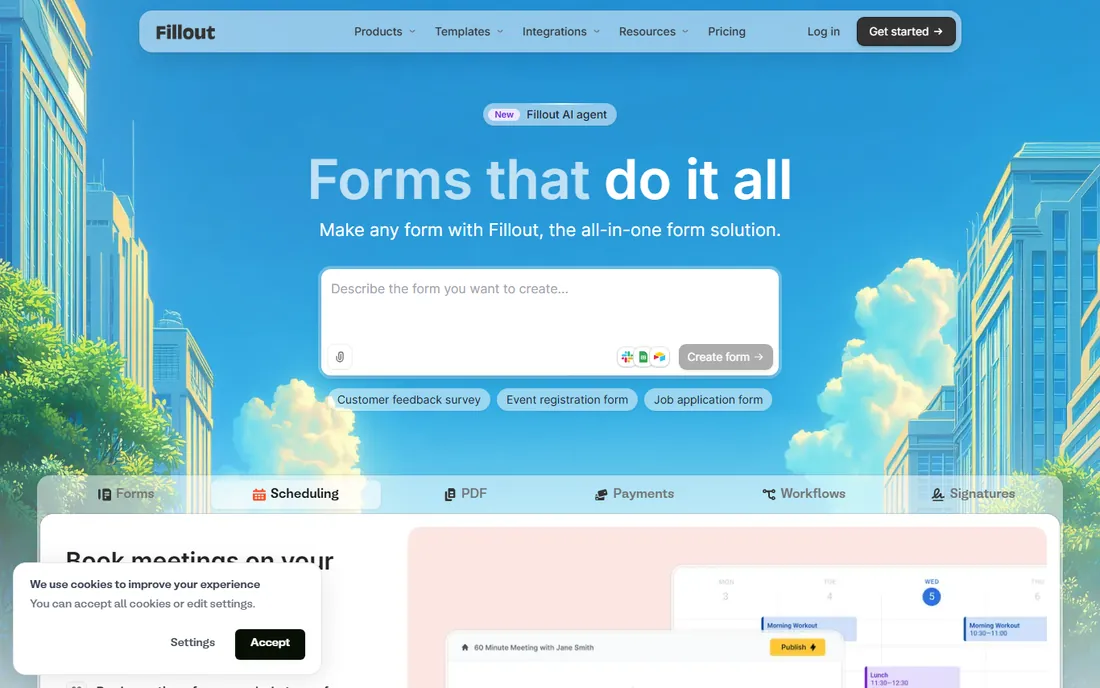
Fillout is the modern builder that power users keep recommending. Drag-and-drop creation with custom CSS, full white-labeling down to the favicon, custom domains, intelligent routing, and the unusual ability for respondents to log in and update their own submissions. Over 100,000 organizations use it for secure data intake, with strong ratings on G2 and Product Hunt.
The honest catch is transparency: we found no free tier or pricing on the homepage, so plan for a sales or signup conversation. For teams that outgrew simpler builders and want design control without enterprise bloat, it deserves a trial.
What we like- Modern builder with custom CSS and white-labeling
- Respondent login to update submissions
- 50+ native integrations
Watch out for- No confirmed free tier on the site
- Pricing not published on the homepage
Starting priceSee website
Free planYes
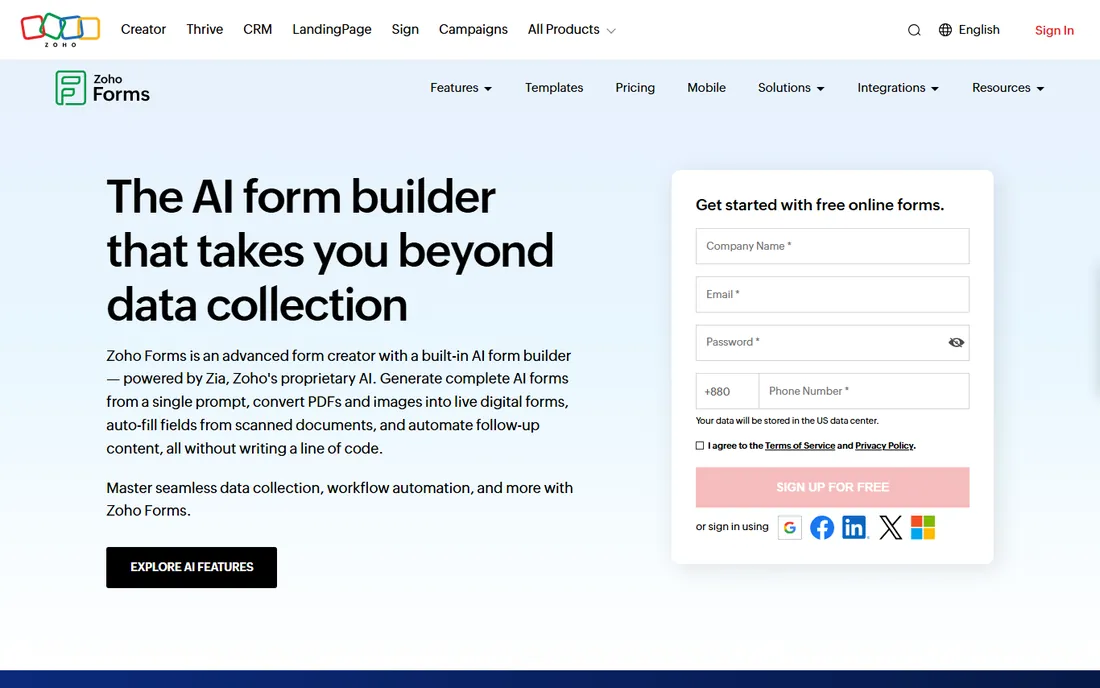
Zoho Forms made the boldest AI move in this category. Zia, Zoho's AI, generates complete forms from a prompt, converts static PDFs into editable forms by detecting fields and labels, and turns photos of paper forms into digital ones. Smart Scan prefills fields from uploaded IDs and receipts using OCR.
The free plan is genuinely useful: forms, skip logic, rules, payment integrations, and Zoho app connections at no cost. The honest catch is ecosystem gravity: the best experience comes with Zoho CRM and friends. For businesses digitizing paper processes, the PDF and image conversion alone justifies a look.
What we like- AI converts PDFs and photos into live forms
- Free plan includes logic, payments, and Zoho integrations
- Offline mobile collection with kiosk mode
Watch out for- Deepest value inside the Zoho ecosystem
- AI features need review before publishing
Starting priceSee website
Free planNo
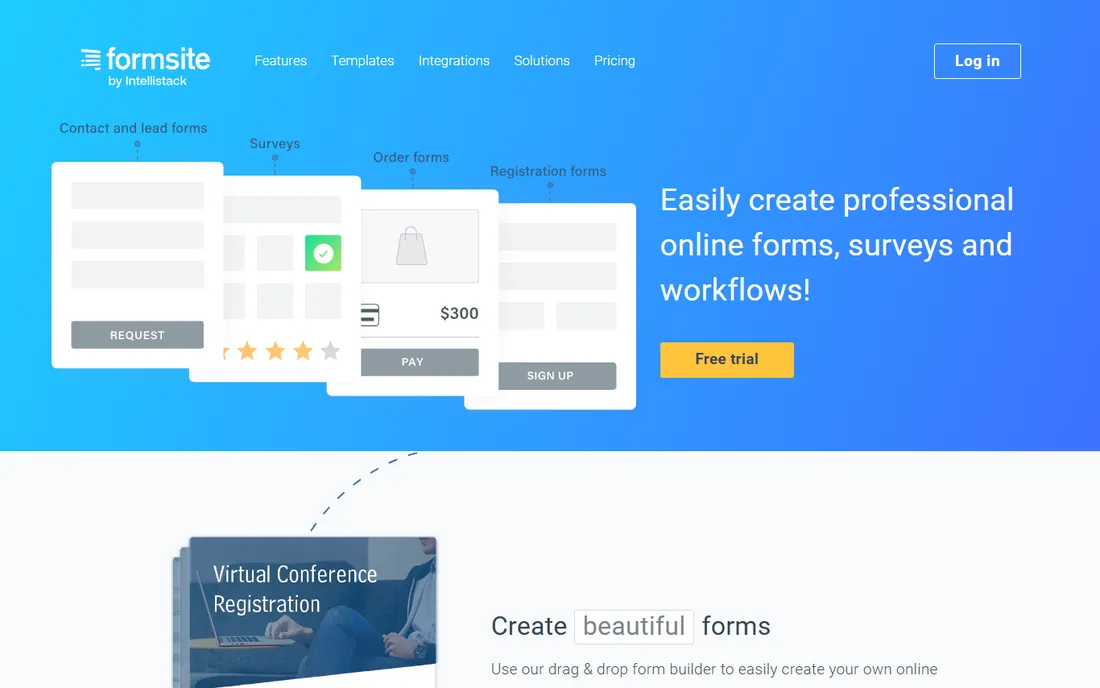
Formsite is the veteran. The drag-and-drop builder covers registrations, surveys, and order forms with over 100 templates and 40 question types, but the real story is trust: more than $500 million in payments processed, with PayPal, Stripe, Braintree, and Authorize.net integrations, plus field-level encryption for sensitive data.
Integrations span Salesforce, DocuSign, Dropbox, and Zapier. The honest catch is age: the interface feels dated next to modern builders, and there is no free tier. For organizations that prioritize proven payment handling and data security over design fashion, it remains a safe choice.
What we like- Long track record with $500M+ processed in payments
- Field-level encryption and strong validation
- Deep integrations including Salesforce and DocuSign
Watch out for- No free plan
- Interface shows its age
How we chose
We compared the leading form builders using each vendor's own site and documentation in October 2026, supplemented by G2, Capterra, and user reviews. We required verifiable live products with real free or trial access where claimed, and covered use cases from simple contact forms to enterprise intake workflows. We never claim hands-on testing.
What to consider before you build
Check the free plan's real limits
Free form tiers differ sharply. Zoho Forms and Cognito Forms include payments and logic free, Jotform's free plan allows 10 payments a month, and some tools offer no free tier at all. Count your expected monthly submissions and check payment, storage, and branding limits before committing.
Match compliance to your data
Collecting health, financial, or children's data changes the shortlist. Jotform offers HIPAA compliance on higher plans, Cognito Forms and Zoho Forms list HIPAA and GDPR compliance, and Formsite offers field-level encryption. Get a business associate agreement in writing before collecting regulated data.
Plan for what happens after submit
A form is only as good as its follow-through. Confirm the tool routes submissions where you need them: CRM, email list, Slack, spreadsheet, or approval chain. Native integrations beat Zapier workarounds for reliability, and workflow automation matters more than form design once volume grows.
Forms were the last place you would expect AI to matter, and now it is everywhere. Zoho converts PDFs and photos into forms. Typeform and Paperform draft forms from prompts and summarize responses. Jotform deploys AI agents. The practical effect is speed: the gap between "I need an intake form" and a working form is now minutes.
The caution is review. AI-generated forms need a human pass for field logic, required fields, and compliance wording. Use AI for the first draft and spend your saved time on the parts AI cannot do: the questions themselves, the follow-up workflow, and testing the form on a phone.
Frequently asked questions
What is the best free software for fillable forms?
Zoho Forms and Cognito Forms offer the most capable free plans, including logic and payments. Jotform's free plan is generous for getting started. For simple surveys, any of these works; for payments and workflows on a free tier, Zoho and Cognito lead.
Can I create a fillable PDF with these tools?
These are online form builders, not PDF editors. They create web forms people fill in through a browser. If you need a fillable PDF file that people download, use a PDF editor. Some tools, like Jotform and Cognito Forms, can generate PDFs from submitted responses.
Which form builder is best for payments?
Jotform, Cognito Forms, Zoho Forms, and Paperform all accept payments through Stripe, PayPal, and others on affordable plans. Formsite is the veteran for high-volume payment forms with $500M+ processed. The payment processor still charges its own fee on top.
Are online forms secure?
Reputable builders use SSL encryption and offer GDPR compliance; several add HIPAA, CCPA, and SOC 2. For sensitive data, choose a vendor with the compliance you need, enable field encryption where offered, and get agreements in writing.
What is the easiest form builder for beginners?
Jotform's template library and drag-and-drop builder make it the easiest start. Typeform's conversational format is intuitive, and Paperform edits like a document. All three have free plans or trials, so try your actual form in each before deciding.
Do form builders integrate with CRMs?
Yes. Jotform lists 150+ integrations, Formstack manages forms natively inside Salesforce, Zoho Forms connects to Zoho CRM, and most tools connect to HubSpot, Salesforce, and others directly or through Zapier. Confirm your specific CRM has a native integration before buying.
Sources we checked (9)
- https://jotform.com/
- https://typeform.com/
- https://typeform.com/pricing/
- https://formstack.com/
- https://www.cognitoforms.com/
- https://paperform.co/
- https://www.fillout.com/
- https://www.zoho.com/forms/
- https://www.formsite.com/
Is your product missing or out of date?
We review this list regularly. Vendors can request a listing, send updated pricing or ask about featured placement.

Shihab Mia · Founder, Rankite
Shihab has spent more than a decade helping SaaS and e-commerce brands grow through search. He writes Rankite's software buying guides from pricing pages, documentation and public user reviews. More about Shihab.