How we make this list: we compare pricing pages, product documentation and public user reviews. Ratings come from G2, Capterra or Trustpilot, with the date we checked them.
Key takeaways
- Expensify is the strongest all-round pick for teams that need receipt scanning plus approvals, mileage, and reimbursement in one app.
- Shoeboxed is the clear pick for paper backlogs, thanks to its mail-in Magic Envelope service and human-verified data extraction.
- Zoho Expense offers the best free tier for small teams, with scanning and reports for up to three users at no cost.
- Wave gives freelancers free receipt capture tied to free bookkeeping, while Dext suits accountants who manage documents for many clients.
- Scan limits, per-user pricing, and accounting integrations matter more than headline price, so check those three items before you commit.
Quick comparison
| Tool | Best for | Starting price | Free plan |
|---|
 Expensify Expensify | Teams that need full expense reports | $5 per user/month | Yes |
 Dext Dext | Accountants and bookkeepers | See website | No |
 Shoeboxed Shoeboxed | Paper receipt backlogs | See website | Yes |
 Zoho Expense Zoho Expense | Small teams on a budget | $3 per user/month | Yes |
 Wave Wave | Freelancers who want free capture | $0 per month | Yes |
 QuickBooks Online QuickBooks Online | Existing QuickBooks users | See website | No |
 FreshBooks FreshBooks | Freelancers who invoice clients | See website | Free trial |
 Everlance Everlance | Mileage plus receipts | See website | Yes |
 Neat Neat | Small businesses focused on tax records | See website | Free trial |
Is your product missing or out of date?
We review this list regularly. Vendors can request a listing, send updated pricing or ask about featured placement.
The best receipt tracking apps
#1Expensify
Best for: Teams that need full expense reports4.5/5 on
G2 (5,685 reviews, checked Oct 2026)
Visit expensify.com
Starting price$5 per user/month
Free planYes
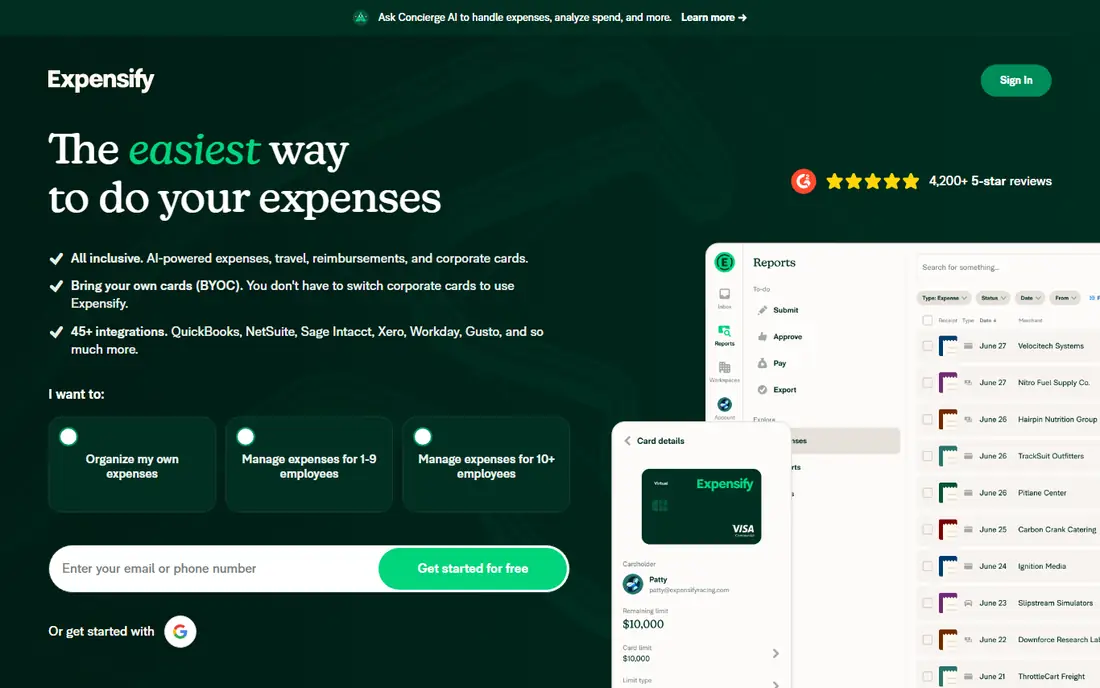
Expensify turns a receipt photo into an expense in a few taps. You can scan from the app, forward a digital receipt by email, or swipe an Expensify Card and let the transaction create itself. Reports build themselves from those expenses, and managers can approve and reimburse from the same place. That closed loop is why so many small teams pick it over a capture-only app.
Individual use is free, which makes it easy to try before asking a team to join. Company plans start at $5 per member, and card cash back can offset part of that cost for some firms. The main limit is scope creep: if you only need to store receipts for taxes, Expensify has more workflow than you need. If you reimburse staff or bill expenses to clients, that extra workflow pays for itself.
What we like- Fast SmartScan capture
- Automatic report creation
- Card matching and quick reimbursement
Watch out for- Full features are team-priced
- Advanced accounting sync sits on paid plans
#2Dext
Best for: Accountants and bookkeepers4.6/5 on
G2 (411 reviews, checked Oct 2026)
Visit dext.com
Starting priceSee website
Free planNo
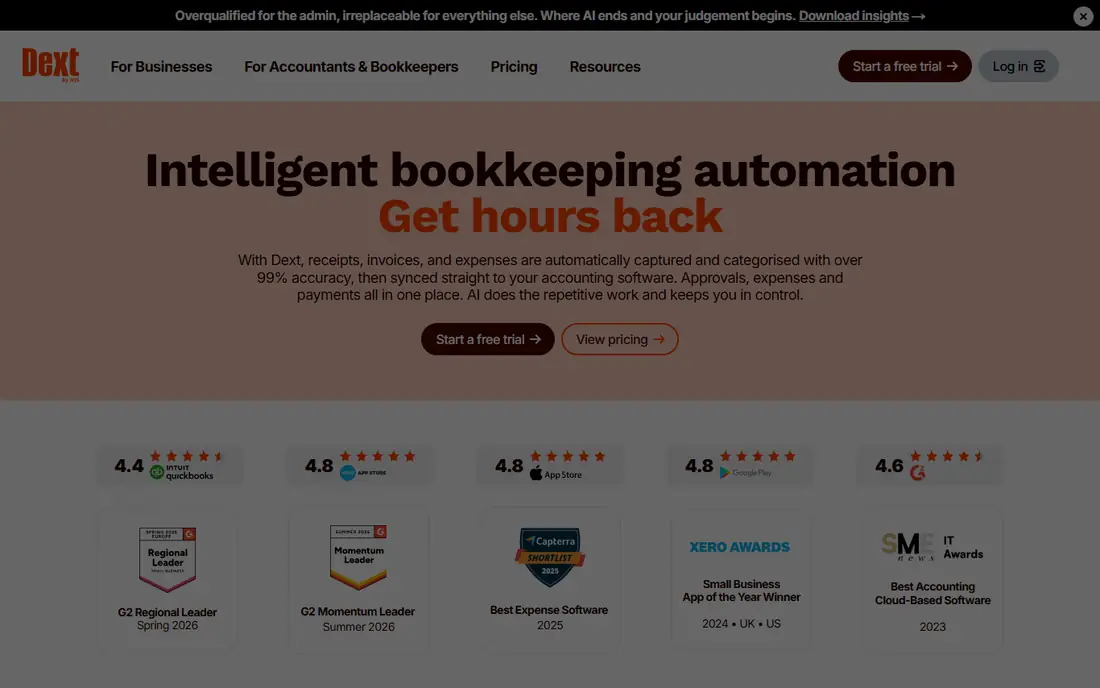
Dext, formerly Receipt Bank, is built for volume. Clients can submit receipts by app, email, or auto-fetch, and Dext extracts vendor, date, amount, and tax details for review. Accountants can manage many clients from one dashboard, set approval steps, and push clean data into accounting software. A 14-day free trial lets firms test extraction quality on real documents before paying.
Pricing depends on user count and document volume, so Dext does not publish one simple starting rate. That custom model suits firms with steady monthly volume, but it can feel opaque for a solo user with a handful of receipts. If your bookkeeper already uses Dext, joining their workflow is usually smarter than picking a different app. The data will arrive in the format they already trust.
What we like- Strong extraction for receipts and invoices
- Client upload tools
- Syncs with QuickBooks, Xero, and Sage
Watch out for- Pricing is custom by volume
- More tool than a solo freelancer needs
#3Shoeboxed
Best for: Paper receipt backlogs4.4/5 on
G2 (30 reviews, checked Oct 2026)
Visit shoeboxed.com
Starting priceSee website
Free planYes
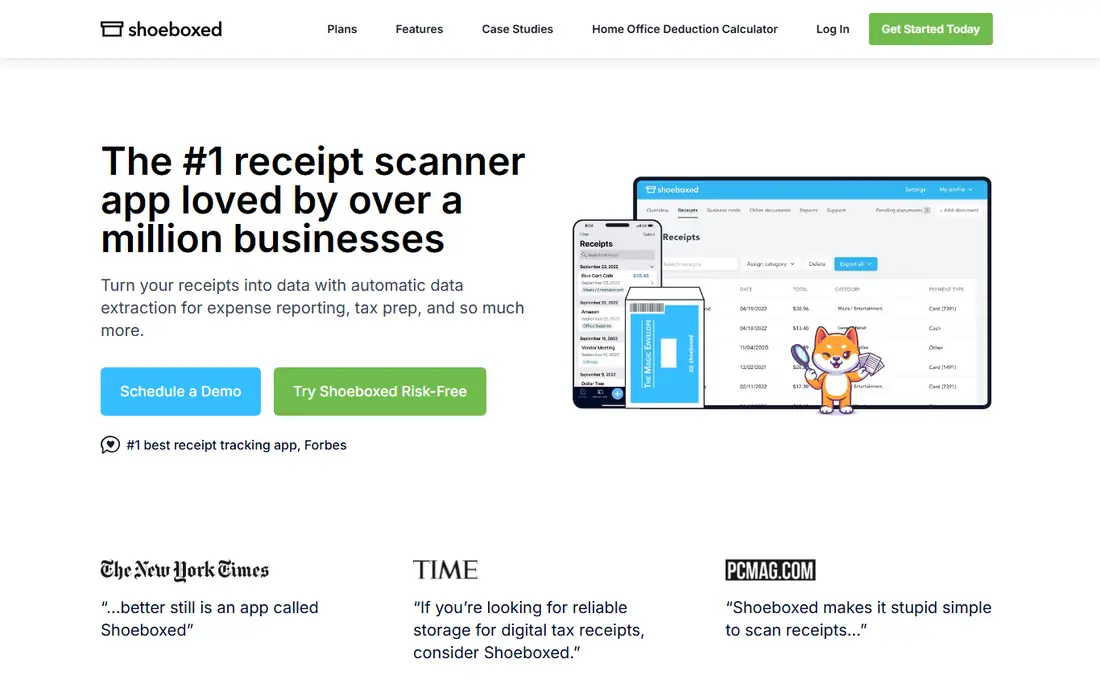
Shoeboxed solves a different problem from most apps on this list: the box of paper you have avoided for months. You can scan with the app, but you can also stuff receipts into a prepaid Magic Envelope, mail it in, and let Shoeboxed scan and verify the data. Each receipt is checked by a person after optical character recognition, which catches errors that pure software scanning can miss. Data is sorted into tax categories and kept searchable for reports.
There is a free DIY plan for manual entry, while paid plans add automatic extraction and verification. That structure means Shoeboxed can cost more than a simple scanner if you scan everything yourself. For a business owner with years of paper, or for a firm that wants audit-ready images and verified totals, the mail-in service is worth the premium. Mileage tracking in every plan is a useful bonus for field-based work.
What we like- Mail-in Magic Envelope service
- Human-verified extraction
- Mileage tracking included
Watch out for- Paid plans cost more than app-only rivals
- Verification adds processing time for mailed batches
#4Zoho Expense
Best for: Small teams on a budget4.5/5 on
G2 (1,579 reviews, checked Oct 2026)
Visit zoho.com
Starting price$3 per user/month
Free planYes
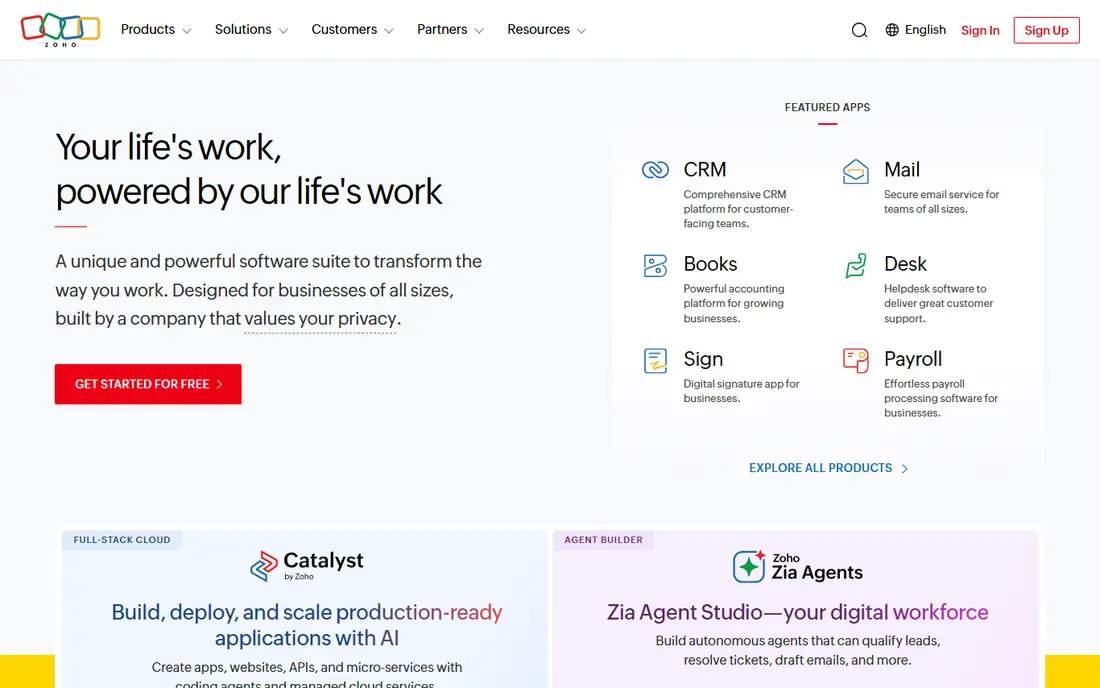
Zoho Expense is the value pick for a small team that wants real expense workflow without a large bill. The free tier covers up to three users with receipt scanning and expense reports, which is enough for many startups and side businesses. Paid plans start at $3 per user per month in published comparisons, and add approvals, multi-currency support, and deeper policy controls. Autoscan reads receipts in more than a dozen languages, a plus for teams that travel.
The main catch is ecosystem fit. Zoho Expense works best when paired with Zoho Books, and firms on QuickBooks or Xero should check the sync depth for their setup. For a team already using Zoho apps, the choice is easy. For others, the free tier still makes it worth a test, since you can judge scan quality and report layout before paying anything.
What we like- Free tier for up to three users
- Autoscan in many languages
- Strong Zoho Books integration
Watch out for- Best value inside the Zoho system
- Some advanced controls need paid plans
#5Wave
Best for: Freelancers who want free capture4.3/5 on
G2 (328 reviews, checked Oct 2026)
Visit waveapps.com
Starting price$0 per month
Free planYes
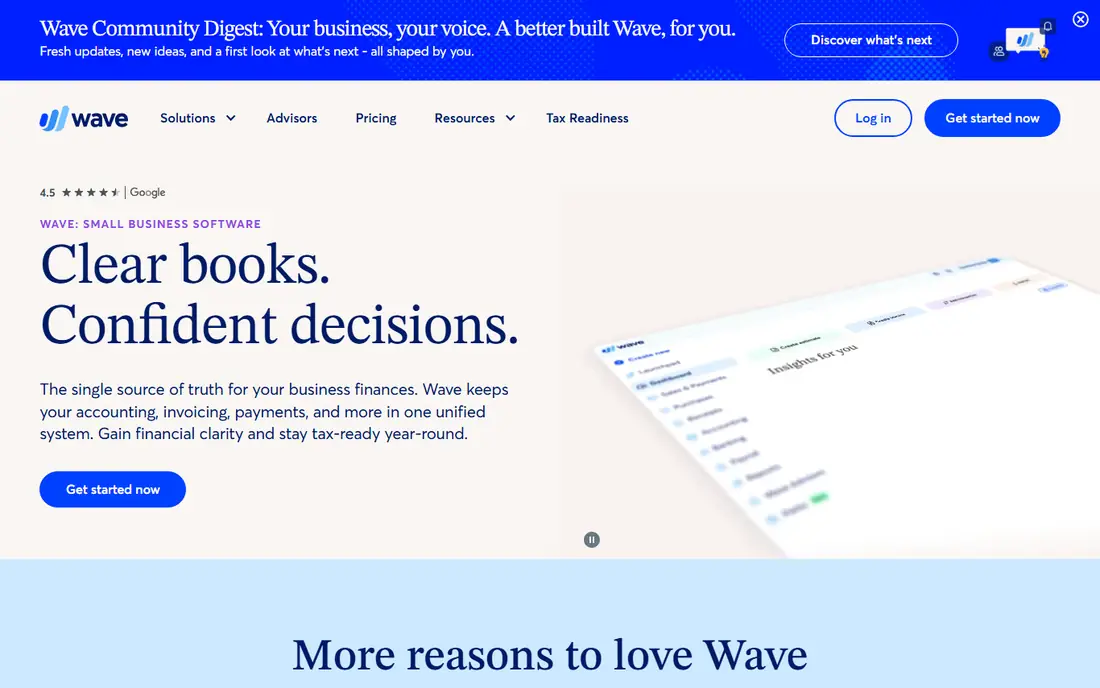
Wave is built for freelancers and very small businesses that need to keep costs near zero. Receipts can be scanned from the mobile app and attached to transactions in Wave bookkeeping, so income, expenses, and tax records stay in one free account. There is no per-user fee at the entry level, and the interface stays focused on the basics: record it, categorize it, and find it later.
Wave will not suit a team that needs multi-level approvals, corporate cards, or complex policy rules. Its receipt capture is also less detailed than specialist tools, with fewer extraction and verification options. For a solo operator who invoices a handful of clients and wants clean records for taxes, those limits rarely matter. Start free, and move to a paid expense platform only when staff reimbursements become a regular task.
What we like- Free receipt scanning and bookkeeping
- Simple income and expense tracking
- Good for very small firms
Watch out for- No advanced approval workflow
- Receipt tools are simpler than Dext or Expensify
Starting priceSee website
Free planNo
If you already run your books in QuickBooks Online, its built-in receipt capture is often the simplest answer. Snap a receipt, let QuickBooks read the vendor and amount, and attach it to the matching transaction. Because the receipt lives where the books live, there is no second app to sync, no duplicate categories to map, and no export step at tax time. A 30-day trial on QuickBooks plans lets new users test that flow.
The trade-off is depth. QuickBooks capture is solid for everyday receipts, but it lacks the mail-in service of Shoeboxed, the client portals of Dext, and the approval depth of Expensify. Pricing is also bundled, so you pay for a full accounting plan even if you only wanted receipt storage. For firms already paying for QuickBooks, though, using the built-in tool avoids another subscription entirely.
What we like- Receipt capture inside your accounting system
- No separate sync to maintain
- Strong reporting for taxes
Watch out for- Pricing is bundled with QuickBooks plans
- Capture is basic compared with specialist apps
#7FreshBooks
Best for: Freelancers who invoice clients4.5/5 on
G2 (981 reviews, checked Oct 2026)
Visit freshbooks.com
Starting priceSee website
Free planFree trial
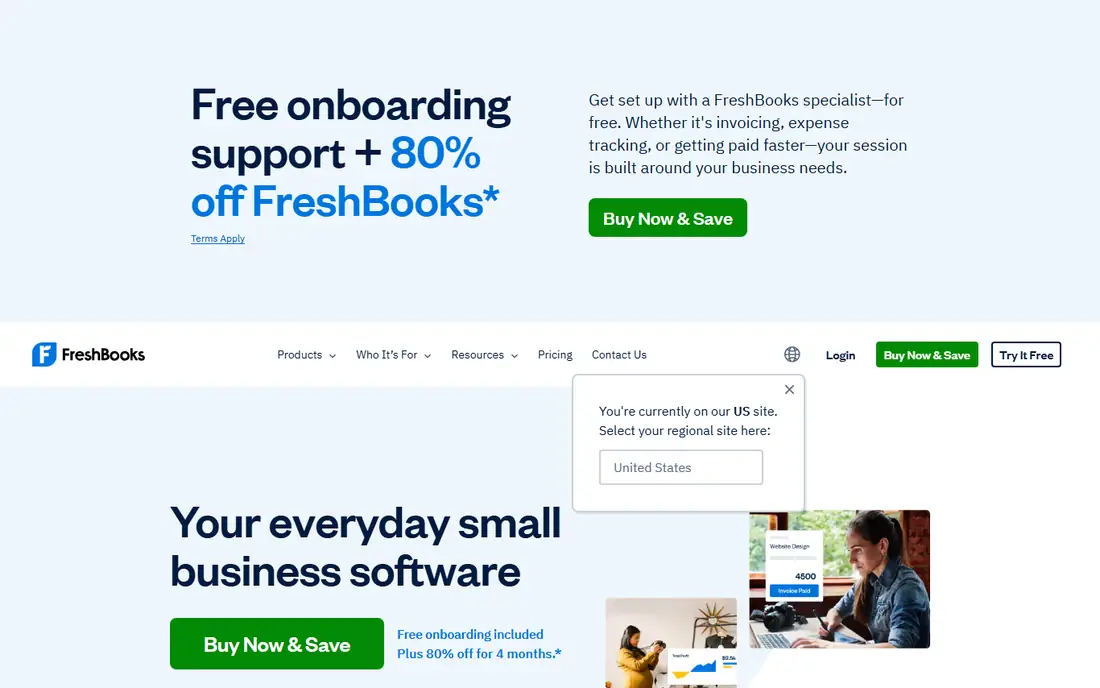
FreshBooks appeals to freelancers and service firms that bill by project. A receipt can be captured, categorized, and linked to a client or project, then reflected in invoices and profit reports. That link matters when you need to pass costs through to a client or show job profitability at a glance. The interface is calm and easy to learn, which helps owners who do their own books.
FreshBooks is not a team expense platform in the Expensify sense. It has no deep approval chain for large staff groups, and its receipt tools work best inside FreshBooks accounting. Pricing starts with a published monthly plan, with a trial available, but rates vary by plan and promotion, so check the current pricing page. For a solo consultant or small agency, the invoice-plus-receipt pairing is a real time saver.
What we like- Receipts attach directly to invoices and projects
- Clean client billing
- 30-day trial on paid plans
Watch out for- Receipt capture is tied to FreshBooks accounting
- Less suited to large teams
#8Everlance
Best for: Mileage plus receipts4.4/5 on
G2 (133 reviews, checked Oct 2026)
Visit everlance.com
Starting priceSee website
Free planYes
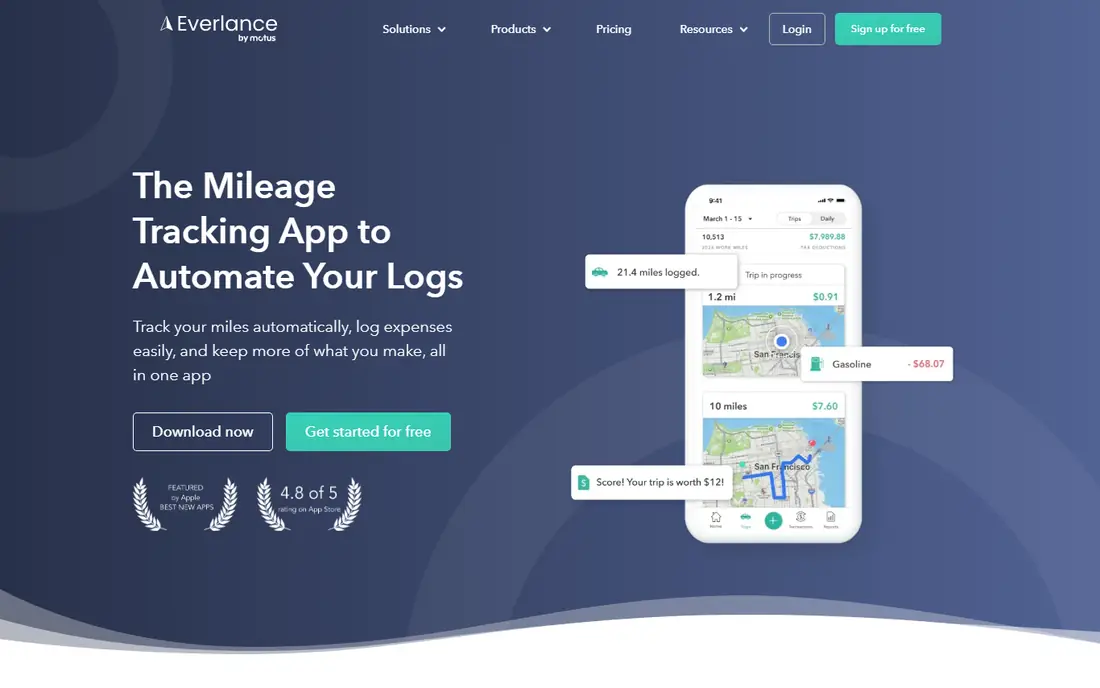
Everlance started as a mileage tracker, and that history still shapes it. The app can log drives automatically, classify them as business or personal, and store receipts beside those trips. For realtors, sales staff, delivery drivers, and field technicians, that pairing is valuable: a trip and its fuel or parking receipt stay together, which makes reimbursement and tax records far easier to defend. A free tier covers basic tracking, with premium plans adding more trips and reports.
As a receipt-only tool, Everlance is thinner than Shoeboxed or Dext. It does not offer mail-in scanning or accountant client portals, and it is not a full bookkeeping system. Buy it for the mileage-plus-receipt combination, not for complex expense approvals. If driving is a large share of your deductible costs, that combination can justify the app on its own.
What we like- Automatic mileage tracking
- Receipt capture in the same app
- Useful for drivers and field staff
Watch out for- Mileage is the core strength, not full accounting
- Premium features need a paid plan
#9
Neat
Best for: Small businesses focused on tax records
Visit neat.com
Starting priceSee website
Free planFree trial
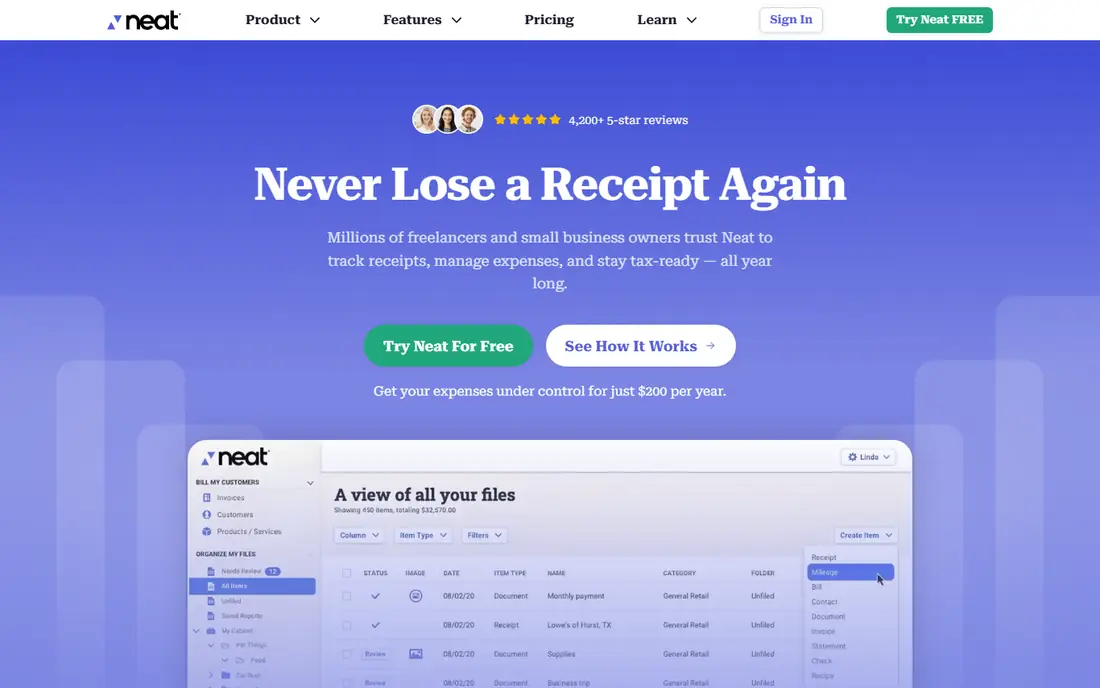
Neat focuses on turning receipts, invoices, and documents into organized, searchable tax records. Small businesses can scan, categorize, and store documents, then pull reports for tax preparation. That tax-first angle suits owners who care less about daily expense approvals and more about having a clean archive when an accountant asks for proof. A free trial lets users test scanning and organization before subscribing.
Neat has less momentum than Expensify or Zoho in recent years, and its mobile experience feels less polished than newer rivals. Pricing is also plan-based, without a strong free tier for ongoing use. Still, for a small business that wants one archive for receipts and tax documents, with connections to tax preparation tools, Neat remains a workable choice. Test it against Shoeboxed if tax organization is your top goal.
What we like- Document organization for taxes
- Receipt and invoice capture
- Tax software connections
Watch out for- Interface feels dated next to newer apps
- Pricing is plan-based rather than free-first
How we chose
We compared vendor pricing pages, product documentation, and public reviews on G2, Capterra, and Reddit, with attention to scan accuracy, extraction fields, report quality, mileage support, and accounting integrations. We also weighed who the app serves, since a solo freelancer, a reimbursing team, and an accounting firm need different tools. Apps were kept only when receipt tracking is a core function, not a minor add-on.
We did not claim hands-on testing for this guide. Scan accuracy varies with photo quality, receipt condition, and language, and prices change by plan and promotion. Readers should test scanning on their own typical receipts during a free tier or trial, and confirm current pricing and scan limits on the vendor site before purchase.
How to pick the right receipt app
Start with how receipts reach you
Count your receipts by source for one month: paper, email, and card transactions. Paper-heavy owners should shortlist Shoeboxed and Neat. Email-heavy users should favor apps with forwarding and auto-fetch, such as Expensify and Dext. Card-heavy teams should favor apps with card matching, so receipts attach to transactions without manual hunting.
Check scan limits before price
A low monthly rate can hide a low scan cap. Ask how many receipts are included, what happens when you exceed that cap, and whether mailed or bulk uploads count differently. A freelancer with 20 receipts a month has different needs from a firm processing 500. The right plan is the one that covers your peak month, not your average month.
Make tax time the test
At the end of a trial, try to produce a clean report by category, with images attached, for a full quarter. If you can hand that report to an accountant without rework, the app passes. If categories need fixing, images are missing, or totals do not match, try another app. Tax readiness is the real job of a receipt tracker, and a pretty dashboard does not replace it.
Keep retention and backup in mind
Receipts may need to be kept for years, depending on tax rules in your country. Check how long the vendor stores images, how you can export data and images, and what happens if you cancel. An app that locks exports behind a paid plan is a risk. Prefer tools that let you download a full archive, including images, at any time.
Frequently asked questions
What is the best free receipt tracking app?
Zoho Expense has the most capable free tier for small teams, with scanning and reports for up to three users. Wave is also free and suits freelancers who want capture tied to bookkeeping. Expensify is free for individual use. Pick Zoho for team reports, Wave for free bookkeeping, and Expensify for a path to team approvals later.
Do receipt apps work for tax deductions?
Yes, if scans are legible and complete. Tax authorities in the US and Canada generally accept digital images that match the original receipt, show vendor, date, and amount, and are stored in a retrievable system. Keep images backed up, keep categories consistent, and check local retention rules. When in doubt, ask your accountant before discarding paper originals.
How accurate is receipt scanning?
Accuracy is high for clean, printed receipts with clear totals, and lower for faded, crumpled, or handwritten slips. Apps that add human verification, such as Shoeboxed, catch more errors on difficult receipts. Always review extracted totals before filing taxes or submitting reports. A quick review step prevents small scan errors from becoming larger accounting problems.
Should I use a receipt app or my accounting software?
Use your accounting software if it already captures receipts well and you want one system, as with QuickBooks Online. Use a specialist app if you need mail-in scanning, client portals, mileage pairing, or team approvals. Many firms use both: a specialist app for capture, synced into accounting for books. The deciding factor is which workflow creates less retyping.
What happens to my receipts if I cancel?
That depends on the vendor. Some apps keep read access for a period, while others restrict exports after cancellation. Before subscribing, check export options, storage length, and cancellation terms on the pricing and help pages. Download a full archive, including images, at least once a year, so you are not dependent on one vendor for tax records.
Is mileage tracking included in receipt apps?
Some apps include it, and some do not. Shoeboxed and Everlance include mileage tracking, and Expensify tracks mileage as part of expense reports. Dext and Neat focus more on documents than driving. If mileage is a large deduction for you, shortlist apps that log trips automatically rather than adding a separate mileage tool.
Sources we checked (9)
- https://www.expensify.com
- https://www.dext.com
- https://www.shoeboxed.com
- https://www.zoho.com
- https://www.waveapps.com
- https://www.quickbooks.intuit.com
- https://www.freshbooks.com
- https://www.everlance.com
- https://www.neat.com
Is your product missing or out of date?
We review this list regularly. Vendors can request a listing, send updated pricing or ask about featured placement.

Shihab Mia · Founder, Rankite
Shihab has 5+ years in B2B and SaaS SEO. He writes Rankite's software buying guides from pricing pages, documentation and public user reviews. More about Shihab.