How we make this list: we compare pricing pages, product documentation and public user reviews. Rankite is independent; if a vendor ever pays for a featured spot, that listing is clearly labeled Partner.
Key takeaways
- The cheapest way in is AssetTiger ($20/month for up to 500 assets, unlimited users) or Snipe-IT (free if you self-host the open-source edition).
- Asset Panda and InvGate publish no prices: both run on quotes, so budget extra time for the sales process.
- EZO (formerly EZOfficeInventory) is the pick for teams that reserve and move equipment between sites, with calendar booking and carts built in.
- UpKeep ($24/user/month) fits maintenance-heavy operations where work orders matter as much as the asset register.
Quick comparison
| Tool | Best for | Starting price | Free plan |
|---|
 Asset Panda Asset Panda | Organizations that need a deeply configurable asset register | See website (custom quote) | Free trial (length not published) |
 AssetTiger AssetTiger | Small teams that want simple per-asset pricing | $20/month (up to 500 assets, unlimited users) | Free trial (30 days, up to 250 assets) |
 EZO EAM EZO EAM | Teams that reserve, move and maintain equipment across locations | See website (custom quote) | Free trial (length not published) |
 Sortly Sortly | Small businesses that want visual, photo-first tracking | See website | Free trial (14 days) |
 Snipe-IT Snipe-IT | IT teams that can self-host and want zero license cost | Free (self-hosted open-source edition) | Yes (open source, free forever) |
 InvGate Asset Management InvGate Asset Management | IT departments that want asset and service management from one vendor | See website (custom quote) | Free trial (30 days, no credit card) |
 ManageEngine AssetExplorer ManageEngine AssetExplorer | IT shops that already live in the ManageEngine ecosystem | See website | Free trial (30 days) |
 Cheqroom Cheqroom | Media, AV and event teams managing shared equipment | See website (custom quote) | No (no free trial advertised) |
 UpKeep UpKeep | Maintenance teams that need work orders plus asset records | $24/user/month (Essential plan) | Free trial (no credit card required) |
Is your product missing or out of date?
We review this list regularly. Vendors can request a listing, send updated pricing or ask about featured placement.
The best fixed asset tracking software
Nobody notices asset tracking until something goes missing. A laptop disappears between offices, a calibration certificate cannot be found during an audit, or finance asks for a depreciation schedule and the spreadsheet is three versions behind. The best fixed asset tracking software replaces that scramble with a single register: every item tagged, every movement logged, every report one click away. These nine tools cover the real market, from free open-source options to enterprise platforms.
#1
Asset Panda
Best for: Organizations that need a deeply configurable asset register
Visit assetpanda.com
Starting priceSee website (custom quote)
Free planFree trial (length not published)
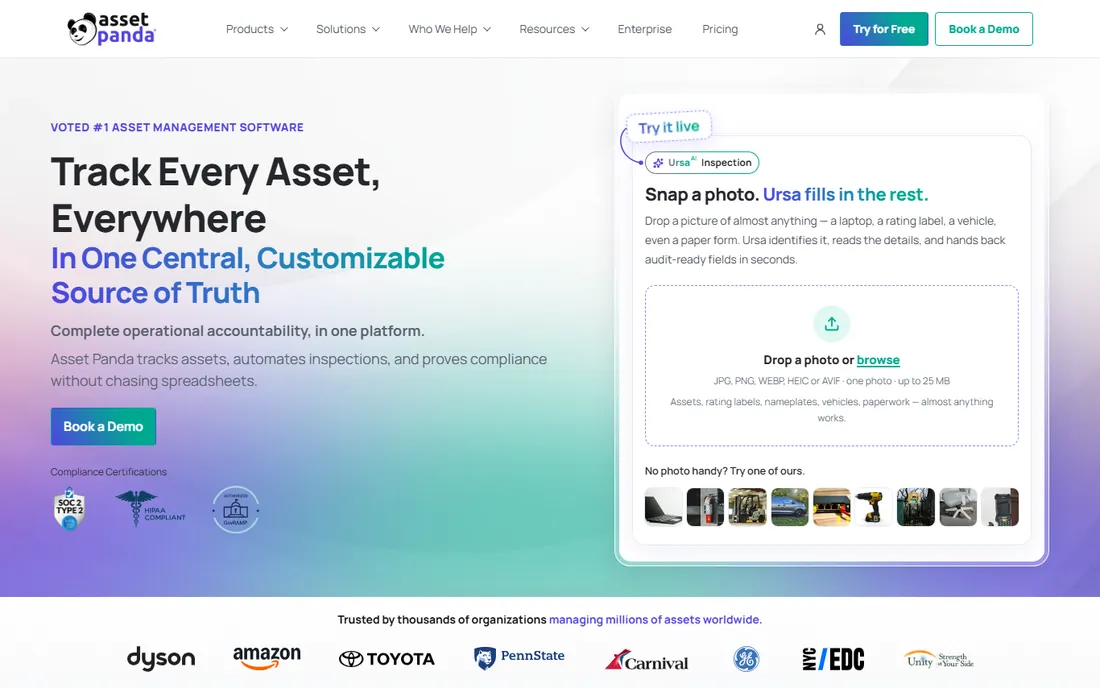
Asset Panda is the customization pick. Where most tools give you a fixed asset record, Asset Panda lets you reshape fields, workflows, notifications and reports to match how your teams actually work, without code. Every plan includes unlimited users, which matters for organizations that want technicians, managers and auditors all in the system without counting seats. The mobile app handles barcode and QR scanning, check-in and check-out, inspections and photo documentation.
The trade is price opacity and setup effort. Asset Panda publishes no prices, so you enter a sales conversation to get any number, and the flexibility that makes it powerful also means implementation takes longer than a simpler tool. Reviewers on G2 and Capterra praise the support team but flag the initial learning curve. If your asset setup does not fit a standard template, this is the tool built for you.
What we like- Unlimited users on every plan with no per-seat fees
- Extreme configurability with custom fields, workflows and reports
- Strong mobile app with barcode and QR scanning
Watch out for- No published pricing, so every deal goes through sales
- Reviewers report a learning curve and occasional mobile sync issues
Starting price$20/month (up to 500 assets, unlimited users)
Free planFree trial (30 days, up to 250 assets)
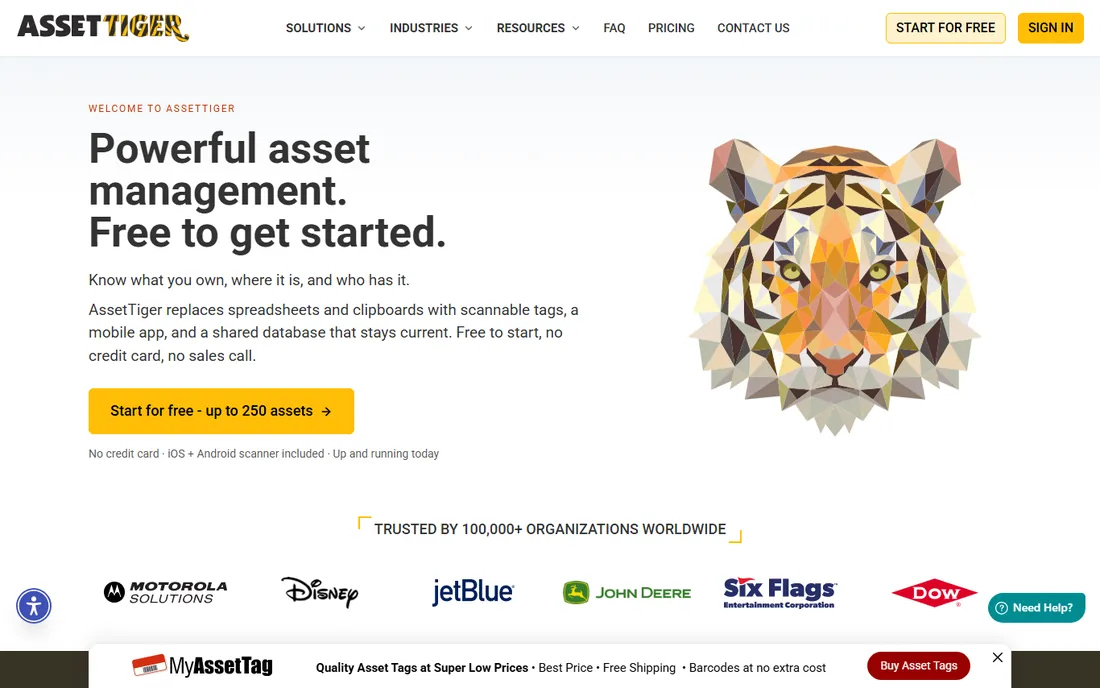
Start with the price, because it is the whole pitch: $20 per month covers up to 500 assets with unlimited users, and tiers climb to $275 per month for 250,000 assets. The 30-day trial covers 250 assets with full features and asks for no credit card, so a small team can tag a real equipment room before spending anything. Built-in barcode and QR scanning runs on the phones you already own, and depreciation, maintenance alerts and audit reconciliation reports are included.
AssetTiger comes from MyAssetTag, a physical tag company, which explains the practical focus: print labels on an office printer or order durable tags from the same vendor. The honest catch is polish. The interface feels older than Asset Panda or EZO, and teams that need complex approval workflows will outgrow it. For schools, nonprofits and small businesses tracking hundreds or thousands of items, the value is hard to beat.
What we like- Pricing scales by asset count, never by users
- Genuinely free to start with no credit card and no sales call
- 80-plus built-in reports including depreciation
Watch out for- The interface looks dated next to newer competitors
- Advanced workflow automation is thinner than on enterprise platforms
#3
EZO EAM
Best for: Teams that reserve, move and maintain equipment across locations
Visit ezo.io
Starting priceSee website (custom quote)
Free planFree trial (length not published)
EZO EAM is the current name of the platform long known as EZOfficeInventory, and the rename matters because older reviews, help docs and integrations still carry the old name. The product itself is the strongest pick for shared equipment: a reservation calendar shows what is available when, carts and bundles group items for projects, and bulk barcode, QR and RFID scanning runs from a phone. Purchase orders, maintenance schedules, depreciation and vendor records tie to each asset profile.
Security-conscious buyers get SOC 2 auditing, ISO 27001 certification and GDPR compliance, which is more than most mid-market competitors publish. The pricing model charges by tracked items and administrative users rather than a flat fee, so a team with many occasional users and few admins pays less than the reverse. EZO also sells AssetSonar for IT assets and EZRentOut for rental businesses, which is convenient if those needs appear later.
What we like- Reservation calendar with carts and bundles for shared equipment
- Full lifecycle coverage including purchase orders, maintenance and depreciation
- SOC 2-audited with ISO 27001 certification
Watch out for- Rebrand from EZOfficeInventory still causes confusion in reviews and docs
- Pricing depends on items plus admin users, so model both before buying
#4
Sortly
Best for: Small businesses that want visual, photo-first tracking
Visit sortly.com
Starting priceSee website
Free planFree trial (14 days)
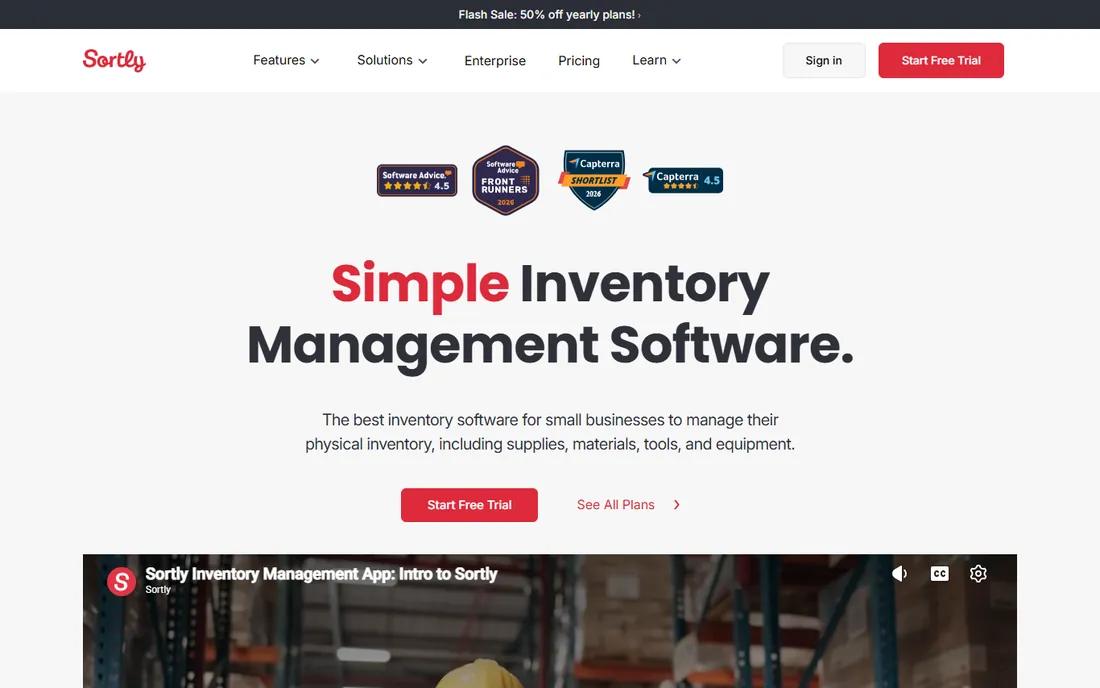
If your team thinks in pictures, Sortly is the easiest tool on this list to adopt. Every item gets photos, custom fields and folders, so an audit becomes scrolling through visual records instead of decoding spreadsheet rows. The mobile app scans barcodes and QR codes, works offline and syncs when connectivity returns. Setup is genuinely minutes: import a CSV, add photos, print labels.
The limits show up as you grow. Each pricing tier caps the number of items you can track, and features like barcode label generation and purchase orders sit on higher tiers. Sortly started as inventory management and it shows: depreciation schedules and maintenance depth are thinner than in AssetTiger or EZO. For contractors, small warehouses and retail back rooms tracking tools and stock, the simplicity is the point.
What we like- Photo-driven item records make audits visual and fast
- Genuinely easy to learn with no training needed
- Strong mobile app with offline access
Watch out for- Pricing tiers cap item counts, so growing inventories force upgrades
- Deeper asset lifecycle and depreciation features lag behind specialists
Starting priceFree (self-hosted open-source edition)
Free planYes (open source, free forever)
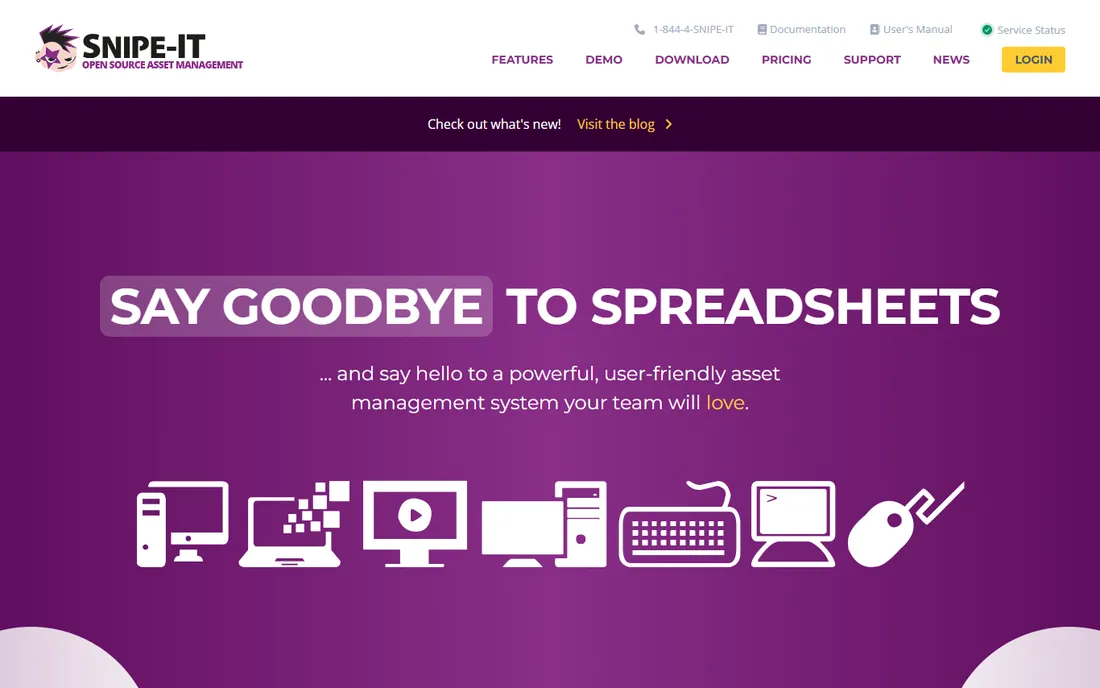
Snipe-IT is the only tool here with a price of zero and no catch beyond your own infrastructure. It is free, open-source IT asset management: track who has which laptop, when it was purchased, which software licenses are available and which accessories are checked out. QR codes and barcodes generate in-app, audits run from a phone, and the REST API connects to the rest of your stack. A hosted cloud version starts at $39.99 for teams that want Snipe-IT without running the server.
The honest catch is ownership. Self-hosting means you handle installation, updates, backups and security, which is fine for an IT department and a non-starter for most operations teams. The product is IT-first: tracking construction tools or medical devices works, but the workflows assume laptops and licenses. If you have Linux skills in-house and a tight budget, nothing else on this list touches the value.
What we like- Completely free to run on your own server with no asset or user limits
- Purpose-built for IT assets with license and accessory tracking
- Active open-source community and frequent updates
Watch out for- You own the server, backups, updates and security
- The interface is functional rather than polished, and non-IT assets feel like an afterthought
#6
InvGate Asset Management
Best for: IT departments that want asset and service management from one vendor
Visit invgate.com
Starting priceSee website (custom quote)
Free planFree trial (30 days, no credit card)
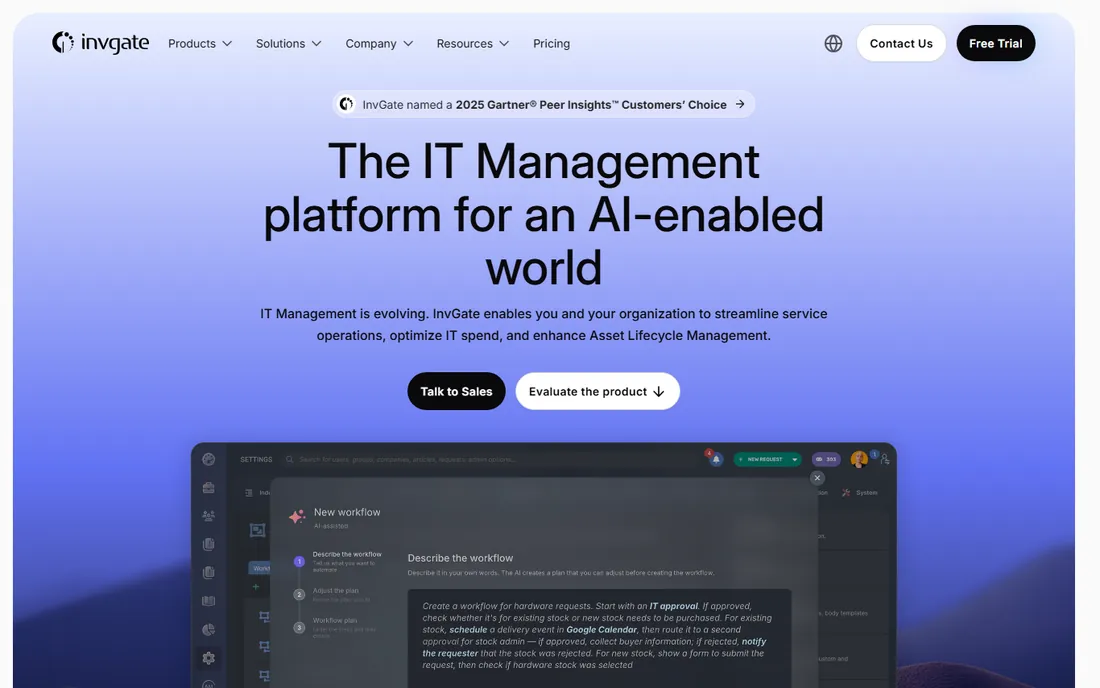
InvGate sells two products that work best together: Service Management for IT support and Asset Management for the full asset lifecycle. For IT departments, that pairing is the appeal: a ticket about a failing laptop links to the asset record, its warranty, its history and its replacement cost without switching tools. Discovery, normalization, license management and contract tracking cover the standard ITAM checklist.
The company advertises clear, upfront pricing with no hidden fees, but the actual numbers still require a quote, so comparison shoppers should budget a sales call. The 30-day trial with no credit card required is genuinely usable for evaluation. Non-IT teams should look elsewhere: this is built for hardware, software and cloud assets, not for tracking furniture across offices.
What we like- Pairs natively with InvGate Service Management for a unified ITSM and ITAM stack
- Clear published pricing philosophy with no hidden fees
- 30-day trial needs no credit card
Watch out for- Quote-based pricing slows down comparison shopping
- IT-centric design is overkill for non-IT fixed assets like furniture or vehicles
#7
ManageEngine AssetExplorer
Best for: IT shops that already live in the ManageEngine ecosystem
Visit manageengine.com
Starting priceSee website
Free planFree trial (30 days)
ManageEngine AssetExplorer is the old hand of IT asset management: automated discovery finds every workstation and server on the network, software metering tracks license usage, and purchase orders tie procurement to the asset record. For Windows-heavy environments it is one of the most thorough discovery engines available, and the price has historically undercut Western competitors by a wide margin.
The catch is the experience. The interface carries the dense, tab-heavy ManageEngine house style, and first-time admins face a learning curve. AssetExplorer also shines brightest as part of a ManageEngine stack alongside ServiceDesk Plus or Endpoint Central; bought alone, the integration advantage fades. Still, for IT teams that want discovery-first asset tracking on a budget, it deserves a trial.
What we like- Deep IT asset discovery with agent-based and agentless scanning
- Software license compliance and purchase order management included
- Generous 30-day trial of all features
Watch out for- Interface feels dated and dense for newcomers
- Best value comes bundled with other ManageEngine products, less so standalone
#8
Cheqroom
Best for: Media, AV and event teams managing shared equipment
Visit cheqroom.com
Starting priceSee website (custom quote)
Free planNo (no free trial advertised)
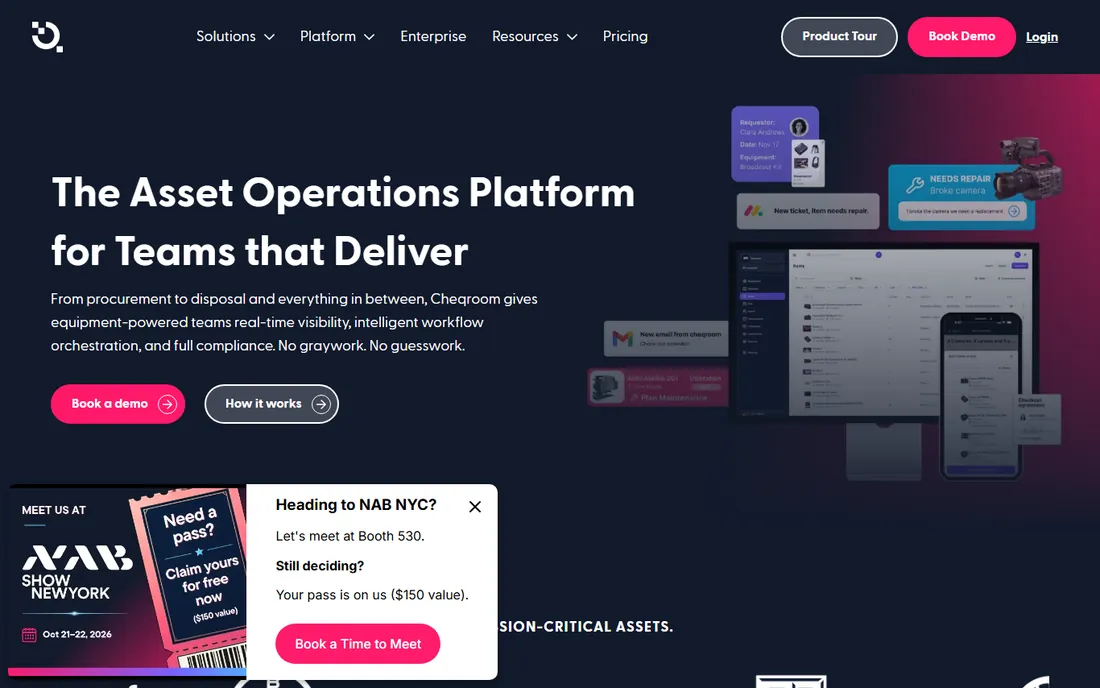
Cheqroom does not think of assets as rows in a register. It thinks of them as gear that moves: cameras checked out for a shoot, kits that must return complete, rooms booked alongside the equipment inside them. Reservations, self-service checkouts, signatures and maintenance flags run in one system, with RFID, barcode and QR identification at every handoff. Universities, broadcasters and production companies are the core audience, and the workflows show it.
That specialization is also the limit. Cheqroom is weaker on software licenses, IT discovery and depreciation accounting than the ITAM tools here, and there is no free trial: evaluation starts with a demo request. Pricing is quote-based. If your assets are equipment that people borrow, this is purpose-built. If they are laptops on desks, pick an ITAM tool instead.
What we like- Reservation and checkout workflows built for shared gear, not just registers
- Kits and bundles keep multi-item setups complete
- QR, barcode and RFID identification with mobile auditing
Watch out for- No free trial or published pricing, so evaluation starts with a sales demo
- Niche focus means weaker IT asset and software license features
#9
UpKeep
Best for: Maintenance teams that need work orders plus asset records
Visit upkeep.com
Starting price$24/user/month (Essential plan)
Free planFree trial (no credit card required)
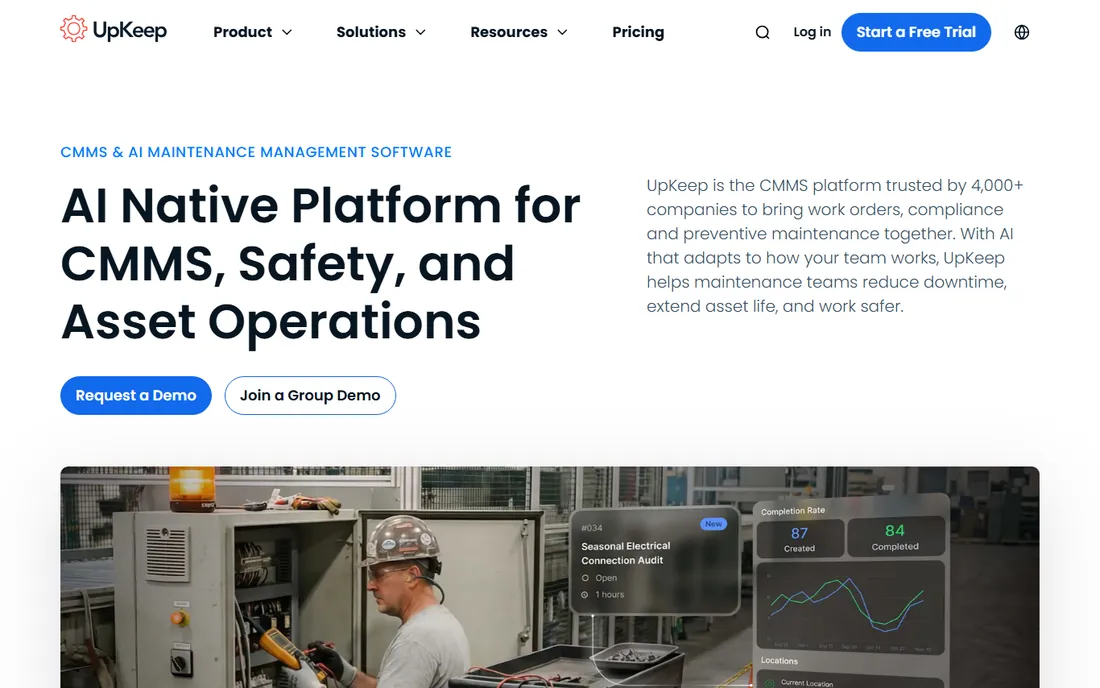
UpKeep comes at asset tracking from the maintenance side. It is a mobile-first CMMS where technicians create work orders in seconds, scan QR codes on equipment, and close jobs from the field. Every work order lands in the asset's history, so the register builds itself from real maintenance activity. The Essential plan at $24 per user per month is published right on the homepage, which is refreshingly direct for this market.
The per-user model is the thing to model. A 20-technician team pays $480 per month before any add-ons, which can exceed per-asset tools like AssetTiger for the same fleet. And while UpKeep tracks asset lifecycle, its financial reporting and depreciation depth do not match dedicated fixed asset platforms. For facilities, manufacturing and field service teams where maintenance is the job, it is the most usable option here.
What we like- Published pricing with a real entry tier, rare in this category
- Mobile-first work orders technicians actually use
- Preventive maintenance scheduling tied to asset history
Watch out for- Per-user pricing gets expensive for large technician teams
- Asset tracking is maintenance-flavored, with thinner financial and depreciation reporting
How fixed asset tracking pricing really works
Three pricing models dominate this market, and the cheapest headline is rarely the cheapest bill. Per-user pricing (UpKeep at $24/user/month, Sortly's tiered seats) punishes large teams and rewards small ones. Per-asset pricing (AssetTiger at $20/month for 500 assets) punishes big inventories and rewards big teams, since users are unlimited. Quote-based pricing (Asset Panda, EZO, InvGate, Cheqroom) hides the number entirely, which usually means the vendor prices on asset volume, users and implementation scope.
Two questions cut through the fog. First, what counts as a billable unit: assets, users, admins, or locations? AssetTiger counts assets and ignores users; EZO counts items plus admin users; UpKeep counts every user. Second, what is gated to higher tiers: offline mobile, API access, depreciation reports and multi-location support are the usual upsells. Add the implementation fee, which quote-based vendors often charge separately. A 500-asset, 15-user operation can pay anywhere from $20 to over $500 per month across this list, so model your own numbers before shortlisting.
Barcode, QR, or RFID: which one you actually need
Every tool here does barcodes, most do QR codes, and a few support RFID. The right choice depends on how your team touches assets. Barcodes are cheapest: print on any office printer, scan with any phone camera, and you are done. They work for offices, schools and small warehouses where someone can walk up to each item.
QR codes hold more data and scan faster from a phone, which helps field teams doing audits. The label cost is the same as barcodes. RFID is the step change: scan a whole room without line of sight, which pays off in large warehouses, hospitals and rental operations with thousands of items. The catch is hardware: RFID tags cost far more than printed labels, and you need compatible readers.
Do not buy RFID capability for a 300-asset office. Do consider it past a few thousand items or when audits currently take days. AssetTiger and Cheqroom cover barcode and QR out of the box; EZO adds bulk RFID scanning from a phone; Snipe-IT generates QR and barcodes for free. Match the technology to the audit, not the brochure.
How we chose
We started with the categories buyers search: fixed asset tracking software, asset tracking software and IT asset management software. For each candidate we opened the vendor's own homepage, checked whether pricing was published there, and compared feature lists, documentation and public reviews on G2, Capterra and Reddit for fit with small and mid-size US operations. Tools that were discontinued, acquired into a different product, or priced only for enterprise were cut. Where a price could not be verified on the vendor's own site we wrote "See website" rather than guessing.
Frequently asked questions
How much does fixed asset tracking software cost?
From $0 to custom quotes. Snipe-IT is free if you self-host. AssetTiger starts at $20 per month for 500 assets with unlimited users. UpKeep starts at $24 per user per month. Asset Panda, EZO, InvGate and Cheqroom are quote-based; expect the number to scale with asset count, users and implementation.
Do I need RFID, or are barcodes enough?
Barcodes or QR codes are enough for most teams under a few thousand assets: labels print on an office printer and any phone scans them. RFID pays off when audits involve thousands of items across large spaces and line-of-sight scanning takes too long. The tags and readers cost real money, so only buy in when audit time justifies it.
Can asset tracking software handle depreciation for accounting?
Most of these tools run straight-line depreciation and produce book-value reports your accountant can use: AssetTiger, EZO and Asset Panda all include it. None of them replaces your accounting system. Export the schedule to QuickBooks, Sage or Xero and let finance own the books.
What is the difference between asset tracking and inventory management?
Asset tracking follows individual items with identity: which laptop, assigned to whom, where it is now. Inventory management follows quantities: how many cables in the stockroom. Tools like Sortly and AssetTiger do both; Snipe-IT and InvGate lean toward individual assets. If items have serial numbers and custodians, you need asset tracking.
How long does it take to implement asset tracking software?
Cloud tools like AssetTiger and Sortly go live in an afternoon: import a CSV, print labels, start scanning. Configurable platforms like Asset Panda and EZO take weeks because you design the asset record first. Self-hosted Snipe-IT takes as long as your server setup. Tagging the physical assets always takes longer than configuring the software, so plan the labeling project, not just the login.
Sources we checked (13)
- https://assetpanda.com
- https://www.assettiger.com/
- https://ezo.io/
- https://sortly.com/
- https://snipeitapp.com/
- https://invgate.com/
- https://manageengine.com/
- https://cheqroom.com/
- https://upkeep.com/
- https://www.capterra.com/p/142562/Asset-Panda/pricing/
- https://www.capterra.com/p/151021/AssetTiger/pricing/
- https://www.selecthub.com/eam-software/asset-panda-vs-ezofficeinventory/
- https://www.g2.com/categories/asset-tracking
Is your product missing or out of date?
We review this list regularly. Vendors can request a listing, send updated pricing or ask about featured placement.

Shihab Mia · Founder, Rankite
Shihab has spent more than a decade helping SaaS and e-commerce brands grow through search. He writes Rankite's software buying guides from pricing pages, documentation and public user reviews. More about Shihab.