How we make this list: we compare pricing pages, product documentation and public user reviews. Rankite is independent; if a vendor ever pays for a featured spot, that listing is clearly labeled Partner.
Key takeaways
- MileIQ and Everlance are the safest general picks: automatic drive detection, swipe classification and IRS-ready reports, with genuinely useful free tiers.
- TripLog and Timeero serve teams: TripLog for reimbursement approvals and accounting integrations, Timeero when you also need GPS time tracking for field crews.
- Hurdlr is the freelancer favorite because it pairs mileage with real-time self-employment tax estimates, not just a log.
- Gridwise and WorkSolo are built for gig drivers; Gridwise syncs earnings from the platforms, Solo auto-classifies trips by matched gig.
- MileageWise is the specialist for reconstructing past mileage logs, which matters if you are facing an audit with no records.
Quick comparison
| Tool | Best for | Starting price | Free plan |
|---|
 MileIQ MileIQ | Automatic tracking with swipe classification | $5.99 per month | Yes (40 drives/month) |
 Everlance Everlance | Mileage plus expense tracking | $8.99 per month | Yes (30 trips/month) |
 TripLog TripLog | Teams with approval workflows | $4.99 per month | Yes (Basic) |
 Hurdlr Hurdlr | Freelancers' real-time tax estimates | $5 per month (billed annually) | Yes |
 Driversnote Driversnote | IRS-compliant logbooks | $11 per month | Free trial |
 WorkSolo WorkSolo | Gig drivers with auto-classification | $8 per month (billed annually) | Free trial (7 days) |
 Timeero Timeero | Field teams needing GPS time plus mileage | $4 per user/month | Free trial (14 days) |
 Gridwise Gridwise | Rideshare and delivery drivers | $9.99 per month | Yes (free tier) |
 MileageWise MileageWise | Rebuilding past mileage logs | $8.99 per month | Free trial |
 Zoho Expense Zoho Expense | Mileage inside expense management | $3 per user/month (billed annually) | Yes (3 users) |
Is your product missing or out of date?
We review this list regularly. Vendors can request a listing, send updated pricing or ask about featured placement.
The best mileage tracking software
A bad mileage app costs you in two currencies. The first is the deduction you never claim. Miss ten percent of 18,000 business miles and you have handed over more than a thousand dollars in tax savings, every year, for the price of a forgotten tap. Manual logs and memory are where those miles go to die.
The second cost shows up in an audit. The IRS wants a contemporaneous log: dates, destinations, business purpose and miles, recorded near the time of travel. A spreadsheet reconstructed in April does not qualify, and penalties plus disallowed deductions can dwarf years of subscription fees. The app you pick is really an insurance policy with a GPS chip.
This list covers ten mileage tracking apps that exist today, from simple automatic loggers to team platforms. The best mileage tracking app for business is the one your drivers will actually keep running, with reports your accountant can defend.
#1
MileIQ
Best for: Automatic tracking with swipe classification
Visit mileiq.com
Starting price$5.99 per month
Free planYes (40 drives/month)
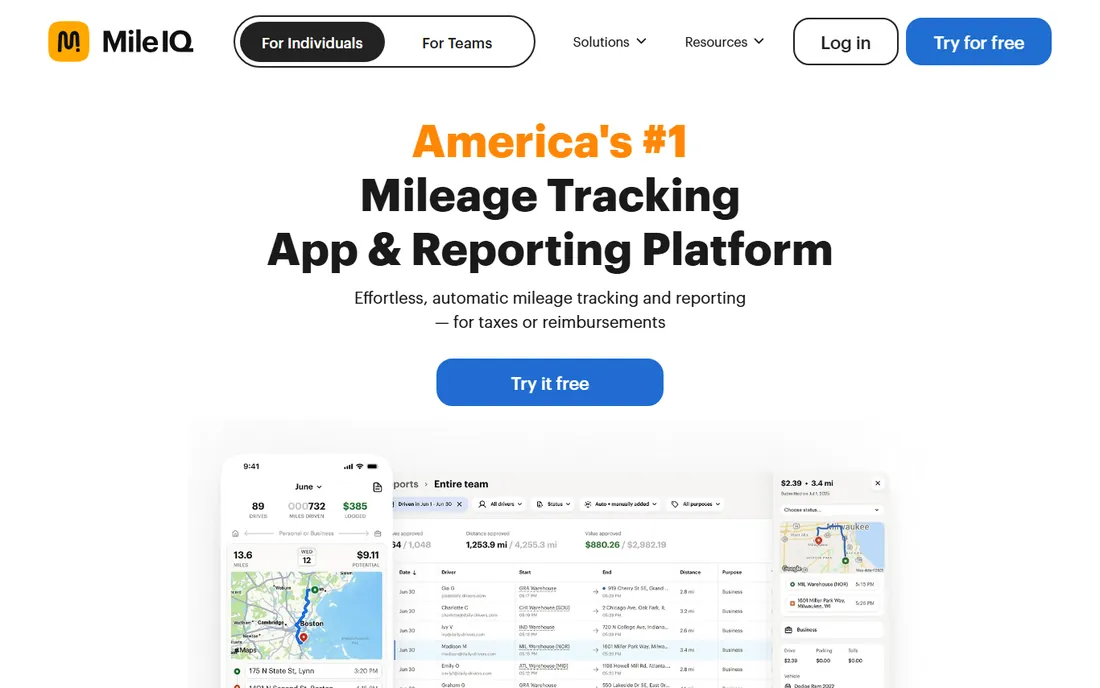
MileIQ is the app most business drivers start with, and its formula has barely changed: it detects every drive automatically, and you swipe right for business or left for personal. The free tier covers 40 drives a month, which suits light users; the unlimited plan runs $5.99 a month or $59.99 a year. Frequent-drive detection learns your commute patterns and auto-classifies repeats.
The honest limitation is the swipe queue. Drive a lot and you will spend Sunday evenings classifying dozens of trips, because MileIQ cannot tell a client visit from a grocery run on its own. It also tracks mileage only, so expenses and income live in another app. For pure, reliable automatic logging, though, it remains the benchmark.
What we like- Automatic drive detection with minimal battery drain
- One-swipe business or personal classification
- Integrations with FreshBooks and Concur
Watch out for- Still requires swiping every drive
- Free tier caps at 40 drives a month
- No expense or income tracking built in
Starting price$8.99 per month
Free planYes (30 trips/month)
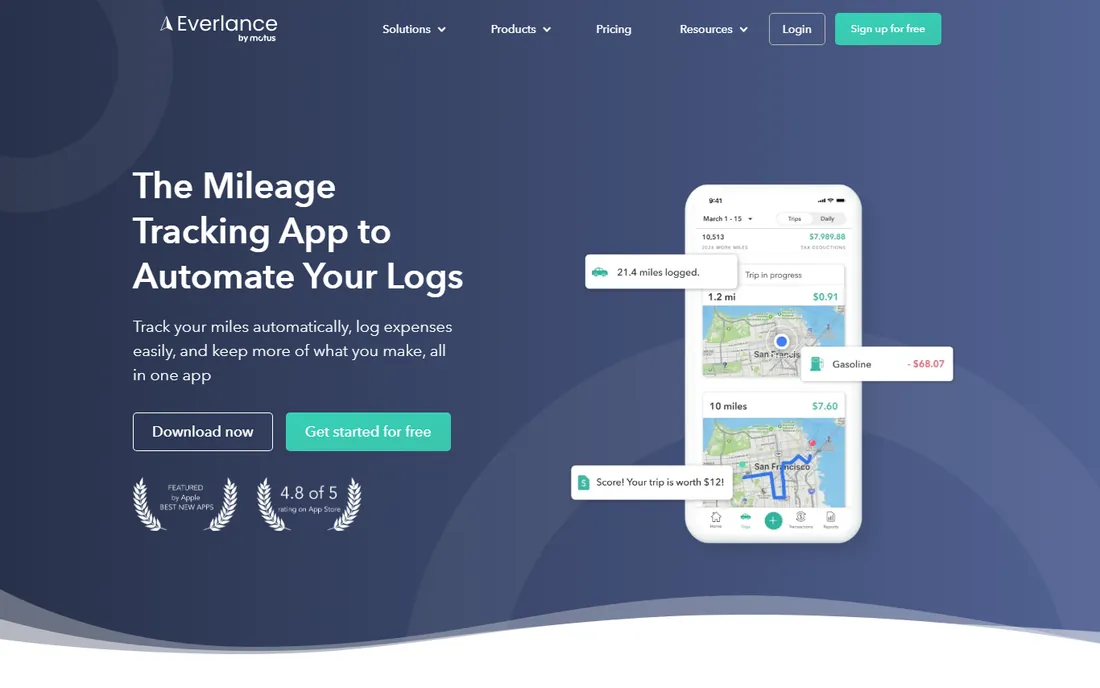
Everlance answers the complaint that mileage apps only do mileage. Alongside automatic trip detection, it captures receipts, syncs bank and card transactions, and finds tax deductions across the lot. The free plan covers 30 automatic trips a month with unlimited manual tracking; the Starter plan at $8.99 a month ($69.99 a year) removes the trip cap and adds custom reporting. A Professional tier at $99.99 a year adds tax filing and audit protection.
For freelancers who want one app instead of three, that consolidation is the pitch. The trade-off is that neither half is best in class: dedicated mileage apps classify faster, dedicated accounting apps reconcile deeper. If your finances are simple enough to live in one dashboard, Everlance earns its keep.
What we like- Automatic mileage plus receipt and expense tracking in one app
- IRS-compliant reports
- Bank and credit card syncing on paid plans
Watch out for- Free plan limited to 30 automatic trips a month
- Trip detection can be finicky on some phones
- Tax filing features cost extra
Starting price$4.99 per month
Free planYes (Basic)
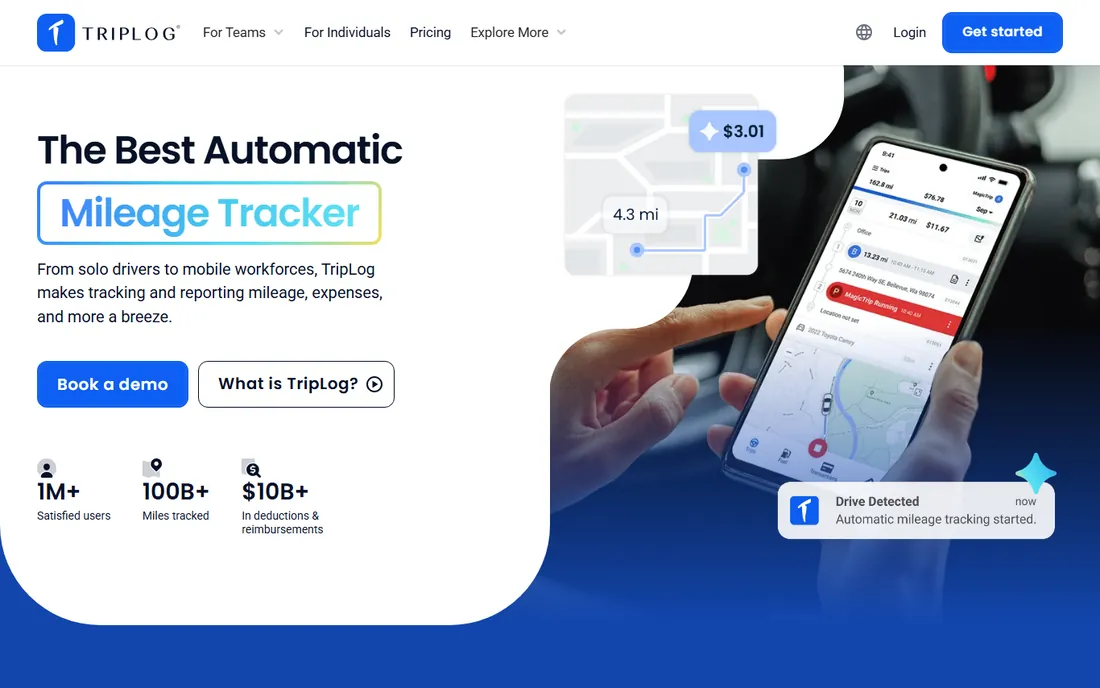
TripLog is built for companies reimbursing employees, not solo drivers. Managers get approval workflows, commute mileage exemptions, department modules and real-time fleet tracking, with data flowing into QuickBooks, Xero and Concur. The free Basic plan includes automatic GPS tracking, which is unusually generous; Premium at $4.99 a month adds reporting and receipt capture, and Teams plans run $8 per user a month.
The price of that depth is setup friction. Administrators configure access levels per driver, which takes longer than the consumer apps' sign-up-and-go. Employees have also been known to overstate manual mileage, and TripLog's controls exist precisely because that problem is real. For businesses with real reimbursement volume, it is the most complete option here.
What we like- Free Basic plan with automatic tracking
- Approval workflows for managers
- Integrations with QuickBooks, Xero and SAP Concur
Watch out for- Team setup takes longer than rivals
- Interface feels dated
- Advanced features spread across higher tiers
Starting price$5 per month (billed annually)
Free planYes
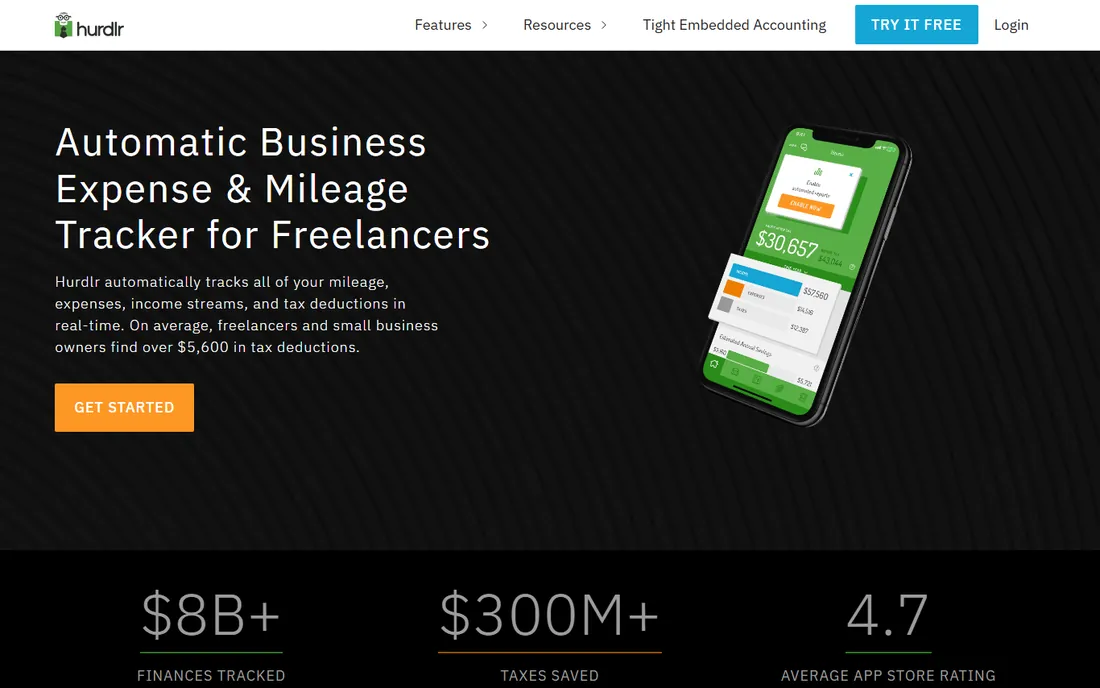
Hurdlr's trick is showing freelancers what they owe as they earn it. Connect your accounts and it tracks mileage, expenses and income automatically, then estimates federal and state self-employment taxes in real time, with reminders when quarterly payments are due. The free plan handles manual tracking; Premium at $5 a month billed annually ($8 monthly) unlocks the automation; Pro at $10 a month annually adds full double-entry accounting and invoicing.
Nobody else on this list thinks about taxes this way, which is why gig workers and solo operators swear by it. The catch is geography and depth: the tax engine is US-centric, and serious bookkeeping still wants the Pro tier. If estimated taxes stress you out, Hurdlr pays for itself in avoided surprises.
What we like- Real-time self-employment tax calculations
- Automatic mileage, expense and income tracking
- Free plan covers the basics
Watch out for- Free plan is mostly manual
- Accounting depth only on the Pro tier
- US-focused tax features
Starting price$11 per month
Free planFree trial
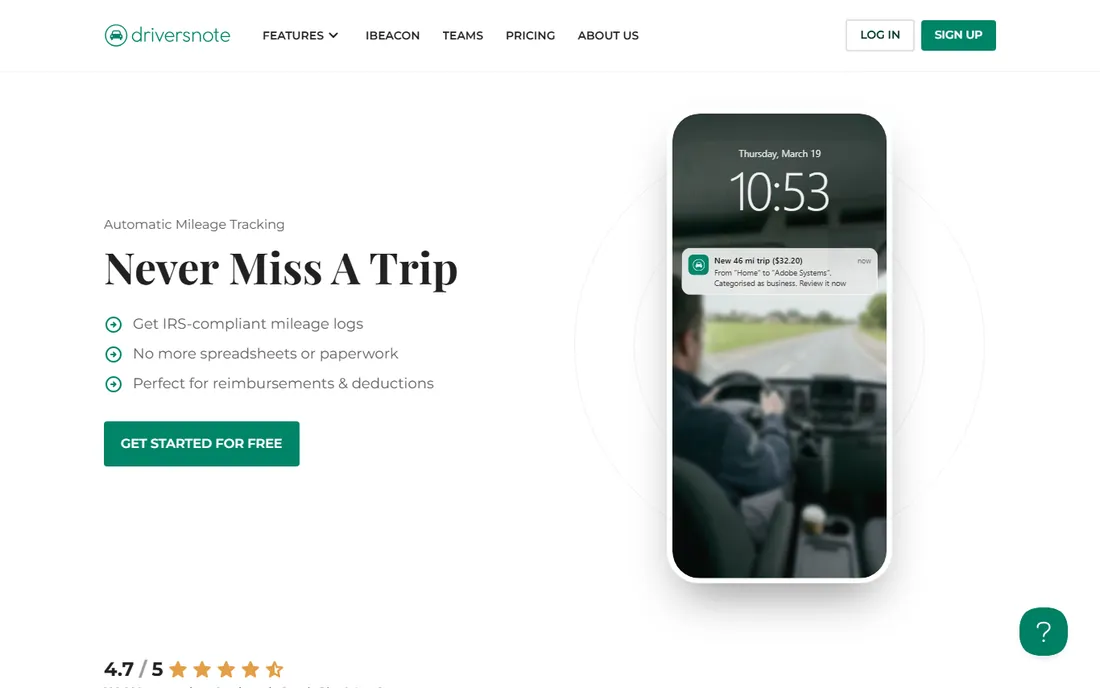
Driversnote positions itself as the compliance-first choice: mileage logs structured to satisfy IRS record-keeping rules, with the fields auditors expect. Automatic tracking captures drives, you review and classify, and reports export in the format accountants want. Individual and team plans start around $11 a month, with a free trial to test the workflow.
You pay more than MileIQ for less breadth, and that is the point. There are no gig features, no tax estimates, no expense modules. What you get is a logbook that holds up under scrutiny, which is exactly what conservative accountants and European users with strict documentation rules want. If audit-proofing is the job, the premium is rational.
What we like- Logbooks formatted for IRS and EU tax rules
- Automatic tracking with manual review
- Team plans with centralized billing
Watch out for- Pricier than consumer rivals
- Narrower feature set beyond mileage
- Smaller user community
Starting price$8 per month (billed annually)
Free planFree trial (7 days)
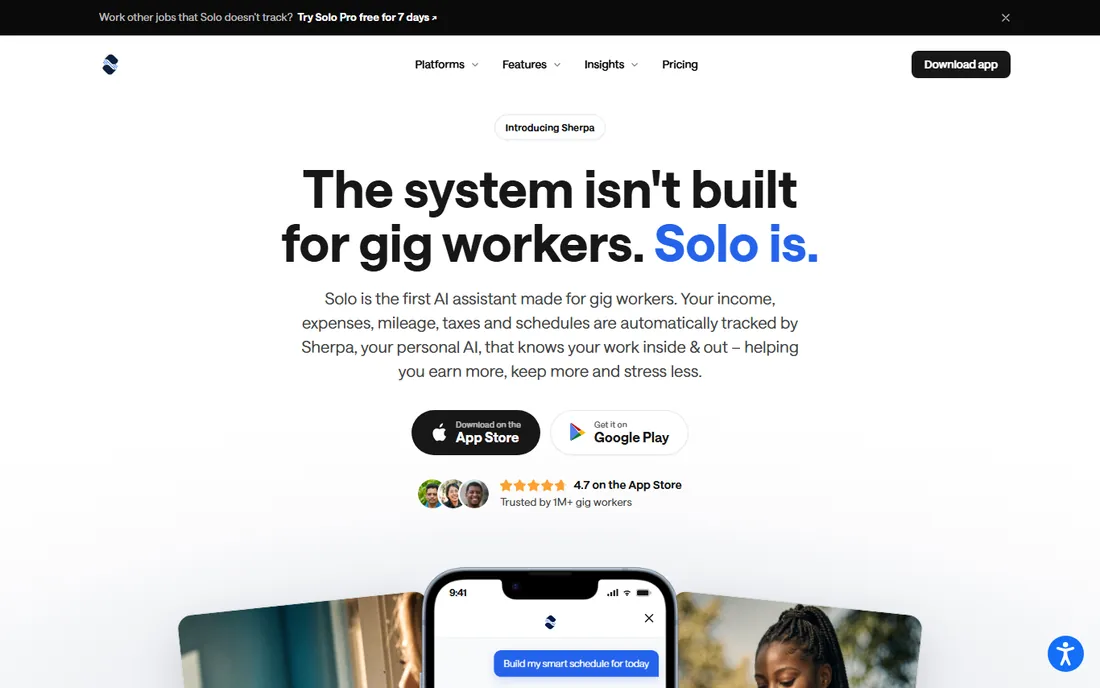
Solo, from WorkSolo, is the only app here that knows what the drive was for. It detects trips automatically and classifies work miles by matching them against your completed gig jobs, instead of asking you to swipe each one. It also syncs earnings from gig platforms and can file federal and state taxes in the app. The Basic plan runs $8 a month billed annually ($96 a year) with a 7-day trial.
That automation is a genuine step beyond the swipe queue, and the math is compelling: miss a tenth of your miles and you lose over a thousand dollars in deductions against a $96 subscription. The limitation is audience. If you are not a gig driver, the headline features do not apply. For rideshare and delivery drivers, it is the smartest pick on this list.
What we like- Auto-classifies trips by matching completed gigs
- Syncs earnings from gig platforms
- Files federal and state taxes in-app
Watch out for- Built for gig work, less useful for traditional employees
- Newer product with a smaller track record
- No free tier
Starting price$4 per user/month
Free planFree trial (14 days)
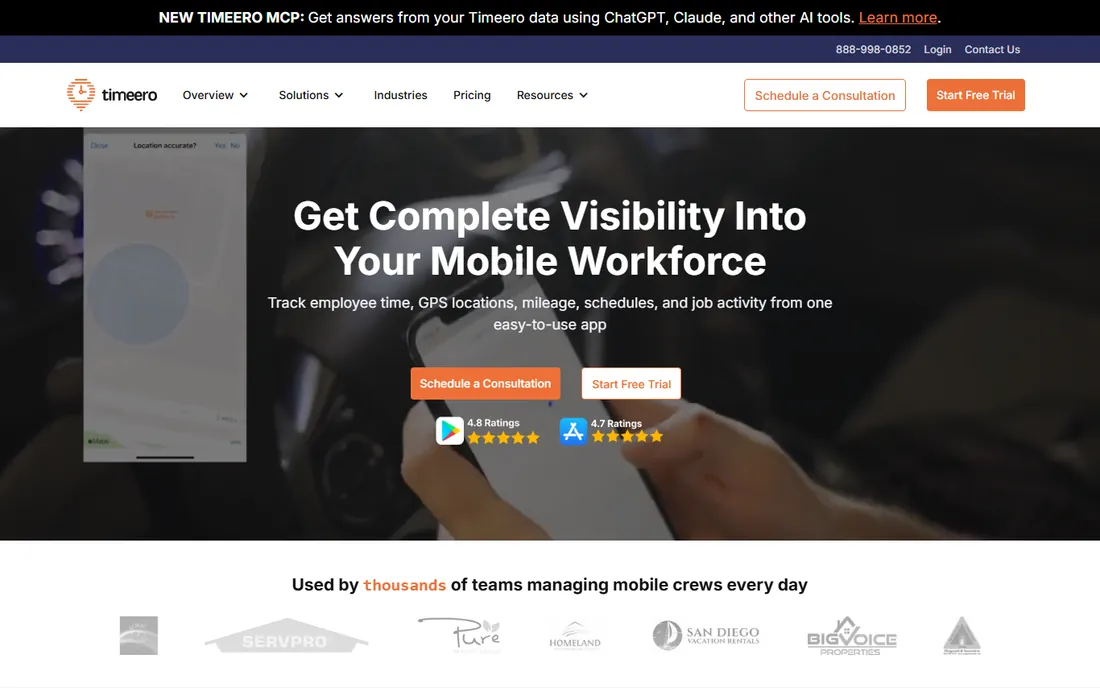
Timeero is a GPS time clock that happens to track mileage well, which makes it ideal for mobile crews: lawn care, cleaning, home services, field sales. It logs routes automatically, replays where crews went, and splits drive time from on-site time on the timesheet. Geofencing clocks people in and out at job sites. The Basic plan starts at $4 per user a month and includes mileage tracking, with Pro at $8 and Premium at $11.
If you only need a personal mileage log, this is too much app. But businesses paying crews by the hour while reimbursing mileage get both problems solved in one subscription, with QuickBooks, Gusto and ADP integrations closing the payroll loop. The 14-day trial is enough to run it with one crew and see the data.
What we like- GPS time tracking and mileage in one app
- Segmented tracking separates drive time from job time
- Geofencing with auto clock-in
Watch out for- Overkill if you only need mileage
- Per-user pricing adds up for large crews
- Job costing is lighter than specialists
Starting price$9.99 per month
Free planYes (free tier)
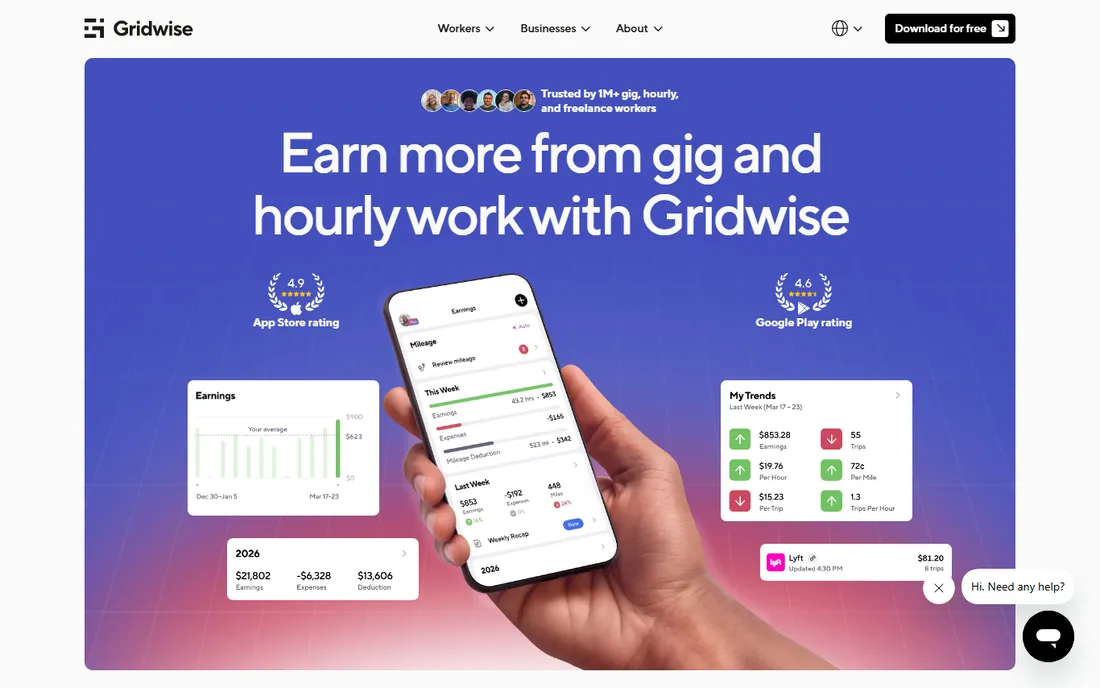
Gridwise thinks like a gig driver because it was built for them. It connects to your gig accounts to show earnings per mile and per hour, tracks demand patterns so you know where and when to drive, and even shows airport queue status for rideshare drivers. The free tier covers earnings dashboards and manual mileage; Plus at $9.99 a month ($107.99 a year) unlocks automatic mileage tracking.
The free tier's manual logging is the catch for drivers who want set-and-forget tracking. But the earnings intelligence is something no general mileage app offers, and for drivers optimizing across Uber, Lyft, DoorDash and others, knowing which hours pay best matters more than the mileage log itself. Use it for the business intelligence; pay for Plus if you want the automation too.
What we like- Syncs earnings across gig platforms
- Where-and-when-to-drive demand insights
- Airport queue info for rideshare drivers
Watch out for- Automatic mileage tracking sits behind the Plus paywall
- Free tier is manual logging
- Gig-specific, not for general business use
Starting price$8.99 per month
Free planFree trial
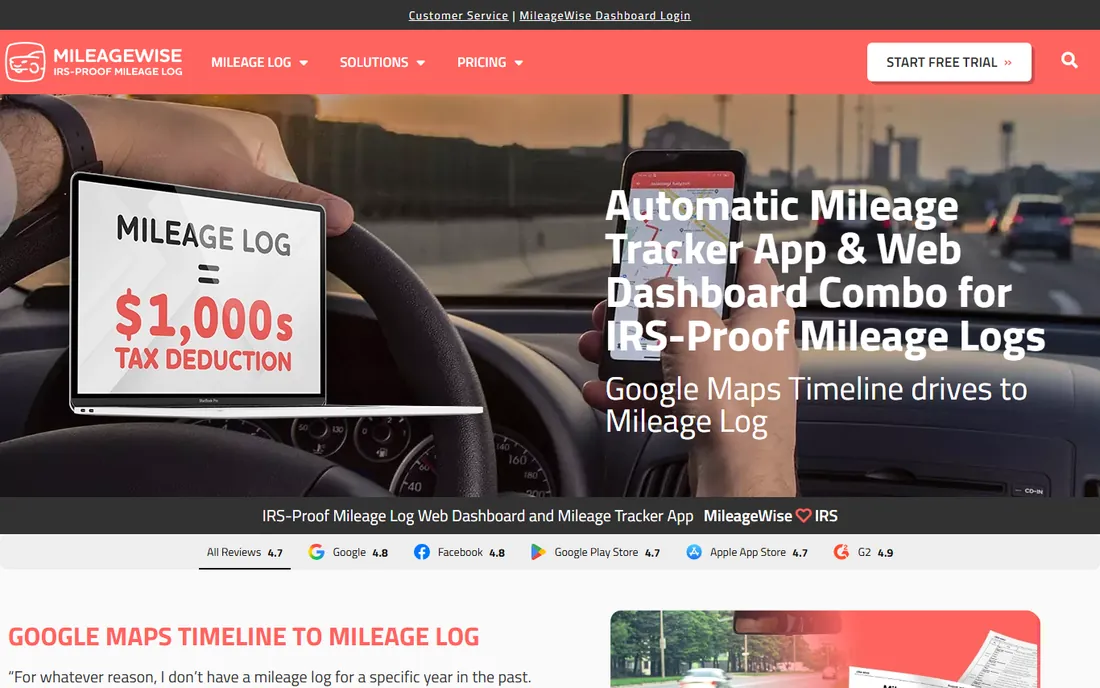
MileageWise's standout feature is the one nobody wants to need: rebuilding mileage logs for months or years you failed to track. Using calendar history, client records and route data, it helps construct IRS-defensible logs retroactively, which can save a tax return during an audit. It also does standard automatic tracking going forward. Plans run $8.99 a month or $69.99 a year, with desktop packages for the full reconstruction toolkit.
Be realistic about the reconstruction: it produces a framework you must verify trip by trip, not a magic log. But compared with the alternative, disallowed deductions or penalties, the effort is cheap. If your records are already clean, the general-purpose apps above cost less. If they are not, this is the specialist to call.
What we like- Reconstructs mileage logs retroactively
- Automatic tracking with multiple methods
- Audit-proof report formats
Watch out for- Rebuilding the past takes real effort to verify
- Pricier than basic trackers
- Desktop packages needed for full reconstruction
#10
Zoho Expense
Best for: Mileage inside expense management
Visit zoho.com
Starting price$3 per user/month (billed annually)
Free planYes (3 users)
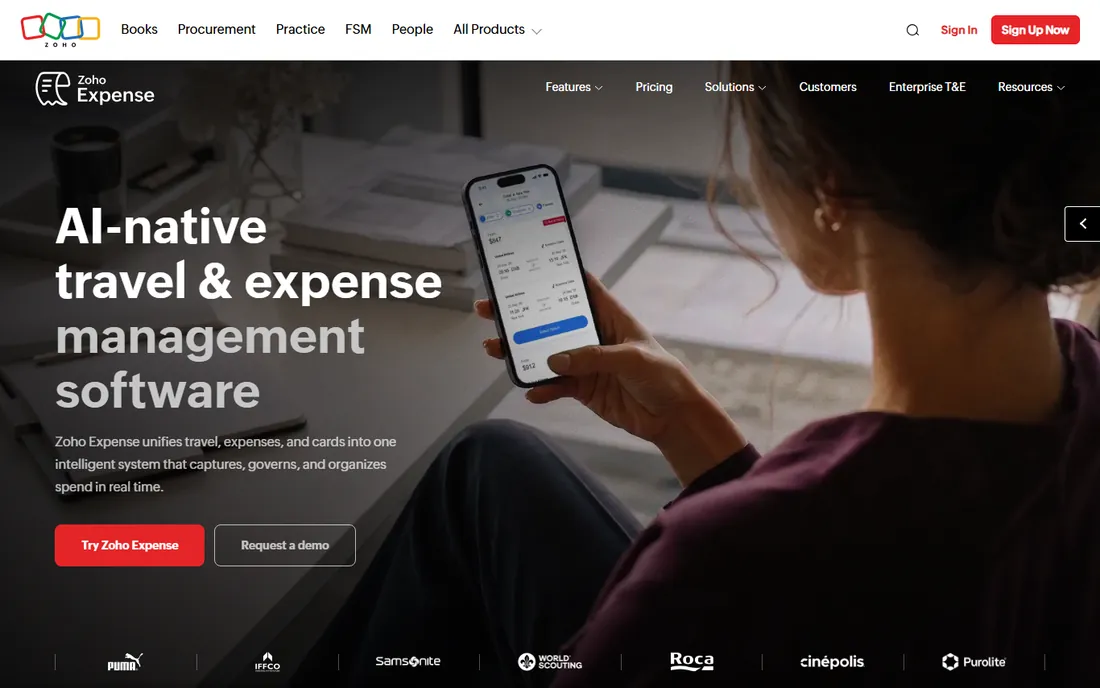
Zoho Expense is an expense management platform with mileage built in, which suits companies that want one system for receipts, approvals and mileage. The free plan covers 3 users with GPS mileage tracking; Standard at $3 per user a month billed annually adds corporate cards and multi-level approvals; Premium at $5 adds auto mileage capture with live tracking. Everything posts into Zoho Books if you run that stack.
Mileage purists will find the tracking basic compared with the specialists above, and auto-capture sitting on Premium is a mild annoyance. But for a small business already standardizing on Zoho, getting mileage inside the expense workflow beats running a separate app. The free tier alone handles a three-person team.
What we like- Free plan includes GPS mileage for 3 users
- Mileage flows into expense reports and approvals
- Deep Zoho ecosystem integrations
Watch out for- Mileage is a module, not the focus
- Auto-capture needs the Premium tier
- Minimum 5 users on paid plans
How this list was researched
This list was built from vendor pricing pages, feature documentation and public reviews, checked in October 2026, with attention to IRS record-keeping requirements for US business drivers. Only apps available today with genuine mileage tracking were included. Prices come from current vendor-published figures. No hands-on testing was performed and no vendor paid for placement. IRS rules are summarized, not quoted; consult a tax professional for your situation.
What to check before you pick a mileage app
Start with how the app captures drives. Automatic GPS tracking is the feature that actually saves deductions, because manual logging fails exactly when you are busiest. Check whether automatic tracking is on the free tier or paywalled, and whether the app drains your battery: always-on GPS is the number one complaint in app store reviews for this category. A tracker your drivers disable to save battery is worthless.
Next, check the report. The IRS wants date, destination, business purpose and miles for each trip, recorded contemporaneously. Confirm the app exports all four fields in a format your accountant accepts, and that data backs up to the cloud. Some free tiers limit report history or exports, which defeats the purpose at tax time.
Team and reimbursement needs
If you reimburse employees, you need approval workflows, commute exemptions and accounting integrations, not just a log. Per-user pricing from $3 to $11 a month adds up, so count your drivers and compare against what manual reimbursement processing costs you now. Also check privacy controls: the best team apps track only during work hours, which keeps employees comfortable and lawyers calm.
Gig drivers read this
If you drive for gig platforms, general business apps make you classify every trip by hand. Gig-specific apps like Gridwise and Solo sync with the platforms and understand the work. The deduction math is unforgiving at 18,000 miles a year, so pick the app that captures the most miles with the least effort, not the one with the prettiest dashboard.
The IRS compliance bit nobody reads
The IRS requires a contemporaneous mileage log, and contemporaneous is doing heavy lifting in that sentence. A log reconstructed months later from memory is not compliant, no matter how neat the spreadsheet looks. Every app on this list produces logs that satisfy the requirement if you actually run the app and classify trips promptly.
Two details trip people up. First, commuting is not deductible: drives between home and a regular workplace do not count, though home-to-temporary-worksite trips generally do. Apps with work-hours rules and commute exemptions handle this automatically. Second, you need the business purpose for each trip, not just the miles; a log of distances without reasons fails the test. This is general information, not tax advice, and edge cases deserve a professional.
Frequently asked questions
What is the best mileage tracking app for small business?
MileIQ and Everlance are the safest defaults for automatic tracking, TripLog if you reimburse employees with approvals, and Zoho Expense if mileage should live inside expense reports. The best app for tracking business mileage is the one your team keeps running, so weight simplicity over features.
Are free mileage tracking apps good enough?
For light use, yes. MileIQ's free tier covers 40 drives a month and Everlance covers 30 automatic trips, which suits occasional business drivers. Heavy drivers will hit the caps fast and need a paid plan. The most expensive option is a free app you stop using, because untracked miles are lost deductions.
How does the IRS mileage deduction work?
The IRS sets a standard mileage rate each year; you multiply your documented business miles by that rate to compute the deduction. You need a contemporaneous log with date, destination, business purpose and miles. Commuting does not count. Alternatively, you can deduct actual vehicle expenses, but that requires tracking every cost.
Can I deduct mileage as an employee?
Since the 2018 tax changes, employees generally cannot deduct unreimbursed business mileage on federal returns; that deduction was suspended. Business owners, freelancers and gig workers can. Employees should get reimbursed by their employer, ideally at or near the IRS standard rate, which is why team mileage apps exist.
Do mileage trackers drain phone battery?
Always-on GPS tracking uses meaningful battery, and it is the top complaint for every app in this category. The better apps optimize aggressively and let you set work hours so tracking pauses off-duty. If battery is a concern, look for apps with motion-based detection and check recent app store reviews for your phone model.
What happens if I get audited without a mileage log?
The IRS can disallow the entire mileage deduction, plus interest and penalties. Reconstructing a log after the fact is allowed in limited circumstances but faces heavy skepticism. This is why apps like MileageWise exist, and why running an automatic tracker today is cheaper than any audit defense later.
Sources we checked (14)
- https://mileiq.com/blog/how-much-does-mileiq-cost
- https://timeero.com/reviews/mileiq-review
- https://www.mileagewise.com/mileiq-alternative/mileiq-review/?utm_source=article&utm_medium=newslanes&utm_term=mileiq&utm_campaign=seo
- https://www.everlance.com/alternatives/driversnote
- https://www.spotsaas.com/product/everlance
- https://www.saasworthy.com/product/triplog/pricing
- https://comparisons.financesonline.com/everlance-vs-gpswox-vs-triplog
- https://www.techradar.com/reviews/hurdlr-expense-tracker
- https://www.g2.com/compare/driversnote-vs-triplog
- https://www.worksolo.com/blog/best-mileage-tracker-app-gig-drivers
- https://www.spotsaas.com/product/timeero/pricing
- https://gridwise.io/blog/gridwise-vs-everlance-vs-stride
- https://www.g2.com/products/zoho-expense/pricing
- https://zenatta.com/zoho-expense-overview-2026/
Is your product missing or out of date?
We review this list regularly. Vendors can request a listing, send updated pricing or ask about featured placement.

Shihab Mia · Founder, Rankite
Shihab has spent more than a decade helping SaaS and e-commerce brands grow through search. He writes Rankite's software buying guides from pricing pages, documentation and public user reviews. More about Shihab.