How we make this list: we compare pricing pages, product documentation and public user reviews. Rankite is independent; if a vendor ever pays for a featured spot, that listing is clearly labeled Partner.
Key takeaways
- Expensify is the all-in-one pick: free for individuals, with expense reports, cards and reimbursements built in.
- Dext and AutoEntry are built for accountants and bookkeepers who process stacks of receipts for clients.
- Shoeboxed and Neat are the classic receipt organizers for small businesses that want a digital filing cabinet.
- Veryfi is the developer choice: an OCR API that turns receipt photos into structured data.
- Foreceipt and Zoho Expense cover solo users and Zoho shops with simple, affordable tracking.
Quick comparison
| Tool | Best for | Starting price | Free plan |
|---|
 Expensify Expensify | all-in-one expense management | $5 per member | Yes (free for individuals) |
 Dext Dext | bookkeeping automation for firms and businesses | See website | Free trial |
 Veryfi Veryfi | OCR API for receipts and invoices | See website | See website |
 AutoEntry AutoEntry | credit-based data entry for accountants | $13/month | Free trial |
 Shoeboxed Shoeboxed | mail-in and digital receipt organization | See website | See website |
 Neat Neat | document and receipt management | See website | See website |
 Foreceipt Foreceipt | simple expense tracking for solo users | See website | See website |
 Zoho Expense Zoho Expense | expense reports in the Zoho ecosystem | See website | See website |
Is your product missing or out of date?
We review this list regularly. Vendors can request a listing, send updated pricing or ask about featured placement.
Starting price$5 per member
Free planYes (free for individuals)
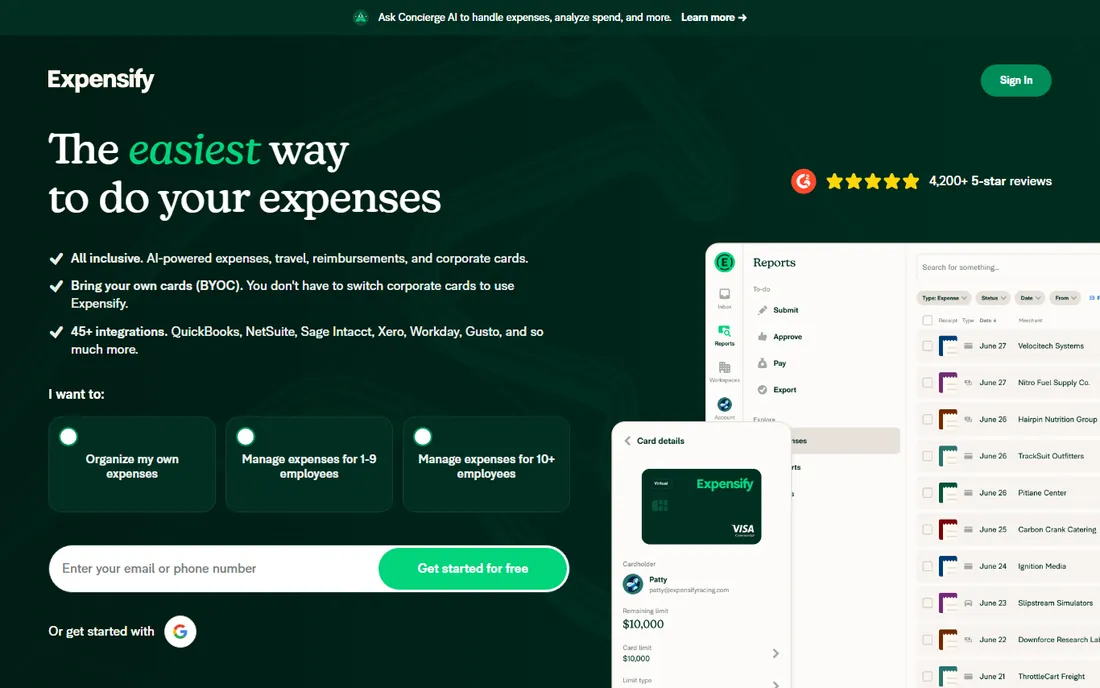
Expensify is the best-known name in this category, and for good reason. It is free for individuals, so a freelancer can scan receipts, build expense reports and submit them without paying anything. Companies pay from $5 per member according to Expensify's own FAQ, and get approvals, reimbursements, corporate cards and accounting syncs with QuickBooks, Xero and NetSuite.
The weakness is that it is a lot of product. If all you want is to photograph receipts and find them later, Expensify's reports, policies and AI concierge are more machinery than you need. But if expenses touch reimbursement, approvals or a team, nothing else on this list covers as much ground in one place.
What we like- Free for individual users
- Receipt scanning plus reports, approvals and reimbursements in one app
- Strong accounting integrations
Watch out for- Company plans add up per member
- Some users find the interface busy
#2
Dext
Best for: bookkeeping automation for firms and businesses
Visit dext.com
Starting priceSee website
Free planFree trial
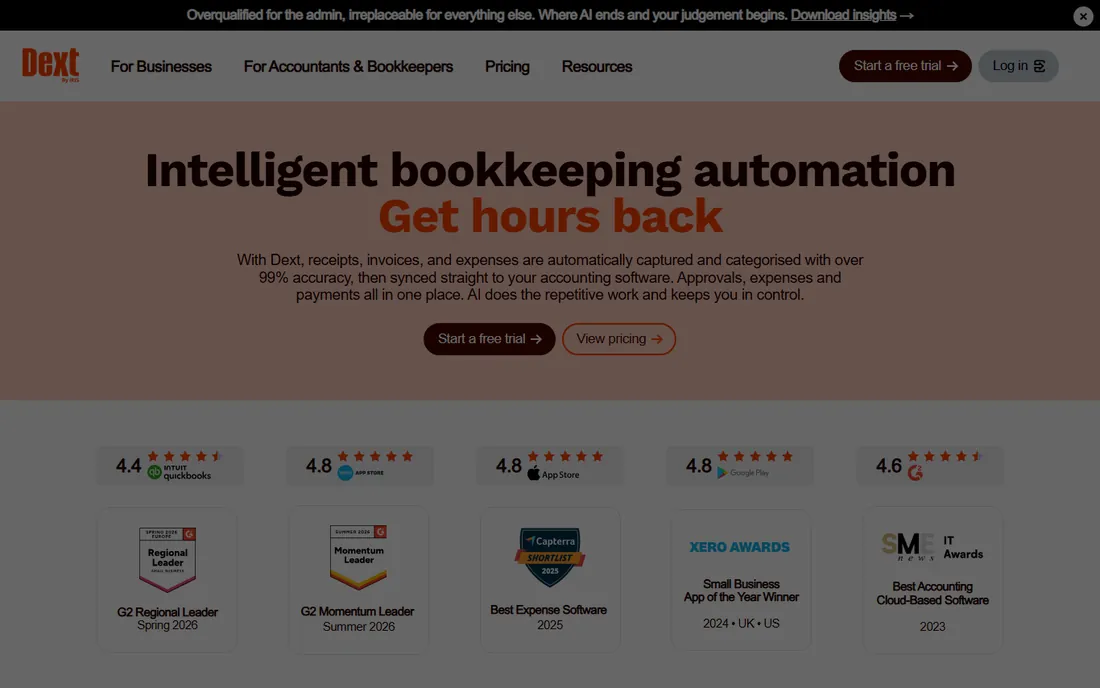
Dext, formerly known as Receipt Bank, is the receipt tool accountants recommend to their clients. You snap a receipt and Dext extracts the data at over 99 percent accuracy, categorizes it and syncs it into your accounting software. Documents are kept for at least ten years, which makes audits dramatically less painful.
This is a professional tool with professional pricing. Dext's own site describes customizable plans based on users and document volume, with a free 14-day trial and no credit card required. A solo freelancer with thirty receipts a year will find it overkill. A business or an accounting firm processing hundreds of documents a month will find it essential.
What we like- Over 99 percent extraction accuracy claimed
- Capture by mobile, email, WhatsApp or desktop
- 14-day free trial with no card required
Watch out for- Priced for businesses and firms, not casual users
- Plans are customized rather than simple flat pricing
Starting priceSee website
Free planSee website
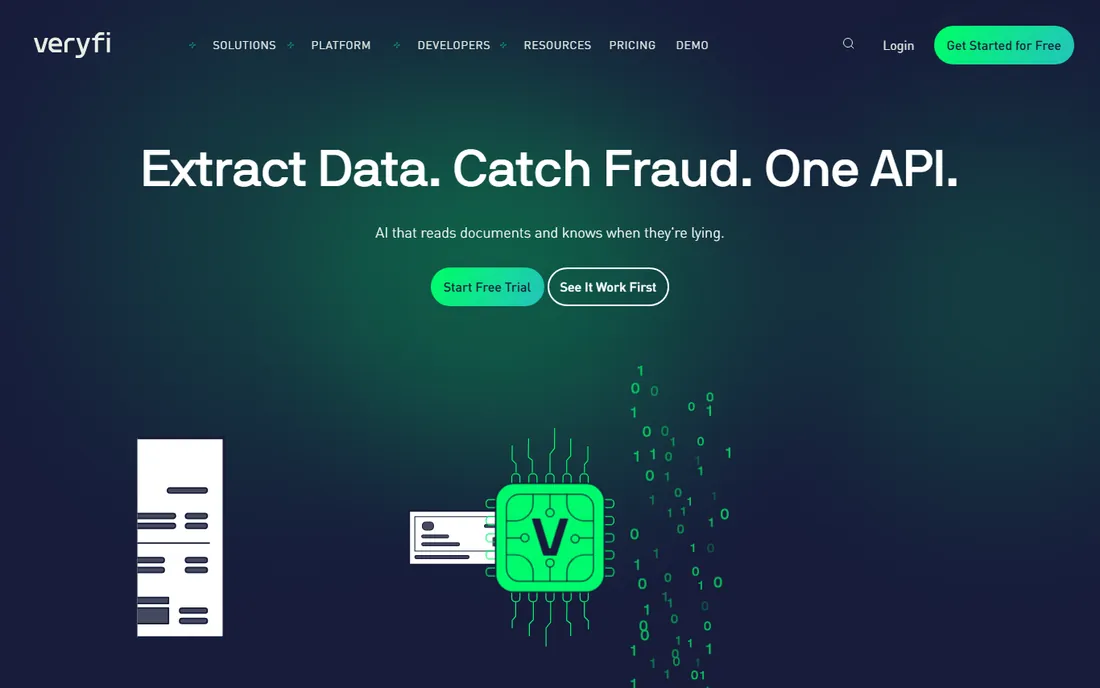
Veryfi is different from everything else here: it sells the engine, not the car. Its OCR APIs turn receipt and invoice images into structured data with near-perfect accuracy, plus fraud signals that flag suspicious documents. Banks, fintech apps and accounting platforms build on it.
If you are not a developer, Veryfi is not for you, and its pricing reflects enterprise API usage rather than consumer subscriptions. But if you are building expense features into your own product, it is the fastest way to get receipt intelligence without training your own models. The free demo app on iOS and Android lets you test the capture quality before committing.
What we like- Best-in-class OCR accuracy with fraud detection signals
- Mobile SDK for building capture into your own app
- SOC 2 Type II certified
Watch out for- It is an API, not a finished app
- Needs developers to get value from it
Starting price$13/month
Free planFree trial
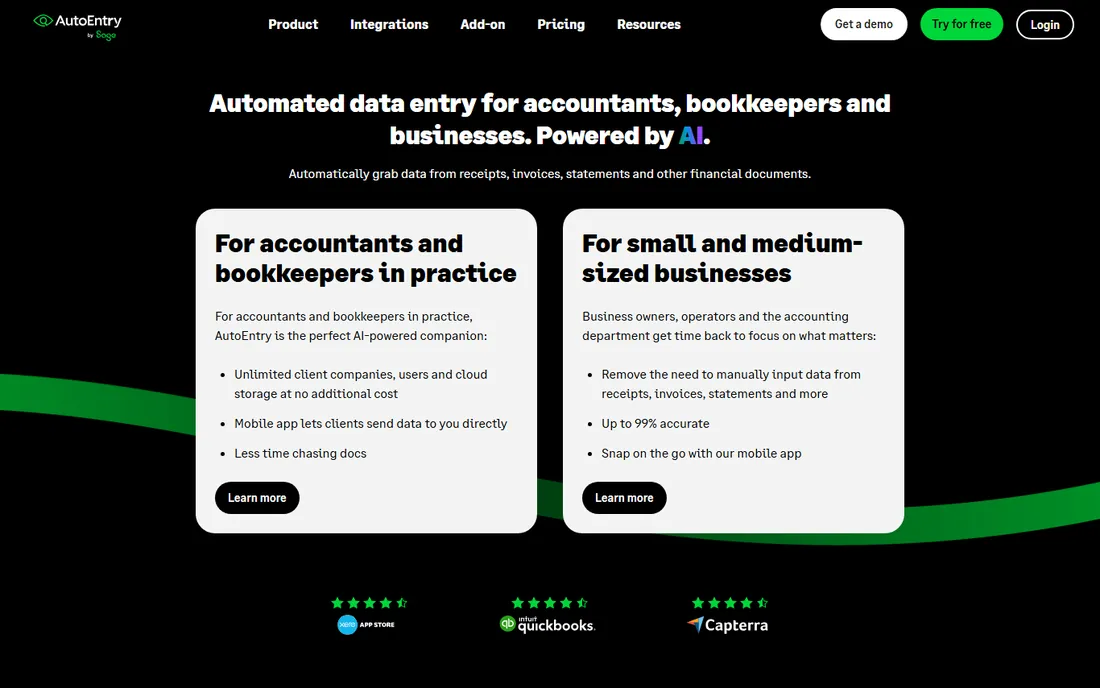
AutoEntry takes a refreshingly honest approach to pricing: you pay for the data extraction you actually use, starting at $13 a month for 50 credits on the Bronze plan, with everything else, unlimited users, unlimited cloud storage, all features, included. The trial comes with 25 free credits, and plans roll month to month with no contract.
The product itself is built for accountants, bookkeepers and businesses: snap receipts, invoices and statements, get up to 99 percent accurate data, and publish straight into Xero, Sage or QuickBooks. Casual users may find the credit model unfamiliar, but for anyone processing documents at volume it is one of the fairest pricing models in the category.
What we like- Pay only for the documents you process
- Unlimited users and storage on every plan
- Trial includes 25 free credits
Watch out for- Credit system takes a moment to understand
- Aimed squarely at accounting workflows
Starting priceSee website
Free planSee website
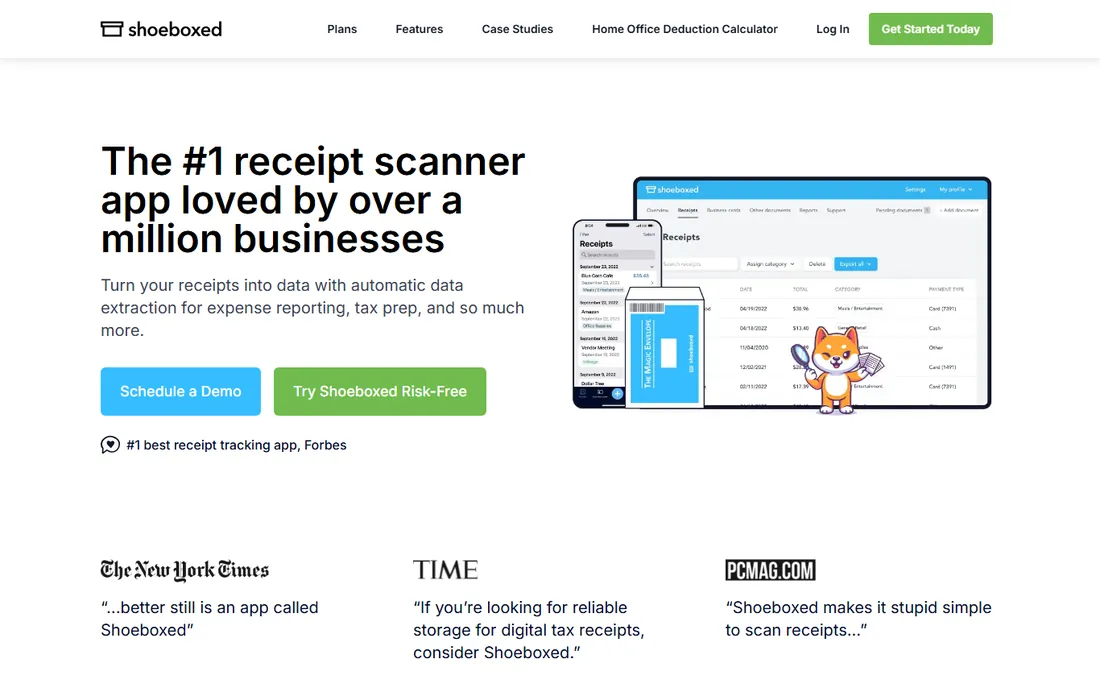
Shoeboxed pioneered this category. The pitch was simple: stuff your receipts in an envelope, mail it in, and get organized digital records back. The service has since grown into a full digital offering with mobile scanning, but the mail-in option remains its signature for people with literal shoeboxes of paper.
It is not really an expense management platform; there are no approvals or reimbursements here. What it does is turn paper chaos into a searchable archive with extracted data, which is exactly what tax season demands. Check the site for current pricing, since plans and tiers have changed over the years.
What we like- The original receipt-scanning service with a long track record
- Human-verified data entry options
- Good for tax-time organization
Watch out for- Pricing has historically been higher than app-only rivals
- Less of an expense-reporting tool than Expensify
Starting priceSee website
Free planSee website
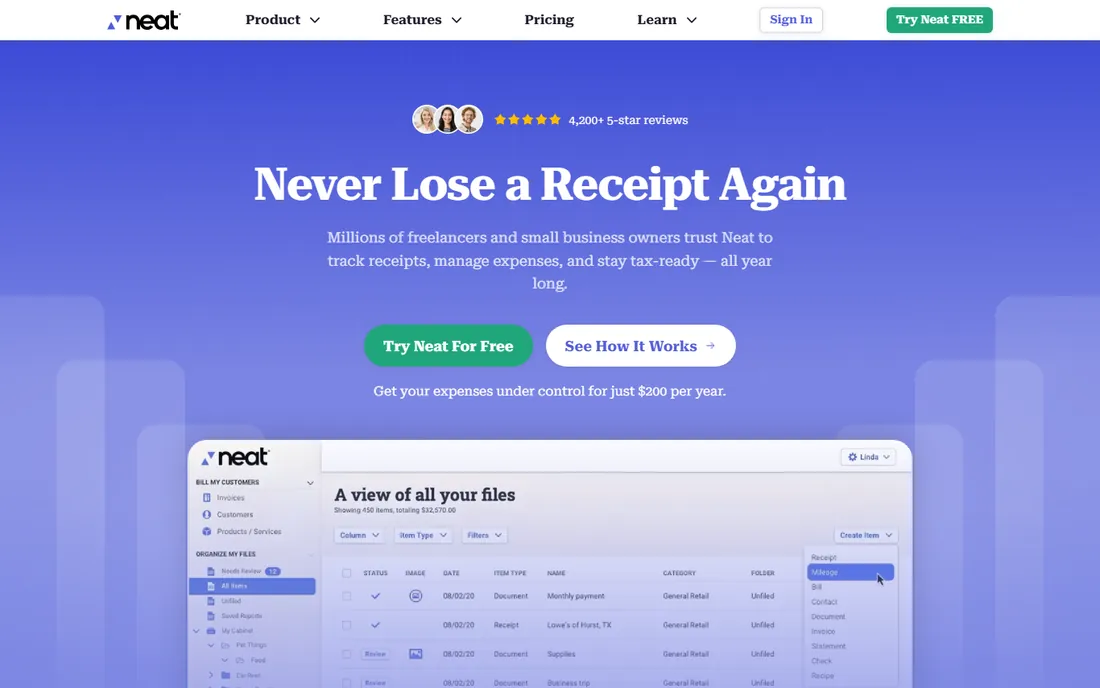
Neat has been helping small businesses digitize paperwork for years, combining receipt scanning with broader document management. If your problem is not just receipts but the whole paper trail, invoices, contracts, statements, Neat's wider document organization is a better fit than a pure receipt scanner.
The company has restructured its products over the years, so the current offering deserves a fresh look on neat.com before you commit. Compared with newer tools, the interface can feel dated. But for businesses that want one digital filing cabinet for everything, it remains a solid option.
What we like- Long-standing document management with receipt capture
- Good for organizing all business paperwork, not just receipts
- Integrates with accounting tools
Watch out for- The product lineup has changed over time, so confirm current plans
- Less modern than newer rivals
Starting priceSee website
Free planSee website
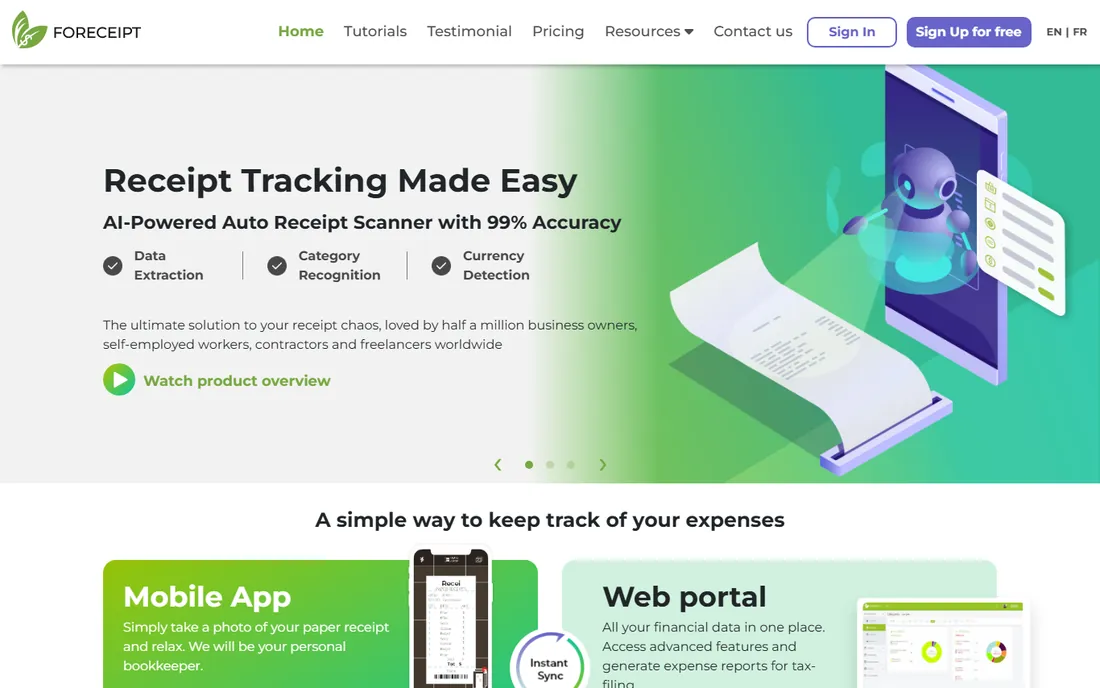
Foreceipt is the quiet, simple option. It scans receipts, tracks expenses and generates reports without the enterprise machinery of Expensify or Dext. For a freelancer or a very small business, that simplicity is the feature: you can be up and running in minutes with a tool that costs little and asks nothing of your accountant.
The tradeoff is depth. Integrations are limited, there is no multi-level approval workflow, and accounting firms will want something more substantial. But most receipt problems are simple problems, and Foreceipt solves the simple version well. Check foreceipt.com for the current plan details.
What we like- Simple and affordable
- Built for individuals and tiny teams
- Quick receipt capture with reports
Watch out for- Limited integrations compared with the big platforms
- Not built for accounting firms or complex approvals
#8
Zoho Expense
Best for: expense reports in the Zoho ecosystem
Visit zoho.com
Starting priceSee website
Free planSee website
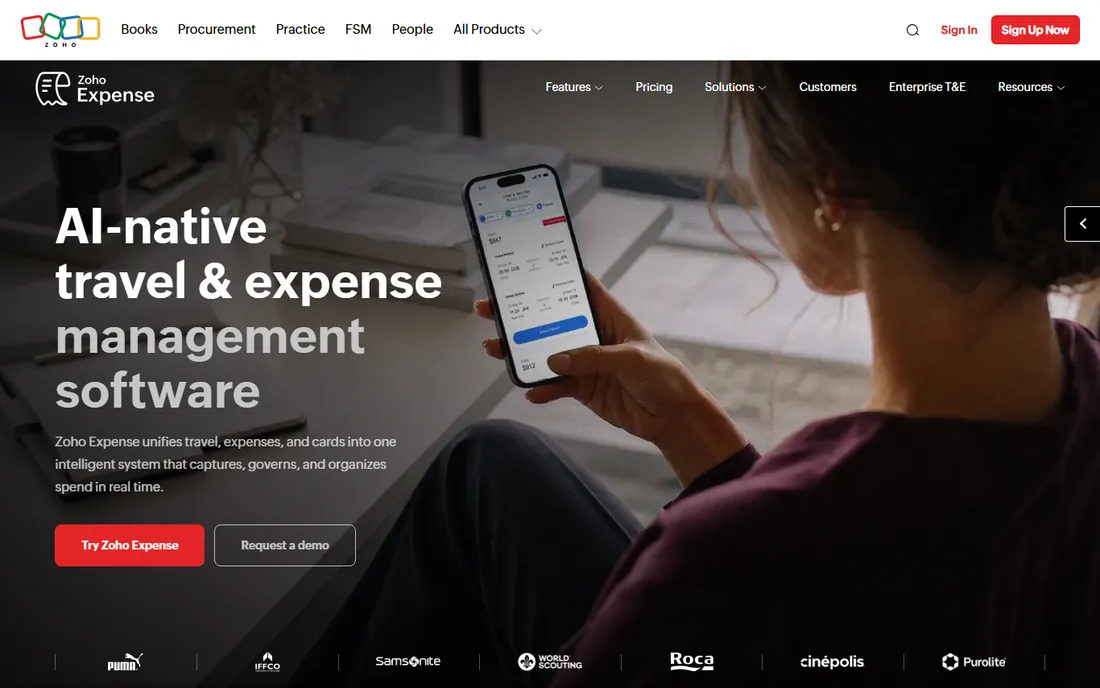
Zoho Expense brings receipt scanning into the Zoho universe. Auto-scan reads receipts, expense reports flow through approvals, and everything lands in Zoho Books if you use it. For the millions of businesses already running on Zoho, adding expense management to the same login is an easy decision.
As a standalone choice against Expensify, the argument is thinner unless you value Zoho's pricing or privacy posture. But Zoho's bundle economics are real: one vendor, one bill, and data that flows between CRM, books and expenses without integrations. Check the site for the current free plan and paid tiers.
What we like- Receipt scanning with auto-scan
- Fits naturally with Zoho Books and the rest of Zoho
- Competitive pricing
Watch out for- Best value only inside the Zoho world
- Smaller third-party integration list than Expensify
How we compared them
We looked at the tools people actually search for when their receipts are out of control, from all-in-one expense platforms to accountant-grade automation to simple scanners. For each product we opened the vendor site to confirm it is live and to read what the vendor itself says about pricing. That is how we verified Expensify's $5 per member plans and free individual use, Dext's 14-day trial, and AutoEntry's $13 Bronze plan from their own pages. Several vendor pages were unreachable on the research day, so those entries show See website rather than numbers we could not confirm. We did not run each app ourselves; this is a research comparison, not a hands-on review.
Receipt problems come in three sizes. If you are an individual with a modest pile of receipts, you need the simplest thing that works: Expensify's free tier, Foreceipt or Shoeboxed will all do. Do not buy accounting-firm software for a personal problem.
If you are a business with employees, you need approvals, policies and accounting sync. That means Expensify, Zoho Expense or Dext, depending on your ecosystem. And if you are an accountant or bookkeeper processing documents for clients, Dext and AutoEntry are built exactly for that job, with Veryfi underneath if you are building your own tools.
The habit that matters more than the app
No receipt software fixes the habit of stuffing paper in a drawer until tax season. The tools work when capture happens at the moment of purchase: photograph the receipt before you leave the shop, or forward the email receipt the moment it arrives. Every tool on this list makes that a ten-second job.
Pick one, set a weekly ten-minute routine to review and categorize, and connect it to your accounting software so the data actually goes somewhere. The best receipt software is the one you open the day you spend the money, not the one with the most features.
Frequently asked questions
Is Expensify really free?
Expensify is free for individual users, according to its own site. Companies pay from $5 per member. If you only need to scan receipts and build reports for yourself, the free tier covers it.
What is the difference between Dext and AutoEntry?
Both automate receipt and invoice data entry for accountants and businesses. Dext uses customized plans based on volume; AutoEntry uses a simple credit system starting at $13 a month with unlimited users. Both offer free trials.
Can I just mail my receipts to someone?
Yes. Shoeboxed built its business on mail-in receipt processing: you send the paper, they digitize and organize it. It is the best option if you have a backlog of physical receipts and no interest in scanning them yourself.
Which receipt app is best for freelancers?
Expensify's free individual tier and Foreceipt are the simplest starting points. If you use Zoho Books, Zoho Expense fits naturally. Freelancers rarely need Dext or AutoEntry unless an accountant asks for them.
Do these tools work with QuickBooks and Xero?
Most of them do. Expensify, Dext and AutoEntry all sync with QuickBooks, Xero and other major accounting platforms. Confirm your specific plan's integrations on the vendor site before committing.
Is Veryfi an app I can download?
Veryfi is primarily an API for developers, though it offers a free demo app to test its receipt capture. If you want a finished expense app, choose one of the other tools on this list.
Sources we checked (8)
- https://www.expensify.com
- https://dext.com/
- https://www.veryfi.com/
- https://autoentry.com/
- https://www.shoeboxed.com
- https://neat.com
- https://www.foreceipt.com
- https://www.zoho.com/expense/
Is your product missing or out of date?
We review this list regularly. Vendors can request a listing, send updated pricing or ask about featured placement.

Shihab Mia · Founder, Rankite
Shihab has spent more than a decade helping SaaS and e-commerce brands grow through search. He writes Rankite's software buying guides from pricing pages, documentation and public user reviews. More about Shihab.