How we make this list: we compare pricing pages, product documentation and public user reviews. Ratings come from G2, Capterra or Trustpilot, with the date we checked them.
Key takeaways
- Expensify and Zoho Expense cover most small teams, with SmartScan and Autoscan capture plus accounting sync.
- Dext suits accountants and bookkeepers who handle many clients and need strong data extraction.
- Shoeboxed remains the best choice for paper backlogs, thanks to its mail-in Magic Envelope service.
- QuickBooks Online and FreshBooks make sense only when receipt capture lives inside accounting software already in use.
- Check scan limits, line-item extraction, and export options before choosing, since those limits decide real monthly cost.
Quick comparison
| Tool | Best for | Starting price | Free plan |
|---|
 Expensify Expensify | Teams with approvals and card matching | $5 per member per month | Yes |
 Zoho Expense Zoho Expense | Small teams on a budget | $3 per user per month | Yes |
 Dext Dext | Accountants and bookkeepers | See website | Free trial |
 Shoeboxed Shoeboxed | Paper receipt backlogs | $9 per month | Free trial |
 QuickBooks Online QuickBooks Online | Existing QuickBooks users | $38 per month | Free trial |
 Wave Wave | Freelancers on free accounting | Free | Yes |
 Veryfi Veryfi | High-volume data extraction | See website | Yes |
 FreshBooks FreshBooks | Freelancers managing expenses | $12 per month | Free trial |
Is your product missing or out of date?
We review this list regularly. Vendors can request a listing, send updated pricing or ask about featured placement.
The best receipt scanning apps
#1Expensify
Best for: Teams with approvals and card matching4.5/5 on
G2 (5,685 reviews, checked Oct 2026)
Visit expensify.com
Starting price$5 per member per month
Free planYes
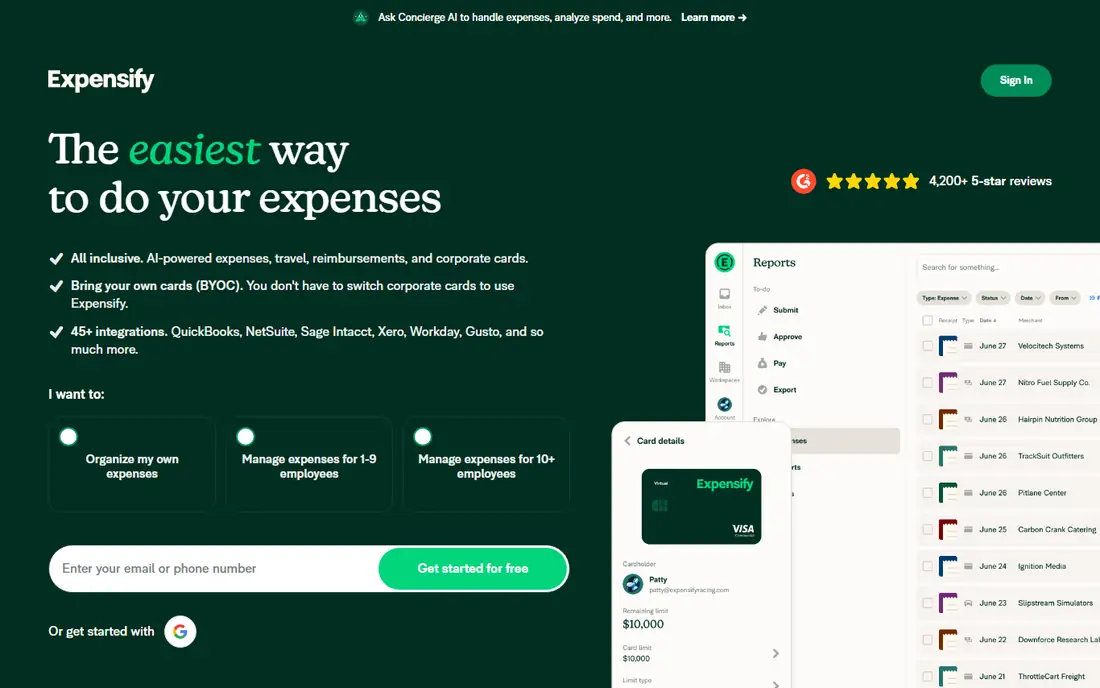
Expensify is the most widely used receipt app for teams that travel or spend on company cards. SmartScan reads a receipt photo, pulls merchant, date, and total, and matches it to a card transaction. Approval workflows, expense reports, and accounting sync then handle the rest, which reduces month-end chasing for managers.
Free personal SmartScans cover individual use, while the Collect plan at $5 per member per month suits small teams. Per-member pricing can grow fast for larger groups, and some advanced controls sit on higher tiers. For a team that needs reliable capture plus approvals, Expensify remains the default shortlist pick.
What we like- SmartScan OCR with card matching
- Free personal use
- Strong approval workflows
Watch out for- Per-member pricing grows with teams
- Advanced features need higher plans
#2Zoho Expense
Best for: Small teams on a budget4.5/5 on
G2 (1,579 reviews, checked Oct 2026)
Visit zoho.com
Starting price$3 per user per month
Free planYes
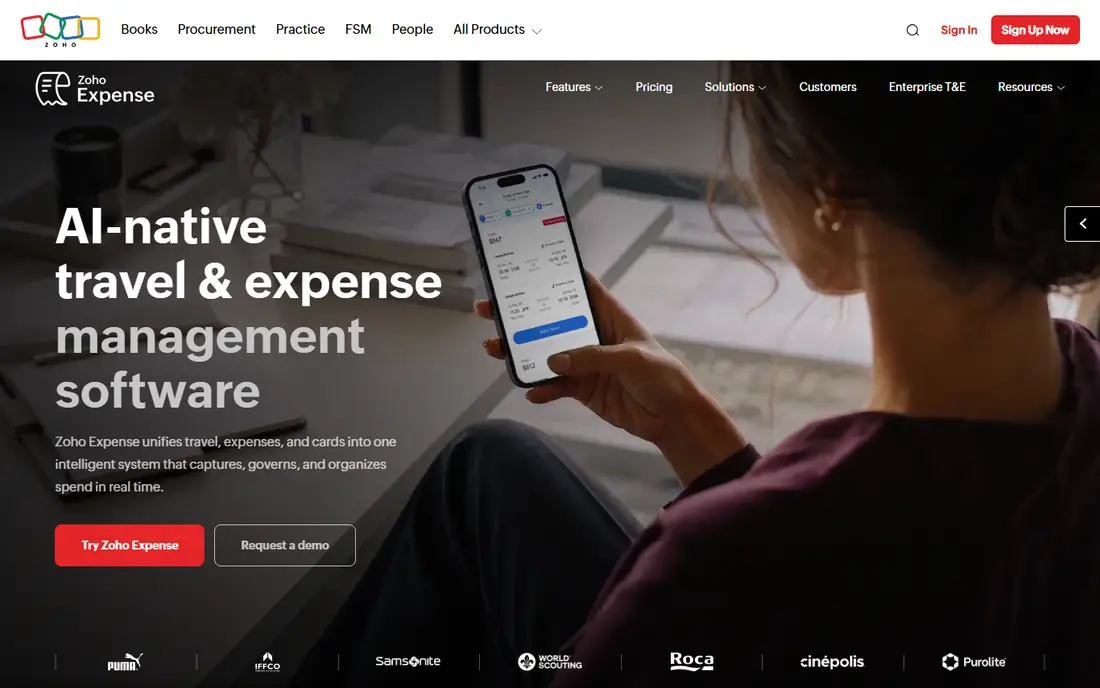
Zoho Expense offers one of the best free entry points in this list. The free plan covers up to three users with Autoscan capture, expense reports, and basic approvals. Paid plans start low and add mileage, per diem, and advanced policies, which suit growing teams without a large jump in cost.
Scan limits on the free plan mean heavy users will need to upgrade, and teams outside Zoho gain less from integrations. For a small business that wants real expense reports at low cost, Zoho Expense is hard to beat. It also pairs well with Zoho Books for users already in that system.
What we like- Free plan for up to three users
- Autoscan in many languages
- Good value on paid plans
Watch out for- Free plan limits scans
- Best value inside the Zoho system
#3Dext
Best for: Accountants and bookkeepers4.6/5 on
G2 (411 reviews, checked Oct 2026)
Visit dext.com
Starting priceSee website
Free planFree trial
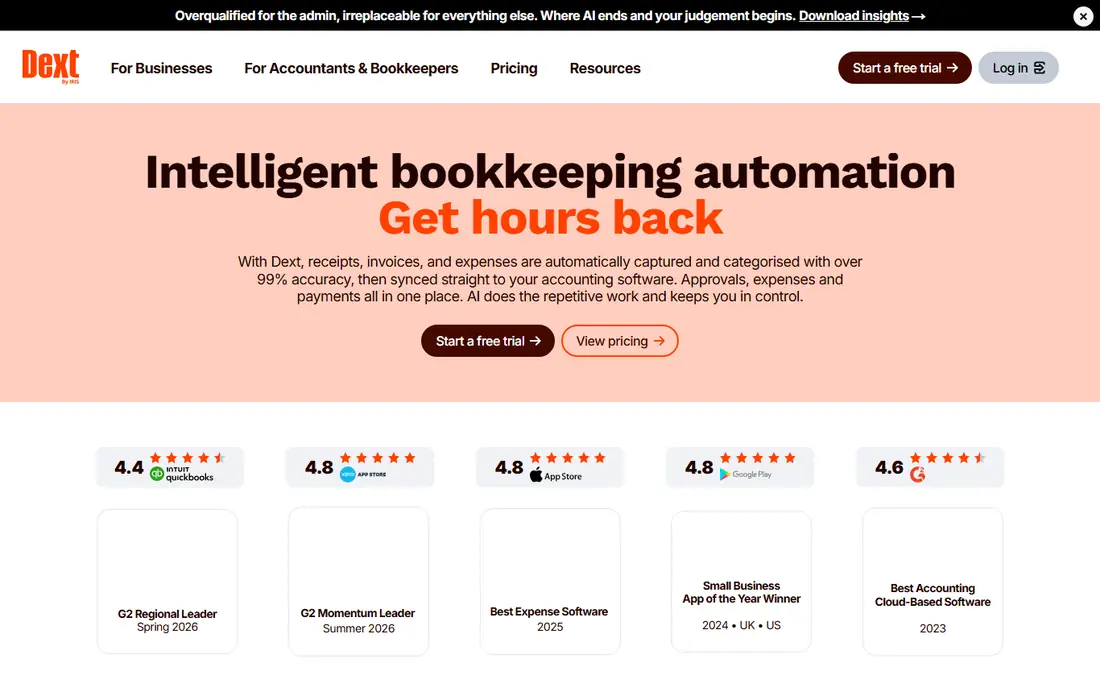
Dext, formerly Receipt Bank, is built for accountants who process documents for many clients. Capture comes from app, email, upload, and supplier fetch, and extraction covers receipts, invoices, and bank statements. Client workspaces, approval flows, and publishing to accounting software make it a practice tool, not just a scanner.
Pricing reflects that focus, with plans aimed at firms rather than a single freelancer. Line-item extraction and higher volumes may need add-ons. For a solo user, Expensify or Zoho Expense will cost less. For a bookkeeper with dozens of clients, Dext saves enough manual entry to justify its price.
What we like- High-accuracy extraction for receipts and invoices
- Supplier fetch
- Multi-client tools
Watch out for- Priced for practices, not solo users
- Line-item extraction may need add-ons
#4Shoeboxed
Best for: Paper receipt backlogs4.4/5 on
G2 (30 reviews, checked Oct 2026)
Visit shoeboxed.com
Starting price$9 per month
Free planFree trial
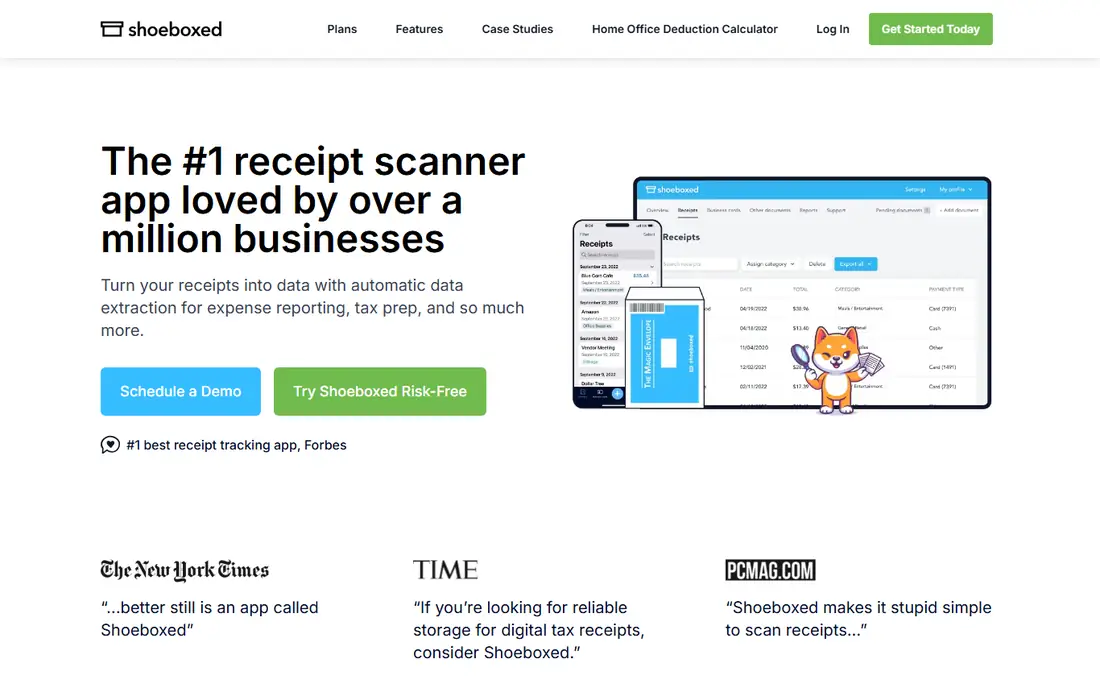
Shoeboxed solves a problem other apps ignore: boxes of paper receipts. Users stuff receipts into a Magic Envelope, mail it in, and receive scanned, categorized data back. The app also handles digital uploads, email forwarding, and Gmail sync on higher plans, so it covers both paper and digital intake.
There is no permanent free plan, and mailed receipts take longer than a phone scan. For a business with a paper backlog or a habit of collecting paper at events, that trade is worth it. For a fully digital team, a faster app-only tool will suit better.
What we like- Mail-in Magic Envelope for paper receipts
- Human-verified data
- Good tax organization
Watch out for- No permanent free plan
- Slower turnaround for mailed receipts
Starting price$38 per month
Free planFree trial
QuickBooks Online makes sense when a business already keeps its books there. Receipt capture lives inside the accounting app, so a photo becomes a categorized expense without a separate export step. That tight link reduces errors and saves time at tax season, especially for small businesses with simple books.
Buying QuickBooks only for receipt scanning is costly, since the Simple Start plan starts at $38 per month. Receipt capture limits also vary by plan. For existing QuickBooks users, the built-in scanner is the simplest option. For others, a standalone app plus an export will cost less.
What we like- Receipt capture inside accounting
- Automatic categorization
- Tax-time reports
Watch out for- Full accounting price for capture alone
- Receipt limits vary by plan
#6Wave
Best for: Freelancers on free accounting4.3/5 on
G2 (328 reviews, checked Oct 2026)
Visit waveapps.com
Starting priceFree
Free planYes
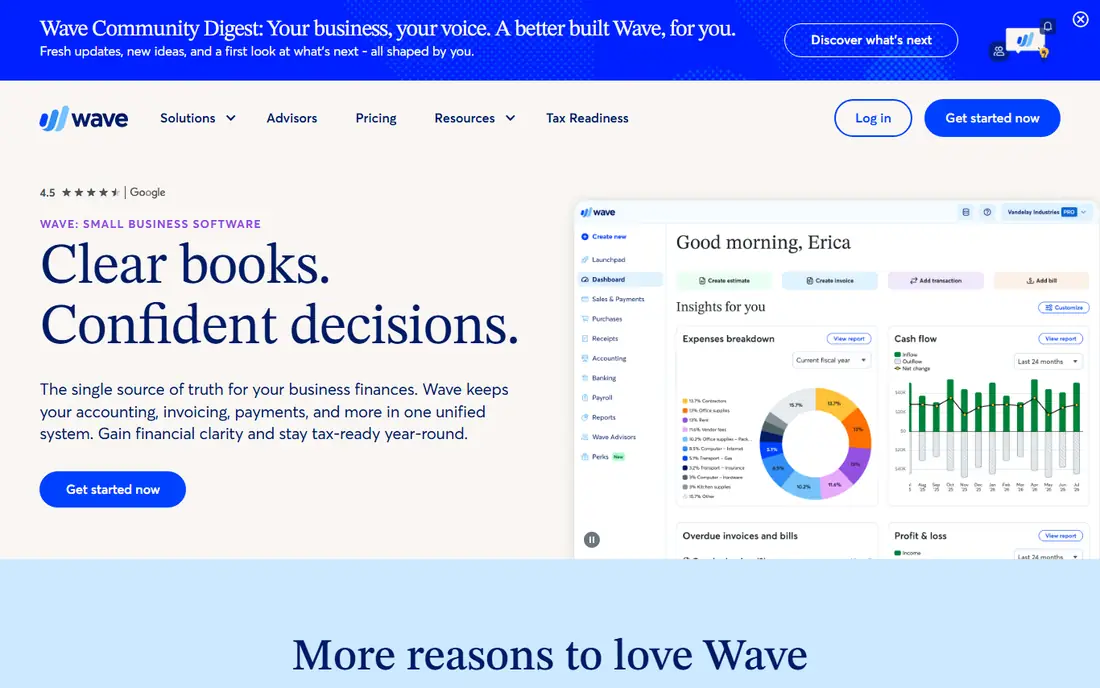
Wave suits freelancers who want free accounting with invoicing and bank connections. The core accounting product is free, which keeps costs low for a new business. Receipt capture is available as a paid add-on on current plans, so users should check the current add-on price before relying on it.
Team features and approvals are lighter than Expensify or Zoho Expense. For a solo freelancer who needs simple books plus occasional receipt capture, Wave is a low-cost path. For a team with approvals and policy controls, a dedicated expense tool will fit better.
What we like- Free accounting and invoicing
- Receipt capture on paid add-on
- Simple setup
Watch out for- Receipt scanning needs a paid add-on on current plans
- Fewer team features
#7Veryfi
Best for: High-volume data extraction4.6/5 on
G2 (58 reviews, checked Oct 2026)
Visit veryfi.com
Starting priceSee website
Free planYes
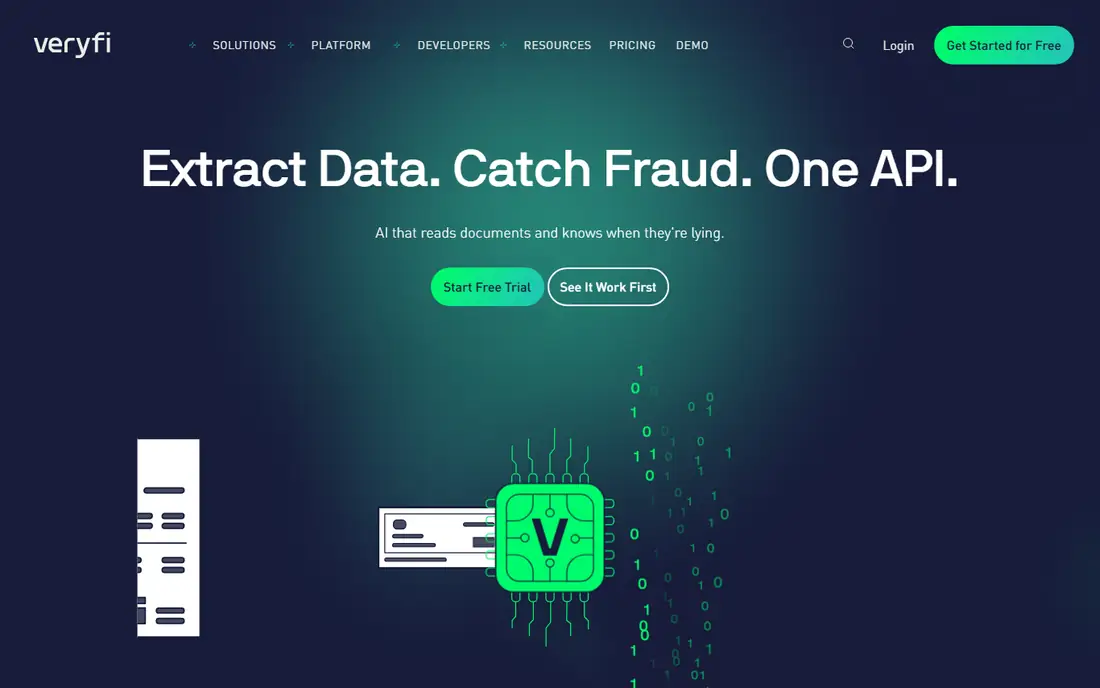
Veryfi targets companies that need receipt data inside their own software. Its OCR extracts merchant, date, totals, tax, and line items, and an API lets developers build capture into apps, portals, and workflows. A free developer tier with limited documents helps teams test accuracy before committing.
High-volume pricing sits at enterprise levels, so Veryfi is not a casual personal scanner. For a business processing hundreds or thousands of receipts a month, or building a product that needs extraction, Veryfi offers accuracy and control that consumer apps cannot match.
What we like- Strong OCR for receipts and invoices
- API for custom workflows
- Line-item extraction
Watch out for- Enterprise pricing for high volume
- Less suited to casual personal use
#8FreshBooks
Best for: Freelancers managing expenses4.5/5 on
G2 (981 reviews, checked Oct 2026)
Visit freshbooks.com
Starting price$12 per month
Free planFree trial
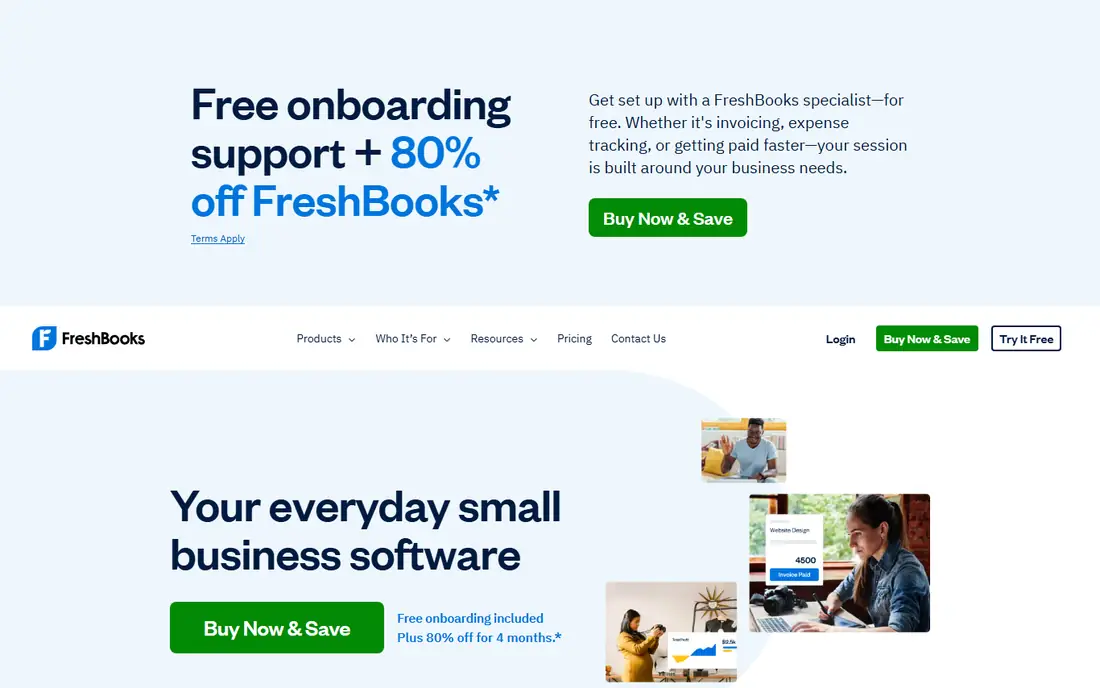
FreshBooks combines receipt capture with invoicing, time tracking, and client management for freelancers. A receipt photo becomes an expense attached to a client or project, which helps at billing time. The interface is clean, and reports cover profit, tax, and client balances without accounting training.
Expense approval and policy controls are lighter than Expensify or Dext. Freelancers who need only capture plus invoicing will be happy, while teams with multi-level approvals should look elsewhere. For a solo professional who bills clients, FreshBooks keeps receipts and income in one place.
What we like- Receipt capture with invoicing and time tracking
- Clean freelancer workflow
- Good reports
Watch out for- Expense features are lighter than dedicated tools
- Per-client costs grow with scale
How we chose
We compared pricing pages, product documentation, and public reviews, and checked each tool for capture methods, OCR fields, line-item support, accounting integrations, scan limits, and export options. We favored tools that exist today and handle receipt scanning as a core task, from personal capture to practice-scale extraction. Where a current price could not be confirmed from a vendor page, we listed it as See website rather than guessing.
What to check before you commit to a scanner
Start with intake. Receipts arrive by photo, email, upload, inbox scan, and paper mail, and a tool that misses one channel creates manual work. Check whether the app reads emailed PDFs, forwards from Gmail or Outlook, and handles multi-page receipts. For a paper-heavy business, Shoeboxed mail-in service may matter more than any app feature.
Next, check what the OCR actually extracts. Merchant, date, total, and tax cover most expenses, but line items matter for mixed purchases, inventory, and client billing. Also check whether extracted fields can be edited before posting, since no OCR tool is perfect. A review step prevents small errors from reaching the books.
Finally, check where the data goes. Direct sync to QuickBooks, Xero, or Zoho Books saves export steps, while CSV export suits spreadsheet users. Look at scan limits, user counts, and retention rules, since a low monthly price with a tight scan cap can cost more in practice than a higher plan with room to grow.
A final check before rollout is retention and tax handling. Confirm how long scanned receipts stay available, whether original images are kept alongside extracted data, and how exports handle tax categories. Some businesses need seven years of records for tax purposes, so a tool with short retention or image-only exports can create risk. Also check whether the app supports multi-currency receipts and VAT or sales tax fields, since travel and cross-border purchases often need those details for clean books.
Before final choice, test the app with faded, crumpled, and long receipts, since clean test photos hide the OCR problems that appear with real paper from taxis, restaurants, and parking machines.
Frequently asked questions
What is the best receipt scanning app for small business?
Expensify suits most small teams with approvals and card matching, while Zoho Expense suits budget-conscious teams with a free plan for up to three users. Dext suits businesses that work through an accountant. Choose by team size, accounting software, and scan volume.
Is there a free receipt scanning app?
Yes. Wave offers free accounting, Zoho Expense offers a free plan for up to three users, and Expensify offers free personal SmartScans. Free plans usually limit scans, users, or features, so check limits before relying on them for business use.
How accurate is receipt OCR?
Modern OCR reads merchant, date, and total well on clear photos, but faded print, crumpled paper, and handwritten notes reduce accuracy. Always review extracted fields before posting to accounting, and use line-item tools when splitting mixed purchases.
Can receipt apps handle paper receipts by mail?
Yes, Shoeboxed offers a mail-in Magic Envelope service that scans and categorizes paper receipts. Other apps focus on phone photos and digital uploads, so paper-heavy users should choose Shoeboxed or scan paper locally before uploading.
Do receipt apps integrate with QuickBooks and Xero?
Most leading apps sync with QuickBooks Online and Xero, including Expensify, Dext, Zoho Expense, and FreshBooks. Check the exact sync direction and field mapping, since some integrations post expenses as drafts for review rather than final entries.
Can I scan receipts in bulk from email?
Yes, on most tools in this list. Forward emailed receipts to a dedicated inbox address, or connect Gmail or Outlook on higher plans. Check daily forwarding limits and file type support, since scanned PDFs and photos behave differently in OCR.
Sources we checked (8)
- https://www.expensify.com/pricing
- https://www.zoho.com/expense/pricing.html
- https://www.dext.com/pricing
- https://www.shoeboxed.com/pricing
- https://quickbooks.intuit.com/pricing
- https://www.waveapps.com/pricing
- https://www.veryfi.com/pricing
- https://www.freshbooks.com/pricing
Is your product missing or out of date?
We review this list regularly. Vendors can request a listing, send updated pricing or ask about featured placement.

Shihab Mia · Founder, Rankite
Shihab has 5+ years in B2B and SaaS SEO. He writes Rankite's software buying guides from pricing pages, documentation and public user reviews. More about Shihab.