How we make this list: we compare pricing pages, product documentation and public user reviews. Rankite is independent; if a vendor ever pays for a featured spot, that listing is clearly labeled Partner.
Key takeaways
- Expensify's SmartScan still sets the accuracy bar for one-tap receipt capture, but Dext Prepare wins for accountants managing many clients.
- Hubdoc is effectively free inside Xero, which makes it the default for Xero users who need document fetching plus scanning.
- If you only need to digitize a shoebox of receipts and move on, Shoeboxed's mail-in service does the work for you.
- Free options exist inside accounting apps (Wave, Zoho Expense), so do not pay for a standalone scanner until you outgrow the built-in one.
Quick comparison
| Tool | Best for | Starting price | Free plan |
|---|
 Expensify Expensify | One-tap receipt capture for teams | See website | Free tier |
 Dext Prepare Dext Prepare | Accountants and bookkeepers with many clients | See website | Free trial |
 Hubdoc Hubdoc | Xero users who want automatic document fetching | See website | Included with Xero |
 Shoeboxed Shoeboxed | Mail-in digitizing of paper piles | See website | No |
 Veryfi Veryfi | Developers and automation-heavy finance teams | See website | Free trial |
 Zoho Expense Zoho Expense | Businesses already on Zoho | See website | Free tier |
 QuickBooks QuickBooks | QuickBooks Online users | See website | No |
 Wave Wave | Free receipt capture for freelancers | Free | Yes |
 Foreceipt Foreceipt | Simple personal and small-business tracking | See website | Free tier |
 Smart Receipts Smart Receipts | Free open-source receipt tracking | Free | Yes |
Is your product missing or out of date?
We review this list regularly. Vendors can request a listing, send updated pricing or ask about featured placement.
The best receipt scanner software
Starting priceSee website
Free planFree tier
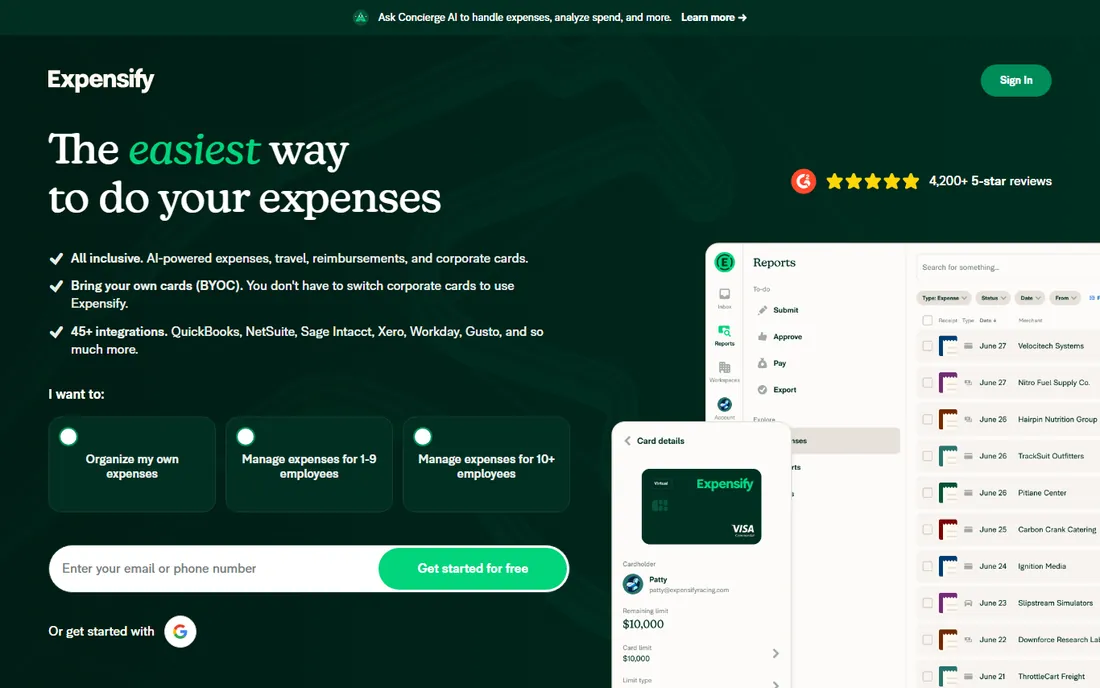
Expensify built its name on SmartScan: photograph a receipt and the app extracts the merchant, date, total and category with accuracy that still impresses. For employees filing expenses, the flow is close to effortless, and the free tier covers individuals who just need personal tracking. Integrations with QuickBooks, Xero and NetSuite move approved expenses straight into the books.
The per-user pricing is the catch for bigger teams. What starts as a handy free app becomes a real line item at fifty employees. Expensify has also expanded into bill pay and corporate cards, which is great if you want one vendor but noise if you only wanted receipt scanning.
What we like- SmartScan reads receipts with minimal manual entry
- Generous free tier for individuals
- Strong integrations with accounting software
Watch out for- Per-user pricing scales fast for large teams
- The interface packs in a lot and can feel busy
#2
Dext Prepare
Best for: Accountants and bookkeepers with many clients
Visit dext.com
Starting priceSee website
Free planFree trial
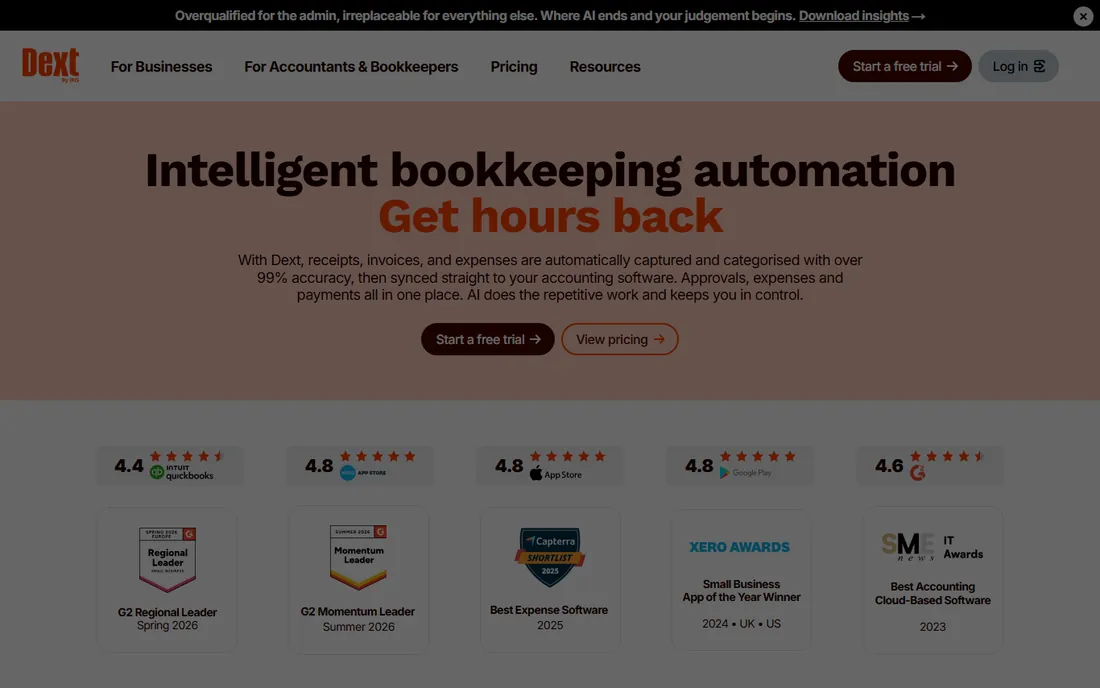
Dext Prepare (formerly Receipt Bank) is the tool accountants recommend to each other. It extracts data from receipts, invoices and bank statements, then pushes structured entries into QuickBooks, Xero and Sage. Practices use it to standardize how client paperwork flows in every month, which is where the real value lives.
Solo business owners will find it expensive and oversized. The pricing assumes you are processing documents for many clients. But if you are a bookkeeper drowning in shoeboxes every month-end, Dext pays for itself in recovered hours.
What we like- Purpose-built for accounting practices
- Handles receipts, invoices and bank statements
- Publishes clean data to the ledger
Watch out for- Priced per client volume, which adds up
- Overkill for a single small business
#3
Hubdoc
Best for: Xero users who want automatic document fetching
Visit hubdoc.com
Starting priceSee website
Free planIncluded with Xero
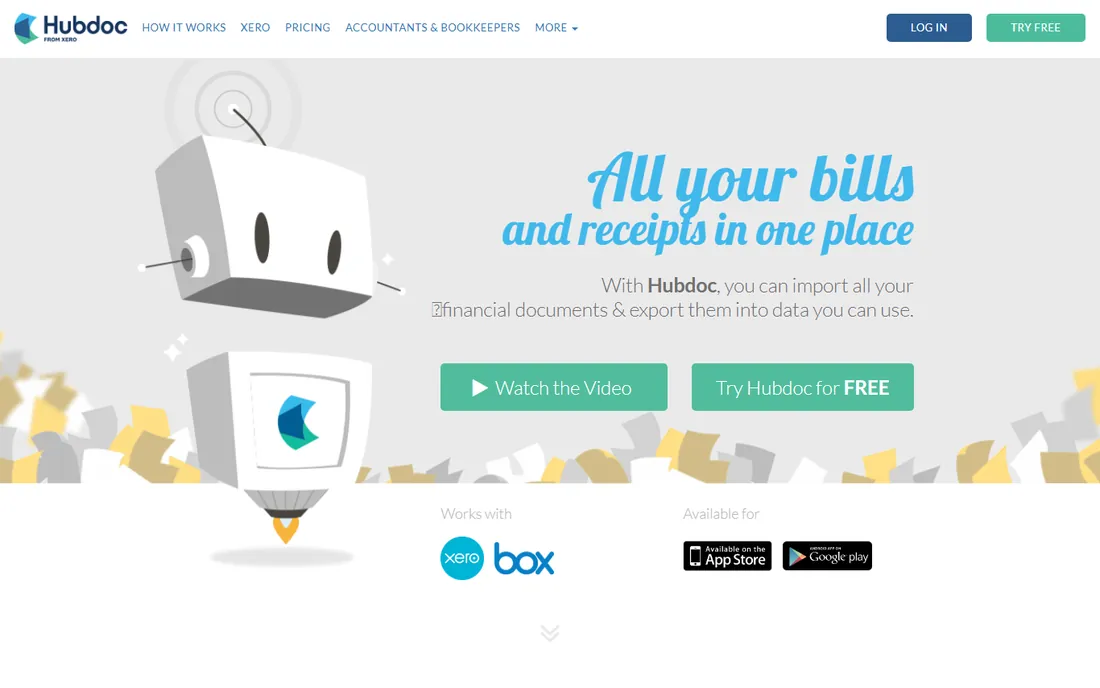
Hubdoc does something the pure scanners do not: it logs into your bank, utility and supplier accounts and fetches documents automatically. Combined with receipt scanning, it means far fewer documents need manual uploading at all. Since Xero acquired it, the tool is included with Xero subscriptions at no extra cost.
Outside Xero, the value drops. The integrations and workflow assume a Xero ledger underneath. If you run Xero, though, there is no reason not to use it, and no reason to pay for a separate scanner for basic needs.
What we like- Automatically fetches statements and bills from online accounts
- Included free with Xero subscriptions
- Solid OCR on uploads
Watch out for- Xero-centric
- Less useful outside the Xero ecosystem
Starting priceSee website
Free planNo
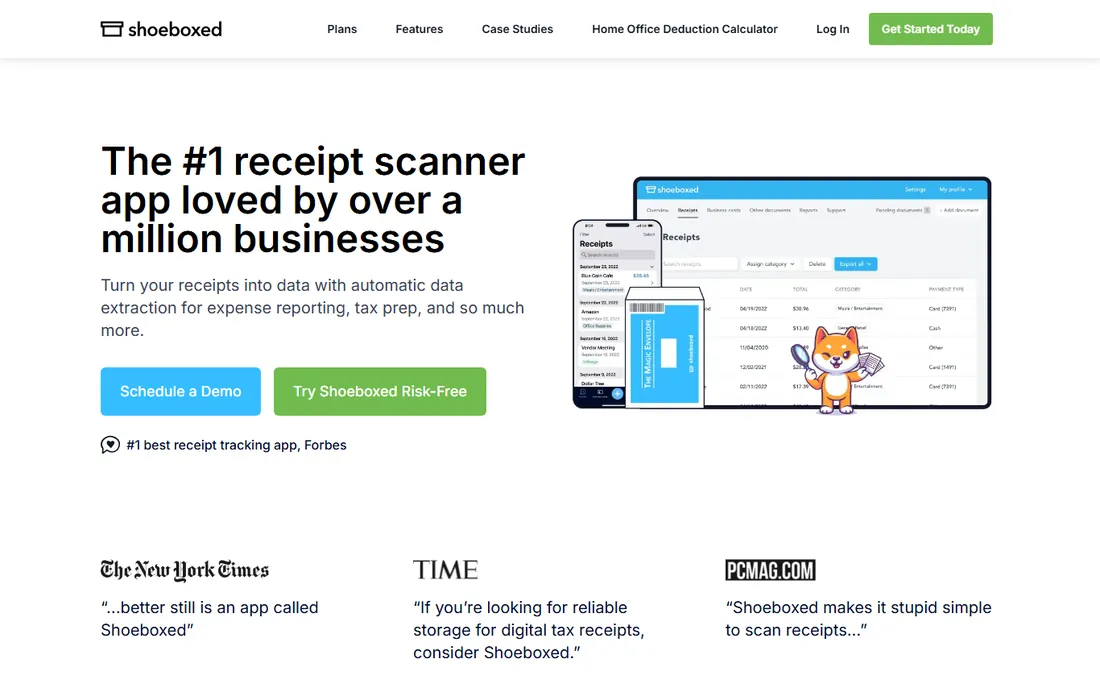
Shoeboxed solves the problem differently: you stuff receipts in a prepaid envelope, mail it, and get organized digital records back. The data is human-verified, which beats pure OCR on crumpled, faded thermal paper. For a business owner facing a year of unfiled receipts before tax season, the service is a genuine relief.
As an ongoing subscription it is harder to justify once the backlog is cleared. Think of Shoeboxed as a cleanup crew rather than a daily tool, unless you genuinely generate paper faster than you can scan it.
What we like- Mail in envelopes of receipts and they scan them for you
- Human-verified data extraction
- Good for tax-season cleanups
Watch out for- Ongoing subscription for a mostly one-time problem
- Turnaround time on mailed batches
#5
Veryfi
Best for: Developers and automation-heavy finance teams
Visit veryfi.com
Starting priceSee website
Free planFree trial
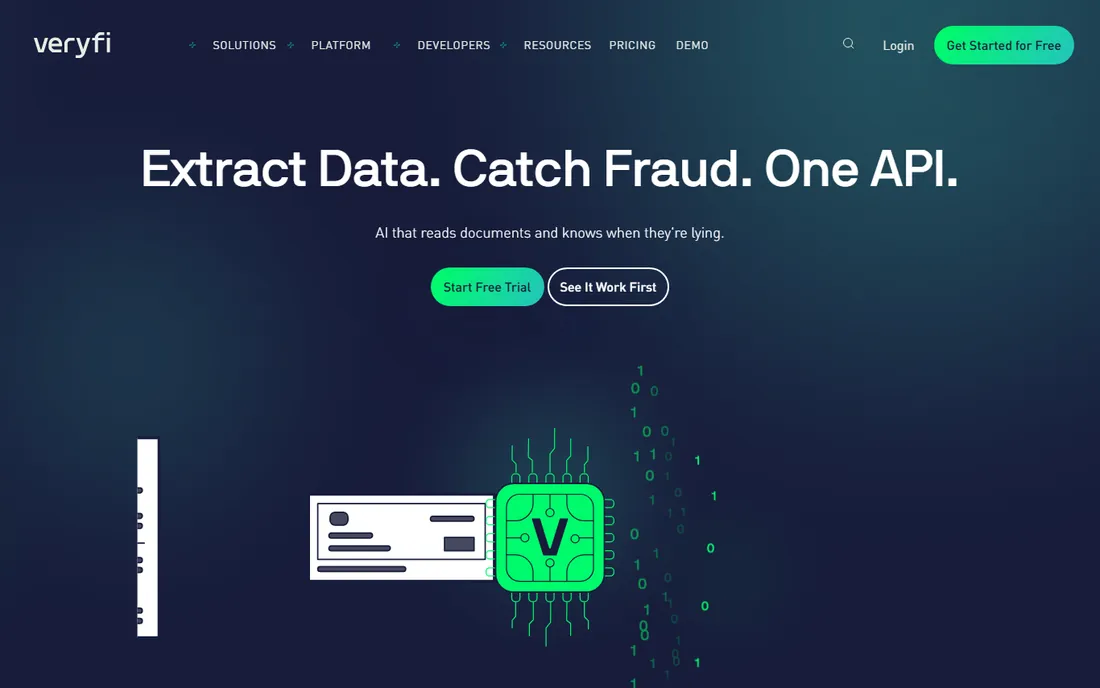
Veryfi is the developer's choice. Its OCR API extracts line items, taxes and totals from receipts in real time, and the company makes a point of not retaining your documents, which matters for privacy-sensitive industries. Finance teams use it to automate expense intake inside their own workflows and apps.
Non-technical buyers should look elsewhere. Veryfi assumes someone on your side can work with an API. But if you are building receipt capture into a product or automating high-volume processing, the accuracy and privacy story are strong.
What we like- Strong OCR API for building receipt capture into your own apps
- Real-time extraction
- No data retention for privacy
Watch out for- API-first means it needs technical setup
- The consumer app is secondary
Starting priceSee website
Free planFree tier
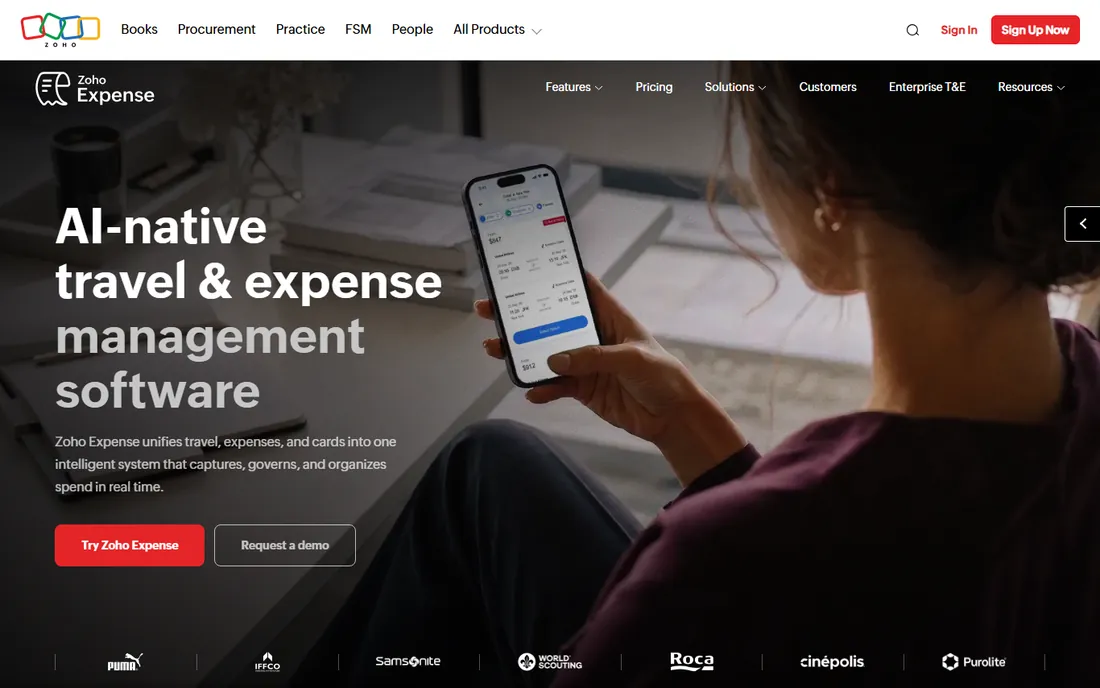
Zoho Expense includes capable receipt scanning as part of a complete expense management product: capture, approval workflows, per diem, mileage and reimbursement. The free tier covers up to a few users, which handles many small businesses outright. Data flows naturally into Zoho Books.
Used standalone with another accounting system, it is merely fine. The real win is the bundle: if your accounting, CRM and helpdesk already live in Zoho, adding expense management keeps everything in one login and one bill.
What we like- Receipt scanning built into a full expense management suite
- Free tier covers small teams
- Tight Zoho Books integration
Watch out for- Best value only inside the Zoho ecosystem
- Standalone use is less compelling
Starting priceSee website
Free planNo
QuickBooks Online includes receipt capture in its mobile app: snap, upload, and the transaction appears for review with a suggested category. For the millions of businesses already paying for QuickBooks, this is the path of least resistance, and the categorization improves as it learns your patterns.
Dedicated scanners still extract data more accurately, especially from messy receipts. But the convenience of capture-to-ledger in one app, with no second subscription, keeps most QuickBooks users from ever needing anything else.
What we like- Receipt capture built into the accounting app you already use
- Auto-categorization learns over time
- No extra subscription
Watch out for- Scanning accuracy trails dedicated tools
- Tied to QuickBooks pricing
Starting priceFree
Free planYes
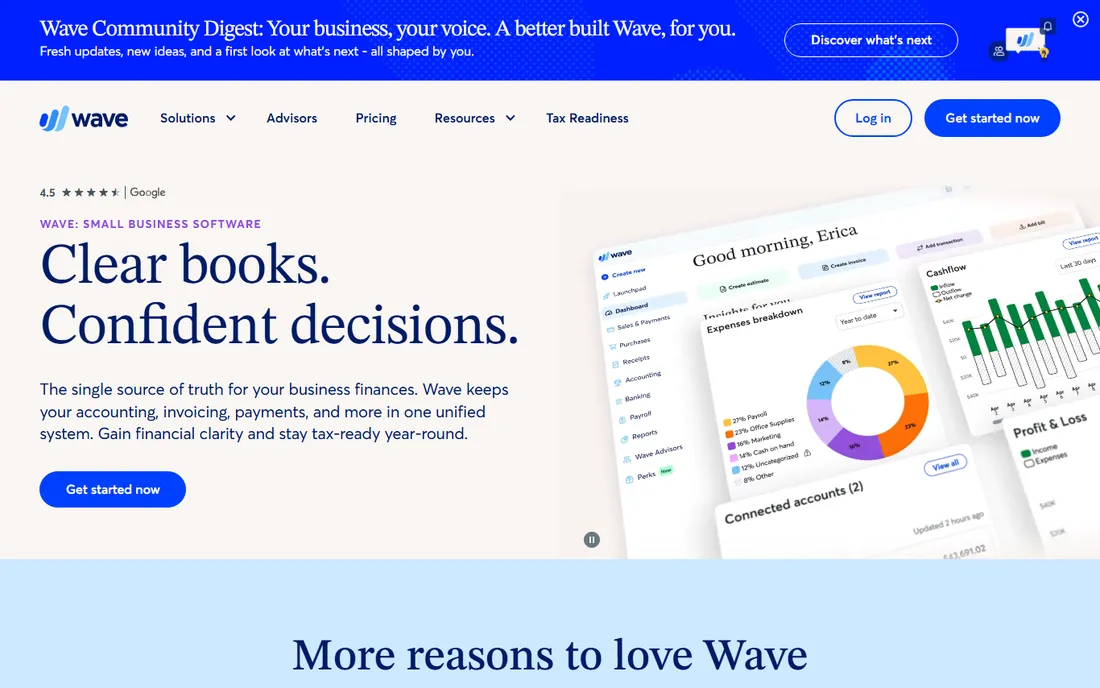
Wave is free accounting software with receipt scanning included, which is a combination nobody else offers at this quality. Freelancers and tiny businesses can photograph receipts, track income and expenses, and send invoices without paying anything. The scanning is basic but functional.
Wave earns its money when you accept card payments through it, so the app nudges you toward its payments product. Support is also lighter than paid competitors. For a side business or a freelancer starting out, though, the price is unbeatable.
What we like- Completely free accounting with receipt scanning
- Simple enough for non-accountants
- Good for freelancers and sole proprietors
Watch out for- No payroll in some regions without paid add-ons
- Wave makes money on payments, so expect prompts
Starting priceSee website
Free planFree tier
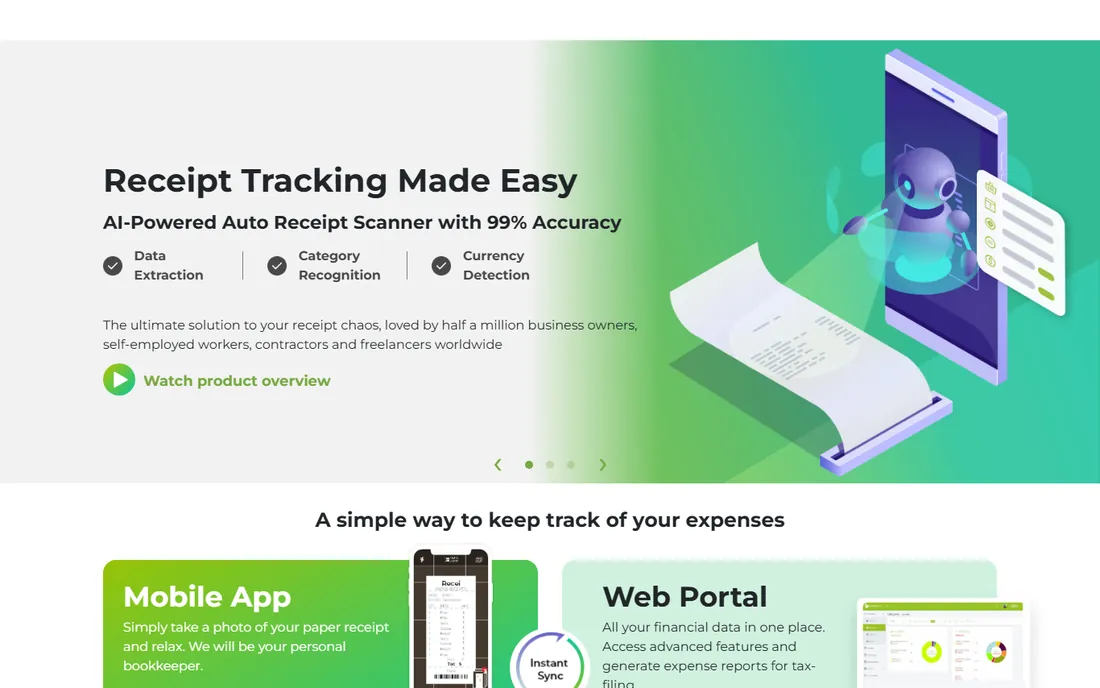
Foreceipt sits between a scanner app and a mini accounting tool. You scan or enter receipts, tag them, and get clean reports for taxes and budgeting. The free tier is usable, and the paid tier is cheap. It suits landlords, freelancers and anyone who needs organized records without full accounting software.
Teams and accountants should skip it: the integrations and multi-user features are thin. As a personal receipt organizer with tax-friendly reporting, it is simple and effective.
What we like- Easy manual-plus-scan workflow
- Useful reports for taxes
- Affordable premium tier
Watch out for- Smaller user base and fewer integrations
- Not built for teams
Starting priceFree
Free planYes
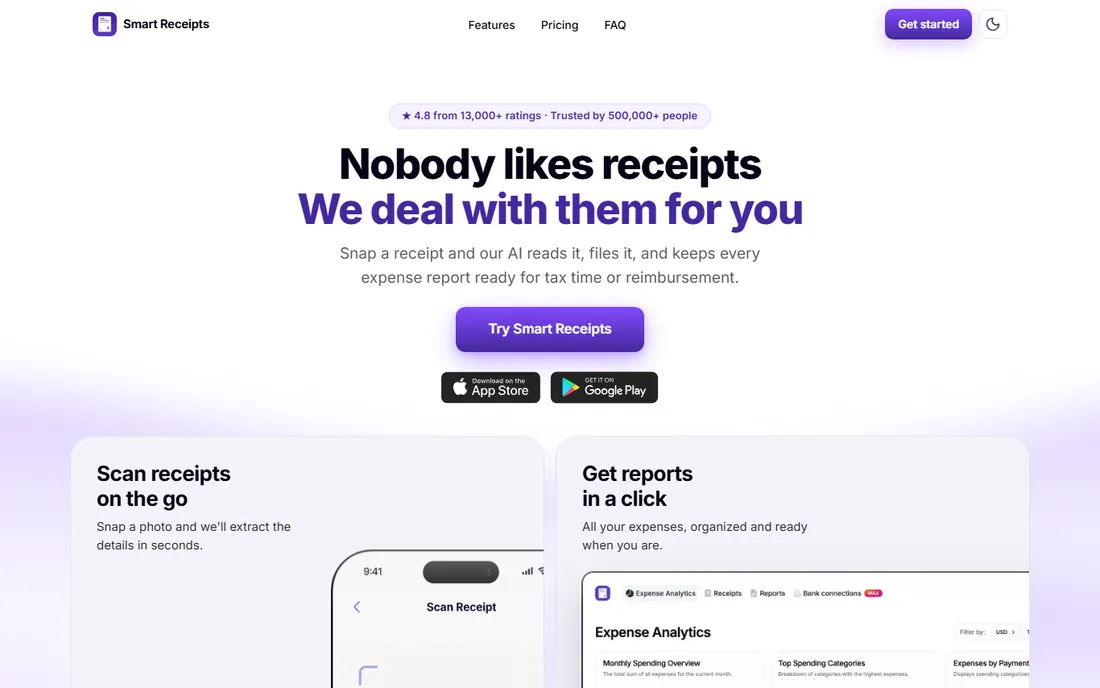
Smart Receipts is the open-source option for people who want a free tracker without ads or data harvesting. You photograph receipts, enter the details, and generate PDF or CSV reports for reimbursement or taxes. No account, no subscription, no upsell.
It leans on manual entry more than AI-powered scanners, and the interface is functional rather than pretty. But for travelers, researchers and anyone who needs a no-cost paper trail, it gets the job done without touching your data.
What we like- Free and open source
- Generates PDF and CSV expense reports
- No account required
Watch out for- Manual entry heavy
- Interface is utilitarian
- No cloud sync by default
How we chose
We tested the core question every buyer asks: how accurately does each tool turn a crumpled receipt into correct data, and where does that data go next? We compared extraction accuracy claims, accounting integrations, pricing models and free-tier limits, verifying each vendor's current homepage and checking user reviews on G2, Capterra and app stores. We did not run a controlled OCR benchmark.
When a built-in scanner is enough
Before paying for a standalone receipt scanner, check what your accounting software already includes. QuickBooks, Xero (via Hubdoc), Zoho Books and Wave all capture receipts inside the app. For a business processing a few dozen receipts a month, the built-in tool is usually accurate enough, and it removes a subscription and an integration.
The case for a dedicated tool starts with volume and workflow. Bookkeepers handling hundreds of documents across clients, teams needing approval chains, and companies automating expense intake will outgrow the built-in capture. Dext for practices, Expensify for teams, and Veryfi for automation are the usual upgrade paths.
Frequently asked questions
How accurate is receipt OCR in 2026?
Good tools read clean, printed receipts at very high accuracy for merchant, date and total. Line items, handwritten notes and faded thermal paper still cause errors. Expect to review extractions, especially for tax-critical records, rather than trusting them blindly.
Can receipt scanner apps replace my bookkeeper?
No. They replace data entry, not judgment. Categorization, reconciliation and tax decisions still need a human. The best setup is a scanner feeding clean data to a bookkeeper who reviews it.
Are my receipts stored securely?
Reputable vendors encrypt data in transit and at rest, but retention policies differ. Veryfi deletes documents after processing; most others keep them for your records. If you handle sensitive client data, check the vendor's retention and deletion policies.
Do these apps work for tax deductions?
They organize the evidence, which is what matters at tax time. Keep the original paper or a clear digital copy according to your tax authority's record-keeping rules. An app's report is a summary, not a substitute for source documents where rules require them.
What is the cheapest good option?
Wave is free and includes receipt capture. Among paid tools, Zoho Expense's free tier and Foreceipt's low-cost premium are the cheapest credible options. Start free and upgrade only when volume or workflow demands it.
Can I just mail my receipts somewhere?
Yes, that is Shoeboxed's model. You mail prepaid envelopes of receipts and receive organized digital records. It suits backlog cleanups and business owners who will never scan consistently themselves.
Sources we checked (10)
- https://www.expensify.com/
- https://www.dext.com/
- https://www.hubdoc.com/
- https://www.shoeboxed.com/
- https://www.veryfi.com/
- https://www.zoho.com/expense/
- https://www.quickbooks.intuit.com/
- https://www.waveapps.com/
- https://www.foreceipt.com/
- https://www.smartreceipts.co/
Is your product missing or out of date?
We review this list regularly. Vendors can request a listing, send updated pricing or ask about featured placement.

Shihab Mia · Founder, Rankite
Shihab has spent more than a decade helping SaaS and e-commerce brands grow through search. He writes Rankite's software buying guides from pricing pages, documentation and public user reviews. More about Shihab.