How we make this list: we compare pricing pages, product documentation and public user reviews. Rankite is independent; if a vendor ever pays for a featured spot, that listing is clearly labeled Partner.
Key takeaways
- NVivo and ATLAS.ti are now both owned by Lumivero, and both raised student prices sharply in the last three years, so check MAXQDA, Quirkos and Dedoose before defaulting to the old big three.
- If you are a solo researcher on a budget, Quirkos (lifetime offline license) and Taguette (free and open source) cover real coding work for a fraction of the cost.
- Web-based tools like Dedoose and Delve win on collaboration, while desktop tools like NVivo and MAXQDA win on raw analytical power.
- Dovetail is the pick for UX and product teams doing continuous research, not for academics writing dissertations.
Quick comparison
| Tool | Best for | Starting price | Free plan |
|---|
 NVivo NVivo | academic and mixed-methods research | See website | Free trial |
 ATLAS.ti ATLAS.ti | deep text and multimedia analysis | See website | Free trial |
 MAXQDA MAXQDA | mixed methods and team projects | See website | Free trial |
 Dedoose Dedoose | collaborative web-based coding | See website | Free trial (30 days) |
 Quirkos Quirkos | simple, affordable qualitative coding | See website | Free trial |
 Delve Delve | fast cloud-based transcript coding | See website | Free trial |
 Taguette Taguette | free open-source text tagging | Free | Yes |
 Dovetail Dovetail | UX and product research repositories | See website | Free trial |
 HyperRESEARCH HyperRESEARCH | straightforward desktop QDA | See website | Free trial |
Is your product missing or out of date?
We review this list regularly. Vendors can request a listing, send updated pricing or ask about featured placement.
The best qualitative software
Starting priceSee website
Free planFree trial
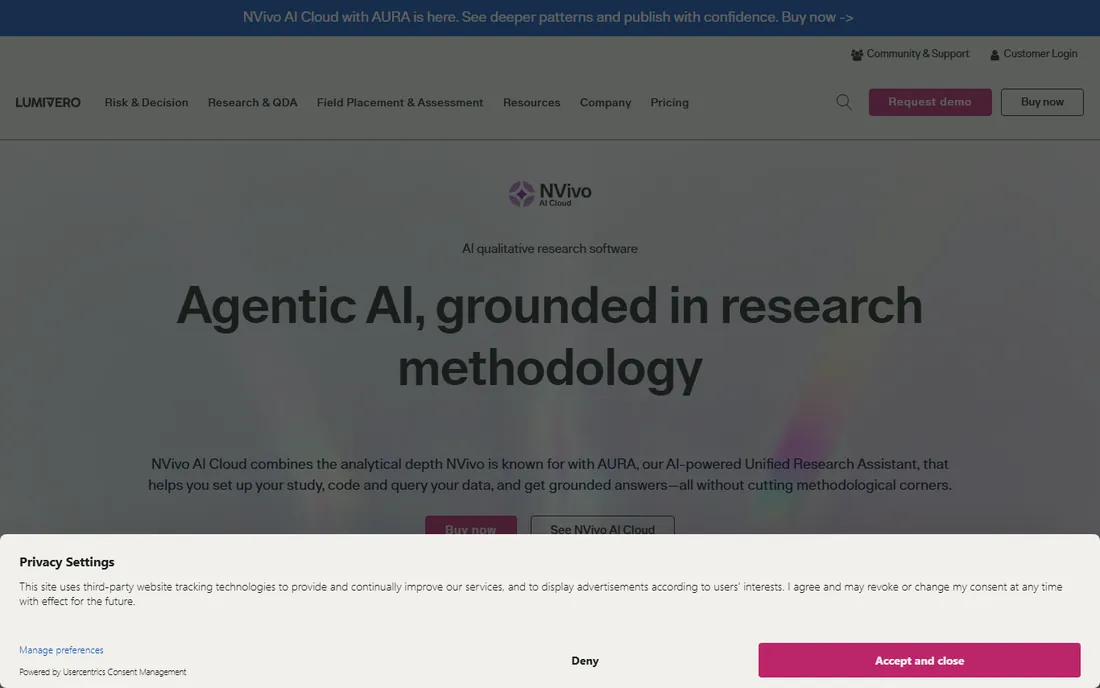
NVivo is the default answer in academia for a reason. Developed originally by QSR International and now part of Lumivero, it handles the full range of qualitative data: interview transcripts, PDFs, audio, video, images, survey text and social media content. Coding, case classification, matrix queries and visualizations are all mature, and NVivo 15 added AI-assisted coding suggestions and summarization with an audit trail so AI-drafted codes stay defensible in a thesis.
The practical advantage is institutional. Most universities hold site licenses, supervisors know the software, and methods courses teach it. If your committee expects NVivo, using something else creates friction you do not need during a dissertation. Collaboration Cloud lets teams code the same project, and the mixed-methods features cover surveys alongside interviews.
The honest catch is cost and complexity. Student pricing rose from around $99 to about $130 per year in three years, and the feature set is far more than a small project needs. New users often spend their first week just learning the project structure. Before you buy, check whether your university already licenses it, and trial it against MAXQDA, which many researchers find more intuitive.
What we like- The most cited QDA package in published research
- Handles text, audio, video and social data
- Strong queries and visualizations
Watch out for- Price has climbed steeply
- The interface can overwhelm new users
Starting priceSee website
Free planFree trial
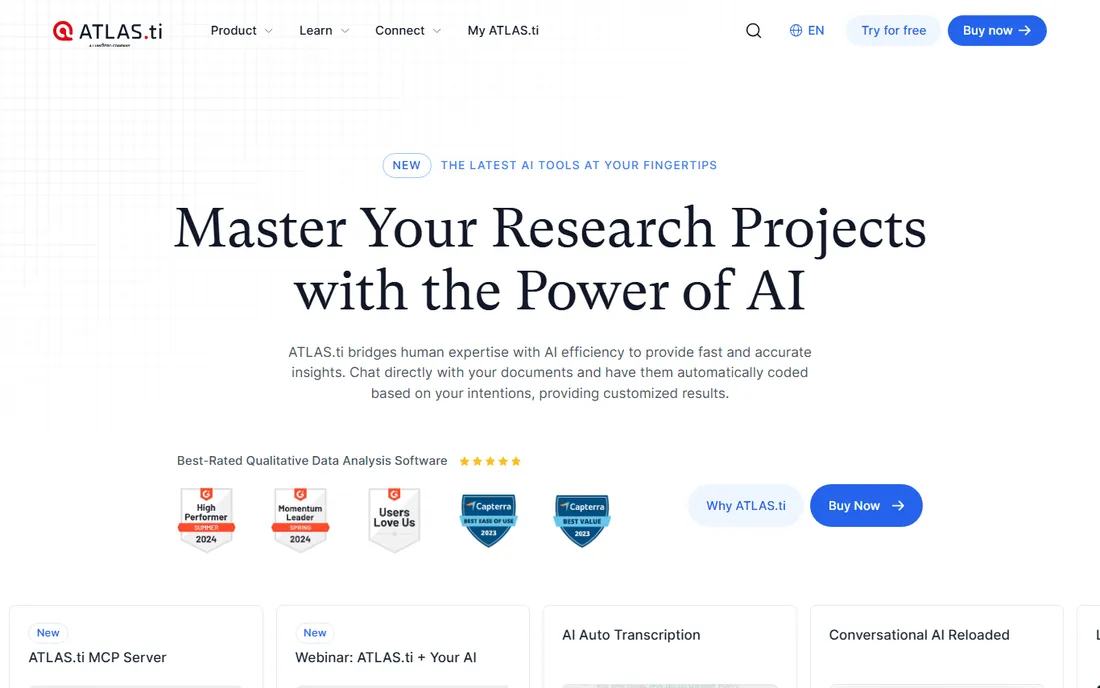
ATLAS.ti has been a mainstay of qualitative research since the early days of CAQDAS, and it remains one of the most powerful desktop options for coding text, audio, images and video. Its network views, which map relationships between codes, quotations and memos, are genuinely useful for theory building. The Web version extends coding to the browser for lighter collaboration.
One fact buyers should know: ATLAS.ti was acquired by Lumivero, the same company that owns NVivo. The old "big three" of NVivo, ATLAS.ti and MAXQDA is now effectively two vendors. Student pricing climbed about 39 percent in three years, from roughly $102 to $142 per year, so the budget argument for ATLAS.ti over alternatives has weakened.
The tool itself is strong. Researchers who think visually tend to prefer its interface to NVivo's, and its AI coding features have kept pace. The free trial is generous, with a fully functional version limited by project size rather than time. Try it if your work involves complex code relations or multimedia, but compare the quote against MAXQDA and Quirkos first.
What we like- Powerful network views and code relations
- Good multimedia coding
- Long academic track record
Watch out for- Also hit by steep price increases
- Some users find updates disruptive
Starting priceSee website
Free planFree trial
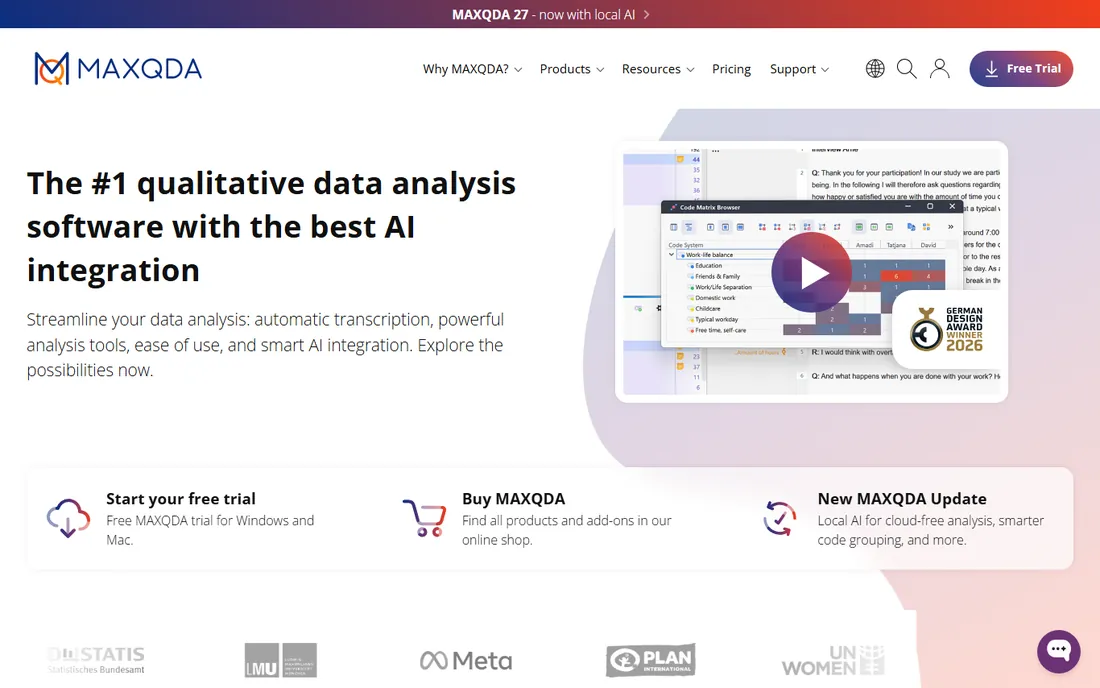
MAXQDA is the third pillar of traditional QDA and the only one still independent of Lumivero. It covers qualitative, quantitative and mixed-methods analysis in one package: code interviews and focus groups, then run stats on the same data. The document browser, creative coding tools and visual outputs like code maps make it popular with researchers who present findings to non-academic audiences.
Team projects are a particular strength. MAXQDA's collaboration features handle multiple coders, inter-coder agreement checks and merged projects cleanly, which matters for funded research with distributed teams. Universities widely support it, and the 14-day full-featured trial plus course licenses make it easy to evaluate.
The drawback is that it is not the cheap alternative it once was. Student pricing moved from about $94 to $114 per year, and the top-tier Analytics Pro edition costs more. It is still a full desktop application with a learning curve, so solo researchers with simple needs should look at Quirkos or Delve first. For serious mixed-methods work, though, it earns its place.
What we like- Excellent mixed-methods features
- Intuitive document browser
- Strong team collaboration
Watch out for- Student pricing also rose about 20 percent
- Advanced stats features cost more
Starting priceSee website
Free planFree trial (30 days)
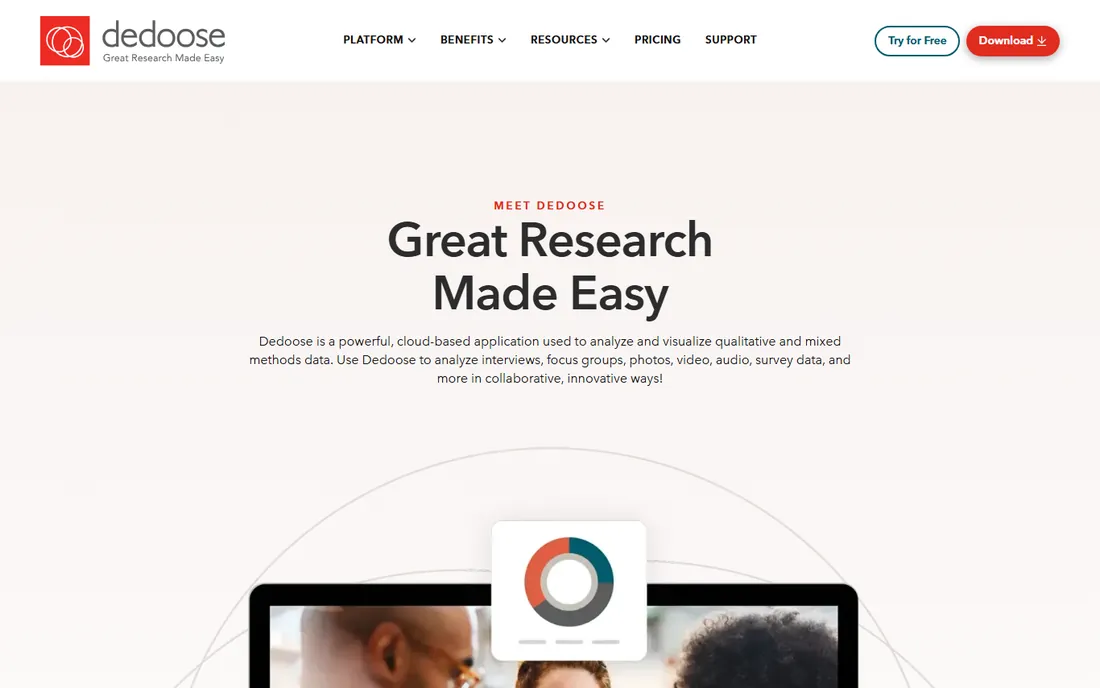
Dedoose is the web app that qualitative teams reach for when everyone needs to code together without IT headaches. It runs entirely in the browser, supports text, audio, video and image data, and was designed around collaborative coding from the start. Excerpts, codes and descriptors live in one shared project, and the pricing model lets you pay by the month only for the months you use it.
That pricing model is the killer feature for project-based research. A team that codes for three months pays for three months, which beats an annual desktop license for short grants. The interface is simpler than NVivo or MAXQDA, and new coders get productive faster. University research guides consistently recommend it for collaborative projects.
The trade-off is analytical ceiling. Complex queries, advanced visualizations and heavy multimedia work are thinner than in the desktop packages. If your analysis lives or dies by matrix queries and network diagrams, you will feel the limits. For interview-heavy team projects with straightforward coding, it is the pragmatic choice.
What we like- Runs in the browser with nothing to install
- Built for team coding
- Pay only for months you use
Watch out for- Less analytical depth than desktop tools
- Needs a reliable internet connection
Starting priceSee website
Free planFree trial
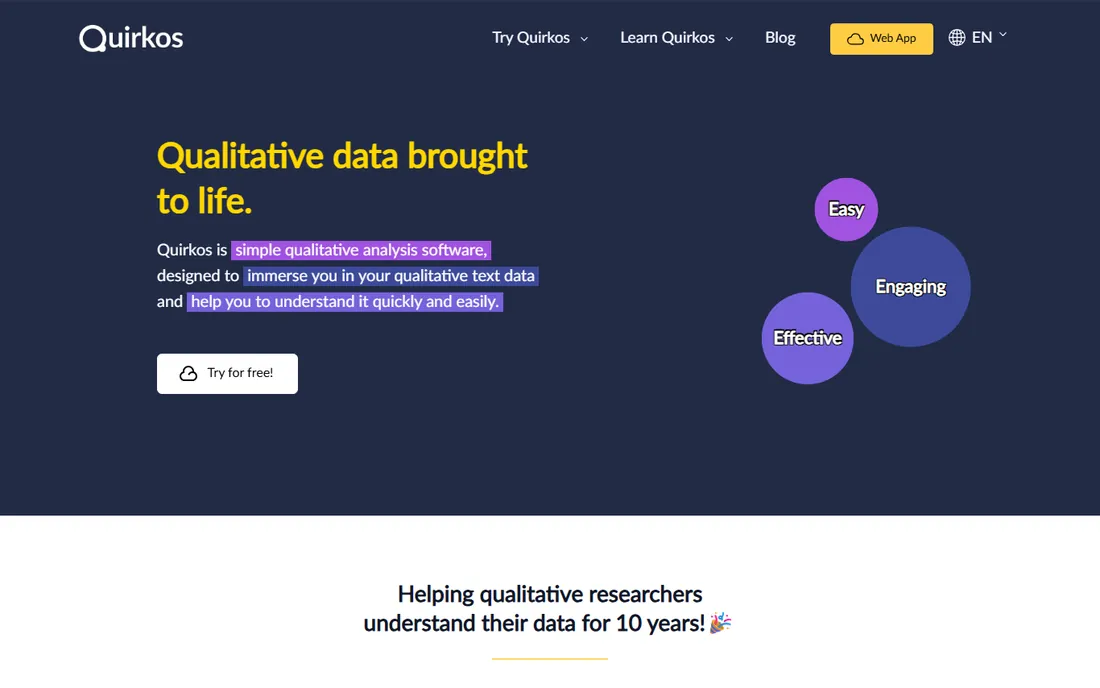
Quirkos is the anti-enterprise QDA tool, and that is its charm. The interface is built around colorful bubbles for codes that you drag and drop onto text, which sounds gimmicky until you watch a new researcher code their first interview in under an hour. It is popular in education and among solo researchers who want to code without a training course.
The pricing is the real story. While the big vendors raised prices 20 to 40 percent, Quirkos kept a student rate equivalent to about $5 a month and sells a permanent offline license for $69. For a master's student or an independent researcher, that changes the math completely. It handles the core workflow: import transcripts, code, visualize, query and report.
The honest limitation is depth. You will not find the advanced queries, mixed-methods statistics or AI features of the big packages. The community and tutorial library are smaller, so obscure problems get less help. But for straightforward thematic analysis, it does the job at a price nobody else touches.
What we like- Genuinely easy to learn
- Lifetime offline license for $69
- Well priced subscriptions
Watch out for- Fewer advanced analysis features
- Smaller user community
Starting priceSee website
Free planFree trial
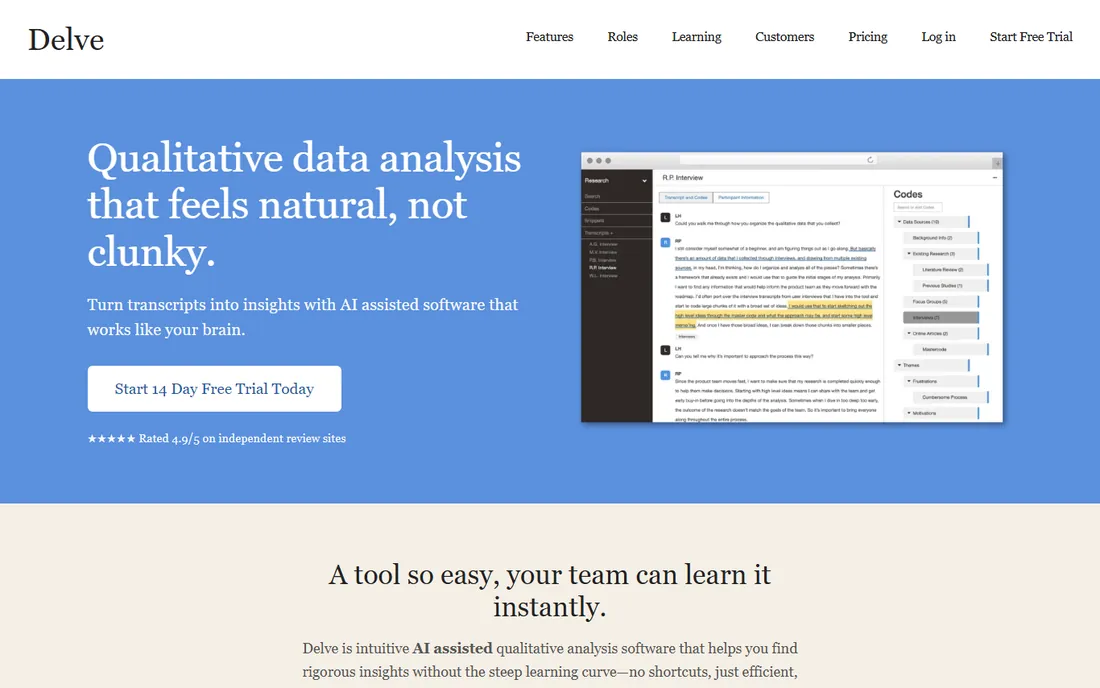
Delve is a cloud-based qualitative coding tool built for researchers who mainly work with interview and focus group transcripts. You upload transcripts, build a codebook, code collaboratively and export clean reports. The interface is modern and uncluttered, a deliberate contrast with the dense desktop applications.
Its audience is applied researchers, consultants and small teams who need to move from transcripts to findings quickly. The learning curve is measured in hours, and the collaboration features suit teams coding the same data set. A 14-day trial lets you run a real project through it before paying.
The catch is scope. Delve does not try to match NVivo's analytical depth or MAXQDA's mixed methods, and the per-user monthly pricing can exceed a student desktop license for larger teams over a year. If your data is mostly transcripts and your timeline is short, it is a strong fit. If you need heavy multimedia or statistical analysis, look at the desktop tools.
What we like- Clean modern interface
- Quick to learn
- Good for interview-heavy projects
Watch out for- Narrower feature set than desktop QDA
- Pricing adds up for large teams
Starting priceFree
Free planYes
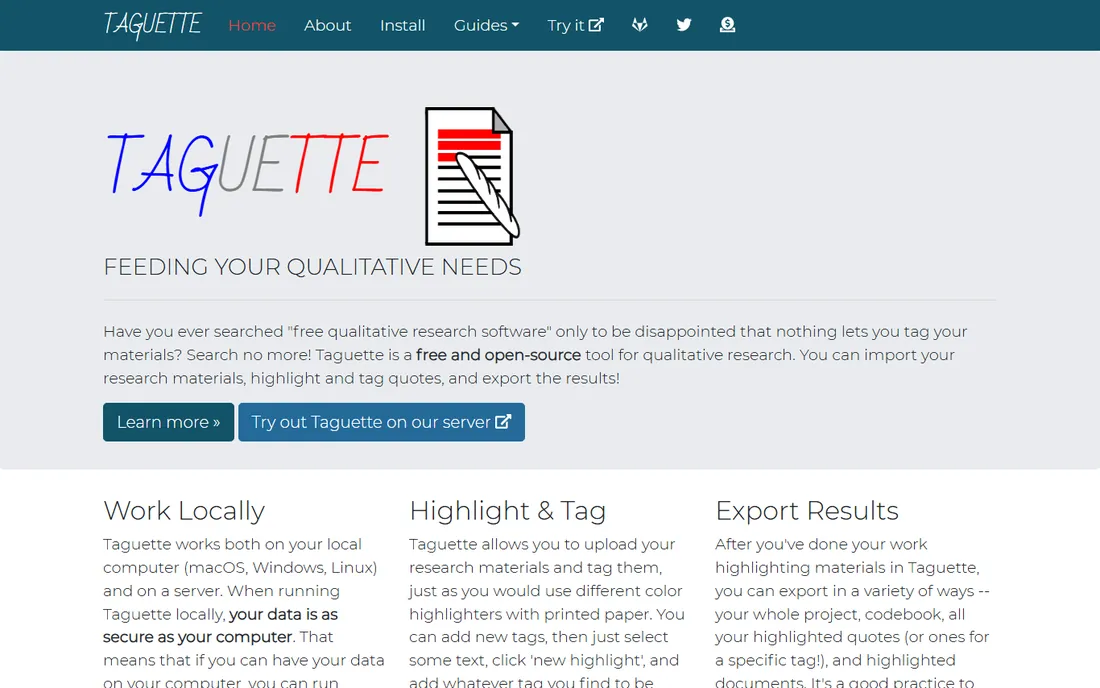
Taguette is the free, open-source option for researchers who need to tag text and nothing more. You import documents, highlight passages, assign tags and export your coded data for analysis elsewhere. It runs as a hosted service or on your own server, which appeals to researchers with strict data governance requirements.
The use case is clear: students, independent researchers and anyone whose budget is zero. For a thesis built on interview transcripts, Taguette covers the essential coding workflow without costing anything. The export options let you move coded data into other tools if the project grows.
The limitations are equally clear. There is no image or video support, no automated coding, no inter-coder reliability statistics and no fancy visualizations. It is a tagging tool, not a full analysis environment. But as a starting point, or for simple projects, it is remarkably capable for the price.
What we like- Completely free and open source
- Simple tagging workflow
- Self-host option
Watch out for- Text only, no images or video
- No automation or AI features
Starting priceSee website
Free planFree trial
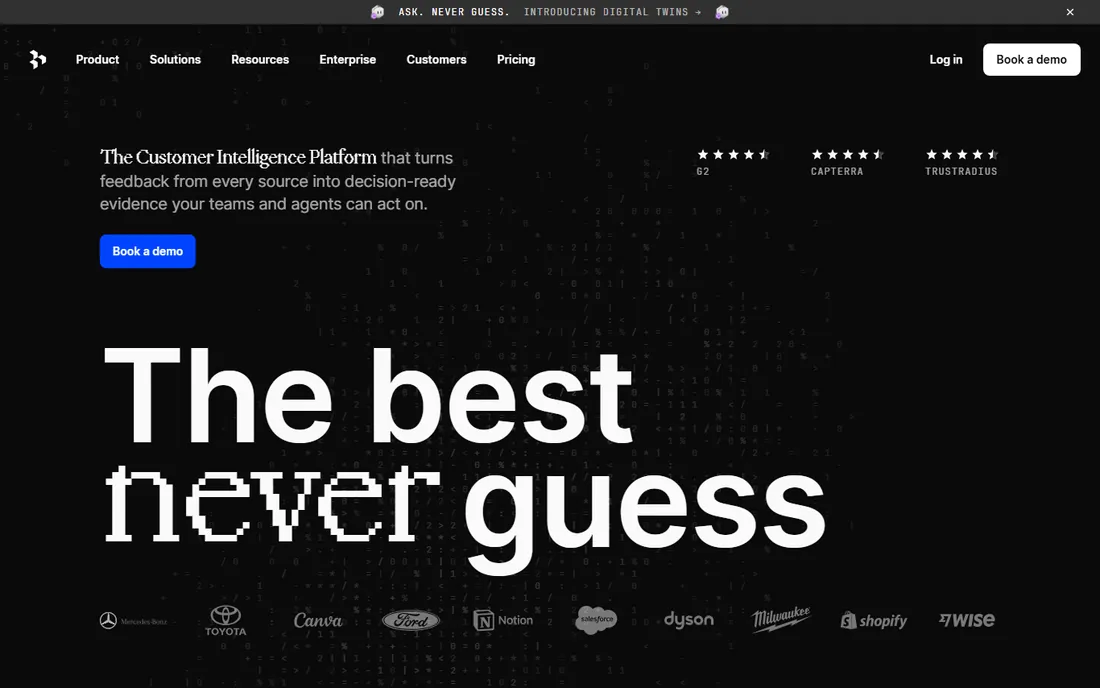
Dovetail comes from the product world rather than academia. It is a research repository where UX teams store interview notes, usability sessions and feedback, tag insights and build a searchable knowledge base that the whole company can use. The Australian company has become the default choice for product teams doing continuous discovery.
The strength is the workflow around the coding. Transcription, tagging, affinity mapping and insight sharing are all tuned for teams that research every sprint. Integrations with tools like Slack, Jira and Notion push findings into the product process instead of letting them die in a report. The interface is the most modern on this list.
The drawback for traditional researchers is fit and price. Dovetail is priced per user per month for commercial teams, which makes it expensive for a solo academic. It also lacks the methodological depth of NVivo or MAXQDA for dissertation-grade analysis. Buy it if you run product research; skip it if you are writing a thesis.
What we like- Built for continuous product research
- Great tagging and insight management
- Strong integrations
Watch out for- Priced for teams, not students
- Less suited to academic QDA workflows
Starting priceSee website
Free planFree trial
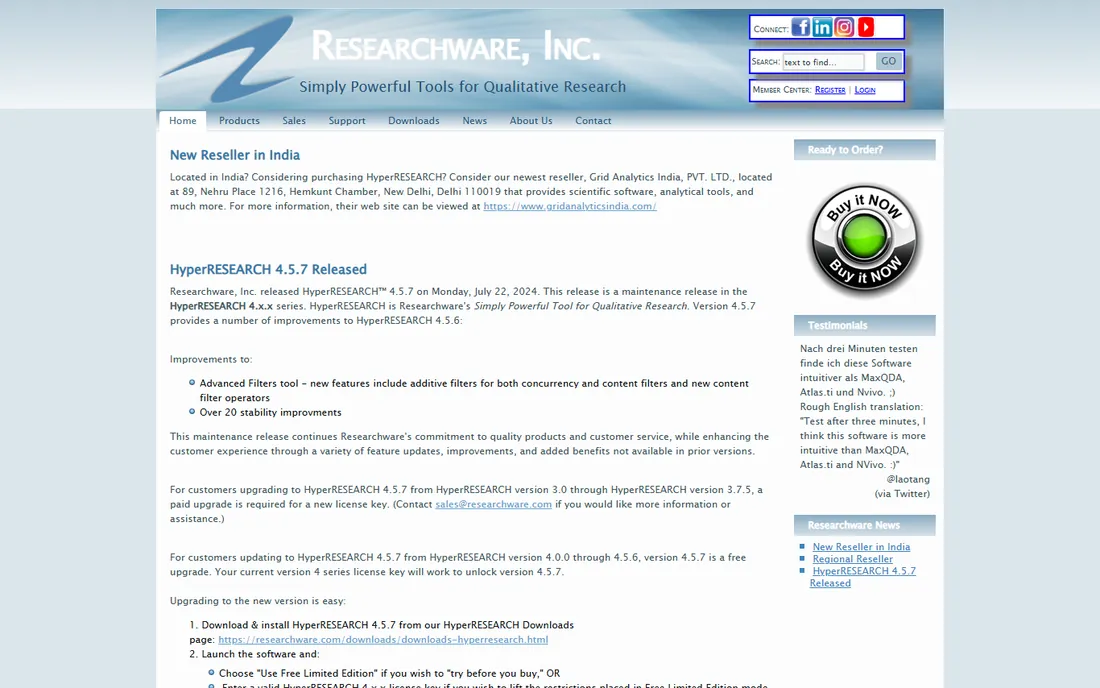
HyperRESEARCH, from ResearchWare, is one of the original QDA programs, and it is still maintained and sold today. It codes text, audio and video, supports multimedia analysis and offers the core qualitative workflow without the subscription pricing of newer tools. Researchers who learned it years ago often stick with it because it does what they need.
The appeal is stability and simplicity. There is no cloud account to manage, no per-seat monthly billing and no feature churn. For a researcher with an established workflow and a fixed budget, that counts for a lot. It also has a track record in published research going back decades.
The honest catch is that it shows its age. The interface is functional but dated, the user community is small compared with NVivo or MAXQDA, and you will find fewer tutorials and university workshops. New researchers should trial the modern options first. But if you want a no-nonsense desktop coder with a one-time license, it remains a legitimate pick.
What we like- Long-established and stable
- Handles text, audio and video
- One-time license model
Watch out for- Interface feels dated
- Smaller community and fewer tutorials
What to check before you buy qualitative software
Start with your data, not the feature list. If your project is 30 interview transcripts, you need a coding tool, not a multimedia analysis suite. If it is video diaries, survey text and social media, the tool must handle those formats natively. List your actual data types and make the trial project use them.
Second, check who else needs access. Solo dissertation work has different requirements from a five-person funded team. Web tools win on collaboration; desktop tools win on depth. Third, verify the export story. Your coded data should leave the tool in usable formats, because projects outlive licenses and supervisors change software preferences. Finally, check your institution. University site licenses, course licenses and student discounts change the price equation completely, and buying a personal license for software your library provides is money wasted.
The pricing reality nobody puts on the homepage
Qualitative software pricing moved against buyers in the last few years. Lumivero's acquisition of both QSR (NVivo) and ATLAS.ti consolidated the market, and student prices for both rose 30 to 40 percent in three years. MAXQDA followed with a smaller increase. The vendors publish education pricing but keep commercial and institutional quotes behind sales conversations.
The practical response is to match the tool to the project. A master's thesis does not need the same software as a five-year funded study. Quirkos, Taguette and Dedoose cover most student and small-team needs for far less money. And always ask your university library or IT department first; site licenses are common, and the best qualitative software deal is the one you do not pay for.
How we chose
We started from vendor pricing pages, product documentation and university research guides including UNC, Ohio State and Carleton, then confirmed every homepage was live in October 2026. We excluded general survey tools and note-taking apps that lack real coding features. One former list regular, EnjoyHQ, now redirects into UserTesting after its acquisition, so we replaced it with HyperRESEARCH rather than list a dead brand. Prices change often in this category, so where we could not verify a current vendor-published price we say so. Nothing here reflects hands-on testing; the write-ups come from documentation, feature lists and public user feedback.
Frequently asked questions
Which qualitative software is best for a dissertation?
NVivo, ATLAS.ti and MAXQDA dominate dissertations because committees know them and universities license them. Check what your department supports before buying anything. For simpler projects, Quirkos or Dedoose can be enough and cost far less.
Is there free qualitative data analysis software?
Yes. Taguette is free and open source for text tagging. Quirkos offers a free trial and a cheap lifetime license. Most commercial tools offer free trials, and universities often hold site licenses that cost students nothing.
What is the difference between NVivo and ATLAS.ti?
Both are full-featured desktop QDA packages for coding text, audio, video and images. NVivo is known for queries and mixed-methods features; ATLAS.ti is known for network views and visual code relations. Both are now owned by Lumivero, so compare them on workflow fit rather than vendor.
Do I need qualitative software, or can I code in Word or Excel?
Small projects with a handful of transcripts work fine in Word or Excel. Software earns its keep past about 15 to 20 interviews, when searching, comparing codes across cases and keeping an audit trail become painful manually. It also matters for team projects and for demonstrating methodological rigor.
Can these tools transcribe my interviews?
Many now offer transcription. NVivo includes transcription features, and Dovetail and Delve integrate transcription into their workflows. Accuracy varies with audio quality, so budget time to correct transcripts regardless of the tool.
Sources we checked (13)
- https://lumivero.com/products/nvivo/
- https://atlasti.com
- https://www.maxqda.com
- https://www.dedoose.com
- https://www.quirkos.com
- https://delvetool.com
- https://www.taguette.org
- https://dovetail.com
- https://www.researchware.com
- https://www.quirkos.com/blog/post/comparing-costs-of-qualitative-analysis-software-in-2026/
- https://guides.lib.unc.edu/qual/coding
- https://u.osu.edu/quallab/caqdas/
- https://en.wikipedia.org/wiki/NVivo
Is your product missing or out of date?
We review this list regularly. Vendors can request a listing, send updated pricing or ask about featured placement.

Shihab Mia · Founder, Rankite
Shihab has spent more than a decade helping SaaS and e-commerce brands grow through search. He writes Rankite's software buying guides from pricing pages, documentation and public user reviews. More about Shihab.