How we make this list: we compare pricing pages, product documentation and public user reviews. Rankite is independent; if a vendor ever pays for a featured spot, that listing is clearly labeled Partner.
Key takeaways
- This list covers the modern QDA stack for product and UX teams: AI analysis, research repositories and visual coding tools, not the traditional academic packages.
- UserTesting (which absorbed EnjoyHQ) is the research repository standard; Canvs AI and Keatext bring AI to open-ended text analysis.
- Miro, Airtable and Notion handle the hands-on analysis work: affinity mapping, lightweight coding and insight libraries.
- Transcription (Otter.ai, Trint, Sonix) is the foundation: analysis quality starts with transcript quality.
Quick comparison
| Tool | Best for | Starting price | Free plan |
|---|
 UserTesting UserTesting | research repository and insights | See website | No |
 Canvs AI Canvs AI | AI text and emotion analysis | See website | No |
 Keatext Keatext | AI survey and review analysis | See website | Free trial |
 Miro Miro | visual affinity mapping | See website | Yes |
 Airtable Airtable | lightweight qualitative coding | See website | Yes |
 Notion Notion | research insight libraries | See website | Yes |
 Otter.ai Otter.ai | interview transcription | See website | Yes |
 Trint Trint | transcription with editing | See website | Free trial |
 Sonix Sonix | fast transcription and translation | $5 per hour (Premium) | Free trial |
Is your product missing or out of date?
We review this list regularly. Vendors can request a listing, send updated pricing or ask about featured placement.
The best QDA software
Starting priceSee website
Free planNo
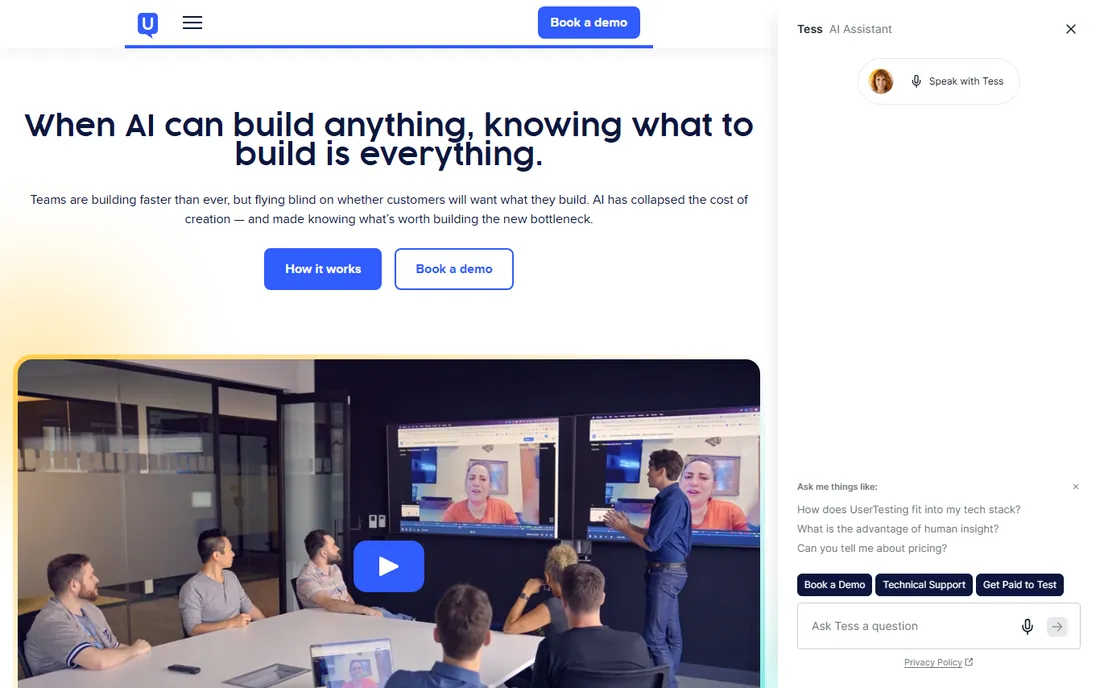
UserTesting, which absorbed EnjoyHQ, is the customer insights platform that modern research teams standardize on: run unmoderated tests, conduct interviews, store every session in a searchable repository and analyze findings with AI assistance. The EnjoyHQ heritage gives it the research repository DNA that pure testing tools lack.
The repository is the QDA story. Every interview, test and survey response lands in one searchable library where teams tag, highlight and synthesize findings across studies. The AI features summarize sessions and surface themes, which accelerates the analysis that used to take weeks.
The honest catch is price and scope. This is enterprise software with enterprise pricing, and small teams will find it more than they need. It also assumes a research practice exists to feed it. For product organizations doing continuous research, it is the central nervous system for qualitative data.
What we like- The research platform standard
- EnjoyHQ repository built in
- Video plus insights
Watch out for- Enterprise pricing
- Overkill for small teams
Starting priceSee website
Free planNo
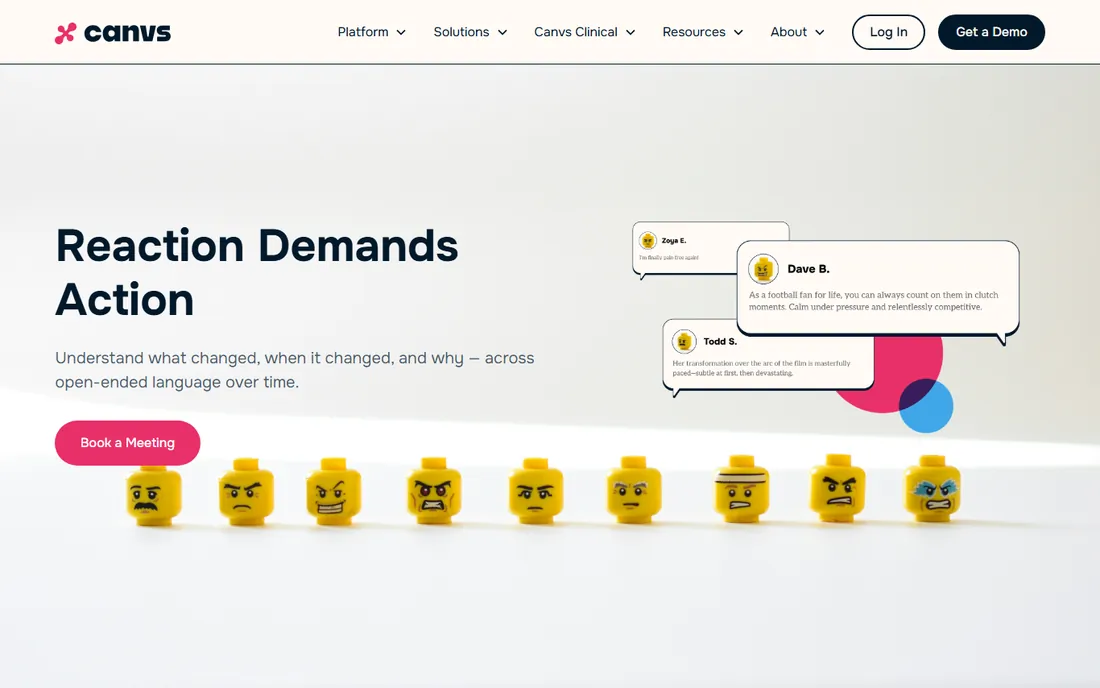
Canvs AI applies artificial intelligence to open-ended qualitative data: survey verbatims, social comments, interview transcripts and reviews get analyzed for themes, emotions and drivers automatically. It suits teams drowning in text that humans cannot read at scale.
The AI analysis is the differentiator. Instead of manually coding thousands of responses, teams get theme detection, sentiment and emotional analysis in hours. The insights feed brand tracking, campaign analysis and customer understanding for media and consumer brands.
The trade-off is the hands-on control. Researchers who want to build their own codebooks line by line will find it more automated than traditional QDA. It is analysis acceleration, not a coding workbench. For the scale problem in qualitative data, it is the AI answer.
What we like- Emotion and theme detection in open text
- Fast analysis at scale
- Good for media and brands
Watch out for- Enterprise focus
- Less hands-on coding than traditional QDA
Starting priceSee website
Free planFree trial
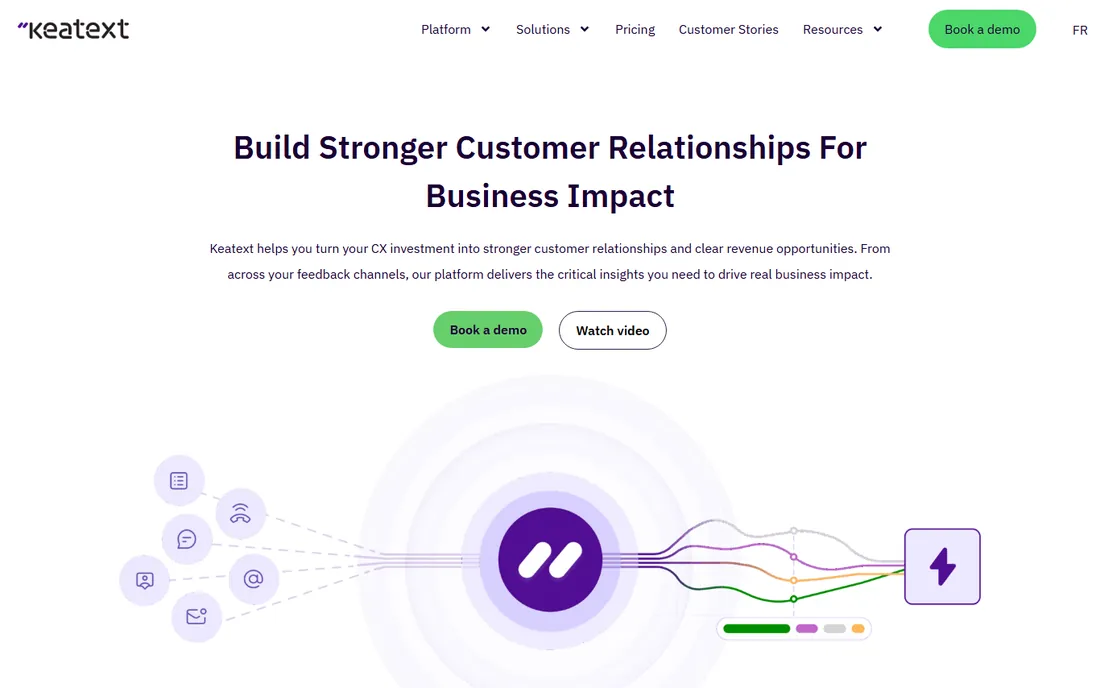
Keatext is the AI text analytics platform for customer experience teams: connect survey data, reviews and support tickets, and get themes, sentiment and trend analysis without building models. It targets the CX and insights teams that need answers from open text continuously.
The turnkey nature is the pitch. Upload data, get analyzed themes with sentiment scoring and track how they change over time. The integrations with survey platforms and help desks keep the analysis flowing. Non-technical teams get real text analytics without data scientists.
The honest limits are flexibility and cost. Deep custom coding and theory-building are not its game; this is applied analytics for business decisions. Pricing scales with volume. For the CX team sitting on open-ended feedback, it turns text into decisions fast.
What we like- Turnkey text analytics
- Good for CX teams
- Fast time to insight
Watch out for- Less flexible than coding tools
- Volume-based pricing
Starting priceSee website
Free planYes
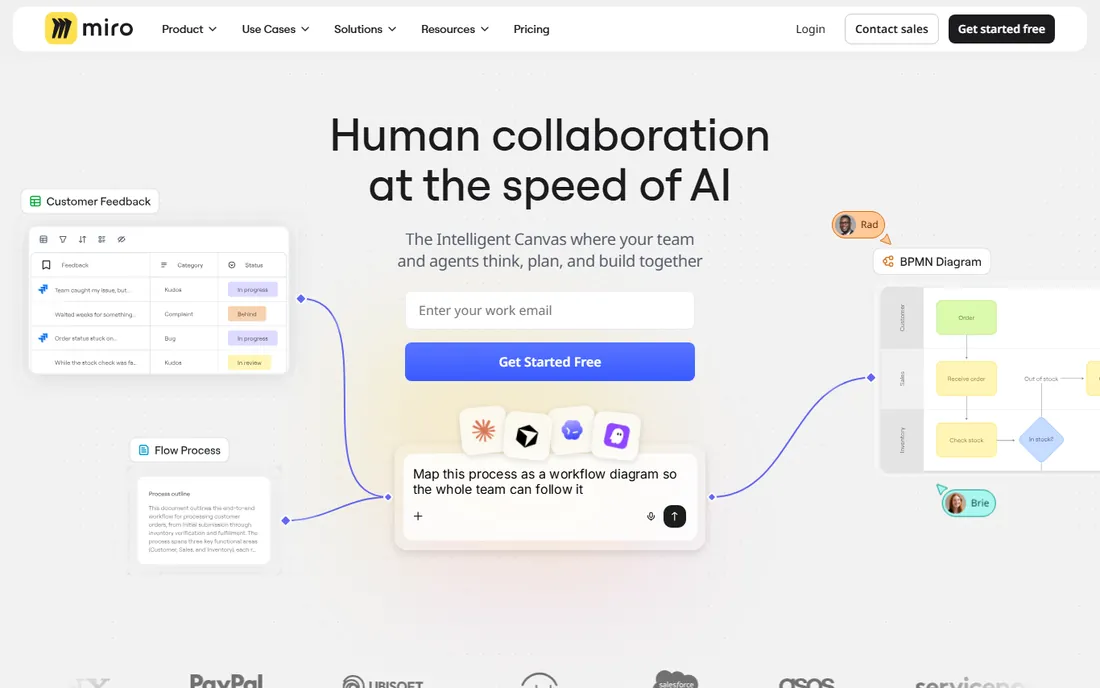
Miro is where modern qualitative analysis often happens visually: dump interview quotes, observations and data points onto sticky notes, cluster them into themes collaboratively and build the affinity diagrams that turn raw data into findings. Distributed research teams run entire synthesis workshops in it.
The visual collaboration is unmatched. Teams affinity-map together in real time, template libraries cover research frameworks and the infinite canvas holds entire studies. The AI features now help cluster and summarize, adding speed to the manual process.
The honest boundary is that Miro is a canvas, not a QDA database. There is no codebook management, no query across coded segments, no intercoder reliability. It is brilliant for synthesis workshops and terrible as a systematic archive. Pair it with a repository for the complete workflow.
What we like- The standard for affinity diagramming
- Great collaboration
- Free plan
Watch out for- Not a coding tool
- Analysis stays manual
Starting priceSee website
Free planYes
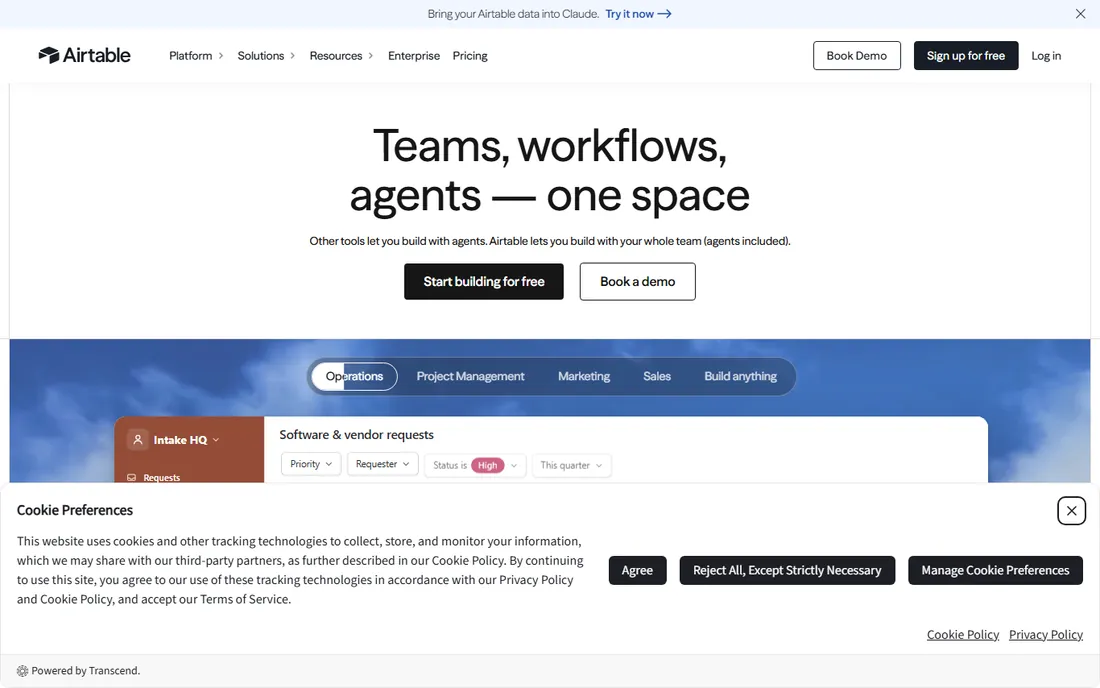
Airtable is the flexible database that many small research teams use as lightweight QDA: create tables for interviews, codes and themes, link quotes to codes and slice the data with grid, kanban and gallery views. It is the spreadsheet grown up into a real analysis tool.
The flexibility is the value. Teams design their own coding schemes, track participants and sessions and build custom views for analysis, all without QDA software licenses. The free plan covers small projects, and the interface is friendly enough for non-technical researchers.
The trade-off is the DIY nature. There are no QDA-specific features: no coding stripes, no code queries, no reliability statistics. You build the system yourself and maintain its discipline. For small teams and students who cannot justify NVivo, it is the practical middle ground.
What we like- Flexible coding databases
- Great views
- Free plan
Watch out for- Not purpose-built for QDA
- Manual setup
Starting priceSee website
Free planYes
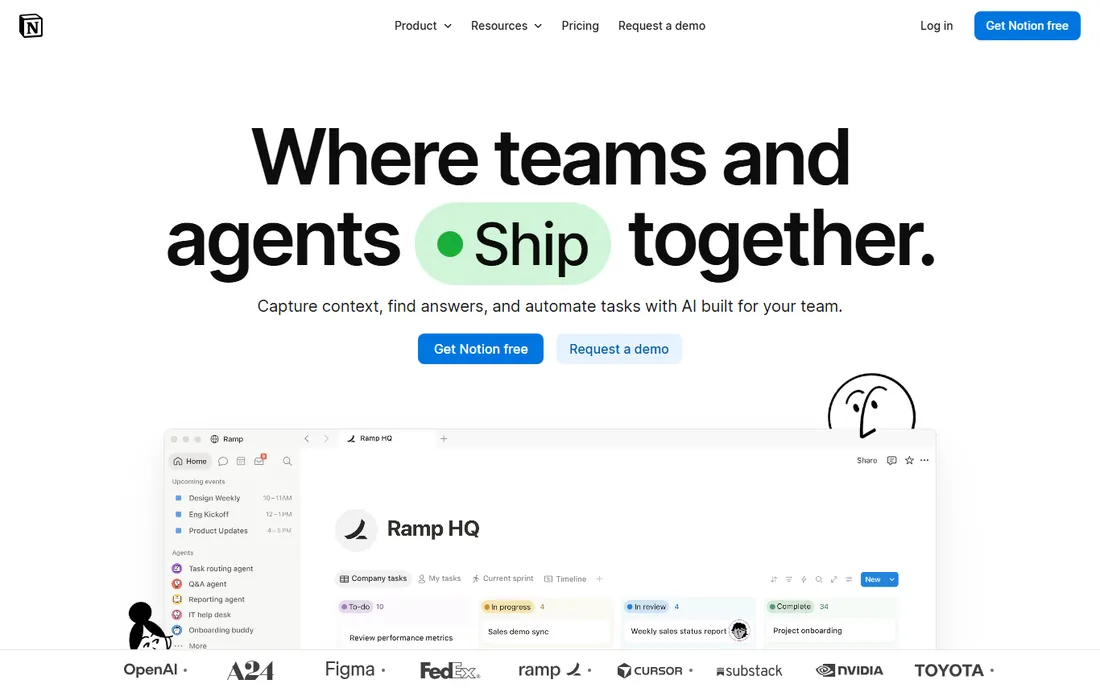
Notion is where many teams store and share qualitative insights: research databases with linked findings, tagged insights, searchable archives and beautiful reports that stakeholders actually read. It is the repository and communication layer for qualitative work.
The flexibility shines for insight management. Teams build research libraries where each study links to findings, each finding links to evidence and stakeholders browse instead of asking for the deck. The AI features help summarize and find. The free plan covers generous usage.
The honest limit is analysis. Notion stores and presents insights; it does not help create them from raw data. The coding and synthesis happen elsewhere (Miro, Airtable, or the AI tools above) and land here for safekeeping. As the team's qualitative memory, it is excellent.
What we like- Flexible docs and databases
- Great for insight repositories
- Free plan
Watch out for- Not an analysis tool
- Needs structure discipline
Starting priceSee website
Free planYes
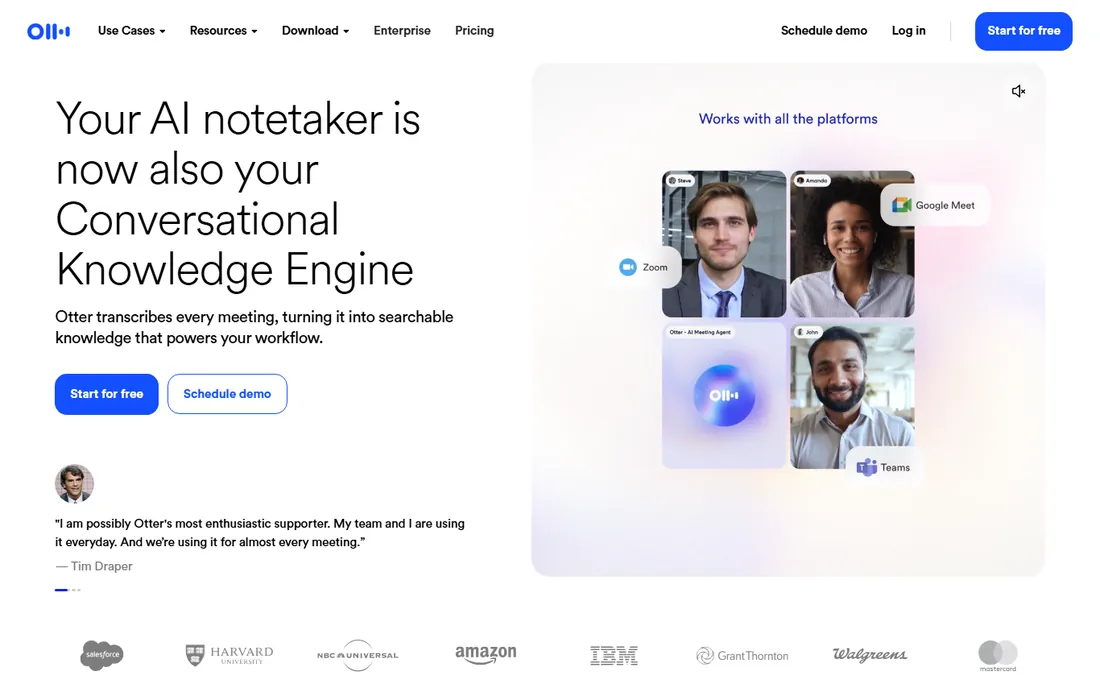
Otter.ai is the transcription foundation many qualitative workflows start with: record interviews and get real-time transcripts with speaker labels, summaries and searchable text. The free plan covers meaningful monthly minutes, making it the default starting point.
The workflow value is the searchable transcript. Instead of re-listening to hours of audio, researchers search, highlight and export the passages that matter. The collaboration features let teams comment on transcripts during analysis.
The honest boundary is the category. Otter transcribes; it does not analyze. The transcript is the raw material for the tools above. Accuracy on clear audio is good; on poor audio or heavy accents, budget review time. For the transcription step of QDA, it is the accessible standard.
What we like- Real-time transcription
- Good collaboration
- Generous free plan
Watch out for- Accuracy needs review
- Not an analysis tool
Starting priceSee website
Free planFree trial
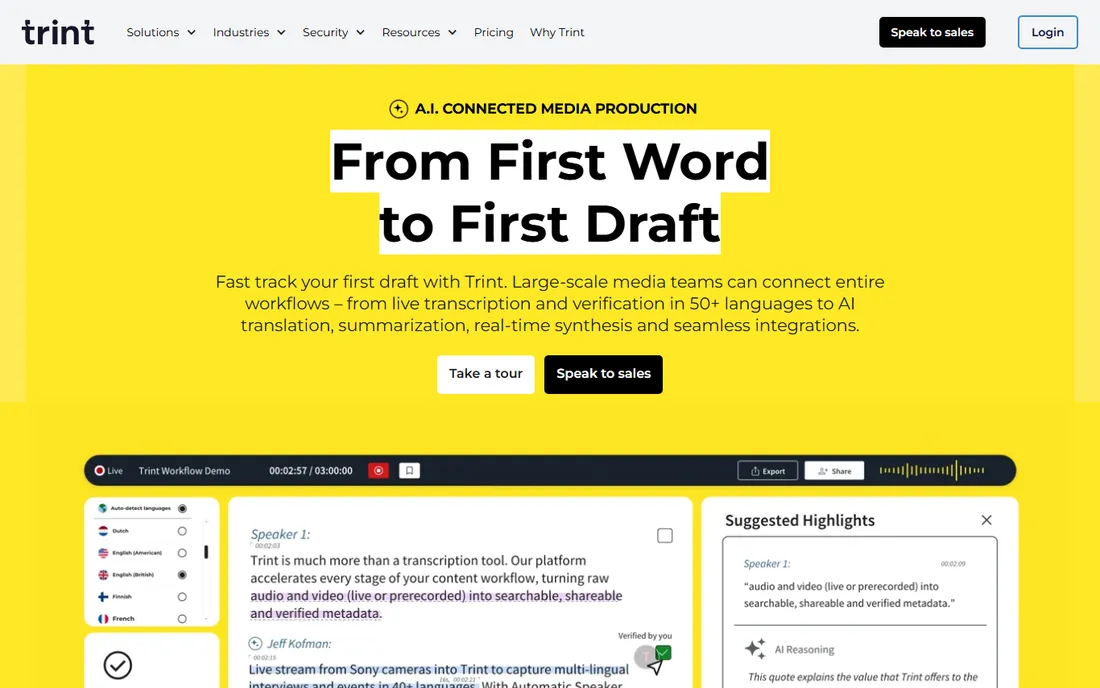
Trint serves qualitative researchers who need transcripts they can trust and edit efficiently: AI transcription with an editor that links text to audio, so verifying and correcting is fast. Journalists and researchers made it popular, and the workflow suits interview-heavy projects.
The editor is the reason researchers choose it over cheaper transcription. Click any word to hear the audio, correct errors in context and export clean transcripts for analysis. The collaboration features let teams share and annotate.
The trade-off is price and scope. Per-user pricing adds up for teams, and like Otter it is transcription, not analysis. Researchers who verify every transcript line will save enough time to justify it. Those who need analysis should pair it with the tools above.
What we like- Excellent transcript editor
- Fast turnaround
- Collaboration
Watch out for- Priced per user
- Transcription only
Starting price$5 per hour (Premium)
Free planFree trial
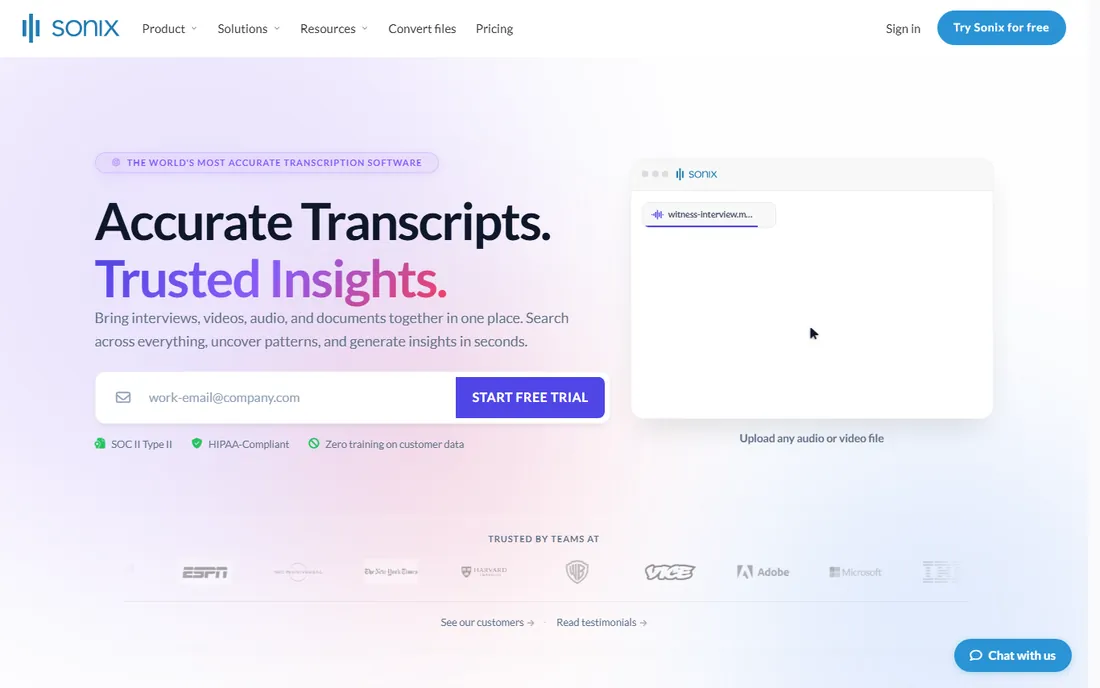
Sonix rounds out the transcription trio with speed and language breadth: automated transcription in over 50 languages with translation, an in-browser editor and hourly pricing that beats per-minute competitors for long interviews. Multilingual research teams get the most value.
The language support is the differentiator for global research. Interview in one language, analyze in another, with translation built into the workflow. The Premium hourly rate makes long interview archives affordable to transcribe.
The honest limits mirror the category: AI transcription needs human review for analysis-grade accuracy, and it does not analyze. For the multilingual qualitative project, the transcription-plus-translation combination is the practical choice.
What we like- Fast and affordable
- 50+ languages
- Good editor
Watch out for- AI-only
- Translation quality varies
Traditional vs. modern QDA: which do you need?
Traditional QDA (NVivo, ATLAS.ti, MAXQDA) serves academic and rigorous applied research: systematic coding, codebook management, intercoder reliability and audit trails for dissertations and publications. If your output is a thesis or a peer-reviewed paper, start there.
The modern stack on this list serves product, UX and CX teams: faster analysis, AI assistance, collaborative synthesis and insight repositories that stakeholders use. The rigor is lighter but the speed and accessibility are far greater. Many teams combine both: systematic coding for the deep study, modern tools for the continuous flow.
The wrong choice wastes semesters or quarters. Academics who buy modern tools miss the methodological features their committees expect. Product teams who buy NVivo drown in complexity they never use. Match the tool to the research culture, not just the data.
What to check before you buy
Start with your research output: academic publication, product decisions or CX improvement. Each points to different tools. Second, assess your data volume and languages; AI tools scale where manual coding cannot. Third, check the team's technical comfort; the modern stack assumes less methodology training.
Fourth, verify data privacy and consent handling, especially for recorded interviews. Fifth, trial the analysis workflow end to end with real data, not the demo set. Finally, consider the repository question: where do insights live after the study ends? The tool that answers that is the one the organization keeps.
How we chose
We compared vendor product pages, documentation and public review sources, then confirmed every homepage was live in October 2026. This list deliberately differs from our qualitative software article: that covers traditional academic QDA packages, while this covers the modern practitioner stack. Where we could not verify a vendor-published price we say so. Nothing here reflects hands-on testing; assessments come from documentation, feature lists and public user feedback.
Frequently asked questions
What is QDA software?
Qualitative data analysis software helps researchers analyze non-numerical data: interview transcripts, open survey responses, observations and documents. Traditional tools focus on systematic coding; modern tools add AI analysis, repositories and collaboration.
Do I need traditional QDA or modern tools?
Academic research with methodological requirements needs traditional QDA (NVivo, ATLAS.ti, MAXQDA). Product, UX and CX teams usually get more from the modern stack: faster, collaborative and AI-assisted. Match the tool to your research culture.
Can AI replace manual qualitative coding?
For scale problems, largely yes: AI theme detection handles volumes humans cannot. For deep interpretive work, theory building and methodological rigor, human coding remains essential. Most teams now combine both.
How do I choose between these tools?
Map your workflow: transcribe (Otter, Trint, Sonix), analyze (Canvs, Keatext), synthesize (Miro, Airtable), store (Notion, UserTesting). Most teams need three or four tools covering different stages, not one tool for everything.
Is there free QDA software?
Otter.ai, Miro, Airtable and Notion all have capable free plans that cover small qualitative projects. Sonix and Trint offer trials. Traditional academic tools rarely have free tiers beyond trials.
Sources we checked (9)
- https://www.usertesting.com
- https://www.canvs.ai
- https://www.keatext.ai
- https://miro.com
- https://www.airtable.com
- https://www.notion.so
- https://otter.ai
- https://www.trint.com
- https://sonix.ai
Is your product missing or out of date?
We review this list regularly. Vendors can request a listing, send updated pricing or ask about featured placement.

Shihab Mia · Founder, Rankite
Shihab has spent more than a decade helping SaaS and e-commerce brands grow through search. He writes Rankite's software buying guides from pricing pages, documentation and public user reviews. More about Shihab.