How we make this list: we compare pricing pages, product documentation and public user reviews. Rankite is independent; if a vendor ever pays for a featured spot, that listing is clearly labeled Partner.

Key takeaways
- Qualtrics is the institutional standard for academic research, with the advanced logic, panel tools, and compliance universities require.
- REDCap is the free choice for clinical and health research, built for secure data capture with audit trails.
- LimeSurvey gives researchers a free, self-hosted alternative with full data ownership.
- SurveyMonkey, Alchemer, Jotform, and QuestionPro cover teaching, quick studies, and departmental surveys at lower cost.
- Typeform suits public-facing surveys where response rates depend on a pleasant experience.
Quick comparison
| Tool | Best for | Starting price | Free plan |
|---|
 Qualtrics Qualtrics | institutional research programs | See website | Free trial |
 REDCap REDCap | clinical and health research | Free | Yes |
 LimeSurvey LimeSurvey | self-hosted academic surveys | Free | Yes |
 SurveyMonkey SurveyMonkey | quick teaching and class surveys | See website | Yes |
 Alchemer Alchemer | flexible research surveys | See website | Free trial |
 QuestionPro QuestionPro | academic licenses and panels | See website | Yes |
 Jotform Jotform | simple forms and data collection | See website | Yes |
 Typeform Typeform | engaging public surveys | See website | Yes |
Is your product missing or out of date?
We review this list regularly. Vendors can request a listing, send updated pricing or ask about featured placement.
The best survey software for academic research
Starting priceSee website
Free planFree trial
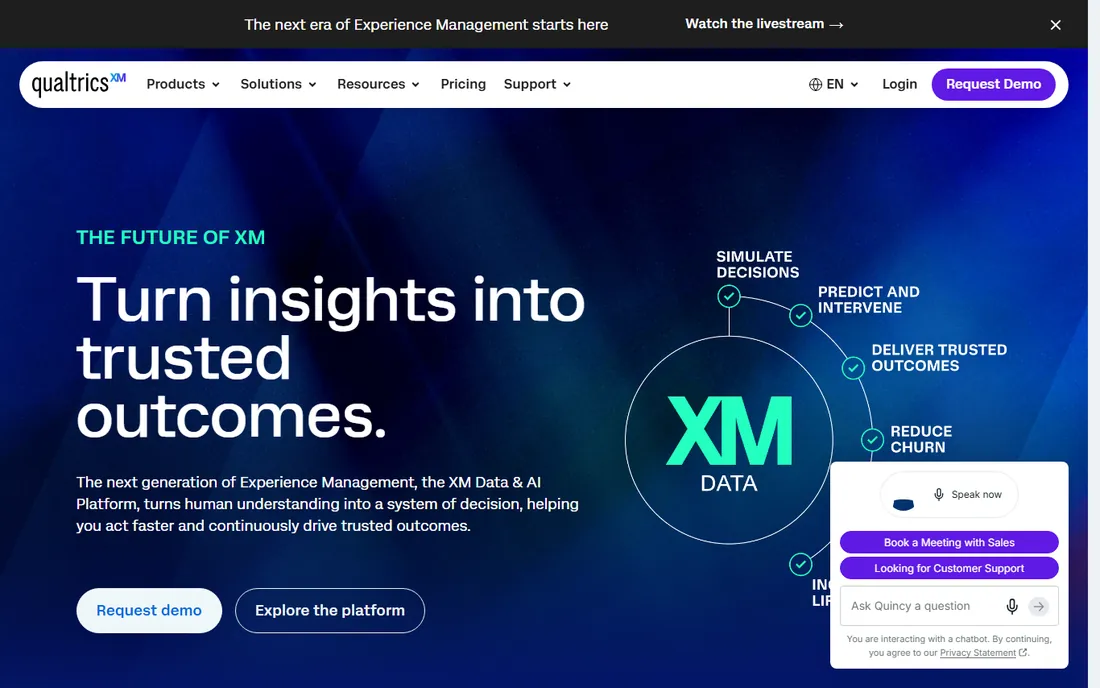
Qualtrics is the default survey platform at research universities for good reason. Conjoint analysis, MaxDiff, randomized experiments, and panel management support the methods sections of real papers. Most major universities hold site licenses, which means researchers get the full platform free through their institution.
Without that license, pricing is enterprise and out of reach for individual researchers. The feature depth also means a learning curve for simple questionnaires. But for funded research programs, dissertations with complex designs, and multi-site studies, Qualtrics' combination of power and institutional support is unmatched.
What we like- Most powerful survey logic
- University site licenses common
- Strong compliance
Watch out for- Expensive without a site license
- Complexity for simple surveys
Starting priceFree
Free planYes
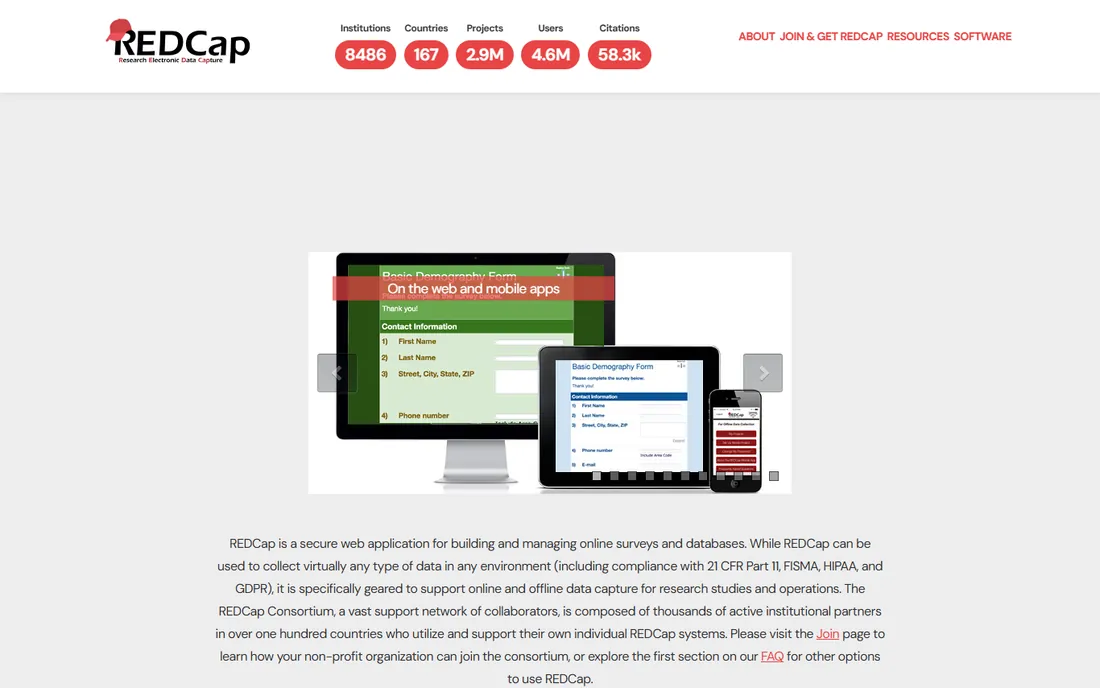
REDCap, Research Electronic Data Capture, is the standard for clinical and translational research. Institutions in the REDCap consortium host it for their researchers free, providing secure web-based data capture with audit trails, user rights management, and data validation that satisfy IRBs and regulators. Longitudinal studies with repeating instruments run naturally.
You cannot just sign up; access comes through a consortium institution. The interface is functional rather than modern. But for health researchers collecting patient data under regulatory scrutiny, REDCap's compliance pedigree and zero cost make it the only sensible choice.
What we like- Free for consortium members
- Audit trails and data validation
- HIPAA-friendly
Watch out for- Institutional hosting required
- Dated interface
Starting priceFree
Free planYes
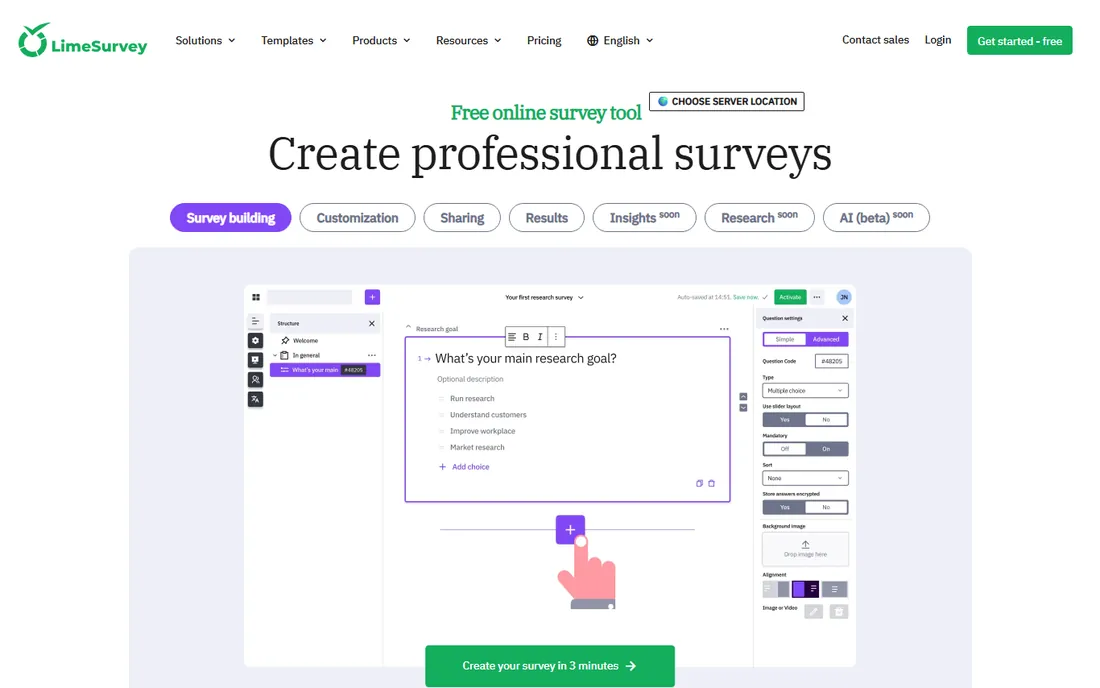
LimeSurvey gives researchers who cannot use Qualtrics a free, serious alternative. The open-source Community Edition self-hosts on university servers, keeping sensitive research data entirely under institutional control. Question types, conditions, and multilingual support cover most academic designs.
Self-hosting means someone maintains the server, applies updates, and handles backups. The interface is capable but not beautiful. Researchers comfortable with that tradeoff get unlimited surveys and responses for free, which matters for unfunded projects and large samples. The hosted SaaS version exists for those who prefer it.
What we like- Free and open source
- Full data ownership
- Powerful question types
Watch out for- Self-hosting needs IT support
- Interface less polished
Starting priceSee website
Free planYes
SurveyMonkey is the survey tool of least resistance. Instructors launch class evaluations in minutes, departments run quick polls, and respondents never need instructions. Templates cover the common academic use cases, and the free tier handles basic surveys.
Serious research designs hit walls: advanced branching, randomization, and analysis features sit on paid tiers that cost more than the simplicity suggests. Data export and compliance documentation are thinner than Qualtrics'. Use SurveyMonkey for teaching and quick departmental surveys; use research-grade tools for publishable work.
What we like- Everyone knows how to use it
- Fast to launch
- Good templates
Watch out for- Advanced logic needs paid plans
- Limited for complex research
Starting priceSee website
Free planFree trial
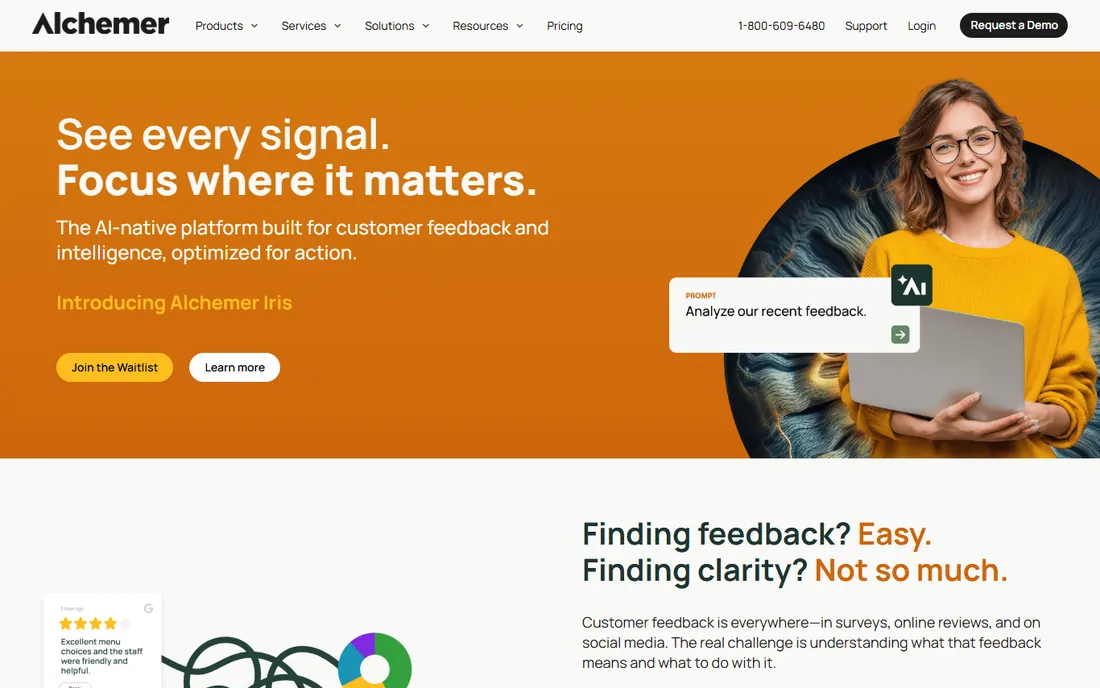
Alchemer, formerly SurveyGizmo, occupies the middle ground between SurveyMonkey simplicity and Qualtrics power. Logic, piping, and custom scripting handle sophisticated designs, reporting is strong, and support gets genuine praise from users. Departments that find Qualtrics excessive but SurveyMonkey limiting land here.
Academic adoption is smaller, so institutional licenses are rarer and peer support thinner. Pricing requires conversation rather than a clear page. But researchers who evaluate it on features often find it the best balance of power and usability for departmental research budgets.
What we like- Strong logic and piping
- Good reporting
- Responsive support
Watch out for- Pricing less transparent
- Smaller brand in academia
Starting priceSee website
Free planYes
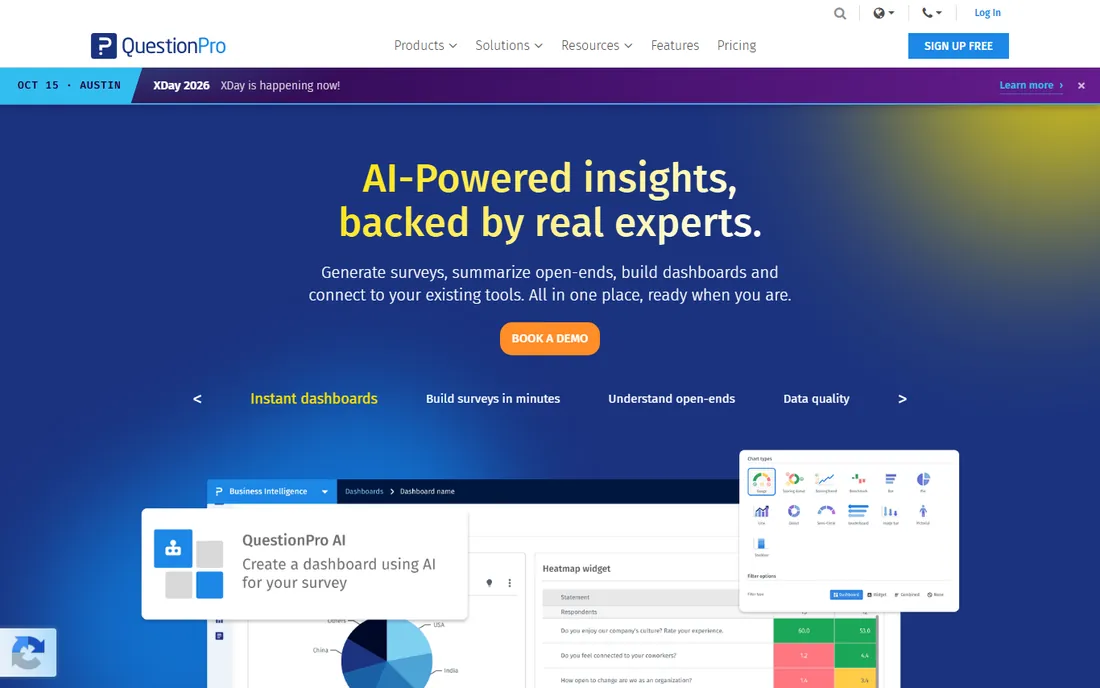
QuestionPro courts academia directly with free licenses for students and researchers, which removes the budget barrier for unfunded work. The platform covers advanced question types, panel management, and analytics, plus access to respondent panels when you need samples fast.
The interface packs a lot into small spaces, and some advanced features upsell beyond the academic license. But the combination of free access and real research capability makes QuestionPro the pragmatic choice for graduate students and departments without Qualtrics licenses.
What we like- Free academic licenses
- Panel services
- Strong analytics
Watch out for- Interface busy
- Upsells for advanced features
Starting priceSee website
Free planYes
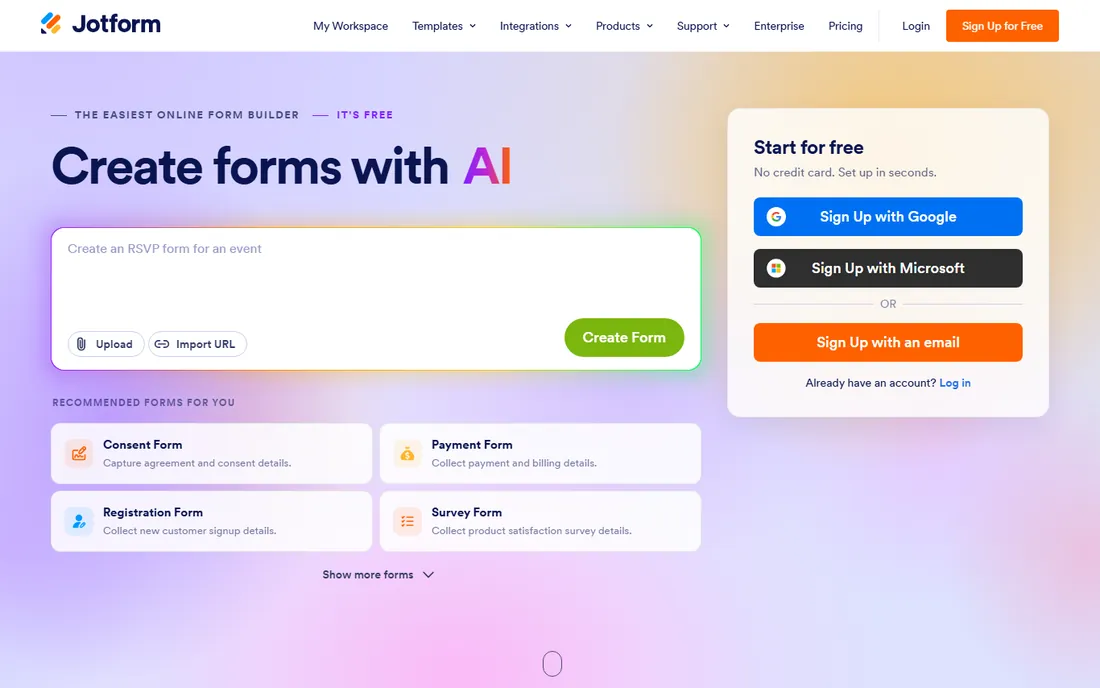
Jotform excels at data collection forms: registrations, consent forms, applications, and simple questionnaires. The drag-and-drop builder is fast, the free tier is generous, and HIPAA-compliant plans exist for sensitive data. Research teams use it for the administrative plumbing around studies.
It is not a survey research platform. Branching logic is basic, and analysis stops at simple reports. Use Jotform for consent forms, participant registration, and intake alongside a real survey tool for the research instrument itself.
What we like- Generous free tier
- Easy form builder
- HIPAA-compliant plans
Watch out for- Not a research platform
- Analysis features basic
Starting priceSee website
Free planYes
Typeform's one-question-at-a-time interface gets more people to finish surveys, which matters for public-facing research where every abandon hurts the sample. The design polish makes surveys feel less like interrogations. Embeds and integrations distribute them anywhere.
Response limits on lower tiers make large samples expensive, and advanced research features like conjoint or complex randomization are absent. Use Typeform when the audience is the public and completion rate is the binding constraint; use research platforms when the design is the constraint.
What we like- Beautiful conversational interface
- High completion rates
- Good embeds
Watch out for- Expensive at scale
- Limited advanced research features
IRB and data compliance notes
Academic surveys live under IRB oversight and data regulations that commercial tools ignore. Before choosing, confirm where data is stored and whether the vendor signs the agreements your institution requires: BAAs for HIPAA-covered research, DPAs for GDPR-covered participants. Qualtrics and REDCap have institutional compliance machinery; smaller tools may not.
Anonymity promises need technical backing. IP tracking, email collectors, and panel integrations can de-anonymize "anonymous" surveys. Configure the tool to match what your IRB protocol promises, and document the settings. The IRB cares about the actual data flow, not the marketing page.
Designing for response quality
Tool choice matters less than design. Keep surveys as short as the research allows; every extra question costs completions. Pilot with five real respondents before launch and watch where they hesitate. Randomize answer orders where order effects threaten validity, and use attention checks sparingly in long instruments.
For academic work, pre-register the analysis plan where the field expects it, and export raw data with a codebook from day one. The best survey platform is the one whose exports your analysis workflow consumes without manual cleaning.
Frequently asked questions
What survey software do universities use?
Qualtrics dominates at research universities, usually via institutional site licenses. REDCap serves clinical and health research. Departments without licenses use SurveyMonkey, QuestionPro's academic licenses, or LimeSurvey self-hosted. The right choice usually starts with asking what your institution already provides.
Is there free survey software for researchers?
Yes. REDCap is free through consortium institutions. LimeSurvey's Community Edition is free and open source. QuestionPro offers free academic licenses. SurveyMonkey, Jotform, and Typeform have free tiers for basic surveys. Unfunded researchers have solid options.
Can I use SurveyMonkey for a dissertation?
For simple designs, yes, but check your committee's and IRB's expectations. Dissertations with complex logic, randomization, or regulated data usually need Qualtrics, REDCap, or LimeSurvey. The deciding factors are design complexity and data compliance, not brand.
How do I ensure survey data stays private?
Choose tools with the compliance certifications your IRB requires, configure anonymity settings deliberately, store data in approved locations, and limit who can access raw responses. Self-hosted options like LimeSurvey and REDCap give maximum control. Document every setting in your IRB protocol.
What is the best survey tool for clinical trials?
REDCap, by a wide margin. It was built for clinical research data capture with audit trails, validation, and regulatory compliance. Most academic medical centers provide it to researchers free. Commercial survey tools lack the compliance pedigree trials require.
Sampling strategy and response rates
The fanciest survey platform cannot fix a bad sample. Define the target population precisely before writing questions: who must answer for the results to mean anything. Probability sampling supports generalization; convenience samples support exploration. Match the method to the claim you want to make, and say so honestly in the paper.
Response rates keep falling, which makes design and incentives matter more. Short surveys outperform long ones dramatically; every question should justify its existence. Incentives help when sized and timed right: prepaid small incentives beat promised large ones. Send reminders at thoughtful intervals, keep the invitation personal, and close the loop by sharing results with participants. Reviewers increasingly ask about nonresponse bias, so track who does not respond and discuss the implications.
Pilot testing protocol
Never launch a survey without piloting. Recruit five to ten people matching your target population and watch them complete the survey, ideally thinking aloud. Note every hesitation, misinterpretation, and moment of confusion. Their struggles predict your response quality problems at scale.
Check the data, not just the experience. Export pilot responses and run your planned analyses: do the variables contain what you expected, do skip patterns work, do open-ended responses answer the actual question? Fix problems now, when changes cost nothing. Then run a soft launch to ten percent of the sample and monitor completion rates and item nonresponse for a day before full release. The researchers with the cleanest datasets are not the luckiest but the ones who piloted twice.
How we chose
We ranked for academic researchers specifically: IRB compliance, methodological depth, and institutional availability mattered more than marketing features. We verified each vendor's current site and academic offerings, compared survey logic and data handling, and weighed adoption across universities. We covered free options seriously since much academic work is unfunded. No vendor paid for placement, and we did not claim hands-on testing.
How do I handle multilingual surveys?
Choose a platform with proper multilingual support: LimeSurvey and Qualtrics handle translations natively, keeping one dataset across languages. Use professional translation with back-translation for validated instruments rather than machine translation. Pilot each language version separately, since wording issues differ by language. And analyze whether responses vary systematically by language, which can indicate translation problems rather than real differences.
Sources we checked (8)
- https://www.qualtrics.com
- https://projectredcap.org
- https://www.limesurvey.org
- https://www.surveymonkey.com
- https://www.alchemer.com
- https://www.questionpro.com
- https://www.jotform.com
- https://www.typeform.com
Is your product missing or out of date?
We review this list regularly. Vendors can request a listing, send updated pricing or ask about featured placement.

Shihab Mia · Founder, Rankite
Shihab has spent more than a decade helping SaaS and e-commerce brands grow through search. He writes Rankite's software buying guides from pricing pages, documentation and public user reviews. More about Shihab.