How we make this list: we compare pricing pages, product documentation and public user reviews. Rankite is independent; if a vendor ever pays for a featured spot, that listing is clearly labeled Partner.
Key takeaways
- CoSchedule is the most complete marketing calendar, organizing all content types in one view.
- Loomly balances calendar planning with publishing and client collaboration at friendly prices.
- StoryChief excels at multi-channel content distribution from a single calendar.
- Planable, Kontentino, and HeyOrca specialize in approval workflows for teams and agencies.
- SocialBee and Later cover social-first content calendars with scheduling built in.
Quick comparison
| Tool | Best for | Starting price | Free plan |
|---|
 CoSchedule CoSchedule | full marketing calendar | See website | Free trial |
 Loomly Loomly | calendar plus publishing | See website | Free trial |
 StoryChief StoryChief | multi-channel distribution | See website | Free trial |
 Planable Planable | approval workflows | See website | Yes |
 Kontentino Kontentino | agency client approvals | See website | Free trial |
 HeyOrca HeyOrca | social media approvals | See website | Free trial |
 SocialBee SocialBee | social content calendar | See website | Free trial |
 Later Later | visual content planning | See website | Yes |
Is your product missing or out of date?
We review this list regularly. Vendors can request a listing, send updated pricing or ask about featured placement.
The best content calendar software
Starting priceSee website
Free planFree trial
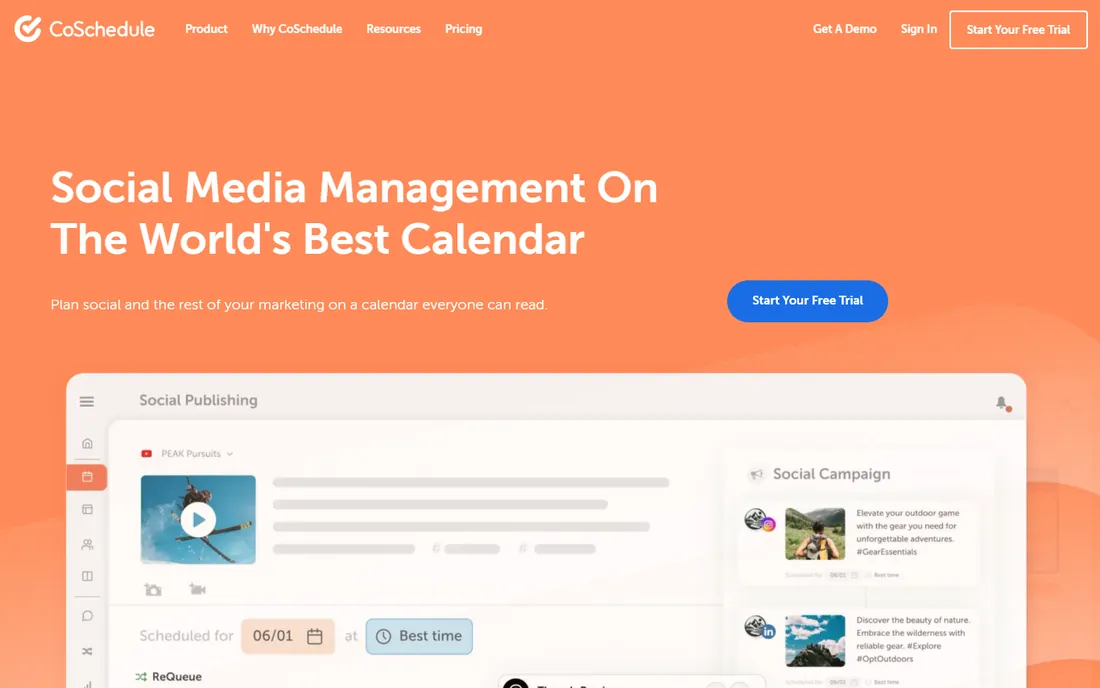
CoSchedule's Marketing Calendar organizes blog posts, social, email, and campaigns in a single drag-and-drop view. The WordPress integration publishes directly, social scheduling fills the gaps, and the headline analyzer helps titles perform. Marketing teams that juggle many content types get one source of truth.
Feature gating across tiers frustrates buyers who discover key capabilities cost more. But the calendar-first design is genuinely superior to schedulers with calendars bolted on. Teams where content planning is the job, not just publishing, get the most from CoSchedule.
What we like- Every content type in one calendar
- Strong WordPress integration
- Proven at scale
Watch out for- Pricing tiers gate features
- Can feel complex
Starting priceSee website
Free planFree trial
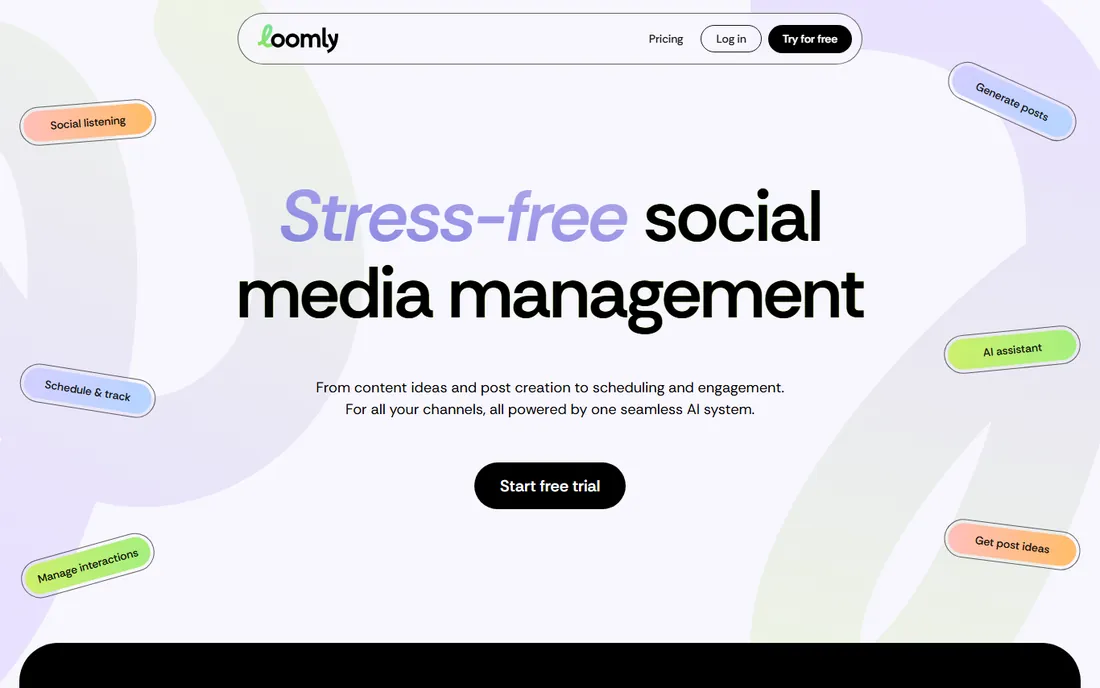
Loomly pairs a clean content calendar with publishing, post ideas, and approval workflows at prices small teams afford. The interface needs no training, clients can review and approve without accounts confusion, and the calendar view keeps everyone aligned on what publishes when.
Analytics and listening features are basic compared to Sprout or Hootsuite. But Loomly never pretended to be those; it is a planning and publishing tool done well. Small marketing teams and freelancers get professional content operations without enterprise budgets.
What we like- Intuitive calendar interface
- Client collaboration
- Affordable
Watch out for- Analytics basic
- Smaller ecosystem
Starting priceSee website
Free planFree trial
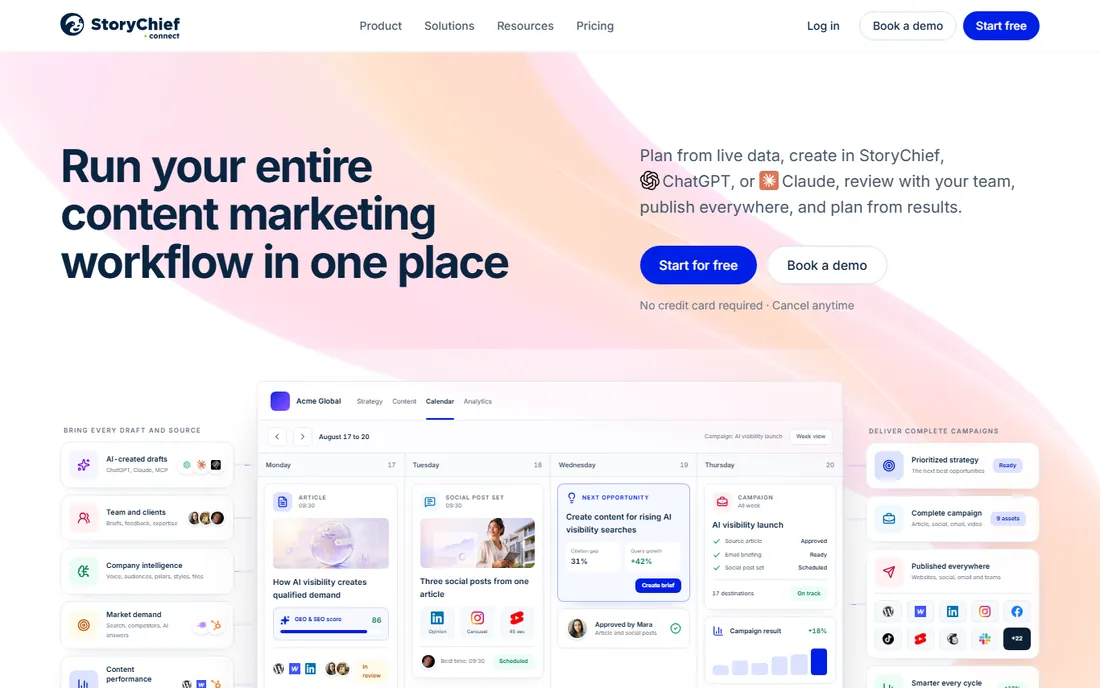
StoryChief's pitch is write once, publish everywhere: blog, social channels, newsletters, and partner sites from a single editor and calendar. SEO briefs and readability scoring improve content quality, and approval workflows suit teams. Content marketers distributing widely save hours weekly.
Per-user pricing adds up for large teams, and the multi-channel setup takes configuration. But the distribution efficiency is real: teams publishing the same story across five channels feel the time savings immediately. It is the operations pick for high-volume content teams.
What we like- Publish everywhere from one place
- Good SEO features
- Collaboration
Watch out for- Pricing per user
- Learning curve
Starting priceSee website
Free planYes
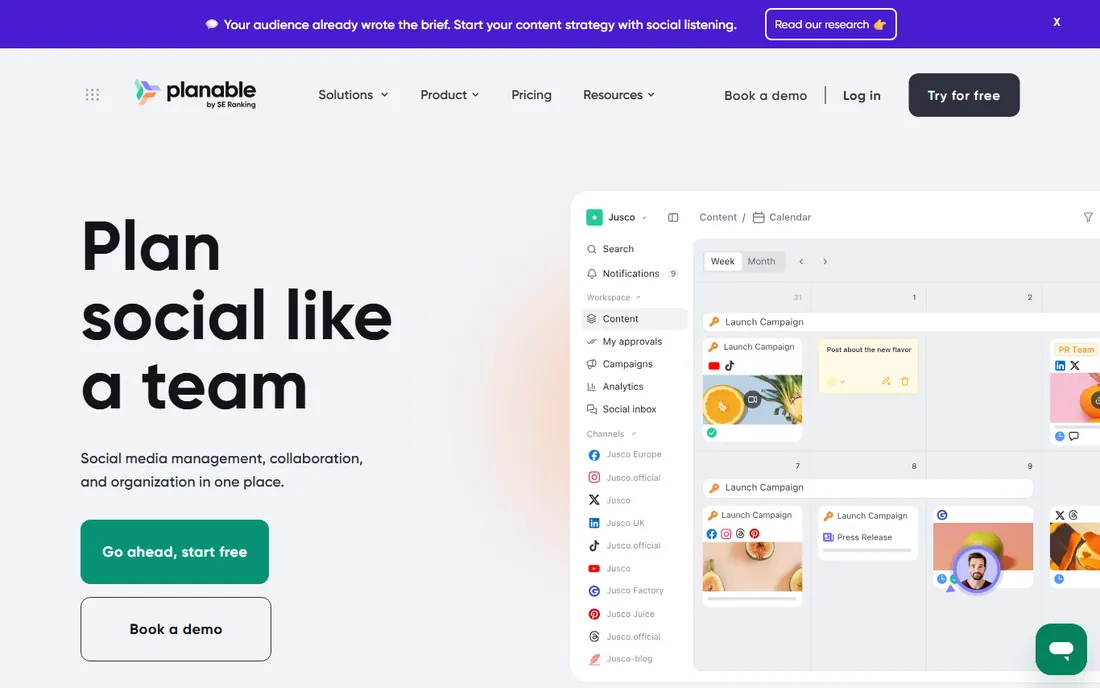
Planable perfected the approval workflow: clients and stakeholders review social posts in pixel-perfect previews, comment precisely, and approve with one click. Agencies eliminate the screenshot-email-approval chaos that eats account management hours. The free tier is genuinely useful.
Publishing and analytics are thinner than full management platforms. But Planable knows its job: approvals. Agencies that pair it with a scheduler get the best of both. For teams where client sign-off is the bottleneck, nothing else streamlines it as well.
What we like- Best-in-class approvals
- Visual preview
- Generous free tier
Watch out for- Publishing less deep
- Analytics thin
Starting priceSee website
Free planFree trial
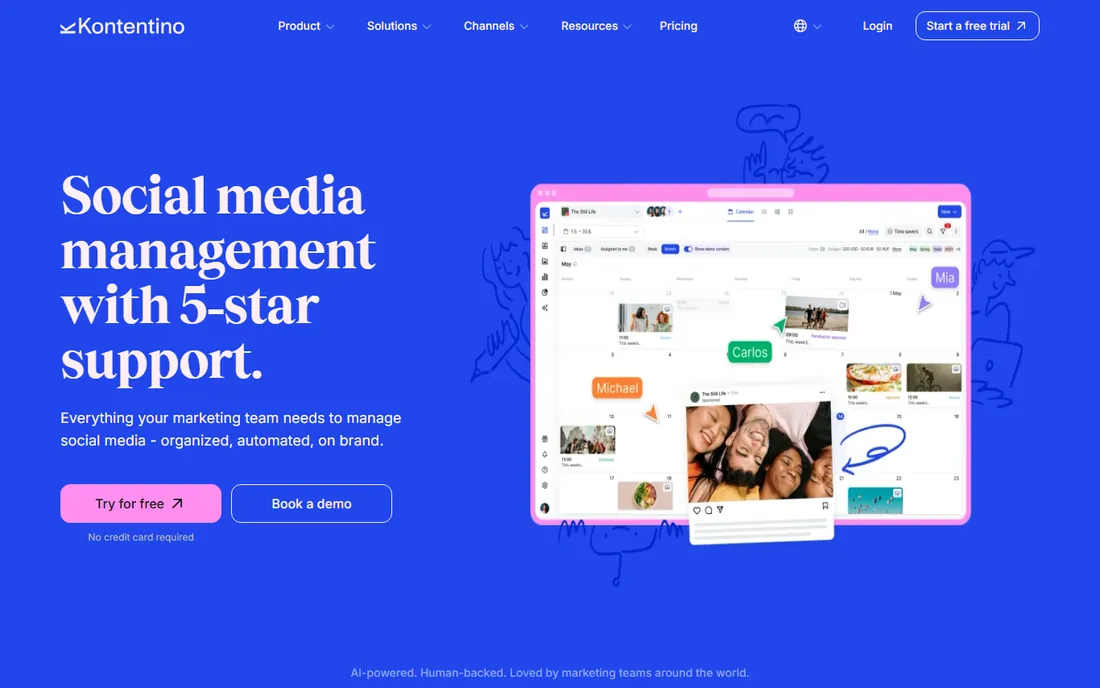
Kontentino serves agencies managing content across client accounts: approval workflows, client dashboards, and team collaboration purpose-built for agency operations. The UX is polished, and the calendar keeps every client's content organized separately.
Brand recognition trails Planable in the approval niche, and per-profile pricing needs modeling for large client rosters. But agencies that evaluate both often prefer Kontentino's agency-specific touches. It is the insider pick for social media agencies.
What we like- Strong agency workflows
- Client dashboards
- Good UX
Watch out for- Smaller brand
- Pricing per profile
Starting priceSee website
Free planFree trial
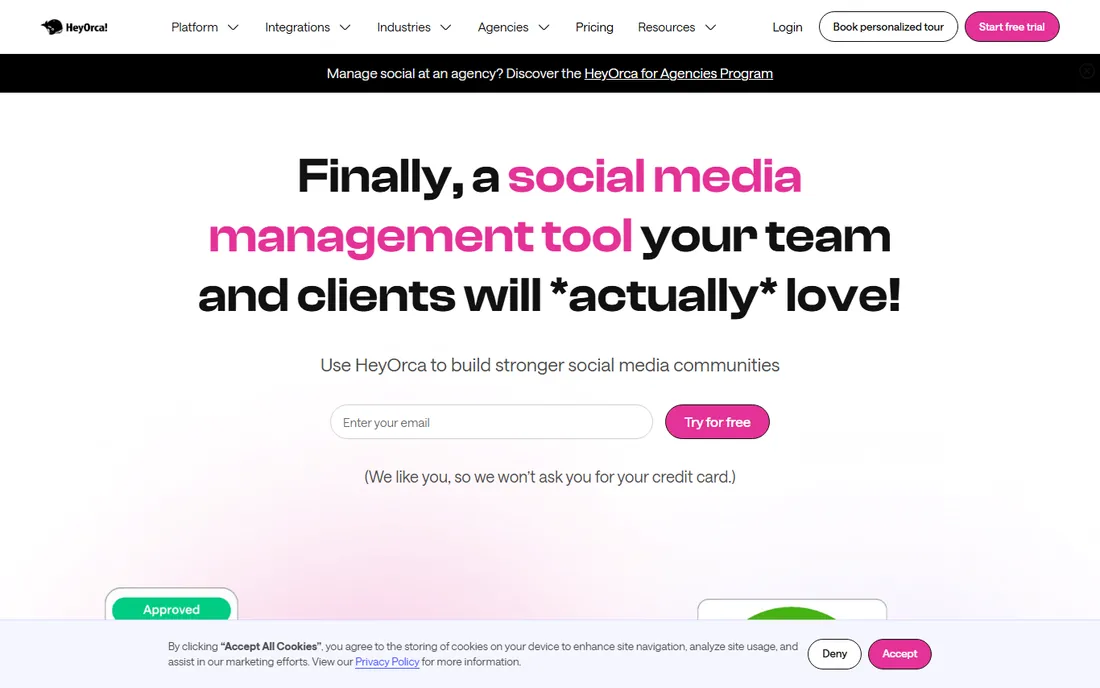
HeyOrca targets social media agencies and teams with approval-centric workflows: shareable calendar links let clients approve without logins, and reporting covers the metrics clients ask about. The focus shows in details agencies appreciate.
General content marketing beyond social fits awkwardly. But social-first teams get a tool designed for their exact workflow rather than adapted from broader platforms. The shareable approval links alone save agencies real friction.
What we like- Built for social agencies
- Stakeholder approvals
- Reporting
Watch out for- Niche focus
- Less for general content
Starting priceSee website
Free planFree trial
SocialBee's content calendar organizes posts by category, ensuring a balanced mix across topics and formats. Evergreen recycling keeps good content working, and the calendar view shows the mix at a glance. Small businesses get sophisticated scheduling logic affordably.
The interface packs a lot in, and analytics are basic. But the category system solves a real problem: accounts that post randomly perform worse than those with intentional content mixes. SocialBee makes the intentional mix automatic.
What we like- Category-based scheduling
- Content recycling
- Affordable
Watch out for- Interface busy
- Analytics basic
Starting priceSee website
Free planYes

Later's visual content calendar suits image-first brands: drag posts onto the calendar, preview the feed aesthetic, and schedule across visual networks. The free tier covers real use, and the interface speaks creators' language.
LinkedIn and X planning work but trail the visual tools. Teams needing heavy collaboration or approvals should pair Later with Planable. But for brands whose content is visual, Later's calendar matches how they actually think about publishing.
What we like- Visual calendar
- Strong for Instagram and TikTok
- Free tier
Watch out for- Text networks weaker
- Team features cost more
Calendar versus scheduler
Content calendars plan; schedulers publish. The best tools do both, but the emphasis matters. Calendar-first tools (CoSchedule, Loomly, StoryChief) organize strategy: campaigns, themes, and cross-channel coordination. Scheduler-first tools (Later, SocialBee) execute: getting posts out on time.
Most teams need both functions. The practical question is which pain is sharper: chaotic planning or missed publishing. Agencies usually need approval workflows most (Planable, Kontentino, HeyOrca). Pick the tool that solves your sharpest pain and tolerates the rest.
Making the calendar stick
A calendar tool only works if the team uses it. Establish the weekly planning ritual: review last week, plan this week, assign owners. Keep the calendar honest: unpublished drafts and aspirational posts erode trust in the system.
Integrate approvals into the workflow rather than around it. The tools here streamline sign-off, but someone must still own the final review. And connect the calendar to results: monthly reviews of what performed should inform next month's plan, closing the loop between planning and performance.
Frequently asked questions
What is content calendar software?
Content calendar software plans, organizes, and schedules content across channels: blog posts, social media, email, and campaigns. It typically includes a visual calendar, approval workflows, publishing integrations, and collaboration features for marketing teams.
How much does content calendar software cost?
Entry plans generally start in the tens of dollars monthly, with free tiers from Planable and Later. Team and agency plans run into the hundreds. Enterprise features are quote-based. Most vendors publish starting prices on their pricing pages.
Can I just use a spreadsheet as a content calendar?
You can start there, and many teams do. But dedicated tools add publishing integrations, approval workflows, visual previews, and collaboration that spreadsheets cannot match. Switch when coordination overhead exceeds the software cost, usually when the team passes three people.
What is the best content calendar for agencies?
Planable, Kontentino, and HeyOrca lead for agencies with their approval workflows and client collaboration features. The choice depends on whether you need general content approvals (Planable), agency-specific operations (Kontentino), or social-first workflows (HeyOrca).
Do content calendars include social media scheduling?
Most do. CoSchedule, Loomly, StoryChief, SocialBee, and Later all publish to social networks directly. Approval-focused tools like Planable integrate with schedulers. Verify the specific networks you need before committing.
The repurposing workflow
One strong piece of content should feed the calendar for weeks. Start with the pillar: a research report, webinar, or definitive guide. Then atomize it systematically. The report becomes five blog posts, each post becomes a week of social content, key statistics become graphics, the webinar becomes video clips, and the whole package becomes a newsletter series.
Build repurposing into the calendar as a workflow, not an afterthought. When planning the pillar piece, outline its derivative assets in the same session: which chapters become posts, which data points become graphics, which quotes become social copy. Assign owners and deadlines for each derivative at planning time.
This approach multiplies output without multiplying creation effort, which is how small teams maintain ambitious calendars. It also improves consistency: every derivative reinforces the same core message across channels. The calendar tools on this list manage the scheduling; the repurposing mindset supplies the volume. Teams that plan derivatives alongside originals publish three times the content with the same creative effort.
Designing approval workflows
Approval bottlenecks kill content velocity, so design the workflow deliberately. Map who must approve what: legal reviews regulated claims, brand reviews visual standards, executives review only high-visibility pieces. Most content needs one approval, not three; every additional approver multiplies delay without improving quality.
Set service-level expectations: reviewers get 48 hours, after which content proceeds unless flagged. This prevents the silent queue where drafts die. Use the approval tools' precise commenting to eliminate vague feedback; reviewers must point at the specific element and state the specific concern. Track where content stalls and fix the step, not the people: recurring bottlenecks usually indicate unclear authority rather than slow individuals. The goal is a workflow fast enough that the team uses it instead of routing around it.
How we chose
We focused on content planning as the job: calendar clarity, approval workflows, and publishing integration. We verified each vendor's current site, noting SocialBee's domain move, and compared pricing and feature fit. We covered full marketing calendars, approval specialists, and social-first tools. No vendor paid for placement, and we did not claim hands-on testing.
How far ahead should content be planned?
Plan themes quarterly, specific content monthly, and details weekly. Quarterly themes keep messaging coherent across campaigns. Monthly planning assigns topics and owners with enough lead time for quality work. Weekly reviews adjust for news, performance data, and shifting priorities. Planning further ahead than a quarter wastes effort on content that events will obsolete.
Who should own the content calendar?
One named owner with real authority, even if many contribute. The owner maintains the calendar, enforces deadlines, resolves conflicts, and keeps quality standards. Without clear ownership, calendars become suggestion boards that nobody follows. The owner needs enough seniority to say no to off-strategy requests and enough availability to manage the daily flow.
Sources we checked (8)
- https://coschedule.com
- https://www.loomly.com
- https://www.storychief.io
- https://planable.io
- https://www.kontentino.com
- https://www.heyorca.com
- https://socialbee.com
- https://later.com
Is your product missing or out of date?
We review this list regularly. Vendors can request a listing, send updated pricing or ask about featured placement.

Shihab Mia · Founder, Rankite
Shihab has spent more than a decade helping SaaS and e-commerce brands grow through search. He writes Rankite's software buying guides from pricing pages, documentation and public user reviews. More about Shihab.