How we make this list: we compare pricing pages, product documentation and public user reviews. Rankite is independent; if a vendor ever pays for a featured spot, that listing is clearly labeled Partner.
Key takeaways
- Zoom remains the most reliable video meeting platform, with the features and familiarity most teams expect.
- Microsoft Teams suits organizations already on Microsoft 365, bundling meetings with chat and collaboration.
- Google Meet is the frictionless choice for Google Workspace teams, with no installs for guests.
- Webex and GoTo Meeting serve enterprises and traditional businesses that value reliability and security.
- Zoho Meeting, RingCentral Video, Whereby, and Jitsi Meet cover budget, simplicity, and open-source needs.
Quick comparison
| Tool | Best for | Starting price | Free plan |
|---|
 Zoom Zoom | reliable video meetings | See website | Yes |
 Microsoft Teams Microsoft Teams | Microsoft 365 organizations | See website | Yes |
 Google Meet Google Meet | Google Workspace teams | See website | Yes |
 Webex Webex | enterprise security and scale | See website | Yes |
 GoTo Meeting GoTo Meeting | simple reliable meetings | See website | Free trial |
 Zoho Meeting Zoho Meeting | budget-friendly meetings | See website | Yes |
 RingCentral Video RingCentral Video | UC-integrated video | See website | Free trial |
 Whereby Whereby | browser-based simplicity | See website | Free trial |
 Jitsi Meet Jitsi Meet | free open-source meetings | Free | Yes |
Is your product missing or out of date?
We review this list regularly. Vendors can request a listing, send updated pricing or ask about featured placement.
Starting priceSee website
Free planYes
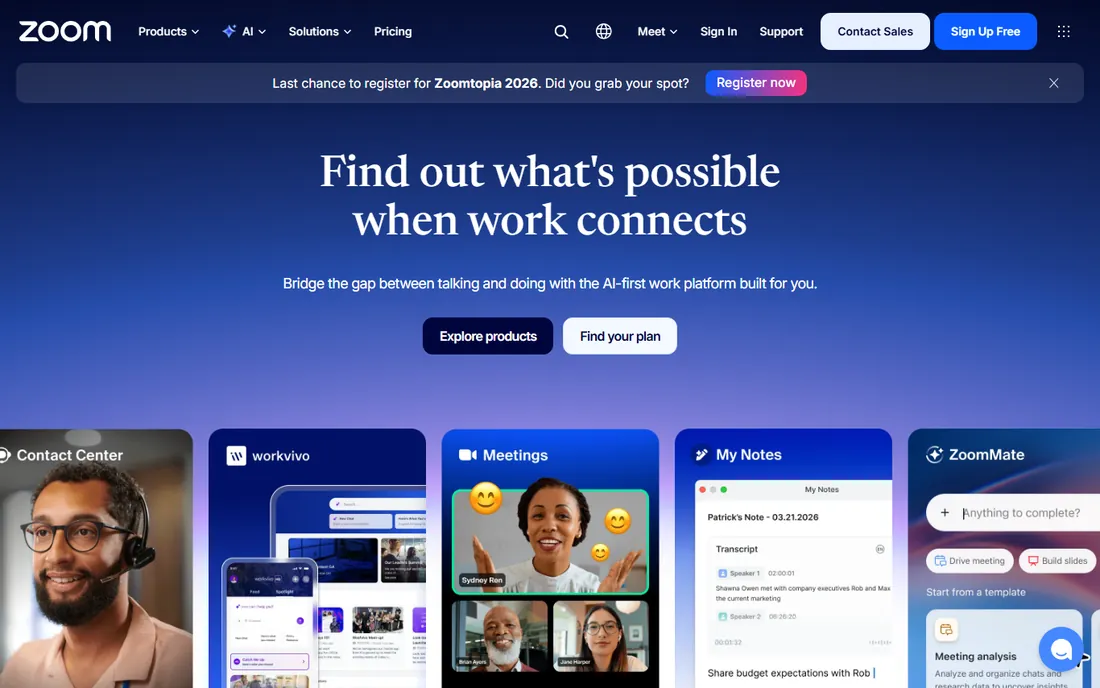
Zoom became synonymous with video meetings by being the most reliable option when it mattered. It still leads on call quality, breakout rooms, webinars, and the features hosts expect. Guests join without accounts, and the ecosystem of integrations and hardware is unmatched.
Per-host pricing accumulates for large organizations, and the security controversies of 2020 linger in some buyers' minds despite fixes. But for the core job of hosting meetings that just work, Zoom remains the benchmark every competitor is measured against.
What we like- Best-in-class reliability
- Everyone knows it
- Rich feature set
Watch out for- Pricing per host adds up
- Security reputation took hits
Starting priceSee website
Free planYes
Teams makes sense when the organization already lives in Microsoft 365. Meetings integrate with chat, files, and calendars natively; compliance and security inherit enterprise Microsoft controls. For IT departments standardizing on one vendor, the bundle economics are compelling.
Outside the Microsoft ecosystem the case weakens, and the interface carries the weight of its many functions. But the millions of organizations on Microsoft 365 get capable meetings essentially included. The decision is usually organizational, not feature-based.
What we like- Bundled with Microsoft 365
- Chat plus meetings
- Enterprise compliance
Watch out for- Interface complexity
- Best inside Microsoft ecosystem
Starting priceSee website
Free planYes
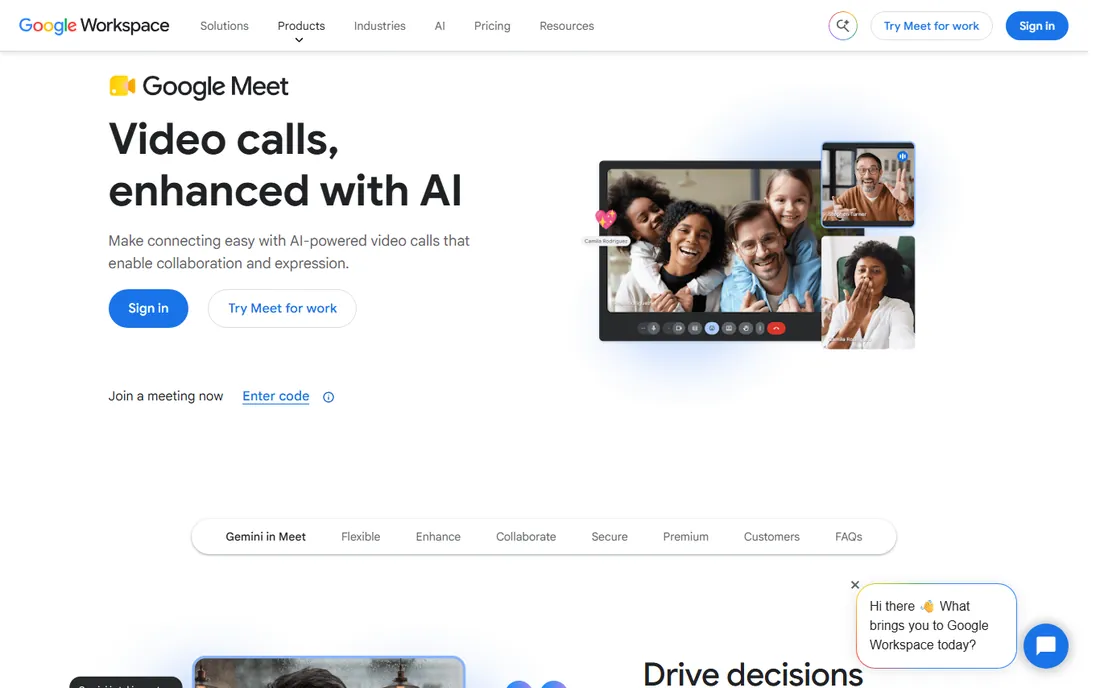
Google Meet's superpower is frictionlessness: click a link and you are in, no downloads, no accounts for guests. Google Workspace teams get meetings integrated with Calendar and Gmail naturally. The interface stays simple where competitors accumulate features.
Power users miss Zoom's webinar depth and advanced host controls. But most meetings need reliability and simplicity, not production features. For Workspace organizations and anyone prioritizing ease over depth, Meet's zero-friction joining wins.
What we like- No installs for guests
- Simple interface
- Workspace integration
Watch out for- Fewer advanced features
- Webinar capabilities basic
Starting priceSee website
Free planYes
Webex brings Cisco's enterprise DNA to meetings: security certifications, large-event capabilities, and hardware integration that regulated industries and governments trust. The platform handles webinars and town halls at scales that strain simpler tools.
The interface feels corporate next to Zoom's polish, and pricing reflects the enterprise positioning. But organizations where security review decides the purchase find Webex's compliance story the easiest to approve. It is the safe enterprise choice.
What we like- Strong security pedigree
- Great for large events
- Cisco ecosystem
Watch out for- Interface less modern
- Pricing enterprise
Starting priceSee website
Free planFree trial
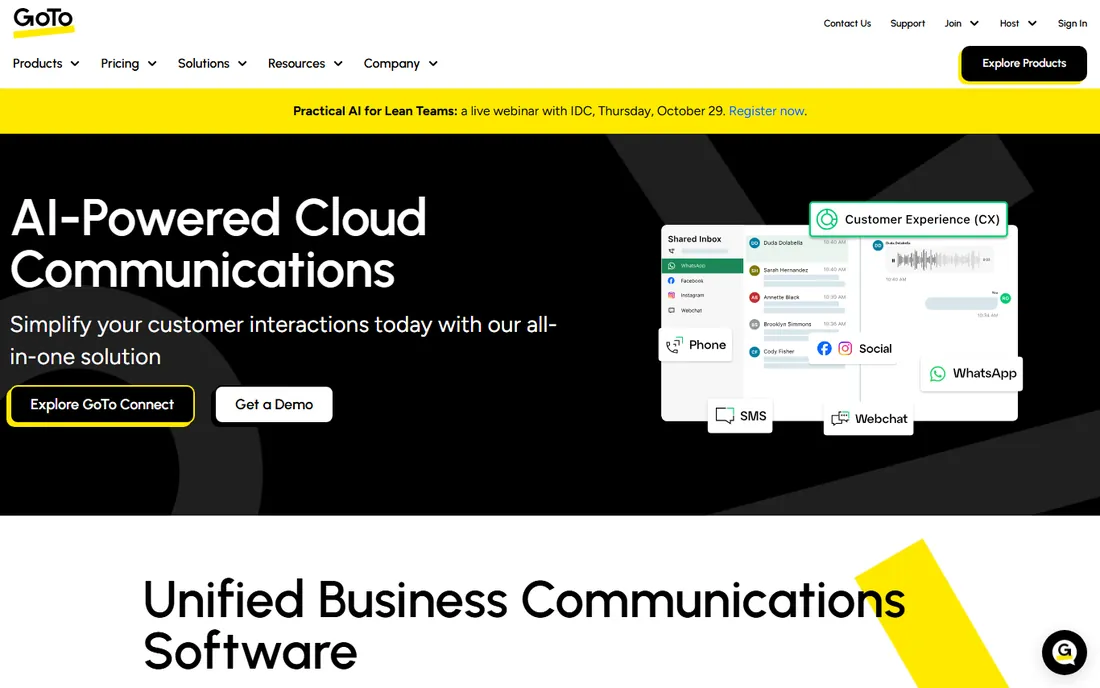
GoTo Meeting does video conferencing without drama: reliable connections, clear audio, and an interface nobody needs to learn. Longtime business users appreciate its consistency. The broader GoTo portfolio adds phone and webinar options.
It will not win feature comparisons with Zoom or Teams. But many businesses need meetings that work every time more than they need virtual backgrounds and AI summaries. GoTo's reliability-first approach serves that need steadily.
What we like- Straightforward and reliable
- Good audio quality
- Simple pricing
Watch out for- Fewer innovative features
- Smaller ecosystem
Starting priceSee website
Free planYes
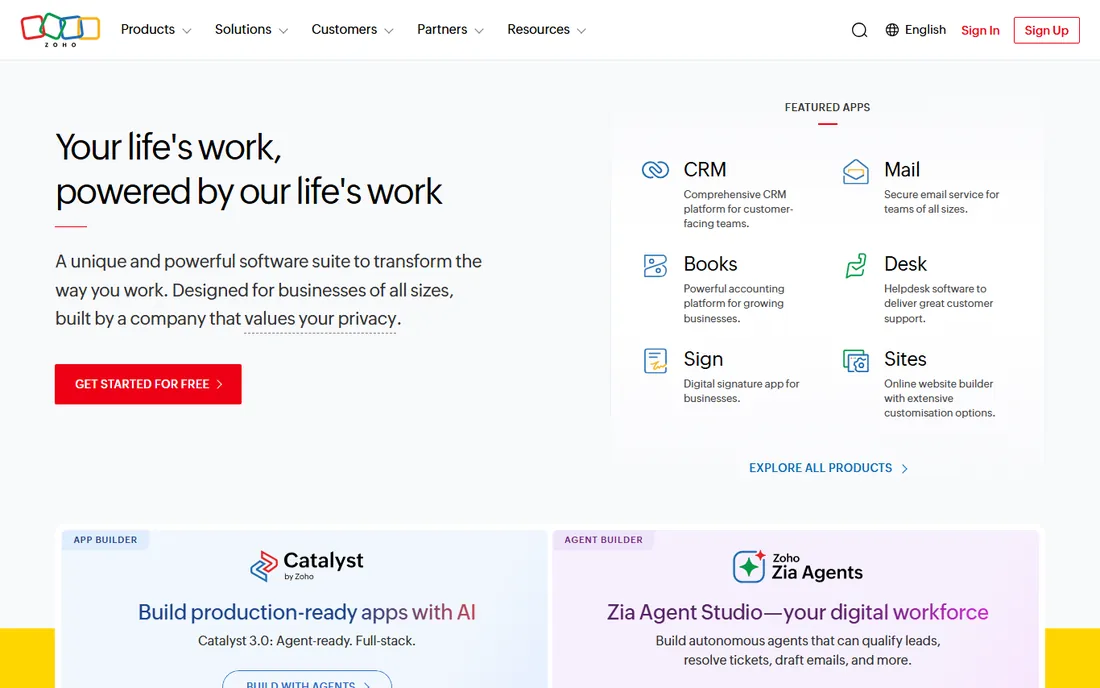
Zoho Meeting gives Zoho customers capable video meetings at prices well under the leaders. Screen sharing, recording, and webinar features cover the essentials, and the free tier handles basic needs. The Zoho ecosystem integration suits existing customers.
Standalone buyers get less than Zoom or Meet offer. But the value proposition inside Zoho One is strong: meetings as part of an affordable business suite rather than a separate subscription. Budget-conscious Zoho shops should start here.
What we like- Very affordable
- Integrates with Zoho suite
- Simple
Watch out for- Feature depth less
- Smaller ecosystem
Starting priceSee website
Free planFree trial
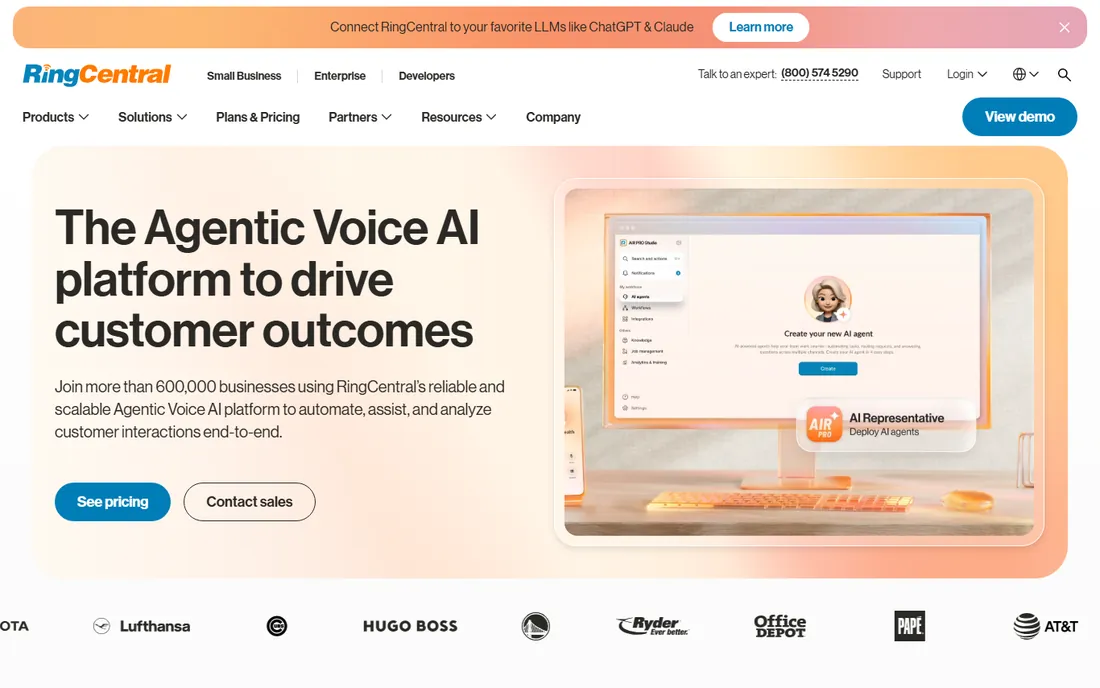
RingCentral Video makes sense as part of RingCentral's unified communications: one app for phone, video, and messaging with consistent experience. Organizations standardizing on RingCentral get meetings that share contacts, presence, and scheduling with their phone system.
As a standalone meeting tool it competes less distinctively. But UC buyers evaluate the suite, not the meeting app alone. For RingCentral customers, the integrated video is capable and convenient.
What we like- Integrates with RingCentral phone
- Good quality
- Unified app
Watch out for- Best with RingCentral UC
- Standalone less compelling
Starting priceSee website
Free planFree trial

Whereby's entire philosophy is simplicity: video rooms that live in the browser, embed in websites, and need no installs from anyone. Telehealth providers, coaches, and customer-facing teams embed branded meeting rooms directly in their products. The API makes custom integrations straightforward.
Enterprise features and massive webinars belong elsewhere. But for the growing use case of meetings-as-a-feature inside other products, Whereby's embeddable simplicity is unmatched. It is the developer-friendly video room.
What we like- No downloads ever
- Embeddable rooms
- Simple API
Watch out for- Fewer enterprise features
- Smaller scale
Starting priceFree
Free planYes
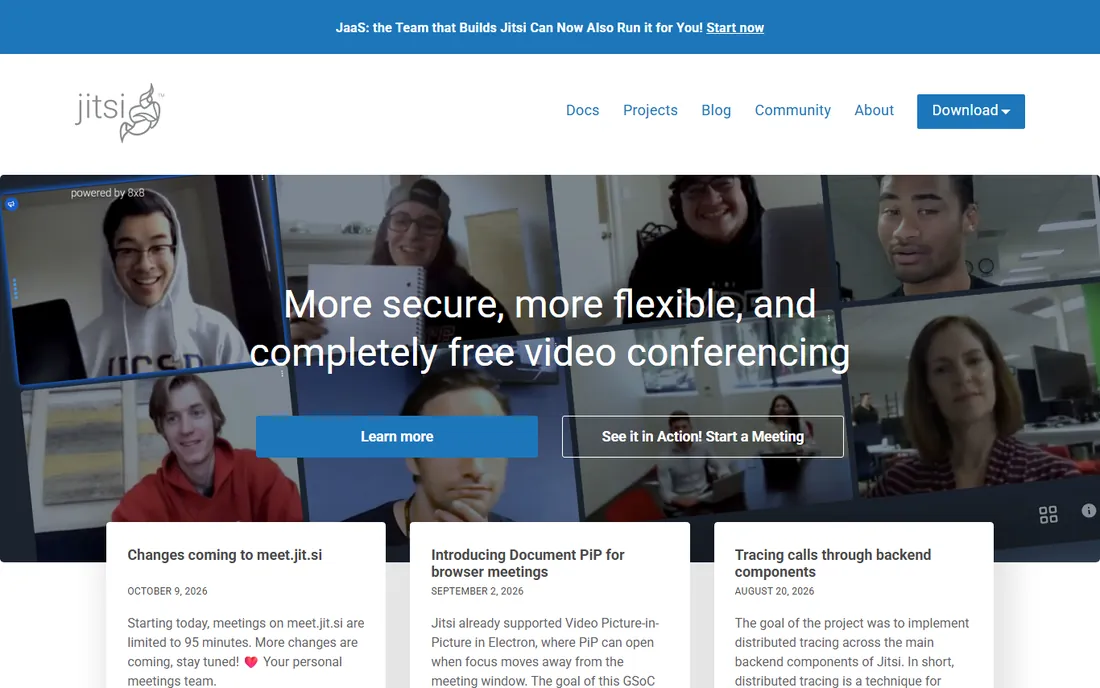
Jitsi Meet is the remarkable free option: unlimited meetings with no account, no time limits on the public instance, and open-source code for self-hosting. Privacy-conscious organizations run their own servers with full control. The price cannot be beaten.
Quality and reliability trail commercial platforms, especially at scale, and there is no one to call when things break. But for cost-sensitive teams, privacy-focused organizations, and developers embedding video, Jitsi's openness is unique. Try the public instance before committing to self-hosting.
What we like- Completely free
- Open source
- Self-hostable
Watch out for- Quality varies
- No support contract
Security checklist
Verify encryption standards and compliance certifications against your industry's requirements: HIPAA for healthcare, SOC 2 for SaaS vendors, FedRAMP for government. Confirm admin controls for meeting security: waiting rooms, password requirements, and host controls over screen sharing and recording.
Review data residency if regulations require it. And establish meeting hygiene policies regardless of platform: unique meeting IDs for sensitive calls, waiting rooms enabled, and recording consent where legally required. The platform provides tools; the organization must use them.
Choosing for your organization
Match the platform to your ecosystem first: Microsoft 365 shops default to Teams, Google Workspace to Meet, RingCentral to its video. Ecosystem fit outweighs feature differences for most organizations. Only evaluate standalone when no ecosystem dominates.
Then consider your meeting types. Daily internal standups need reliability and simplicity. Client-facing sales calls need polish and branding. Webinars and town halls need scale features. Training sessions need breakout rooms. No single platform leads every type; prioritize the meetings that matter most to your business.
Frequently asked questions
What is the best video meeting platform?
Zoom leads on reliability and features for general use. Microsoft Teams suits Microsoft 365 organizations, Google Meet suits Google Workspace teams. The best choice usually follows your existing ecosystem rather than feature comparisons.
Is there a free video meeting platform?
Yes. Zoom, Google Meet, Microsoft Teams, Webex, and Zoho Meeting all have free tiers, typically with time or participant limits. Jitsi Meet is completely free and open source with no limits on its public instance.
How much does Zoom cost?
Zoom's paid plans are per-host monthly, with pricing published on its pricing page. Costs scale with host count and add-ons like webinars and large meetings. Most small teams start on the free tier and upgrade when limits bind.
Which platform is most secure for business meetings?
Webex and Microsoft Teams lead on enterprise security certifications. Zoom has addressed its past issues substantially. The practical answer depends on your compliance requirements: verify specific certifications rather than relying on reputation.
Can I host webinars on these platforms?
Zoom, Webex, GoTo, and Teams all offer webinar capabilities, usually as add-ons or higher tiers. For large marketing webinars, dedicated platforms may serve better. For internal town halls and training, the meeting platforms' webinar features suffice.
Meeting norms for hybrid teams
Technology solved remote video; norms are still catching up. Establish team agreements explicitly rather than assuming them. Cameras on or off is a team decision with real tradeoffs: cameras build connection but exhaust people in back-to-back meetings. Default to cameras for small collaborative sessions and allow off for large presentations.
Protect attention deliberately. Ban multitasking expectations by keeping meetings short and purposeful; a team that watches people type through every call has a meeting problem, not a camera problem. Build in buffers between calls, since back-to-back video drains more than in-person equivalents. For hybrid rooms, invest in decent audio above all: remote participants forgive bad video but disengage from bad audio within minutes. And record selectively with announced consent; everything recorded changes how honestly people speak.
Recording, transcripts, and AI summaries
Recordings changed meetings from ephemeral to referenceable, which cuts both ways. Record with explicit consent and stated purpose; secret recordings destroy trust and may violate wiretapping laws in two-party consent states. Store recordings with the same care as other sensitive data, with retention policies that delete what nobody needs.
AI summaries and transcripts multiply the value: searchable meeting history, action items extracted automatically, participants who missed the meeting catching up in minutes. But review AI output before distributing; transcription errors create misunderstandings that the recording would have prevented. Establish team norms: which meetings get recorded, who can access recordings, and how long they are kept. Used deliberately, the meeting archive becomes organizational memory. Used carelessly, it becomes surveillance.
How we chose
We ranked for business video meetings: reliability, ease of joining, and ecosystem fit. We verified each vendor's current site, noting Zoom's move to zoom.com, and compared free tiers and pricing models. We covered ecosystem bundles, standalone leaders, and free options. No vendor paid for placement, and we did not claim hands-on testing.
How do you run effective hybrid meetings?
Design for remote participants first, since they have the worst experience by default. Everyone joins on their own device, even people in the same room, which equalizes audio and presence. Use the chat for questions so remote voices are not talked over. Assign a facilitator who explicitly invites remote input; without this, in-room dynamics dominate. And invest in room audio above all: remote participants forgive bad video but disengage from rooms they cannot hear.
Sources we checked (9)
- https://www.zoom.com
- https://www.microsoft.com
- https://meet.google.com
- https://www.webex.com
- https://www.goto.com
- https://www.zoho.com
- https://www.ringcentral.com
- https://whereby.com
- https://jitsi.org
Is your product missing or out of date?
We review this list regularly. Vendors can request a listing, send updated pricing or ask about featured placement.

Shihab Mia · Founder, Rankite
Shihab has spent more than a decade helping SaaS and e-commerce brands grow through search. He writes Rankite's software buying guides from pricing pages, documentation and public user reviews. More about Shihab.