How we make this list: we compare pricing pages, product documentation and public user reviews. Rankite is independent; if a vendor ever pays for a featured spot, that listing is clearly labeled Partner.
Key takeaways
- RingCentral and 8x8 lead for businesses that need full unified communications: voice, video, and messaging in one platform.
- Dialpad and Aircall suit modern teams that want AI-powered calling with clean integrations.
- Nextiva and Vonage cover the mid-market with reliable voice plus broader communication suites.
- Ooma and Grasshopper are the value picks for small businesses that need professional calling without complexity.
- JustCall fits sales teams that live in their CRM and need click-to-call with automation.
Quick comparison
| Tool | Best for | Starting price | Free plan |
|---|
 RingCentral RingCentral | full unified communications | See website | Free trial |
 8x8 8x8 | global voice and contact center | See website | Free trial |
 Dialpad Dialpad | AI-powered business calling | See website | Free trial |
 Aircall Aircall | integrations-first phone system | See website | Free trial |
 Nextiva Nextiva | mid-market communications suite | See website | Free trial |
 Vonage Vonage | flexible business communications | See website | Free trial |
 Ooma Ooma | affordable small business phone | See website | Free trial |
 Grasshopper Grasshopper | virtual phone for solopreneurs | See website | Free trial |
 JustCall JustCall | sales teams in the CRM | See website | Free trial |
Is your product missing or out of date?
We review this list regularly. Vendors can request a listing, send updated pricing or ask about featured placement.
The best softphone software
Starting priceSee website
Free planFree trial
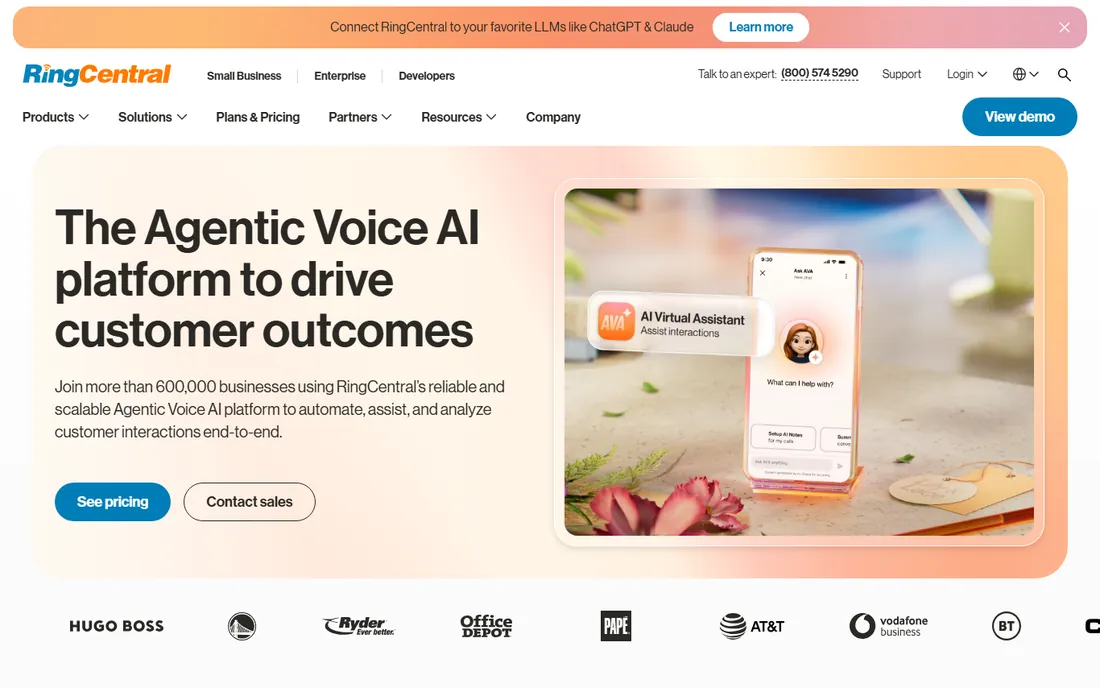
RingCentral is the safe enterprise pick for business calling. The softphone apps for desktop and mobile deliver HD voice, video meetings, and team messaging in one client, backed by a carrier-grade network. Integrations with Salesforce, Microsoft 365, and Google Workspace put calling inside the tools teams already use.
The feature matrix is genuinely confusing: useful capabilities scatter across tiers, and the plan that looks affordable may lack what you need. Budget time for admin training. But for businesses that want one vendor for all communications with a reliability record, RingCentral remains the benchmark.
What we like- Voice, video, and messaging unified
- Huge integration library
- Proven reliability
Watch out for- Pricing tiers gate features
- Admin console has a learning curve
Starting priceSee website
Free planFree trial
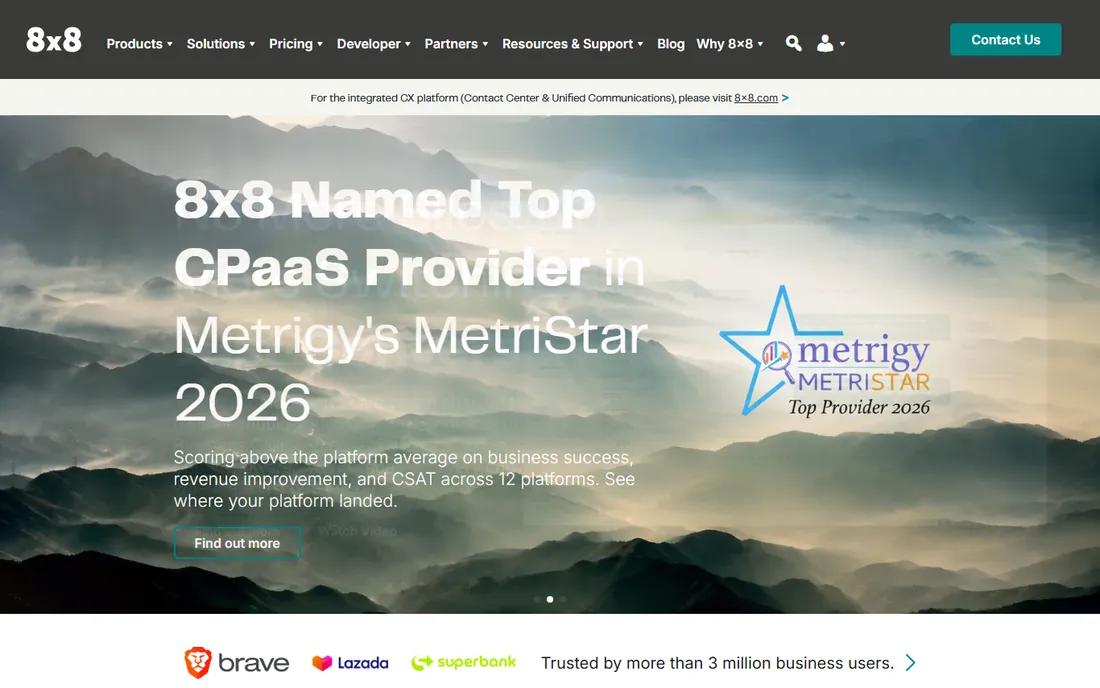
8x8's differentiator is global: unlimited calling plans covering dozens of countries suit businesses with international teams and customers. The platform bundles voice, video, chat, and a real contact center, which lets support operations grow without switching vendors.
The apps feel less polished than Dialpad's or Aircall's, and support reviews are mixed. But the global calling footprint is the reason to choose it. Companies with staff or customers across borders get predictable international costs that domestic-focused competitors cannot match.
What we like- Unlimited calling in many countries
- Contact center built in
- Strong global presence
Watch out for- Interface less modern
- Support experiences vary
Starting priceSee website
Free planFree trial
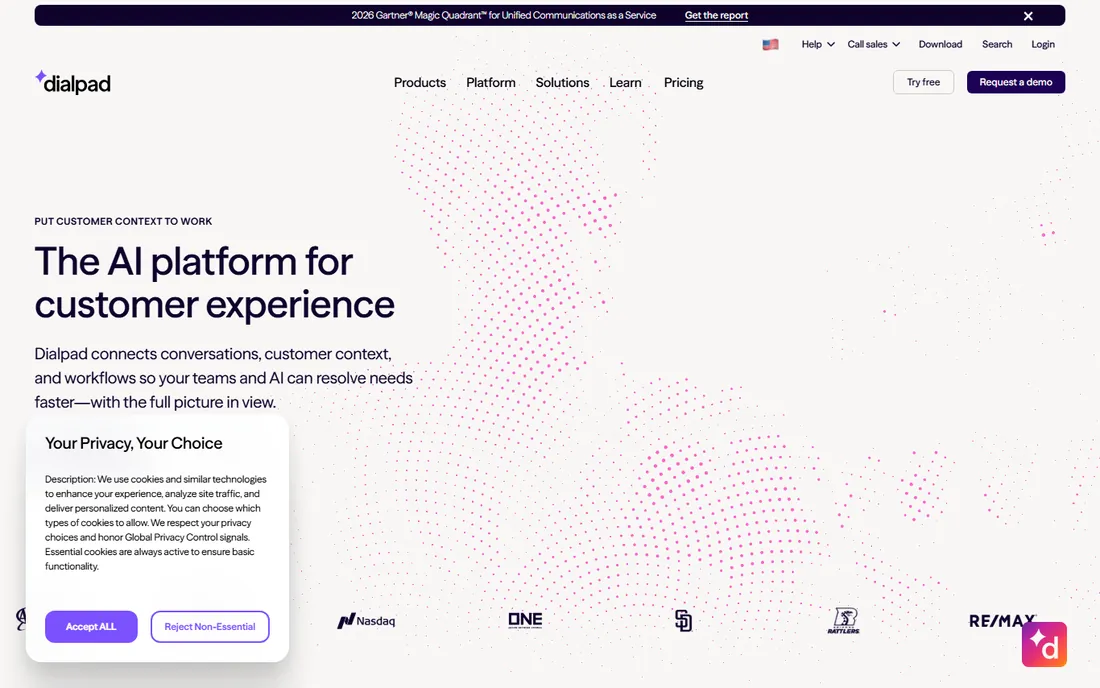
Dialpad built AI into calling before it was fashionable. Real-time transcription, sentiment analysis, and coaching prompts help sales and support teams perform better on live calls. The apps are clean and fast, and pricing undercuts the legacy UC vendors.
The best AI capabilities sit on higher tiers, so the advertised starting price buys a simpler product. Integration breadth trails RingCentral. But teams that want modern calling with intelligence baked in, rather than bolted on, find Dialpad's experience hard to leave.
What we like- Real-time AI transcription and coaching
- Clean modern apps
- Good value tiers
Watch out for- AI features need higher plans
- Smaller integration list than RingCentral
Starting priceSee website
Free planFree trial
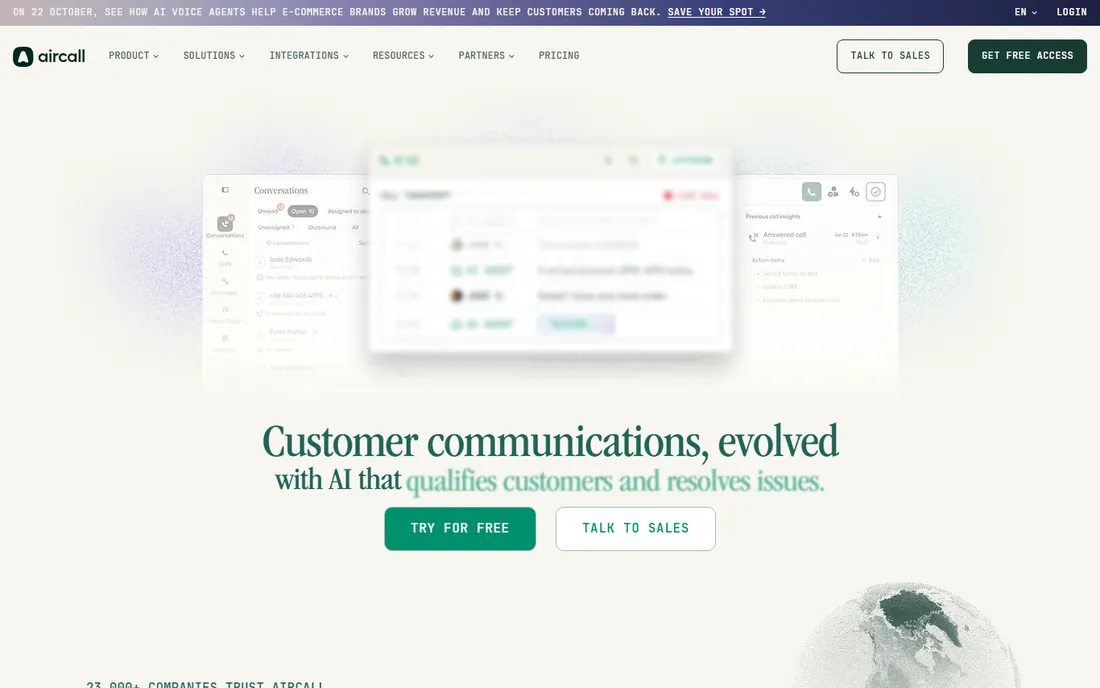
Aircall's pitch is the connected phone: over a hundred integrations put calling inside Salesforce, HubSpot, Zendesk, and the rest of the stack, with click-to-call, automatic logging, and screen pops everywhere. Support and sales teams get set up in days, not months.
Per-user costs accumulate for large teams, and the deeper analytics live on higher plans. But the integration-first design means reps spend time talking instead of logging calls. For teams whose CRM is the center of gravity, Aircall's fit is natural.
What we like- 100+ integrations
- Fast setup
- Built for support and sales teams
Watch out for- Per-user pricing adds up
- Advanced analytics cost more
Starting priceSee website
Free planFree trial
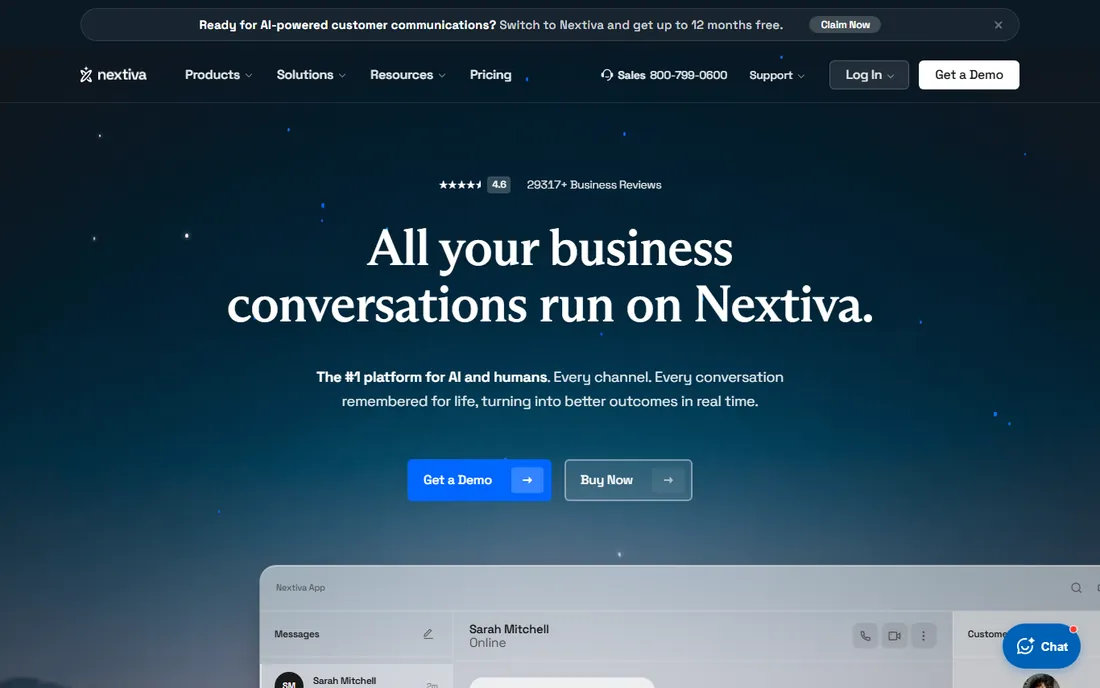
Nextiva wins on reliability and support rather than flash. Voice quality is consistently praised, the support team actually answers, and the platform covers voice, video, messaging, and customer surveys in one subscription. Mid-market businesses that value a vendor relationship over feature races stay for years.
The product evolves slower than Dialpad's or Aircall's, and pricing takes a conversation. But communications infrastructure should be boring in the best sense: it works, someone answers when it does not, and the bill is predictable. Nextiva delivers that.
What we like- Reliable voice quality
- Good customer support reputation
- All-in-one platform
Watch out for- Less innovation pace
- Pricing less transparent
Starting priceSee website
Free planFree trial
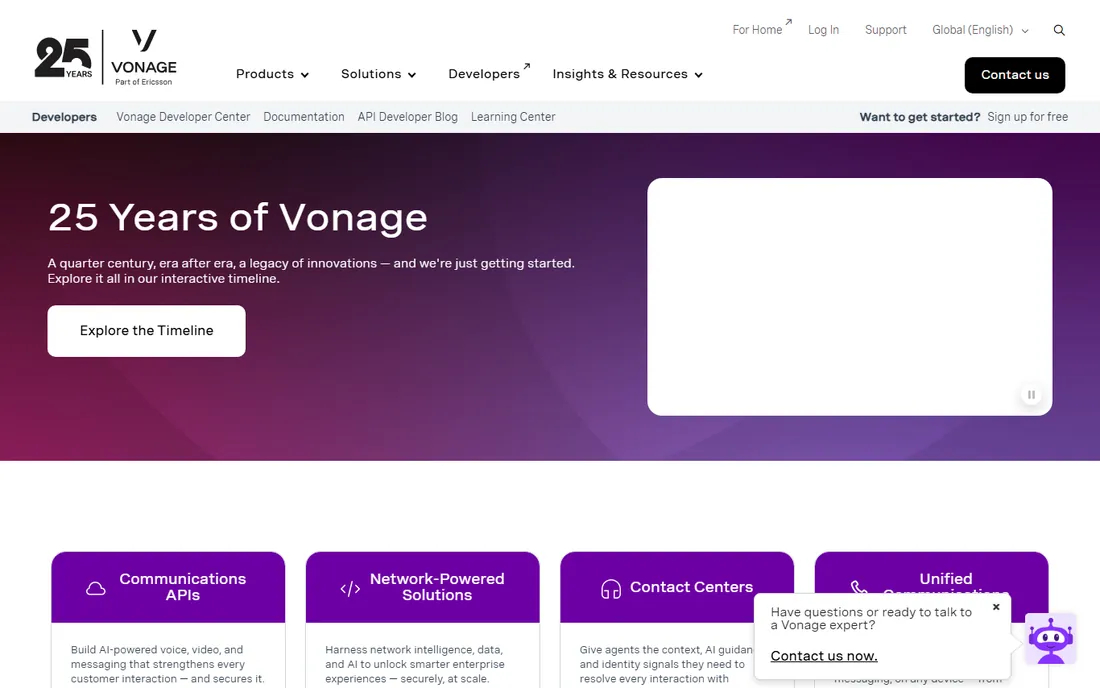
Vonage straddles two worlds: unified communications for businesses that want it packaged, and communications APIs for developers who want to build it themselves. The UC side covers voice, video, and messaging; the API side powers custom calling experiences inside other products.
The breadth confuses buyers: multiple product lines, varied pricing, and an Ericsson-owned roadmap to parse. But businesses that might need both packaged UC and custom API work get one vendor relationship. Evaluate the specific product line you need, not the brand generally.
What we like- Strong APIs for custom builds
- Unified comms plus contact center
- Global network
Watch out for- Product line is complex
- Pricing varies widely
Starting priceSee website
Free planFree trial
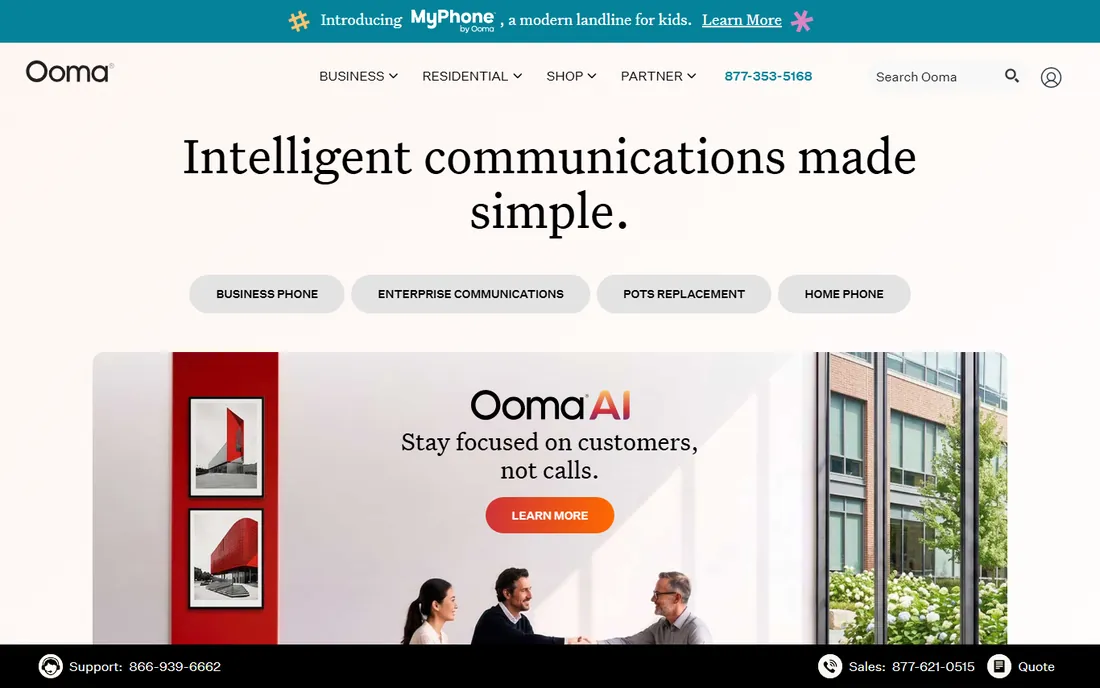
Ooma brings business phone service down to small-business budgets. The softphone and desk phone options cover the essentials: auto-attendant, ring groups, voicemail transcription, and mobile apps, at prices well under the UC giants. Setup is genuinely simple.
Advanced features like deep CRM integrations and AI analytics are thin. Larger teams outgrow it. But for businesses under twenty people that need professional calling without a telecom project, Ooma's value is unmatched in this list.
What we like- Low prices
- Simple setup
- Good call quality
Watch out for- Fewer advanced features
- Best for smaller teams
Starting priceSee website
Free planFree trial
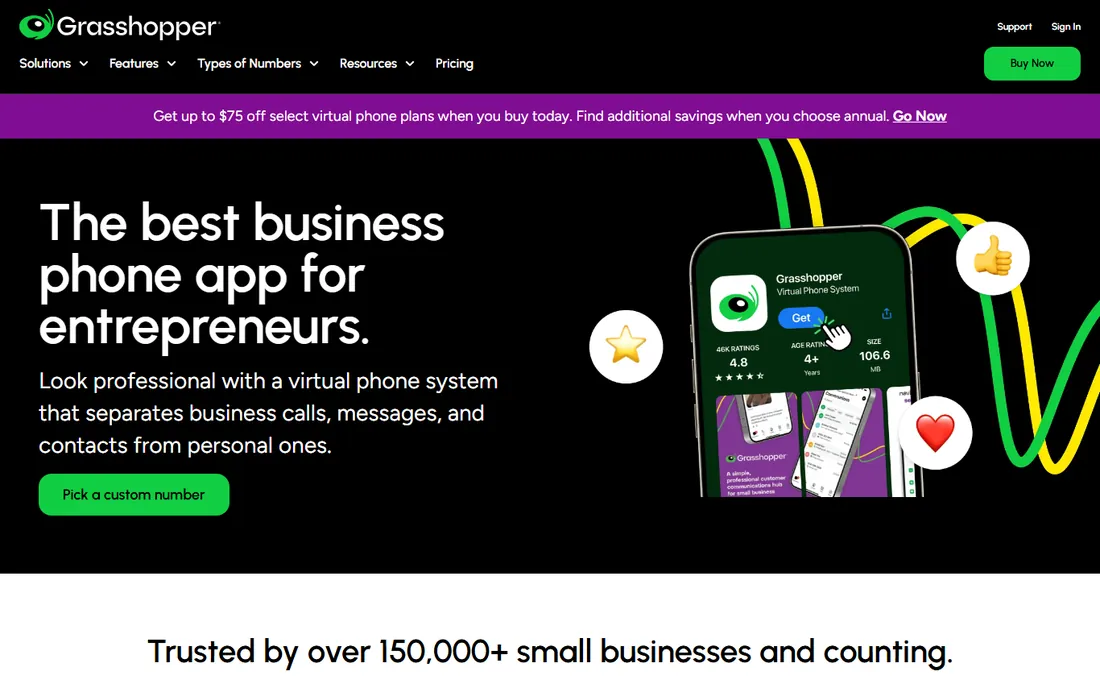
Grasshopper gives solopreneurs and tiny businesses a professional phone identity in minutes: choose a number, set up extensions and greetings, and take business calls on your existing mobile. No desk phones, no IT, no complexity. It is the virtual receptionist for one-person operations.
It is not a team phone system. Call queues, deep integrations, and analytics belong to other tools here. But for founders who need to sound like a company while working from a cell phone, Grasshopper's simplicity is exactly right.
What we like- Instant professional presence
- Simple plans
- No hardware needed
Watch out for- Not a full phone system
- Limited team features
Starting priceSee website
Free planFree trial
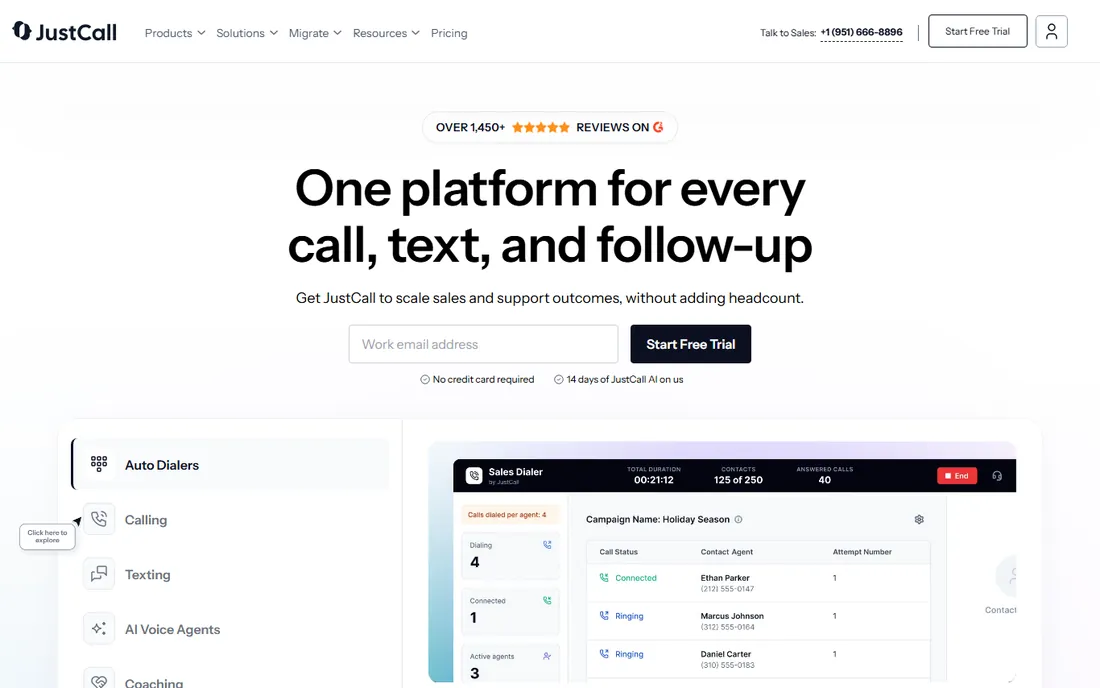
JustCall lives where sales teams live: inside the CRM. Click-to-call, automatic logging, SMS automation, and local presence dialing work across Salesforce, HubSpot, and Pipedrive. International numbers in 70+ countries suit distributed sales teams.
Support use cases get less attention than sales workflows, and international per-minute rates need checking against your call patterns. But for outbound and inbound sales teams that measure everything in the CRM, JustCall's tight integration beats generic softphones.
What we like- Deep CRM integrations
- Sales automation
- International numbers
Watch out for- Support-focused features thinner
- Per-minute costs vary
What to verify before you buy
Call quality depends on your network, not just the vendor. Test with real calls during the trial, including mobile and international if those matter. Check number porting: moving existing business numbers should be free and take days, not weeks. Confirm 911 and emergency calling compliance for your locations.
Read the fine print on "unlimited." Fair-use policies cap the truly unlimited plans, and international calling almost always has limits or per-minute rates. Map your actual call patterns to the plan details before signing, especially for high-volume sales or support teams.
Softphone versus desk phone
Most teams no longer need desk phones. Softphone apps on laptops and mobiles deliver better features: click-to-call, CRM screen pops, call recording, and messaging in one client. The exceptions are front desks, warehouses, and regulated environments where a physical phone still makes sense.
Hybrid works fine: softphones for knowledge workers, a few desk phones where needed, all on the same system. Do not let a vendor sell you hardware you will not use. Start everyone on softphones and add desk phones only where the workflow demands it.
Frequently asked questions
What is softphone software?
Softphone software makes and receives business calls from computers and mobile devices over the internet, replacing physical desk phones. It typically includes voicemail, call forwarding, conferencing, and integrations with business tools. Most business VoIP services now lead with softphone apps.
How much does business VoIP cost?
Entry plans generally start in the teens to twenties per user per month, with trials available. Mid-market unified communications run higher, and enterprise or contact-center features are quote-based. International calling and toll-free numbers add to the total. Most vendors publish starting prices on their pricing pages.
Can I keep my existing business phone number?
Yes. Number porting is standard across business VoIP providers and usually free, taking a few days to a couple of weeks. Start the porting process early and do not cancel your old service until the port completes.
Do I need special hardware for a softphone?
No. A computer or smartphone with a headset is enough. USB headsets improve call quality substantially over built-in microphones. Desk phones are optional and only needed for specific roles like receptionists.
Which softphone is best for a small team?
Ooma and Grasshopper lead on simplicity and price for very small teams. Dialpad and Aircall suit growing teams that want modern features and integrations. RingCentral and 8x8 fit teams planning to scale into full unified communications.
Number porting and setup checklist
Moving business numbers to a new provider is straightforward if sequenced correctly. First, do not cancel your old service; numbers must be active to port. Submit the porting request with exact account details matching your current carrier's records; mismatches cause most delays. Typical ports complete in a few days for local numbers and up to two weeks for toll-free.
During the transition, configure the new system fully before the port completes: auto-attendants, ring groups, voicemail, and user extensions. Test inbound and outbound calling with temporary numbers. And verify emergency calling compliance: VoIP 911 requires registered physical addresses for each location, which nomadic workers complicate. Most providers guide this, but the legal responsibility stays with the business.
Troubleshooting call quality
Most call quality problems come from the network, not the softphone. Run a speed test during business hours: voice needs modest bandwidth but consistent latency under 150ms and minimal jitter. Wi-Fi congestion is the usual culprit in offices; prioritize voice traffic on the router with QoS settings, or move heavy users to wired connections.
Headsets matter more than buyers expect. A $30 USB headset with a noise-canceling microphone beats laptop audio dramatically, especially in open offices. Test with real calls during the trial, including the noisiest environments your team works in. And keep a fallback: mobile apps on cellular data rescue important calls when office internet fails.
How we chose
We focused on business calling from any device: voice quality, mobile apps, and integrations mattered most. We compared current pricing pages and trial availability, verified each vendor's site, and weighed reviews from G2, Capterra, and IT practitioner communities. We covered UC suites, modern cloud phones, and budget options so each team size finds a fit. No vendor paid for placement, and we did not claim hands-on testing.
Sources we checked (9)
- https://www.ringcentral.com
- https://www.8x8.com
- https://www.dialpad.com
- https://aircall.io
- https://www.nextiva.com
- https://www.vonage.com
- https://www.ooma.com
- https://grasshopper.com
- https://justcall.io
Is your product missing or out of date?
We review this list regularly. Vendors can request a listing, send updated pricing or ask about featured placement.

Shihab Mia · Founder, Rankite
Shihab has spent more than a decade helping SaaS and e-commerce brands grow through search. He writes Rankite's software buying guides from pricing pages, documentation and public user reviews. More about Shihab.