How we make this list: we compare pricing pages, product documentation and public user reviews. Rankite is independent; if a vendor ever pays for a featured spot, that listing is clearly labeled Partner.
Key takeaways
- MadMapper (free trial; temporary from 39€/month, perpetual from 399€) is the mapping specialist: the fastest path from projector to mapped surface.
- Resolume Arena (€799) is the live performer's choice: VJ mixing plus mapping in one application built for the stage.
- TouchDesigner is the installation powerhouse with a free non-commercial version; commercial licenses are quote-based.
- MapMap and VPT are genuinely free and cover real mapping work: start with them before spending anything.
Quick comparison
| Tool | Best for | Starting price | Free plan |
|---|
 MadMapper MadMapper | Artists who want mapping-first software without compromises | Free trial; temporary licenses from 39€/month, perpetual from 399€ (excl. tax) | Free trial (full features, watermarked output) |
 Resolume Arena Resolume Arena | VJs and live performers who mix video and map it in one app | €799 (Arena); Avenue €299 without mapping | Free trial |
 TouchDesigner TouchDesigner | Interactive installations and generative visual systems | See website (commercial licenses quote-based) | Yes (free non-commercial version) |
 Millumin Millumin | Theater, dance and shows needing mapping plus show control | Rental from 29€ (7 days); lifetime from 399€ | Free trial |
 HeavyM HeavyM | Beginners projecting their first mapped visuals | See website | Free trial |
 MapMap MapMap | Free, open-source mapping for artists and educators | Free | Yes (open source) |
 VPT VPT | Free mapping for theater, VJs and installations | Free | Yes (free download) |
 Disguise Disguise | Arena tours, broadcast and large-scale productions | See website (enterprise, quote-based) | No |
 Vioso Vioso | Multi-projector setups needing automatic calibration | See website (quote-based) | No |
 ArKaos GrandVJ ArKaos GrandVJ | VJs who want mapping inside a familiar mixing workflow | See website | Free trial |
Is your product missing or out of date?
We review this list regularly. Vendors can request a listing, send updated pricing or ask about featured placement.
The best projector mapping software
Projection mapping turns buildings, stages and objects into screens. The software decides how painful that is: the good tools make lining up a projector on an irregular surface feel like drawing, while the bad ones make it feel like engineering. These ten cover the real options, from free tools that handle genuine projects to the platforms behind arena tours.
#1
MadMapper
Best for: Artists who want mapping-first software without compromises
Visit madmapper.com
Starting priceFree trial; temporary licenses from 39€/month, perpetual from 399€ (excl. tax)
Free planFree trial (full features, watermarked output)
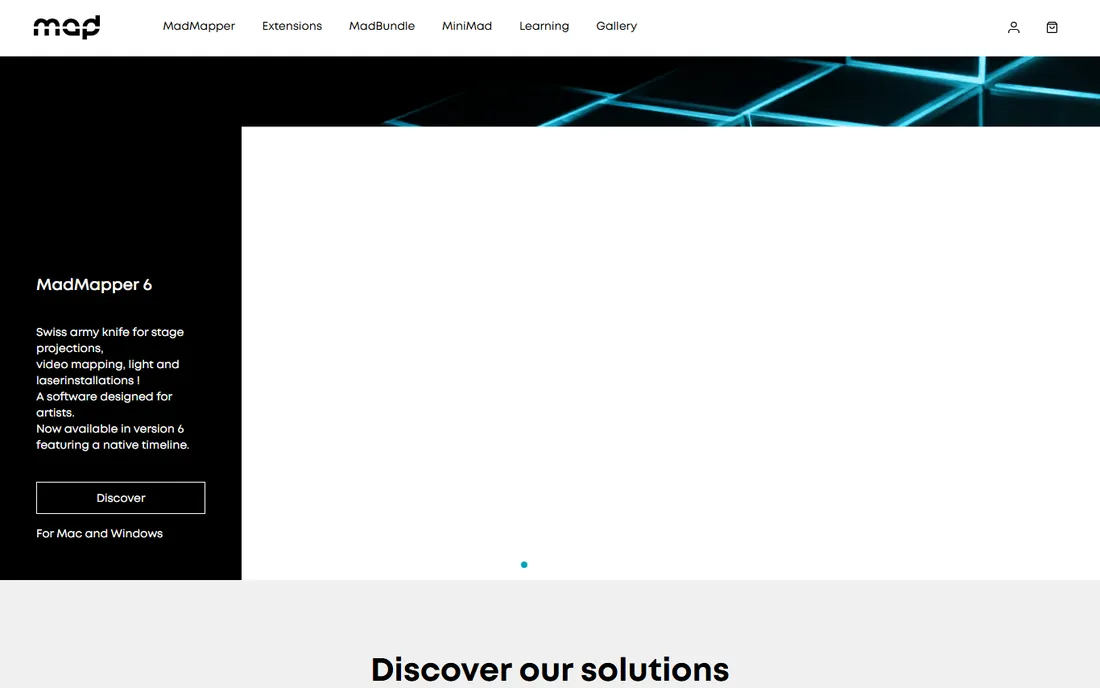
MadMapper is the tool most mapping artists name first. It handles the full job: scan the surface, mask it with bezier curves, map video onto 3D geometry, and control LED fixtures alongside the projection. The licensing fits how artists actually work: a free trial with all features (watermarked output, DMX blackout every 30 seconds) for learning, temporary licenses from 39€ per month for a specific project, and perpetual licenses from 399€ when it becomes your daily tool.
The honest pitch is specialization. MadMapper does not try to be a VJ mixer or a generative art platform; it maps projections onto things, better than anything else at the price. For facades, stages, galleries and product launches, it is the default shortlist entry.
What we like- Purpose-built for mapping: bezier masking, 3D calibration and LED control in one
- Flexible licensing (rent monthly for a project or buy perpetual)
- Up to 16K output resolution
Watch out for- Euro pricing with tax excluded, so budget the VAT
- The depth assumes you will learn mapping properly, not dabble
#2
Resolume Arena
Best for: VJs and live performers who mix video and map it in one app
Visit resolume.com
Starting price€799 (Arena); Avenue €299 without mapping
Free planFree trial
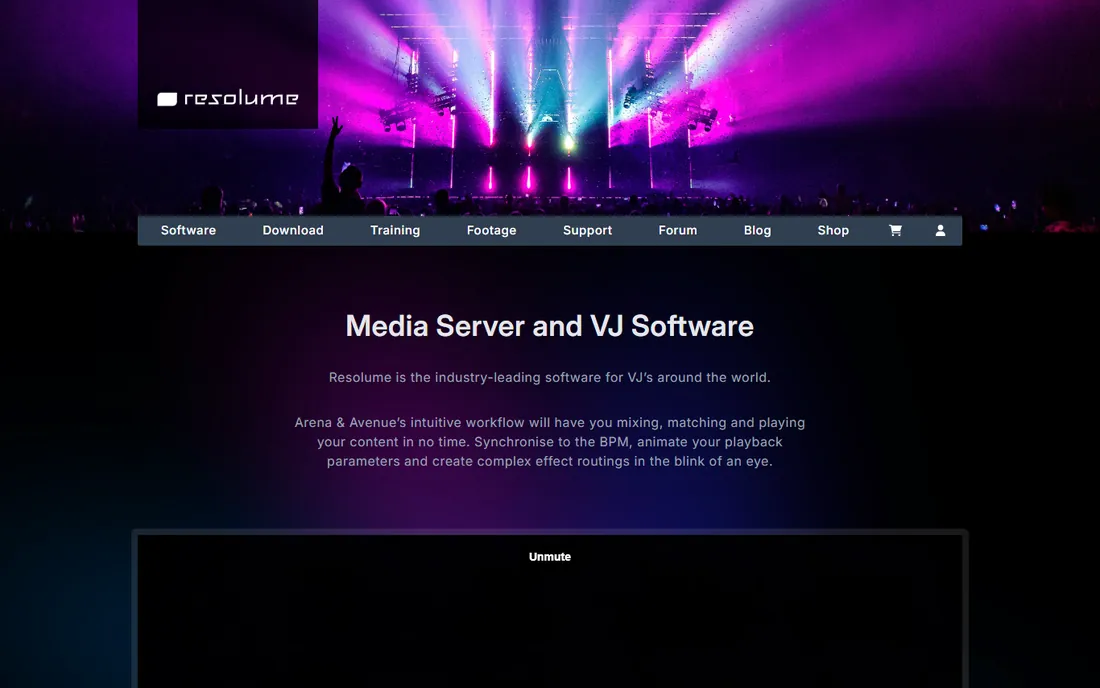
Resolume Arena is what the VJ booth runs. It mixes video clips live like a DJ mixes tracks, applies effects in real time, and maps the output across projectors and LED with edge blending. Avenue at €299 covers mixing without mapping; Arena at €799 adds the mapping, blending and advanced output. Both are one-time purchases.
Buy Arena if you perform. The workflow is built for the pressure of live shows: everything is MIDI-mappable, everything is fast, and the software is famously stable under load. For permanent installations or architectural precision, the mapping-first tools below fit better. For the stage, this is the standard.
What we like- Live video mixing plus full mapping (including edge blending and DMX) in one performance-tuned application
- The industry standard for club and festival visuals
- One-time purchase
Watch out for- €799 is the premium price here
- The mapping tools serve live performance, not precision installation work
#3
TouchDesigner
Best for: Interactive installations and generative visual systems
Visit derivative.ca
Starting priceSee website (commercial licenses quote-based)
Free planYes (free non-commercial version)
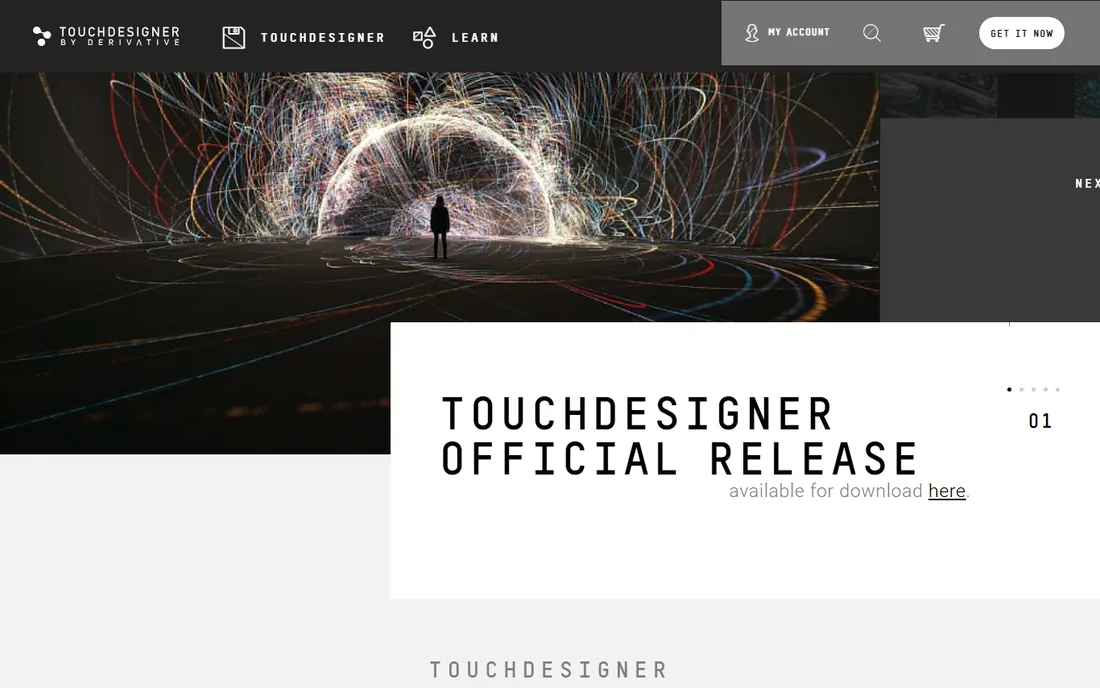
TouchDesigner is less a mapping tool than a real-time visual operating system. You build systems from nodes: video in, effects, geometry, projector out, with sensors, audio analysis or live data driving any parameter. The mapping (Kantan Mapper and projection tools) rides on top of that power. Installations that react to visitors, weather or sound run on TouchDesigner.
Derivative offers a free non-commercial version, which is how most artists learn it. Commercial licensing is quote-based, reportedly around $600 for a commercial license, but confirm on derivative.ca. The investment here is time: this is a programming environment, and the results match the effort.
What we like- Node-based visual programming for anything real-time: generative art, sensor input, data-driven visuals
- Free non-commercial version is fully capable for learning
- The choice for museum and interactive work
Watch out for- No published pricing on the store
- The learning curve is programming, not just software
#4
Millumin
Best for: Theater, dance and shows needing mapping plus show control
Visit millumin.com
Starting priceRental from 29€ (7 days); lifetime from 399€
Free planFree trial
Millumin comes from the theater world, and it shows: the timeline, cue management and show control are first-class, with mapping integrated rather than bolted on. The licensing is the most production-friendly here: rent for 29€ for seven days, 69€ for thirty days or 199€ for a year, or buy a lifetime license from 399€.
For a theater company, dance production or corporate show with a defined run, the rental model is perfect: pay for the weeks you need. The mapping tools handle the stage geometry, and the show control runs the whole performance. VJs doing club nights will prefer Resolume; everyone running a scripted show should trial Millumin.
What we like- Built for the stage: timeline, cues and mapping in one show-control workflow
- Rental licensing (29€ for a week, 69€ for a month, 199€ for a year) fits productions
- Lifetime license from 399€
Watch out for- Euro pricing
- The theater focus means VJs may prefer Resolume's mixing workflow
#5
HeavyM
Best for: Beginners projecting their first mapped visuals
Visit heavym.net
Starting priceSee website
Free planFree trial
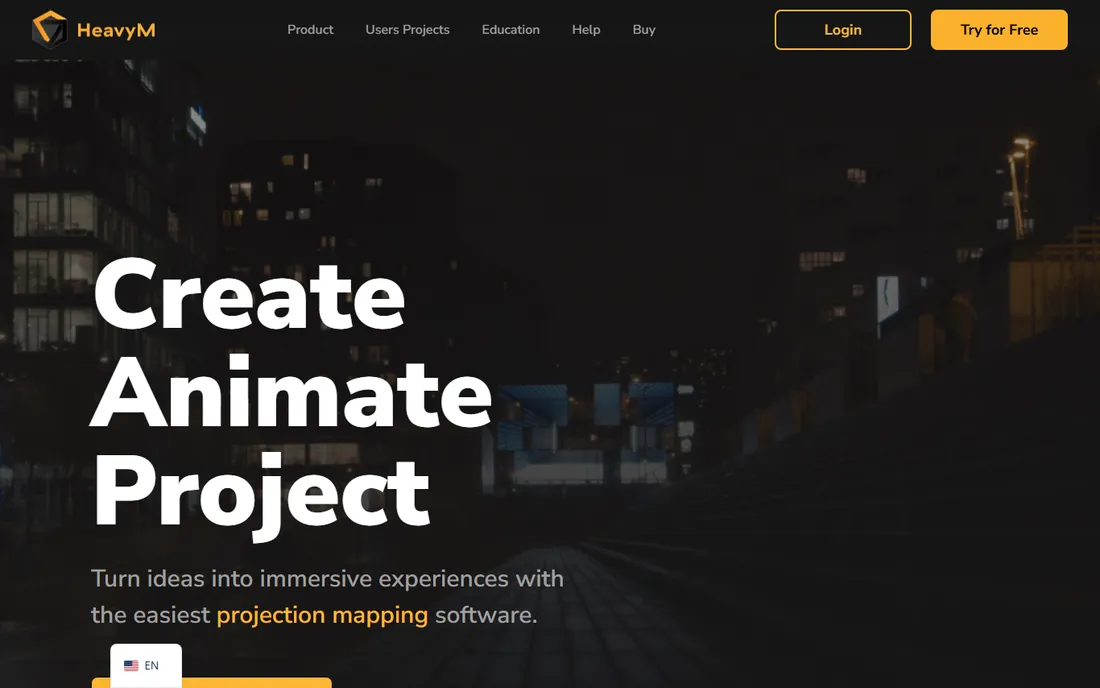
HeavyM is where many mappers start. The workflow is deliberately simple: outline the surfaces with shapes, apply the built-in effects library, and project. For a DJ wanting mapped visuals behind the booth, a bar wanting a mapped wall, or an artist's first facade, it removes the intimidation without removing the result.
The site did not render pricing for automated checks, so confirm the current tiers on heavym.net. Think of it as the on-ramp: learn mapping concepts here, then graduate to MadMapper or Resolume when projects demand more. Starting simple beats buying depth you will not use.
What we like- The gentlest learning curve in paid mapping software: draw shapes, drop in effects, project
- Good for DJs, small venues and first installations
- Approachable pricing tiers
Watch out for- Pricing did not render for automated checks
- Less depth than MadMapper or Resolume for complex projects
#6
MapMap
Best for: Free, open-source mapping for artists and educators
Visit mapmap.info
Starting priceFree
Free planYes (open source)
MapMap is the free mapping tool that actually works. It handles the essentials: define quads on your projection surface, warp video onto them, run multiple projectors. There is no paid tier, no watermark, no trial clock. For students, educators, nonprofits and artists with no budget, it makes mapping possible.
The trade is polish. The interface is functional rather than friendly, development is slow, and you will miss the effects libraries and conveniences of paid tools. But the mapping math is the same math. Learn on MapMap, and every paid tool will feel familiar when a budget appears.
What we like- Completely free and open source
- Covers the core mapping workflow (quads, masks, multiple projectors)
- Runs on modest hardware
Watch out for- The interface is utilitarian and the project moves slowly
- Fewer effects and conveniences than paid tools
Starting priceFree
Free planYes (free download)
VPT (VideoProjectionTool) by HC Gilje has been free for years and remains genuinely useful. It maps video onto complex forms, adapts projections to spaces, plays multi-screen HD, and drives interactive installations with Arduino sensors or camera tracking. Control via MIDI, OSC, serial and ArtNet covers professional show needs.
It is not under active development at the pace of commercial tools, and the interface reflects its era. But for theater companies, VJ beginners and installation artists, it handles real work for free. Download it, read the manual, and you may find you never need to pay.
What we like- Free multipurpose real-time projection tool from a working visual artist
- Handles complex forms, multi-screen playback and interactive installations
- MIDI, OSC and ArtNet control
Watch out for- Development has slowed and the interface shows its age
- Mac and Windows only, with the usual free-tool support (community, not a help desk)
#8
Disguise
Best for: Arena tours, broadcast and large-scale productions
Visit disguise.one
Starting priceSee website (enterprise, quote-based)
Free planNo
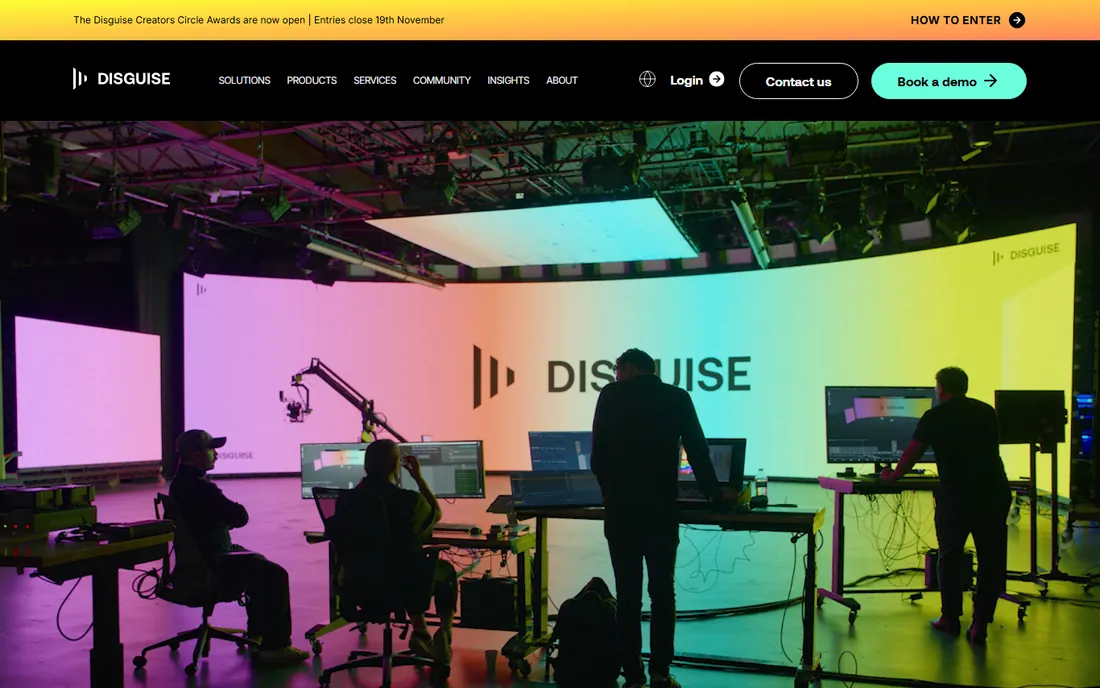
Disguise (formerly d3) is what runs the visuals for the tours you have heard of. The platform combines media servers, 3D pre-visualization, timeline show control and projector management for productions where failure is not an option. If your show has a seven-figure production budget, this is the conversation.
Everyone else should admire it from afar. The pricing is enterprise and quote-based, the hardware is part of the system, and the learning curve assumes professional operators. It belongs on this list because it defines the top of the category, not because most readers should buy it.
What we like- The platform behind the biggest shows on earth: concert tours, broadcast studios and immersive experiences
- Timeline, 3D pre-visualization and hardware in one ecosystem
- Rock-solid at scale
Watch out for- Enterprise pricing and sales process
- Total overkill for anything under arena scale
#9
Vioso
Best for: Multi-projector setups needing automatic calibration
Visit vioso.com
Starting priceSee website (quote-based)
Free planNo
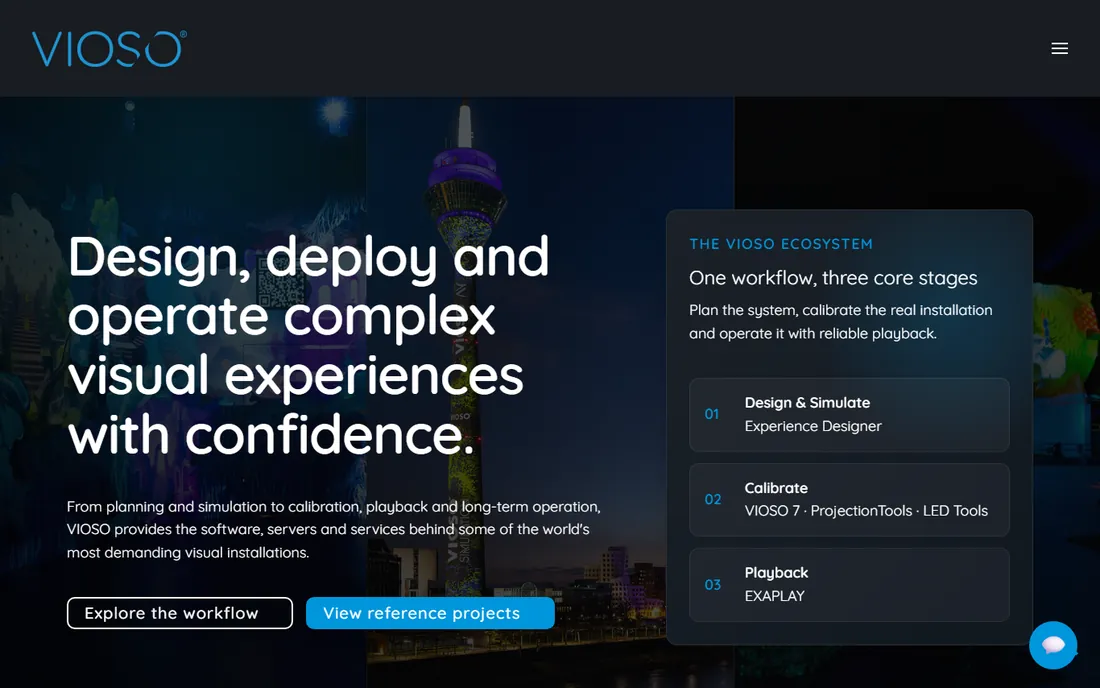
Vioso solves the hardest part of big projection: calibration. Point a camera at your dome, curved screen or projector array, and Vioso calculates the warping and blending automatically. Planetariums, driving simulators, caves and panoramic installations depend on it.
It is a professional tool with professional pricing, sold by quote. Pair it with a creative tool (Resolume, MadMapper) for content: Vioso handles the geometry, the other tool handles the show. If your project involves more than two projectors on a non-flat surface, get a quote before you plan the budget.
What we like- Automatic camera-based calibration for projector arrays: domes, caves, curved screens and panoramas
- Handles the geometry math that manual tools leave to you
- Proven in planetariums and simulation
Watch out for- Quote-based pricing with a professional sales process
- A calibration specialist rather than a creative mapping tool
#10
ArKaos GrandVJ
Best for: VJs who want mapping inside a familiar mixing workflow
Visit arkaos.com
Starting priceSee website
Free planFree trial
ArKaos GrandVJ has been in VJ booths for years, mixing video for live performance with MIDI control. The mapping features extend that workflow onto surfaces and stages without switching applications. For VJs who know ArKaos and need basic mapping, it is the path of least resistance.
Check arkaos.com for current pricing, as the store did not render for automated checks. It competes with Resolume Avenue/Arena on familiarity rather than depth: if you already perform with it, the mapping is a natural extension. New buyers choosing between ecosystems should trial both.
What we like- Long-standing VJ software with mapping added to the mixing workflow
- MIDI and DMX control for live shows
- Lighter learning curve than Resolume for simple gigs
Watch out for- The site did not render pricing for automated checks
- Smaller community than Resolume
Projection mapping purchases follow the gig, not the feature list. One-night event or short run: rent (Millumin's weekly rental, MadMapper's monthly license) instead of buying. Permanent installation: buy perpetual (MadMapper, Resolume) and budget for the computer that will run it for years. Learning or no budget: MapMap or VPT, free forever.
Then consider the content. Live-mixed visuals point to Resolume or ArKaos. Scripted shows point to Millumin. Interactive or generative work points to TouchDesigner. Precision architectural mapping points to MadMapper. Multi-projector geometry points to Vioso plus a creative tool. The wrong tool for the gig costs more in wasted time than the price difference between any two options.
The free mapping stack
You can learn and even deliver paid work without spending on software. MapMap or VPT handles the mapping, both free. A used projector and a laptop you already own handle the hardware. The free trials of MadMapper (watermarked) and Resolume let you learn the professional tools before buying.
The paid step-ups earn their money at specific moments. MadMapper's perpetual license earns it when mapping becomes regular paid work. Resolume Arena earns it when you perform live and need mixing plus mapping in one stable application. Millumin's rental earns it the week of the show. Until those moments arrive, the free tools are not toys: they map real projections onto real surfaces.
Frequently asked questions
What is the cheapest way to start with projection mapping?
MapMap or VPT: both free, both handle real mapping work. Add any projector and a laptop. When you outgrow them, MadMapper's free trial (watermarked) teaches the professional workflow, and its temporary licenses from 39€/month cover individual projects without a big purchase.
Do I need a powerful computer for projection mapping?
It depends on the content. Simple mapped video runs on modest laptops; 4K multi-projector shows with real-time effects need strong GPUs. Match the computer to the gig: the software trials let you test your actual content on your actual machine before committing.
MadMapper vs. Resolume Arena: which should I buy?
Buy MadMapper if mapping is the job: facades, installations, precision work on complex surfaces. Buy Resolume Arena if live performance is the job: mixing video in real time with mapping as part of the show. Many professionals own both and use each where it fits.
Can I map with more than one projector?
Yes. All the paid tools here support multi-projector setups with edge blending. Vioso specializes in automatic calibration of projector arrays. For two projectors on a flat surface, manual blending in MadMapper or Resolume suffices; for domes and complex geometry, budget for Vioso.
What is the difference between Avenue and Arena?
In Resolume's lineup, Avenue (€299) is the VJ mixing software without projection mapping; Arena (€799) adds mapping, edge blending and advanced output. If you only mix video for screens, Avenue suffices. If you project onto surfaces or run LED, you need Arena.
Is TouchDesigner overkill for simple mapping?
For projecting video onto a building, yes: MadMapper or MapMap will get you there faster. TouchDesigner earns its place when the visuals must react: to visitors, to sound, to data, to anything live. It is a programming environment for real-time visuals that happens to map projections.
How we chose
We started with the tools mapping artists actually use: the dedicated mappers, the VJ platforms, the installation powerhouse and the free options. For each we opened the vendor's own site and recorded pricing exactly as shown, including euro figures and rental terms. Where the store required JavaScript or a quote process (TouchDesigner, HeavyM, Disguise, Vioso, ArKaos), we wrote "See website." We checked reputations against artist discussion on Reddit and mapping communities, and we favored tools with free versions or trials.
Sources we checked (10)
- https://madmapper.com/madmapper/software
- https://resolume.com/shop
- https://derivative.ca/
- https://www.millumin.com/
- https://heavym.net/
- http://mapmap.info/
- https://hcgilje.wordpress.com/vpt/
- https://www.disguise.one/
- https://www.vioso.com/
- https://www.arkaos.com/
Is your product missing or out of date?
We review this list regularly. Vendors can request a listing, send updated pricing or ask about featured placement.

Shihab Mia · Founder, Rankite
Shihab has spent more than a decade helping SaaS and e-commerce brands grow through search. He writes Rankite's software buying guides from pricing pages, documentation and public user reviews. More about Shihab.