How we make this list: we compare pricing pages, product documentation and public user reviews. Rankite is independent; if a vendor ever pays for a featured spot, that listing is clearly labeled Partner.
Key takeaways
- Most freelancers never need to pay: Asana Personal, Trello, ClickUp, Notion, Todoist, Wrike and Monday.com all have free plans that cover solo task management and small client work.
- Notion and ClickUp are the best free options for freelancers who want one workspace for tasks, notes and client docs. Notion Plus runs $10 per user per month; ClickUp Core runs $9.
- Bonsai is the only tool here built for the freelancer business itself: proposals, contracts, time tracking, invoicing and taxes in one subscription, with a 7-day free trial.
- Basecamp fits freelancers who want flat pricing with no per-user fees: the free plan covers one project, and the Unlimited Edition is $300 per month for unlimited projects and unlimited users.
Quick comparison
| Tool | Best for | Starting price | Free plan |
|---|
 Asana Asana | Freelancers who want structured task management that scales | Free ($0, Personal plan); Starter $10.99/user/month (billed annually) | Yes |
 Trello Trello | Visual thinkers who manage work on kanban boards | Free ($0); Standard $5/user/month (billed annually) | Yes |
 ClickUp ClickUp | Freelancers who want tasks, docs and chat in one free workspace | Free ($0, Free Forever); Core $9/user/month (billed yearly) | Yes |
 Notion Notion | Freelancers who live in docs, notes and client wikis | Free ($0); Plus $10/user/month (billed annually) | Yes |
 Todoist Todoist | Freelancers who want a fast task list, nothing more | Free ($0, Beginner); Pro $4/user/month (billed annually) | Yes |
 Basecamp Basecamp | Freelancers who want flat pricing and zero per-user fees | Free (1 project); Unlimited Edition $300/month (flat, unlimited users) | Yes |
 Wrike Wrike | Freelancers who need Gantt charts and dashboards cheap | Free ($0); Team $10/user/month (billed annually) | Yes |
 Monday.com Monday.com | Freelancers who want visual boards with automations | Free ($0, up to 2 seats); Basic $9/seat/month (billed annually) | Yes |
 Bonsai Bonsai | Freelancers who want the whole business in one tool | See website (7-day free trial) | Free trial (7 days) |
Is your product missing or out of date?
We review this list regularly. Vendors can request a listing, send updated pricing or ask about featured placement.
Freelancers lose work in two places: the work itself, and the business around the work. A logo designer does not miss deadlines because she lacks a task list; she misses them because the brief lives in email, the revisions live in Slack, and the invoice lives in a spreadsheet she opens once a month. The best project management tools for freelancers handle both halves, or at least get out of the way of the half you do by hand. These nine do.
#1
Asana
Best for: Freelancers who want structured task management that scales
Visit asana.com
Starting priceFree ($0, Personal plan); Starter $10.99/user/month (billed annually)
Free planYes
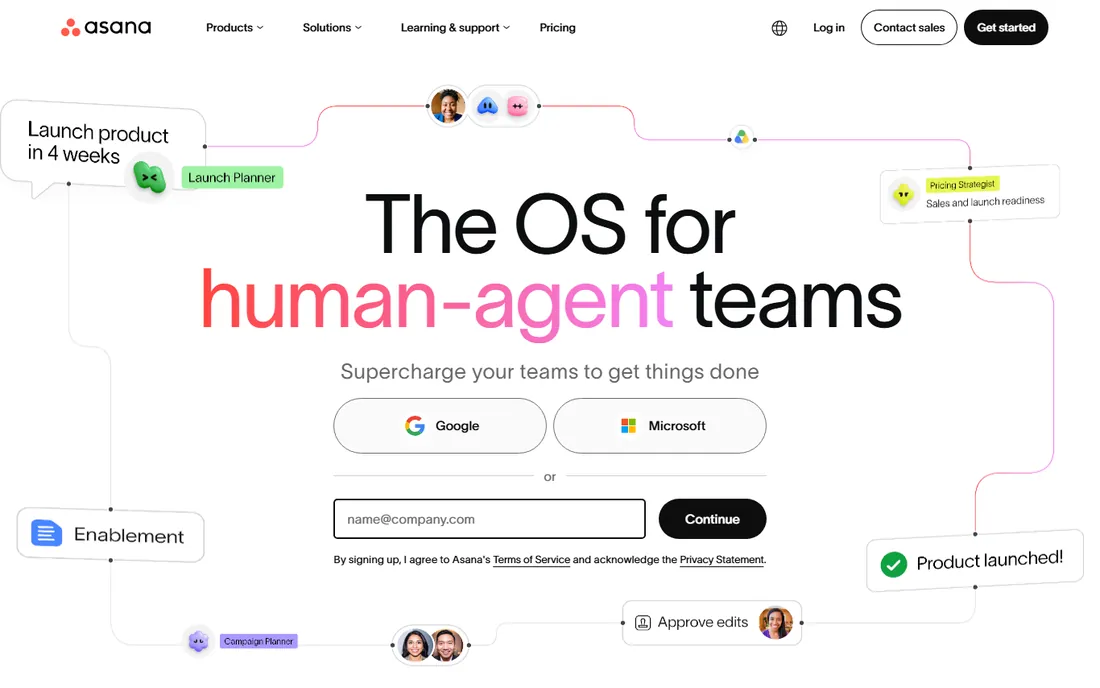
Asana is the safe default. The Personal plan costs $0 forever and covers 2 users with unlimited tasks, unlimited projects, list, board and calendar views, unlimited storage at 100MB per file, and time tracking through integrations. A freelancer working with one assistant or one regular client never has to pay. Starter at $10.99 per user per month (billed annually, $13.49 month to month) adds timeline and Gantt views, reporting dashboards, unlimited automations, forms and unlimited free guest seats.
The catch for freelancers is that Asana thinks in teams. If your work is a pipeline of client projects with deadlines and deliverables, its structure helps. If your work is a daily task list, Asana feels heavy, and Todoist or Trello will feel lighter. The unlimited free guests on paid plans are the sleeper feature: bring clients into projects without paying for their seats.
What we like- The Personal plan is free forever for up to 2 users with unlimited tasks and projects
- List, board and calendar views all included
- 100-plus free integrations
Watch out for- Meaningful upgrades (timeline, Gantt, dashboards, automations) start at $10.99 per user per month
- Built for teams, so solo users get more structure than they need
#2
Trello
Best for: Visual thinkers who manage work on kanban boards
Visit trello.com
Starting priceFree ($0); Standard $5/user/month (billed annually)
Free planYes
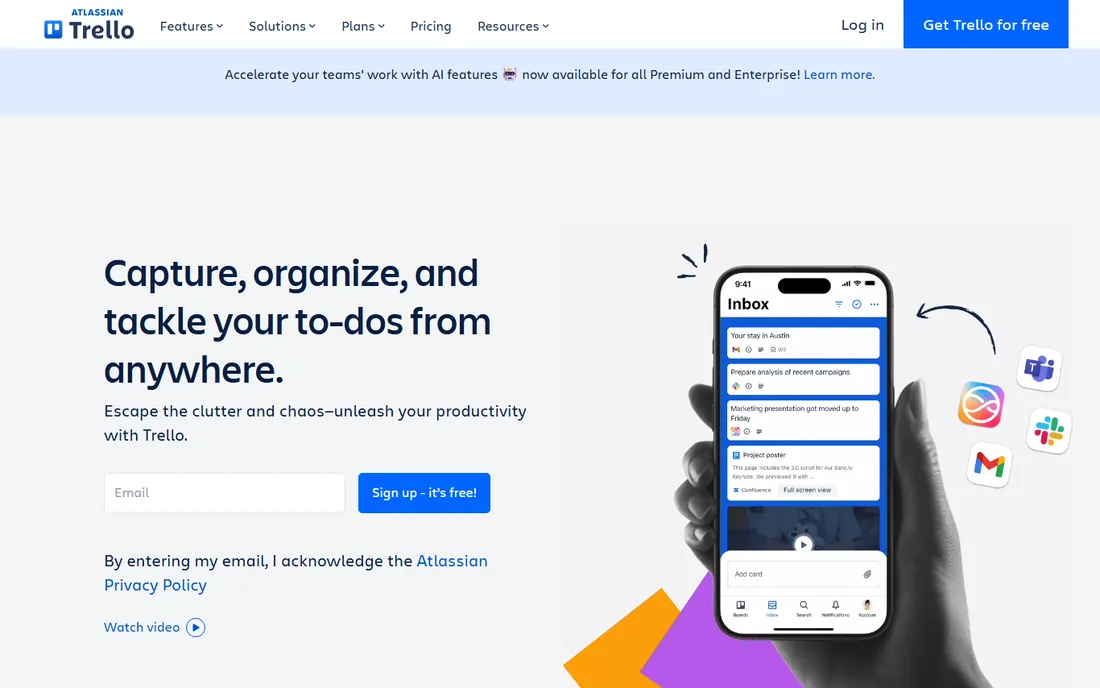
Trello is the kanban board that needs no explanation. Cards move left to right through lists, and that is the whole mental model. The free plan costs $0 for up to 10 collaborators per workspace with unlimited cards. Standard at $5 per user per month (billed annually, $6 month to month) adds unlimited boards, card mirroring and more automation. Premium at $10 adds AI features, timeline, calendar and dashboard views.
For freelancers, Trello's strength is client-facing simplicity: share a board with a client and they understand it in thirty seconds. Power-ups connect over 200 apps including Slack, Google Drive and Salesforce. The catch is depth: Trello does not do time tracking, invoicing or reporting well, so it manages the work but not the business. Pair it with a separate invoicing tool, or pick Bonsai or Notion if you want one home.
What we like- The simplest board interface here: sign up, make a board, drag cards
- Free plan covers up to 10 collaborators per workspace
- Built-in no-code automation on every board
Watch out for- Free plan limits boards and automation runs
- Real power (timeline, calendar, dashboard views) needs Premium at $10 per user per month
#3
ClickUp
Best for: Freelancers who want tasks, docs and chat in one free workspace
Visit clickup.com
Starting priceFree ($0, Free Forever); Core $9/user/month (billed yearly)
Free planYes
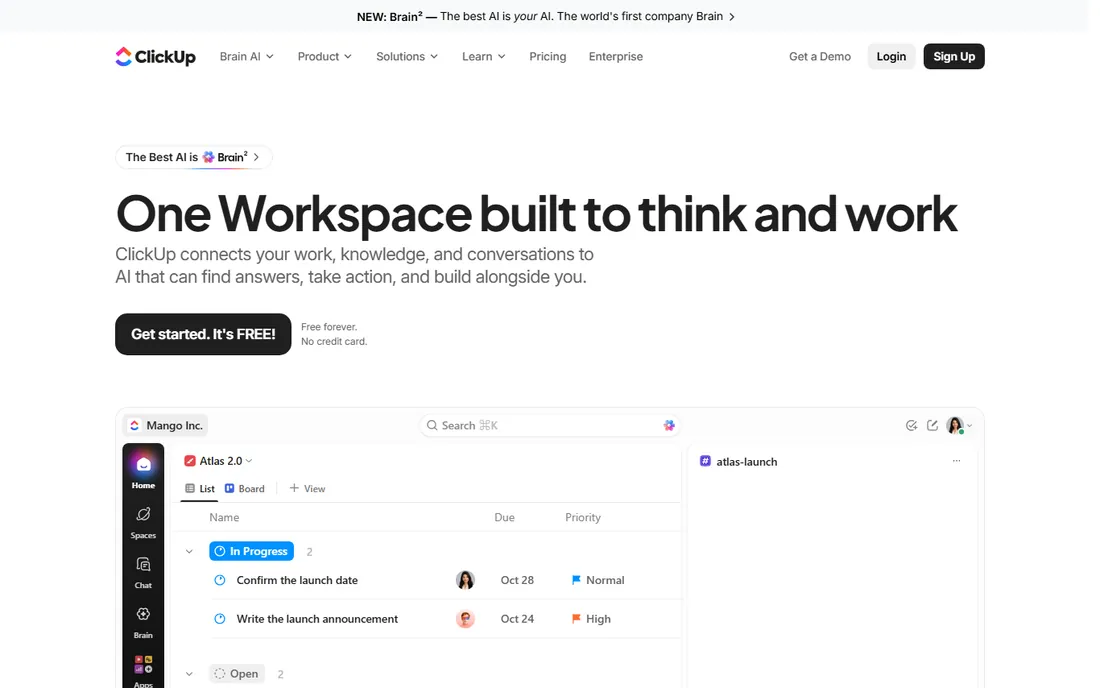
ClickUp's Free Forever plan is famously generous: unlimited tasks and subtasks, unlimited members and guests, collaborative docs, kanban boards, calendar view, sprint management, time tracking and video calls at $0. Core at $9 per user per month (billed yearly, regular $12) adds unlimited storage, custom fields, Gantt charts and automations. Business at $17 (regular $25) adds dashboards, timesheets and resource management.
For a freelancer, ClickUp can replace a task manager, a docs app and a time tracker at $0. The honest catch is complexity: the same feature depth that makes it generous makes the first week confusing. If you want one tool and are willing to spend an afternoon configuring it, ClickUp is the best value here. If you want to start working in five minutes, Trello or Todoist are faster.
What we like- The most generous free plan in this category: unlimited tasks, docs, boards and members
- Built-in time tracking and video calls even on free
- One workspace replaces several apps
Watch out for- The sheer number of features can overwhelm: setup takes longer than Trello or Todoist
- The entry paid tier is Core at $9, and Business jumps to $17
#4
Notion
Best for: Freelancers who live in docs, notes and client wikis
Visit notion.so
Starting priceFree ($0); Plus $10/user/month (billed annually)
Free planYes
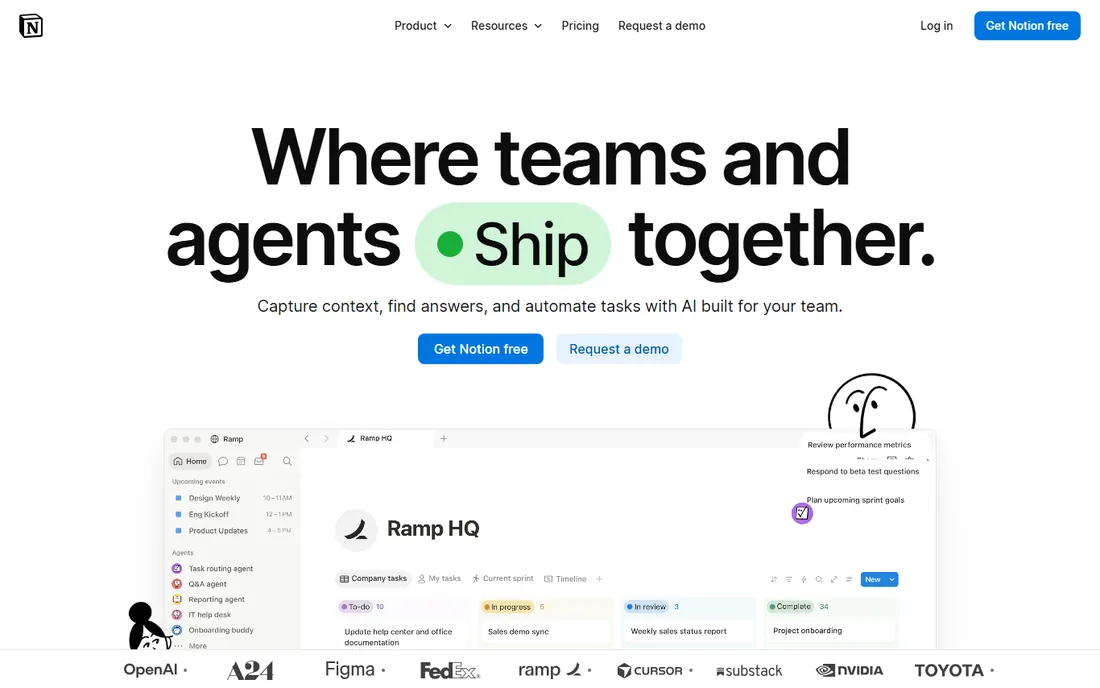
Notion is the freelancer's second brain. Pages, databases, kanban boards, calendars and docs live in one workspace, and relational databases let a Clients database link to a Projects database that links to Tasks. The free plan is unlimited for individuals (5MB uploads, 7-day history, 10 guests). Plus at $10 per user per month (billed annually, $12 monthly) adds unlimited uploads, 30-day history and unlimited blocks for teams.
The catch is that Notion gives you building blocks, not a project system. Asana and ClickUp ship workflows; Notion ships a blank page. Freelancers who love building their own operating system thrive here. Freelancers who want structure out of the box should pick ClickUp or Asana. For client work, Notion's published sites and client portals are a quiet advantage: deliver a project wiki instead of a PDF.
What we like- One workspace for notes, tasks, databases, client portals and published sites
- The free plan is unlimited for individual use
- Templates and relational databases beat every other tool's flexibility
Watch out for- Project management is DIY: you build your own boards, timelines and trackers
- Plus at $10 per user per month only matters once you add collaborators or need version history
#5
Todoist
Best for: Freelancers who want a fast task list, nothing more
Visit todoist.com
Starting priceFree ($0, Beginner); Pro $4/user/month (billed annually)
Free planYes
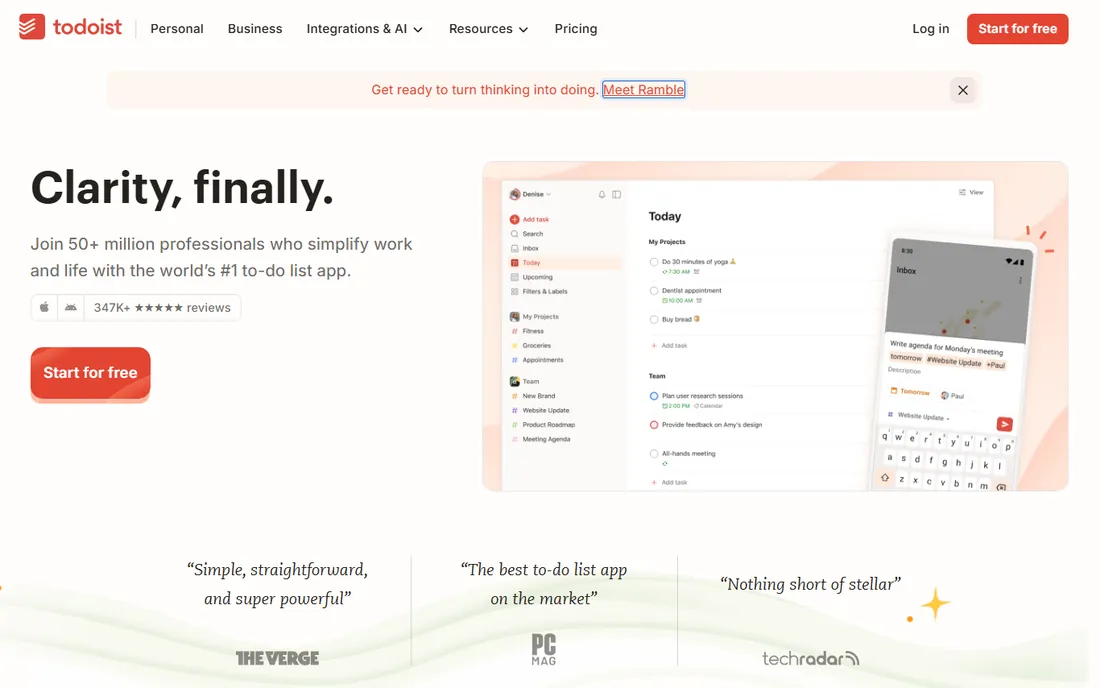
Todoist is a to-do list, and it refuses to be more. The Beginner plan is free with 5 personal projects, smart quick add, reminders and list and board layouts. Pro at $4 per user per month (billed annually) gives you 300 projects, calendar layout, task duration, 150 filters, AI assistance and full history. Business at $6 adds a shared team workspace with up to 500 team projects.
For freelancers, Todoist's job is keeping the day organized, not running the business. Its speed is the feature: adding a task takes seconds, and it syncs across phone, desktop, watch and browser extensions. The catch is scope: client projects with milestones, files and approvals outgrow it fast. Use Todoist for personal task management alongside a real project tool, or accept that your projects are simple enough for a list.
What we like- The fastest task capture here: natural-language entry ("every Friday at 3pm") just works
- Pro is the cheapest paid tier in this list at $4
- Rock-solid apps on every platform including watch
Watch out for- Not a real project manager: no timelines, no client portals, no invoicing
- The free Beginner plan caps at 5 projects, pushing active freelancers to Pro
#6
Basecamp
Best for: Freelancers who want flat pricing and zero per-user fees
Visit basecamp.com
Starting priceFree (1 project); Unlimited Edition $300/month (flat, unlimited users)
Free planYes
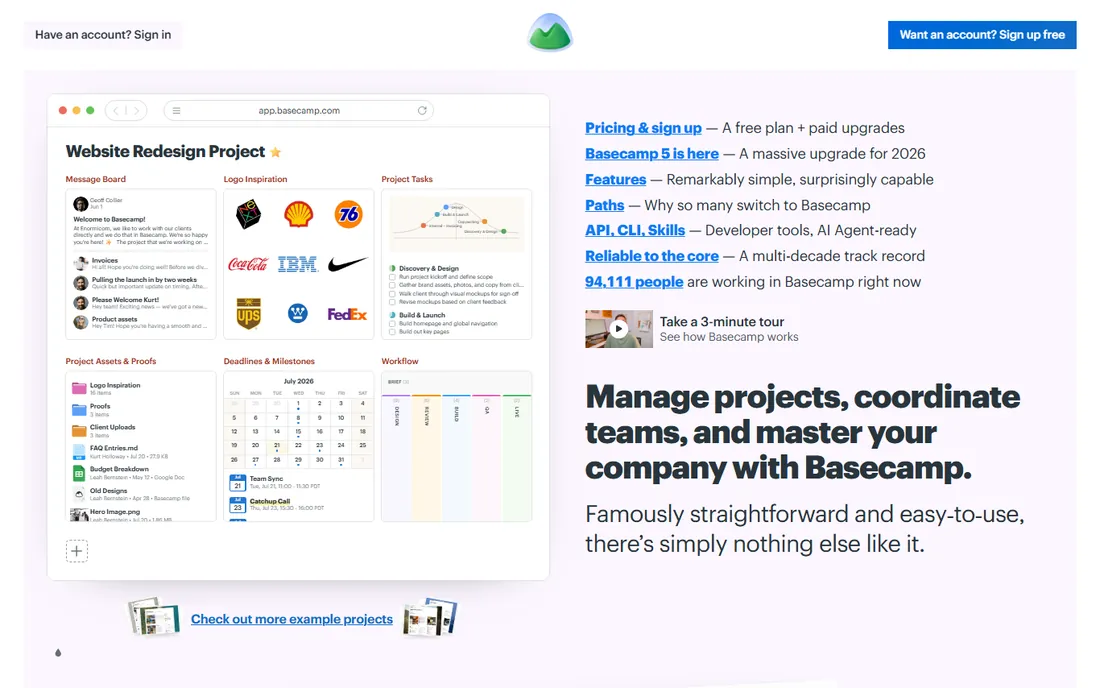
Basecamp prices like nothing else here: flat monthly fees with unlimited users. The free plan runs one project with 1GB storage and up to 5 users. Paid tiers step by project count: Freelancer (3 projects, 5GB), Studio (10 projects, 25GB), Pro (25 projects, 100GB), and the Unlimited Edition at $300 per month with unlimited projects, 1TB storage and unlimited users. Every tier includes message boards, to-dos, card tables, chat, scheduling, docs, reports and automatic check-ins, plus time tracking. The 30-day free trial needs no credit card; Unlimited gets 45 days.
For freelancers, the model is the pitch: one predictable fee, invite as many clients as you want, no seat math. The catch is the project cap: the lower tiers limit active projects, and a freelancer juggling 12 clients needs to count slots. If your client count is stable and small, a lower tier plus unlimited users is the cheapest way to collaborate with clients anywhere in this list.
What we like- No per-user fees on any paid tier: invite clients and collaborators free
- The free plan runs one full project
- All-in-one with chat, to-dos, files, scheduling and check-ins built in
Watch out for- Per-project pricing model: lower tiers cap active projects (Freelancer 3, Studio 10, Pro 25)
- $300 per month Unlimited is the only unlimited tier, and lower-tier dollar prices are not published
#7
Wrike
Best for: Freelancers who need Gantt charts and dashboards cheap
Visit wrike.com
Starting priceFree ($0); Team $10/user/month (billed annually)
Free planYes
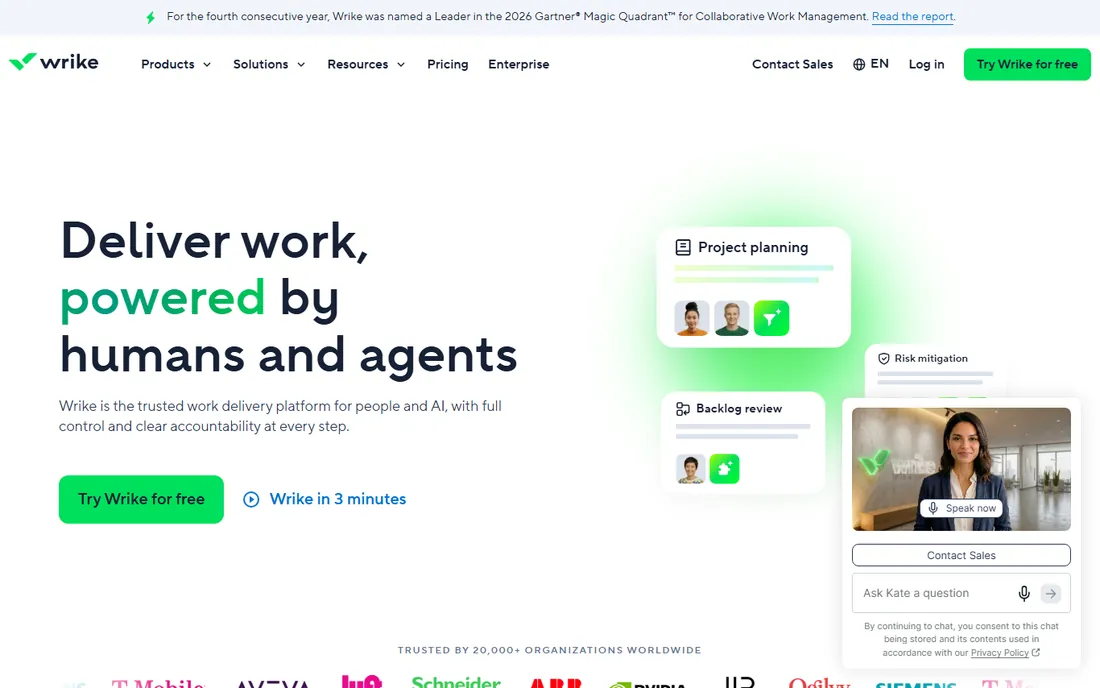
Wrike is enterprise work management at freelancer-friendly entry prices. The free plan covers tasks, subtasks, board and table views. Team at $10 per user per month (billed annually, for 2 to 15 users) adds interactive Gantt charts, shareable dashboards, custom fields and workflow customization. Business at $25 adds resource planning, standard integrations and deeper customization. Wrike's own site confirms these prices and offers a 14-day free trial.
The honest catch is fit: Wrike is built for departments, and a freelancer gets Gantt charts and dashboards wrapped in enterprise administration. Subscriptions sell in groups of users, which makes little sense for one person. But if your clients expect agency-grade reporting and your projects have real dependencies, Wrike's Team plan delivers Gantt-driven project management at the same per-seat price as Asana Starter.
What we like- Interactive Gantt charts and shareable dashboards on the $10 Team plan
- Free plan covers essential task management
- 400-plus integrations
Watch out for- Built for teams, so the admin model feels heavy for a solo user
- Subscriptions sell in groups of users, which is awkward at freelancer scale
- Business at $25 is a big jump
#8
Monday.com
Best for: Freelancers who want visual boards with automations
Visit monday.com
Starting priceFree ($0, up to 2 seats); Basic $9/seat/month (billed annually)
Free planYes
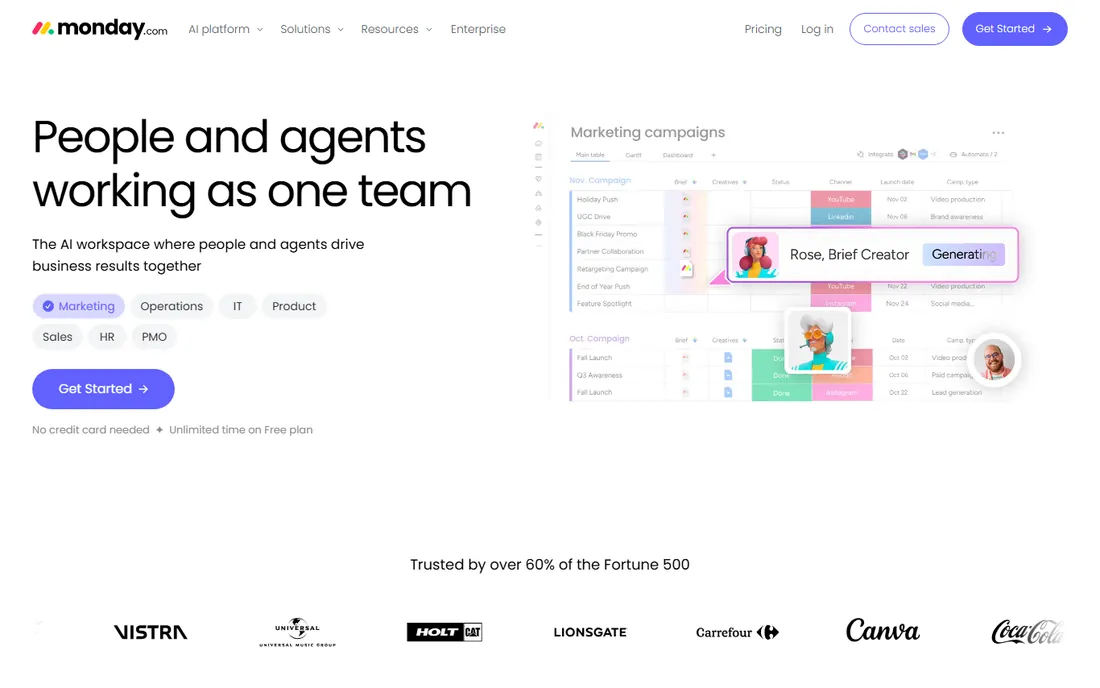
Monday.com's free plan is built for freelancers: $0 for up to 2 seats with 3 boards, unlimited docs and 200-plus templates. Basic at $9 per seat per month (billed annually, $12 monthly) adds unlimited items and 5GB storage. Standard at $12 adds timeline and Gantt views, automations and integrations. Pro at $19 adds time tracking and advanced reporting. The 14-day Pro trial needs no credit card.
The catch that matters most is the seat minimum: every paid plan requires at least 3 seats, so the real starting price for a solo freelancer is $27 per month on Basic, not $9. Monday's own pricing FAQ confirms plans start from 3 users. For a freelancer working with a partner or a VA, the free 2-seat plan is genuinely useful. For a solo operator who needs paid features, Asana Starter or ClickUp Core cost less because they have no seat minimum.
What we like- The most visual board builder here: colorful, drag-and-drop, genuinely fun to use
- Free plan covers 2 users with unlimited docs
- 14-day free trial of the Pro plan
Watch out for- The 3-seat minimum on paid plans means a solo freelancer pays for 3: Basic starts at $27 per month real cost
- Automations and timeline views need Standard at $12 per seat
Starting priceSee website (7-day free trial)
Free planFree trial (7 days)
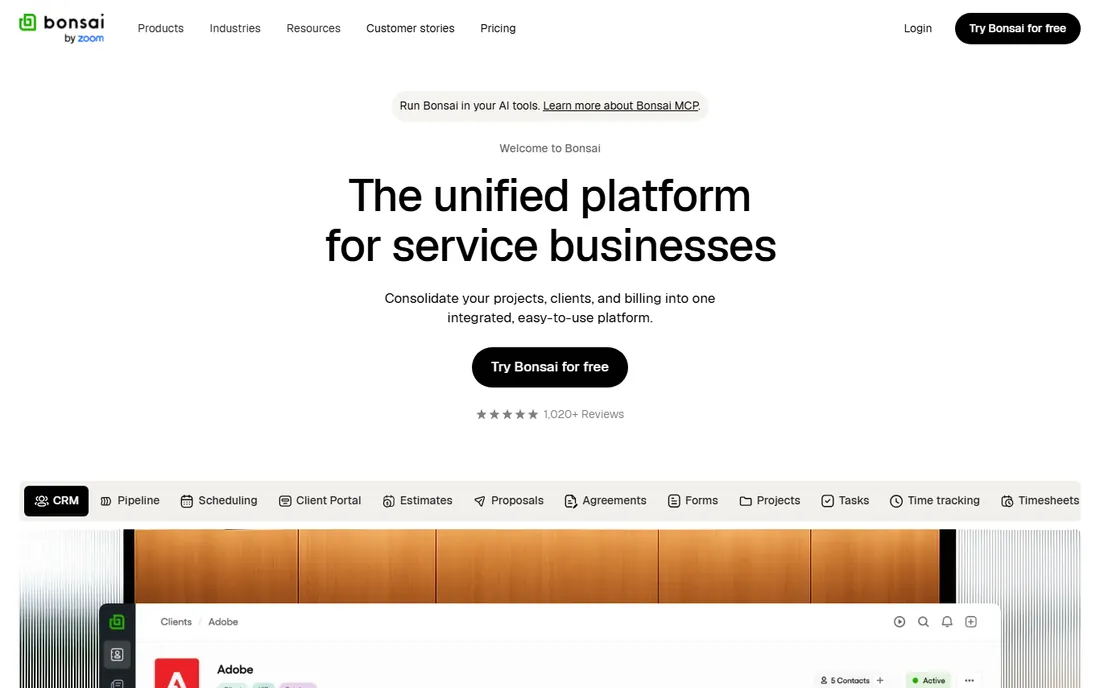
Bonsai takes the opposite approach from every other tool here: instead of managing tasks, it manages the freelance business. Proposals convert to contracts, contracts become projects with tracked time, and time becomes invoices with payment processing, all in one subscription. The suite covers CRM, project management via kanban boards, time tracking, expense management, accounting integrations and a freelancer tax calculator, with integrations for QuickBooks, Xero, Slack, Gmail and Calendly.
The honest catch is twofold. First, its project management is basic next to Asana or ClickUp: it tracks tasks fine, but do not expect Gantt charts or resource planning. Second, its pricing page did not load during our checks, so we could not verify current plan prices from the vendor: third-party pricing guides consistently report a Starter plan around $21 per month billed annually, but confirm on hellobonsai.com before budgeting. If your pain is admin rather than task tracking, Bonsai is the only tool here that attacks the whole problem.
What we like- The only all-in-one here built for freelancers: proposals, contracts, time tracking, invoicing, expenses, accounting and taxes
- Legally vetted contract templates
- Client portal for transparent collaboration
Watch out for- No permanent free plan, only a 7-day trial
- Project management is the weakest part of the suite compared to Asana or ClickUp
- Pricing was not fetchable from the vendor page, so confirm current plans before buying
Freelancers vs. small teams: what changes
Everything above is priced for one, but freelancers rarely stay solo. The moment you add a subcontractor, a VA or a regular client, three things change. First, per-seat pricing starts to bite: Monday.com's 3-seat minimum and ClickUp's per-user tiers mean your second person costs real money, while Basecamp's flat fees and Trello's cheap seats stay friendly. Second, permissions matter: Asana's unlimited free guests, Notion's guest model and Monday.com's guest access on Standard let clients see projects without paying for seats, which is how you keep client collaboration free.
Third, the business layer becomes the bottleneck. A solo freelancer can invoice from a spreadsheet; a freelancer with five subcontractors needs time tracking, approvals and consolidated billing. That is where Bonsai earns its keep, or where ClickUp Business and Asana Advanced start making sense. The practical move: start free with Asana, Trello, ClickUp or Notion, and buy the business layer (Bonsai) or the team tier only when client volume forces it. Paying for project management software before you have the client volume is the most common waste in this category.
Frequently asked questions
What is the best free project management tool for freelancers?
ClickUp's Free Forever plan is the most generous: unlimited tasks, members, docs and boards at $0. Notion is unlimited for individual use. Asana Personal is free for 2 users with unlimited tasks and projects. Trello is free for up to 10 collaborators. Pick ClickUp for all-in-one, Notion for docs-heavy work, Asana for structured tasks, Trello for visual boards.
Can I manage clients and invoices in the same tool?
Bonsai is the only tool here built for that: proposals, contracts, time tracking, invoicing and taxes in one subscription. The others manage the work, not the money: Asana, ClickUp and Notion handle tasks and client collaboration, while invoicing needs a separate tool or an integration. If admin eats your Fridays, Bonsai is the answer; if you already invoice fine, pick the project tool you like.
Which tool is best for a freelancer working with clients?
Asana and ClickUp both offer free guest access, so clients can see projects without costing you a seat. Trello boards are the easiest for non-technical clients to understand. Notion's published sites and client portals deliver a polished client experience. Basecamp's unlimited-users model means you never count client seats at all.
Do I need the paid plan of any of these tools?
Most freelancers do not. The free plans of Asana, Trello, ClickUp, Notion, Todoist, Wrike and Monday.com cover solo task management and light client work. Pay when you hit a specific wall: Asana Starter for timelines and automations, Todoist Pro for more than 5 projects, Monday.com Basic for unlimited boards, or Bonsai when invoicing and contracts become the real work.
What is the cheapest paid project management tool for freelancers?
Todoist Pro at $4 per user per month (billed annually) is the cheapest paid tier here. Trello Standard at $5 and ClickUp Core at $9 follow. But remember Monday.com's 3-seat minimum: its $9 per seat Basic actually costs $27 per month for a solo user. For flat-fee pricing, Basecamp's Freelancer tier covers 3 projects with unlimited users.
How is Bonsai different from Asana or ClickUp?
Asana and ClickUp manage tasks and projects. Bonsai manages the freelance business: proposals, legally vetted contracts, time tracking, invoicing, expenses and taxes. Its project management is simpler, but it is the only tool here where a proposal can become a signed contract, then a project, then an invoice without leaving the app.
How to pick: a freelancer's buying guide
Match the tool to your bottleneck. If you lose track of tasks, pick Todoist for speed, Trello for visual simplicity, or Asana for structure. If you lose track of documents and context, pick Notion. If you want one tool that does tasks, docs, time tracking and chat, pick ClickUp and accept the learning curve. If client reporting and timelines matter, pick Wrike or Monday.com, and mind Monday.com's 3-seat minimum.
If your bottleneck is admin, skip the project tools and look at Bonsai: it is the only option here that handles proposals, contracts, invoices and taxes. And whatever you pick, start on the free plan. Every tool here except Bonsai offers one, and two weeks of real client work on a free plan tells you more than any review. Buy the paid tier only when you hit a wall the free plan cannot climb.
How we chose
We started with what freelancers search for: project management for freelancers, freelance task management and freelancer business tools. For each candidate we opened the vendor's homepage to confirm the current domain, checked the vendor's own pricing page for published plans and free-tier terms, and compared freelancer-relevant features (guest access, client portals, invoicing, templates, per-seat minimums) against public reviews on G2 and Capterra. Prices come from the vendors themselves. Bonsai's pricing page would not load during our checks, so it carries "See website" rather than a third-party figure.
Sources we checked (11)
- https://asana.com/pricing
- https://trello.com/pricing
- https://clickup.com/pricing
- https://notion.so/pricing
- https://www.g2.com/products/todoist/pricing
- https://basecamp.com/pricing
- https://www.wrike.com/blog/manufacturing-project-management-software/
- https://monday.com/pricing/
- https://hellobonsai.com/pricing
- https://www.g2.com/categories/project-management
- https://www.capterra.com/project-management-software/
Is your product missing or out of date?
We review this list regularly. Vendors can request a listing, send updated pricing or ask about featured placement.

Shihab Mia · Founder, Rankite
Shihab has spent more than a decade helping SaaS and e-commerce brands grow through search. He writes Rankite's software buying guides from pricing pages, documentation and public user reviews. More about Shihab.