How we make this list: we compare pricing pages, product documentation and public user reviews. Rankite is independent; if a vendor ever pays for a featured spot, that listing is clearly labeled Partner.
Key takeaways
- The shortlist for most teams: ClickUp ($7/user/month on Unlimited) and Teamwork.com ($8.99/user/month on Starter), both with native time tracking on every paid plan and a free plan to test first.
- monday.com only puts its time tracking column on Pro and above ($19/seat/month), so budget buyers should check the tier before committing.
- Service businesses that bill by the hour should look at Paymo and Accelo, which tie time tracking directly to invoices and retainers.
- Asana's native time tracking works well but is most useful with its Starter plan and up; teams on the free Personal plan get project views without the timer.
Quick comparison
| Tool | Best for | Starting price | Free plan |
|---|
 ClickUp ClickUp | Teams that want one app for projects and time tracking | $7/user/month (Unlimited plan, billed annually) | Yes (free plan with 100MB storage) |
 monday.com monday.com | Visual teams that live in boards and dashboards | $9/seat/month (Basic plan, billed annually) | Yes (free plan for up to 2 seats) |
 Teamwork.com Teamwork.com | Agencies and client-service teams tracking billable hours | $8.99/user/month (Starter plan, billed annually) | Yes (free plan for up to 5 users) |
 Paymo Paymo | Small firms that bill time directly from tasks | $9.95/user/month (Small Office plan, billed annually) | Free trial (15 days, no permanent free plan) |
 Avaza Avaza | Teams wanting projects, time tracking and invoicing in one login | $19/month (Startup plan, billed annually) | Yes (free plan for a single user with limited projects) |
 Accelo Accelo | Service businesses selling retainers and fixed-fee engagements | See website (custom quote) | No |
 Wrike Wrike | Larger teams needing structured workflows and approvals | $10/user/month (Team plan, billed annually) | Yes (free plan with basic task management) |
 Scoro Scoro | Professional services firms tracking utilization and margins | See website (custom quote) | Free trial (14 days, no permanent free plan) |
 Asana Asana | Teams already standardized on Asana's project views | $10.99/user/month (Starter plan, billed annually) | Yes (Personal plan with basic project views) |
Is your product missing or out of date?
We review this list regularly. Vendors can request a listing, send updated pricing or ask about featured placement.
The best project management software with time tracking
A client emails on a Friday asking for a breakdown of the 40 hours you invoiced. Your project board shows the tasks are done, but nobody logged the hours, so the weekend goes to reconstructing time from calendar entries and memory. Project management with built-in time tracking exists to kill that exact weekend.
Every tool below runs projects and tracks time in the same login. Some do it natively, with timers on each task. Others lean on tight integrations. All nine earned their place because the time data flows into reports or invoices without a second app and a manual export.
#1
ClickUp
Best for: Teams that want one app for projects and time tracking
Visit clickup.com
Starting price$7/user/month (Unlimited plan, billed annually)
Free planYes (free plan with 100MB storage)
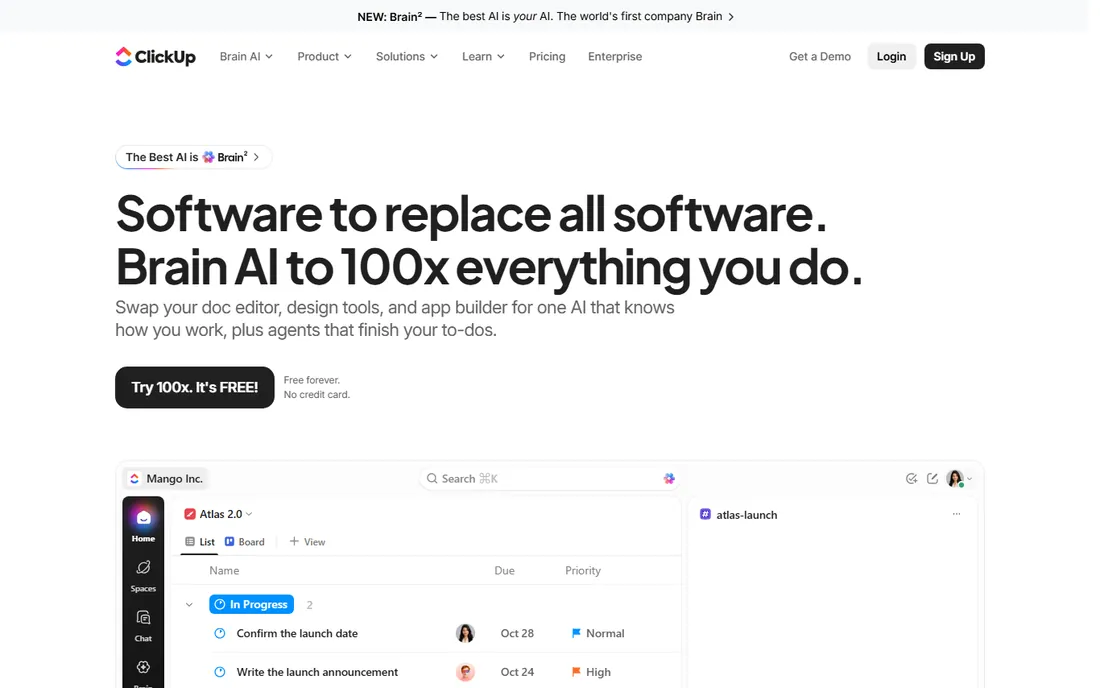
ClickUp is the value pick of this list. Time tracking is native rather than bolted on: every task gets a timer, manual entries and timesheets, and the data rolls into reports without an integration. The free plan includes time tracking, unlimited tasks and unlimited members, which is more than most paid competitors offer at entry level.
The honest catch is complexity. ClickUp can replace a project tool, a docs tool and a time tracker, but the setup takes real work, and teams that skip the configuration phase end up with a messy workspace. Reporting depth improves sharply on Business ($12/user/month annually), where goals, workload views and advanced dashboards open up. If your team will invest a week in setup, nothing else at this price covers as much ground.
What we like- Native time tracking on every plan, including the free one
- Unlimited tasks and members on the free plan
- Deep customization with custom fields, statuses and automations
Watch out for- Feature density makes onboarding slow for new teams
- Advanced reporting, goals and portfolios sit on higher tiers
#2
monday.com
Best for: Visual teams that live in boards and dashboards
Visit monday.com
Starting price$9/seat/month (Basic plan, billed annually)
Free planYes (free plan for up to 2 seats)
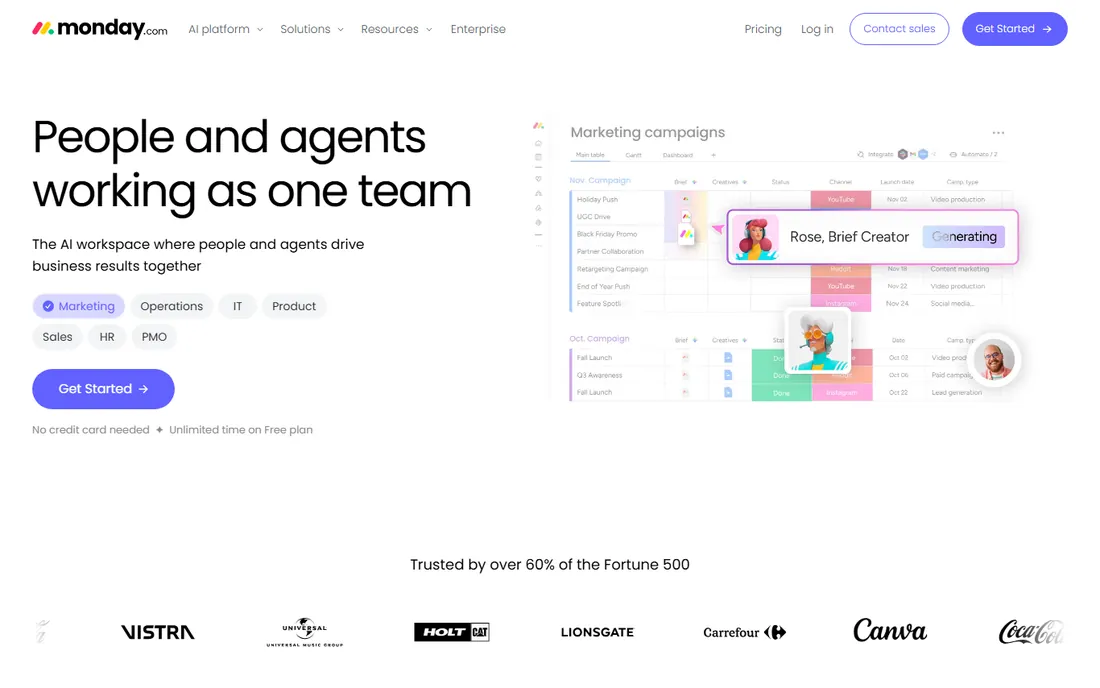
monday.com sells clarity. Boards are visual, the interface needs almost no training, and clients or stakeholders can follow a shared board without a tutorial. Time tracking arrives as a column you add to any board, with a timer and manual logging, and the hours feed into dashboards alongside project status.
Read the plan table before you buy. The time tracking column is a Pro feature at $19 per seat per month billed annually, so the $9 Basic price you see advertised does not include it. Teams that track time on monday.com are really buying Pro, where time tracking, private boards, formula columns and chart views all live together. For teams already committed to monday.com's way of working, that is fine. For budget shoppers, ClickUp or Teamwork.com track time for less.
What we like- Boards, timelines and dashboards that non-technical teams adopt fast
- 200-plus integrations
- Automations that move work without manual updates
Watch out for- Time tracking column only appears on Pro and above
- Per-seat pricing adds up fast as teams grow
#3
Teamwork.com
Best for: Agencies and client-service teams tracking billable hours
Visit teamwork.com
Starting price$8.99/user/month (Starter plan, billed annually)
Free planYes (free plan for up to 5 users)
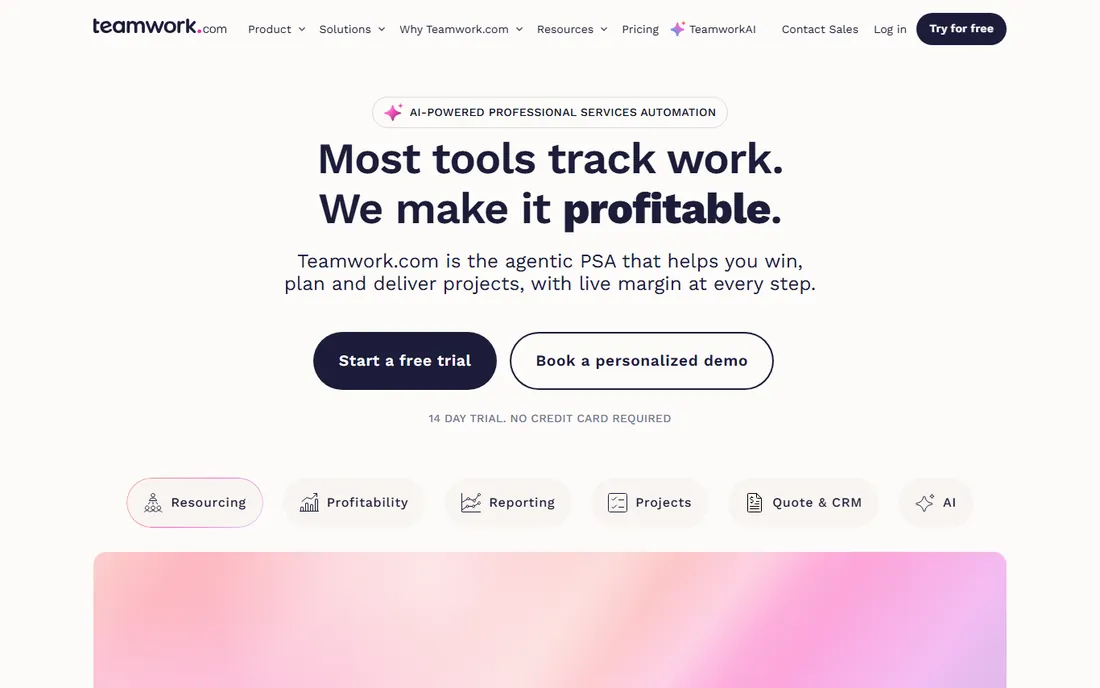
Teamwork.com was built for agencies before "agency project management" was a category. Time logs attach to tasks with billable rates, and the reporting shows whether a project is on budget while there is still time to fix it. Timesheets, invoicing integrations and client-facing project views all assume you sell hours to someone else.
The product shows its age in places. The interface is functional rather than polished, and a few features reviewers ask for, like deeper resource forecasting, sit on Grow at $25.99 per user per month. But for the core job, running client projects and knowing exactly how many billable hours went where, it is one of the most complete tools here, and the Starter price undercuts most agency-focused competitors.
What we like- Time tracking built for client work, with billable and non-billable rates
- Project profitability reports that tie hours to budgets
- Workload views that show who is overbooked
Watch out for- Interface feels dated next to ClickUp and monday.com
- Some advanced resource planning needs the Grow tier
Starting price$9.95/user/month (Small Office plan, billed annually)
Free planFree trial (15 days, no permanent free plan)
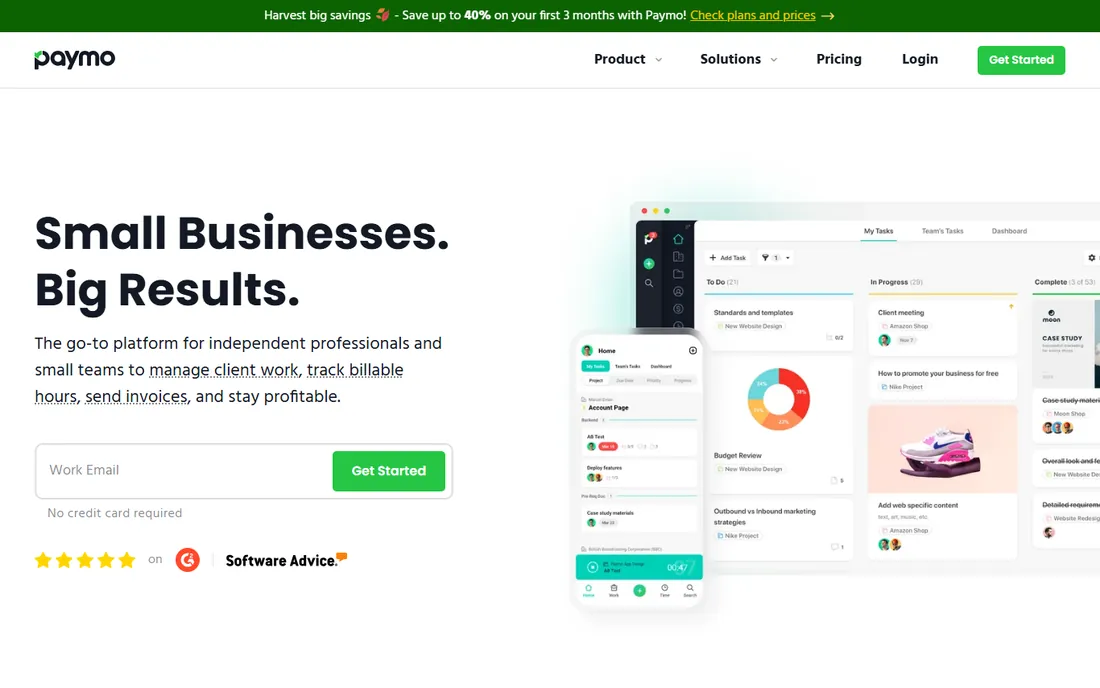
Paymo is the pick for firms where the tracked hour becomes the invoice line. The workflow is unusually complete for the price: track time on a task, and the same app turns those hours into an invoice with your logo, accepts online payments and records the expense. Automatic time tracking runs in the background and lets you convert recorded activity into timesheet entries.
The tradeoff is ecosystem size. Paymo integrates with the essentials, Google Calendar, Slack, QuickBooks, Xero, but the catalog is a fraction of monday.com's or ClickUp's. The 15-day trial is the only free option, so test the invoicing flow before committing. For freelancers and small studios that want projects, time and billing without three subscriptions, it is hard to beat.
What we like- Time tracking, task management, scheduling and invoicing in one app
- Automatic time tracking that records app and website usage
- Gantt charts and kanban on the entry plan
Watch out for- No permanent free plan, only a trial
- Smaller integration library than the big platforms
#5
Avaza
Best for: Teams wanting projects, time tracking and invoicing in one login
Visit avaza.com
Starting price$19/month (Startup plan, billed annually)
Free planYes (free plan for a single user with limited projects)
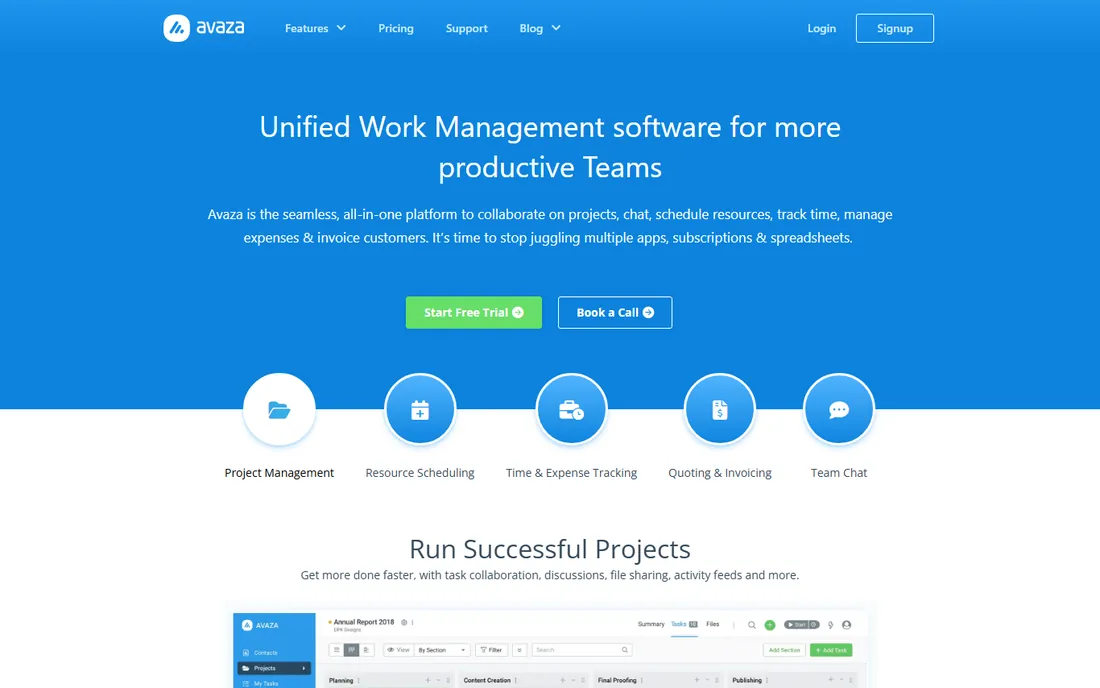
Avaza's pricing is the story. Instead of charging per user, Avaza charges per account: $19 per month on Startup covers the whole team, which makes it dramatically cheaper than per-seat tools once you pass a handful of users. Inside that flat price you get project tasks, time tracking with timers and timesheets, expense tracking and invoicing with online payments.
The project side is simpler than the leaders. Gantt charts, kanban boards and task dependencies are all present, but teams running complex multi-phase programs will feel the ceiling. Avaza fits service teams of 5 to 30 people who want one login for "what are we working on, how long did it take, and what do we invoice" without paying per seat for it.
What we like- Flat per-account pricing instead of per-user fees
- Projects, timesheets, expense tracking and invoicing under one subscription
- Clean interface that small teams learn quickly
Watch out for- Free plan is limited to one user
- Project management depth is lighter than ClickUp or Wrike
#6
Accelo
Best for: Service businesses selling retainers and fixed-fee engagements
Visit accelo.com
Starting priceSee website (custom quote)
Free planNo
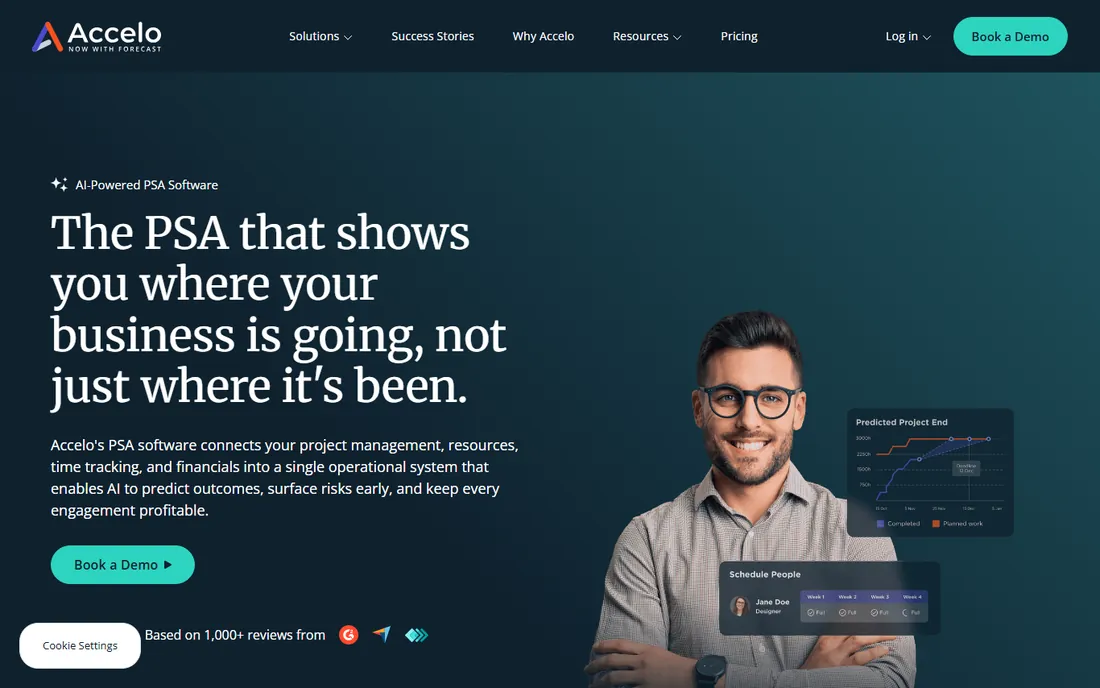
Accelo is professional services automation, not just project management with a timer. It tracks the retainer itself: quotes, tickets, projects, time and invoices live in one system, and automatic activity capture pulls emails, meetings and calls into the client record without manual logging. For firms that sell ongoing service packages, that completeness is the point.
The buying process is the friction. Accelo publishes no prices, and reviewers describe a sales-led onboarding with real implementation effort. This is not a tool you trial on a Friday afternoon. Firms with 10-plus people selling retainers, consulting or managed services will get the return. Smaller teams that just need timers on tasks should buy Paymo or Avaza instead.
What we like- Built for the full client lifecycle, from quote to ticket to invoice
- Automatic activity capture that logs emails and meetings against projects
- Profitability reporting by client, project and team member
Watch out for- No published pricing, so every evaluation starts with a sales call
- Implementation takes longer than simpler tools
#7
Wrike
Best for: Larger teams needing structured workflows and approvals
Visit wrike.com
Starting price$10/user/month (Team plan, billed annually)
Free planYes (free plan with basic task management)
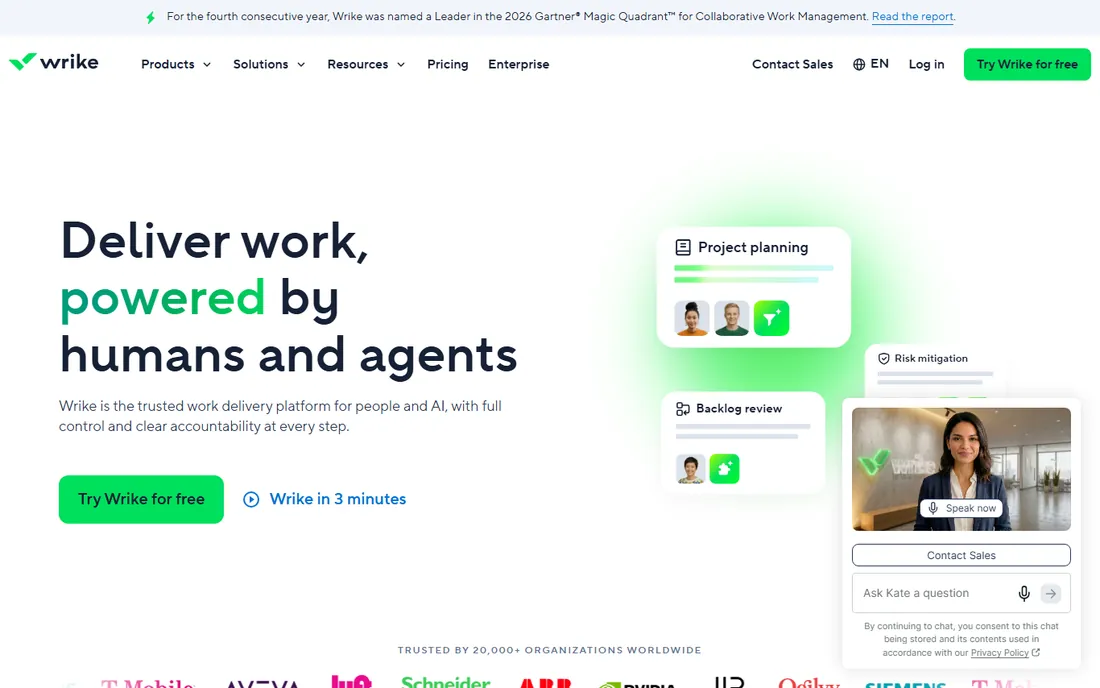
Wrike suits organizations where projects come with process. Marketing teams use request forms and approval chains, operations teams use blueprints and custom workflows, and time tracking with timesheets lands on top of that structure. Billable rates and time reports support client billing without leaving the platform.
Smaller teams should note the tiering. Meaningful time tracking lives on Business at $24.80 per user per month billed annually, which puts Wrike at the expensive end of this list for that feature. The Team plan at $10 covers collaboration but not the full time-tracking story. Wrike earns its price at 20-plus users with compliance needs; under that, the lighter tools above do the same job for less.
What we like- Time tracking with timesheets and billable rates on Business and up
- Approval workflows and request forms that suit marketing and ops teams
- Strong security and admin controls for larger companies
Watch out for- Time tracking is limited on lower tiers
- The interface can feel heavy for small teams
#8
Scoro
Best for: Professional services firms tracking utilization and margins
Visit scoro.com
Starting priceSee website (custom quote)
Free planFree trial (14 days, no permanent free plan)
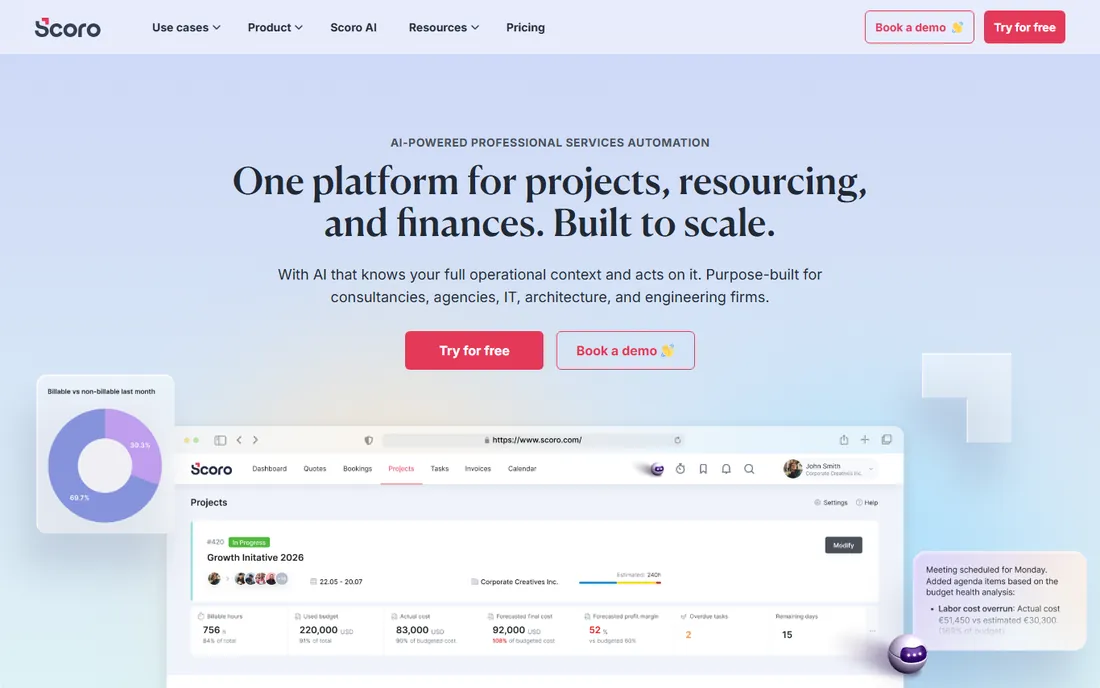
Scoro competes with Accelo for the professional services crown. The differentiator is utilization: Scoro shows what percentage of each person's time is billable, planned versus actual, which is the number consultancy owners actually manage to. Time tracking feeds quotes, budgets and invoices, so a project estimate and its final margin live in the same place.
Like Accelo, Scoro keeps pricing behind a sales conversation, and the product assumes a real implementation. The 14-day trial is worth running with your actual project data, because Scoro either fits your firm's operating model or it does not. Solo operators and tiny teams will find it heavy. Firms with 10 to 100 billable staff should put it on the shortlist next to Accelo.
What we like- Utilization tracking that shows billable percentage per person
- Quotes, projects, time and invoices in one system
- Dashboards built around agency and consultancy KPIs
Watch out for- No published pricing in 2026
- Best value appears at team sizes of 10-plus
#9
Asana
Best for: Teams already standardized on Asana's project views
Visit asana.com
Starting price$10.99/user/month (Starter plan, billed annually)
Free planYes (Personal plan with basic project views)
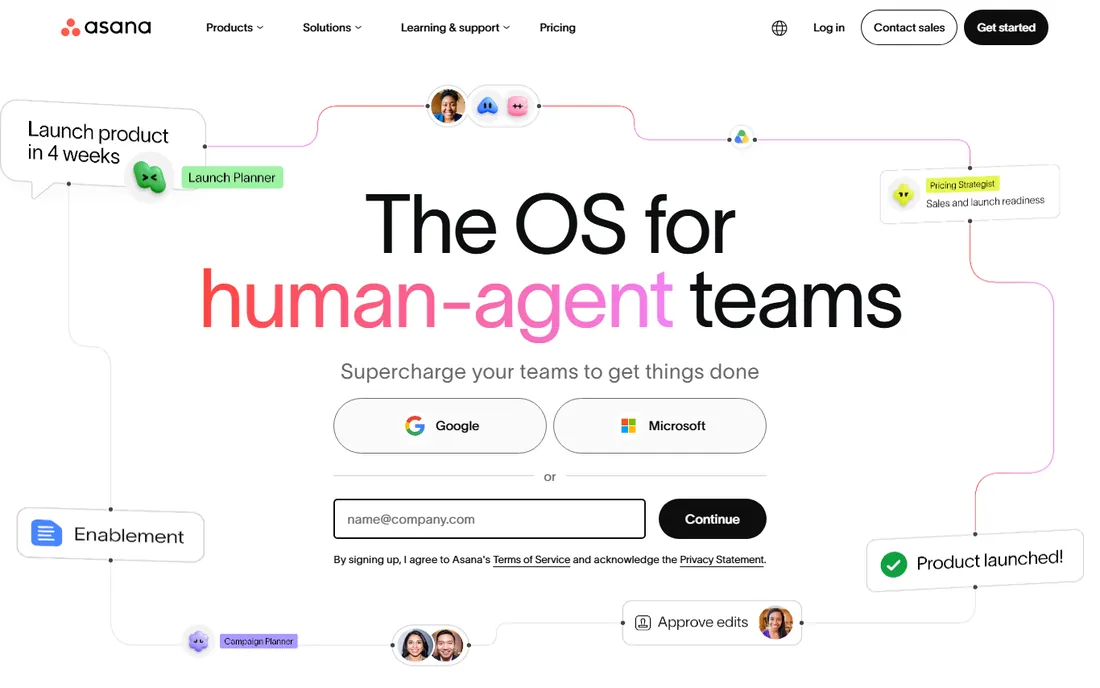
Asana added native time tracking to its own platform, and for teams already living in Asana it removes the reason to bolt on a separate timer. Each task carries estimated and actual hours, subtasks can log time individually, and reporting compares the two across projects. Integrations with Harvest, Toggl Track and Everhour remain for teams that outgrow the built-in version.
Nobody buys Asana for its time tracking alone. The timer is competent but basic: no billable rates, no invoicing, no utilization dashboards. Buy Asana because the project management fits, and treat time tracking as a solid built-in bonus. Teams choosing primarily on time-tracking strength get more from ClickUp, Paymo or Teamwork.com at similar prices.
What we like- Native time tracking with estimated versus actual hours on tasks
- The project views teams already know, list, board, timeline, calendar
- 200-plus integrations including Harvest and Toggl for deeper needs
Watch out for- Time tracking depth is basic next to Paymo or Accelo
- Advanced reporting and portfolios need the Advanced tier
How we chose
We started with the search terms buyers use: project management software with time tracking, time tracking project management tool, and best PM tools with timers. For each candidate we opened the vendor's pricing page, confirmed time tracking is native or tightly integrated rather than a third-party add-on, and checked public reviews on G2, Capterra and Reddit for how the timer actually behaves in daily use. We compared feature depth, per-user versus flat pricing, and which company sizes each tool fits. Where a price could not be verified on the vendor's own page, we wrote "See website" instead of guessing.
Time tracking features that actually matter
Not all timers are equal. A basic timer on a task tells you how long something took. Useful time tracking connects that number to money or capacity. Before you buy, check which of these the tool does natively.
Billable versus non-billable rates decide whether the tool supports client work. Teamwork.com, Paymo, Avaza and Wrike all distinguish billable hours; Asana's native timer does not. If you invoice clients, this one feature eliminates a spreadsheet.
Timesheets and approvals matter once you pass about ten people. ClickUp, Teamwork.com and Paymo all offer weekly timesheet views with approval flows. Without approvals, "tracked time" is whatever each person typed on Friday afternoon.
Utilization and budget tracking are the agency features. Scoro and Accelo report billable percentage per person and whether projects are over budget in real time. The lighter tools show hours logged; these two show whether the hours were profitable.
Automatic time tracking is the feature buyers underestimate. Paymo records app and website activity in the background, and Accelo captures emails and meetings automatically. If your team resists manual timers, automatic capture is worth more than any dashboard.
Flat fees versus per-user pricing
Most tools on this list charge per user per month, which means the bill grows with every hire. ClickUp at $7, monday.com Pro at $19 and Wrike Business at $24.80 per user per month look reasonable at ten people and very different at fifty.
The exceptions are worth knowing. Avaza charges per account, not per seat: $19 per month covers the whole team on Startup. Paymo's per-user price is low enough that small firms barely notice it. Accelo and Scoro quote custom, which usually means per-user pricing with an implementation fee attached.
Model the cost at your actual headcount, not the starter price. A 20-person team pays roughly $140 per month on ClickUp Unlimited, $180 on Teamwork.com Starter, $380 on Avaza Business, and $380 per month on monday.com Pro. The cheapest sticker price is rarely the cheapest at scale.
Frequently asked questions
Do I need a separate time tracking app if my PM tool has a timer?
Usually not. The native timers in ClickUp, Teamwork.com, Paymo and Asana cover logging, timesheets and basic reporting. A separate app like Toggl Track or Harvest only earns its place if you need deeper features: detailed invoicing, idle detection, or time tracking across tools your PM platform does not cover.
Which is better for agencies: Teamwork.com, Scoro or Accelo?
Teamwork.com is the practical pick for agencies under 30 people: billable rates, project budgets and client views at $8.99 per user per month. Scoro and Accelo suit larger service firms that manage utilization and retainers as a discipline, but both require a sales process and real implementation effort.
Can monday.com track time on the Basic plan?
No. The time tracking column requires Pro at $19 per seat per month billed annually. Teams evaluating monday.com for time tracking should price Pro from the start, because Basic does not include the feature at all.
What is the cheapest option with real time tracking?
Avaza's Startup plan at $19 per month covers the whole team with flat pricing, and ClickUp's free plan includes native time tracking with unlimited members. For a team of ten, ClickUp Unlimited runs about $70 per month with annual billing.
Does Asana integrate with Harvest or Toggl Track?
Yes. Asana integrates with Harvest, Toggl Track and Everhour for teams that need more than the native timer offers. The native time tracking covers estimated versus actual hours per task; the integrations add billable rates, invoicing and deeper reporting.
How accurate is automatic time tracking?
Automatic tracking records what you actually did, which is usually more honest than manual entries made on Friday afternoon. Paymo's automatic tracker captures app and website activity, and Accelo captures emails and meetings. Expect to spend a few minutes a day categorizing the captured activity; the payoff is timesheets your team did not have to fill in by hand.
Sources we checked (11)
- https://clickup.com/pricing
- https://monday.com/pricing
- https://teamwork.com/pricing
- https://www.paymoapp.com/pricing/
- https://avaza.com/pricing/
- https://www.accelo.com
- https://www.wrike.com/pricing/
- https://scoro.com/pricing/
- https://asana.com/pricing
- https://www.g2.com/categories/project-management
- https://www.capterra.com/project-management-software/
Is your product missing or out of date?
We review this list regularly. Vendors can request a listing, send updated pricing or ask about featured placement.

Shihab Mia · Founder, Rankite
Shihab has spent more than a decade helping SaaS and e-commerce brands grow through search. He writes Rankite's software buying guides from pricing pages, documentation and public user reviews. More about Shihab.