How we make this list: we compare pricing pages, product documentation and public user reviews. Rankite is independent; if a vendor ever pays for a featured spot, that listing is clearly labeled Partner.
Key takeaways
- Smartsheet is the purest Gantt-first pick: timelines are native to the product, not a view bolted onto a task list, starting at $9 per user per month billed annually.
- On monday.com, Asana and ClickUp the Gantt view is gated behind specific tiers: monday needs Pro at $19 per seat per month, so the advertised $9 starter price does not buy you a timeline.
- The cheapest real Gantt tools are GanttPRO at $7 per user per month and ClickUp Unlimited at $7 per user per month billed annually, both with published prices.
- ProofHub charges a flat $45 per month billed annually with unlimited users, which makes it the cheapest option per seat once a team passes about seven people.
Quick comparison
| Tool | Best for | Starting price | Free plan |
|---|
 Smartsheet Smartsheet | Teams that run projects from the timeline itself | $9/user/month billed annually (Pro plan) | Free trial |
 monday.com monday.com | Visual teams that want Gantt alongside boards and dashboards | $19/seat/month billed annually (Pro plan, the tier with Gantt) | Free trial |
 Microsoft Project Microsoft Project | Enterprises with Microsoft 365 and formal PMO processes | See website (Plan 1, Plan 3 and Plan 5 quoted by Microsoft) | No |
 Wrike Wrike | Mid-size teams that need Gantt views across a project portfolio | $10/user/month (Team plan) | Free trial |
 TeamGantt TeamGantt | Small teams that want the simplest possible Gantt builder | See website (plans quoted on TeamGantt's pricing page) | Yes |
 Asana Asana | Teams that want a Timeline view inside strong task management | $10.99/user/month billed annually (Starter plan) | Yes |
 ClickUp ClickUp | Teams that want Gantt plus docs, goals and chat in one app | $7/user/month billed annually (Unlimited plan) | Yes |
 GanttPRO GanttPRO | Managers who want a focused Gantt-only scheduling tool | $7/user/month billed annually (Core plan) | Free trial (14 days) |
 ProofHub ProofHub | Teams that want flat pricing instead of per-user seats | $45/month billed annually (Essential plan) | Free trial (14 days) |
Is your product missing or out of date?
We review this list regularly. Vendors can request a listing, send updated pricing or ask about featured placement.
Project management software with Gantt charts, ranked
Most tools on this list will show you a Gantt chart. Few of them are good at it. The difference is whether the timeline is the product or a feature: native Gantt tools handle dependencies, critical paths and baselines without workarounds, while task apps with a timeline view often make you fight the interface for anything beyond a simple bar chart. These nine are ranked by how seriously they take the Gantt view, with the plan tier that includes it spelled out for each.
Starting price$9/user/month billed annually (Pro plan)
Free planFree trial
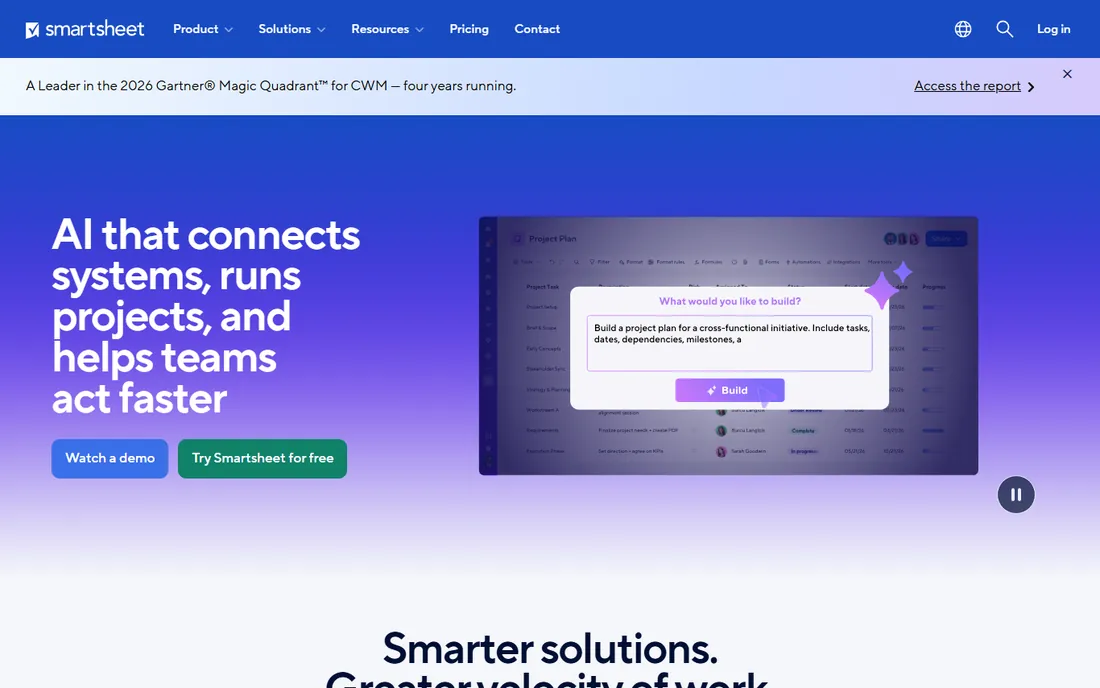
Smartsheet is the closest thing to Microsoft Project without the Microsoft Project learning curve. The Gantt view is not an add-on: dependencies, lag time, critical path highlighting and baselines are built into how the sheet works, and switching between grid, Gantt, card and calendar views keeps everyone looking at the same data. Pro at $9 per user per month billed annually ($12 month to month) is a fair entry price for this depth.
The honest catch is the aesthetic and the upsell path. It looks like a spreadsheet because it is one, and teams expecting a modern visual tool may bounce off it. Resource management, advanced automations and the better integrations live on Business and Enterprise tiers, so the real cost for a serious PMO is higher than the Pro sticker. If the timeline is the deliverable your clients see, start here.
What we like- Gantt is native, with dependencies, critical path and baselines on the core plans
- The spreadsheet-like grid makes bulk date edits fast
- Strong reporting and dashboards for portfolio views
Watch out for- Per-user pricing adds up on large teams
- The interface feels dated next to monday or Asana
- Advanced automation and integrations sit on higher tiers
#2
monday.com
Best for: Visual teams that want Gantt alongside boards and dashboards
Visit monday.com
Starting price$19/seat/month billed annually (Pro plan, the tier with Gantt)
Free planFree trial
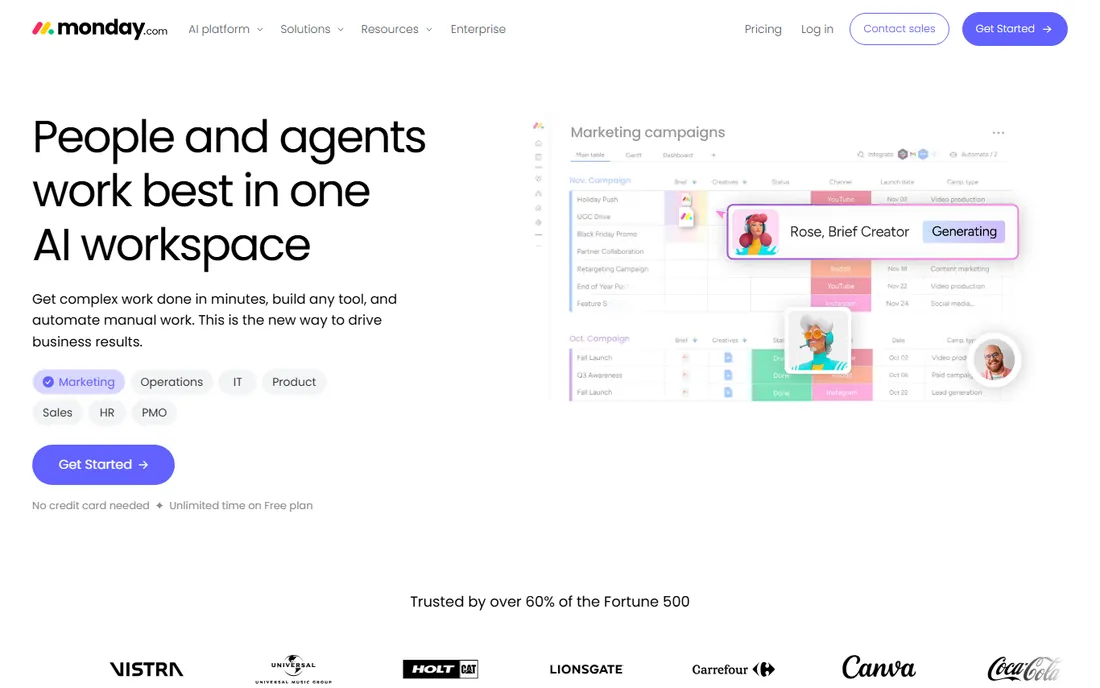
monday.com sells the experience: colorful boards, drag-and-drop timelines and dashboards that look good in a client meeting. The Gantt view supports dependencies, milestones and baseline comparisons, and it sits inside a platform that also handles CRM, docs and forms. That breadth is the appeal for agencies and marketing teams running client work.
Read the pricing tier before you fall in love. The Gantt view is not available on the $9 Basic plan; you need Pro at $19 per seat per month billed annually, with a three-seat minimum, so the real entry point is $57 per month. Heavy automation and integration usage can push effective costs higher. It is a strong pick for visual teams, but budget for Pro from the start.
What we like- The Gantt widget is genuinely visual, with drag-and-drop dependencies
- Strong dashboards that roll timelines up to portfolio level
- Huge template library and integration list
Watch out for- Gantt requires the Pro tier, so the advertised $9 Basic price does not include it
- Per-seat pricing with a 3-seat minimum
- Costs climb fast with automations and integrations
#3
Microsoft Project
Best for: Enterprises with Microsoft 365 and formal PMO processes
Visit microsoft.com
Starting priceSee website (Plan 1, Plan 3 and Plan 5 quoted by Microsoft)
Free planNo
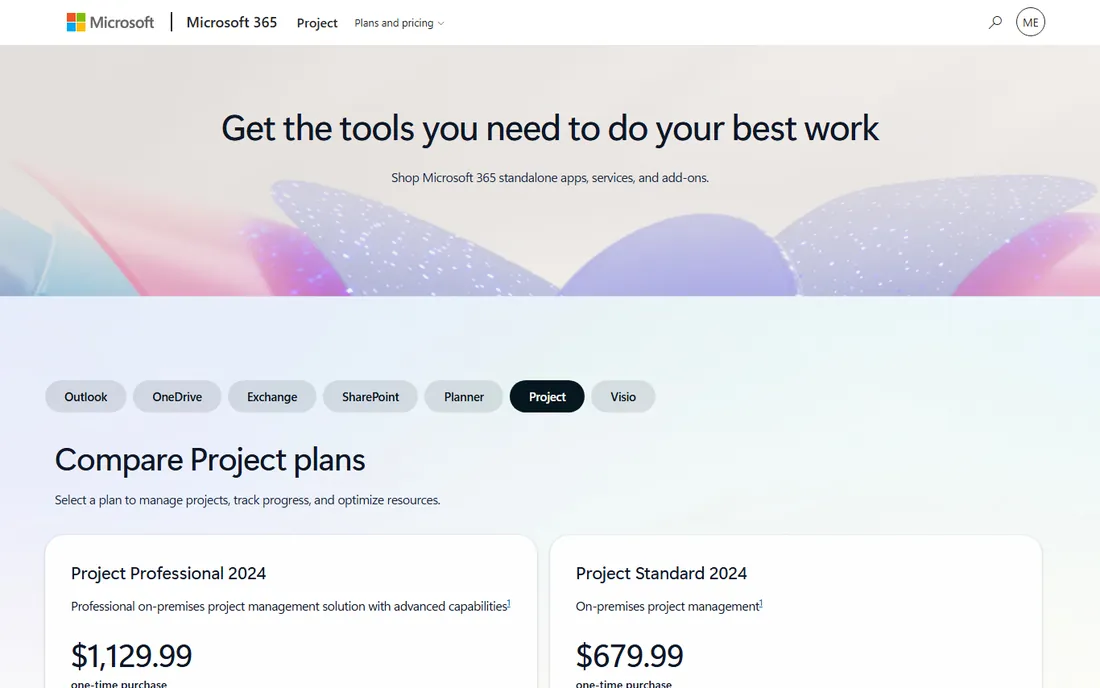
Microsoft Project remains the reference implementation of the Gantt chart. Resource-constrained scheduling, multiple baselines, critical path analysis and portfolio management are all first-class, and the cloud plans share data with Planner and Teams. For construction, engineering and IT programs with certified PMs, nothing else matches the scheduling depth.
For everyone else, it is too much tool. The interface assumes project management training, licensing runs through Microsoft's plan structure rather than a simple per-user price, and small teams will spend more time configuring it than using it. Choose it when the organization already runs on Microsoft 365 and the projects genuinely need resource leveling. Otherwise the tools above deliver 80 percent of the value with a fifth of the setup.
What we like- The deepest scheduling engine here: resource leveling, baselines, earned value
- Integrates with Teams, SharePoint and the rest of Microsoft 365
- The desktop client still leads for complex programs
Watch out for- No published trial and pricing requires navigating Microsoft's plan maze
- The learning curve is the steepest on this list
- Overkill for teams without dedicated project managers
#4
Wrike
Best for: Mid-size teams that need Gantt views across a project portfolio
Visit wrike.com
Starting price$10/user/month (Team plan)
Free planFree trial
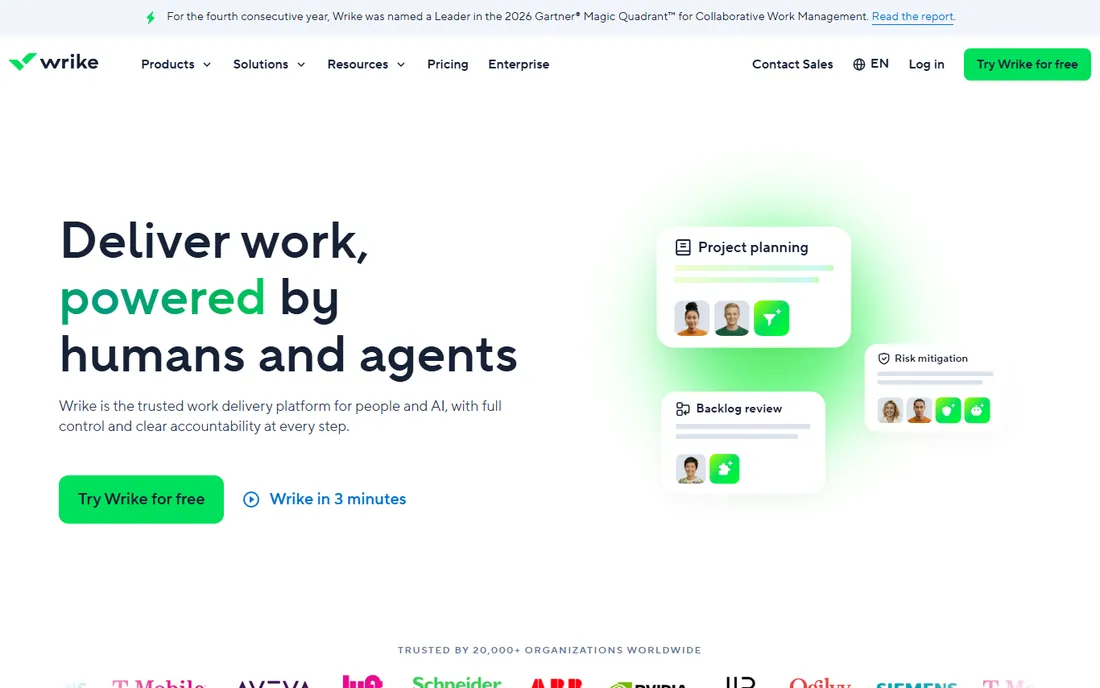
Wrike positions itself between the simple visual tools and the enterprise schedulers. The Gantt view handles dependencies, milestones and critical path well, and the same data feeds workload charts and dashboards, so resource planning and timeline planning stay connected. Team at $10 per user per month is a reasonable price for Gantt plus collaboration in one seat.
The friction is density. Wrike exposes a lot of interface at once, and teams used to simpler tools need a week or two to settle in. The free tier is fine for basic task tracking but hides the Gantt view, so there is no free way to evaluate the timeline. It fits marketing, product and professional services teams that have outgrown Asana's Timeline but are not ready for Microsoft Project.
What we like- Gantt charts available from the $10 Team plan upward
- Interactive timelines with dependencies and critical path
- Workload views and time tracking built in
Watch out for- The interface packs in a lot and new users report a learning curve
- The free plan excludes Gantt entirely
- Advanced reporting and security need Business or Enterprise
#5
TeamGantt
Best for: Small teams that want the simplest possible Gantt builder
Visit teamgantt.com
Starting priceSee website (plans quoted on TeamGantt's pricing page)
Free planYes
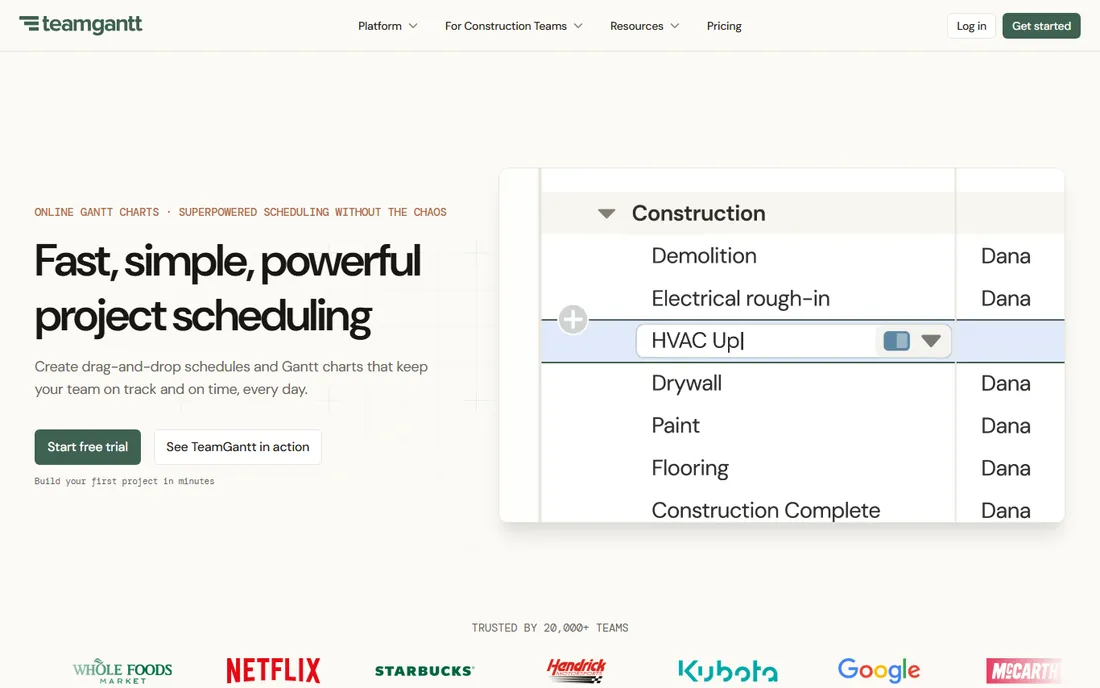
TeamGantt does one thing and does it with minimal fuss. You sign up, you drag bars onto a timeline, you assign them, and you share the link. Dependencies, milestones, baselines and guest sharing all work the way a first-time user expects, which is rarer than it sounds. The free plan covers a single project, enough to run a real evaluation or manage a small side effort.
The limits show up as teams grow. There is no portfolio view worth the name, reporting is basic, and the collaboration features lag the bigger platforms. Pricing is not published on the homepage, so budget planning requires a visit to the pricing page. It is the right call for a small team that needs a timeline this week, and the wrong call for a PMO managing twenty projects.
What we like- The fastest path from signup to a real Gantt chart on this list
- Drag-and-drop scheduling with dependencies and baselines
- A genuinely usable free plan for one project
Watch out for- No published price without visiting the pricing page
- Collaboration and reporting features are thin next to monday or Wrike
- Not built for multi-project portfolios
#6
Asana
Best for: Teams that want a Timeline view inside strong task management
Visit asana.com
Starting price$10.99/user/month billed annually (Starter plan)
Free planYes

Asana's Timeline is a Gantt-style view inside one of the best task managers available. Dependencies, date shifting and milestone markers all work smoothly, and because the underlying task system is excellent, the day-to-day execution side is stronger than at the Gantt-first tools. Starter at $10.99 per user per month billed annually is competitive, and the free Personal plan lets small teams start at zero.
The honest catch is depth. Asana's Timeline lacks critical path analysis and baseline comparison, the two features that separate a real Gantt tool from a pretty timeline. Teams managing simple to medium projects will never miss them; teams managing complex programs will. Pick Asana when task execution matters more than schedule analysis, and pair it with the free plan to keep costs down while you are small.
What we like- Timeline view with dependencies and milestones from the Starter tier
- The best task-level detail and subtask handling here
- A usable free Personal plan for small teams
Watch out for- No true critical path or baselines without workarounds
- Workload management needs the Advanced tier
- Per-user costs scale quickly past 15 seats
#7
ClickUp
Best for: Teams that want Gantt plus docs, goals and chat in one app
Visit clickup.com
Starting price$7/user/month billed annually (Unlimited plan)
Free planYes
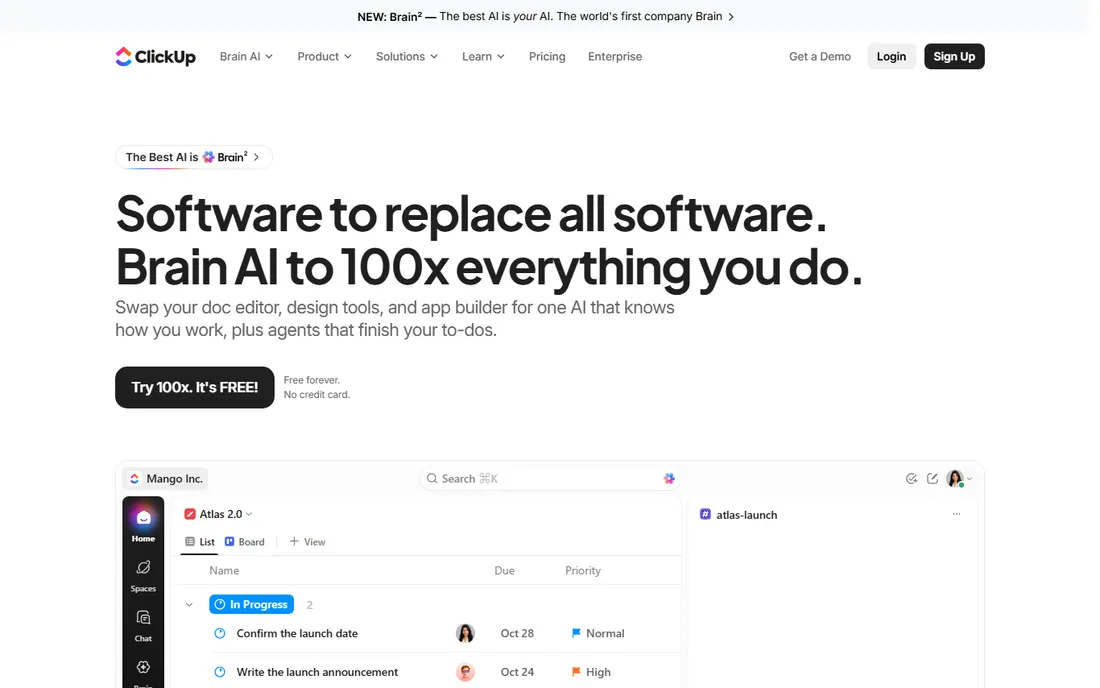
ClickUp's pitch is consolidation: tasks, docs, goals, time tracking and Gantt charts in one subscription. The Gantt view covers dependencies, milestones, critical path and baselines on paid plans, and at $7 per user per month billed annually on Unlimited it is one of the cheapest real Gantt options here. The free-forever plan handles task management for small teams at no cost.
The trade-off is focus. ClickUp ships so many features that the interface can feel cluttered, and new teams often need to deliberately turn things off. Gantt charts sit behind the paywall, so the free plan does not solve the timeline problem. It suits startups and agencies that want one app instead of five and are willing to invest a week in setup.
What we like- Gantt charts included on Unlimited at $7 per user per month billed annually
- The free plan is generous enough for real work
- Docs, whiteboards and goals reduce app-switching
Watch out for- Gantt is not on the free plan, only paid tiers
- The interface tries to do everything and can overwhelm
- Performance complaints surface on very large workspaces
#8
GanttPRO
Best for: Managers who want a focused Gantt-only scheduling tool
Visit ganttpro.com
Starting price$7/user/month billed annually (Core plan)
Free planFree trial (14 days)
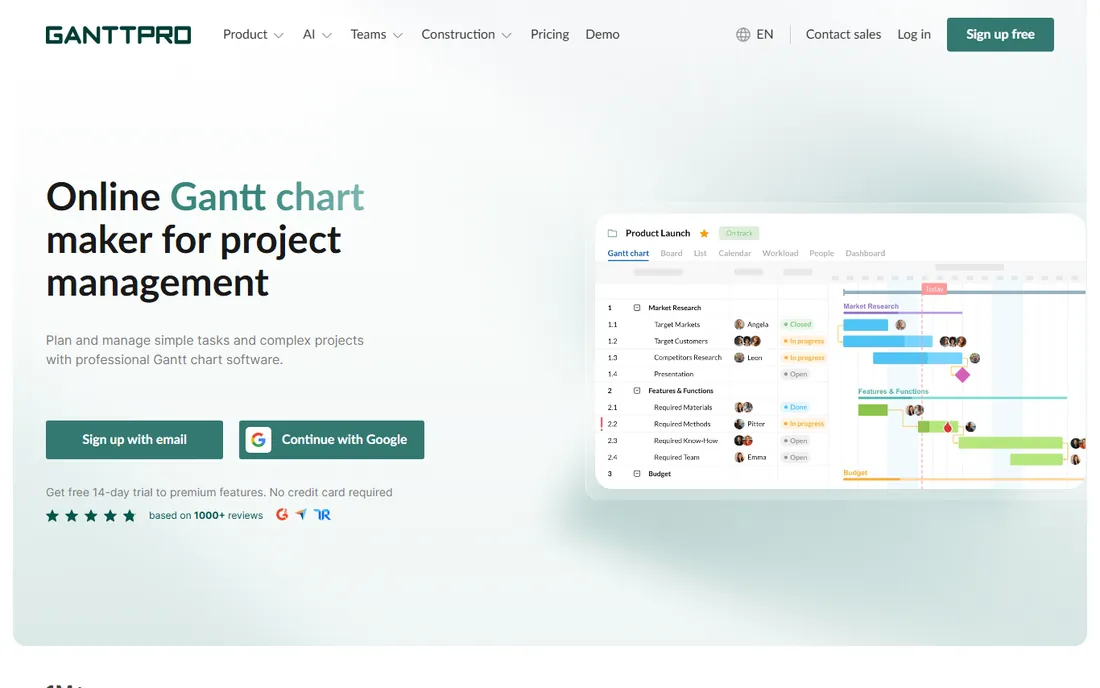
GanttPRO is what you get when a Gantt chart is the whole product. Auto-scheduling, critical path, baselines, resource workload views and project templates are all here, in an interface that a new user can learn in an afternoon. Core at $7 per user per month billed annually undercuts Smartsheet and monday for pure scheduling, with Advanced at $10 and Business at $17 adding capacity.
What you do not get is everything else: docs, chat, CRM-style pipelines and deep integrations are absent or thin. It is a scheduling tool, not a work platform, so most teams will run it alongside something else for daily task execution. That is fine if the timeline is the job. Export to PDF, PNG and Excel covers the reporting most managers actually need.
What we like- Purpose-built for Gantt charts with dependencies, critical path, baselines and resource workload
- Project templates for common industries
- Clean per-user pricing from $7 monthly billed annually
Watch out for- No meaningful task-management or collaboration depth beyond the timeline
- The free trial is 14 days with no free tier
- Integrations are fewer than the big platforms
#9
ProofHub
Best for: Teams that want flat pricing instead of per-user seats
Visit proofhub.com
Starting price$45/month billed annually (Essential plan)
Free planFree trial (14 days)
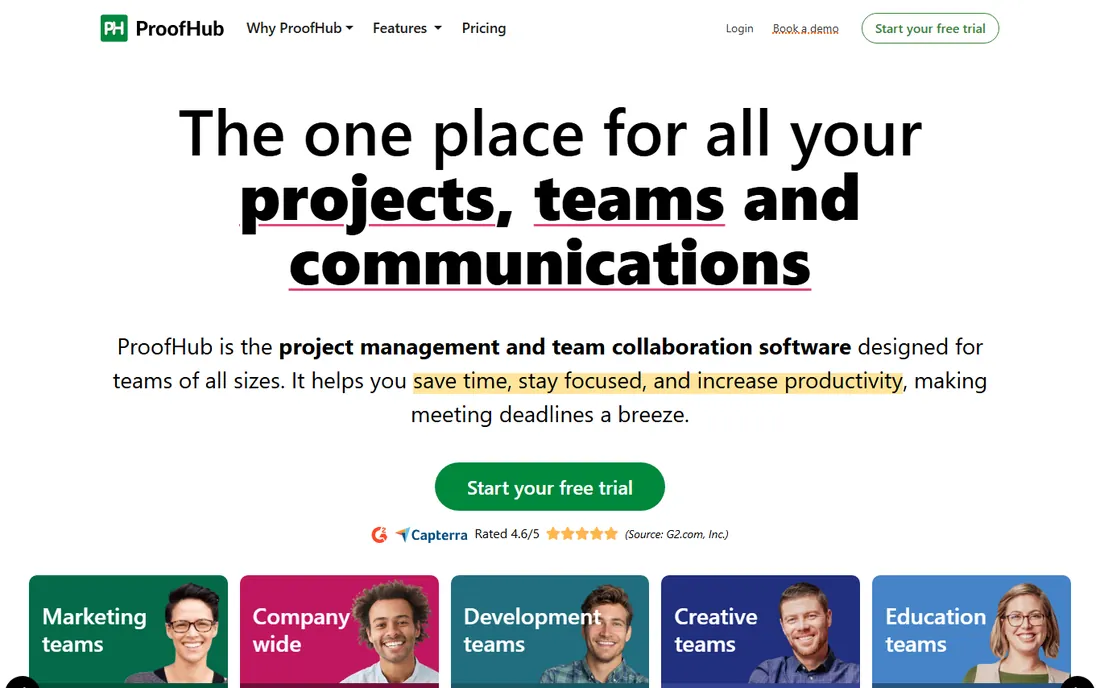
ProofHub's flat pricing is its entire argument. Essential at $45 per month billed annually ($50 month to month) covers unlimited users and 40 projects, which means a 20-person team pays about $2.25 per user per month. The Gantt view handles dependencies, milestones and critical path, and the built-in chat, discussions and file sharing cover basic collaboration.
The caps matter. Forty projects is plenty for a small agency and nothing for a large one, and the Ultimate Control plan exists for teams that outgrow Essential. Reporting and customization are basic compared with Smartsheet or Wrike. But for a team of eight to thirty that is tired of per-seat pricing, the math is hard to argue with.
What we like- Flat $45 per month billed annually covers unlimited users on the Essential plan
- Gantt charts with dependencies and critical path included
- Simple fixed pricing with no seat math
Watch out for- The Essential plan caps projects at 40
- Customization and advanced reporting trail the bigger tools
- The interface is functional rather than polished
How we chose
We started with the searches buyers run: project management software with Gantt charts, Gantt chart software and timeline project management software. For each candidate we opened the vendor's own pricing page, confirmed which plan tier actually includes the Gantt or timeline view, and checked the price of that tier specifically, since several vendors advertise a starter price that excludes timelines. We compared Gantt depth (dependencies, critical path, baselines, resource views) against public reviews on G2 and Capterra and practitioner discussion on Reddit, and dropped tools whose timeline view was decorative. We did not test any product hands-on.
A Gantt chart is easy to draw and hard to do well. The features that separate real scheduling tools from timeline decorations are specific, and they are worth checking before you pay.
Dependencies and critical path
If the tool cannot link tasks with finish-to-start dependencies and highlight the critical path, it is a bar chart, not a Gantt chart. Smartsheet, Wrike, GanttPRO and Microsoft Project do this natively. Asana's Timeline and monday's Gantt handle dependencies but skip true critical path analysis, which is fine for simple projects and a dealbreaker for complex ones.
Which tier includes the timeline
This is where buyers get burned. monday.com advertises $9 per seat but the Gantt view needs Pro at $19. ClickUp's Gantt needs a paid plan, not the free tier. Wrike hides Gantt on its free plan too. Always confirm the timeline is in the tier you intend to buy, and price that tier, not the headline starter price.
Baselines and change tracking
A baseline freezes the original plan so you can see how far the project has drifted. It is standard in Smartsheet, Microsoft Project and GanttPRO, and missing in the simpler tools. If you report schedule variance to clients or executives, put baselines on the must-have list.
Per-user versus flat pricing
Per-user pricing punishes growing teams: 20 seats at $10 each is $200 per month before add-ons. ProofHub's flat $45 per month flips that math for mid-size teams. Model your headcount at 12 months out, not today, because the cheapest tool now is rarely the cheapest tool at 25 people.
Gantt charts are not project management
A timeline shows when things happen. It does not tell anyone what to do today, which is why the Gantt-first tools on this list pair poorly with teams that need strong daily task management. Smartsheet and GanttPRO will schedule your project beautifully and then leave your team asking what is due this morning.
The practical setup for most small businesses is a hybrid: run the schedule in the Gantt tool and the daily work in the task tool, or pick one of the platforms that does both adequately. Asana, monday.com, Wrike and ClickUp all live in that middle ground, trading some scheduling depth for much better execution. If you have a dedicated project manager, go Gantt-first. If the team manages itself, prioritize the task side and accept a simpler timeline.
Frequently asked questions
Which project management software has the best Gantt chart?
For pure Gantt depth: Microsoft Project, then Smartsheet, then GanttPRO. For the best balance of Gantt quality and everyday usability: Wrike or monday.com on the Pro tier. For the simplest Gantt chart a non-PM can build in an afternoon: TeamGantt.
Do I need to pay extra for Gantt charts?
Often yes, in the form of a higher tier rather than an add-on. monday.com requires Pro ($19 per seat per month billed annually) for its Gantt view, ClickUp requires a paid plan, and Wrike excludes Gantt from its free tier. Smartsheet, GanttPRO and TeamGantt include timelines on their entry paid plans.
What is the cheapest project management software with Gantt charts?
GanttPRO Core and ClickUp Unlimited both start at $7 per user per month billed annually. For teams, ProofHub's flat $45 per month billed annually beats every per-user price once you pass about seven people. TeamGantt's free plan covers a single project at no cost.
Can I use Gantt charts for free?
Yes, with limits. TeamGantt's free plan includes one project with Gantt charts, and ClickUp and Asana offer free plans for task management (Gantt views require paid tiers). For a serious free evaluation of Gantt features, use the 14-day trials from GanttPRO or ProofHub.
Gantt chart vs. kanban board: which should my team use?
Use Gantt charts when tasks have hard dependencies and deadlines that cascade: construction, product launches, event planning. Use kanban when work flows continuously without fixed sequences: support queues, content pipelines, maintenance. Many teams use both, with the Gantt chart for the plan and the board for the week.
Sources we checked (11)
- https://www.smartsheet.com/pricing
- https://monday.com/pricing
- https://www.microsoft.com/en-us/microsoft-365/project/project-management-software
- https://www.wrike.com/pricing/
- https://www.teamgantt.com/pricing
- https://asana.com/pricing
- https://clickup.com/pricing
- https://ganttpro.com/pricing/
- https://www.proofhub.com/pricing
- https://www.g2.com/categories/project-management
- https://www.capterra.com/project-management-software/
Is your product missing or out of date?
We review this list regularly. Vendors can request a listing, send updated pricing or ask about featured placement.

Shihab Mia · Founder, Rankite
Shihab has spent more than a decade helping SaaS and e-commerce brands grow through search. He writes Rankite's software buying guides from pricing pages, documentation and public user reviews. More about Shihab.