How we make this list: we compare pricing pages, product documentation and public user reviews. Rankite is independent; if a vendor ever pays for a featured spot, that listing is clearly labeled Partner.
Key takeaways
- Startups that ship software should start with Linear ($10/user/month Basic) or Jira (free up to 10 users): both fit engineering workflows without an admin to configure them.
- The cheapest path for mixed teams is ClickUp Unlimited at $7 per user per month, or Trello Standard at $5, both with generous free tiers for testing.
- Basecamp is the only flat-priced option here ($299/month unlimited on annual billing): once you pass 20 people, it undercuts every per-seat tool on the list.
- Monday.com and Asana charge for the shape of your work: Monday starts at $9 per seat with a 3-seat minimum, Asana Starter at $10.99 with seats sold in blocks of five past 5 users.
Quick comparison
| Tool | Best for | Starting price | Free plan |
|---|
 Linear Linear | Product and engineering startups that run sprints | $10/user/month (Basic, billed annually) | Yes (unlimited members, 2 teams, 250 issues) |
 Jira Jira | Development teams that need agile depth without paying yet | $7.91/user/month (Standard, billed monthly listing) | Yes (up to 10 users) |
 ClickUp ClickUp | Startups that want the most features per dollar | $7/user/month (Unlimited, billed annually) | Yes (Free Forever, unlimited members) |
 Asana Asana | Teams that need adoption in days, not weeks | $10.99/user/month (Starter, billed annually) | Yes (Personal, up to 2 users) |
 Notion Notion | Startups that want docs, wiki and projects in one place | $10/user/month (Plus, billed annually) | Yes (unlimited pages for individuals) |
 Monday.com Monday.com | Non-technical startup teams that think in boards | $9/seat/month (Basic, billed annually) | Yes (up to 2 seats) |
 Trello Trello | Startups that want the cheapest real paid plan and instant onboarding | $5/user/month (Standard, billed annually) | Yes (up to 10 boards per workspace) |
 Basecamp Basecamp | Startups that will grow past 20 people and hate per-seat math | $299/month flat (Pro Unlimited, billed annually) | Free trial (30 days) |
Is your product missing or out of date?
We review this list regularly. Vendors can request a listing, send updated pricing or ask about featured placement.
The best project management software for startups
A five-person startup does not need the same tool as a fifty-person one, and the pricing pages know it. Per-seat tools look cheap at five users and quietly triple by twenty. Flat-rate tools look expensive until the headcount math flips. These eight cover the real startup range, from free tiers that survive the first year to the flat-priced escape hatch for teams that grow fast.
#1
Linear
Best for: Product and engineering startups that run sprints
Visit linear.app
Starting price$10/user/month (Basic, billed annually)
Free planYes (unlimited members, 2 teams, 250 issues)
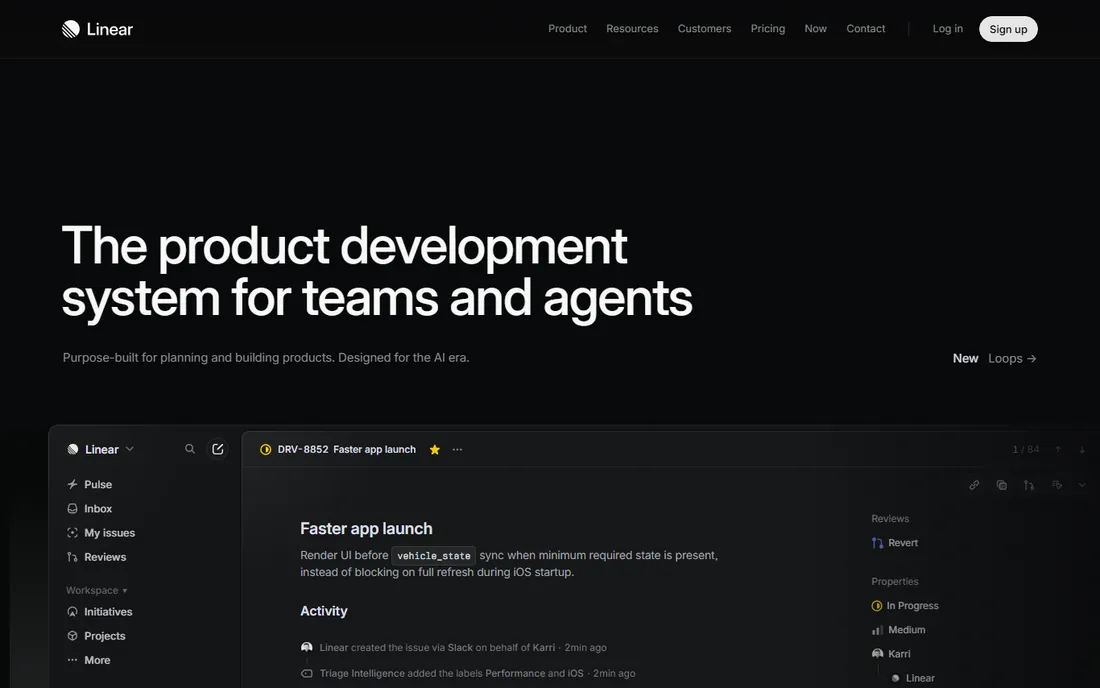
Linear is the tool YC-era startups pick when the founders write code. Everything about it assumes an engineering workflow: issues, cycles, triage, and a command palette that makes mouse navigation feel slow. The free plan is genuinely generous, with unlimited members capped at two teams and 250 issues, which covers a founding team for months. Basic at $10 per user per month adds unlimited issues and Git sync.
The tradeoff is opinionation. Linear is fast because it decides your process for you, and teams outside product and engineering (marketing, sales, ops) often find it awkward. Custom fields and workflow states are more constrained than Jira or Monday, and cross-project reporting is basic. If your whole company builds software in cycles, it is the fastest option on this list. If half your team does not ship code, they will fight it.
What we like- Keyboard-driven speed that engineers adopt without training
- GitHub and GitLab sync built into paid plans
- Free tier covers unlimited members, rare in this category
Watch out for- Opinionated structure frustrates teams that do not work in cycles
- Reporting and dashboards are thin, so metrics usually need a separate BI tool
#2
Jira
Best for: Development teams that need agile depth without paying yet
Visit atlassian.com
Starting price$7.91/user/month (Standard, billed monthly listing)
Free planYes (up to 10 users)
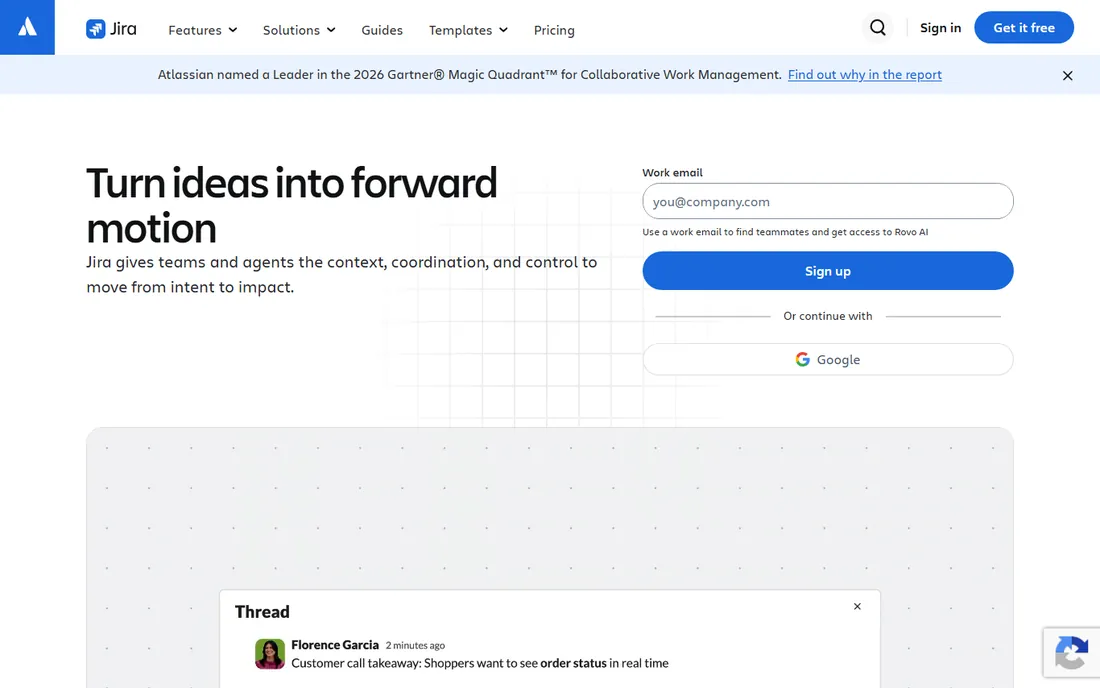
Jira's free plan is the best deal in startup project management: ten users, unlimited projects, backlogs, boards and 100 automation runs a month, free forever. For a technical founding team that already knows agile, it costs nothing to run real sprints. Standard at $7.91 per user per month adds permissions, audit logs and 250 GB of storage, and Premium at $14.54 brings unlimited storage, a 99.9 percent uptime SLA and full Rovo AI.
The honest catch is governance. Jira rewards a disciplined admin and punishes teams without one; workflows multiply, fields accumulate, and performance slows once backlogs pass a thousand issues. SSO and provisioning live behind the Atlassian Access add-on, so the security story costs extra. Startups that hire a dedicated ops person early will manage fine. Teams that never assign an owner will feel the mess by year two.
What we like- Free tier covers a full 10-person team with unlimited projects, backlogs and scrum boards
- Automation and JQL give deep control as the team grows
- Rovo AI bundled into paid plans, no separate add-on
Watch out for- Administration overhead grows with the team, and messy instances are the norm
- SAML SSO needs Atlassian Access at $4 per user per month on top
#3
ClickUp
Best for: Startups that want the most features per dollar
Visit clickup.com
Starting price$7/user/month (Unlimited, billed annually)
Free planYes (Free Forever, unlimited members)
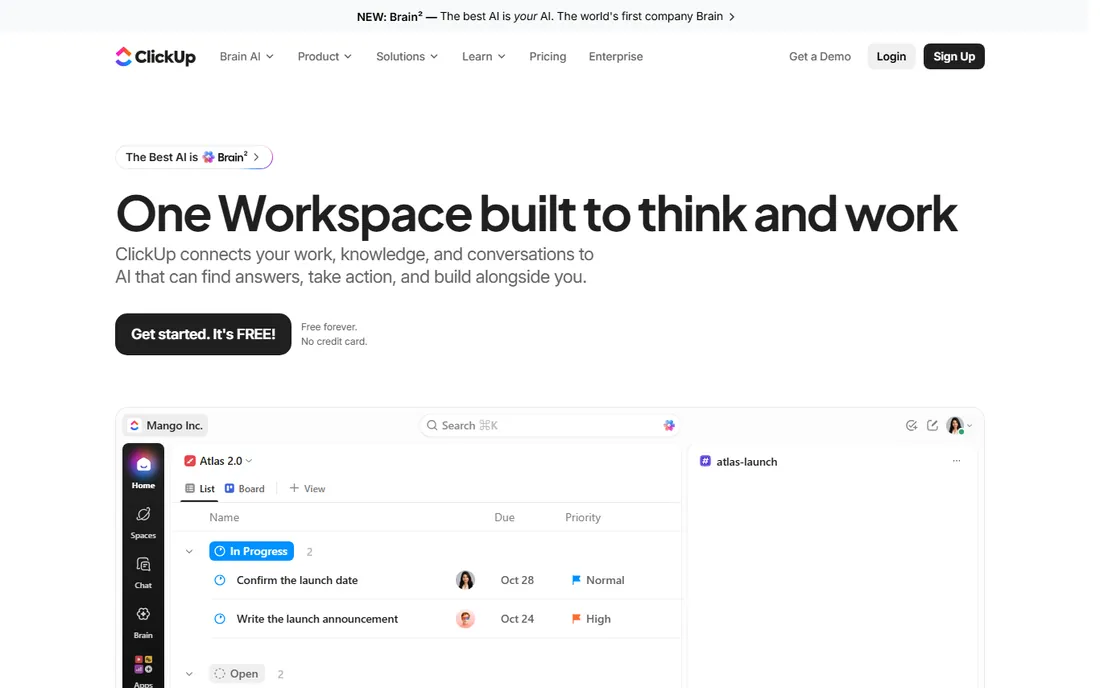
ClickUp wins on the spec sheet. At $7 per user per month billed annually, Unlimited bundles unlimited storage, Gantt charts, custom fields, guests with permission controls, native time tracking and agile features like sprints and burndown charts. The free plan allows unlimited members, which makes it the easiest paid-tier competitor to trial with a real team. Business at $12 adds workload views, Google SSO and higher automation limits.
The cost is not on the pricing page. ClickUp's breadth means a blank workspace is a project in itself, and teams that never configure it end up with a confusing pile of views. Reviewers consistently note slower performance than Linear or Asana, and the AI (ClickUp Brain) is a separate $9 per user per month add-on, so a realistic Business-plus-AI seat is $21, not $12. For founders who will spend a weekend setting it up properly, the value per dollar is unmatched.
What we like- Unlimited plan is the cheapest real paid tier here at $7 per user per month
- 15-plus views, docs, whiteboards and native time tracking in one workspace
- 30-day money-back guarantee lowers the risk of trying a paid plan
Watch out for- Performance and responsiveness lag behind Linear and Asana at scale
- The sheer configurability means someone has to own the setup, or it becomes clutter
#4
Asana
Best for: Teams that need adoption in days, not weeks
Visit asana.com
Starting price$10.99/user/month (Starter, billed annually)
Free planYes (Personal, up to 2 users)
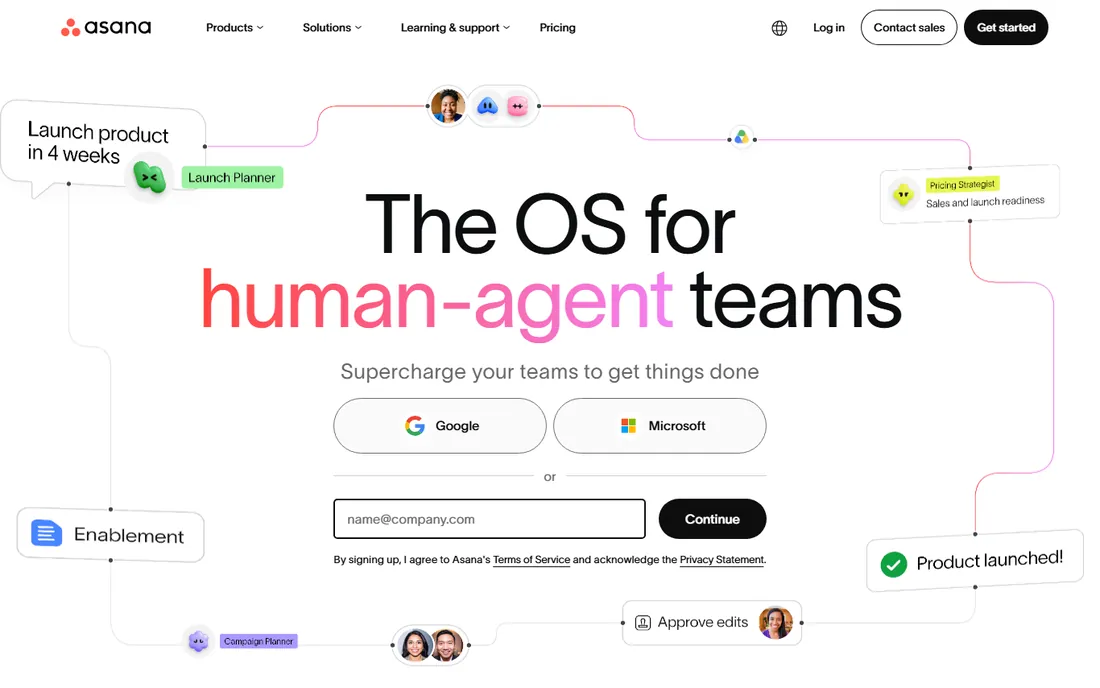
Asana is the tool people actually open. Starter at $10.99 per user per month includes timeline and Gantt views, custom fields, forms, dashboards and unlimited automations, plus AI Studio Basic credits. The workflow design is the product: tasks, dependencies and approvals that mirror how non-technical teams think, which is why marketing and ops teams adopt it without training. Guests invited to review work do not take paid seats, a real cost saver for client-facing startups.
The pricing structure has teeth. The free Personal plan covers two people, so a three-person startup is paying from day one. Seats between six and 30 users are sold in blocks of five, so a six-person team pays for ten. Time tracking, portfolios, workload and approvals all live on Advanced at $24.99 per user per month, and timesheets with billing rates need a further $5.99 add-on. Price the tier you will land on, not the one you sign up for.
What we like- The cleanest onboarding in the category, with timelines and Gantt on the first paid tier
- External guests do not consume paid seats on organization plans, so client review is cheap
- Unlimited automation rules from Starter
Watch out for- Free plan now stops at two users, so teams pay almost immediately
- Time tracking, portfolios and goals sit on Advanced at $24.99, more than double Starter
#5
Notion
Best for: Startups that want docs, wiki and projects in one place
Visit notion.com
Starting price$10/user/month (Plus, billed annually)
Free planYes (unlimited pages for individuals)
Half of Y Combinator runs its internal wiki on Notion, and that is the pitch: the roadmap database, the investor updates, the hiring pipeline and the launch checklist all live in one searchable place. Plus at $10 per user per month covers most small teams with unlimited blocks, unlimited file uploads and 30-day page history. For founders who hate tool sprawl, replacing the wiki, the docs and the light task tracker with one subscription is the appeal.
As a project manager it is adequate, not excellent. There is no native time tracking, no dependency scheduling worth the name, and engineering teams that need sprint rigor pair it with Linear or Jira anyway. The AI story moved in 2026: full Notion AI now ships with Business at $20 per user per month rather than as a separate add-on, and Custom Agents run on metered credits at $10 per 1,000. Fine as the company brain. Do not buy it as your only project tool if you run real sprints.
What we like- One workspace for the company wiki, roadmaps and task databases
- Guests are free on every plan, so clients and contractors never inflate the bill
- Students and educators get Plus free
Watch out for- No native time tracking and no real scheduling, so the stack always needs another tool
- Full AI (Notion Agent, AI Meeting Notes) is gated to Business at $20 per user per month
#6
Monday.com
Best for: Non-technical startup teams that think in boards
Visit monday.com
Starting price$9/seat/month (Basic, billed annually)
Free planYes (up to 2 seats)
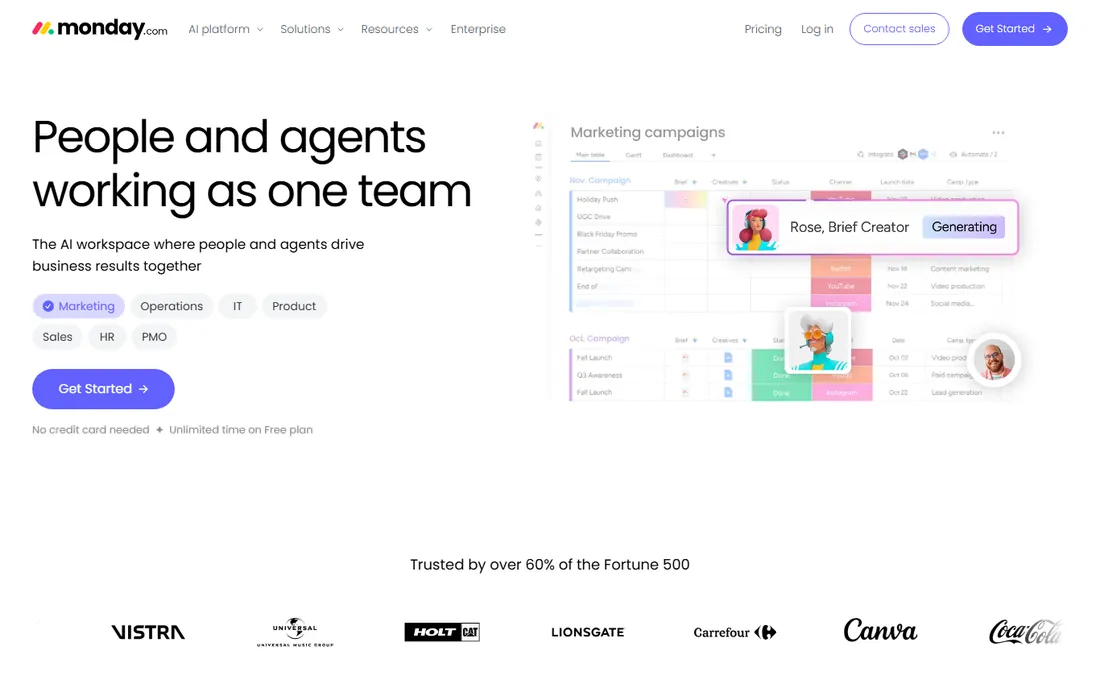
Monday.com is the friendly face of project management. Boards, columns and color-coded statuses make project state visible to people who would never open Jira, which is why non-technical startups adopt it fast. Basic at $9 per seat per month billed annually covers unlimited items and viewers, and Standard at $12 adds timeline and Gantt views, guest access and 250 automation runs a month. AI credits are now bundled with each seat tier rather than sold separately.
Two details change the math. Every paid plan has a 3-seat minimum, so a solo founder pays $27 a month minimum even using one seat. And Basic includes no automations at all, so most teams need Standard. Pro at $19 adds time tracking, private boards and 25,000 monthly automation actions. A ten-person team on Standard pays about $120 a month. For a mixed team that values visual clarity over engineering depth, that is a fair trade.
What we like- Visual boards that sales, marketing and ops teams grasp instantly
- AI credits now bundled with paid seats instead of a separate purchase
- 250 monthly automation and integration actions arrive at Standard
Watch out for- Paid plans require a minimum of 3 seats, so solo founders pay for three
- Basic has zero automations and no timeline view, making Standard at $12 the real entry point
#7
Trello
Best for: Startups that want the cheapest real paid plan and instant onboarding
Visit trello.com
Starting price$5/user/month (Standard, billed annually)
Free planYes (up to 10 boards per workspace)
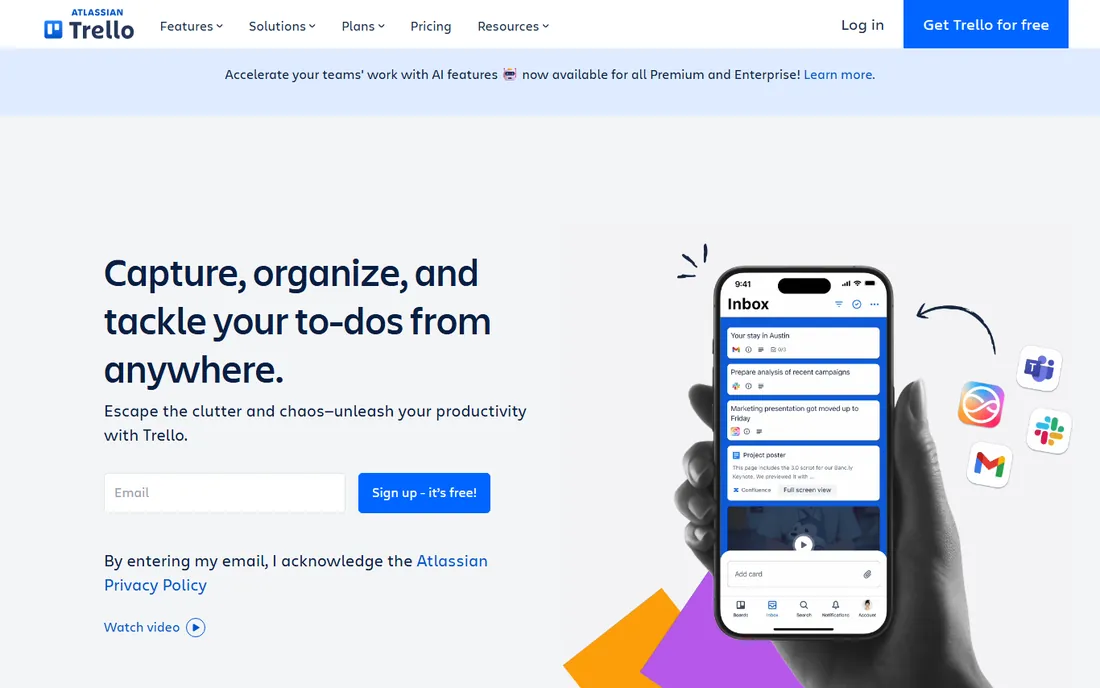
Trello is the cockroach of project tools: simple, cheap and impossible to kill. The free tier gives up to 10 collaborators, unlimited cards and unlimited Power-Ups, which covers a founding team running a handful of projects. Standard at $5 per user per month removes the board limit and adds custom fields, advanced checklists and 1,000 monthly automation runs. Premium at $10 adds calendar, timeline, dashboard and map views plus unlimited automations and Atlassian AI.
The ceiling arrives fast. Trello cannot model dependencies, reporting is thin, and large boards get unwieldy. Multi-board guests quietly become billable seats on paid plans, so the cheap headline price inflates as collaborators pile on. For a startup running simple pipelines, a content calendar and a hiring board, Trello is all you need. When your work becomes a sequenced program with dependencies, you have outgrown it, and that is the signal to look at Linear or Jira.
What we like- The lowest paid entry price in the category at $5 per user per month
- A new person understands a board in about ninety seconds, no training needed
- Free tier includes unlimited cards and unlimited Power-Ups
Watch out for- No real dependency management, so sequenced work gets tracked in your head
- Guests on two or more boards in a paid workspace count as billable seats
#8
Basecamp
Best for: Startups that will grow past 20 people and hate per-seat math
Visit basecamp.com
Starting price$299/month flat (Pro Unlimited, billed annually)
Free planFree trial (30 days)
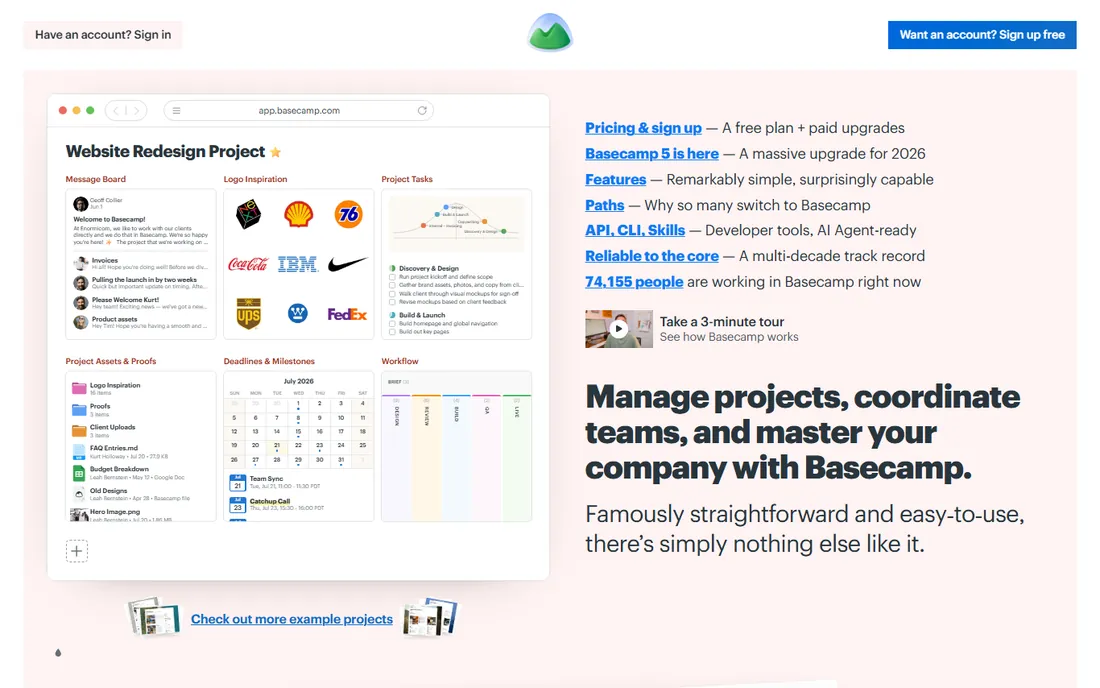
Basecamp is the only tool here that charges for the company, not the seat. Pro Unlimited is $299 a month on annual billing ($349 month to month) for unlimited users and projects. At ten people it looks overpriced against Trello or ClickUp. At 25 people it costs $12 a head. At 50 it costs $6, less than half of anything per-seat. The math flips somewhere around 20 people, and growing startups cross that line faster than they expect.
The product matches the pricing philosophy: opinionated, simple, and deliberately short on features. There is no Gantt chart, no workload view, no native AI. What you get is message boards, to-dos, schedules, file storage and check-ins that a team learns in an afternoon. 37signals also offers Plus at $15 per user per month for small teams that want per-seat pricing. For a startup that knows it will scale and wants one predictable line item, the flat rate is the point.
What we like- Flat pricing means headcount growth never raises the bill
- Deliberately simple, so teams adopt it without an admin or training program
- No native AI upsell, bring your own through the API
Watch out for- Feature depth is thin next to the per-seat tools, no Gantt or workload views
- $299 a month is expensive for a five-person team that could pay $35 on Trello
Buy for the team you will be, not the team you are
The mistake most startups make is comparing the starting prices. A five-person team comparing $5 Trello against $10 Linear sees a $25 monthly gap and calls it a decision. Eighteen months later at 25 people, the comparison is $125 against $250, plus whatever tier upgrades the growing team triggered along the way. The per-seat model punishes success.
Run the 20-person math before you sign. On annual billing, 20 seats cost roughly $100 on Trello Standard, $140 on ClickUp Unlimited, $180 on Monday Basic, $200 on Notion Plus and Asana Starter (before the block-of-five seat rule bites), $200 on Linear Basic, and $158 on Jira Standard. Basecamp flat at $299 stops looking expensive at exactly this point and starts looking cheap at 30. If your hiring plan says 20 people within a year, buy the tool whose 20-person price you can live with.
The other trap is the tier jump. Time tracking, portfolios, SSO and guest controls almost always sit one or two tiers above the advertised starting price. Check which features your team will need in six months and price that tier now. Asana Advanced, Notion Business and Monday Pro are the usual surprises. Free trials tell you whether the team likes the tool; they do not tell you what it will cost.
When to upgrade from free to paid
Free tiers in this category are real, not bait, and a disciplined founding team can run on one for a year. Jira free covers ten users with real agile features. Linear free covers unlimited members with capped teams and issues. ClickUp free covers unlimited members with capped storage. The upgrade triggers are consistent across all of them: you need guests with real permissions, you need audit logs or SSO for a customer security review, or you hit a usage cap that archiving cannot fix.
Do not upgrade for features you will not use. Paid tiers bundle automations, dashboards and AI that sound valuable and go untouched in teams under 15 people. Upgrade when a specific pain appears: the board limit blocks a new project, a customer questionnaire asks for SSO, or the free automation allowance runs out every month. Until then, the free tier is doing its job.
Frequently asked questions
How much should a startup budget for project management software?
For a ten-person team on annual billing, expect $50 to $220 a month: Trello Standard ($50), ClickUp Unlimited ($70), Monday Basic ($90), Notion Plus and Asana Starter ($100 to $110 each), Jira Standard ($79), Linear Basic ($100). Basecamp flat is $299 regardless of headcount. Budget the 20-person price, not the 5-person price.
Is Jira overkill for an early-stage startup?
For a non-technical team, yes. For a technical team that knows agile, no: the free tier covers ten users with unlimited projects and backlogs, and Rovo AI is bundled into paid plans. The overkill risk is administrative, not financial. Assign one person to own the configuration or the instance will get messy.
Which tool is cheapest for a remote team with contractors?
Notion and ClickUp, because guests are generous or free, which matters when contractors should not consume paid seats. Trello charges for guests on two or more boards in paid workspaces, and Monday's 3-seat minimum means you pay for seats you do not use. Asana does not charge for external guests on organization plans, which helps client-facing teams.
Should a startup use one tool for docs and project management?
Notion is the only tool here that does both credibly, and many startups run the company wiki plus light project tracking on it. Engineering teams usually outgrow its project side and add Linear or Jira while keeping Notion as the wiki. Buying two tools is normal; buying three is where the sprawl starts.
When do startups outgrow Trello?
When work becomes sequenced: task B cannot start until task A finishes, and the team needs that dependency modeled instead of remembered. The other signal is reporting: when leadership wants workload views, burndown charts or portfolio dashboards, Trello has nothing to offer. Most teams hit one of these between 10 and 20 people.
Can we start free and migrate later without losing work?
Yes, with planning. All eight tools export tasks and projects, and Linear, Jira and ClickUp ship importers for competitors' data. The painful part is never the tasks: it is the automations, custom fields and integrations, which do not transfer. Keep the configuration simple while you are on free, and the migration stays a weekend job.
How we chose
We started with the categories startup buyers actually search: project management software for startups, startup task management, and agile tools for small teams. For each candidate we opened the vendor's own pricing page, checked the free tier limits and the seat minimums, and compared features against public reviews on G2 and Capterra and practitioner discussion on Reddit. Where a price could not be verified on the vendor's page we wrote "See website" rather than guessing.
Sources we checked (8)
- https://linear.app/pricing
- https://www.atlassian.com/software/jira/pricing
- https://clickup.com/pricing
- https://asana.com/pricing
- https://www.notion.com/pricing
- https://monday.com/pricing
- https://trello.com/pricing
- https://basecamp.com/pricing
Is your product missing or out of date?
We review this list regularly. Vendors can request a listing, send updated pricing or ask about featured placement.

Shihab Mia · Founder, Rankite
Shihab has spent more than a decade helping SaaS and e-commerce brands grow through search. He writes Rankite's software buying guides from pricing pages, documentation and public user reviews. More about Shihab.