How we make this list: we compare pricing pages, product documentation and public user reviews. Rankite is independent; if a vendor ever pays for a featured spot, that listing is clearly labeled Partner.
Key takeaways
- Solopreneurs choose between two philosophies: task managers that capture everything (Todoist, TickTick, Any.do, Amazing Marvin) and daily planners that schedule the work onto a calendar (Sunsama, Motion, Akiflow). Notion sits in the middle as a build-your-own system.
- Four tools have genuinely useful free plans: Todoist, Notion, TickTick and Any.do. A solo business can run a long time before paying anything.
- Paid prices for one person range from TickTick Premium at $35.99/year to Akiflow at $34/month. Per-seat pricing, the usual PM complaint, barely matters when the team is you.
- The planners cost more because they do more: Sunsama ($19.99/month), Motion ($29/month annual) and Akiflow ($34/month) replace several tools, while the task managers stay cheap and simple.
Quick comparison
| Tool | Best for | Starting price | Free plan |
|---|
 Todoist Todoist | Solopreneurs who want the fastest, most reliable task capture on every device | Pro $7/month billed monthly ($5/month billed yearly, $60/year) | Yes (Beginner plan, free indefinitely) |
 Notion Notion | Solopreneurs who want to build a custom business operating system | Plus $10/member/month billed annually ($12 monthly); Business $20 ($24) | Yes (free for individuals, unlimited pages and blocks) |
 Sunsama Sunsama | Solopreneurs who want a calm, guided daily planning ritual | $19.99/month (single plan) | No (14-day free trial, no credit card required) |
 Motion Motion | Solopreneurs who want AI to schedule their tasks automatically | Pro AI $29/month billed annually (individual); $49 month-to-month | No (7-day free trial) |
 TickTick TickTick | Solopreneurs who want tasks, calendar, habits and focus timer in one cheap app | Premium $35.99/year (list $49.99); $4.99/month in app stores | Yes |
 Any.do Any.do | Solopreneurs who want the simplest possible list, calendar and reminders | Premium $4.99/month billed annually | Yes (Free Forever, no credit card) |
 Akiflow Akiflow | Solopreneurs juggling tasks across many tools who live on the keyboard | Pro $34/month billed monthly ($19/month billed yearly, $228/year) | No (7-day free trial, card required) |
 Amazing Marvin Amazing Marvin | Solopreneurs who want to customize every detail of their workflow | $12/month billed monthly ($8/month billed yearly, $96/year); $300 lifetime | No (free trial available) |
Is your product missing or out of date?
We review this list regularly. Vendors can request a listing, send updated pricing or ask about featured placement.
The best project management software for solopreneurs
Todoist's homepage says more than 50 million people use its to-do list, and it is only one of a dozen serious contenders for a solo operator's attention. When you are the whole company, the best project management software for solopreneurs is not a nice-to-have. It is the operations department: the task list, the calendar, the client tracker and the weekly review, all in one place.
Eight tools made this list, split between task managers, daily planners and one build-your-own system. Each entry shows the real price, whether a free plan exists, and the honest tradeoff for a one-person business.
#1
Todoist
Best for: Solopreneurs who want the fastest, most reliable task capture on every device
Visit todoist.com
Starting pricePro $7/month billed monthly ($5/month billed yearly, $60/year)
Free planYes (Beginner plan, free indefinitely)
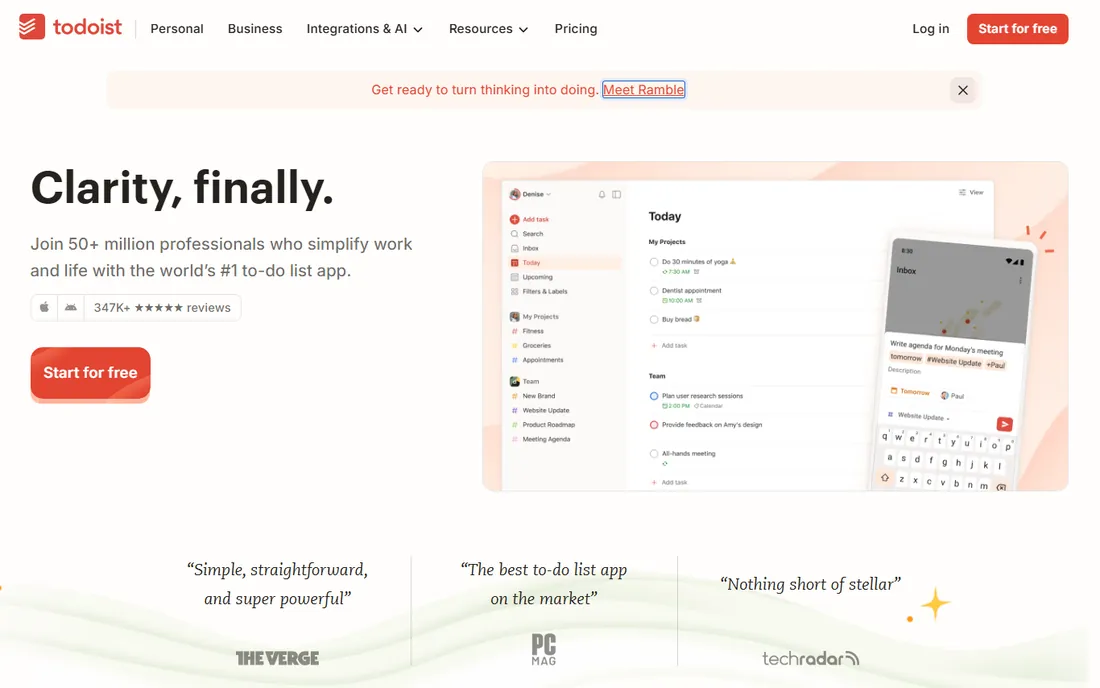
Todoist is the default solo task manager for a reason. Type "call accountant tomorrow at 10am #clients" and it becomes a scheduled, labeled task with a reminder. Projects, filters, labels and priorities handle the organization, and the app is on essentially every platform with sync that just works. The free Beginner plan includes 5 active projects and core features indefinitely, which is enough for many one-person businesses to never pay.
The honest limit is planning depth. Todoist captures and organizes tasks beautifully but does not timebox your day or auto-schedule work onto a calendar the way Sunsama or Motion do. Pro at $7 per month monthly ($5 on annual) adds reminders, calendar layout, filters and the AI Assist features. For pure task management, nothing here is faster. For day planning, pair it with a calendar or pick a planner below.
What we like- Natural-language task entry is still the quickest in the business
- Runs on phone, tablet, watch, desktop and web with fast sync
- The free Beginner plan covers real work
Watch out for- No built-in timeboxing or calendar scheduling depth
- The December 2025 price increase pushed Pro to $7/month monthly
#2
Notion
Best for: Solopreneurs who want to build a custom business operating system
Visit notion.so
Starting pricePlus $10/member/month billed annually ($12 monthly); Business $20 ($24)
Free planYes (free for individuals, unlimited pages and blocks)
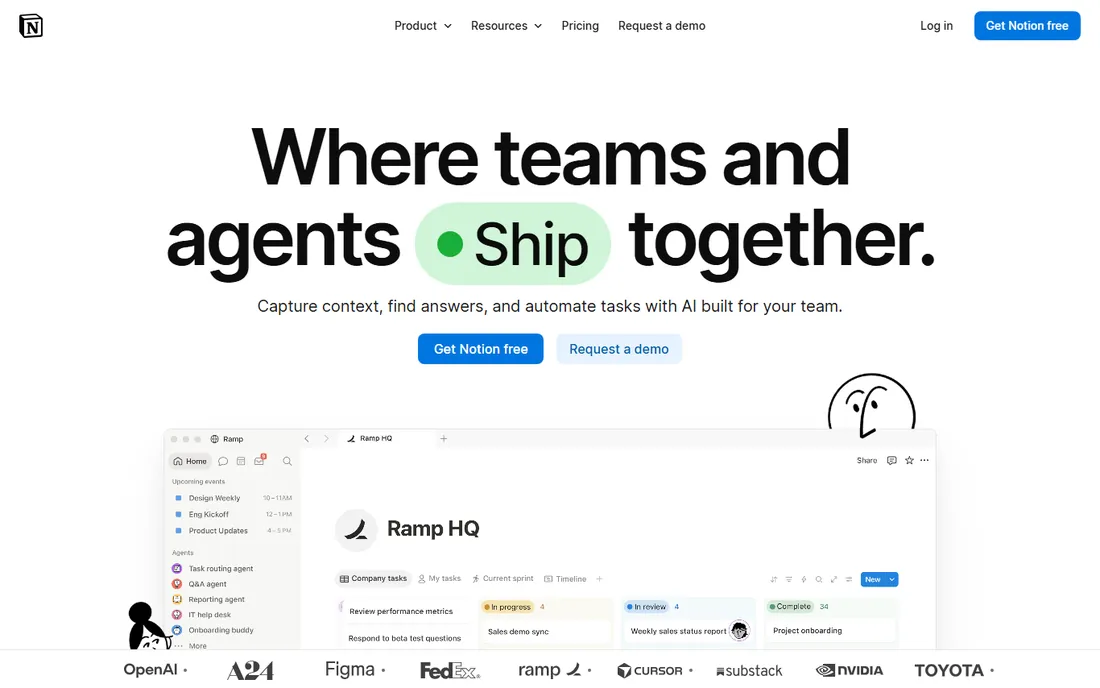
Notion is the build-your-own option. A solopreneur can run client records, project trackers, a content calendar, invoices and a knowledge base in one workspace, linked together with relational databases. Templates from the community shortcut the setup. The free plan gives individuals unlimited pages and blocks, so the core system costs nothing until you need collaboration or version history.
The tradeoff is the blank page. Notion ships no opinion about how to run your week, so you spend hours designing databases and views before it pays off. For a solo operator who enjoys building systems, that is the appeal. For one who wants to open the app and start working, Todoist or TickTick will feel calmer. Plus at $10 per month is worth it when you start sharing work with clients or contractors.
What we like- One workspace for tasks, client CRM, content calendar, finances and docs
- The free plan is generous enough that many solos never upgrade
Watch out for- You build every workflow yourself, which costs setup time
- Per-member pricing means collaborators each add cost
#3
Sunsama
Best for: Solopreneurs who want a calm, guided daily planning ritual
Visit sunsama.com
Starting price$19.99/month (single plan)
Free planNo (14-day free trial, no credit card required)
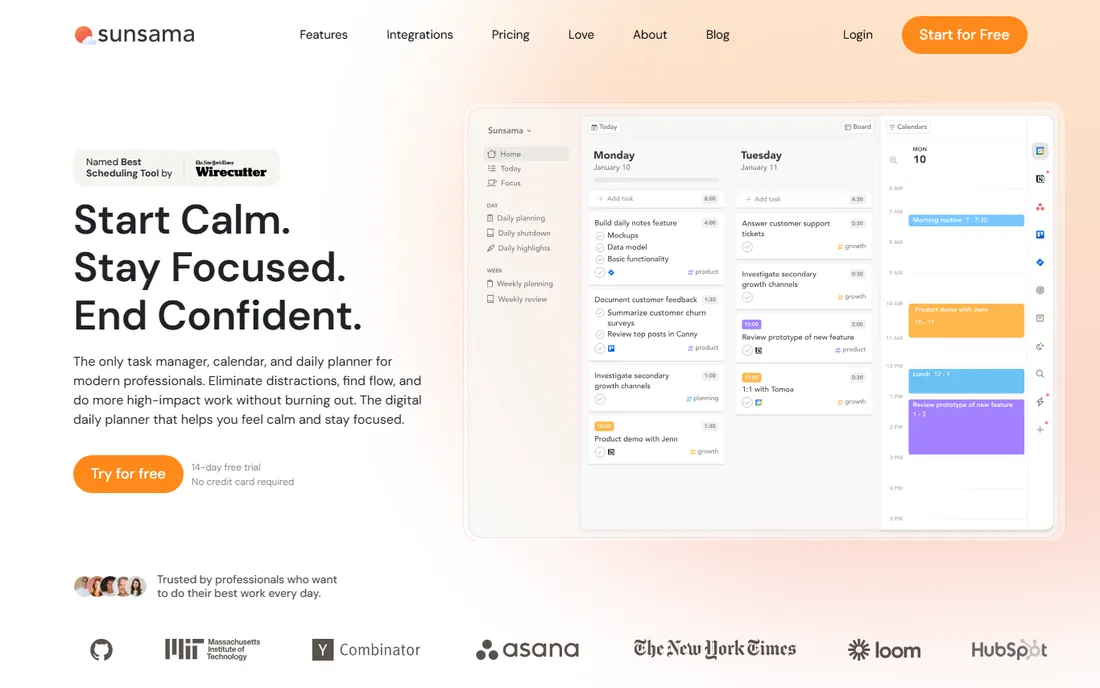
Sunsama is a philosophy disguised as software. Each morning it walks you through planning the day: pull tasks from your tools, estimate how long each takes, drag them onto the calendar, and let it warn you when the day is overfull. Each evening the shutdown ritual reviews what got done and rolls the rest forward. For solopreneurs drowning in reactive work, that structure is the product.
The price reflects the positioning. At $19.99 per month with no free tier, it costs more than most task managers charge per year. The 14-day trial is the way to test whether the ritual sticks for you. If it does, Sunsama replaces a task manager, a time tracker and a paper planner. If the daily ceremony feels like homework, the cheaper tools below do the capturing without the coaching.
What we like- The guided daily planning flow (plan the day, timebox tasks, shutdown review) builds a real productivity habit
- Two-way sync with Google Calendar, Outlook, Todoist, Asana and more
Watch out for- $19.99/month is steep for a solo user with no free tier
- The ritual demands daily attention, which occasional planners may resent
#4
Motion
Best for: Solopreneurs who want AI to schedule their tasks automatically
Visit usemotion.com
Starting pricePro AI $29/month billed annually (individual); $49 month-to-month
Free planNo (7-day free trial)
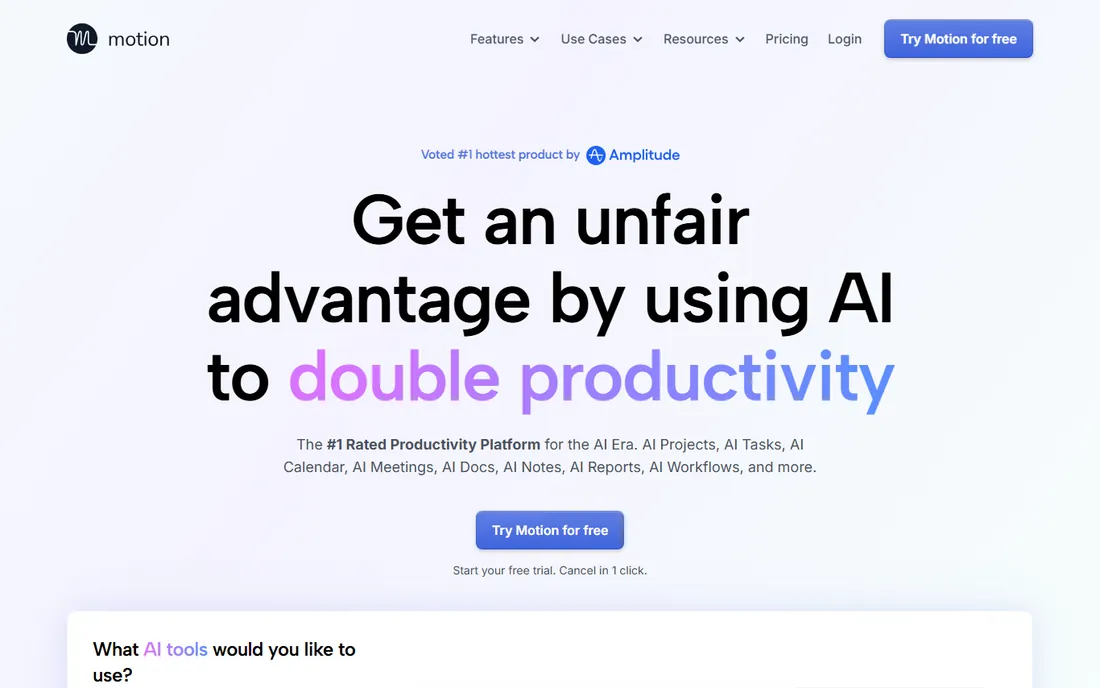
Motion is the autopilot option. Give it tasks with deadlines and priorities and it schedules them onto your calendar, then rebuilds the plan automatically when a meeting moves or a task runs long. Beyond scheduling it now bundles project management, docs, meeting transcription and AI assistants, aiming to replace several subscriptions at once.
The pricing needs a careful read. The headline $19 per seat per month is the team rate; an individual pays $29 per month on annual billing or $49 month-to-month for Pro AI. That is the most expensive solo price on this list. The 7-day trial requires a payment card. For a deadline-driven freelancer juggling client work, the auto-scheduling can genuinely replace daily planning time. For simpler workloads, it is more software than the job needs.
What we like- Auto-scheduling builds your day from task deadlines and priorities and reshuffles when plans change
- Combines tasks, projects, calendar and docs in one app
Watch out for- The individual price ($29/month annual) is well above the team per-seat rate shown on the pricing page
- The 7-day trial requires a card and converts unless canceled
#5
TickTick
Best for: Solopreneurs who want tasks, calendar, habits and focus timer in one cheap app
Visit ticktick.com
Starting pricePremium $35.99/year (list $49.99); $4.99/month in app stores
Free planYes
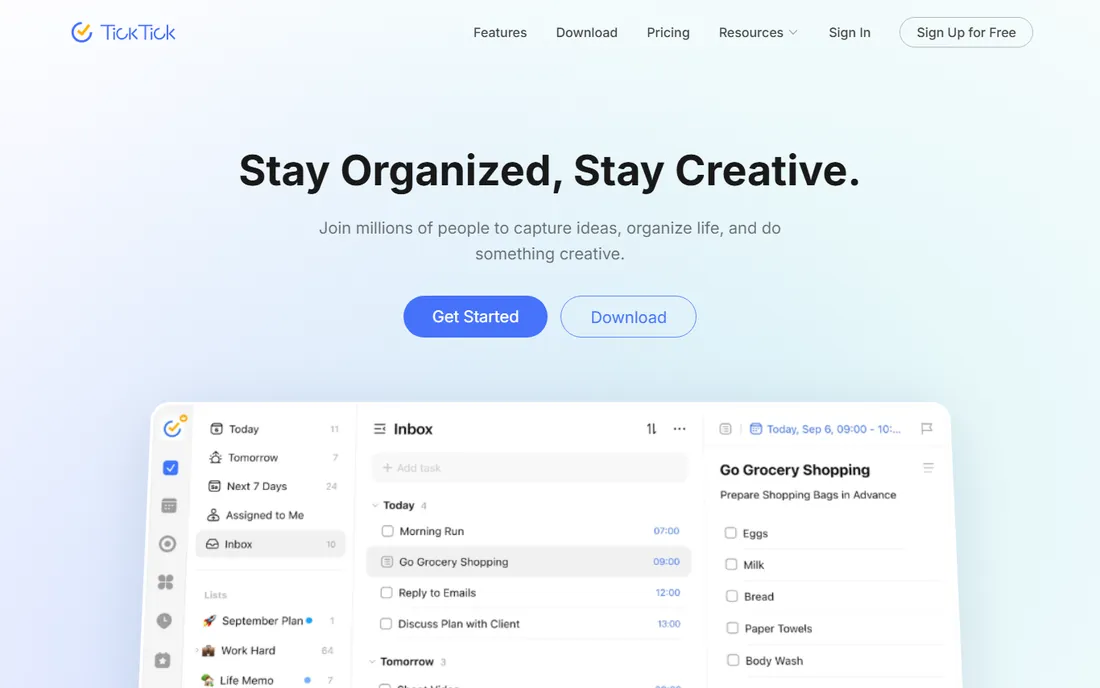
TickTick is the Swiss-army pick. Where Todoist focuses on task capture, TickTick adds a full calendar, habit tracking, a Pomodoro focus timer with white noise, and statistics on your productivity, all for $35.99 per year. The free plan covers core task management with sensible limits. For a solopreneur who wants one app for tasks, schedule, habits and focus sessions, nothing else here matches the feature-per-dollar ratio.
The cost of breadth is visual noise. TickTick's interface shows more buttons and panels than Todoist's calm lists, and it takes longer to feel like yours. Collaboration is present but basic. At under $3 per month effective on the annual plan, though, it is the cheapest paid upgrade on this list by a wide margin, and the free plan alone beats many paid competitors.
What we like- Remarkable breadth for the price: calendar views, habit tracker, Pomodoro timer, white noise and Eisenhower Matrix
- One subscription covers web, iOS, Android, Windows, Mac and Linux
Watch out for- The interface packs in a lot, which can feel busy
- Collaboration features are basic compared with team tools
#6
Any.do
Best for: Solopreneurs who want the simplest possible list, calendar and reminders
Visit any.do
Starting pricePremium $4.99/month billed annually
Free planYes (Free Forever, no credit card)
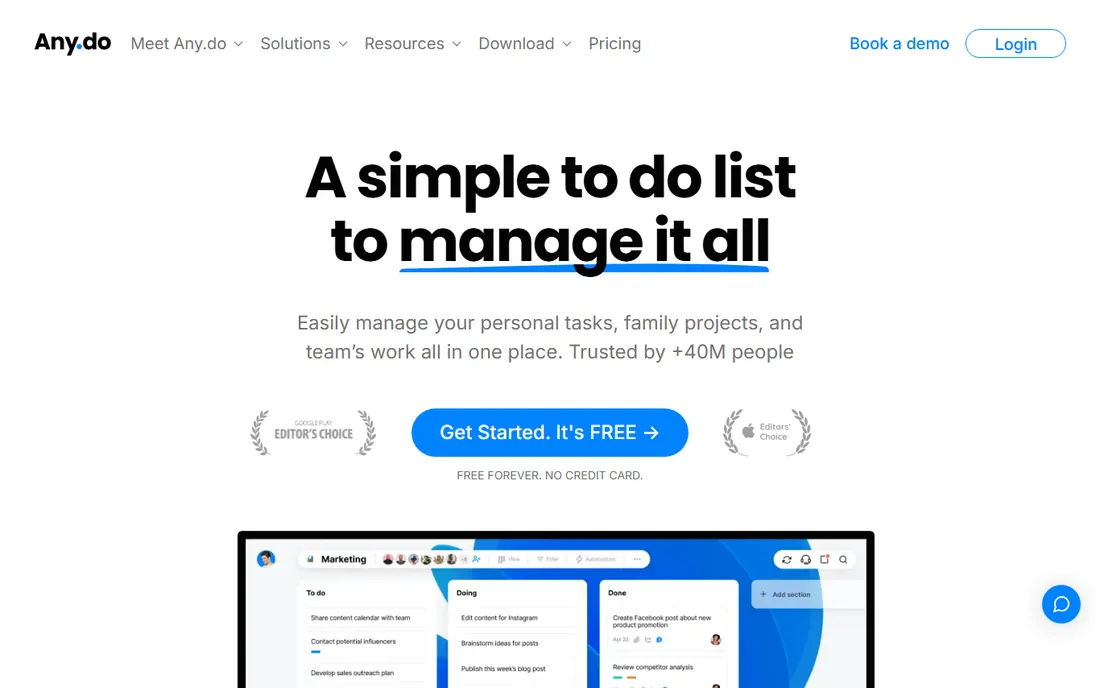
Any.do is the minimal viable task manager, and that is the point. Lists, a daily planner view, calendar, and reminders including time, location and WhatsApp-based nudges cover what most solo operators actually use. The free plan is free forever with no credit card, and Premium at $4.99 per month billed annually adds recurring tasks, color tags, AI features and integrations.
It will not replace a project system. Subtask depth, filtering and reporting are lighter than Todoist, and there is no timeboxing or auto-scheduling. But for a solopreneur whose needs are capture, remind and check off, Any.do is the least software that does the job, with the friendliest free plan here.
What we like- Dead-simple task lists with a clean daily planner view
- WhatsApp reminders and location-based reminders are unusual at this price
- Genuinely free tier
Watch out for- Task management depth is thinner than Todoist or TickTick
- Advanced features like recurring tasks and integrations need Premium
#7
Akiflow
Best for: Solopreneurs juggling tasks across many tools who live on the keyboard
Visit akiflow.com
Starting pricePro $34/month billed monthly ($19/month billed yearly, $228/year)
Free planNo (7-day free trial, card required)
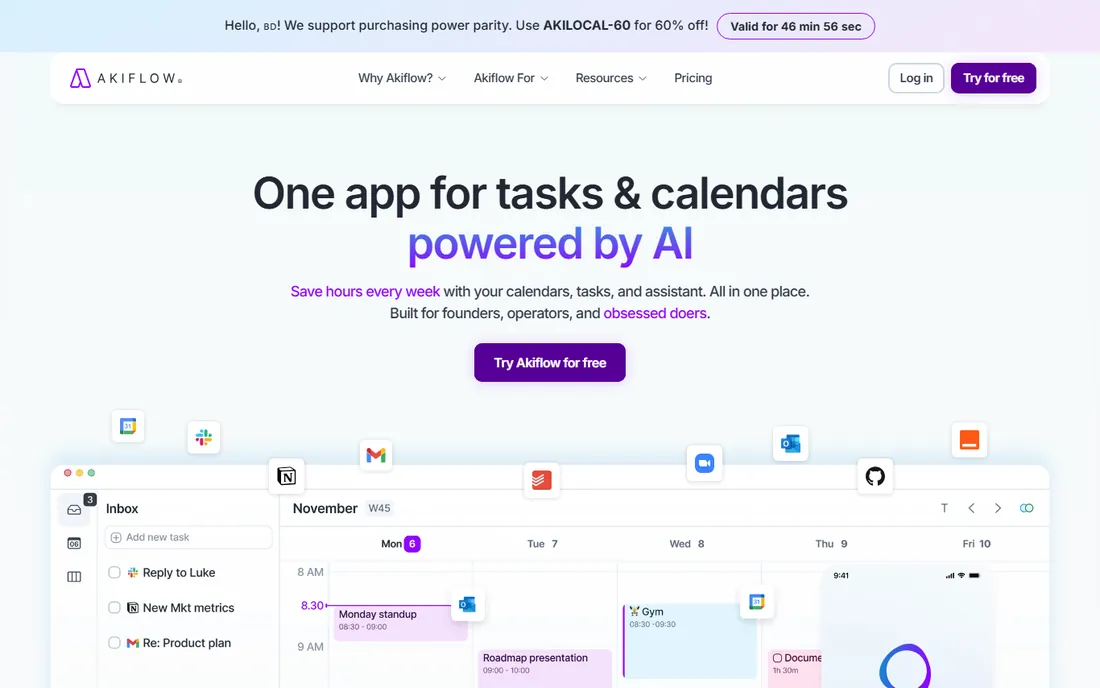
Akiflow is the inbox for your work. If your tasks live in Gmail threads, Slack messages, Notion pages and a Todoist list, Akiflow pulls them into one command-bar-driven inbox and lets you drag them onto the calendar. The keyboard-first design rewards power users: capture, prioritize and timebox without touching the mouse. Aki, the AI assistant, and the meeting assistant add-on extend it further.
The price is the conversation. At $34 per month billed monthly, it costs more than Sunsama and far more than any task manager here; the annual plan at $19 per month softens it. There is no free tier and the trial needs a card. For a solopreneur whose work arrives through ten channels, the consolidation is worth it. For one whose work arrives through two, it is overkill.
What we like- Pulls tasks from 15-plus tools (Gmail, Slack, Notion, Todoist, Asana, ClickUp) into one inbox with two-way sync
- The command bar makes capture and scheduling genuinely fast
Watch out for- $34/month monthly is premium pricing for a solo user
- The 7-day trial requires a card
- No free plan
#8
Amazing Marvin
Best for: Solopreneurs who want to customize every detail of their workflow
Visit amazingmarvin.com
Starting price$12/month billed monthly ($8/month billed yearly, $96/year); $300 lifetime
Free planNo (free trial available)
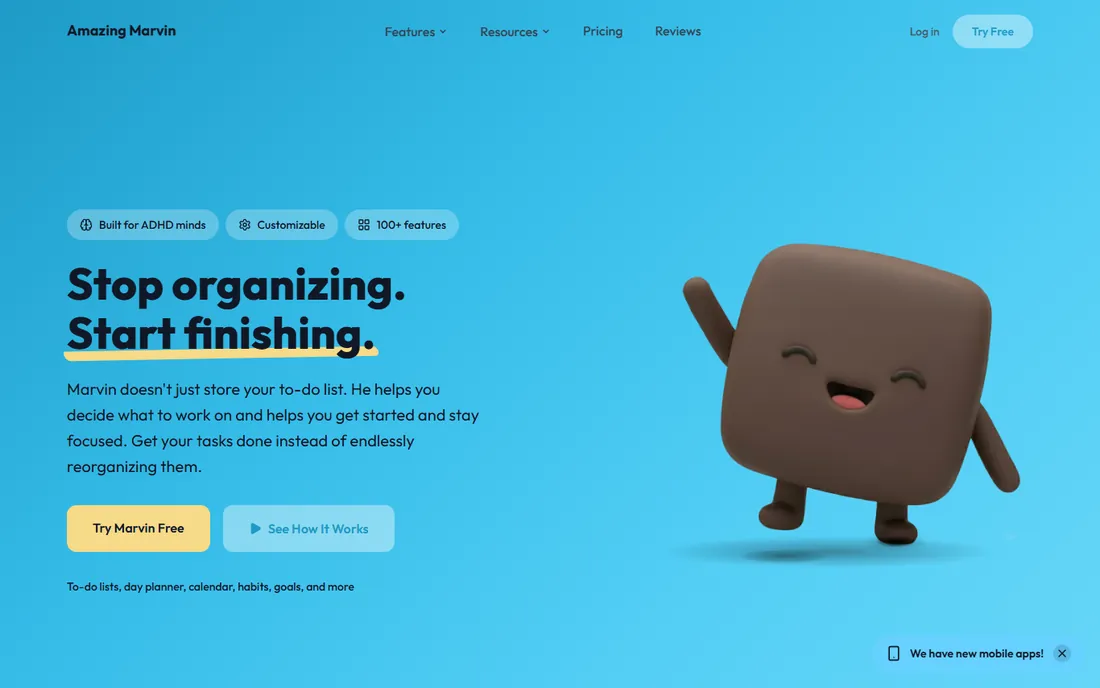
Amazing Marvin is the tinkerer's task manager. Dozens of toggleable features let you build exactly your system: time blocking, habit tracking, Pomodoro timers, reward scheduling, backlog management, each switched on or off. The design draws on behavioral psychology, with features aimed at procrastination and focus that the mainstream tools skip. The $300 lifetime purchase is unique on this list and pays for itself in about three years against the annual plan.
The honest warning is the setup cost. Marvin's flexibility means decisions: which of the many strategies to enable, how to configure views, how to structure the day. New users report a real learning curve before it clicks. The mobile experience lags the desktop. For a solopreneur who has tried every task manager and found them all too rigid, Marvin is the one that bends. For everyone else, start simpler.
What we like- Extraordinary customization: toggleable strategies, views and workflows built on behavioral science
- The $300 lifetime option ends the subscription treadmill
Watch out for- The learning curve is real
- The interface and mobile apps feel less polished than the bigger names
Planners vs. task managers: which one does a solopreneur need?
Task managers (Todoist, TickTick, Any.do, Amazing Marvin) answer "what do I need to do?" They capture fast, organize flexibly, and stay out of the way. Daily planners (Sunsama, Motion, Akiflow) answer "when will I do it?" They put the work on the calendar, estimate durations, and protect focus time. Notion answers "where does everything live?" by holding the whole business system.
Most solopreneurs need the first answer daily and the second answer weekly. A practical setup is a task manager for capture plus a weekly calendar review for scheduling, which the free tiers here cover. The planners earn their higher prices when reactive work keeps eating the important work: the ritual (Sunsama), the automation (Motion) or the consolidation (Akiflow) is the fix, not more features.
Start with the cheapest tool that matches your bottleneck. If tasks slip through the cracks, buy capture (Todoist, TickTick). If the calendar controls you instead of the reverse, buy planning (Sunsama, Motion). If your business data is scattered, buy the system (Notion). Upgrade only when the free tier's limits, not its features, start costing you time.
Price first, because solo math is simple. There are no seats to multiply, so compare the annual totals directly: TickTick $35.99/year, Any.do about $60/year, Todoist $60/year, Amazing Marvin $96/year, Akiflow $228/year, Sunsama about $240/year, Motion $348/year. Monthly billing costs more everywhere it is offered. The free tiers (Todoist, Notion, TickTick, Any.do) mean you can run months before spending anything.
Platform second. A solopreneur's task manager must be where the work happens: phone for capture on the go, desktop for planning, web for everything else. Check the mobile apps specifically, because that is where Amazing Marvin and some planners are weakest and where Todoist, TickTick and Any.do are strongest.
Staying power third. Your task system holds years of your business history, so vendor longevity matters. Todoist has been built for nearly two decades by an independent company. Notion is a well-funded standard. The planners are younger and venture-backed, which is fine, but keep an export habit regardless of which you choose.
How we chose
We started with the searches solo buyers run: best project management software for solopreneurs, best task manager for freelancers, and best daily planner app. For each candidate we opened the vendor's official website and pricing page, checked plan details against public reviews on G2, Capterra and the App Store and practitioner discussion on Reddit, and weighed solo-specific fit: single-user pricing, mobile app quality, capture speed, calendar integration and the learning curve for one person with no IT department. Where a price could not be verified on the vendor's own page we wrote "See website" instead of guessing. No vendor paid for placement.
Frequently asked questions
What is the best project management software for solopreneurs?
For most solos, Todoist (free to start, $60/year Pro) or TickTick (free, $35.99/year Premium) cover task management completely. If your problem is planning the day rather than capturing tasks, Sunsama ($19.99/month) or Motion ($29/month annual) schedule the work for you. If you want one system for tasks, clients and docs, build it in Notion (free for individuals).
How much should a solopreneur pay for project management software?
Most solo operators should pay between $0 and $100 per year. The free tiers of Todoist, Notion, TickTick and Any.do handle real businesses. Paid upgrades run $35.99 to $96 per year for task managers. The daily planners cost $228 to $348 per year, which is worth it only if planning, not capturing, is your bottleneck.
Is Notion good for solopreneurs?
Yes, with a caveat. Notion is excellent as a business operating system: clients, projects, content, finances and docs in one free workspace. It is weaker as a daily task manager, because you build every workflow yourself. Many solos pair Notion for the system with Todoist or TickTick for the daily task list.
Do I need a daily planner or a task manager?
A task manager if tasks slip through the cracks. A daily planner if your days fill up with reactive work and the important projects never get time. Try the free task managers first; move to Sunsama, Motion or Akiflow when you can point to the specific planning problem the task list is not solving.
Can I run a solo business on free project management software?
Yes, for a long time. Todoist's free plan, Notion's free individual workspace, TickTick's free tier and Any.do's free-forever plan together cover tasks, docs, calendar and reminders at $0. Pay when a limit costs you real time: usually reminders and filters (Todoist Pro), collaboration (Notion Plus), or the planning ritual itself (Sunsama, Motion, Akiflow).
Sources we checked (10)
- https://todoist.com
- https://notion.so/
- https://www.sunsama.com/
- https://www.usemotion.com/
- https://ticktick.com/
- https://any.do/
- https://www.akiflow.com/
- https://www.amazingmarvin.com/
- https://www.g2.com/categories/task-management
- https://www.capterra.com/project-management-software/
Is your product missing or out of date?
We review this list regularly. Vendors can request a listing, send updated pricing or ask about featured placement.

Shihab Mia · Founder, Rankite
Shihab has spent more than a decade helping SaaS and e-commerce brands grow through search. He writes Rankite's software buying guides from pricing pages, documentation and public user reviews. More about Shihab.