How we make this list: we compare pricing pages, product documentation and public user reviews. Rankite is independent; if a vendor ever pays for a featured spot, that listing is clearly labeled Partner.
Key takeaways
- Trello at $5 a user a month is the simplest real project tool, with a generous free tier for teams that think in kanban boards.
- Asana Starter at $10.99 a user a month offers the best balance of structure and ease of adoption for small teams.
- Monday.com starts at $9 a seat but its 3-seat minimum and seat buckets inflate the bill for awkward team sizes.
- ClickUp at $7 a user a month packs the most features per dollar, with a free tier that stays usable far longer than rivals.
- Basecamp at $15 a user a month (or $299 flat for unlimited users) is the calm choice for teams that want communication and projects in one place.
Quick comparison
| Tool | Best for | Starting price | Free plan |
|---|
 Trello Trello | small teams that run on kanban boards | $5/user/month (Standard, billed annually) | Yes |
 Asana Asana | small teams that want structure without a learning curve | $10.99/user/month (Starter, billed annually) | Yes |
 Monday.com Monday.com | visual teams that build their own workflows | $9/seat/month (Basic, billed annually) | Yes |
 ClickUp ClickUp | teams that want everything in one workspace | $7/user/month (Unlimited, billed annually) | Yes |
 Basecamp Basecamp | remote teams that want calm, async project communication | $15/user/month (Pro) | Yes (1 project) |
 Notion Notion | teams that live in docs and need light project tracking | $10/user/month (Plus, billed annually) | Yes |
 Todoist Todoist | small teams that just need excellent task lists | $4/user/month (Pro, billed annually) | Yes |
Is your product missing or out of date?
We review this list regularly. Vendors can request a listing, send updated pricing or ask about featured placement.
The best project management software for small businesses
Small businesses buy project management software for two different jobs. The first needs real project structure: timelines, dependencies, workload views, automations and reporting that keep a growing team coordinated. The second needs something lighter: shared task lists, kanban boards and a place where everyone knows what is happening this week.
The first buyer should compare Asana, Monday.com and ClickUp, which scale from simple task lists to portfolios and resource management. The second fits Trello, Basecamp, Notion and Todoist, which trade depth for simplicity and cost far less. Picking a heavyweight tool for a lightweight job is the classic mistake: the team stops updating it within a month.
Prices run from free to about $11 a user a month at entry, but the seat model matters as much as the price.
Starting price$5/user/month (Standard, billed annually)
Free planYes
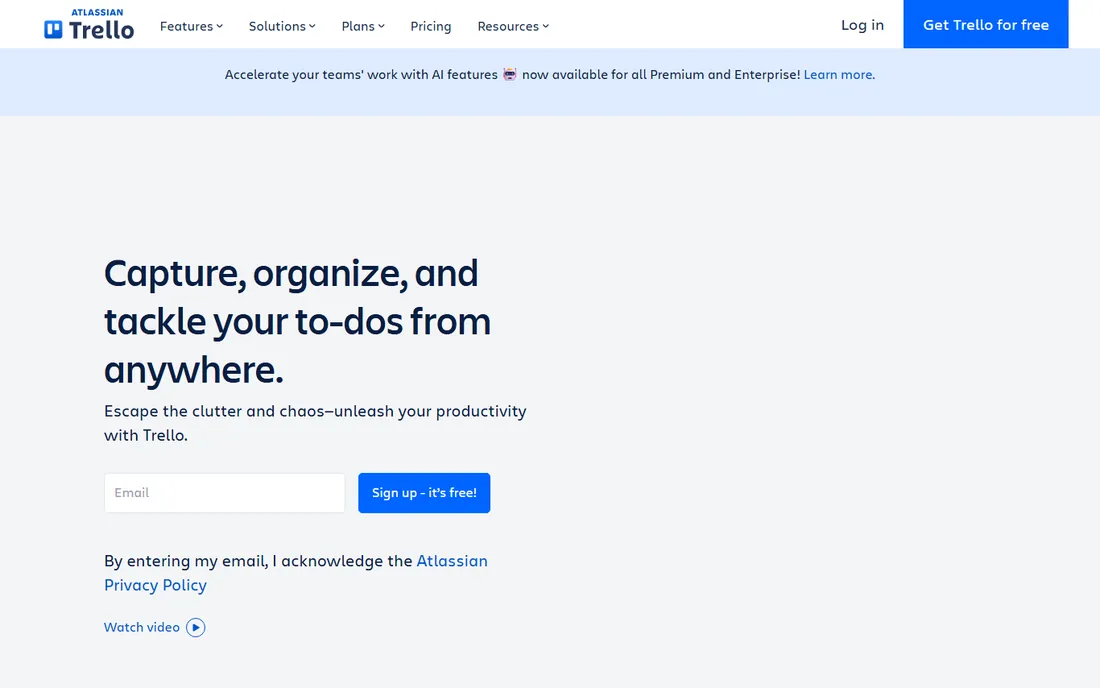
Trello is what most teams mean when they say they want something simple: boards, lists and cards that anyone understands in minutes. The free tier covers unlimited cards with 10 boards per workspace, while Standard at $5 a user a month adds unlimited boards, custom fields and 1,000 automation runs. Premium at $10 adds timeline, calendar, table and dashboard views.
Teams outgrow Trello when work spans multiple linked projects or needs real reporting. But for a small business running straightforward projects where a kanban board is honestly enough, nothing is faster to adopt or cheaper to run.
What we like- Near-zero learning curve with drag-and-drop boards
- Free tier covers unlimited cards
- Butler automation handles routine card work
Watch out for- Free tier caps at 10 boards per workspace
- Deliberately lightweight, so no dependencies or resource management
#2
Asana
Best for: small teams that want structure without a learning curve
Visit asana.com
Starting price$10.99/user/month (Starter, billed annually)
Free planYes
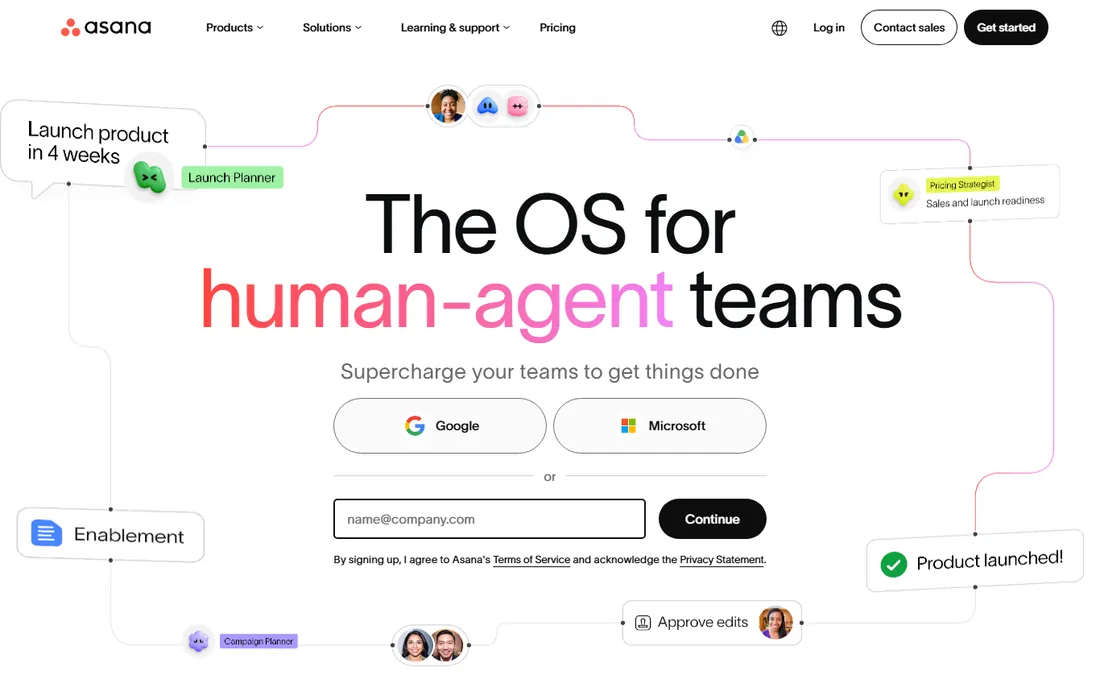
Asana organizes work as tasks with clear owners in list, board, calendar and timeline views, and new hires figure it out on day one. Starter at $10.99 a user a month adds timeline views, a workflow builder, dashboards and unlimited automation rules, which is where it pulls ahead of Trello for real project management. Advanced at $24.99 adds portfolios, goals, workload and time tracking.
Asana is cheaper than Monday.com for very small teams with no seat minimums, and its unlimited rules beat Monday's metered automations. For a small business that wants projects actually managed rather than just listed, it is the easiest tool to adopt.
What we like- Clear task ownership with one assignee per task
- Unlimited automation rules from Starter
- Unlimited free guests on paid plans
Watch out for- Advanced at $24.99 is a steep jump for portfolios and workload
- Free plan has shrunk to 2 users
#3
Monday.com
Best for: visual teams that build their own workflows
Visit monday.com
Starting price$9/seat/month (Basic, billed annually)
Free planYes
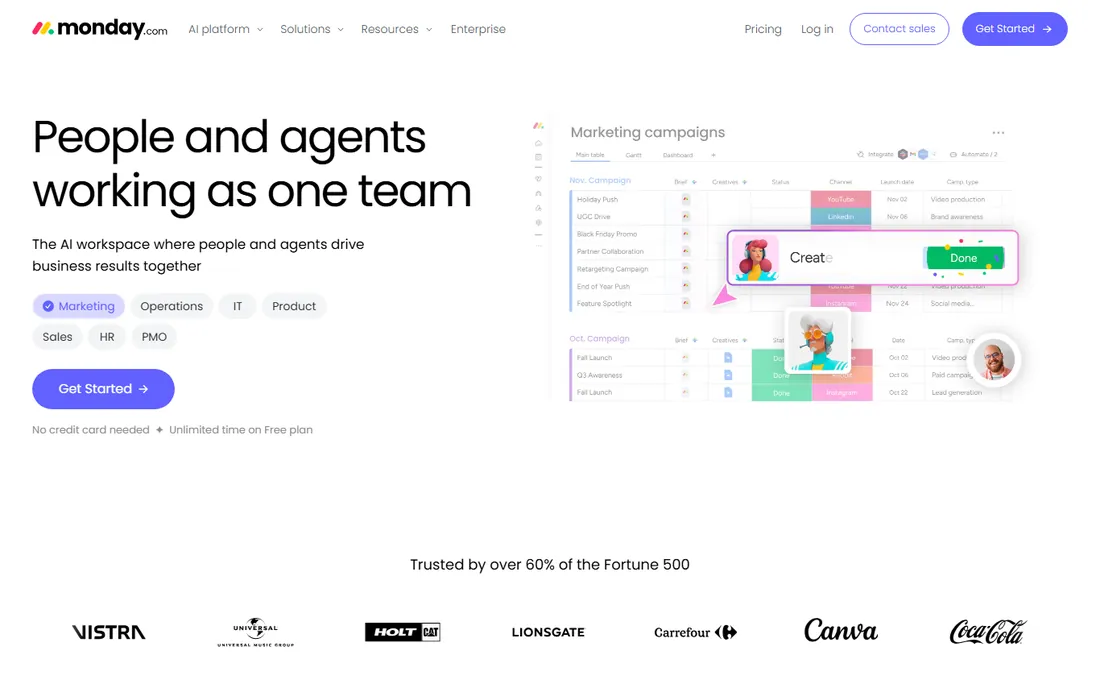
Monday.com is the most flexible board tool here: columns, views and workflows you shape to your process rather than adapting to the tool's. Basic at $9 a seat covers unlimited items and boards, while Standard at $12 adds timeline views, automations and integrations, and Pro at $19 adds time tracking and 25,000 automation actions.
The pricing mechanics sting small teams: a 3-seat minimum on every paid plan, seats sold in buckets, and Basic missing automations entirely. A two-person team pays for three seats of a plan without automation. For teams that will use the flexibility, Standard is the real entry point.
What we like- Boards flex into almost any workflow with column types and views
- Huge template library
- Strong visual customization
Watch out for- 3-seat minimum and seat buckets inflate bills at awkward team sizes
- Basic has no automations or integrations
Starting price$7/user/month (Unlimited, billed annually)
Free planYes
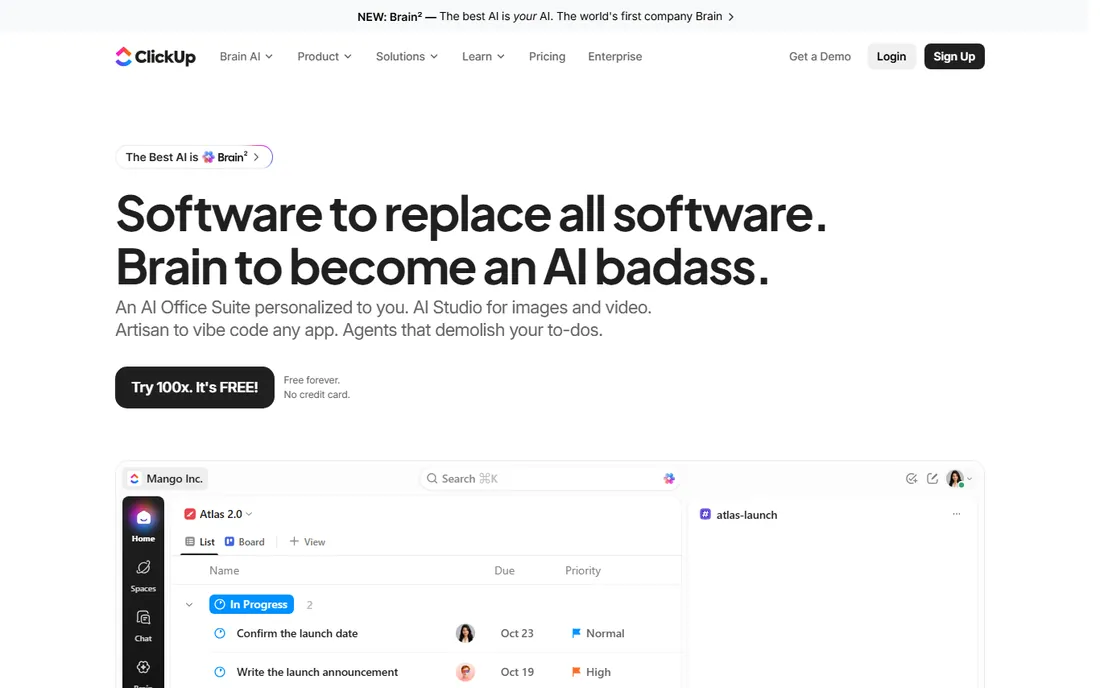
ClickUp packs tasks, docs, whiteboards, chat, goals, sprints and time tracking into one workspace for $7 a user a month on Unlimited, with Business at $12 adding more storage and advanced features. The free tier with unlimited members stays genuinely usable far longer than rivals, and ClickUp Brain adds AI assistance at $9 a user a month.
The breadth is the double-edged sword: setup takes real effort, and teams without an owner for the workspace end up with a mess. But for small businesses that would otherwise buy three tools, ClickUp's all-in-one value is unmatched.
What we like- Most features per dollar in the category
- Free tier stays usable with unlimited members
- Docs, whiteboards, goals and time tracking built in
Watch out for- Configuration depth overwhelms new users
- Guest-to-member billing changes have surprised some teams
#5
Basecamp
Best for: remote teams that want calm, async project communication
Visit basecamp.com
Starting price$15/user/month (Pro)
Free planYes (1 project)
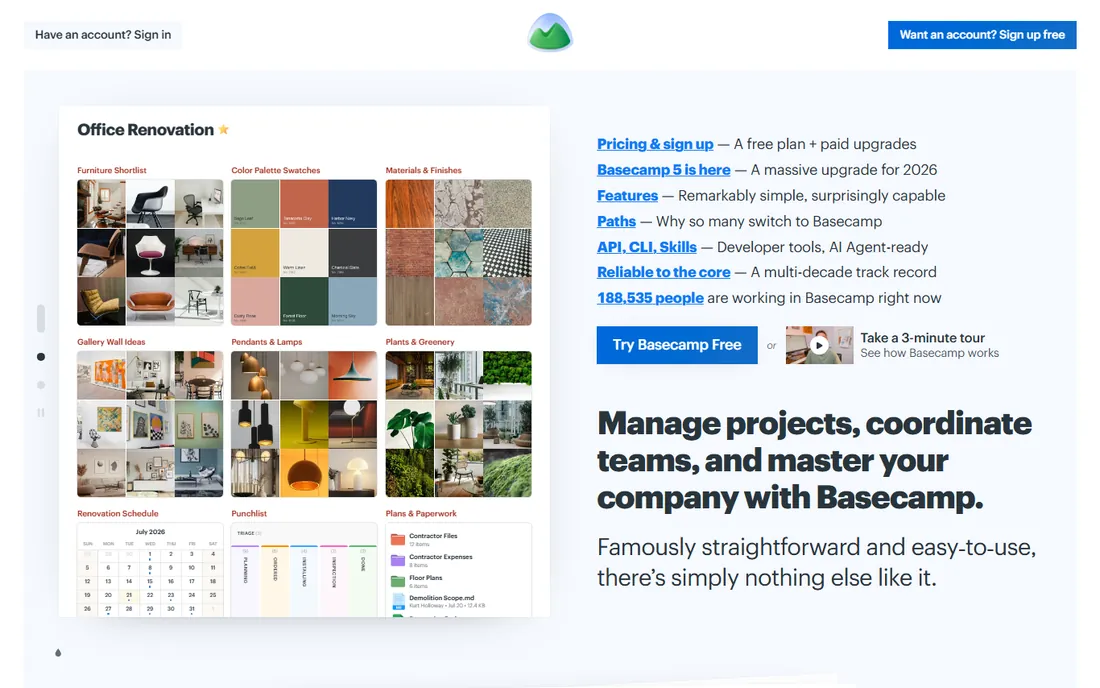
Basecamp has been the anti-complexity option for twenty years: projects contain to-do lists, message boards, schedules and docs, and the whole team understands it in minutes. Pro at $15 a user a month suits small teams, while Pro Unlimited at $299 flat a month (annual billing) covers unlimited users, which beats every per-seat tool past 20 people.
It is not a project management tool in the engineering sense: no dependencies, weak reporting, no automation to speak of. But for agencies and remote teams where async communication is the actual bottleneck, Basecamp's calm is the feature.
What we like- Projects, message boards, to-dos and docs in one calm interface
- Flat $299 Pro Unlimited plan for unlimited users
- Almost no learning curve
Watch out for- No real workflow automation
- Free tier caps at a single project
#6
Notion
Best for: teams that live in docs and need light project tracking
Visit notion.so
Starting price$10/user/month (Plus, billed annually)
Free planYes
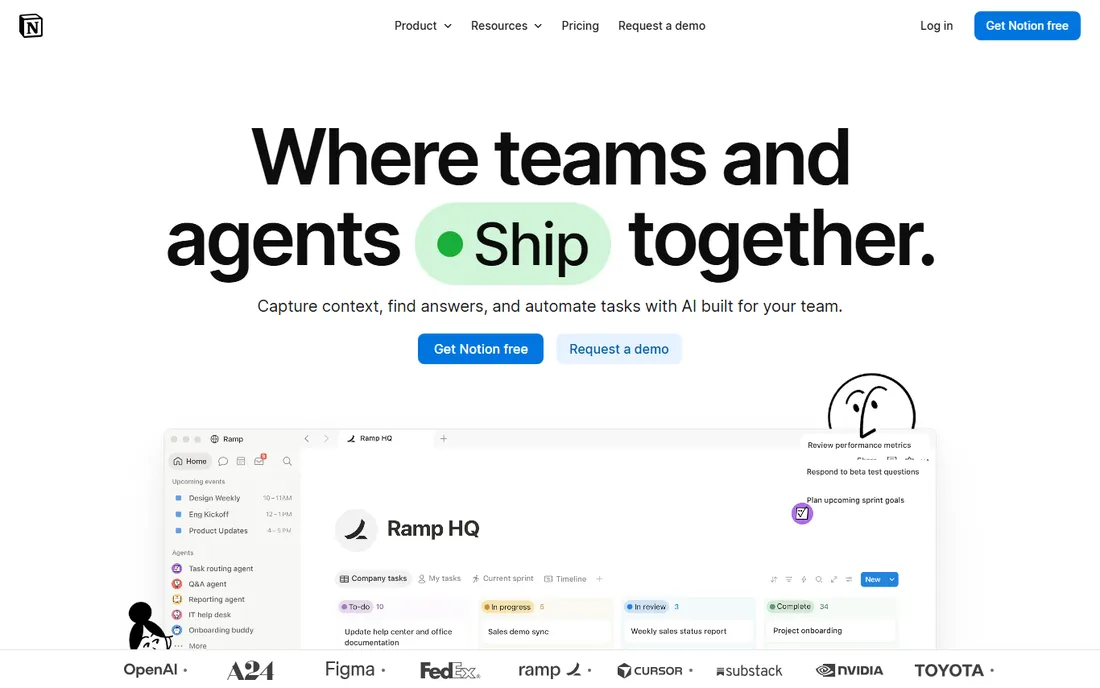
Notion is the docs-first pick: wikis, meeting notes, databases and task boards in one workspace that the whole company can live in. Plus at $10 a user a month adds unlimited file uploads, longer page history and more guests, while the free tier covers individuals and tiny teams well.
It is not a project management tool at heart: timelines are basic, resource management does not exist, and complex projects need creative database work. But for startups and content teams under 30 people where docs and tasks belong together, Notion replaces two tools with one.
What we like- Docs, wikis and databases in one flexible workspace
- Generous free tier for individuals
- Huge template community
Watch out for- Project features are light next to dedicated tools
- No real Gantt or resource management without workarounds
#7
Todoist
Best for: small teams that just need excellent task lists
Visit todoist.com
Starting price$4/user/month (Pro, billed annually)
Free planYes
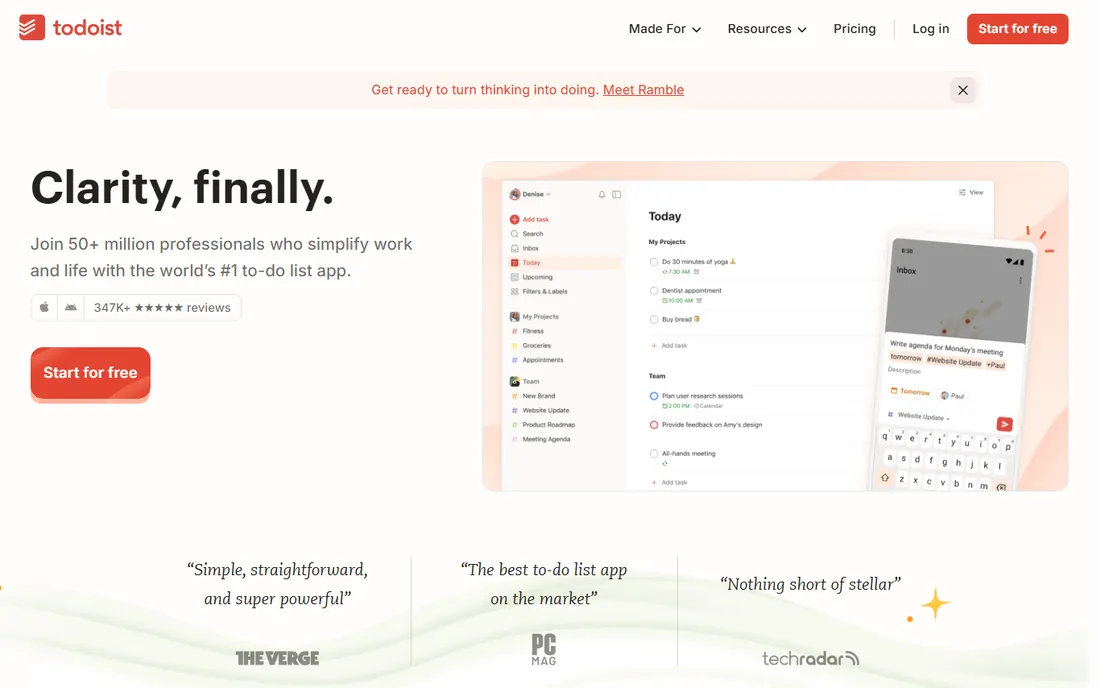
Todoist is honest about what it is: a superb task manager, not a project platform. Pro at $4 a user a month adds reminders, labels, filters and more projects, and the free tier covers personal use well. Natural-language input and instant sync make it the fastest way to get tasks out of your head.
Teams that need shared timelines, workload views or project reporting will hit the ceiling within weeks. But if the actual need is shared task lists done well rather than project management theater, Todoist costs less than a coffee per user.
What we like- Cheapest paid plan here with best-in-class task capture
- Natural-language due dates
- Fast on every platform
Watch out for- Collaboration features are thin for real project work
- No timelines, boards are basic, no reporting
How we picked these seven
We verified pricing against vendor pricing pages and independent pricing audits updated through September and October 2026, including Trello's published tiers and the documented Asana, Monday.com, ClickUp and Basecamp plans. We required real multi-user project capability and a credible free or low-cost entry, since small-business budgets decide this category. Review sentiment from G2, Capterra and user communities informed the fit notes. No hands-on testing is claimed; this ranking rests on published plans, documented features and aggregated buyer reviews.
What to check before you commit
Match the tool to the complexity of your actual work. If projects have dependencies, deadlines and multiple contributors, compare Asana, Monday.com and ClickUp on automation limits and timeline views. If the work is task lists and status updates, Trello, Basecamp, Notion or Todoist will get adopted faster and cost less.
Count seats before comparing prices: Monday.com's 3-seat minimum and seat buckets, Asana's exact-seat billing and Basecamp's flat $299 option produce very different bills for the same team. Check automation limits, since Monday.com meters them by actions while Asana and ClickUp include generous allowances. Test the mobile apps, because field teams live on phones. Finally, run a real project through the free tier for two weeks; adoption by the team, not the feature list, decides whether the tool survives.
The pricing models explained
Simple tools charge $4 to $10 a user a month: Todoist at $4, Trello Standard at $5, ClickUp Unlimited at $7, Monday.com Basic at $9, Notion Plus at $10, Asana Starter at $10.99. Team tiers run $12 to $25: ClickUp Business at $12, Monday.com Standard at $12, Asana Advanced at $24.99. Basecamp breaks the per-seat model with $15 a user or $299 flat for unlimited users. Watch seat minimums, automation metering and AI add-ons, which sit outside most subscriptions.
Frequently asked questions
What is the best project management software for a small business?
Asana Starter at $10.99 a user a month is the best all-round pick for small teams that need real project structure. Trello at $5 is best for simple kanban workflows. ClickUp at $7 offers the most features per dollar, and Basecamp suits remote teams that prioritize calm communication.
Is there free project management software for small teams?
Yes. Trello, Asana, Monday.com, ClickUp, Notion and Todoist all offer free tiers, and Basecamp's free tier covers one project. Free plans have limits on users, projects or features, so they suit very small teams or trials; growing teams typically upgrade within a few months.
How much does project management software cost for a small team?
A 10-person team pays roughly $50 to $120 a month on entry paid tiers: Trello Standard $50, ClickUp Unlimited $70, Asana Starter about $110, Monday.com Standard $120 with its seat minimum. Basecamp's $299 flat plan becomes cheaper than per-seat tools past about 20 users.
Should a small business use Trello or Asana?
Use Trello if your work fits on kanban boards and you value simplicity; it is cheaper and faster to adopt. Use Asana if you need timelines, dependencies, workload views and automation; it handles real project complexity that Trello cannot. Many teams start on Trello and graduate to Asana.
How long does it take to set up project management software?
Trello and Todoist can be running in an afternoon. Asana and Monday.com typically take a few days including templates and workflow setup. ClickUp's depth means one to three weeks to configure well. Basecamp and Notion land in the middle, depending on how much existing documentation you migrate.
Sources we checked (9)
- https://sqmagazine.co.uk/trello-statistics/
- https://www.sanplex.com/blog/trello-pricing
- https://procurementvms.com/vendors/trello-pricing-plans-costs-and-getting-the-best-deal.html
- https://tech-insider.org/asana-vs-monday-2026/
- https://www.spotsaas.com/blog/asana-vs-monday
- https://monday.com/blog/project-management/asana-vs-monday-com-which-to-choose/
- https://www.rock.so/blog/clickup-vs-basecamp
- https://www.zenpilot.com/blog/clickup-vs-basecamp/
- https://usewhale.io/blog/best-clickup-alternatives/
Is your product missing or out of date?
We review this list regularly. Vendors can request a listing, send updated pricing or ask about featured placement.

Shihab Mia · Founder, Rankite
Shihab has spent more than a decade helping SaaS and e-commerce brands grow through search. He writes Rankite's software buying guides from pricing pages, documentation and public user reviews. More about Shihab.