How we make this list: we compare pricing pages, product documentation and public user reviews. Rankite is independent; if a vendor ever pays for a featured spot, that listing is clearly labeled Partner.
Key takeaways
- Design-specific platforms (Houzz Pro, Studio Designer, Design Manager) handle procurement, trade pricing and client billing in ways generic PM tools never will.
- Studio Designer ($69/user/month billed annually) and Design Manager ($79/user/month) are the full accounting-plus-PM options for firms that want one system.
- Houzz Pro starts at $99/month for one user and now absorbs what used to be Ivy, so check it before buying a second tool.
- Generic tools (Monday, Asana, ClickUp) work for task tracking but leave purchasing, proposals and time billing to other apps.
- HoneyBook ($29/month billed annually) fills the client-management gap for solo designers: proposals, contracts, invoices and payments in one flow.
Quick comparison
| Tool | Best for | Starting price | Free plan |
|---|
 Houzz Pro Houzz Pro | Designers and remodelers wanting one business platform | $99/month (Design plan, 1 user) | Yes (free plan with 3D floor planner, estimates and invoicing) |
 Studio Designer Studio Designer | Established firms that want project management and accounting in one place | $69/user/month (Essentials, billed annually) | No |
 Design Manager Design Manager | Residential design firms obsessed with project profitability | $79/user/month | Free trial (7 days) |
 DesignFiles DesignFiles | Designers who sell through visuals and want sourcing connected | See website | No |
 Mydoma Studio Mydoma Studio | Designers who want visual project management without leaving QuickBooks | See website | No |
 Monday.com Monday.com | Studios that need flexible task tracking and nothing more | See website (plans start at 3 users minimum) | Yes (free plan for work management, plus 14-day Pro trial) |
 Asana Asana | Design teams that live in timelines and want portfolios | $10.99/user/month (Starter, billed annually) | Yes (Personal plan free forever) |
 ClickUp ClickUp | Budget-conscious studios wanting docs, tasks and chat in one place | $9/user/month (Core plan, billed annually) | Yes (Free Forever plan with unlimited tasks) |
 HoneyBook HoneyBook | Solo designers and small studios managing the client lifecycle | $29/month (Starter plan, billed annually) | Free trial (all plans start with a free trial) |
Is your product missing or out of date?
We review this list regularly. Vendors can request a listing, send updated pricing or ask about featured placement.
Project management software for interior designers: the shortlist
Picture a designer with six active projects: two in install week, one waiting on a back-ordered sofa, one client who has not approved the proposal, and a bookkeeper asking where the receipts went. That chaos is normal in this industry, and it is exactly what design-specific software exists to tame. Generic task apps track the to-dos. The tools below also track the money, the orders and the clients, which is where design projects actually fall apart.
#1
Houzz Pro
Best for: Designers and remodelers wanting one business platform
Visit houzz.com
Starting price$99/month (Design plan, 1 user)
Free planYes (free plan with 3D floor planner, estimates and invoicing)
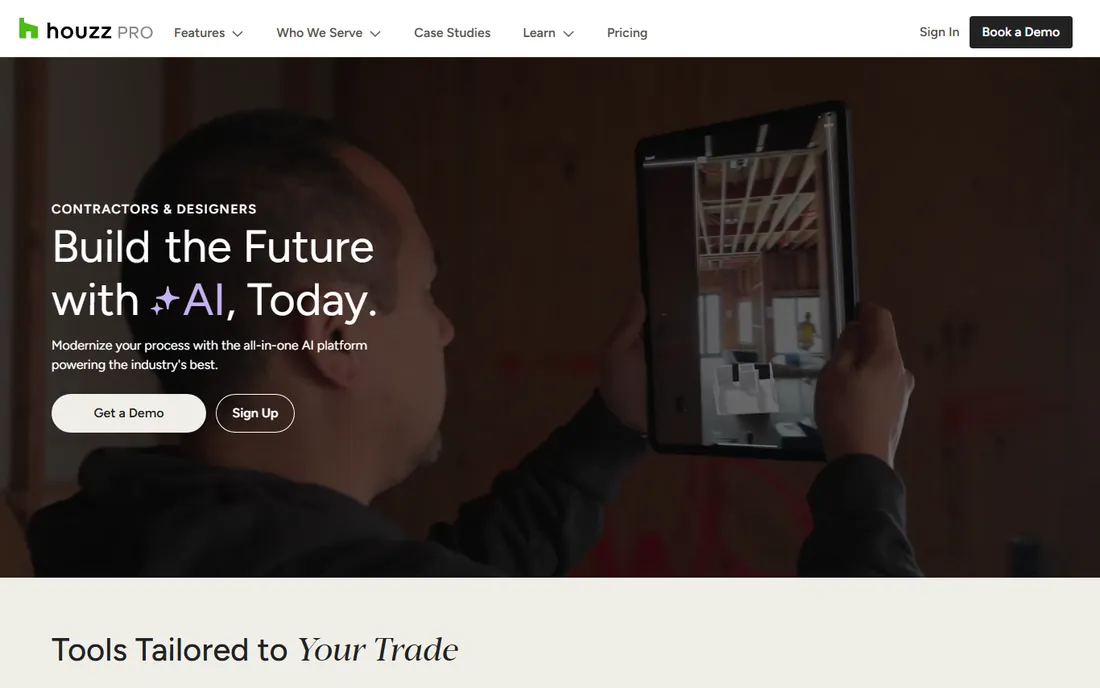
Houzz Pro is the closest thing this industry has to a default. It combines project management with the business side: estimates and proposals, a product clipper for sourcing, 3D floor plans and mood boards for presentations, online payments and QuickBooks integration for the books. The free plan is genuinely usable for estimates and invoicing, which makes it an easy first step for a new studio.
The pricing deserves a close read. The Design plan at $99 per month covers one user; Pro at $199 adds takeoffs, bid management, change orders and scheduling; Teams starts at $399 with unlimited users. Also note the consolidation: Houzz has folded its Ivy product into Houzz Pro, so designers comparing the two should know they are now shopping one platform. If you want one vendor for the whole business, start here.
What we like- All-in-one scope: CRM, estimates, 3D floor plans, selections, invoicing and payments
- Free plan covers the basics for trying it out
- Deep integration with the Houzz marketplace and its homeowner audience
Watch out for- Per-user pricing climbs fast for teams (Pro is $199/month for one user)
- The breadth means some features feel shallower than specialist tools
#2
Studio Designer
Best for: Established firms that want project management and accounting in one place
Visit studiodesigner.com
Starting price$69/user/month (Essentials, billed annually)
Free planNo

Studio Designer is the industry's heavyweight for firms that have outgrown the patchwork of apps. It runs the design business end to end: sourcing with a product clipper, proposals, purchase orders, time billing, client portal, online payments through StudioPay, and full accounting with project profitability reporting. The Essentials plan at $69 per user per month billed annually covers project management and accounting basics; Professional at $79 and Premier at $109 add customization, support and services.
The honest catch is that this is business software, not a sketching app. Implementation takes effort, and every user on the team needs a seat. Firms that commit tend to stay for years, because ripping out both your PM and your accounting at once is nobody's idea of fun. Note the ownership change: Studio Designer has joined forces with Mydoma Studio, so the two products now share a parent.
What we like- True general-ledger accounting built for interior design, not bolted on
- Item-based project tracking from proposal through purchase order to invoice
- Tiered plans that scale from solo designers to large firms
Watch out for- Per-user pricing adds up for bigger teams
- The depth of the accounting side means a real learning curve
Starting price$79/user/month
Free planFree trial (7 days)
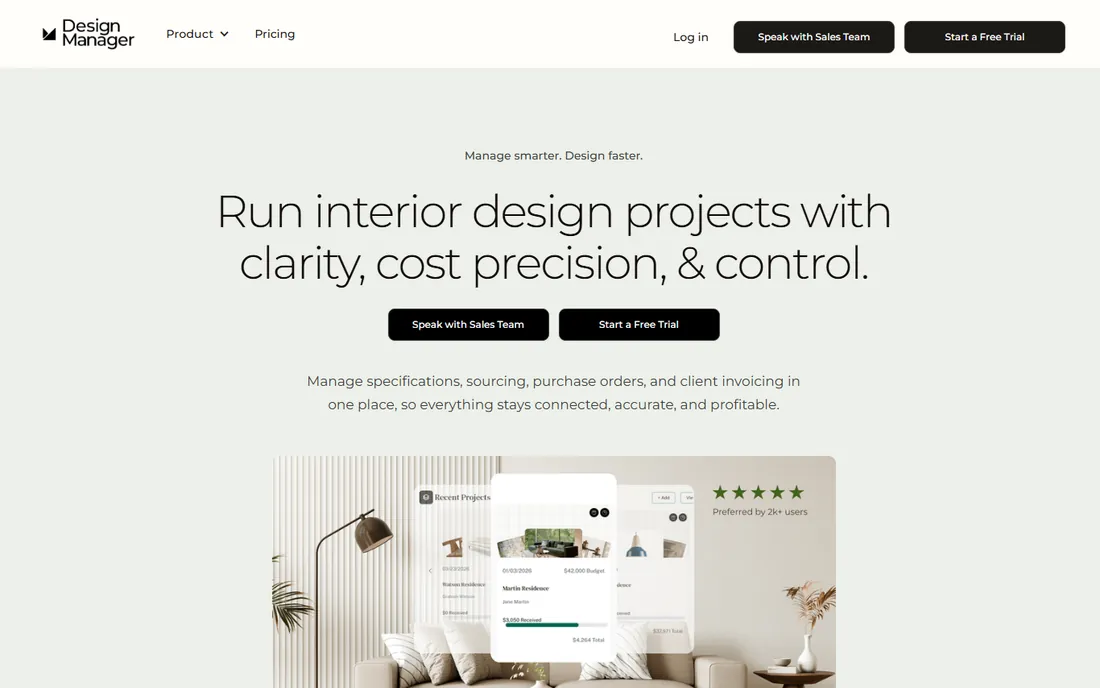
Design Manager speaks the language of margin. Where other tools track tasks, it tracks profitability at the item level: what each product cost, what you charged, and what the project actually made. Purchasing, procurement, specifications, time billing and accounting sit in one system, and the client portal handles approvals and payments. The price is simple: $79 per user per month, with a 7-day free trial of the full platform.
The trade is focus. This is residential design software for firms that think in projects and purchase orders. Commercial designers and firms outside the US should look elsewhere, since the company is upfront that international support is limited. Annual prepayment earns a discount, worth asking about once the trial convinces you.
What we like- Item-level margin tracking that shows profit per product and per project
- Niche accounting designed for designers, including retainers and deposits
- Straightforward flat per-user pricing with a 7-day trial
Watch out for- Optimized for US-based firms, with some features not built for international use
- Showroom and data collection modules cost extra
#4
DesignFiles
Best for: Designers who sell through visuals and want sourcing connected
Visit designfiles.co
Starting priceSee website
Free planNo
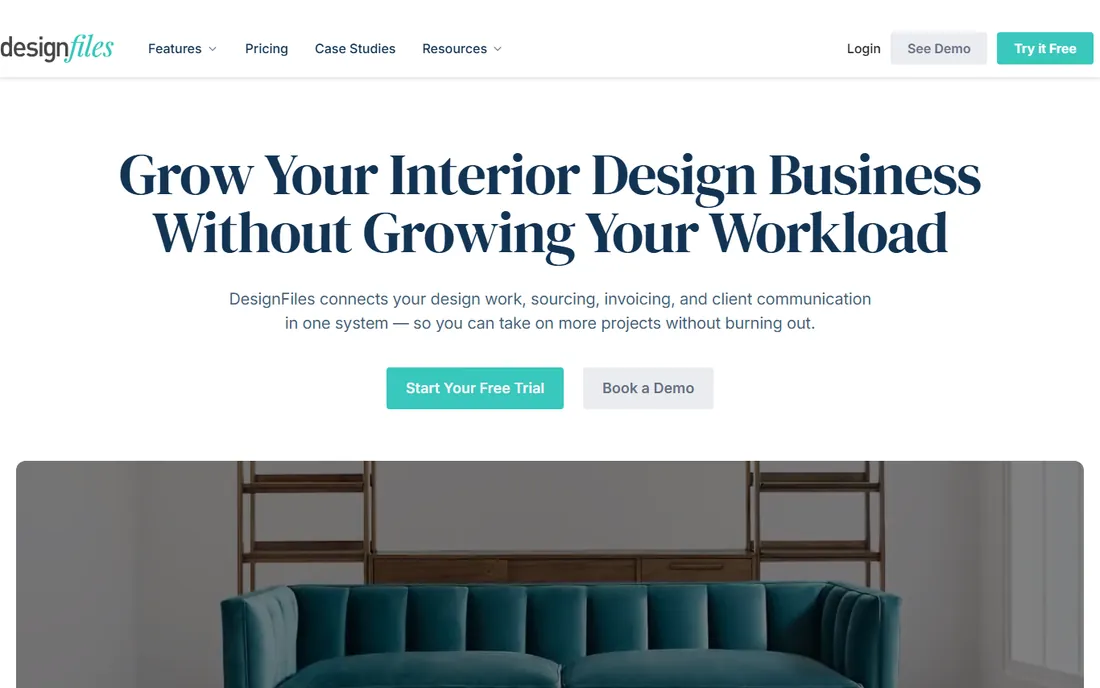
DesignFiles comes at the problem from the presentation side. The pitch is that better concept boards close more projects, and the platform connects those boards directly to sourcing, quotes, invoices, purchase orders and order tracking. Templates for the repetitive documents (questionnaires, contracts, proposals, task lists) are a genuine time saver for solo designers and small studios.
The gap is the books. DesignFiles handles invoicing and purchasing workflow, but firms that need real accounting pair it with QuickBooks or Xero. Pricing is not published, which is annoying but common in this category. Try the demo and ask for the annual number in writing before you compare it against the published prices elsewhere on this list.
What we like- Concept boards and presentations that help clients decide faster
- Templates for questionnaires, contracts and proposals that cut admin time
- Purchasing, invoicing and order tracking in the same workflow
Watch out for- No published pricing, so you cannot budget without a sales conversation
- Lighter on accounting depth than Studio Designer or Design Manager
#5
Mydoma Studio
Best for: Designers who want visual project management without leaving QuickBooks
Visit mydomastudio.com
Starting priceSee website
Free planNo

Mydoma Studio takes a different position from its new sibling: keep your accounting in QuickBooks, and let Mydoma handle the design side. Project management, client communication, mood boards, product sourcing and proposals run in Mydoma while the financials sync to QuickBooks. For designers who like their bookkeeper's setup and do not want to migrate accounting, that division of labor is the appeal.
The acquisition by Studio Designer is the thing to watch. The products remain separate, with Mydoma positioned for QuickBooks users and Studio Designer for firms wanting built-in accounting. Ask pointed questions about the roadmap before signing a long contract. Pricing is quote-based, so get it in writing.
What we like- Built around QuickBooks integration, so accounting stays where it is
- Visual client collaboration with mood boards and selections
- Now backed by Studio Designer after the acquisition
Watch out for- No published pricing
- The product's long-term roadmap sits under new ownership, so ask about it directly
#6
Monday.com
Best for: Studios that need flexible task tracking and nothing more
Visit monday.com
Starting priceSee website (plans start at 3 users minimum)
Free planYes (free plan for work management, plus 14-day Pro trial)
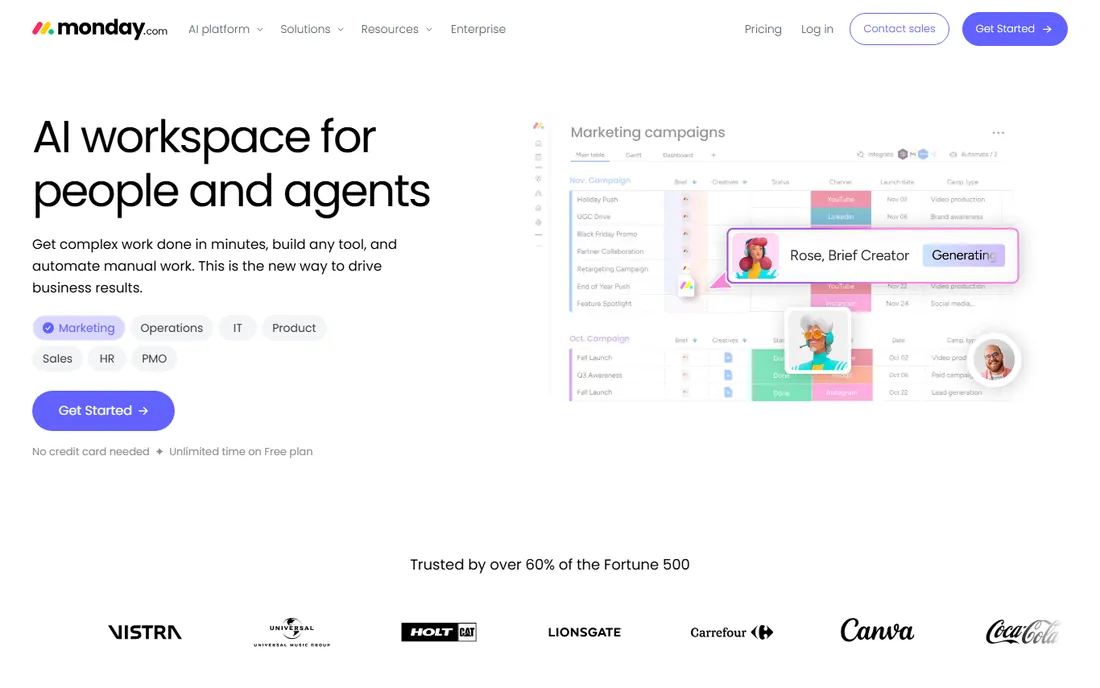
Monday.com is the generic workhorse. Designers use it to track project phases, tasks, deadlines and client deliverables, and its automations can chase approvals and update statuses without manual work. The free plan covers basic work management, which is enough for a solo designer tracking a handful of projects.
The limit is the industry gap. Monday knows nothing about purchase orders, vendor pricing or client selections. You will still need separate tools for proposals, invoicing and accounting, which is how studios end up with five subscriptions. Use it when the problem is purely coordination, and pair it with accounting software from day one.
What we like- Extremely flexible boards, timelines and automations that adapt to any workflow
- Genuinely usable free plan for small teams
- Huge template and integration library
Watch out for- No design-specific features: no product clipper, no trade pricing, no procurement
- Pricing is per seat with a 3-user minimum, so solo designers overpay
#7
Asana
Best for: Design teams that live in timelines and want portfolios
Visit asana.com
Starting price$10.99/user/month (Starter, billed annually)
Free planYes (Personal plan free forever)
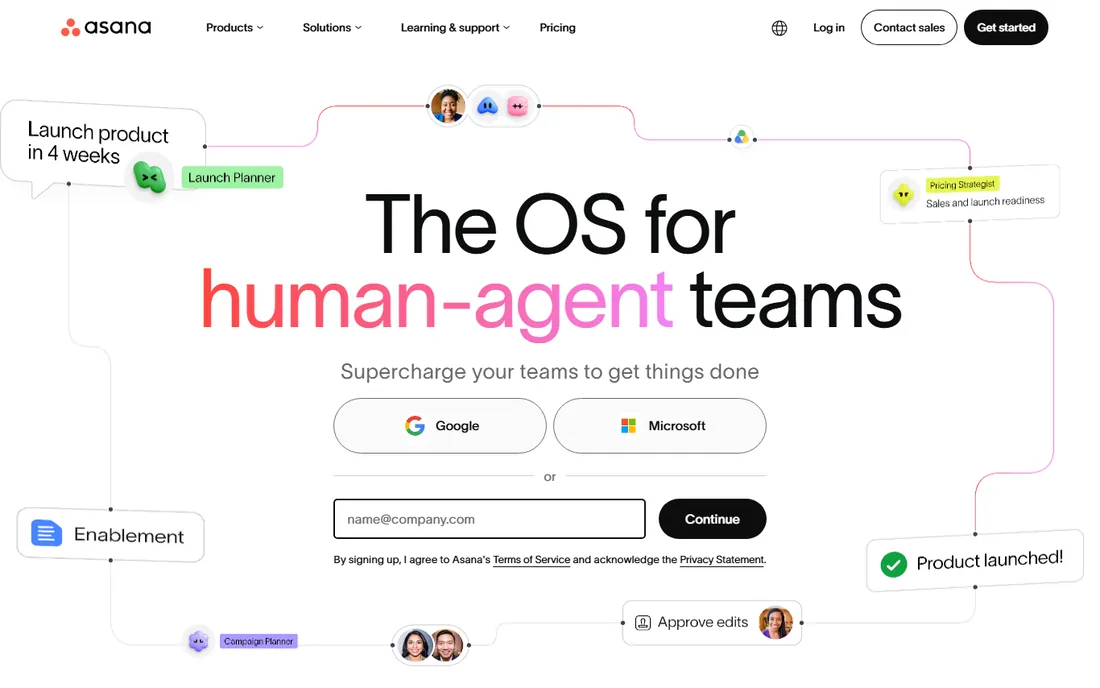
Asana suits the process-driven studio. Timelines with dependencies keep install weeks honest, portfolios roll up every active project for the principal, and custom fields can track budgets or phases if you set them up. Starter at $10.99 per user per month billed annually adds the timeline views and reporting that make it worth paying for.
Like Monday, it stops at the design industry's edge. There is no product library, no purchase order flow, no client-facing selections tool. Studios that choose Asana usually pair it with HoneyBook or a similar client tool for the front end and QuickBooks for the books. It is a good coordinator and a poor business manager.
What we like- Best-in-class timeline and Gantt views for managing project schedules
- Portfolios give principals a cross-project view
- Free Personal plan is genuinely useful for tiny teams
Watch out for- No procurement, product database or design accounting
- Per-user pricing with the useful views gated behind paid plans
#8
ClickUp
Best for: Budget-conscious studios wanting docs, tasks and chat in one place
Visit clickup.com
Starting price$9/user/month (Core plan, billed annually)
Free planYes (Free Forever plan with unlimited tasks)
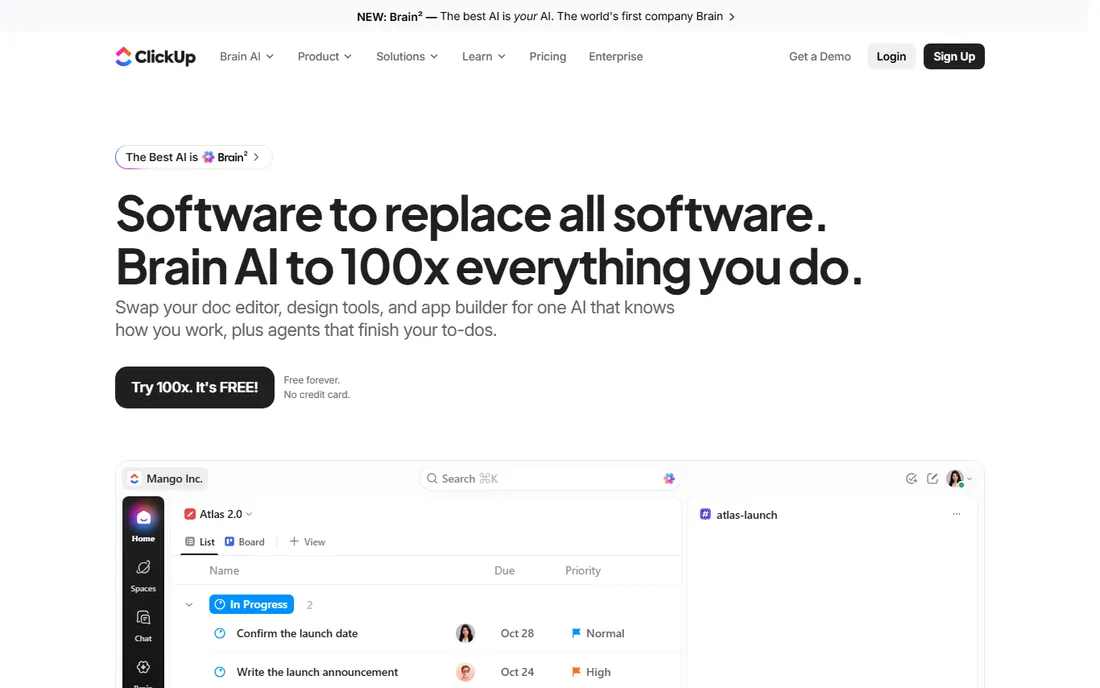
ClickUp is the value play. The Free Forever plan covers unlimited tasks, docs and collaboration, and the paid Core plan starts at $9 per user per month billed annually. For a studio that wants one workspace for tasks, notes, files and team chat, it replaces three subscriptions at a fraction of the cost.
The catch is that you build everything yourself. There are no design templates worth using, no procurement flow, no product database. Disciplined studios love it; chaotic ones drown in the options. If your problem is budget rather than complexity, start with the free plan and see how far it takes you before paying for a specialist.
What we like- Cheapest capable option here, with a generous free tier
- Docs, whiteboards, tasks and chat in one workspace
- Highly customizable for studios that like to build their own system
Watch out for- The flexibility is also the trap: setup takes real time and discipline
- Zero design-specific functionality out of the box
#9
HoneyBook
Best for: Solo designers and small studios managing the client lifecycle
Visit honeybook.com
Starting price$29/month (Starter plan, billed annually)
Free planFree trial (all plans start with a free trial)
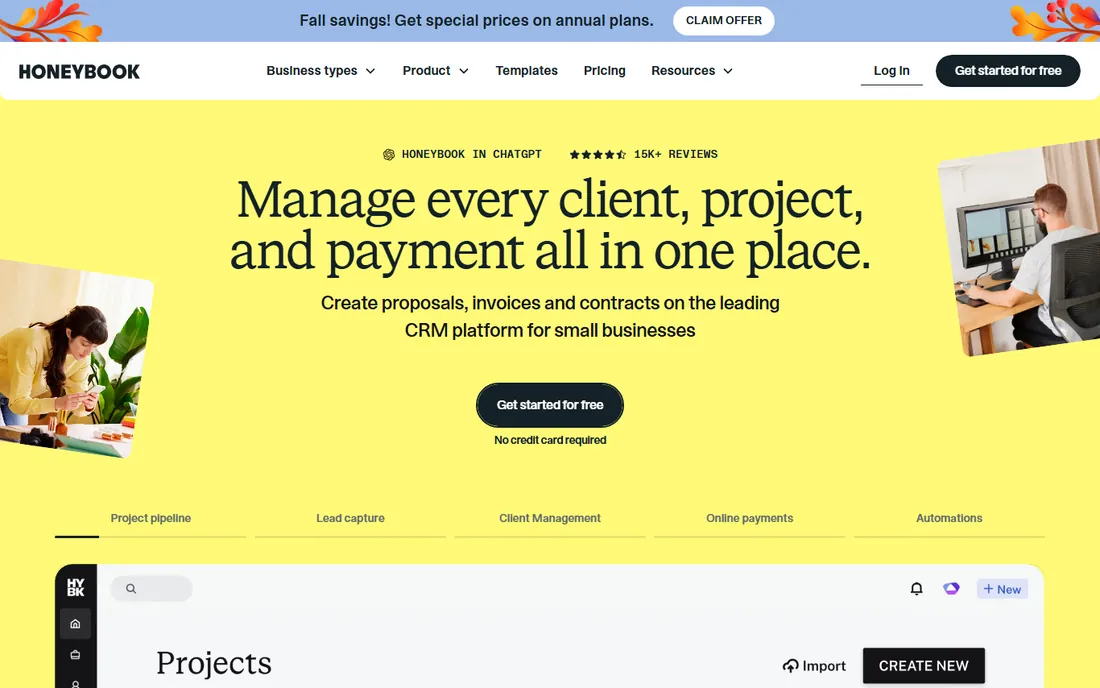
HoneyBook is a client management platform that designers adopt for the front of the business. A lead comes in, gets a proposal, signs a contract, pays the invoice, all without leaving the system. The Starter plan at $29 per month billed annually covers unlimited clients and projects, and every plan starts with a free trial. For solo designers, it replaces the patchwork of proposal PDFs, contract templates and payment links.
It is not project management software in the construction sense. There is no procurement, no product tracking, no install scheduling worth mentioning. Think of it as the client layer: pair it with a PM tool for the project side or accept its limits. Designers who live on referrals and repeat clients get the most from it.
What we like- Proposals, contracts, invoices and payments in one client-facing flow
- Automations handle follow-ups and reminders
- QuickBooks integration on the Essentials plan and up
Watch out for- Project management is lightweight compared to real PM tools
- The useful automation features start at the $49/month Essentials tier
Decide what hurts most
Rank your pain. If purchase orders, vendor invoices and project profitability are the mess, buy a design-specific platform with accounting (Studio Designer, Design Manager). If client communication and getting paid are the mess, HoneyBook or Houzz Pro's client tools matter more. If it is just missed deadlines, a generic tool like Asana or Monday will do.
Count the seats honestly
Per-user pricing punishes growing teams. A five-person studio on Design Manager pays about $395 per month; the same team on Studio Designer Essentials pays about $345 billed annually. Solo designers should favor flat pricing (Houzz Pro Design at $99, HoneyBook at $29) over per-seat tools. Model the cost at your team size in 12 months, not today.
Check the accounting story
Every design business ends at the books. Ask each vendor exactly how accounting works: native general ledger (Studio Designer, Design Manager), QuickBooks sync (Mydoma, HoneyBook, Houzz Pro), or nothing at all (Monday, Asana, ClickUp). If your bookkeeper lives in QuickBooks, the sync quality matters more than any feature list.
Trial the procurement flow, not the demo
Demos show the happy path. During a trial, run one real purchase order from proposal to invoice and watch where the data breaks. That single test reveals more than any feature checklist, because procurement is where design software earns its keep or fails.
How we chose
We started with the categories designers actually search: interior design project management software, interior design business management software and interior design CRM. For each candidate we opened the vendor's homepage, verified the product is live and aimed at designers, and checked pricing on the vendor's own pricing page, writing "See website" where no price was published. We compared feature sets against public reviews on G2 and Capterra and designer discussion on Reddit, and we favored tools with real procurement, client or accounting depth over generic task apps. We never claim hands-on testing.
Do you need design-specific software at all?
Not every studio does. A two-person studio doing e-design can run on HoneyBook for clients, QuickBooks for books and Asana for tasks at a fraction of the cost of Studio Designer. The design-specific platforms earn their price when procurement volume grows: dozens of purchase orders per project, trade pricing to protect, and install schedules to coordinate. Below that threshold, they are expensive overhead.
The middle path is Houzz Pro. At $99 per month for one user with a free plan to start, it covers estimates, 3D plans, selections and invoicing without the per-user math of the accounting platforms. Studios often start there, then graduate to Studio Designer or Design Manager when the books get complicated. There is no prize for buying the biggest tool first.
Frequently asked questions
What is the best all-in-one software for interior designers?
Houzz Pro is the broadest all-in-one at $99 per month for one user, covering CRM, estimates, 3D floor plans, selections and payments. Studio Designer is the deeper option for firms that also want full accounting built in, starting at $69 per user per month billed annually.
How much does interior design project management software cost?
Design-specific platforms run $29 to $199 per month for solo designers (HoneyBook to Houzz Pro Pro) and $69 to $79 per user per month for the accounting-grade platforms (Studio Designer, Design Manager). Generic tools are cheaper: ClickUp starts at $9 per user per month and Asana at $10.99.
Can I use Asana or Monday.com for interior design projects?
Yes, for task tracking, timelines and team coordination. Neither handles procurement, product sourcing, trade pricing or design accounting, so you will still need separate tools for purchasing and billing. They work best paired with HoneyBook for clients and QuickBooks for books.
Which software do interior designers use for purchase orders?
Studio Designer, Design Manager and Mydoma Studio all handle purchase orders natively, from proposal to PO to invoice. DesignFiles connects sourcing to purchasing workflow. Generic PM tools do not do purchase orders at all.
Is Houzz Pro worth it for a solo designer?
Often yes, because the $99 per month Design plan replaces several subscriptions and the free plan lets you start at no cost. Solo designers who only need client management and invoicing may find HoneyBook at $29 per month sufficient. Compare what you currently pay across tools before deciding.
What happened to Ivy by Houzz?
Ivy's pricing page now redirects to Houzz Pro pricing, which signals the product has been folded into Houzz Pro. Designers evaluating Ivy should evaluate Houzz Pro instead, since that is where development and support are going.
Sources we checked (17)
- https://www.houzz.com/pro
- https://ivy.co/pricing
- https://studiodesigner.com/
- https://studiodesigner.com/pricing/
- https://designmanager.com/
- https://designmanager.com/pricing
- https://designfiles.co
- https://mydomastudio.com/
- https://monday.com
- https://monday.com/pricing/
- https://asana.com
- https://asana.com/pricing
- https://clickup.com/
- https://clickup.com/pricing
- https://honeybook.com/
- https://www.g2.com/categories/interior-design
- https://www.capterra.com/interior-design-software/
Is your product missing or out of date?
We review this list regularly. Vendors can request a listing, send updated pricing or ask about featured placement.

Shihab Mia · Founder, Rankite
Shihab has spent more than a decade helping SaaS and e-commerce brands grow through search. He writes Rankite's software buying guides from pricing pages, documentation and public user reviews. More about Shihab.