How we make this list: we compare pricing pages, product documentation and public user reviews. Rankite is independent; if a vendor ever pays for a featured spot, that listing is clearly labeled Partner.
Key takeaways
- Todoist and TickTick are the safest starting points for most individuals: generous free plans, fast capture, and apps on every platform.
- Apple-only users get the best-designed option in Things, a one-time purchase with no subscription.
- Motion suits people who want AI to schedule their day; everyone who prefers manual control should skip it.
- Trello works best for visual thinkers who plan in columns; ClickUp fits individuals who want one workspace for tasks, docs, and notes.
- Every tool here except Things offers a real free plan or free trial, so you can test two or three before paying.
Quick comparison
| Tool | Best for | Starting price | Free plan |
|---|
 Todoist Todoist | Fast task capture on any device | $5 per user/month (billed annually) | Yes |
 TickTick TickTick | Calendar, habits and Pomodoro in one app | $3.99 per month (billed annually) | Yes |
 Things Things | Apple users who want beautiful simplicity | $49.99 one-time (Mac) | Free trial |
 Motion Motion | AI auto-scheduling of tasks and meetings | See website | Free trial |
 Trello Trello | Visual kanban planning | $5 per user/month (billed annually) | Yes |
 Any.do Any.do | Tasks plus family and WhatsApp reminders | See website | Yes |
 ClickUp ClickUp | All-in-one workspace for power users | $7 per user/month (billed annually) | Yes |
 Remember The Milk Remember The Milk | Smart lists and reminder flexibility | See website | Yes |
Is your product missing or out of date?
We review this list regularly. Vendors can request a listing, send updated pricing or ask about featured placement.
The best project management software for individuals
Starting price$5 per user/month (billed annually)
Free planYes
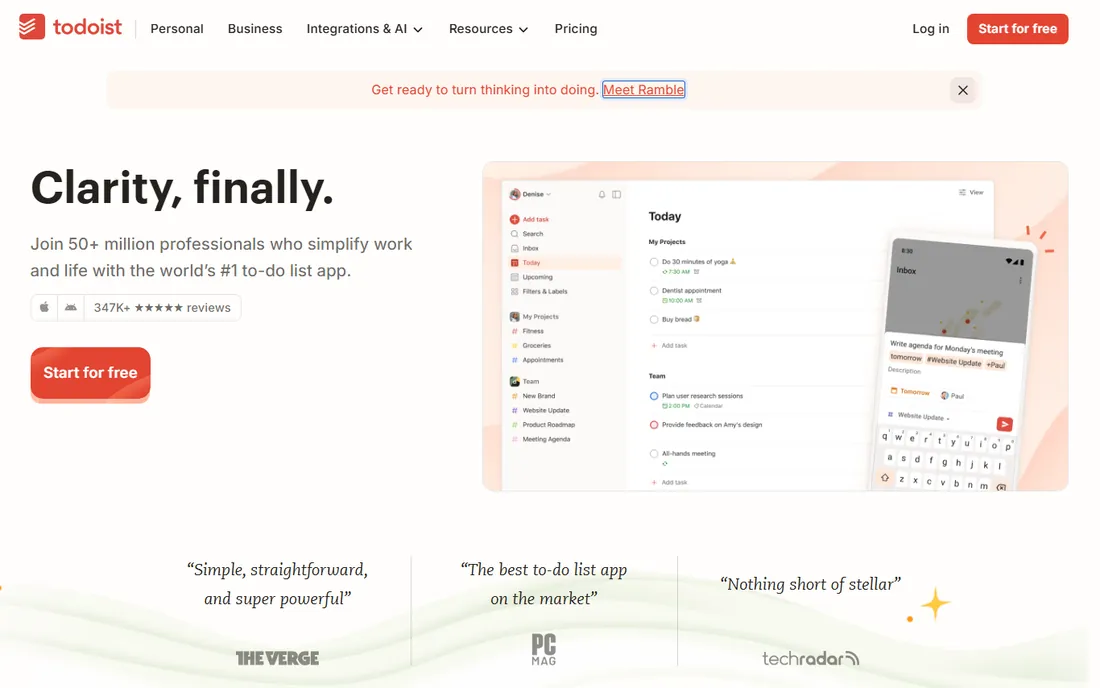
Todoist is the default answer for a reason. Type "call dentist tomorrow at 4pm" and it parses the date, sets the reminder, and files the task where it belongs. That speed of capture is the whole game for individuals, because a system you will not feed is a system that dies.
The free plan handles a serious personal setup: projects, labels, priorities, and recurring tasks. Paying users get calendar layout, custom filters, and Todoist Assist, the AI layer that breaks big tasks into steps. Doist has built this product since 2007 and stayed independent, which matters when you are trusting a company with a decade of your life admin.
The honest catch is that Todoist is still a list app at heart. It will not plan your day for you or show you where the hours go. If you want scheduling intelligence, pair it with a calendar habit or look at Motion below.
What we like- Natural language input
- Apps on every platform including wearables
- 50+ project templates
Watch out for- Free plan limits projects and filters
- No built-in time blocking
Starting price$3.99 per month (billed annually)
Free planYes
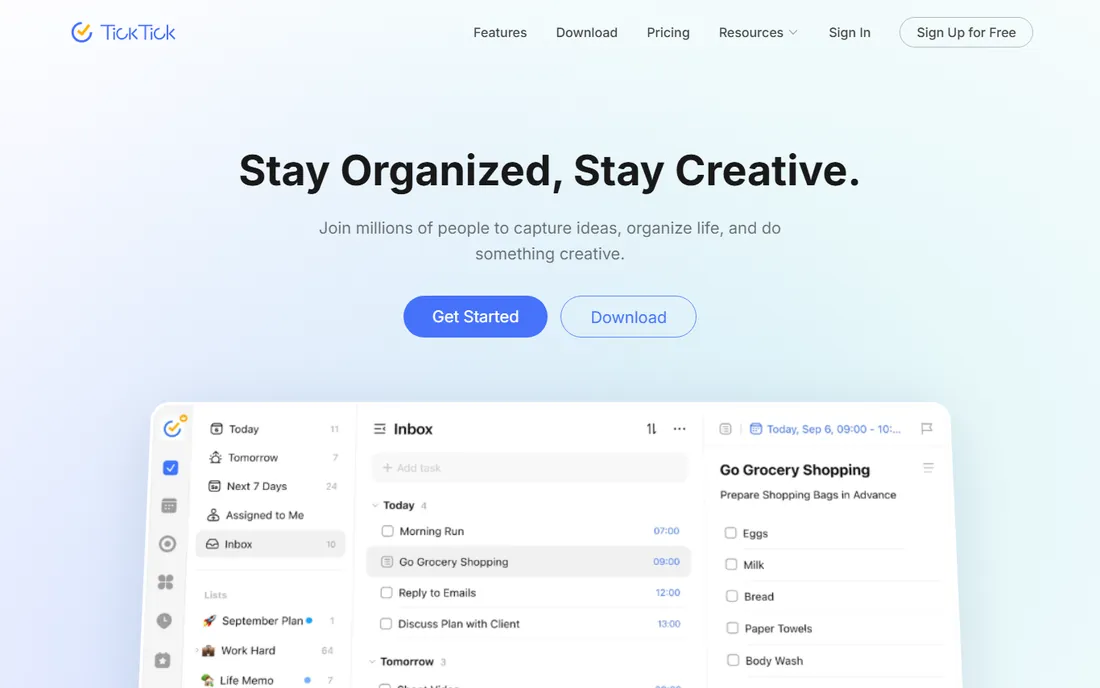
If you like the idea of Todoist but want more built in for the money, start here. TickTick combines a to-do list with a real calendar, a habit tracker, and a Pomodoro focus timer, which means one app can cover the morning plan, the work session, and the evening routine.
The calendar views are the standout. Yearly, monthly, weekly, and agenda layouts make it easy to drag tasks into actual time slots, and the natural language parsing is on par with Todoist. Voice capture and AI summaries are newer additions that work well enough to be useful rather than gimmicky.
The tradeoff is density. TickTick packs in so many features that the interface can feel crowded next to the calm of Things or Todoist. Premium adds the grid calendar view and higher limits, and at under four dollars a month on the annual plan it is one of the cheaper upgrades here.
What we like- Built-in Pomodoro timer and habit tracker
- Multiple calendar views
- Generous free tier
Watch out for- Interface can feel busy
- Premium needed for the best calendar views
Starting price$49.99 one-time (Mac)
Free planFree trial
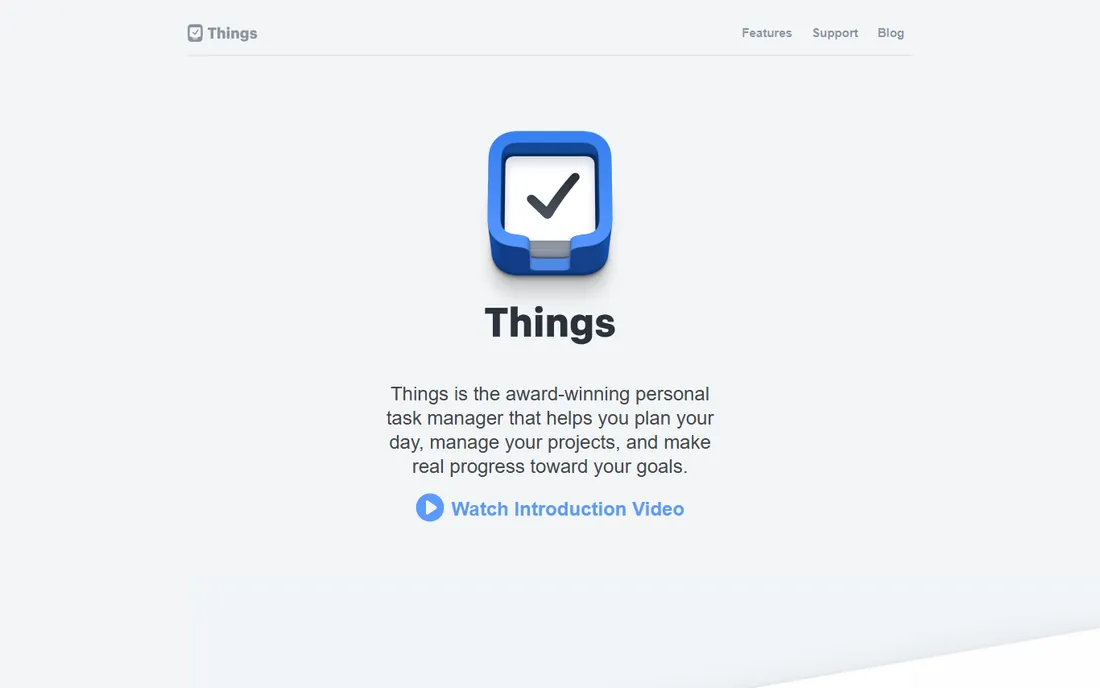
Apple users have a different kind of loyalty to Things, and it is earned. This is the rare task manager that feels like it was designed rather than assembled: animations guide your eye, the Today view is genuinely pleasant to open, and everything responds instantly. Cultured Code won the Apple Design Award for it twice.
The pricing model is the other draw. You buy it once per platform (Mac, iPad, iPhone plus Watch) and you are done. No subscription, no feature gates appearing a year later. A free trial on Mac lets you test the full experience before spending anything.
The limits are real and permanent. There is no Windows or Android app, no web version, and no team collaboration to speak of. If your life runs entirely on Apple hardware and you manage your own work, none of that matters. If it does not, pick anything else on this list.
What we like- Twice an Apple Design Award winner
- No subscription
- Fast and calm interface
Watch out for- Apple platforms only
- No real collaboration features
Starting priceSee website
Free planFree trial
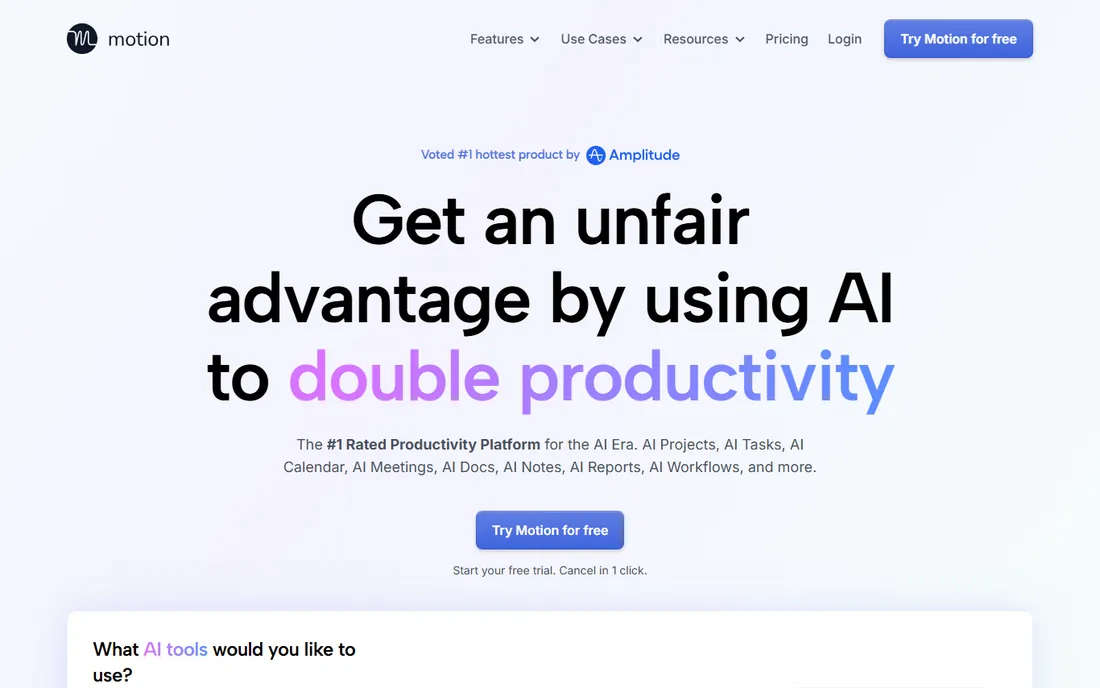
Motion takes the opposite approach from every list app on this page. Instead of giving you a place to store tasks, it takes your tasks, deadlines, priorities, and calendar, then builds the actual day plan for you. When something runs long, it re-plans around it. When a deadline is at risk, it warns you days ahead.
For an individual juggling client work, meetings, and personal commitments, that auto-scheduling can replace the Sunday-night planning session entirely. The AI project manager can also generate a full project from a description, and the meeting notetaker turns calls into tasks without you lifting a finger.
The catch is philosophical as much as financial. Motion costs noticeably more than any list app here, there is no free tier, and people who enjoy planning their own day often find the automation presumptuous. Try the free trial during a genuinely busy week. That is the only honest test.
What we like- AI builds your daily schedule automatically
- Combines tasks, calendar, docs and meetings
- Warns you before deadlines slip
Watch out for- No free plan
- Expensive compared with list apps
- Less control for manual planners
Starting price$5 per user/month (billed annually)
Free planYes
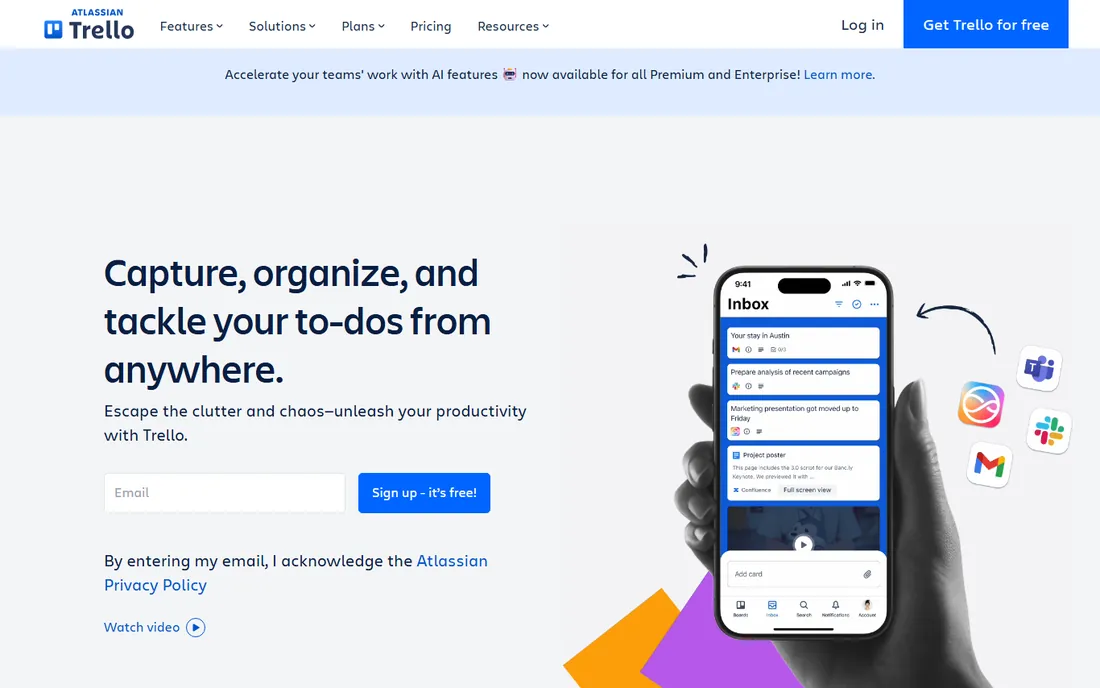
Some brains think in columns, not lists. Trello gives you boards, lists, and cards, and that is nearly the whole product. A freelancer can run "Leads, In Progress, Waiting, Done" in about ninety seconds, and the visual layout makes the state of everything obvious at a glance.
For individuals the free plan is genuinely enough: unlimited cards, up to ten boards per workspace, and unlimited storage at a capped file size. Templates cover everything from editorial calendars to wedding planning. The Atlassian ownership also means solid reliability and integrations with the rest of that ecosystem.
Trello strains when a single card needs to hold a complex project. Checklists, attachments, and comments all work, but a card with forty checklist items is a sign you have outgrown the format. For personal projects of normal size, though, it stays fast and fun where heavier tools feel like paperwork.
What we like- Boards are instantly understandable
- Generous free plan
- Huge template gallery
Watch out for- Card details get cluttered at scale
- Automation costs extra
#6
Any.do
Best for: Tasks plus family and WhatsApp reminders
Visit any.do
Starting priceSee website
Free planYes
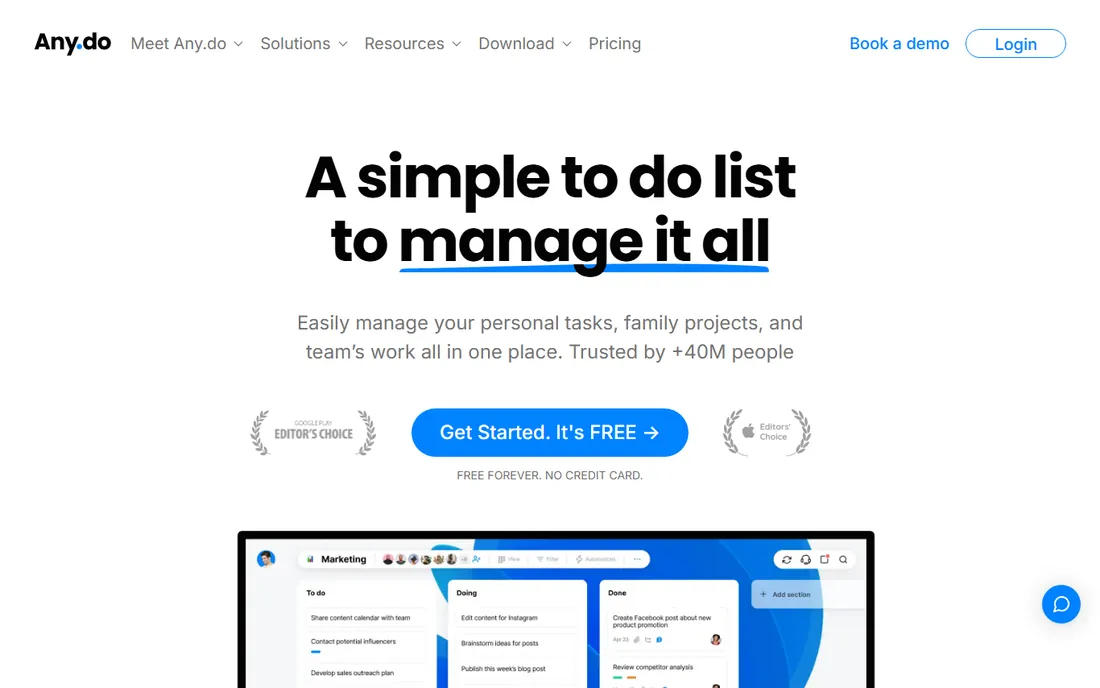
Any.do has quietly served the "run my whole life" crowd for over a decade. Its signature is the daily planner: each morning it walks you through reviewing today's tasks and scheduling them, which builds the planning habit instead of assuming you already have one.
Two features stand out for individuals. The WhatsApp integration lets you create tasks and get reminders inside a chat app you already open constantly. The family tier adds shared boards, a smart grocery list that sorts by aisle, and household project templates, which makes Any.do the best pick here for someone managing a home as well as work.
On pure task-management power it sits a half step behind Todoist and TickTick: fewer integrations, less flexible filters. But if the household is part of the project, the family features close that gap fast.
What we like- Daily planner ritual built in
- WhatsApp task capture
- Family boards and shared grocery lists
Watch out for- Premium pricing is harder to pin down
- Power features trail Todoist and TickTick
Starting price$7 per user/month (billed annually)
Free planYes
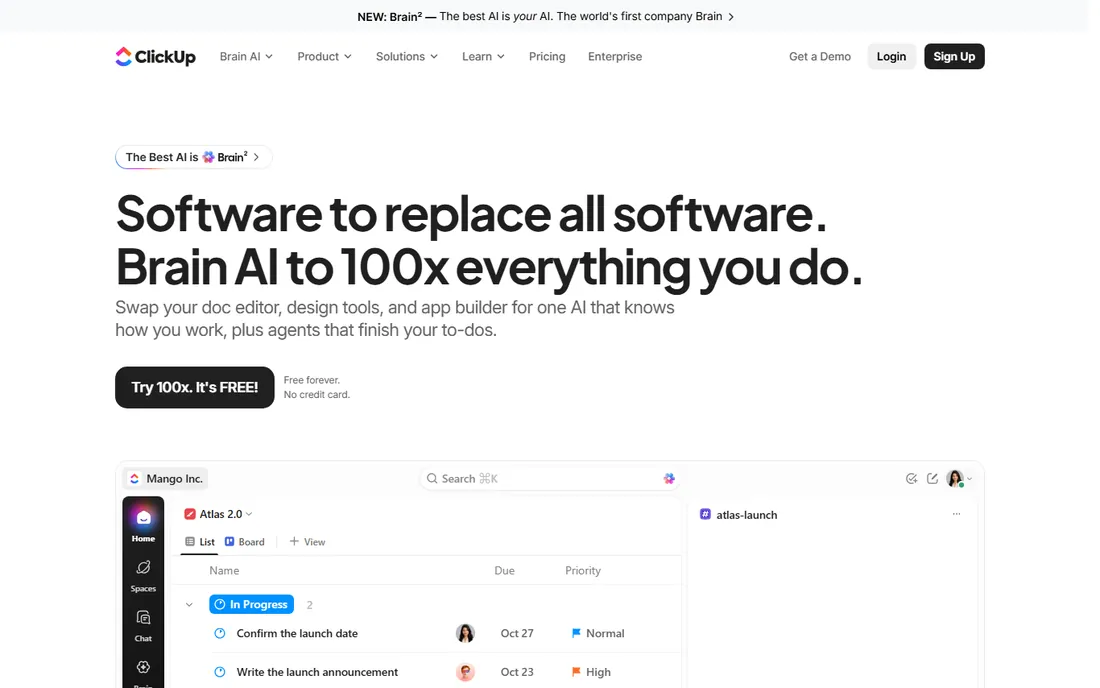
ClickUp is the heavyweight here, and that is both the appeal and the warning. One workspace holds your tasks, documents, notes, goals, and even chat, which means an individual can run an entire freelance business without stitching five apps together. The free plan is generous enough that many solo users never pay.
The current push is AI: an assistant that searches across your docs and tasks, drafts content, and summarizes work. For a one-person operation that reads like hiring a part-time chief of staff. Views are another strength, with list, board, calendar, Gantt, and timeline layouts on the same data.
The honest warning is complexity. ClickUp asks you to design your system before it helps you, and the settings run deep. If you enjoy building a personal operating system, that is a feature. If you want to dump tasks somewhere in ten seconds, Todoist or TickTick will make you happier.
What we like- Tasks, docs, whiteboards and chat in one place
- Strong free plan
- 1,000+ integrations
Watch out for- Setup takes real effort
- Can feel heavy for simple personal use
Starting priceSee website
Free planYes
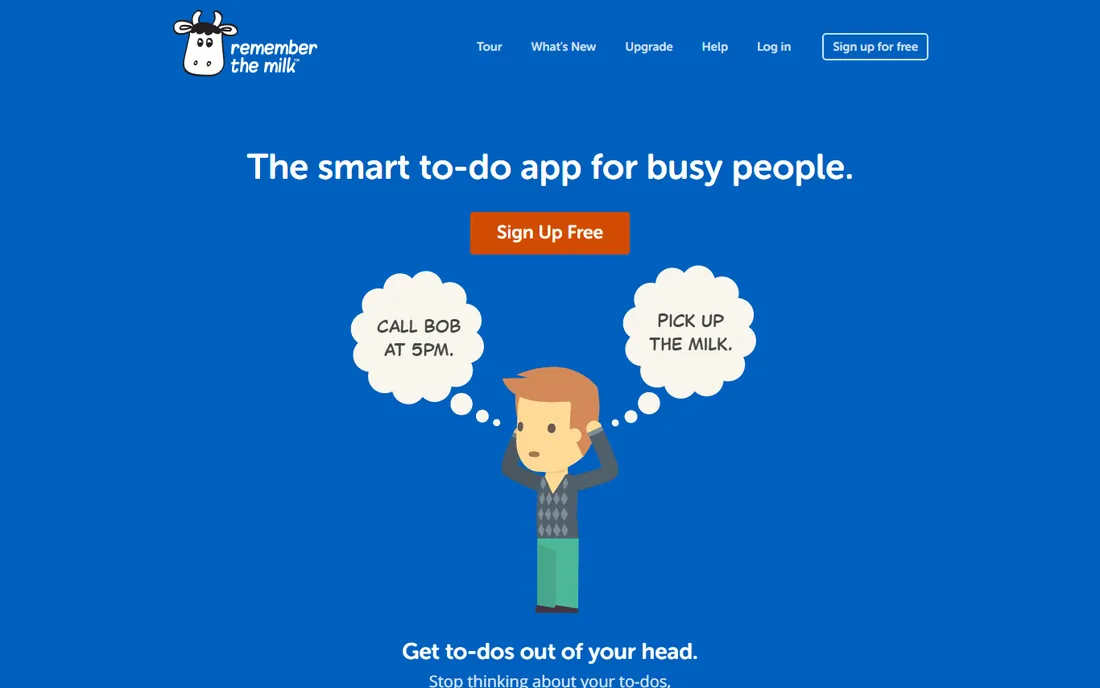
The oldest app on this list is also the most underrated. Remember The Milk has been refining personal task management since 2005, and it shows in the details: Smart Lists that are really saved searches, location-based reminders, and the ability to postpone a task while the app keeps count of how many times you have done it.
The reminder system is the reason to consider it. Email, SMS, instant messenger, and mobile notifications mean the nudge reaches you wherever you actually are. Integrations with Gmail and Google Calendar are mature, and the newer AI connections let assistants like Claude and ChatGPT add and organize tasks by conversation.
The interface will not win any design awards next to Things, and the third-party integration catalog is thinner than Todoist's. But for an individual who lives by reminders and clever saved searches, it remains one of the most capable tools here.
What we like- Reminders via email, SMS and mobile
- Powerful Smart Lists search
- Gmail and Outlook integrations
Watch out for- Design feels dated
- Smaller ecosystem than the big names
How we chose
We started from vendor pricing pages and product documentation, then checked how each tool is actually received by individual users across G2, Capterra, and Reddit threads about personal productivity. We weighted fast capture, mobile quality, calendar handling, and the honesty of the free plan over raw feature counts, because an individual abandons a tool that fights them. We did not claim hands-on testing of every plan; where pricing was unclear or in flux, we say so instead of guessing.
When a simple list beats a full system
There is a pattern in how individuals fail with these tools. They pick the most powerful option, spend a weekend configuring it, and abandon it by the second Tuesday. Power helps only after the capture habit exists. If you have never stuck with a task app longer than a month, start with the simplest tool that fits your devices, use it for thirty days, and only then consider upgrading to something with more structure.
The reverse failure is just as common. People who run client work, content calendars, and a household out of a bare-bones list eventually drown in it. The signal is when you start keeping a second system in your head. That is the moment to move up to TickTick's calendar views, Trello's boards, or ClickUp's everything-in-one-place approach.
How to choose without overthinking it
Match the tool to your devices first. Apple-only and design-sensitive means Things. Deep in Google or Microsoft ecosystems, Todoist, TickTick, or Microsoft-adjacent options sync more naturally. Android and Windows users should rule out Things immediately.
Next, decide how much planning you want done for you. If the idea of software scheduling your day sounds like relief, trial Motion during a busy week. If it sounds like losing control, any of the list-first tools will fit better.
Then check the free plan against your actual volume. Most individuals fit comfortably inside free tiers; the paid upgrades matter when you need calendar layouts, custom filters, or higher project limits. Start free, hit a real limit, then pay. Almost nobody needs the paid tier on day one.
Finally, count the apps you want to replace. If the goal is one home for tasks, notes, and docs, ClickUp earns its complexity. If you already love your notes app and just need tasks handled, Todoist or Remember The Milk slot in without disturbing anything.
A note on pricing
Prices change, and vendors run promotions. The figures above reflect publicly listed pricing at the time of writing. Where a vendor keeps pricing behind a sales conversation or changes it often, we mark it "See website" rather than print a number that might be wrong next month.
Frequently asked questions
What is the best free project management software for an individual?
Todoist, TickTick, Trello, Any.do, ClickUp, and Remember The Milk all offer genuinely usable free plans. Todoist and TickTick give you the most complete personal system for free, while Trello's free tier is the most generous for visual planning. Start with one of these before paying for anything.
Is Motion worth it for one person?
It depends on how you plan. Motion's AI scheduling genuinely saves time for people with packed, unpredictable calendars, because it rebuilds the day plan automatically when things change. If you prefer to plan manually or your days are fairly routine, the price is hard to justify over a five-dollar list app.
Which tool is best for Apple users?
Things, without much contest. It is designed exclusively for Apple platforms, it won the Apple Design Award twice, and the one-time purchase means no subscription. The tradeoff is total: no Windows, Android, or web access, so mixed-device users should choose Todoist or TickTick instead.
Can these tools replace my calendar?
TickTick and Motion come closest, since both show tasks and events together and let you plan inside the calendar. Todoist and Any.do offer calendar views on paid plans. Most people still keep a dedicated calendar app and sync tasks into it rather than replacing it outright.
How hard is it to switch from one app to another?
Most of these tools import from each other: Any.do advertises one-click import, Todoist and TickTick accept CSV uploads, and Trello has import power-ups. The tedious part is never the tasks, it is rebuilding labels, filters, and habits. Budget an hour for the move and a week for the new habits.
I am a freelancer. Which one handles client work best?
ClickUp and Trello handle client work most naturally, with boards or spaces per client and room for files and notes. Todoist works if your client tracking is mostly deadlines and next actions. Motion fits freelancers whose weeks are a puzzle of meetings and deep work blocks that need constant rescheduling.
Sources we checked (8)
- https://todoist.com
- https://ticktick.com/
- https://culturedcode.com/things/
- https://usemotion.com/
- https://trello.com/
- https://any.do/
- https://clickup.com/
- https://rememberthemilk.com/
Is your product missing or out of date?
We review this list regularly. Vendors can request a listing, send updated pricing or ask about featured placement.

Shihab Mia · Founder, Rankite
Shihab has spent more than a decade helping SaaS and e-commerce brands grow through search. He writes Rankite's software buying guides from pricing pages, documentation and public user reviews. More about Shihab.