How we make this list: we compare pricing pages, product documentation and public user reviews. Rankite is independent; if a vendor ever pays for a featured spot, that listing is clearly labeled Partner.
Key takeaways
- For pure resource scheduling, Float ($7 per person per month, billed annually) is the simplest staffing calendar, while Runn ($7 per resource per month on Lite) ties utilization to project cost.
- The best-value all-rounders are monday.com ($12 per seat per month on Standard) and ClickUp ($7 per user per month on Unlimited), pairing project tracking with workload views.
- Budget picks for scheduling alone: Teamdeck ($6 per full member per month) and Resource Guru ($4.16 per person per month on annual billing).
- Accelo and Kantata are the professional services specialists and both are custom-quoted. Accelo absorbed Forecast in 2025, so the Forecast brand no longer exists as a standalone product.
- Every price below comes from the vendor's own website, checked in October 2026.
Quick comparison
| Tool | Best for | Starting price | Free plan |
|---|
 Float Float | Agencies and studios that plan people on a visual schedule | $7/person/month (Starter, billed annually) | Free trial (30 days) |
 Runn Runn | Firms that want utilization and project cost in one view | $7/resource/month (Lite plan) | Free trial (30 days) |
 monday.com monday.com | SMBs that want project tracking plus workload views in one platform | $12/seat/month (Standard, billed annually) | Free plan (up to 2 seats) |
 Resource Guru Resource Guru | Teams that want fast, clash-free people scheduling without project bloat | $4.16/person/month (Grasshopper, billed annually) | Free trial (30 days) |
 Wrike Wrike | Mid-size and larger teams running complex, cross-department work | $10/user/month (Team, billed annually) | Free plan available |
 Teamdeck Teamdeck | Agencies and IT teams wanting scheduling, time tracking and leave in one affordable tool | $6/full member/month | Free trial |
 ClickUp ClickUp | Teams that want projects, docs, goals and workload in a single workspace | $7/user/month (Unlimited, billed annually) | Free Forever plan |
 Smartsheet Smartsheet | Teams that think in spreadsheets and need portfolio-level visibility | $9/member/month (Pro, billed annually) | Free trial (30 days) |
 Accelo Accelo | Professional services firms wanting sales, projects, resourcing and billing unified | See website (custom quote) | No |
 Kantata Kantata | Mid-market and enterprise services firms needing deep professional services automation | See website (custom quote) | No free plan or trial advertised |
Is your product missing or out of date?
We review this list regularly. Vendors can request a listing, send updated pricing or ask about featured placement.
The best project and resource management software
Two client projects need the same senior designer in the same week. Your project plan says both are on track. Your staffing reality says otherwise. That gap between the plan and the people is exactly what the best project and resource management software exists to close.
Project management tracks tasks and deadlines. Resource management tracks who is available, who is overbooked and what the work actually costs. The tools below do both, so the timeline and the team capacity stay in the same view instead of living in separate spreadsheets.
This guide compares 10 tools with current pricing, from pure staffing calendars like Float to full professional services platforms like Kantata. Prices come from each vendor's own site, checked in October 2026.
#1
Float
Best for: Agencies and studios that plan people on a visual schedule
Visit float.com
Starting price$7/person/month (Starter, billed annually)
Free planFree trial (30 days)
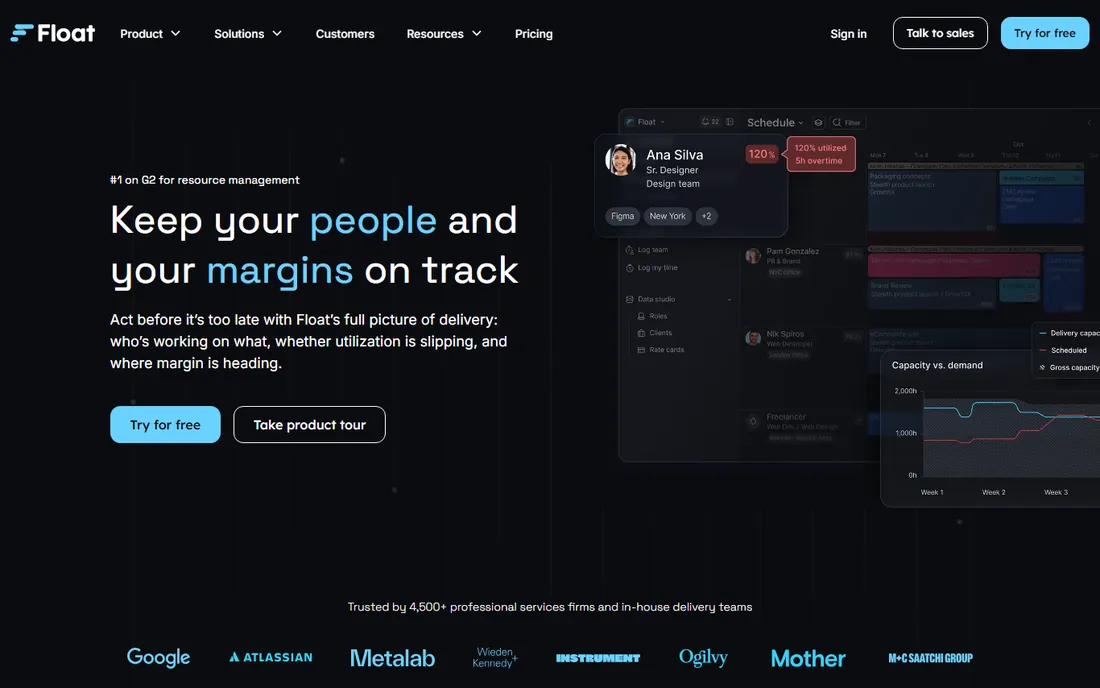
Float keeps the staffing board simple, and that is the whole point. You drag people onto projects, see who is free and who is double-booked, and track time against the same plan. For agencies running 10 to 50 people, the schedule answers the only question that matters each Monday: who is doing what this week.
The Starter plan at $7 per person per month (billed annually) covers scheduling, capacity and reporting. Pro at $12 adds single sign-on and deeper integrations. Float does not try to replace your task tracker, and it is honest about that. If you want one calendar of truth for your team, it is the cleanest option here.
What we like- Visual schedule the whole team reads at a glance
- Capacity and time-off planning built in
- Budgeting and forecasting tie hours to project cost
Watch out for- Limited project management depth, so most teams pair it with a task tool
- Per-person pricing adds up on large teams
#2
Runn
Best for: Firms that want utilization and project cost in one view
Visit runn.io
Starting price$7/resource/month (Lite plan)
Free planFree trial (30 days)
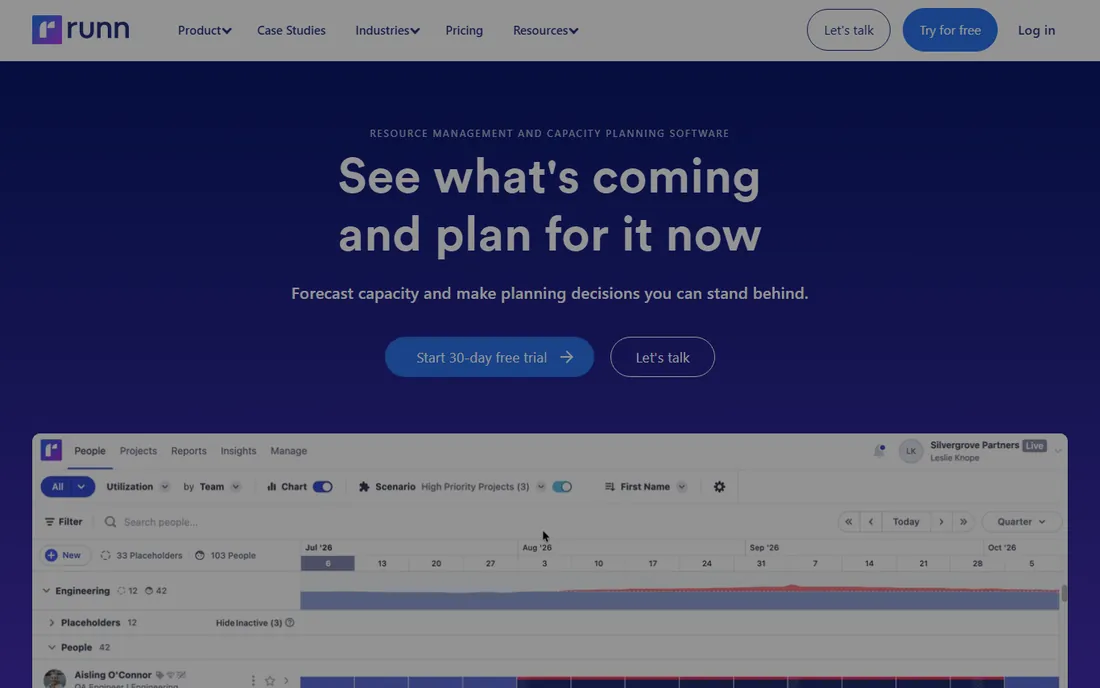
Runn was built for one job: showing who is doing what, and what it costs. The Lite plan at $7 per resource per month covers scheduling and capacity. Standard at $11 adds the financial layer, so you see project margins alongside utilization. That pairing is what separates Runn from prettier calendars.
The dashboard reads well for partners and operations leads: billable versus non-billable time, forecast versus actual, and tentative bookings for work you have not won yet. Task-level project management is thin, so delivery teams usually run Runn next to a dedicated PM tool. For services firms that bill by the hour, the margin view pays for itself.
What we like- Utilization, capacity and financial forecasting in one dashboard
- Placeholder resources for pipeline planning
- Straightforward per-resource pricing
Watch out for- Project management features are light next to monday.com or ClickUp
- Standard plan nearly doubles the Lite price
#3
monday.com
Best for: SMBs that want project tracking plus workload views in one platform
Visit monday.com
Starting price$12/seat/month (Standard, billed annually)
Free planFree plan (up to 2 seats)
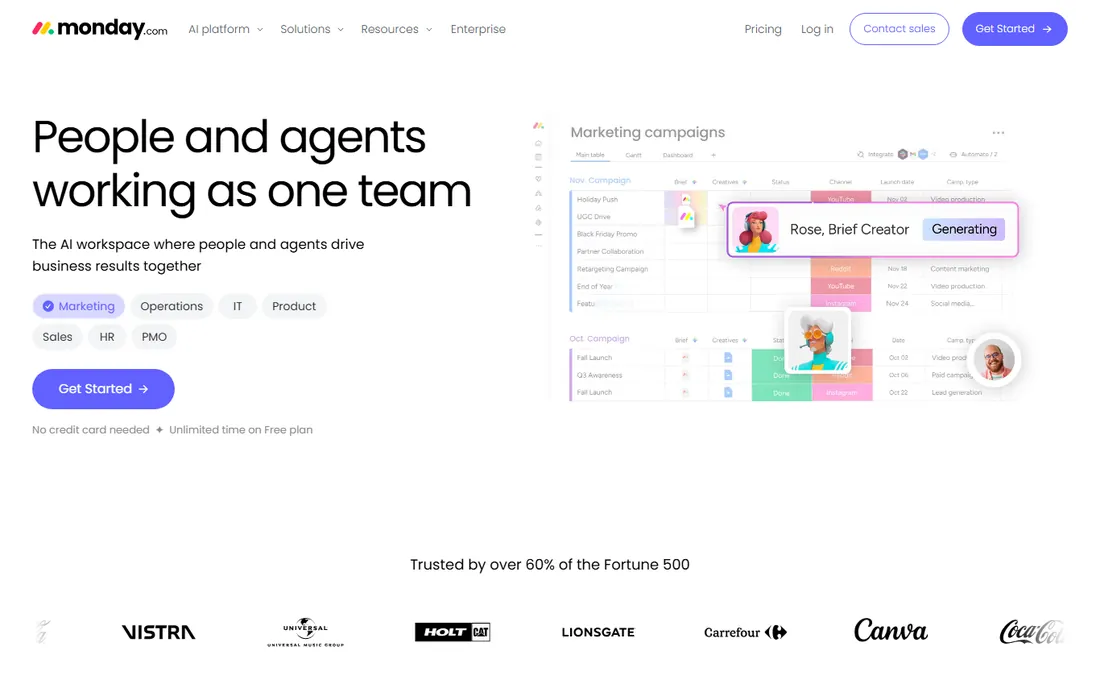
monday.com is the generalist on this list, and that is both the appeal and the trade-off. Boards handle tasks, timelines and files, and the workload widget then shows who is carrying too much. For small businesses that want one platform instead of two, it removes the sync problem entirely.
Standard at $12 per seat per month (billed annually) is where resource management becomes usable, with timeline, Gantt and calendar views included. Basic at $9 keeps the project side but drops the capacity layer most buyers come for. Automations and integrations are strong, though heavy automation use can push teams toward higher tiers. The two-seat free plan is genuinely useful for trying the core.
What we like- Workload and capacity views built on flexible project boards
- Large integration marketplace and automation library
- Free plan for very small teams
Watch out for- Resource features sit on Standard and above, not Basic
- Costs climb quickly with add-ons and extra seats
Starting price$4.16/person/month (Grasshopper, billed annually)
Free planFree trial (30 days)
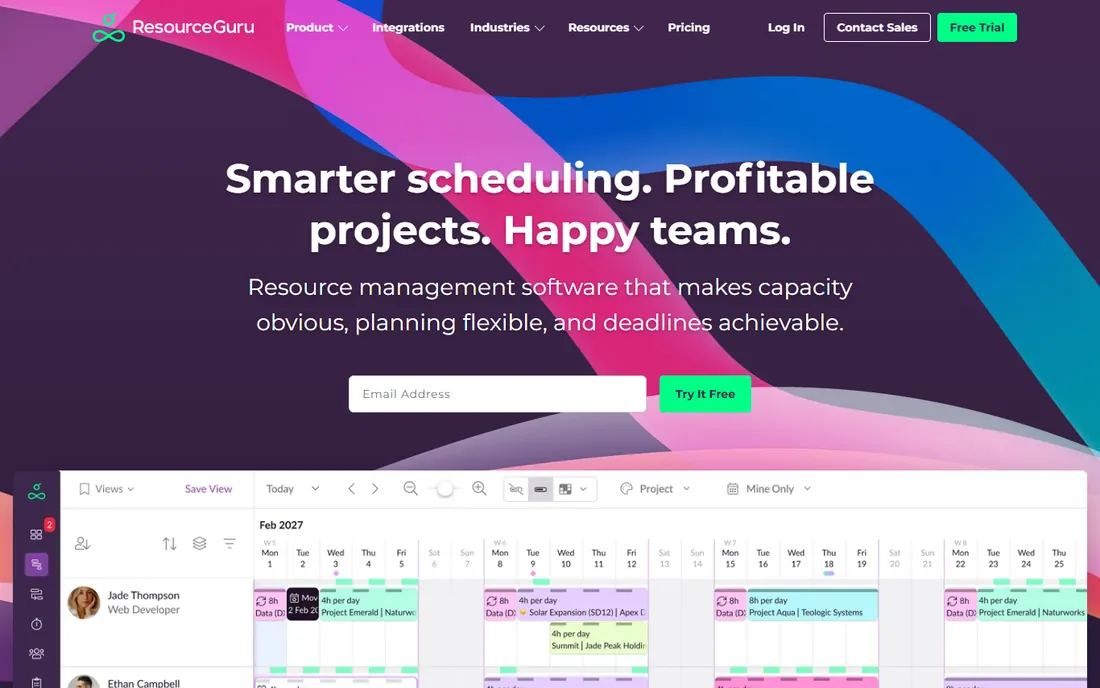
Some teams want a calendar, not a platform. Resource Guru books people onto projects in a clean daily and weekly view, flags clashes the moment they appear, and folds leave and availability into the same screen. Setup takes minutes, and most teams are scheduling the same day.
Grasshopper at $4.16 per person per month on annual billing is among the cheapest entries here. The trade-off is depth: project timelines, budgets and reporting are basic compared with Float or Runn. If your problem is who is free when, rather than how the project is tracking, that narrow focus is a feature, not a gap.
What we like- Booking bars make over-allocation visible instantly
- Leave and availability management included
- Quick to learn with minimal setup
Watch out for- Thin project management and reporting depth
- Monthly billing raises the price to $5 per person
#5
Wrike
Best for: Mid-size and larger teams running complex, cross-department work
Visit wrike.com
Starting price$10/user/month (Team, billed annually)
Free planFree plan available
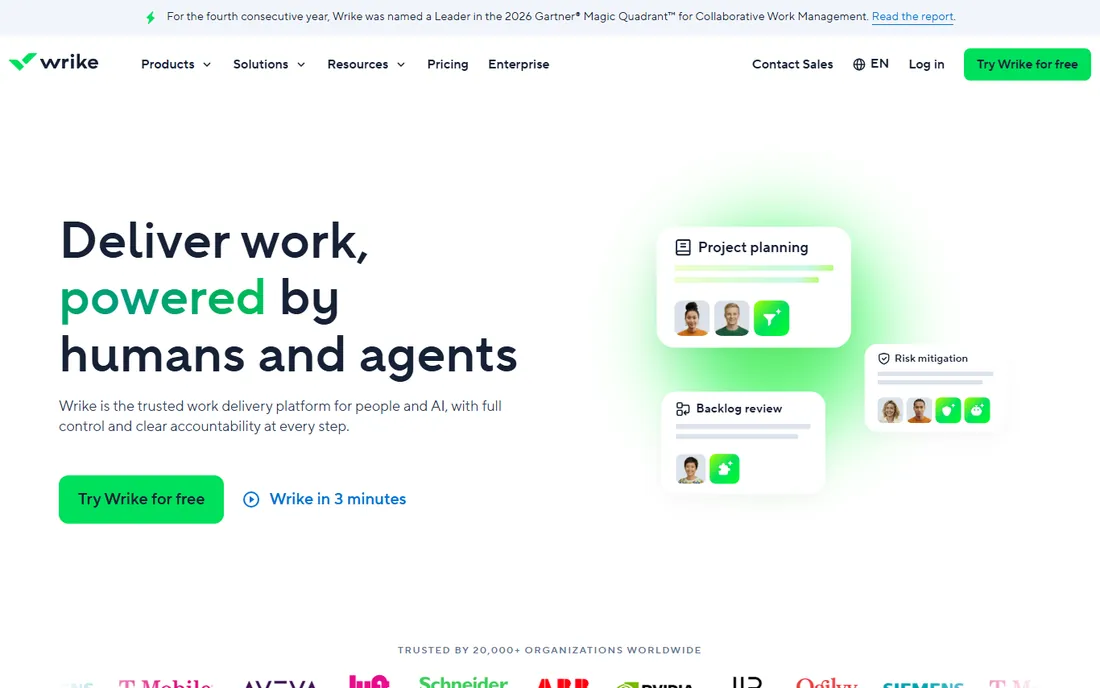
Wrike is the heavyweight option for teams whose work spans departments. The Team plan at $10 per user per month covers project basics. Resource management with workload views and effort allocation opens up on Business at $25. For organizations juggling dozens of concurrent projects, the reporting depth justifies the price.
Expect a real implementation: templates, custom fields and intake forms take configuration, and admins will earn their keep. The free plan covers small teams testing the core. Wrike suits companies that have outgrown boards and chat threads and need auditable, cross-functional delivery.
What we like- Workload views with effort allocation across projects
- Strong reporting and request forms for intake
- AI-assisted analytics on higher plans
Watch out for- Noticeably more setup and admin than simpler schedulers
- Business at $25 per user per month is a jump for resource features
#6
Teamdeck
Best for: Agencies and IT teams wanting scheduling, time tracking and leave in one affordable tool
Visit teamdeck.io
Starting price$6/full member/month
Free planFree trial
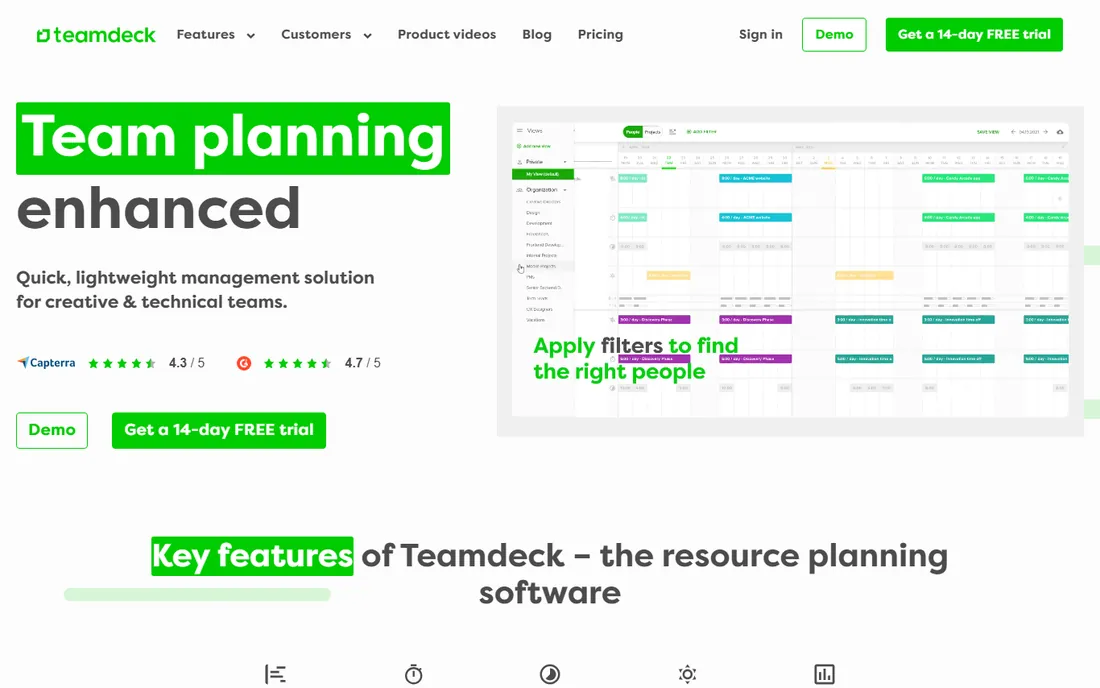
Teamdeck's pitch is capacity planning without enterprise pricing. Full members cost $6 per month and get scheduling, time tracking, leave management and reporting. Light members at $2 cover contractors who only need to appear on the calendar and log time. Few tools bundle this much at this price.
The reporting covers utilization, project budgets and payroll inputs, which suits agencies billing time. The ecosystem is smaller than monday.com or ClickUp, and the interface prioritizes function over polish. For cost-conscious teams that want the scheduling plus timesheet combo, the value is hard to argue with.
What we like- Combines resource scheduling, timesheets and leave management
- Light members at $2 per month keep contractors cheap
- Transparent per-member pricing
Watch out for- Smaller integration ecosystem than the big platforms
- Interface feels utilitarian next to Float or monday.com
#7
ClickUp
Best for: Teams that want projects, docs, goals and workload in a single workspace
Visit clickup.com
Starting price$7/user/month (Unlimited, billed annually)
Free planFree Forever plan
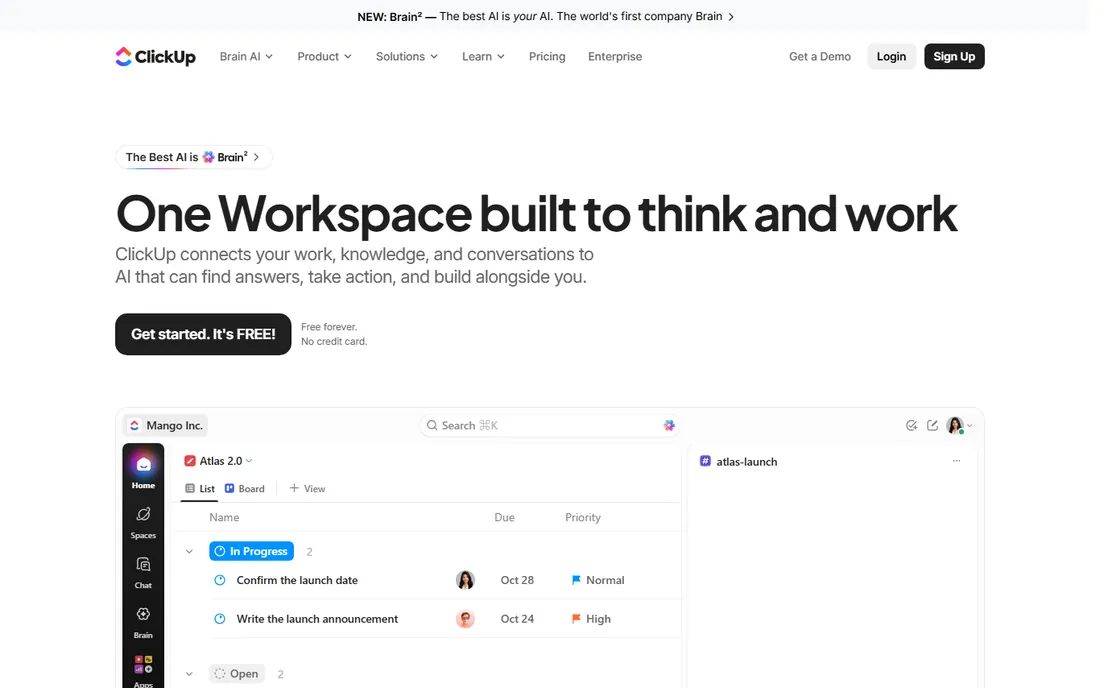
ClickUp tries to be the one workspace for everything, and the resource layer is part of that bet. The workload view maps task effort against capacity, time tracking is native, and docs and goals live alongside the work. Unlimited at $7 per user per month (billed annually, $10 month to month) is aggressive pricing for this much software.
The risk is sprawl: with this many features, teams must set up workload views carefully or the data misleads. Business at $12 adds advanced automations and dashboards. The free tier is genuinely usable for small teams, which makes ClickUp the lowest-risk way to test whether an all-in-one fits your workflow.
What we like- Workload view, time tracking, docs, whiteboards and goals in one subscription
- Generous free tier for small teams
- Frequent feature releases
Watch out for- Sheer breadth means a steeper learning curve
- Resource views need deliberate setup to stay accurate
#8
Smartsheet
Best for: Teams that think in spreadsheets and need portfolio-level visibility
Visit smartsheet.com
Starting price$9/member/month (Pro, billed annually)
Free planFree trial (30 days)
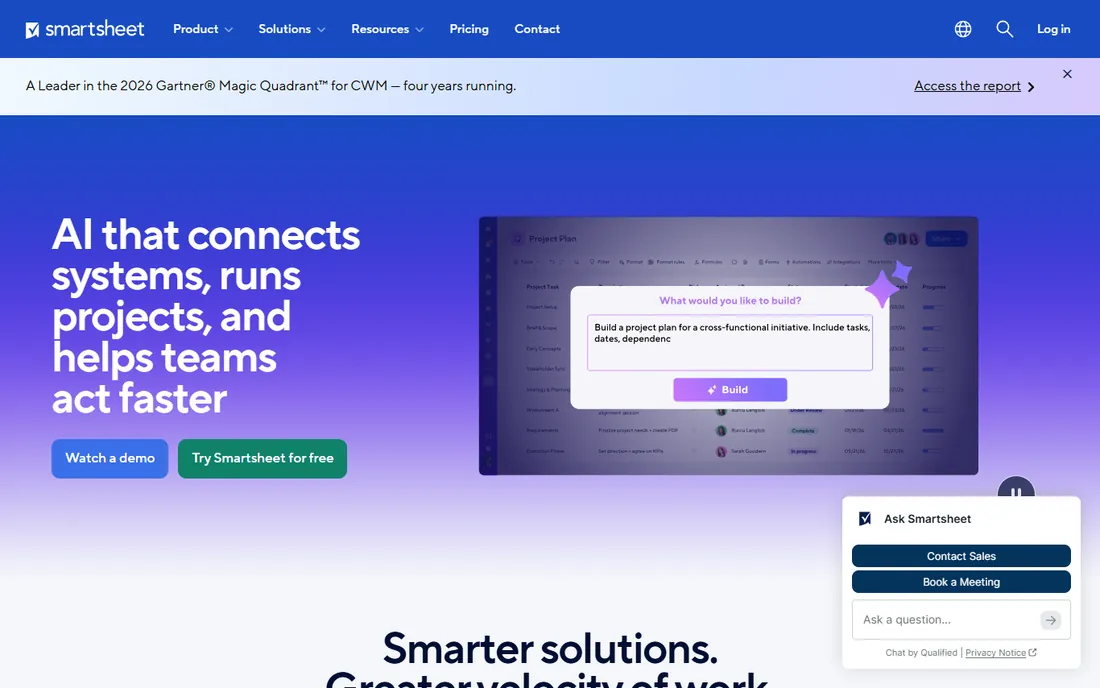
Smartsheet is for teams that live in rows and columns. Projects run on a familiar grid, with Gantt, Kanban and calendar views layered on top, and resource management plus portfolio dashboards arriving on the Business plan at $19 per member per month. Operations and PMO teams adopt it fast because the learning curve is nearly flat.
Pro at $9 per member per month (billed annually, $12 monthly) suits small teams with straightforward needs. There is no free plan anymore, only a 30-day trial, and minimum seat counts make it awkward for very small groups. For spreadsheet-native organizations managing many projects at once, it remains the natural fit.
What we like- Familiar grid interface with Gantt, card and calendar views
- Resource management and portfolio dashboards on Business
- Strong enterprise controls
Watch out for- No free plan since the free tier was discontinued
- Per-member minimums that punish tiny teams
#9
Accelo
Best for: Professional services firms wanting sales, projects, resourcing and billing unified
Visit accelo.com
Starting priceSee website (custom quote)
Free planNo

Accelo earns its place here because Forecast no longer exists as a standalone product. Accelo acquired Forecast in 2025 and completed the brand integration in May 2026, folding Forecast's predictive resourcing and capacity AI into its professional services automation platform. If you are shopping for what Forecast used to be, Accelo is where it lives now.
The platform runs the full client-service lifecycle: pipeline, projects, resourcing, time tracking and billing in one system, with margin and utilization insight throughout. Pricing is quote-based, and implementations suit firms rather than small teams. For agencies and consultancies that want one system from proposal to invoice, it is the most complete option on this list.
What we like- End-to-end PSA covering CRM, projects, tickets, resourcing and invoicing
- Forecast's predictive AI now folded into the platform
- Built for client-service economics
Watch out for- No published pricing, so budgeting starts with a sales call
- Broader than pure resource tools, with the complexity that implies
#10
Kantata
Best for: Mid-market and enterprise services firms needing deep professional services automation
Visit kantata.com
Starting priceSee website (custom quote)
Free planNo free plan or trial advertised
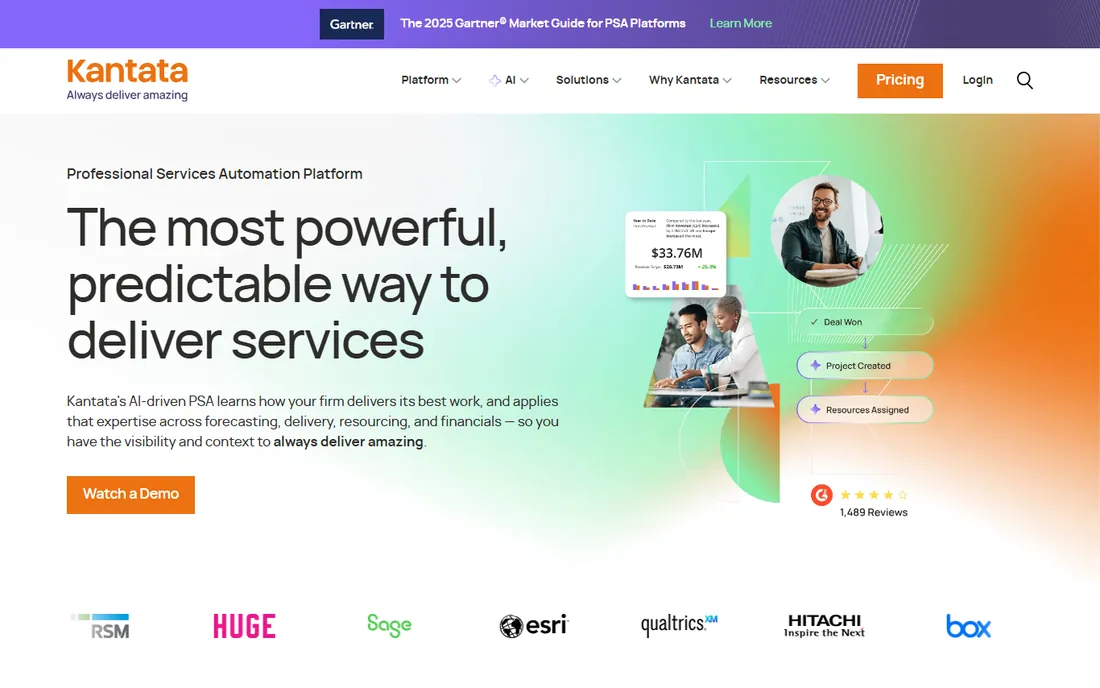
Kantata is the professional services specialist, built for firms where delivery is the business. Resourcing, project financials, forecasting and talent matching run in one PSA system, now with an AI layer trained on how the firm delivers. The pitch is predictable, profitable delivery at scale.
Everything here is enterprise-shaped: custom quotes, guided implementations and pricing that assumes a real services operation. There is no free plan or advertised trial. Smaller agencies will find Accelo, Runn or Float more approachable. Firms running hundreds of billable staff will find Kantata's depth worth the sales process.
What we like- Purpose-built PSA connecting resourcing, forecasting and financials
- AI expertise engine trained on delivery data
- Scales to large services organizations
Watch out for- Quote-only pricing with no self-serve path
- Overkill for teams under 30 people
How to choose project and resource management software
Start by deciding which half of the problem hurts more. If double-booking and hiring guesses are the pain, a dedicated scheduler like Float, Runn, Resource Guru or Teamdeck solves it faster and cheaper than a platform. If tasks, files and client delivery also need a home, an all-rounder like monday.com, ClickUp, Wrike or Smartsheet removes the sync work between tools.
Run the per-seat math at your actual headcount, not the demo headcount. Annual billing cuts 15 to 20 percent off most of these tools, and contractor-friendly tiers such as Teamdeck's Light members can cut the bill further. Quote-only products like Accelo and Kantata need a sales conversation before you can budget at all.
Check that time tracking and leave feed the capacity view. A schedule disconnected from actual hours and time off produces utilization numbers that look precise and mean nothing. Finally, trial the workload view with your real team size: a demo with five people hides the clutter that appears at 30.
Project management vs resource management: what is the difference
Project management answers what needs doing and by when: tasks, milestones, dependencies and deliverables. Resource management answers who does it and at what cost: availability, capacity, utilization and rates. The workload view is where the two meet, mapping task effort against real human availability.
You need resource management when double-booking happens weekly, when hiring decisions are guesses, or when project margins surprise you at month end. Project management alone is enough when the team is small and stable, everyone knows who does what, and the work rarely overlaps. Most growing agencies cross that line somewhere between 10 and 20 people.
How we chose
We reviewed the vendor pricing pages for each tool in October 2026 and confirmed every website address by opening the official homepage. We prioritized tools that combine project delivery with resource or capacity planning, and we required published pricing wherever the vendor offers it, marking quote-only products clearly. Forecast was replaced by its acquirer Accelo after the brand integration completed in May 2026. We did not run hands-on trials and we report no user counts, ratings or awards.
Frequently asked questions
What is the best project and resource management software for a small agency?
For pure scheduling, Float or Runn: Float for the simplest calendar, Runn when you also want utilization tied to cost. If you need project management in the same tool, monday.com or ClickUp cover both at $7 to $12 per user per month.
How much does project and resource management software cost?
SMB tools run $4 to $12 per person per month on annual billing. Dedicated schedulers like Resource Guru and Teamdeck sit at the low end. Enterprise PSA products like Accelo and Kantata are custom-quoted and priced for firms, not small teams.
Can these tools handle contractors and freelancers?
Yes. Teamdeck offers $2 Light members for people who only need calendar visibility and time logging. Most other tools let you add contractors as regular seats, so compare the per-seat math before committing.
Do any of these tools have free plans?
monday.com offers a two-seat free plan, and Wrike and ClickUp have free tiers. Float, Runn, Resource Guru and Smartsheet offer free trials but no permanent free plan. Accelo and Kantata are sales-led with no self-serve free option.
What happened to Forecast?
Accelo acquired Forecast in 2025 and completed the brand integration in May 2026. The Forecast product and website now live under the Accelo brand, with its predictive resourcing features folded into Accelo's professional services platform.
Sources we checked (12)
- https://float.com/pricing
- https://www.runn.io/pricing
- https://monday.com/pricing
- https://resourceguruapp.com/pricing
- https://www.wrike.com/pricing
- https://teamdeck.io/pricing
- https://clickup.com/pricing
- https://www.smartsheet.com/pricing
- https://accelo.com/pricing
- https://kantata.com/pricing
- https://www.g2.com/categories/project-management
- https://www.capterra.com/resource-management-software/
Is your product missing or out of date?
We review this list regularly. Vendors can request a listing, send updated pricing or ask about featured placement.

Shihab Mia · Founder, Rankite
Shihab has spent more than a decade helping SaaS and e-commerce brands grow through search. He writes Rankite's software buying guides from pricing pages, documentation and public user reviews. More about Shihab.