How we make this list: we compare pricing pages, product documentation and public user reviews. Ratings come from G2, Capterra or Trustpilot, with the date we checked them.
Key takeaways
- Trados Studio remains the agency default for freelance translators, starting at $40 per month on an annual saver plan, with a browser-based Trados Go option from $30 per month.
- memoQ offers flexible licensing with subscription and perpetual options, while Wordfast Pro and OmegaT give freelancers lower-cost and free desktop alternatives.
- Phrase, Crowdin, and Lokalise suit teams localizing software and websites, with workflow automation, integrations, and reviewer roles built in.
- DeepL Pro starts at $8.74 per user per month billed annually and is the machine translation service most professionals pair with a CAT tool.
- Smartcat combines a CAT editor, AI translation, and a linguist marketplace, with paid plans from $1,200 per year, so teams should check Smartwords credit limits before buying.
Quick comparison
| Tool | Best for | Starting price | Free plan |
|---|
 Trados Studio Trados Studio | Freelance translators working with agencies | $40 per month (billed annually) | Free trial |
 memoQ memoQ | Translators wanting flexible licensing | See website | Free trial |
 Phrase Phrase | Companies managing software localization | $27 per month | Free trial |
 Smartcat Smartcat | Teams combining AI translation and linguists | $1,200 per year | Free trial |
 DeepL DeepL | High-quality machine translation drafts | $8.74 per user/month (billed annually) | Yes |
 Crowdin Crowdin | Developer teams localizing products | $59 per month | Yes |
 Lokalise Lokalise | Product teams with design-heavy workflows | $144 per month | Free trial |
 Wordfast Pro Wordfast Pro | Freelancers wanting affordable desktop CAT | $240 one-time | Free trial |
 OmegaT OmegaT | Free open-source CAT translation | Free | Yes |
Is your product missing or out of date?
We review this list regularly. Vendors can request a listing, send updated pricing or ask about featured placement.
The best professional translation software
#1Trados Studio
Best for: Freelance translators working with agencies4.0/5 on
G2 (154 reviews, checked Oct 2026)
Visit trados.com
Starting price$40 per month (billed annually)
Free planFree trial
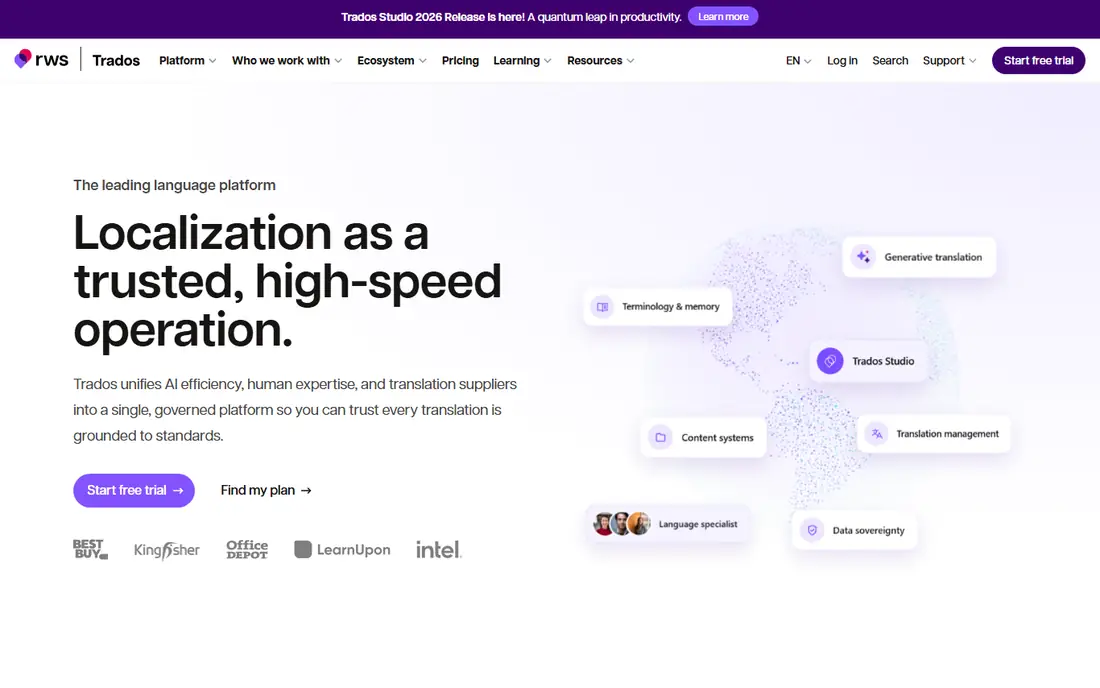
Trados Studio is the tool most freelance translators meet first, because many agencies send work in Trados formats and expect translators to return files in the same package. The desktop editor combines translation memory, terminology databases, quality checks, and machine translation plugins, and cloud features allow work to move between desktop and browser.
Freelance pricing on the Trados site lists Studio Freelance at $54 per month on a monthly contract, $47 per month on an annual contract, and $40 per month on an annual saver plan billed at $480 per year. Trados Go, the browser-based option, costs $40 per month monthly, $34 on an annual contract, and $30 on an annual saver plan. A 14-day cancellation window applies to new subscriptions. The main drawback is cost over time, because new plans are subscription based rather than a one-time purchase. For a translator whose income depends on agency work, that cost is often justified by access to jobs that require Trados.
What we like- Widely requested by translation agencies
- Strong translation memory and terminology tools
- Desktop and browser working options
Watch out for- Subscription only for new freelance plans
- Learning curve is steep for new users
#2memoQ
Best for: Translators wanting flexible licensing4.5/5 on
G2 (132 reviews, checked Oct 2026)
Visit memoq.com
Starting priceSee website
Free planFree trial
memoQ is the main rival to Trados for professional translators, and many translators prefer its interface and workflow. The desktop editor handles translation memory, terminology, quality checks, and machine translation. LiveDocs is a distinctive feature, because it lets a translator use reference documents directly as translation memory without converting them first. That helps with manuals and documents where an earlier version exists only as a file, not as a memory database.
Licensing is memoQ's practical advantage. Freelance translators have historically been offered a subscription or a perpetual license with an optional support agreement, which changes the long-term cost compared with a subscription-only tool. Team and server products, used by agencies for project management and collaboration, are priced by quote and by license type, so buyers should confirm the exact configuration. memoQ is a strong choice for a translator who wants a professional desktop CAT tool without being tied to one vendor's subscription model, and for agencies that need collaboration across translators and reviewers.
What we like- Subscription and perpetual license options
- LiveDocs uses reference files as translation memory
- Strong collaboration for agencies
Watch out for- Team and server pricing is quote based
- Desktop focus means cloud working needs memoQweb
#3Phrase
Best for: Companies managing software localization4.5/5 on
G2 (1,346 reviews, checked Oct 2026)
Visit phrase.com
Starting price$27 per month
Free planFree trial
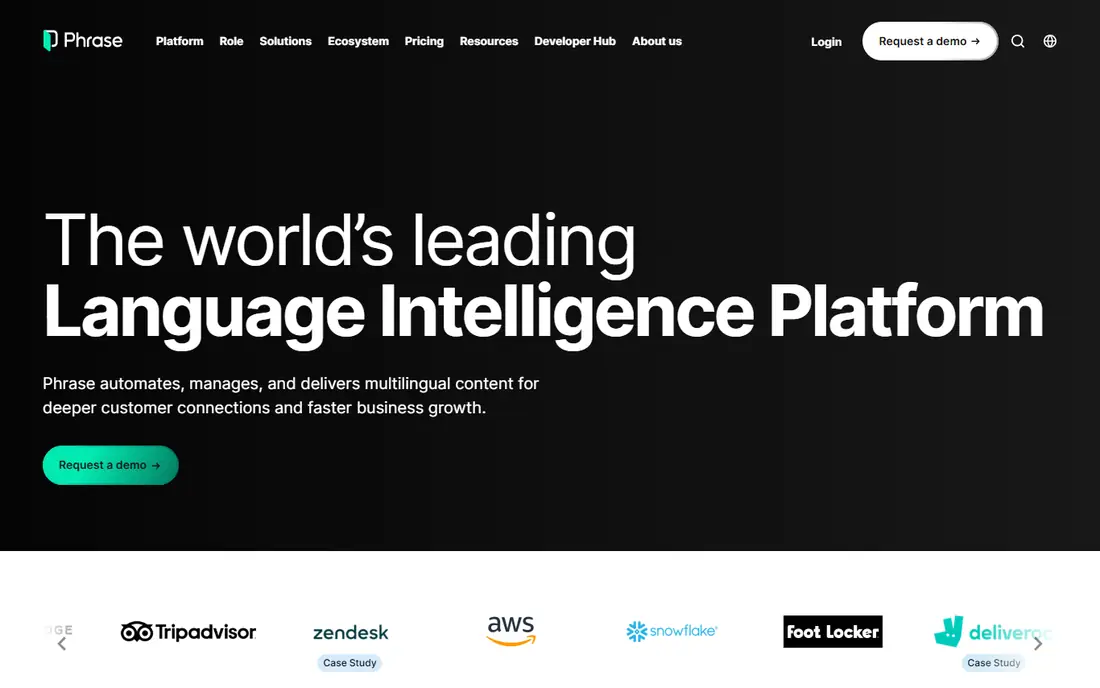
Phrase, formerly Memsource, now covers two related jobs under one brand. Phrase TMS handles professional translation projects, files, and workflows for localization teams and language service providers. Phrase Strings handles software strings for developers, with integrations that pull new text from code repositories and push translations back automatically. Buyers must identify which product they are pricing, because app localization and agency project management are different jobs.
Freelancer plans start at $27 per month, with team and business tiers rising sharply, including a Team plan reported at $1,045 per month for business use. All plans are typically billed annually, so the upfront total is higher than the monthly figure suggests. The strength is automation. Jobs can move from file upload to translator assignment, review, and delivery with rules that reduce manual handling. The weakness is complexity and cost for smaller teams, who may find Crowdin or Lokalise simpler for software strings alone.
What we like- Separate products for translators and developers
- Strong automation and integrations
- Translation memory and quality checks built in
Watch out for- Pricing structure is complex across products
- Business features sit on much higher tiers
#4Smartcat
Best for: Teams combining AI translation and linguists4.6/5 on
G2 (176 reviews, checked Oct 2026)
Visit smartcat.com
Starting price$1,200 per year
Free planFree trial
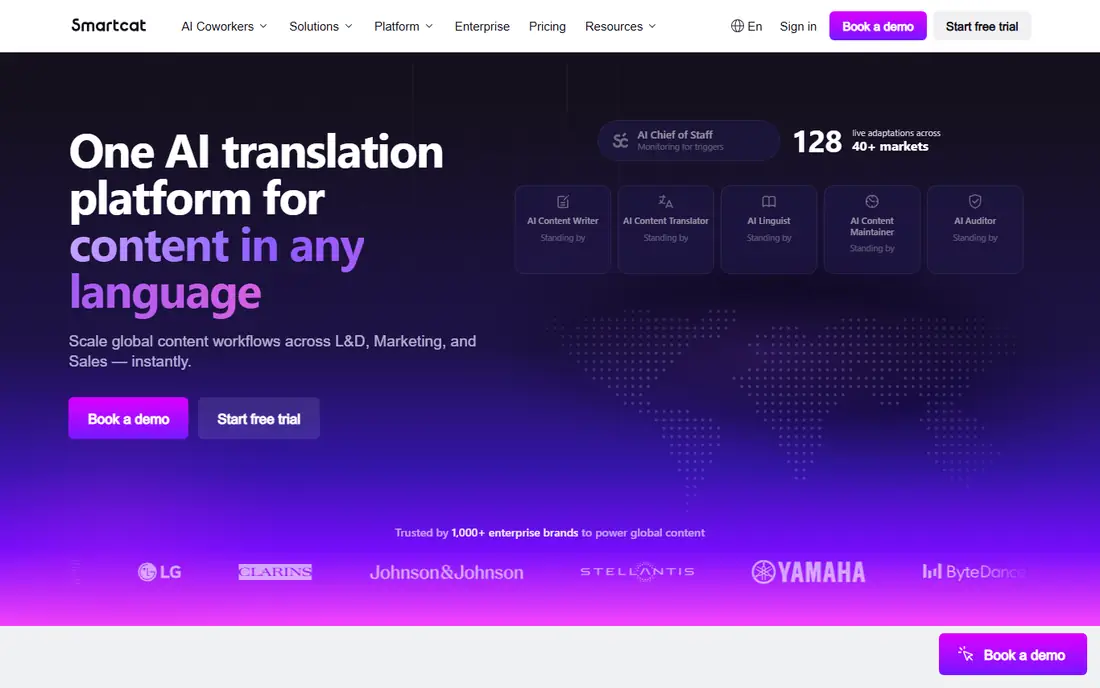
Smartcat is a cloud platform that combines a CAT editor, translation management, AI translation, and a marketplace of linguists. A team can upload documents, websites, or software files, run AI translation, assign human review, and pay translators through one invoice. Unlimited users on paid plans helps teams with many reviewers, and integrations help keep translations current.
Paid plans start at $1,200 per year for the entry Adapt plan, with enterprise tiers priced by quote. Every plan starts with a 15-day free trial including 15,000 Smartwords, which are the credits that pay for AI translation. That credit model is the main cost to model carefully. A team translating many long documents will use Smartwords faster than a team translating short web pages, so check word counts and credit balances before committing. Smartcat suits teams that want AI speed plus human review in one workspace, and it suits freelancers who find work through its marketplace, provided they vet clients carefully.
What we like- Cloud CAT editor with no desktop install
- AI translation with Smartwords credits
- Marketplace for finding linguists and paying them in one place
Watch out for- AI usage is metered by Smartwords, so costs rise with volume
- Marketplace quality varies and needs vetting
#5DeepL
Best for: High-quality machine translation drafts4.6/5 on
G2 (152 reviews, checked Oct 2026)
Visit deepl.com
Starting price$8.74 per user/month (billed annually)
Free planYes
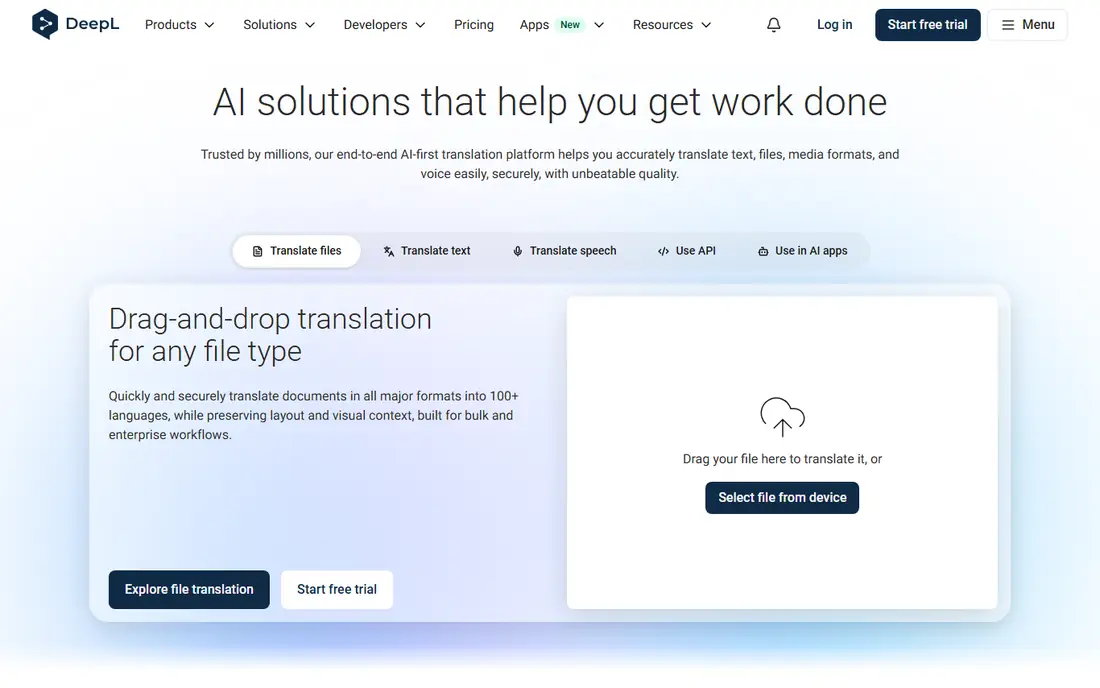
DeepL is not a CAT tool, and that distinction matters. It is a machine translation service that produces a draft, which a professional then edits inside Trados, memoQ, Phrase, or another CAT tool. Its strength is output quality, especially for European language pairs. Glossaries lock in approved terms, and document translation preserves much of the formatting of Word and PowerPoint files.
The free tier covers basic text translation with limits, while Pro plans start at $8.74 per user per month billed annually for the entry plan, with higher tiers at $28.74 and $57.49 per user per month billed annually. Higher plans add more document translations, larger glossaries, single sign-on, and CAT tool integration. An API is priced separately for developers. DeepL is the right purchase for a translator or team that needs better drafts and data security than a free web translator offers, but it does not replace project management, translation memory, or reviewer workflows on its own.
What we like- Strong translation quality for European languages
- Glossary and document translation on Pro plans
- CAT tool integration on higher plans
Watch out for- Not a full CAT tool or project manager
- Free plan limits characters and document handling
#6Crowdin
Best for: Developer teams localizing products4.4/5 on
G2 (749 reviews, checked Oct 2026)
Visit crowdin.com
Starting price$59 per month
Free planYes
Crowdin is built for software, apps, and games, where new strings arrive with every release. Integrations with GitHub, GitLab, and other developer tools pull source text automatically and push translations back, which removes manual file handling from each release cycle. A command-line tool syncs approved strings to local environments, and in-context editing shows translators where a string appears. Community voting suits open-source projects and games with active fans.
Pricing starts at $59 per month for the Pro plan, with a free plan available within usage limits and Team plans higher. Crowdin counts hosted words across target languages, so a project with many languages will use its allowance faster than a single-language project. The interface is powerful but developer focused, with branches, placeholders, and file formats that can confuse marketing editors. For a development team that ships often and needs localization inside its release process, Crowdin is one of the most practical choices available.
What we like- Strong GitHub and developer integrations
- Free plan for small and open-source projects
- Community translation and voting workflows
Watch out for- Interface feels developer focused
- Non-technical editors may need training
#7Lokalise
Best for: Product teams with design-heavy workflows4.7/5 on
G2 (765 reviews, checked Oct 2026)
Visit lokalise.com
Starting price$144 per month
Free planFree trial
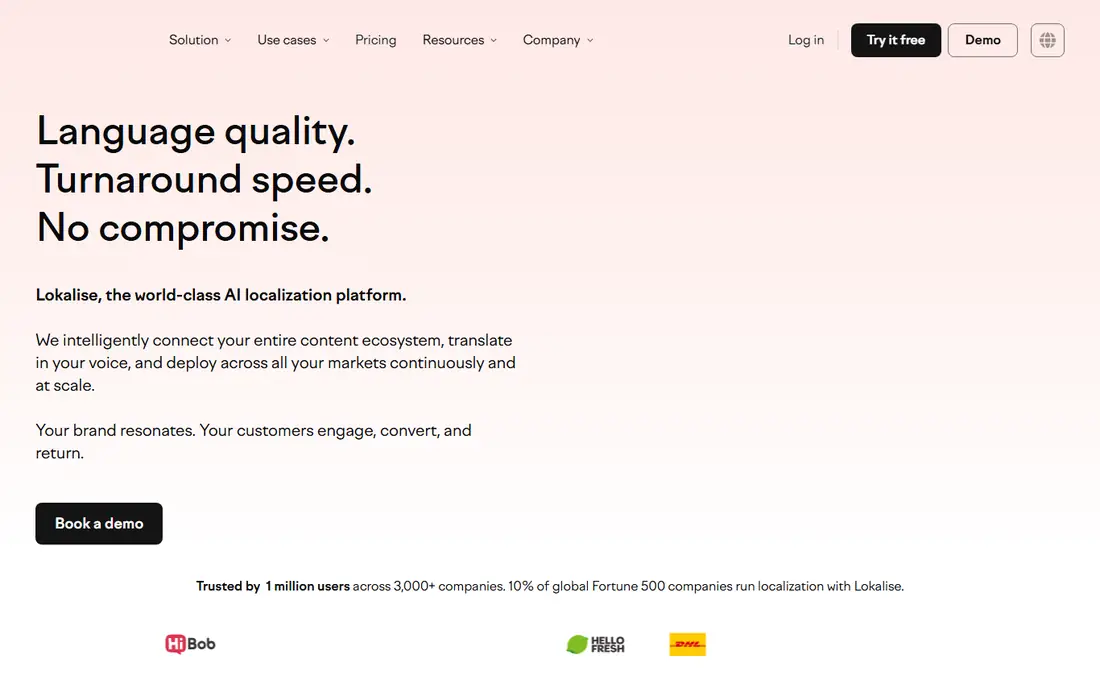
Lokalise focuses on product teams that care how translated text looks inside an app or website, not just whether the words are correct. Visual previews show translators the screen where a string appears, which helps catch text that breaks a layout. Integrations keep translations in step with product changes.
The Explorer plan is listed at $144 per month, with higher tiers for larger teams and more automation. Like Crowdin, Lokalise prices partly by usage, so hosted words, seats, and features decide the final bill. A free trial lets a team test visual editing and integrations before paying. Lokalise suits startups and product teams with regular releases and design-sensitive interfaces, while a freelance translator or a small agency will usually get better value from a desktop CAT tool.
What we like- Visual editing for design and app screens
- Strong automation and integrations
- Clear project and reviewer roles
Watch out for- Entry price is high for small teams
- Costs rise with hosted words and seats
#8Wordfast Pro
Best for: Freelancers wanting affordable desktop CAT4.0/5 on
G2 (3 reviews, checked Oct 2026)
Visit wordfast.com
Starting price$240 one-time
Free planFree trial
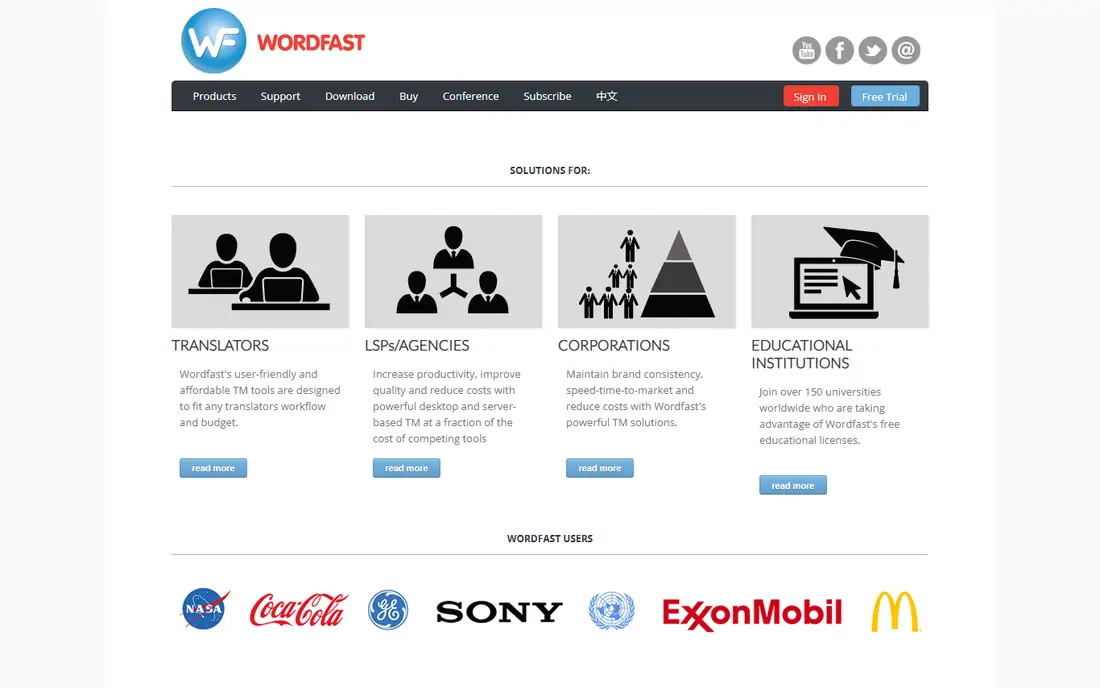
Wordfast Pro is a desktop CAT tool aimed at freelance translators who want professional features without a recurring subscription. It handles translation memory, terminology, quality checks, and common file formats, including XLIFF files. The interface is simpler than Trados or memoQ, which helps a new translator start work quickly.
The license is listed as a one-time purchase of $240, which changes the multi-year cost compared with subscription tools. That single payment is the main reason Wordfast remains popular with part-time translators and translators in markets where monthly subscriptions in dollars add up quickly. The trade-off is ecosystem size. Fewer agencies request Wordfast by name, and team features are thinner than memoQ Server or Phrase TMS. For a freelancer who controls their own clients and file formats, Wordfast is a sound, low-cost professional choice.
What we like- One-time license rather than a subscription
- Works with common CAT file formats
- Short learning curve for new translators
Watch out for- Smaller ecosystem than Trados or memoQ
- Fewer advanced team features
#9OmegaT
Best for: Free open-source CAT translation3.7/5 on
G2 (16 reviews, checked Oct 2026)
Visit omegat.org
Starting priceFree
Free planYes
OmegaT is a free, open-source CAT tool that has served translators for many years. It provides translation memory, glossaries, fuzzy matching, and support for common formats, without a license fee. It runs on Windows, Mac, and Linux, with no seat limits.
The interface is functional rather than polished, and new users may need time to configure machine translation plugins, dictionaries, and file filters. OmegaT also lacks the agency workflow, vendor management, and cloud collaboration found in Phrase or Smartcat. For a student, a volunteer translator, or a professional who needs a reliable free CAT tool for straightforward projects, OmegaT is hard to beat. For agency work that requires a specific commercial tool, it is best used alongside, not instead of, the tool the client requests.
What we like- Completely free with no license limits
- Translation memory and glossary support
- Runs on Windows, Mac, and Linux
Watch out for- Interface is plain and dated
- Setup and plugin configuration take more effort
How we chose
We compared vendor pricing pages, product documentation, and public reviews on G2, Capterra, and Reddit, against the same professional needs. Does it store translation memory and terminology, handle the formats a buyer receives, and support human review after machine translation. Is pricing public or quote based, and does a trial allow a real project test.
A freelance translator should start with the tool their clients request. If agencies send Trados packages, Trados Studio or a compatible workflow is the practical choice, even if another CAT tool is cheaper. If clients are direct and formats are flexible, memoQ, Wordfast Pro, or OmegaT can save money over several years. A product team should start with the platform that fits its release process, whether that is Crowdin for developer workflows, Lokalise for design-heavy products, or Phrase for mixed file and string work.
Check file formats and memory ownership
Before buying, confirm that the tool opens the formats you receive most, including Word, PowerPoint, XLIFF, JSON, and software resource files. Confirm who owns the translation memory and how it exports, because a memory built over years is a business asset. A tool that locks memory behind an export fee or a proprietary format creates a costly exit later.
Budget for machine translation separately
Machine translation is often priced by characters or credits, separate from the CAT subscription. Estimate monthly words, not just seats, and check whether glossaries sit on the plan you intend to buy.
Test with a real project, not a demo file
Use the trial to translate a real document with tables, tags, and approved terms, then export it and check formatting. That test reveals problems with file filters, quality checks, and reviewer roles that a clean demo file hides. For live translation, a consumer app should be judged on speech accuracy and offline support, not on translation memory.
Frequently asked questions
What is the best translator app for professional work?
For professional documents and localization, a CAT tool such as Trados Studio or memoQ is the correct choice, with DeepL Pro as a machine translation companion. Consumer translator apps are useful for quick messages, travel, and live conversation, but they lack translation memory, terminology control, and file handling. Choose the tool by the job, not by the app store ranking.
What is the best app for live translation?
For live spoken translation, a consumer app with speech recognition and offline language packs is more practical than a CAT tool, because CAT tools are built for written documents. DeepL, Google Translate, and Microsoft Translator all offer speech and conversation modes on mobile, with accuracy varying by language pair. Test the exact languages you need in a noisy setting before relying on any app for an important conversation.
Do I need Trados Studio to work as a translator?
Not always, but it helps with agency work. Many agencies send Trados packages and prefer translators who can return them without conversion problems. Direct clients and some agencies accept memoQ, Wordfast, or other CAT formats.
Is machine translation enough without a human editor?
No, for professional work it is not. Machine translation produces a fast draft, but it can miss context, legal meaning, brand terms, and cultural nuance. A human editor checks terminology, tone, formatting, and factual consistency, and takes responsibility for the final text. For low-risk internal drafts, machine output may be enough, but published, legal, or medical content needs human review.
How much should a freelance translator budget for software?
A freelancer can start free with OmegaT, spend $240 once for Wordfast Pro, or pay from $30 to $54 per month for Trados plans. Add DeepL Pro from $8.74 per user per month billed annually if machine translation quality matters.
What is translation memory, and why does it matter?
Translation memory is a database of earlier translations, stored as source and target sentence pairs. When a new document repeats a sentence or a similar sentence, the CAT tool suggests the earlier translation, which keeps wording consistent and reduces repeated work. Over time, a well-kept memory becomes a major asset, especially for manuals, software, and legal documents with repeated sections.
Sources we checked (9)
- https://www.trados.com/pricing
- https://www.memoq.com/pricing
- https://phrase.com/pricing
- https://www.smartcat.com/pricing
- https://www.deepl.com/pro
- https://crowdin.com/pricing
- https://lokalise.com/pricing
- https://www.wordfast.com/pricing
- https://omegat.org/download
Is your product missing or out of date?
We review this list regularly. Vendors can request a listing, send updated pricing or ask about featured placement.

Shihab Mia · Founder, Rankite
Shihab has 5+ years in B2B and SaaS SEO. He writes Rankite's software buying guides from pricing pages, documentation and public user reviews. More about Shihab.