How we make this list: we compare pricing pages, product documentation and public user reviews. Rankite is independent; if a vendor ever pays for a featured spot, that listing is clearly labeled Partner.
Key takeaways
- RWS Trados Studio remains the safest pick for freelance translators who need compatibility with agencies, but the subscription cost adds up.
- Phrase TMS and Lokalise suit software teams that ship updates weekly; they connect directly to code repos and design files.
- memoQ is the strongest choice for mid-size agencies that juggle large multilingual projects and vendor teams.
- Crowdin and Wordfast give small budgets a real option, one with a free plan and community translation, the other with a flat license.
Quick comparison
| Tool | Best for | Starting price | Free plan |
|---|
 RWS Trados Studio RWS Trados Studio | freelance translators | £24/month (Trados Go) | Free trial (14 days) |
 memoQ memoQ | translation agencies | $3,025/year (TMS Starter) | See website |
 Phrase TMS Phrase TMS | localization teams | See website | Free trial (14 days) |
 Smartling Smartling | enterprise content operations | See website | See website |
 Lokalise Lokalise | software and app localization | See website | Free trial (14 days) |
 Crowdin Crowdin | community and open-source projects | See website | Yes |
 Transifex Transifex | developer-led localization | See website | See website |
 Smartcat Smartcat | teams wanting translation plus a linguist marketplace | See website | See website |
 Wordfast Wordfast | budget-conscious freelancers | €400 (3-year license) | Free demo |
 Across Across | enterprises needing on-premise deployment | See website | See website |
Is your product missing or out of date?
We review this list regularly. Vendors can request a listing, send updated pricing or ask about featured placement.
Sorting out what translation software you actually need
Buying translation software punishes you slowly. Pick the wrong one and you notice it six months later, when your translation memory will not import, your linguists hate the interface, or the "cheap" plan costs triple once you add seats. The tools below cover the two main camps: CAT tools built for translators working on documents, and translation management systems built for teams shipping content continuously. Knowing which camp you are in decides half the shortlist.
Starting price£24/month (Trados Go)
Free planFree trial (14 days)
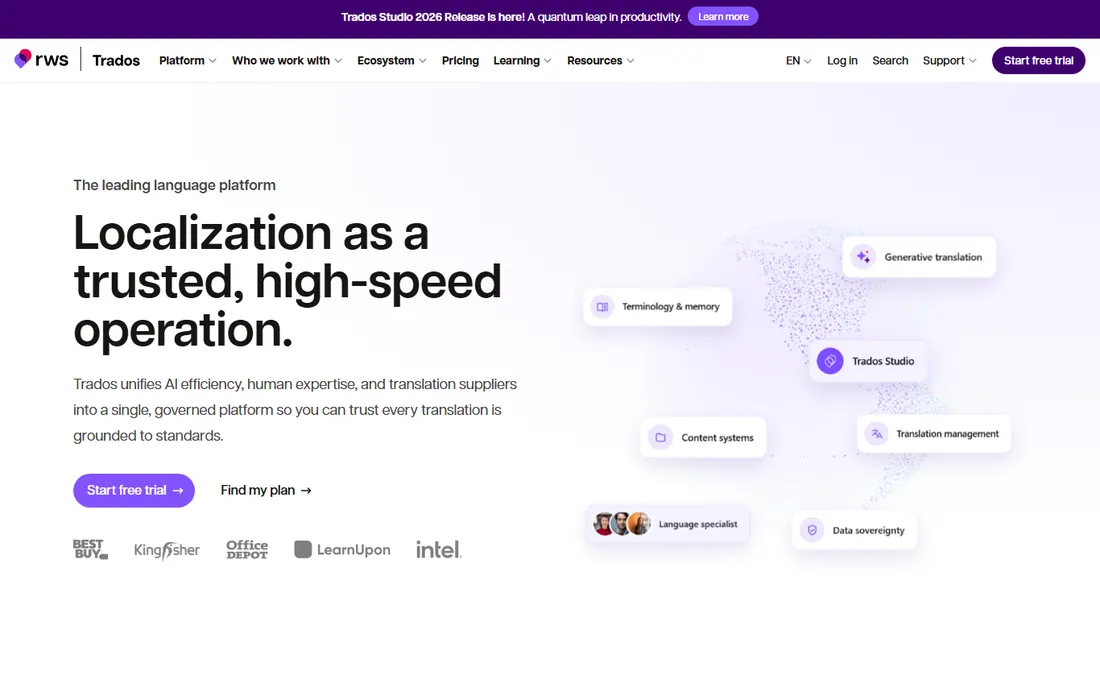
Trados is the tool agencies assume you own. Send a translator an SDLXLIFF package and they open it in Trados without thinking, which is why "do you use Trados" still appears in vendor onboarding forms. The desktop Studio builds translation memories that stay genuinely useful across years of client work, and the terminology tools reward anyone disciplined enough to maintain them.
The honest catch is cost and momentum. The move to subscription tiers (Go at £24/month, Freelance at £34/month) makes it one of the pricier desktop options, and newer translators often find the UI harder to learn than Phrase or Smartcat. If your agency work runs through Trados packages, you have little choice. If it does not, test a cloud alternative first.
What we like- Industry-standard file compatibility
- Strong translation memory and terminology features
- Large community and training resources
Watch out for- Subscription pricing keeps climbing
- The interface feels dated compared with cloud tools
Starting price$3,025/year (TMS Starter)
Free planSee website
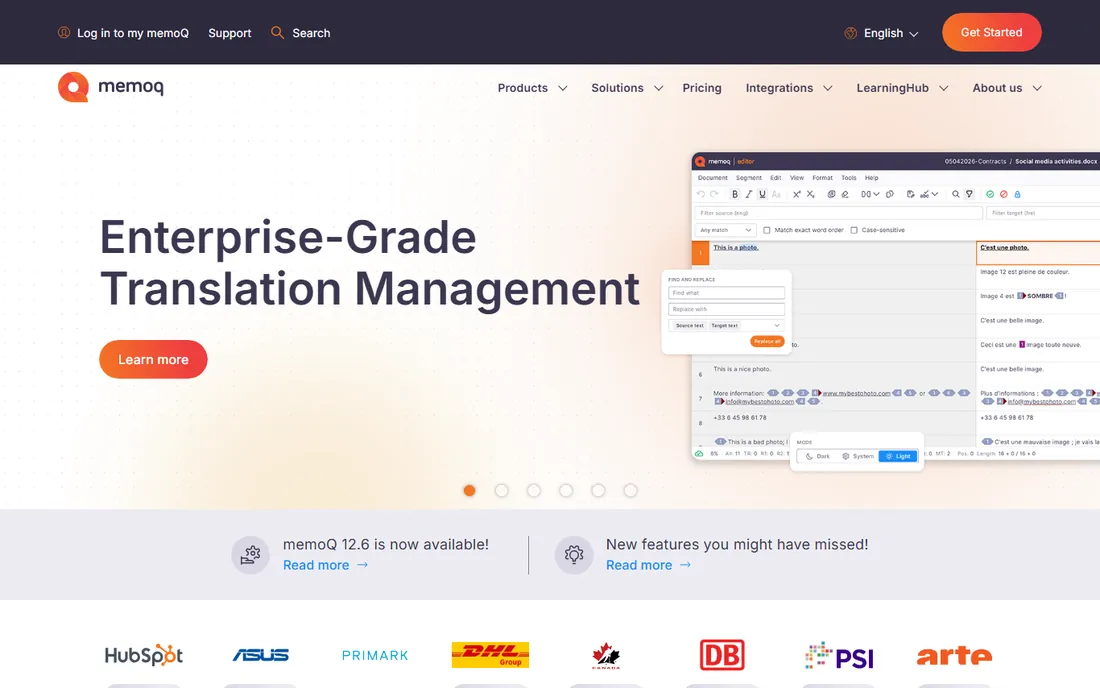
memoQ built its reputation in agencies, and it shows. Where Trados centers the individual translator, memoQ centers the project: assignable workflows, vendor management, QA checks, and server-based collaboration that keeps large multilingual jobs moving. The TMS Starter tier at $3,025/year positions it clearly above hobbyist tools but below enterprise suites.
The downside is accessibility. Pricing details for translator editions and smaller bundles are not easy to find, and new users face a dense interface with terminology that assumes translation-industry background. Agencies that run 50-language product launches will find the power worth it. Solo freelancers should compare it against Trados before committing.
What we like- Strong project management for multi-vendor workflows
- Flexible deployment including server editions
- Good machine translation integration
Watch out for- Pricing is opaque for smaller teams
- The learning curve is real for new project managers
Starting priceSee website
Free planFree trial (14 days)
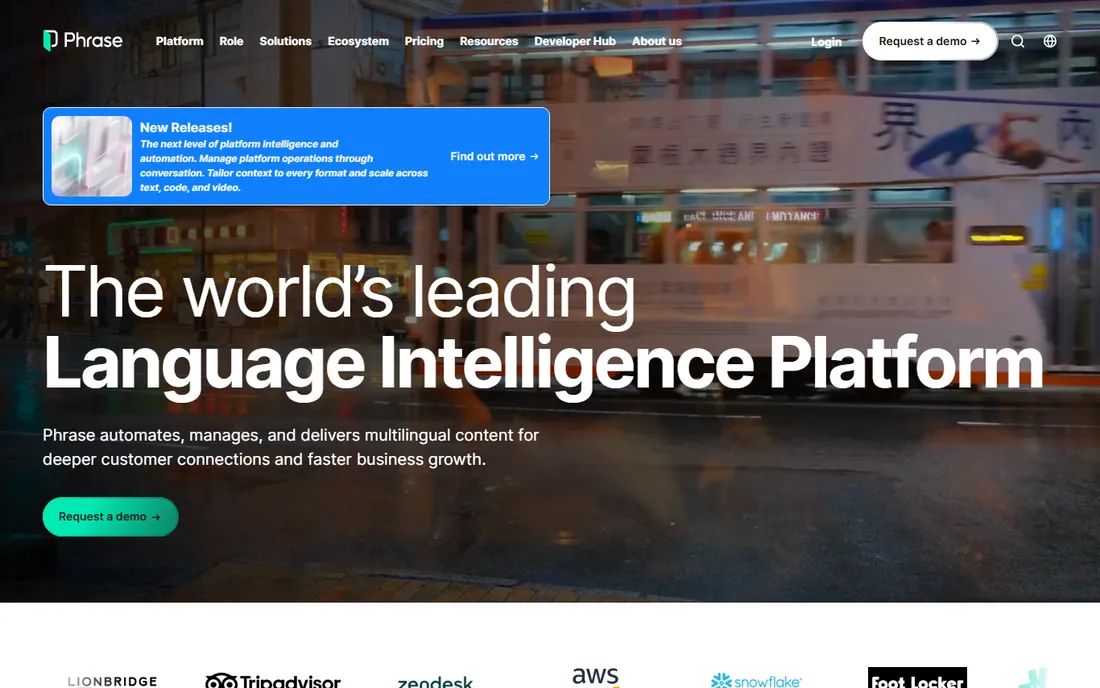
Phrase sits in the sweet spot for product and marketing teams that localize continuously. Content flows in from GitHub, Figma, or a CMS, translators work in a browser-based editor, and translated strings flow back out without anyone emailing spreadsheets. The editor is one of the least painful in the category, which matters when freelancers bill by the hour.
The catch is pricing transparency. Entry pricing has been reported around $29/month for team starts, but the pricing page leans on trials and sales conversations, so budgeting requires a call. For a team of five localizing a SaaS product into ten languages, it usually wins on speed of setup. For a single translator, it is overkill.
What we like- Clean cloud interface translators actually like
- Strong API and integrations
- Good for continuous localization
Watch out for- Pricing is quote-heavy
- Advanced workflow customization costs extra
Starting priceSee website
Free planSee website
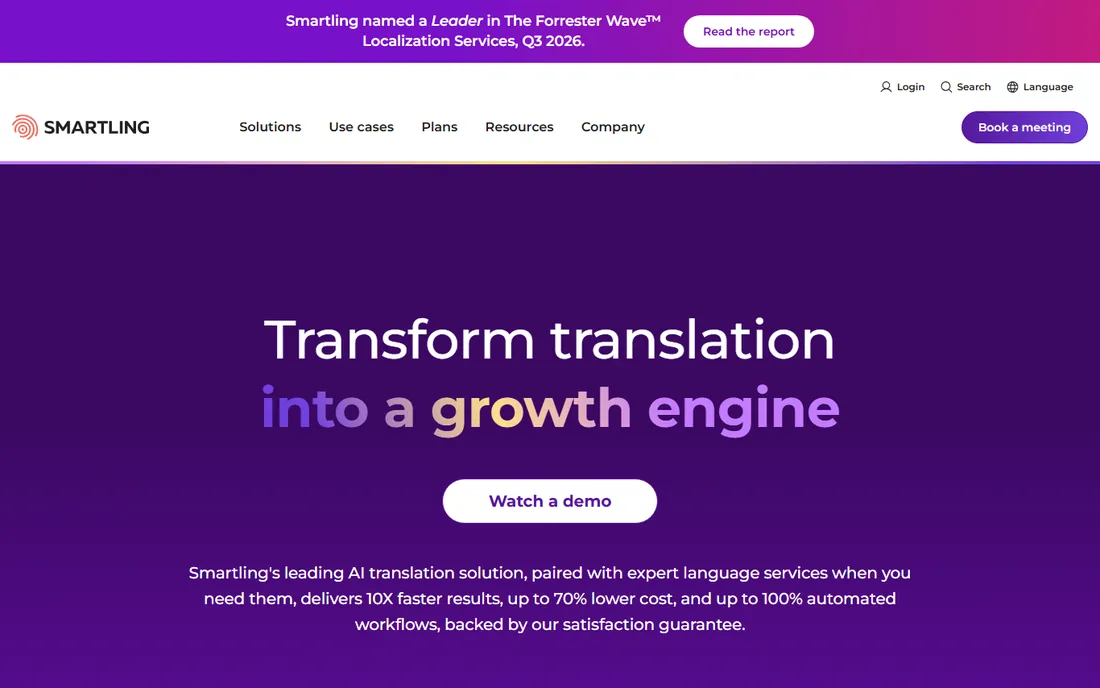
Smartling targets companies where translation is a pipeline, not a project. Its strength is instrumentation: dashboards show cost per word, turnaround by language, and quality scores, which is exactly what a localization director at a 500-person company needs to defend a budget. The visual context feature, showing translators where a string appears on the page, cuts down on the classic "what does this button label mean" back-and-forth.
Everything about the buying process says enterprise. Pricing is custom, implementations take weeks, and support quality depends on your contract tier. If you translate millions of words a year across dozens of locales, talk to them. If you are a startup with three languages, look at Lokalise or Crowdin instead.
What we like- Strong automation and workflow analytics
- Visual context for translators
- Experienced enterprise support
Watch out for- Custom pricing with long sales cycles
- Overkill for small teams
Starting priceSee website
Free planFree trial (14 days)
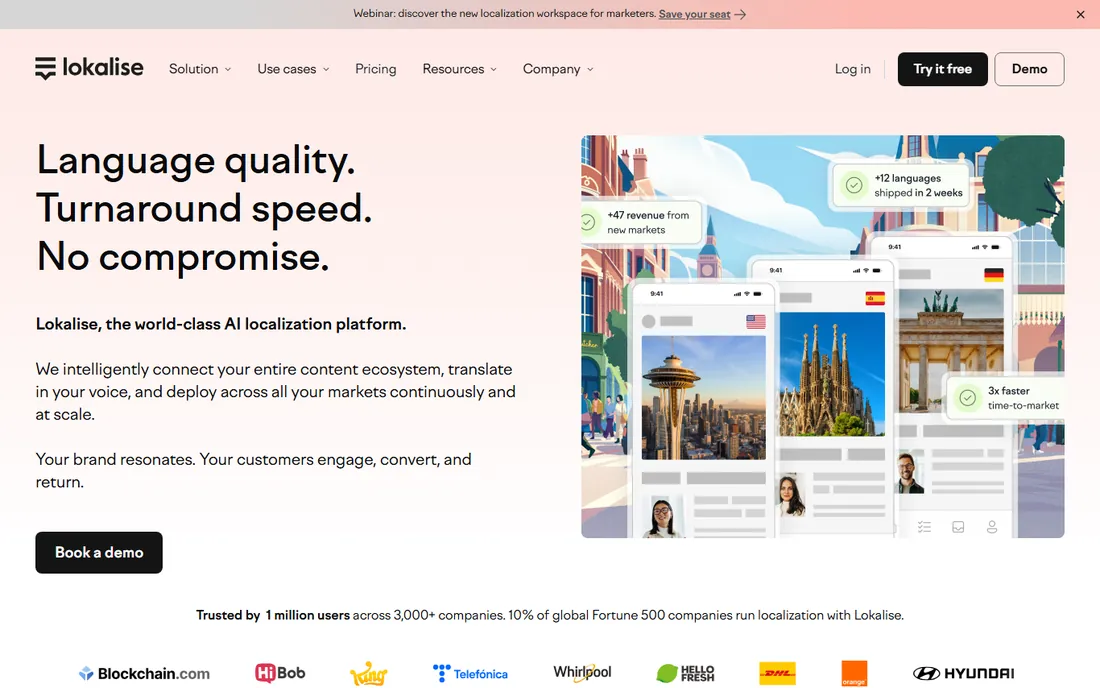
Lokalise is the tool developers recommend to each other. It treats translation keys like code: branch them, merge them, review them in pull requests. For mobile teams shipping in 20 languages, the OTA (over-the-air) SDK updates mean you can fix a mistranslated string without waiting for an app store review. The 14-day trial is enough to run a real pilot.
The weakness is scope. It is brilliant for structured strings and terrible for long documents, so marketing teams with brochures and whitepapers will feel the limits. Pricing also scales on keys, words, and seats simultaneously, which can surprise teams that start small and grow. Developer-led teams should shortlist it; document-heavy teams should not.
What we like- Built for developers with Git and API-first workflows
- Fast onboarding
- Solid mobile app localization support
Watch out for- Pricing climbs quickly with keys and seats
- Weaker for document-heavy translation
Starting priceSee website
Free planYes
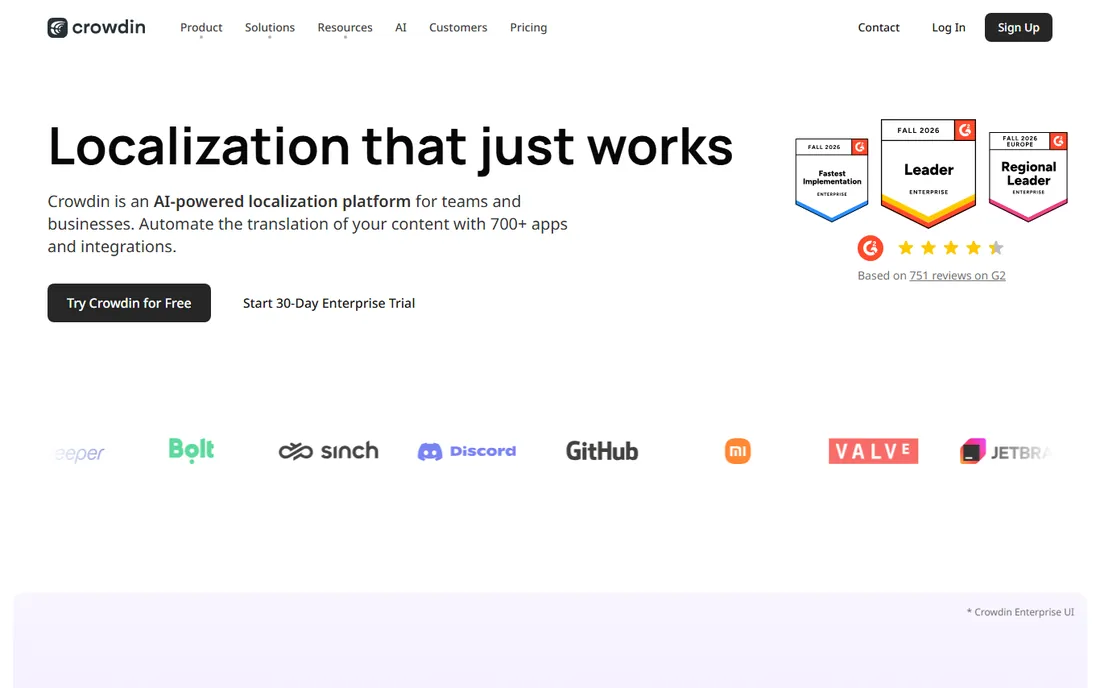
Crowdin earned its place by serving open-source projects well, and that DNA still shows. Community translation features (voting on translations, glossaries, discussion threads) are genuinely good, and the GitHub integration keeps docs and UI strings in sync without manual exports. A free plan exists, which is rare in this category.
For private commercial projects the math changes. Paid tiers start modestly but scale with words and members, and large projects can outgrow the comfortable pricing band fast. The interface also packs in a lot of features, which new project owners find confusing at first. Open-source maintainers and community-driven products should start here. Commercial teams should price out a year before committing.
What we like- Generous free tier for open source
- Built-in crowdsourcing and voting workflows
- Strong GitHub integration
Watch out for- Paid plans add up for large private projects
- The interface can overwhelm newcomers
Starting priceSee website
Free planSee website
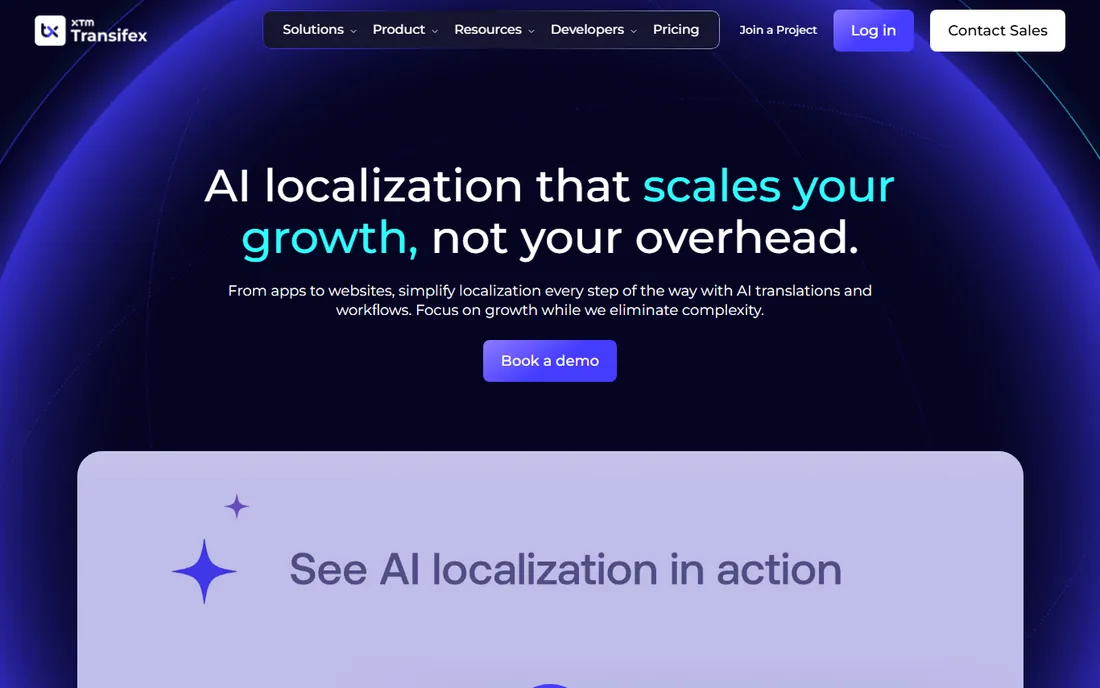
Transifex has been doing continuous localization since before it was fashionable, and the platform reflects that experience. The API covers nearly everything, the CLI fits into CI pipelines cleanly, and it handles the messy realities of software strings (plurals, gendered forms, ICU message format) without drama. Teams that release weekly tend to like how little manual work each release requires.
The tradeoff is that Transifex now sells almost entirely through custom quotes, which makes comparison shopping annoying. The web editor also lags behind newer competitors in polish, which translators notice. It remains a solid pick for engineering-driven companies that value stability over shiny interfaces.
What we like- Mature API and SDK ecosystem
- Good for agile release cycles
- Handles complex pluralization and formatting
Watch out for- Pricing is fully custom
- The editor feels less modern than Phrase or Lokalise
#8
Smartcat
Best for: teams wanting translation plus a linguist marketplace
Visit smartcat.com
Starting priceSee website
Free planSee website
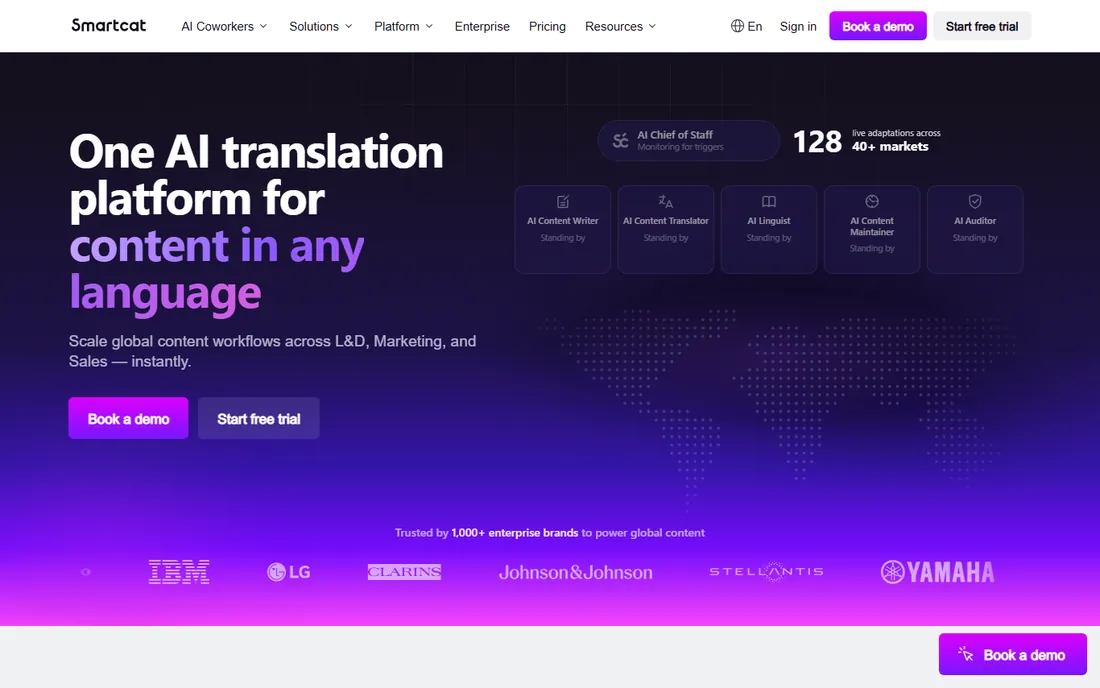
Smartcat's pitch is that you should not need three tools: one for editing translations, one for finding linguists, one for paying them. The platform combines a CAT editor with a marketplace where you can hire translators and handle payouts, which genuinely simplifies life for companies that buy translation irregularly. The core platform has historically been free to use, with revenue from the marketplace side.
The risk is the marketplace itself. Quality varies a lot by language pair, and vetting still falls on you. Pricing has also shifted over the years (reports put paid tiers around $1,200/year at one point), so confirm the current terms before planning a budget around it. For companies that translate sporadically and hate vendor management, it is worth a trial.
What we like- Built-in marketplace of translators
- Combines CAT editor with payments and vendor management
- Free core platform for many users
Watch out for- Marketplace quality varies by language pair
- Pricing structure has changed repeatedly
Starting price€400 (3-year license)
Free planFree demo
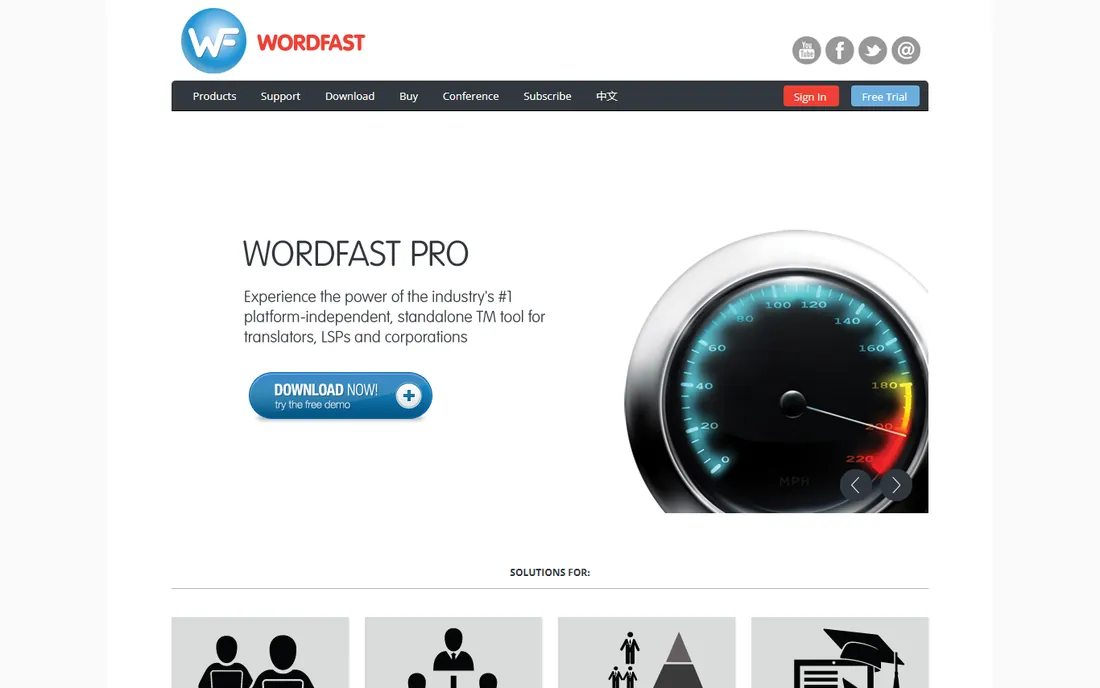
Wordfast is the contrarian pick: while everyone moved to subscriptions, it still sells Wordfast Pro as a €400 license covering three years. For a freelancer doing the math on a five-year career, that flat cost is appealing. It opens Trados packages and builds translation memories in standard formats, so it does not lock you into a proprietary silo.
The ecosystem is the compromise. Fewer integrations, fewer training courses, fewer agencies asking for it by name. The interface will not win design awards either. But if you want a dependable desktop CAT tool without a monthly bill, Wordfast deserves a serious look, and the free demo lets you confirm file compatibility before paying.
What we like- One-time-style licensing instead of endless subscriptions
- Lightweight and fast
- Good Trados file compatibility
Watch out for- Smaller ecosystem and fewer integrations
- The interface looks dated
Starting priceSee website
Free planSee website
Across is the German-engineered answer to translation management, and its strongest card is deployment flexibility. Companies with strict data policies can run it on their own servers, which rules out most cloud-first competitors immediately. Terminology management is excellent, and the workflow engine handles complex review chains that regulated industries require.
The buying experience is old-school enterprise: quotes, demos, evaluations, procurement. The community and third-party resources are also smaller than Trados or memoQ, which matters when you need a freelancer who already knows the tool. If data residency is a hard requirement, Across belongs on the shortlist. Otherwise, the cloud tools above will move faster.
What we like- On-premise option for strict data requirements
- Deep terminology and workflow control
- Strong in German-speaking markets
Watch out for- Quote-based pricing with long evaluations
- Smaller global community than Trados or memoQ
How we chose
We opened every vendor homepage and pricing page directly, checking that each product is live and purchasable today. Pricing figures come only from vendor pages; where a vendor hides prices behind a sales form, we say so instead of guessing. We cross-checked feature claims and user sentiment on G2, Capterra, and Reddit threads from translators and localization managers, and we weighted for fit across company sizes, from solo freelancers to enterprise teams. We did not run hands-on tests.
What to check before you sign anything
Start with your content type. Document translators need CAT features (translation memory, terminology, QA checks on files). Software teams need string management, branching, and API access. Buying a TMS for document work, or a desktop CAT tool for continuous app releases, is the most common expensive mistake.
Then check file compatibility with whoever sends you work. If agencies send Trados packages, your tool must open them cleanly. If developers push JSON from GitHub, your tool must ingest it. Run a real project through the trial, not a demo file.
Finally, model the total cost at 12 months, not the headline price. Count seats, words, keys, and machine translation overages. Ask what happens to your translation memories if you cancel; export rights vary, and your accumulated memory is an asset worth protecting.
The industry uses "translation software" for two different jobs. CAT (computer-assisted translation) tools help a human translate documents faster, with memories and glossaries doing the repetitive parts. TMS (translation management system) platforms manage the whole process across people, files, and systems.
Most buyers need one or the other, not both. A freelance translator buying an enterprise TMS pays for workflow features they will never use. A product company buying a desktop CAT tool ends up with translators emailing files around. The tools above are labeled by camp in practice if not in marketing, so match the camp to your workflow first and compare features second.
Frequently asked questions
Do I need Trados to work as a freelance translator?
Not strictly, but it helps. Many agencies still build workflows around Trados packages, and owning a compatible tool removes friction when taking on new clients. Wordfast and memoQ both handle Trados files, so you have options if the subscription price bothers you.
What is the difference between a CAT tool and machine translation?
A CAT tool assists a human translator with memories and terminology; the human makes every decision. Machine translation generates the translation automatically. Most modern CAT tools now include machine translation as a suggestion source, and tools like DeepL or Google Translate can feed into them.
Can small teams afford a TMS?
Yes, with caveats. Crowdin has a free tier, and several vendors offer trials and entry plans. The trap is scaling costs: seats, words, and keys can each push the price up. Model a full year of your actual volume before committing.
Is cloud or desktop translation software better?
Cloud tools win on collaboration and setup speed; desktop tools win on offline work and sometimes on cost over several years. Agencies with distributed vendor teams usually prefer cloud. Freelancers who travel or handle confidential documents often prefer desktop.
How long does it take to learn a CAT tool?
Expect two to four weeks of regular use to get comfortable with Trados, memoQ, or Wordfast basics. Cloud TMS tools like Phrase or Lokalise take less time for simple projects but hide depth in their workflow settings. Budget training time for your whole team, not just the project manager.
Should translation memories stay with the translator or the client?
This causes real disputes. Agree on ownership in writing before the project starts. Most tools let you export memories in TMX format, which keeps your data portable if the relationship ends.
Sources we checked (15)
- https://trados.com/
- https://trados.com/pricing
- https://www.memoq.com/
- https://www.memoq.com/pricing
- https://phrase.com/
- https://phrase.com/pricing
- https://www.smartling.com/
- https://lokalise.com/
- https://lokalise.com/pricing
- https://crowdin.com/
- https://crowdin.com/pricing
- https://www.transifex.com/
- https://www.smartcat.com/
- https://www.wordfast.com/
- https://www.across.net/en/
Is your product missing or out of date?
We review this list regularly. Vendors can request a listing, send updated pricing or ask about featured placement.

Shihab Mia · Founder, Rankite
Shihab has spent more than a decade helping SaaS and e-commerce brands grow through search. He writes Rankite's software buying guides from pricing pages, documentation and public user reviews. More about Shihab.