How we make this list: we compare pricing pages, product documentation and public user reviews. Rankite is independent; if a vendor ever pays for a featured spot, that listing is clearly labeled Partner.
Key takeaways
- DeepL produces the most natural translations, with document translation from $8.74 per month and 3 free documents monthly.
- Google Translate is the free fallback for 130+ languages, including document upload.
- DocTranslator, Smallpdf and HiPDF focus specifically on translating PDFs with layout preserved.
- Scanned PDFs need OCR first: only tools with built-in OCR handle image-based documents.
Quick comparison
| Tool | Best for | Starting price | Free plan |
|---|
 DeepL DeepL | the most natural-sounding translations | From $8.74 per month | Yes |
 Google Translate Google Translate | free translation in any language | Free | Yes |
 DocTranslator DocTranslator | free PDF translation with layout kept | Free | Yes |
 Smallpdf Smallpdf | translate inside a full PDF toolkit | See website | Yes |
 HiPDF HiPDF | AI translation with scanned-document OCR | See website | Yes |
 Microsoft Translator Microsoft Translator | translating inside Word and Office | Free | Yes |
 Reverso Reverso | understanding words in context | See website | Yes |
 SYSTRAN SYSTRAN | enterprise document translation | See website | Free trial |
 Pairaphrase Pairaphrase | secure business document translation | See website | Free trial |
 Smartcat Smartcat | teams translating documents together | See website | Yes |
Is your product missing or out of date?
We review this list regularly. Vendors can request a listing, send updated pricing or ask about featured placement.
Starting priceFrom $8.74 per month
Free planYes
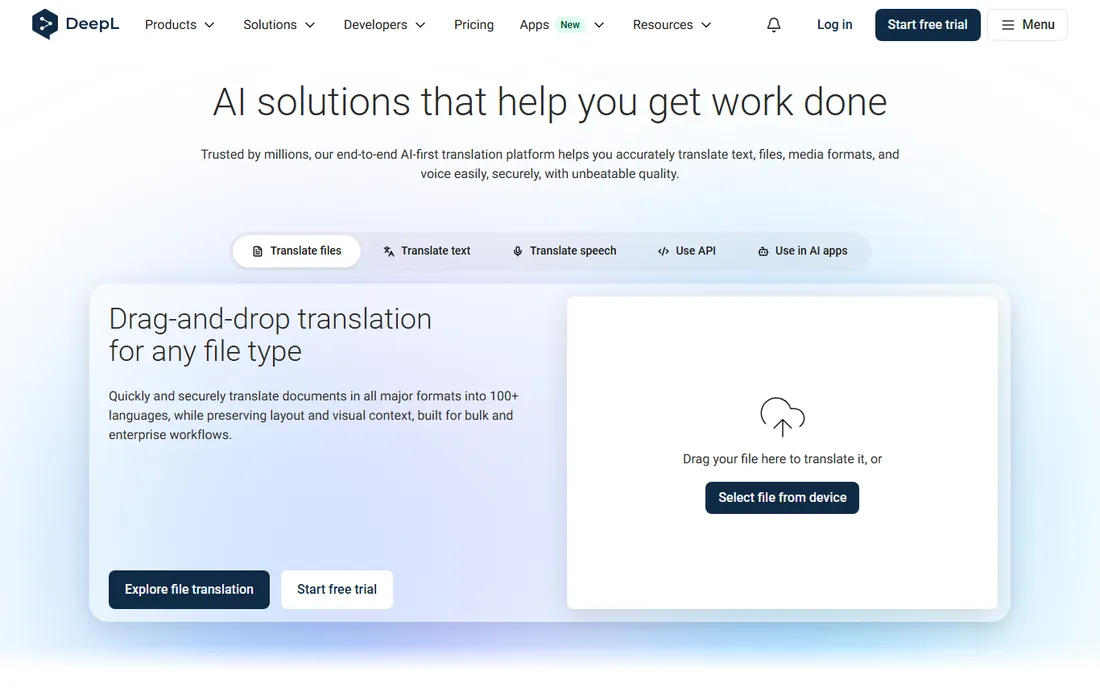
DeepL consistently wins blind quality tests against general-purpose translators, producing prose that reads naturally rather than literally. Document translation handles PDF, DOCX and PPTX with formatting preserved, and Pro plans add glossaries so brand terms and technical vocabulary translate consistently.
The free tier allows 3 document translations per month, enough to evaluate. Pro starts at $8.74 per month. Note it does not do OCR, so scanned PDFs need converting first. For contracts, papers and reports where wording quality matters most, DeepL is the first choice.
What we like- Best-in-class quality for major languages
- Translates whole documents
- Glossaries for terminology
Watch out for- Free tier limited to 3 documents per month
- Weaker on some Asian and smaller languages
Starting priceFree
Free planYes
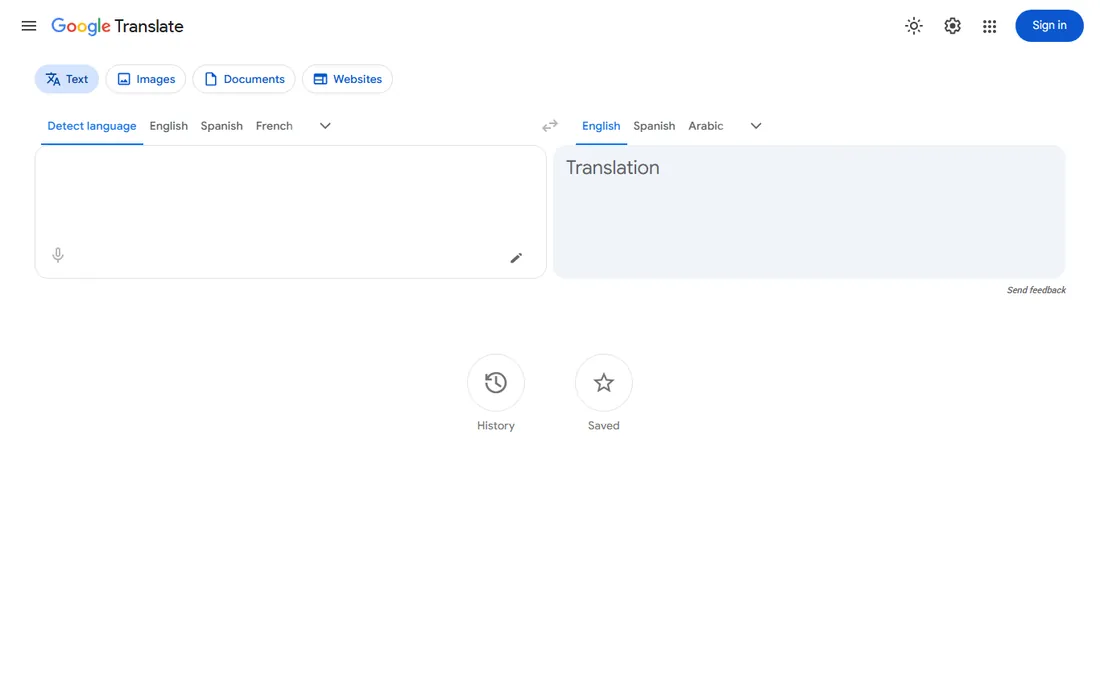
Google Translate remains the universal free option: paste text or upload a document and get an instant translation in over 130 languages, including pairs no competitor covers. The mobile app adds camera-based OCR for photographed documents.
Quality for major languages has improved enormously, but longer texts still read like translations, missing nuance and idiom. Layout preservation on PDFs is rudimentary. For quick understanding of a foreign document at zero cost, nothing beats it; for publishable quality, pair it with human review or DeepL.
What we like- Completely free
- 130+ languages
- Document upload and camera OCR in the mobile app
Watch out for- Translations can read literally
- Layout preservation is basic
- Privacy concerns for sensitive docs
Starting priceFree
Free planYes
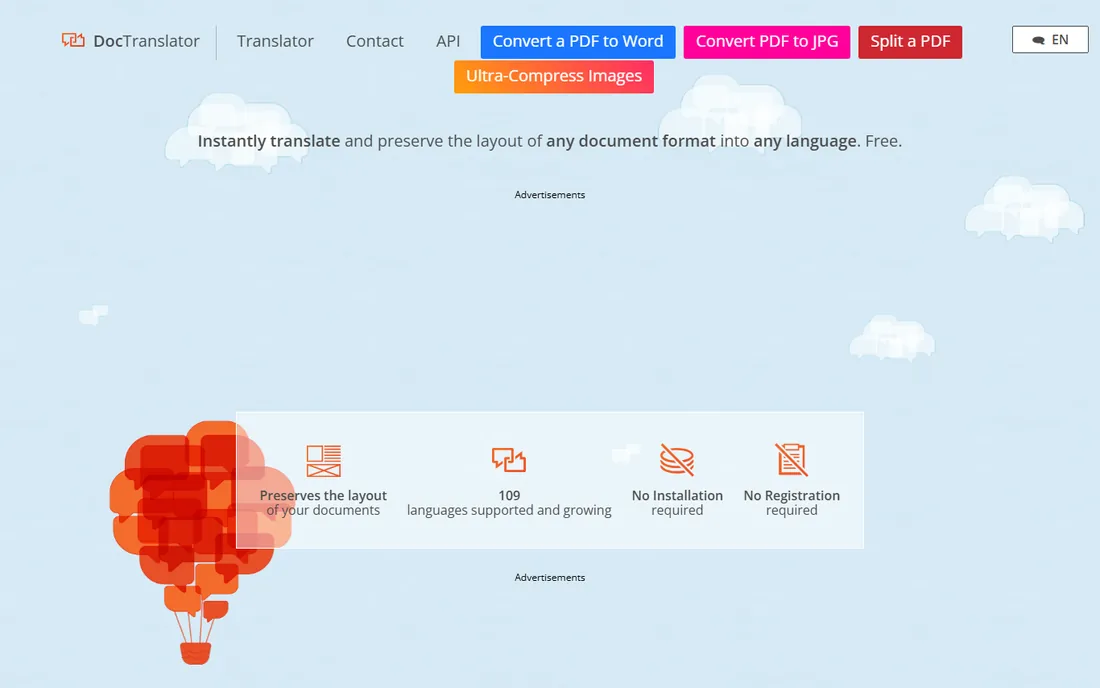
DocTranslator does one job: upload a PDF, DOCX or PPTX and get back a translated document with the layout intact. It runs in the browser with a simple drag-and-drop interface and supports over 100 languages.
Under the hood it uses Google Translate's engine, so accuracy matches Google's, and the free tier covers only a few pages. Large documents process slowly. For occasional PDFs where keeping the layout matters more than squeezing the last drop of quality, it is the simplest free path.
What we like- Purpose-built for documents
- Preserves basic PDF formatting
- 100+ languages
- No install
Watch out for- Uses Google's engine underneath
- Free tier limited pages
- No OCR for scans
Starting priceSee website
Free planYes
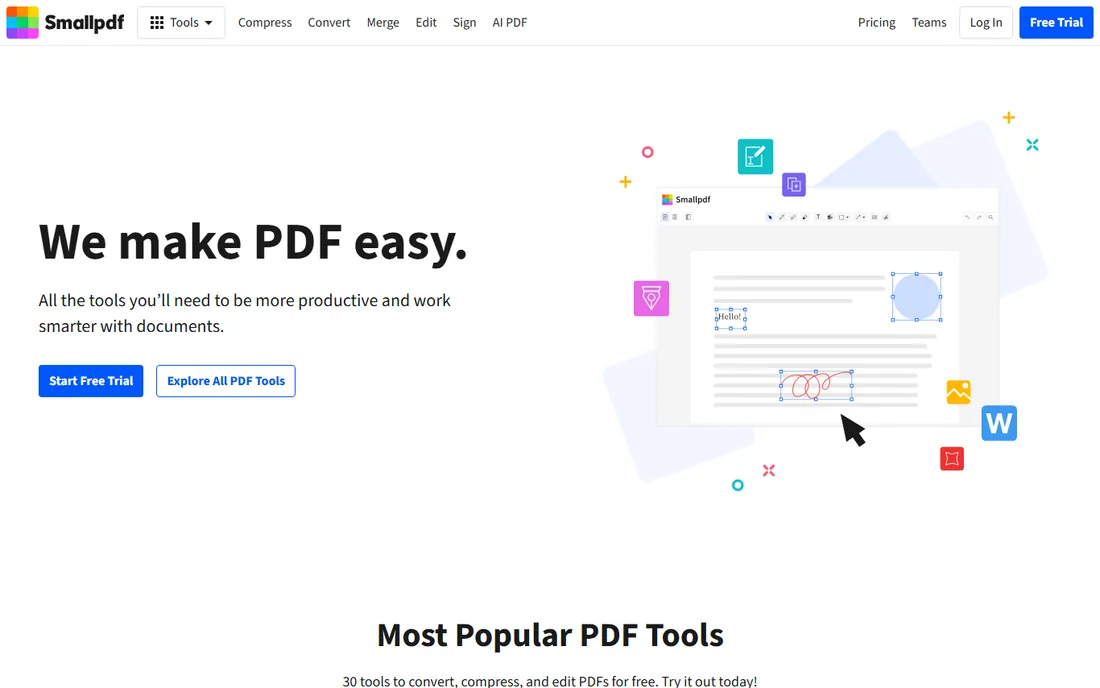
Smallpdf is the PDF multitool millions already use for compressing, merging and signing, and its AI translation fits naturally into that workflow: translate the PDF, then keep editing in the same tab. The interface is the friendliest here.
The free tier handles occasional use; regular translation needs Pro. As a dedicated translation engine it does not match DeepL's quality reputation, but for users who live in PDFs generally, the integrated workflow is convenient.
What we like- Translation alongside compress, merge, sign and edit
- Clean interface
- Good free allowance
Watch out for- Translation is one feature among many
- Advanced use needs Pro
Starting priceSee website
Free planYes
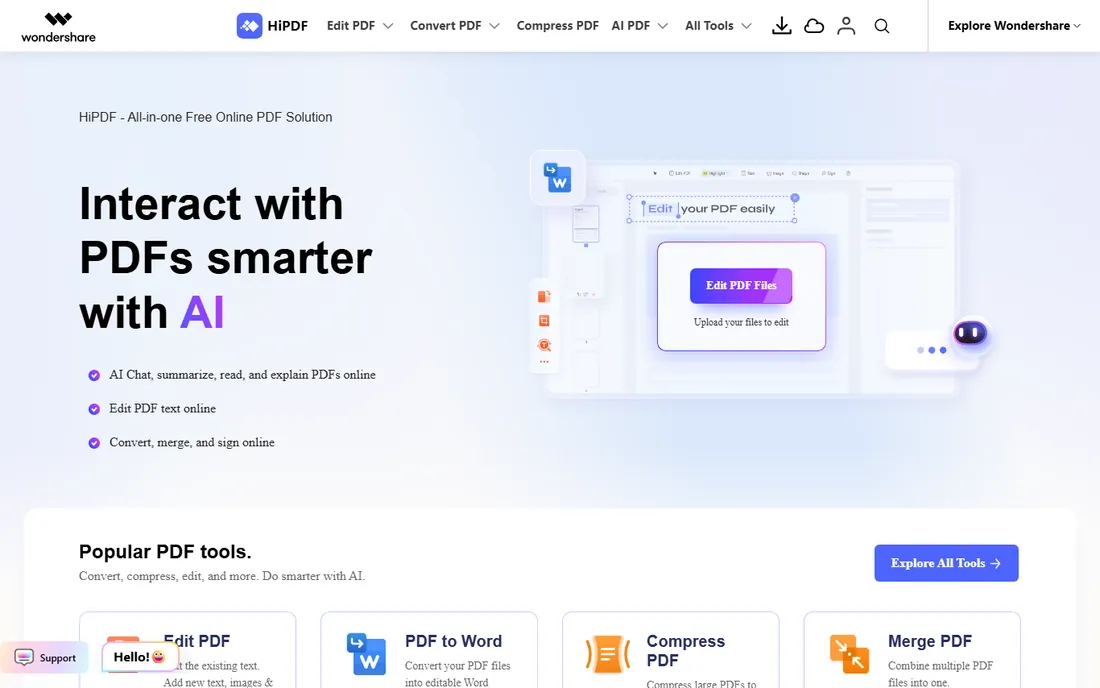
HiPDF combines AI translation with OCR, which solves the scanned-PDF problem that stops DeepL and DocTranslator cold. Upload a photographed or scanned document and it extracts the text, translates it and rebuilds the PDF with formatting preserved.
The free tier covers light use. Translation quality is good rather than best-in-class. For the common real-world case of a scanned foreign document that needs reading, the OCR integration makes it more useful than purer translators.
What we like- Built-in OCR for scanned PDFs
- Preserves formatting
- Free and paid options
Watch out for- Quality varies by language pair
- Heavier features need paid plans
Starting priceFree
Free planYes
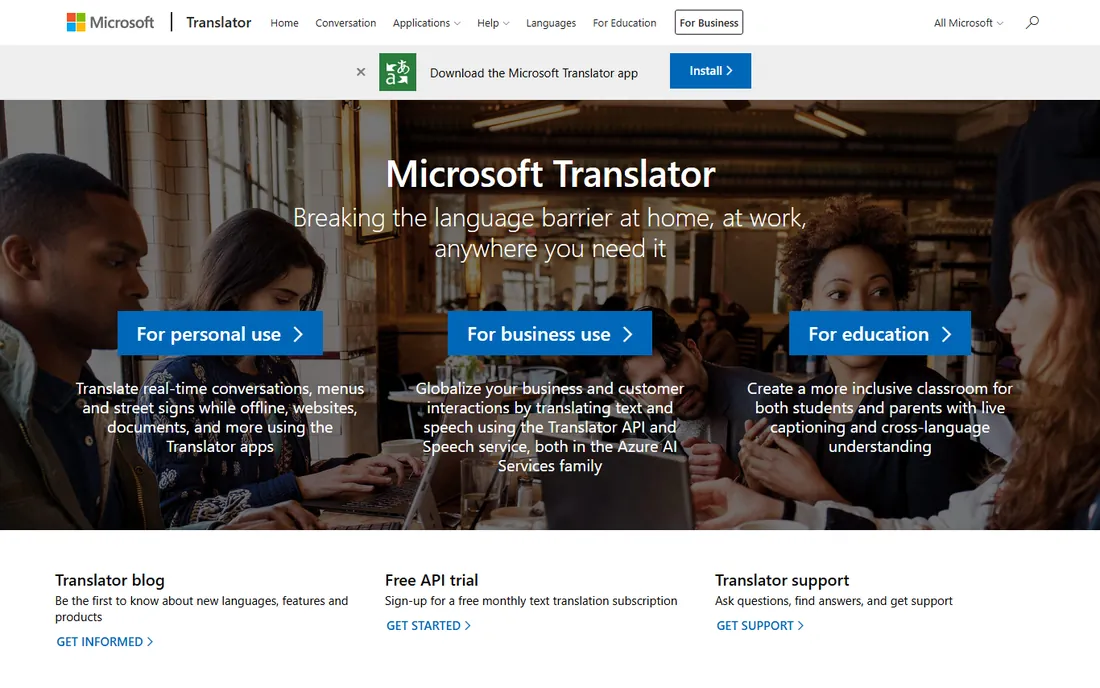
Microsoft Translator's advantage is placement: it lives inside Word, PowerPoint, Outlook and Teams, so translating a document often means clicking a button rather than visiting a website. The standalone translator is free with broad language coverage.
As a pure translation engine it sits between Google and DeepL on quality. For Office-centric workflows and enterprise environments already on Microsoft 365, the zero-friction integration wins. For the final polish on important documents, consider DeepL for the last pass.
What we like- Free
- Native in Word, PowerPoint and Teams
- Real-time conversation translation
Watch out for- Document layout handling is basic
- Quality trails DeepL for prose
Starting priceSee website
Free planYes
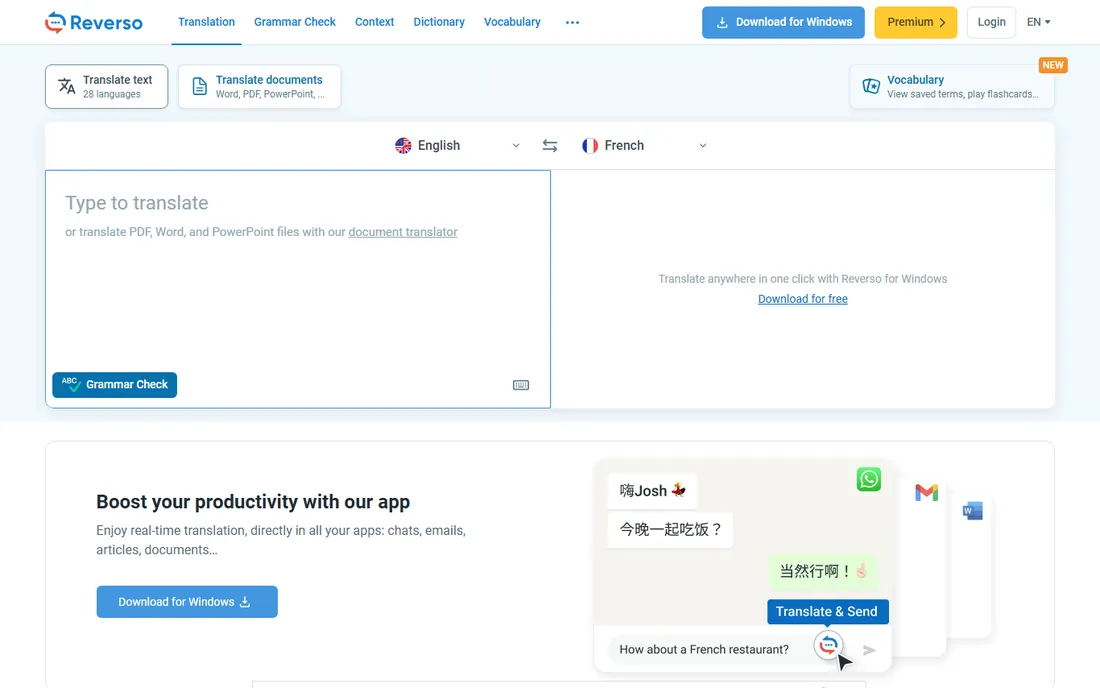
Reverso's strength is context: every translation comes with real-world example sentences showing how the word or phrase is actually used. That makes it excellent for understanding nuance, idiom and register, things document translators gloss over.
Full-document translation exists but is not the focus; this is a precision instrument for tricky passages rather than a bulk PDF pipeline. The free tier covers generous use, with Premium removing limits. Use it alongside a document translator for the sentences that matter most.
What we like- Contextual examples show real usage
- Good for European languages
- Free core features
Watch out for- Document translation is secondary
- Smaller language set than Google
Starting priceSee website
Free planFree trial
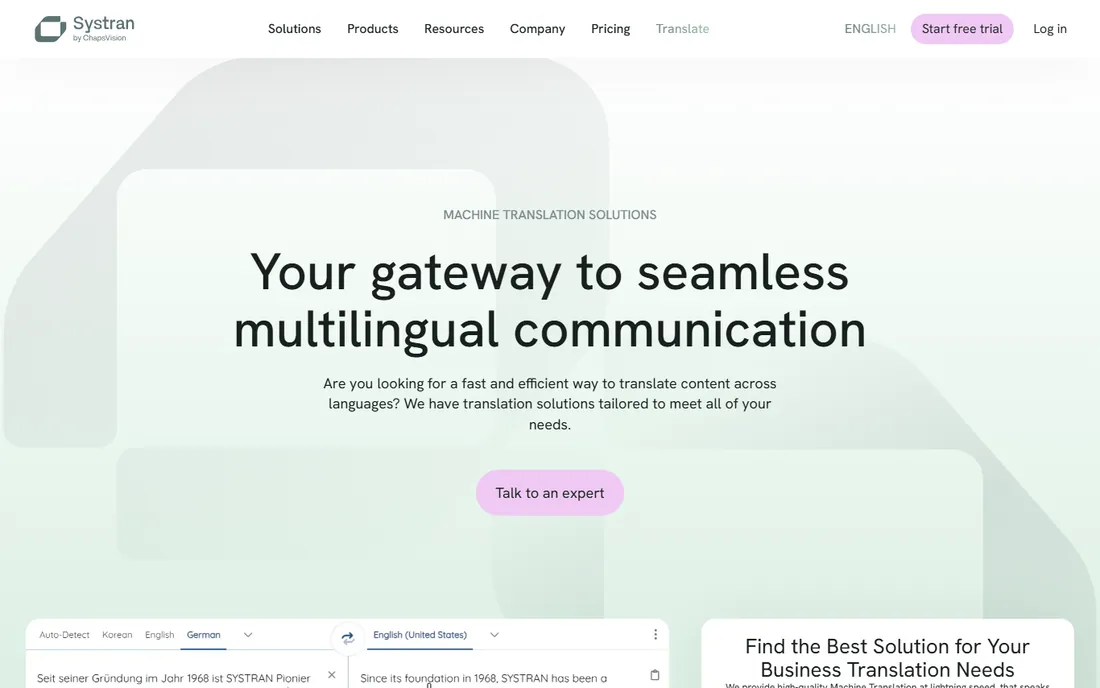
SYSTRAN has served enterprises and governments for decades, offering document translation with the deployment options they demand: cloud, private cloud or on-premise for sensitive content. Domain-tuned models handle legal, technical and financial vocabulary better than general engines.
This is not consumer software: pricing is quote-based and the experience is corporate. But for organizations translating confidential documents at volume with compliance requirements, SYSTRAN's control and customization justify the enterprise route.
What we like- Decades of enterprise experience
- On-premise options
- Domain-specific models
Watch out for- Priced for businesses
- Interface feels corporate
Starting priceSee website
Free planFree trial
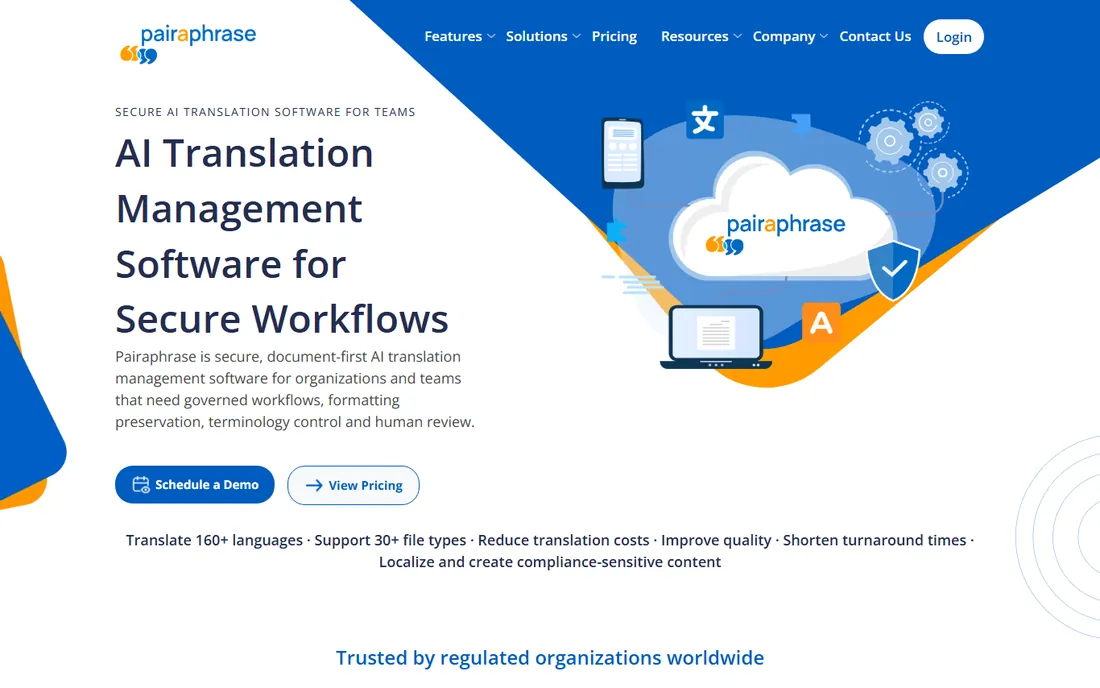
Pairaphrase targets businesses translating sensitive documents: HR files, legal contracts, financial reports. It emphasizes data security, offers translation memory so repeated content costs less over time, and handles common business formats.
Pricing is aimed at teams rather than individuals, with a trial to evaluate. For a business that translates confidential PDFs regularly and cannot send them to consumer tools, the security posture is the selling point.
What we like- Security-focused for business documents
- Translation memory
- Good format support
Watch out for- SMB pricing can add up
- Smaller brand than the giants
Starting priceSee website
Free planYes
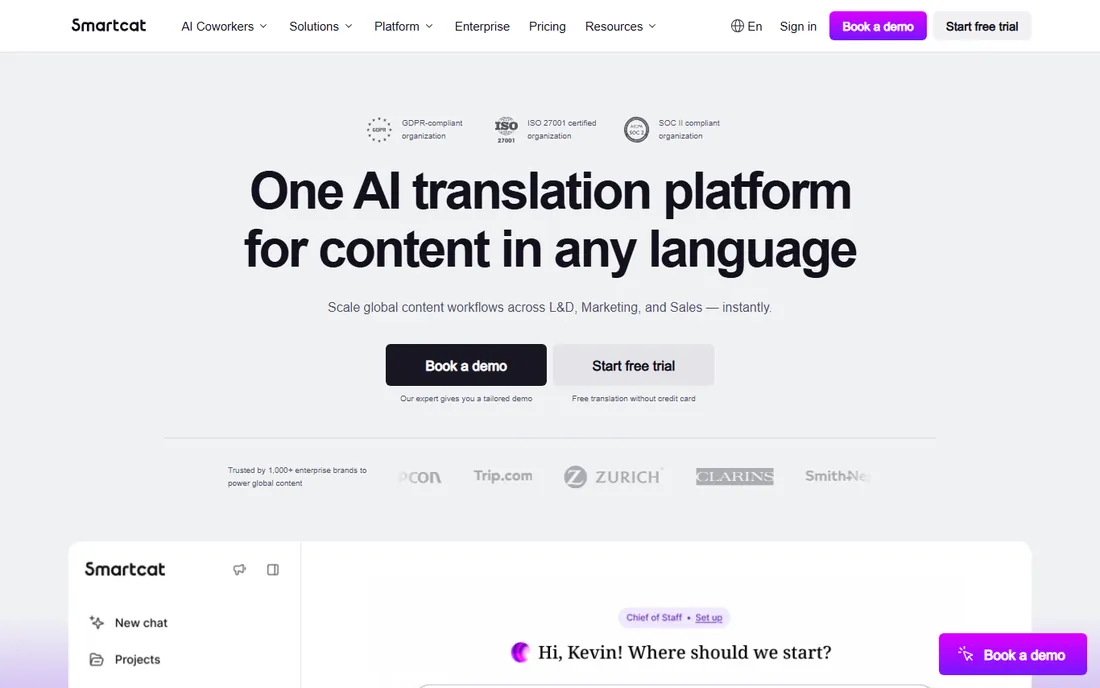
Smartcat is a translation platform where AI drafts, humans refine, and teams manage the whole workflow. For a one-off PDF it is more than you need, but for organizations localizing documents continuously, the combination of machine translation, translation memory and reviewer collaboration is powerful.
The free tier is genuinely usable. Solo users translating the occasional PDF should pick a simpler tool; teams with ongoing multilingual document needs will find the workflow features worth learning.
What we like- Collaborative translation workspace
- AI plus human review workflows
- Generous free tier
Watch out for- Built for teams, overkill for one-off PDFs
- Learning curve for the platform
Getting the best results from PDF translation
Start with the right file. Native digital PDFs translate far better than scans; if your PDF is scanned images, use a tool with OCR like HiPDF first. Check the output language pair: DeepL shines for European languages, Google covers everything else.
For important documents, never trust raw machine output. Translate with the best engine for your pair, then have a fluent reviewer check terminology, numbers and formatting. Glossaries in DeepL Pro pay for themselves on repeated business documents.
Privacy matters for sensitive PDFs
Free online translators process your document on someone else's servers. For contracts, medical records or internal strategy docs, use tools with clear data policies like DeepL Pro or SYSTRAN, or translate locally. Never upload what you would not email.
When machine translation is not enough
Machine translation handles understanding and drafts well, but some documents need a human. Certified translations for immigration, courts and official filings require a sworn translator's stamp; no software output qualifies. Marketing copy needs transcreation, not translation, because slogans and tone rarely survive literal conversion. And legal contracts deserve professional review even when the machine output looks fluent, because a mistranslated clause costs more than any software subscription.
The practical middle path is machine translation plus post-editing: run the PDF through DeepL or your chosen tool, then pay a translator to edit rather than translate from scratch. This typically costs a third to half of full translation and delivers near-human quality. For high-stakes documents, budget for it from the start rather than discovering the gap after delivery.
How we compared them
We evaluated PDF translation tools on translation quality reputation, layout preservation, OCR support, language coverage, free tier value and pricing, drawing on 2026 roundups and vendor sites. We did not run controlled translation quality tests.
Frequently asked questions
What is the best free PDF translator?
Google Translate for language coverage, DocTranslator for layout preservation, DeepL's free tier for quality (3 documents per month). For scanned PDFs, HiPDF's free OCR is the pick.
Does DeepL preserve PDF formatting?
Yes, DeepL's document translation preserves formatting including layouts, fonts and images, with higher limits and fewer restrictions on Pro plans.
Can I translate a scanned PDF?
Only with OCR-capable tools like HiPDF, or by running OCR first and then translating the extracted text. DeepL and DocTranslator cannot process image-based PDFs directly.
How much does DeepL cost?
DeepL Pro starts at $8.74 per month. The free tier includes limited text translation and 3 document translations per month.
Is Google Translate good enough for business documents?
For understanding content, usually yes. For client-facing or legal documents, no: have a professional review or use DeepL plus human proofreading.
Are online PDF translators safe for confidential documents?
Caution is warranted. Free tools may retain uploads; check privacy policies. For sensitive documents use paid plans with data-processing guarantees or enterprise tools like SYSTRAN.
Should I translate the PDF or convert it to Word first?
If you plan to edit the translated text, convert to DOCX first with a tool like Smallpdf, then translate the Word file in DeepL. Translated PDFs are fine for reading but awkward to edit. For read-only purposes, direct PDF translation preserves layout better. Either way, proofread numbers, names and dates in the output, since those are the details machine translation gets wrong most often of all.
Sources we checked (11)
- https://www.deepl.com/
- https://translate.google.com/
- https://www.onlinedoctranslator.com/
- https://smallpdf.com/
- https://www.hipdf.com/
- https://www.microsoft.com/en-us/translator
- https://www.reverso.net/
- https://www.systransoft.com/
- https://www.pairaphrase.com/
- https://www.smartcat.com/
- https://blog.pdffiller.com/best-pdf-translator/
Is your product missing or out of date?
We review this list regularly. Vendors can request a listing, send updated pricing or ask about featured placement.

Shihab Mia · Founder, Rankite
Shihab has spent more than a decade helping SaaS and e-commerce brands grow through search. He writes Rankite's software buying guides from pricing pages, documentation and public user reviews. More about Shihab.